 Cgi Lab
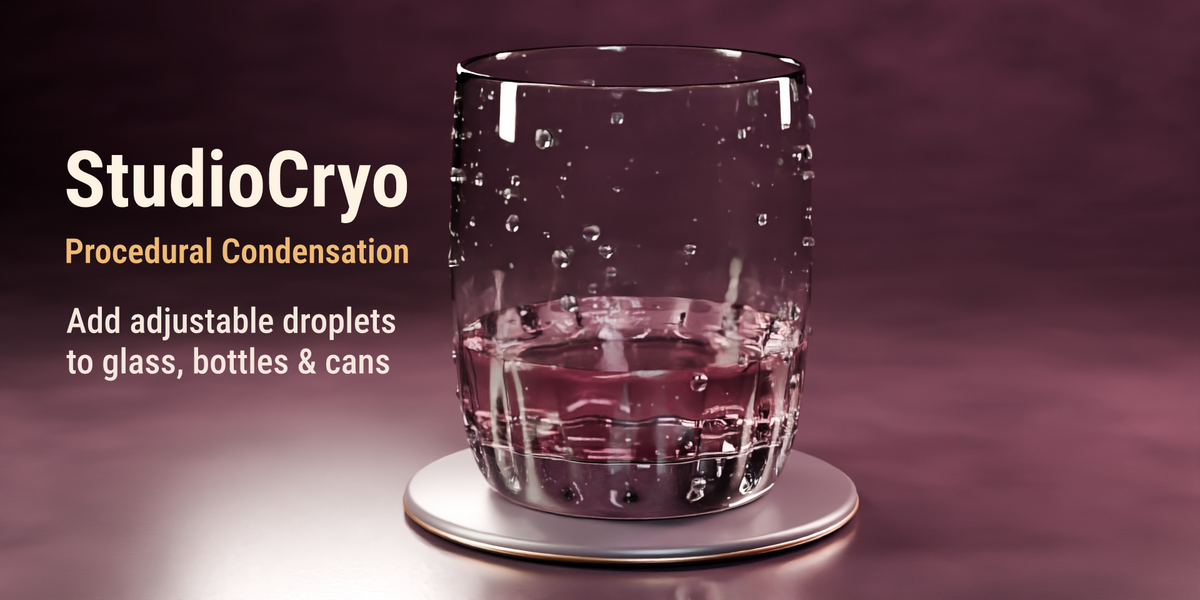
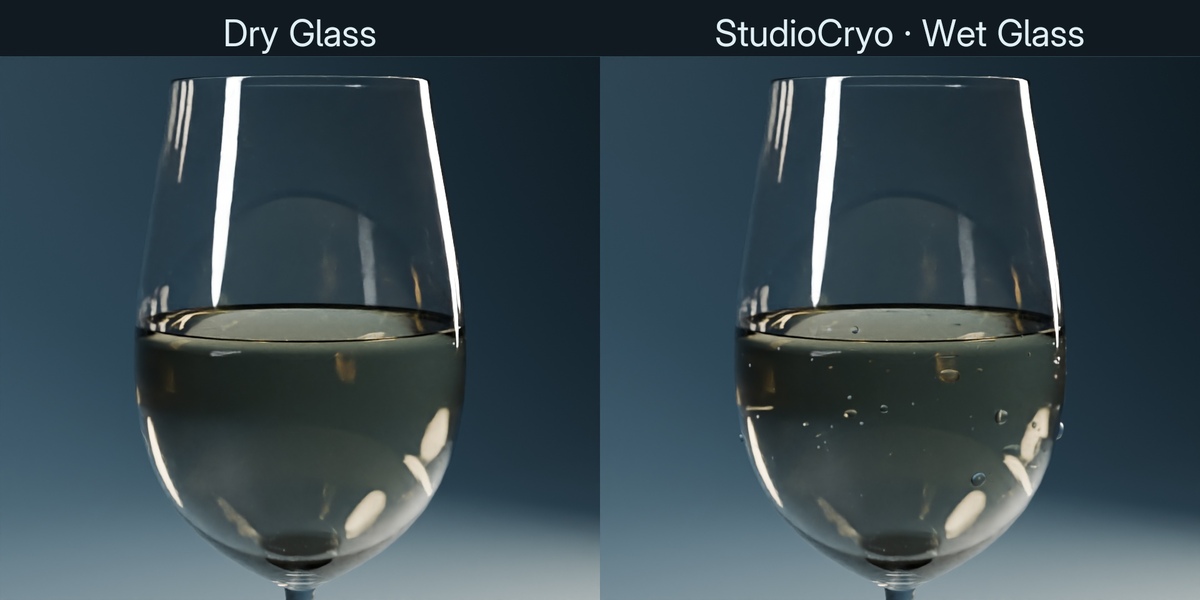
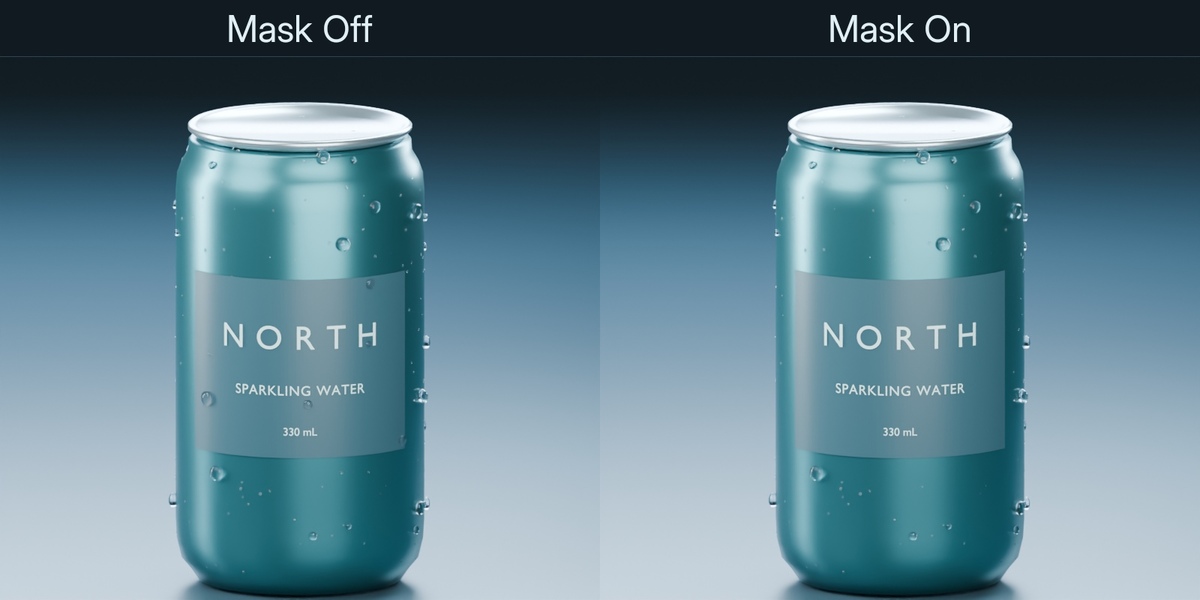

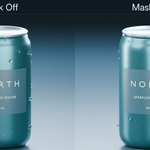
Give a wine glass, bottle or can a chilled finish for a product shot. StudioCryo adds fine condensation and individual water droplets as a native Geometry Nodes modifier on your mesh. Start with a preset from the Asset Browser and tune the effect in the modifier panel for the camera distance you need.
Condensation controls
- Adjust the density and radius of fine beads and larger droplets independently.
- Use Patch Contrast and Patch Size to spread the condensation across the surface or gather it into patches with clearer areas between them.
- Assign a close-fitting label mesh to Label Mask and adjust Dry Margin to keep the artwork readable.
- Change Seed to get a different pattern while preserving the rest of the settings.
Three starting looks
- 01 Breath Mist adds fine beads for subtle condensation.
- 02 Chilled Packshot combines fine beads with visible contact droplets.
- 03 Wet Glass emphasizes larger droplets in close-up.
Included files
- Core Condensation includes the three modifier assets, the Asset Browser catalog, a Cycles demo with a glass bottle and an aluminum can, and a quick-start guide.
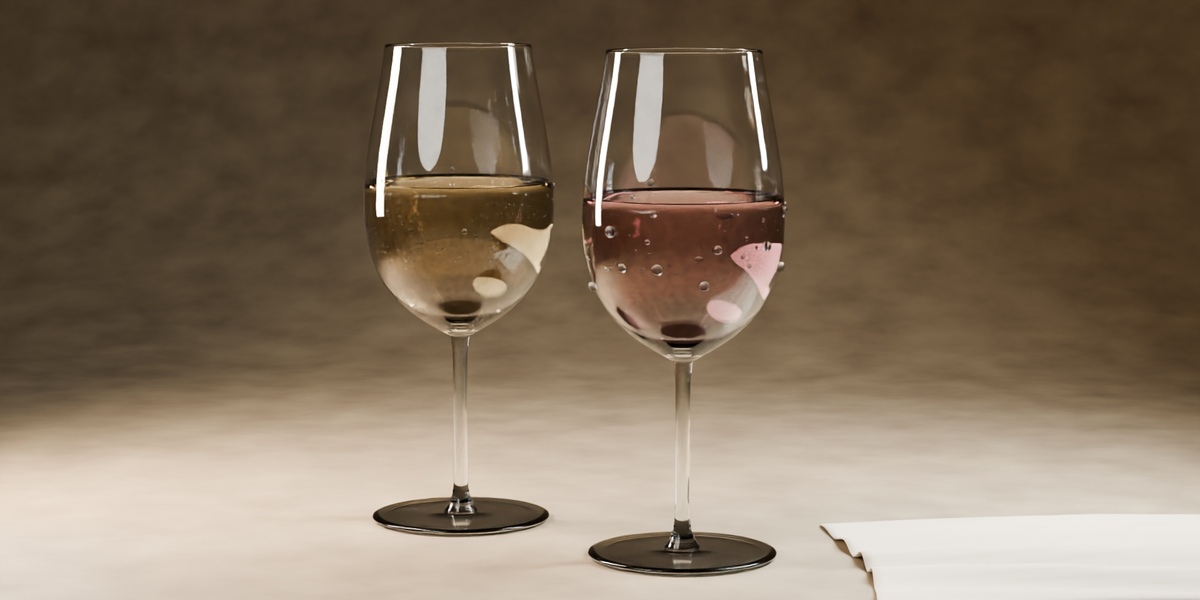
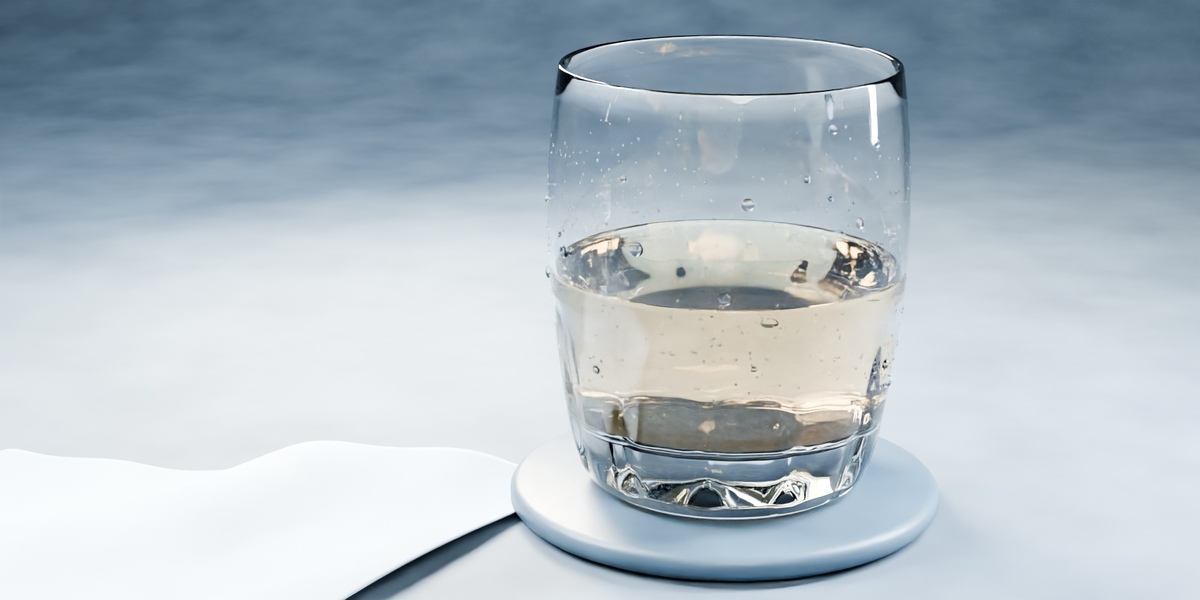
- Crystal and Wine Showcase includes four editable Cycles scenes with the stemmed glasses, cut-crystal tumbler and lighting from the wine images. The file opens on the rosé cover scene.
StudioCryo is designed for static surface condensation on mesh objects at real-world scale. Tested with Blender 5.3.0 for Windows and Cycles.