 3D Tudor


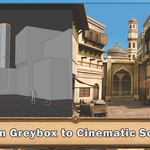

Blender Stylized Arabian Market Environment Course
A complete Blender training course and resource pack for artists who want to turn a simple blockout into a warm stylized Arabian market scene, with architecture, props, materials, set dressing, lighting, and final render polish.
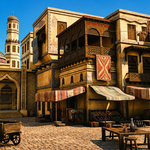
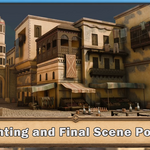
Final scene: Warm sunlight, atmospheric shadows, stylized materials, cloth variation, prop dressing, displacement, mist, and compositor polish come together to create a portfolio-ready Blender environment.Build a full market, not just a few nice props
Blender Stylized Arabian Market Environment Course is a guided scene-building project for artists who want to understand how a full environment comes together. You will start with beginner-friendly Blender tools, then build towards a complete Arabian-inspired marketplace with arches, domes, towers, balconies, wooden details, cloth canopies, rugs, market stalls, food displays, crates, barrels, clay pots, furniture, and warm final lighting.
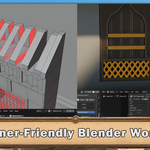
The course is structured around the full environment workflow: blockout, architecture, modifiers, reusable props, materials, UVs, atlases, trim sheets, vertex paint, set dressing, camera composition, lighting, and render polish. In other words, less staring at the default cube wondering where the magic went, and more actually building the scene piece by piece.
What this product teaches
- Build a complete stylized Arabian market scene in Blender.
- Move from simple cubes and blockouts into architecture, props, materials, and lighting.
- Create arches, towers, domes, balconies, windows, doors, stalls, furniture, cloth, and market dressing.
- Understand scale, proportion, composition, resource use, and final render presentation.
Why it exists
A lot of environment tutorials show a finished scene and quietly skip the messy middle. This course is built around the actual process: blocking out the market, solving the architecture, adding props with purpose, controlling materials, dressing the scene, and polishing the render until everything feels like it belongs in the same world.
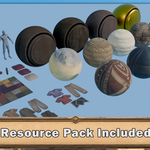
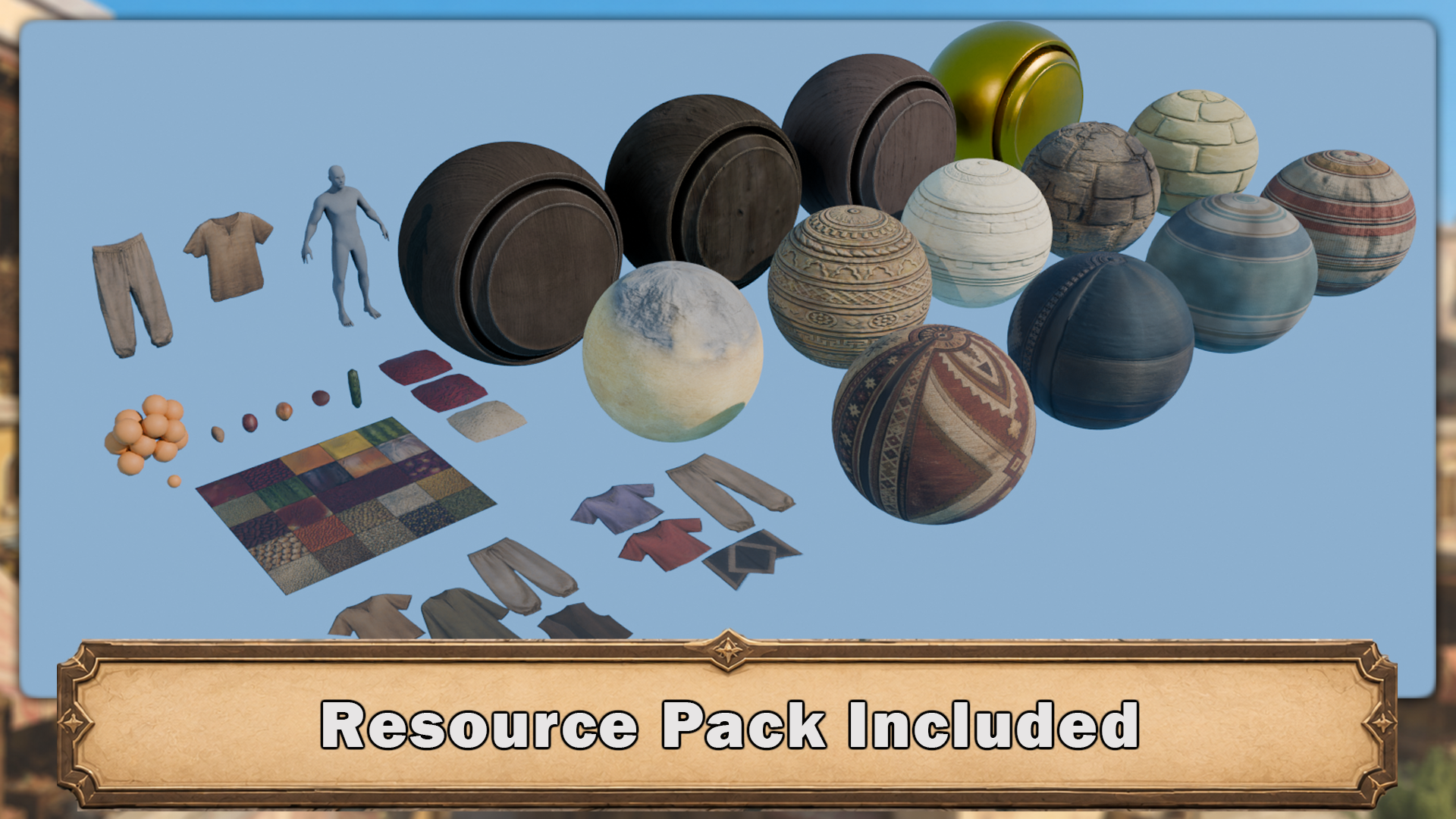 Resource pack included: Stylized materials, trimsheets, fabrics, props, clothing assets, food elements, reusable environment pieces, and supporting files help you focus on learning the scene workflow rather than stopping every five minutes to build another tiny marketplace thing from scratch.
Same scene, different learning jobs
The useful part is not only that the final market looks good. It is that every stage teaches a different job. The blockout teaches composition. The architecture teaches shape language and structure. The props teach scale and storytelling. The materials teach surface read. The lighting pulls the whole thing together.
That is what makes this more than a resource dump with a fancy thumbnail. It is a guided Blender environment workflow where each piece has a purpose, from the first cube to the final Cycles render.
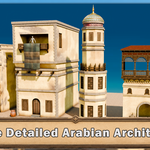
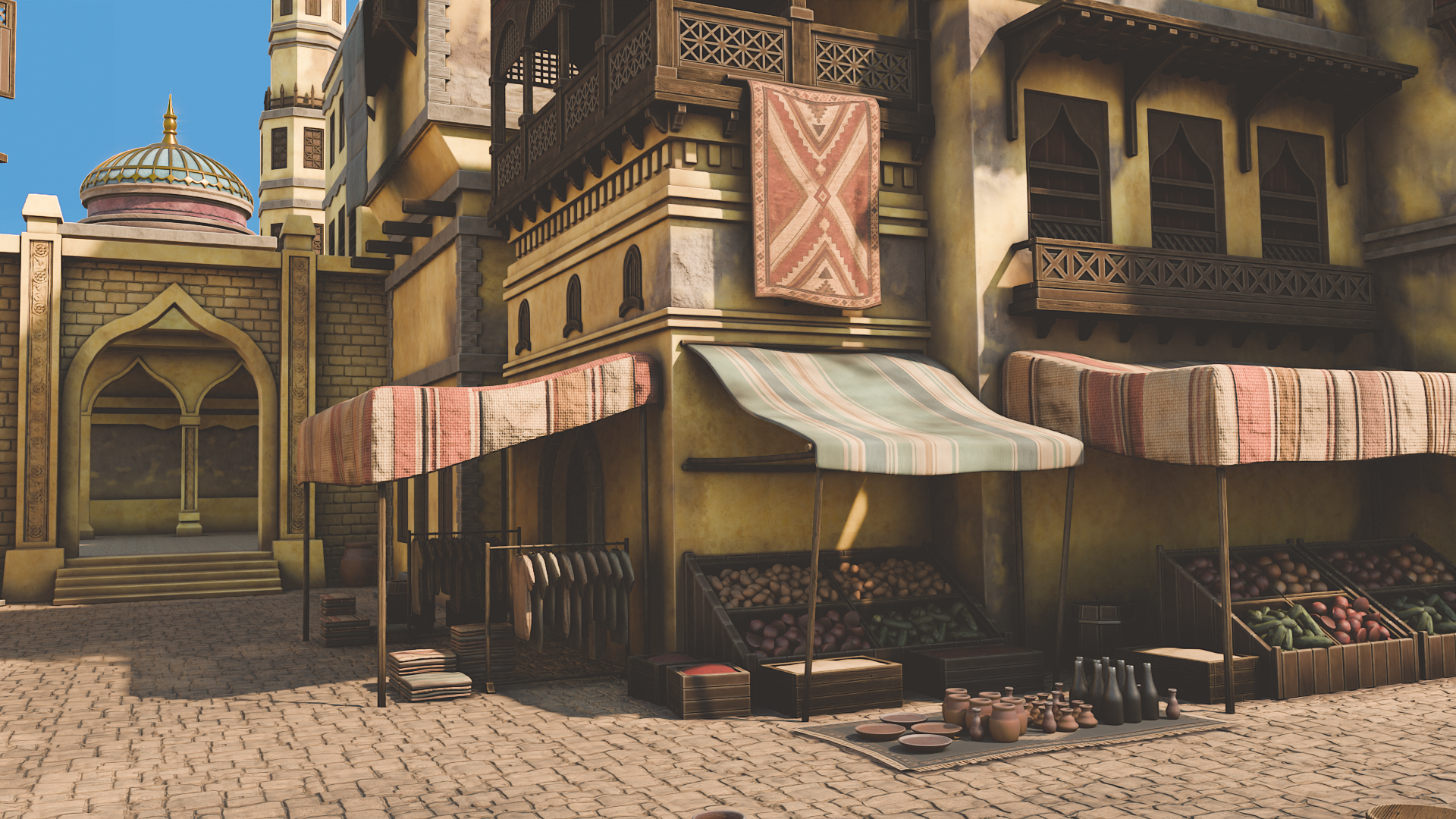 Layered market detail: Hanging carpets, cloth canopies, stacked food crates, pottery, balconies, and patterned architecture are used to create depth and atmosphere across the marketplace. The course shows how modular building workflows, prop dressing, and material variation can turn a simple street into a believable stylized environment.
Included files and resources
- Blender 5 / Blender 5.1 course files.
- Main reusable Arabian market resource Blender file.
- Final completed scene or final comparison file, depending on delivery version.
- PureRef reference board.
- Final render preview image.
- 2K PBR materials, atlases, and trim sheets.
- Sandstone, wood, plaster, paving, gold metal, fabric, rug, canopy, clothing, fruit, vegetable, and spice resources.
- Food and produce presets for market displays.
- Human scale reference.
- Included add-ons used during the course workflow and render polish.
- Discord or support text file, if included in the final delivery.
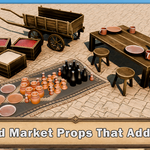
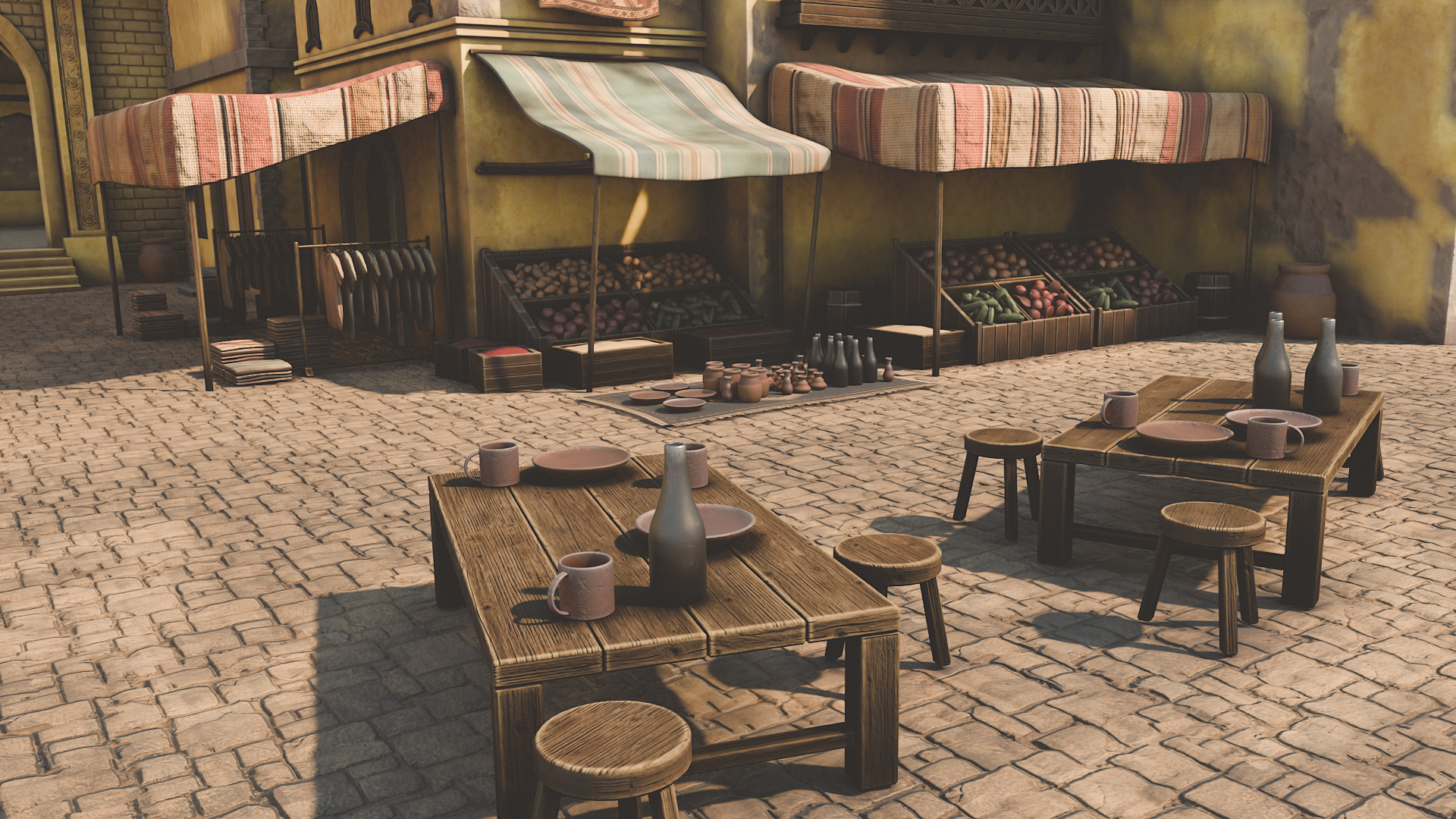 Prop dressing and scene life: Food stalls, pottery, wooden tables, cloth awnings, stacked goods, and small dining areas make the scene feel active and believable. You will learn how prop placement, repetition, spacing, and material variation guide the eye and create a richer sense of atmosphere.
Course workflow at a glance
1. Blockout and structure
Start with camera framing, scale, simple shapes, and layout decisions so the market has a strong foundation before detail work begins.
2. Architecture and props
Build arches, balconies, domes, doors, windows, stalls, furniture, barrels, crates, pottery, cloth, rugs, and market dressing.
3. Materials and render polish
Use PBR materials, UVs, atlases, trim sheets, vertex paint, Cycles lighting, displacement, mist, and compositor adjustments.
Who this is for
Blender beginners
You want a guided environment project that starts clearly and builds towards a proper final scene.
Environment artists
You want a practical workflow for blockout, modelling, materials, props, lighting, and final render polish.
Stylized scene makers
You enjoy warm handcrafted scenes with architecture, fabric, rugs, market clutter, and detailed set dressing.
Superhive resource hunters
You want training and reusable files together, so you can learn the process, inspect the setup, and understand how the final result is put together.
Compatibility
- Created for Blender 5 / Blender 5.1 files.
- No paid add-ons required.
- Final render workflow uses Cycles.
- PureRef is recommended for viewing the supplied reference board.
- Extract the zip before opening the Blender files so linked resources stay stable.
Before you buy
- This is a Blender-focused training course with supporting course resources.
- The resource files are included to support the learning workflow shown in the course.
- The final published file list should be checked before checkout, especially if the delivery version includes a final scene file, comparison file, or both.
- The course uses Blender 5 / Blender 5.1 and Cycles for the final render workflow.
- For best results, extract the full zip before opening project files.
Common questions
Is this only for Blender?
Yes, this product is built around a Blender-focused course workflow. The main training, resource setup, materials, lighting, and final render process are designed for Blender.
Do I need paid add-ons?
No paid add-ons are required. Any included tools or add-ons used for the course workflow should be supplied as part of the final product package where applicable.
Can I use the resource pack commercially?
The supplied resource note states that the course resources are for learning and personal non-commercial projects only unless a separate license says otherwise. Check the final Superhive license text before purchase if you plan to use the files outside the course project.
Is this beginner friendly?
Yes. The course starts with beginner-friendly Blender tools before moving into the larger environment workflow. You will still build a detailed scene, but the process is staged so the market grows one practical layer at a time.
License note
This product includes course resources to support your learning inside the Blender Stylized Arabian Market Environment Course. Unless the final Superhive license states otherwise, the supplied assets are for course learning and personal non-commercial projects only.
The source files may not be resold, redistributed, repackaged, uploaded publicly, or included as raw downloadable resources inside another marketplace product, asset pack, template, course resource pack, or tool.
Build a stylized market scene from the ground up
Learn how to take a simple Blender blockout and turn it into a complete stylized Arabian market environment with architecture, props, fabrics, materials, lighting, and final render polish.
Follow the full workflow, inspect the included resources, and build the kind of environment that actually feels like a place instead of a few lonely meshes standing around waiting for direction.
Happy modelling everyone!
Rosefield - 3D Tudor