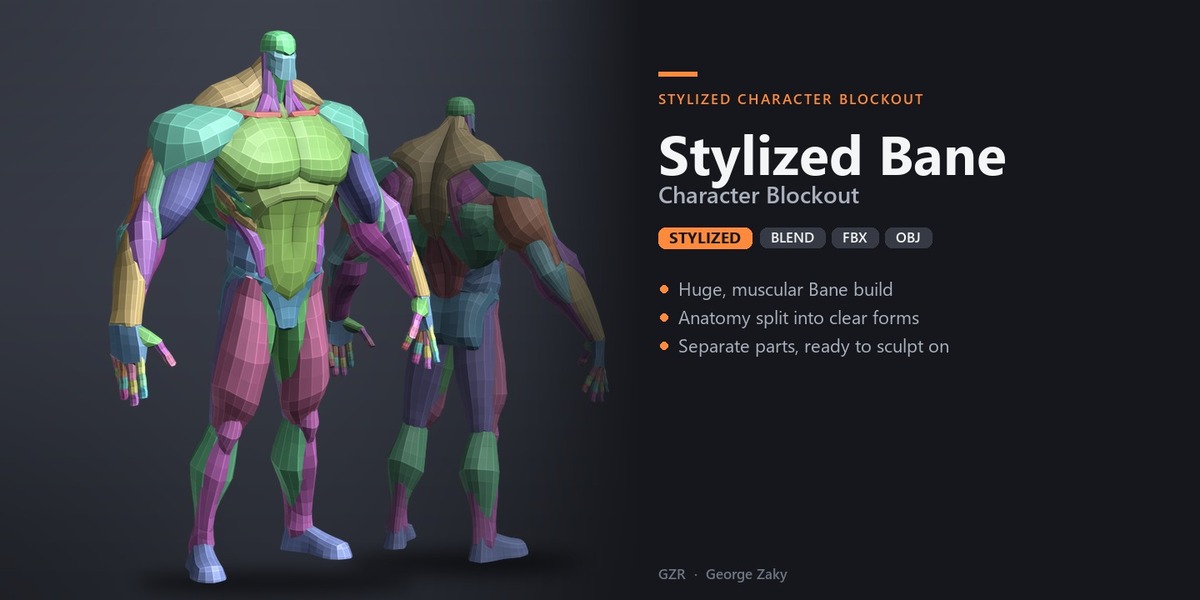
Stylized Bane Character Blockout
 george zaky
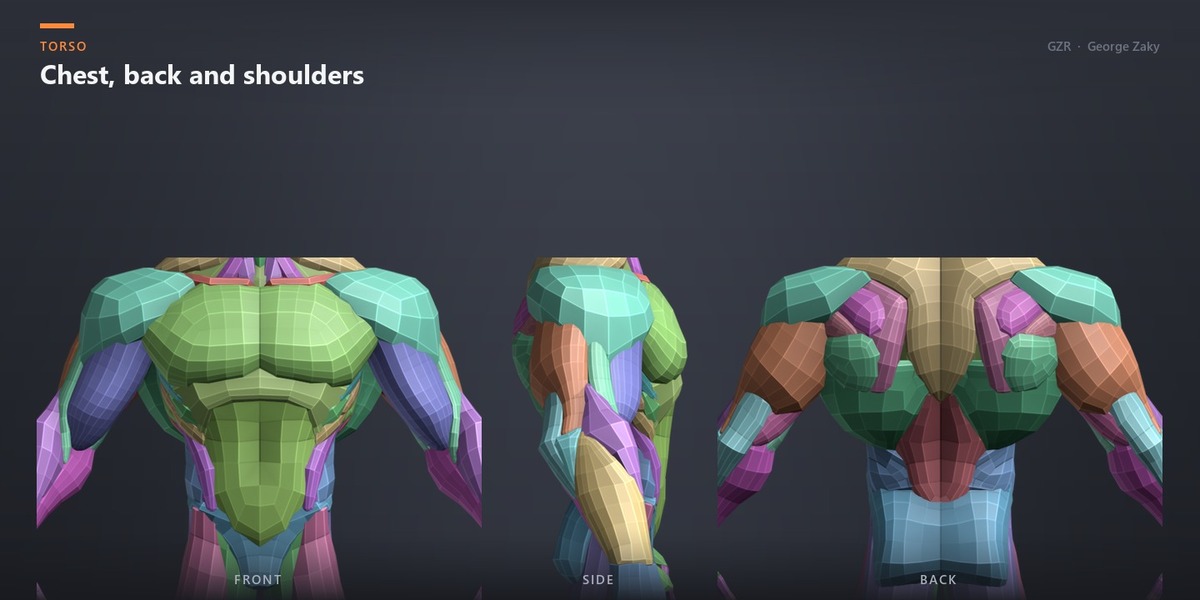
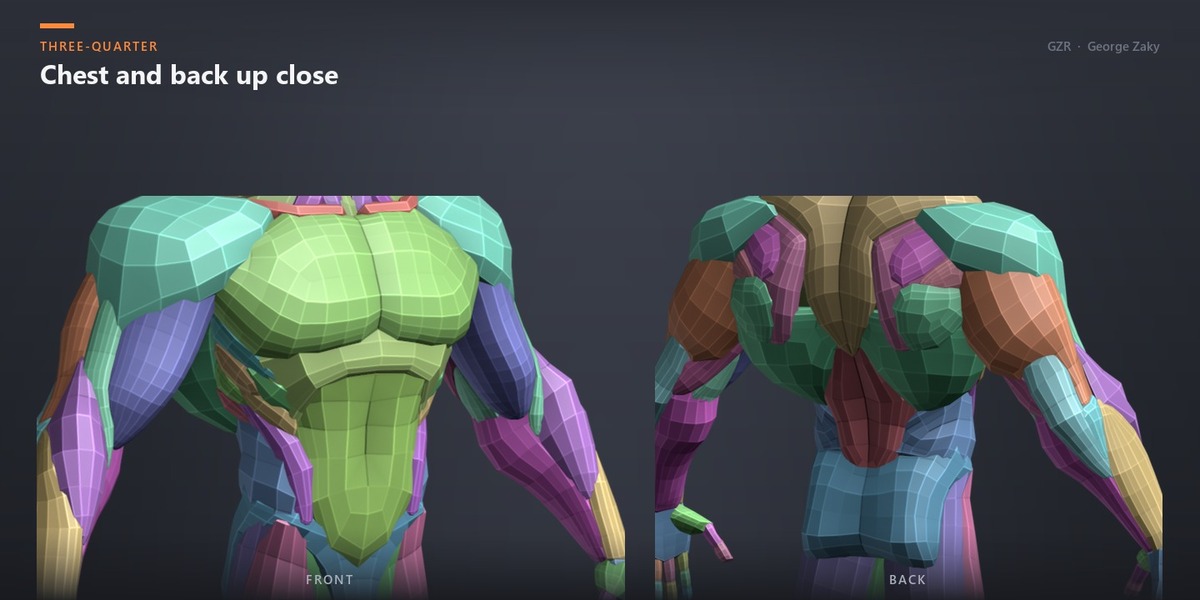
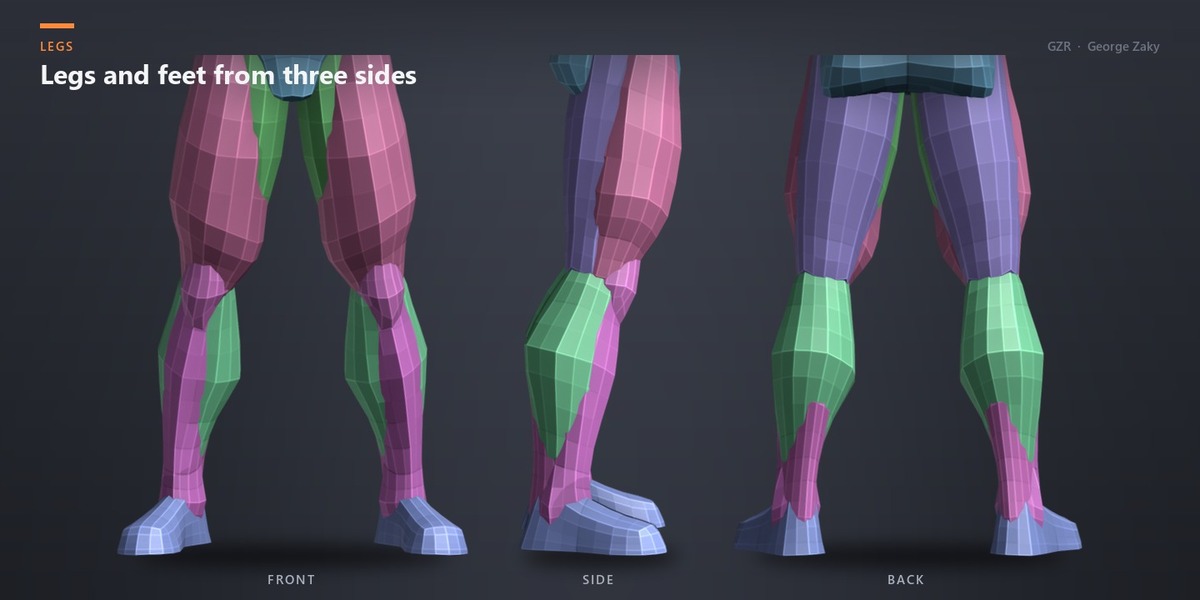
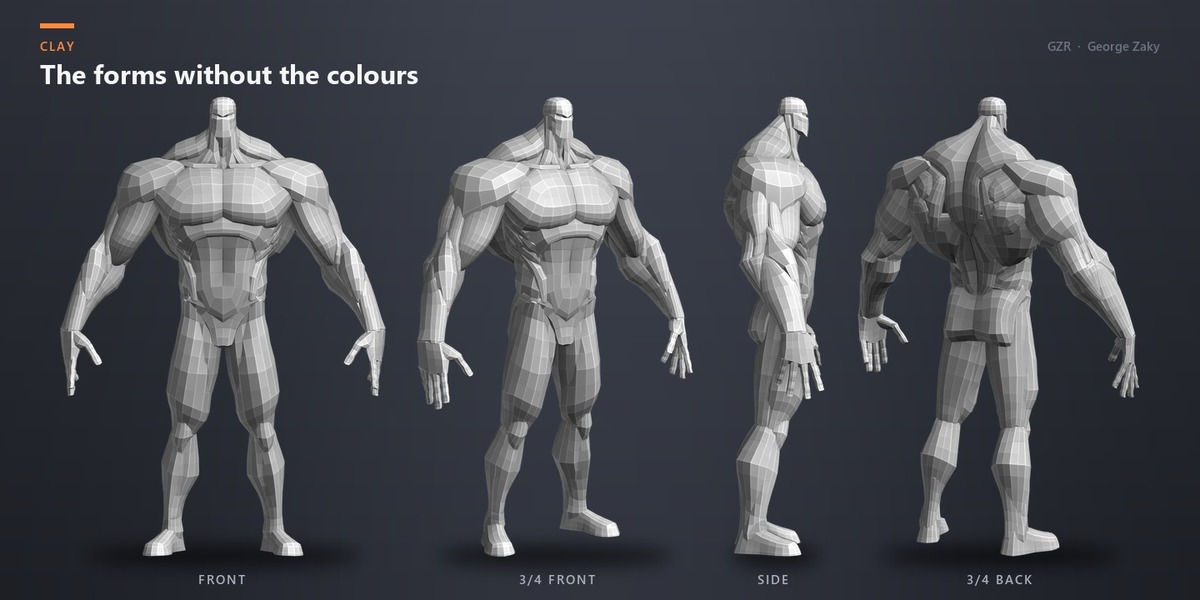
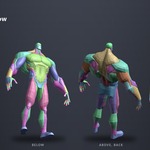
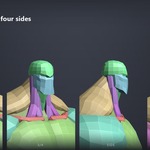
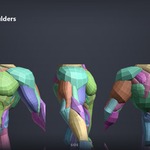
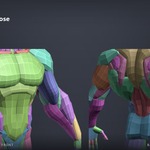
Getting started
Unzip the download and open the .blend file in Blender 5.0 or newer. Or import the FBX or OBJ into ZBrush or any other 3D app.
How to use it
- Blender: adjust the parts, join them and remesh to start sculpting.
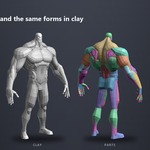
- ZBrush: import the FBX or OBJ, adjust the proportions, DynaMesh and sculpt on top.
What's in the files
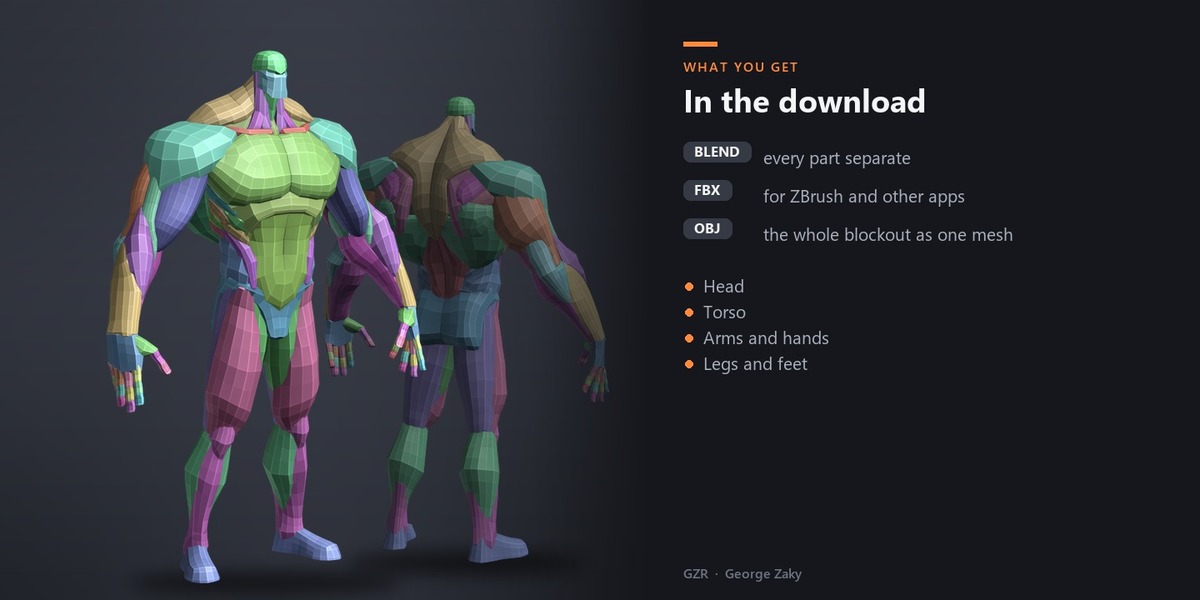
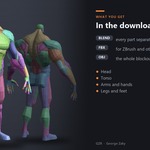
- Blender (.blend): every part separate.
- FBX and OBJ: for ZBrush and any other 3D app.
- Note: the OBJ holds the whole blockout joined as one mesh.
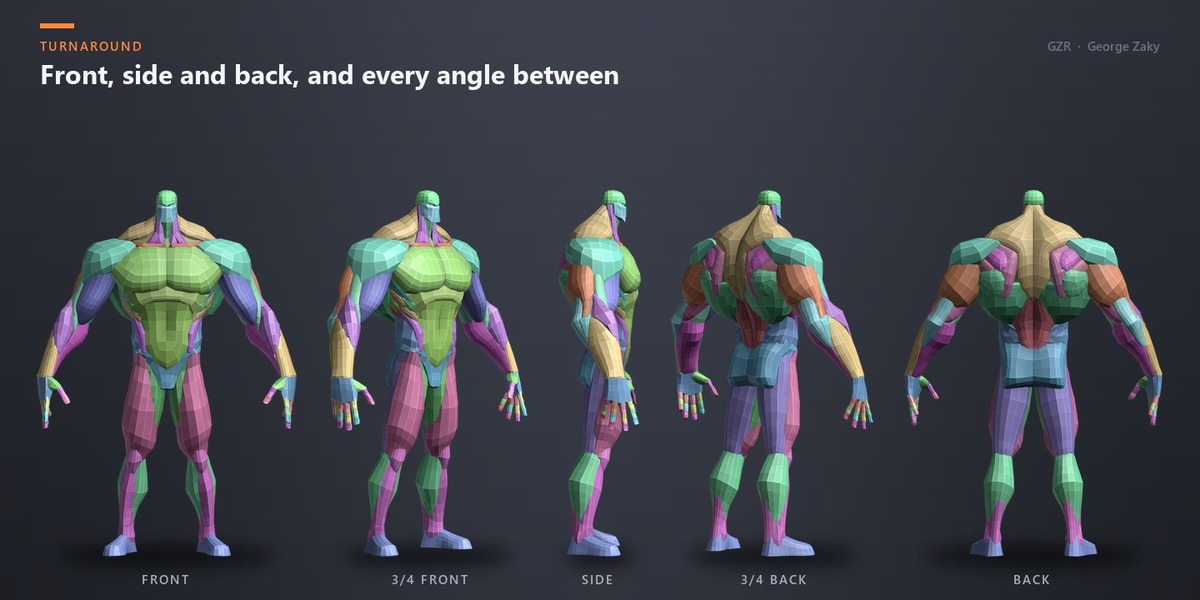
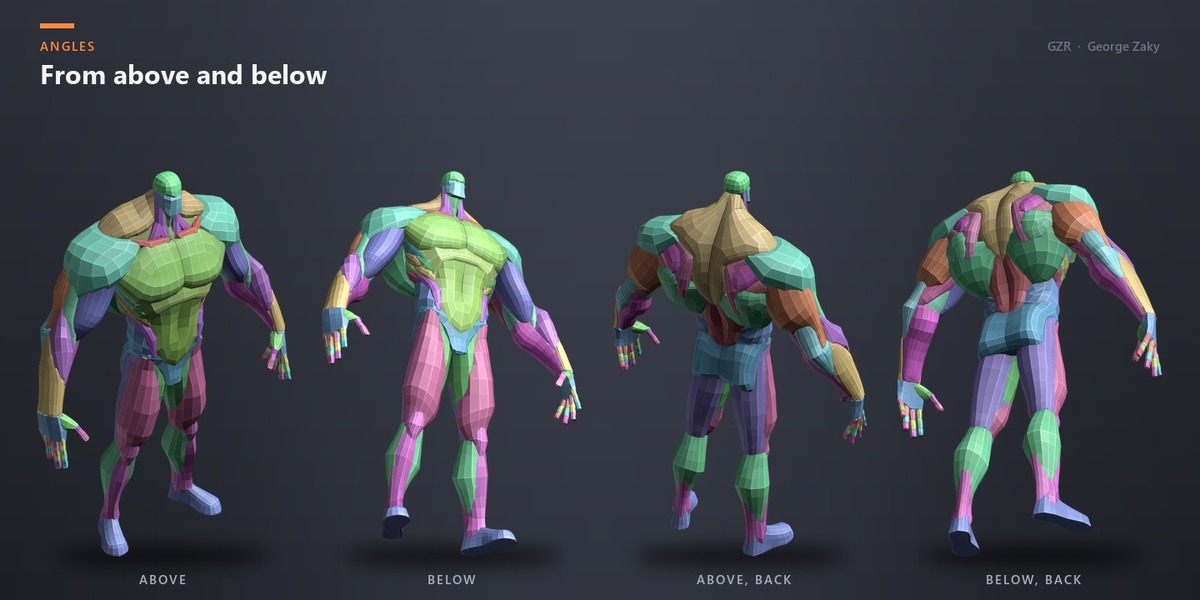
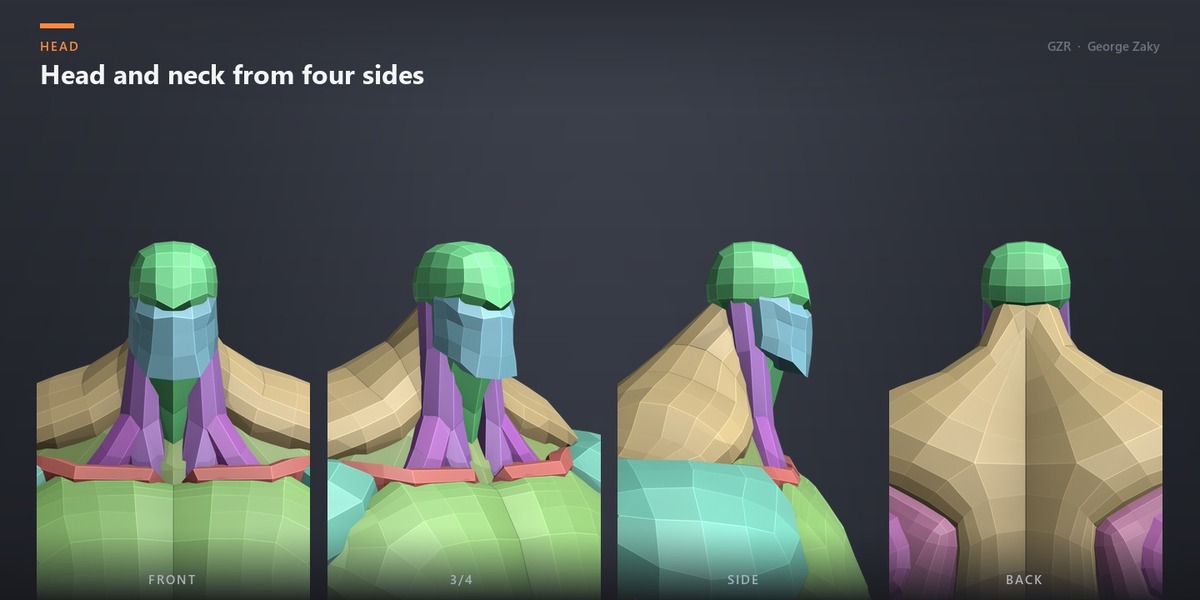
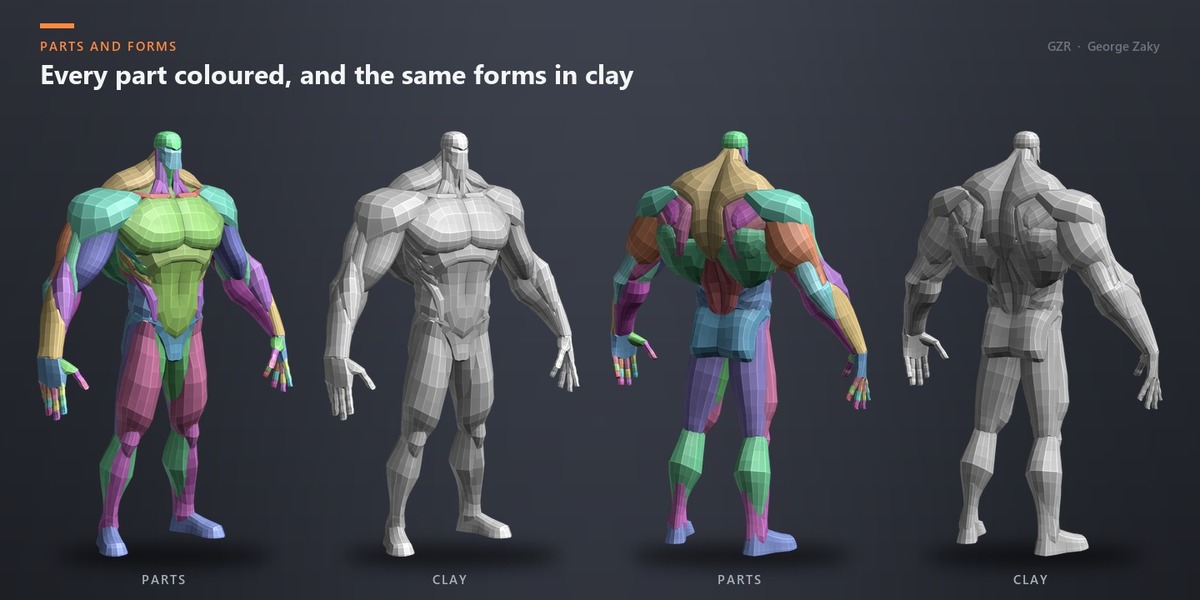
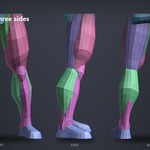
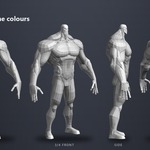
- Head, torso, arms, hands, legs and feet.
- Free updates to this product.
Have questions about this product?
Login to message
| Published | about 9 hours ago |
| Blender Version | 5.0 - 5.2 |
| Render Engine Used | Cycles, Eevee |
| License | Royalty Free |

Discover more products like this
stylized zbrush #Character Modeling base mesh Human blockout anatomy blockout Basemesh stylized-character anatomy character sculpting