 ZEG
Installation
In Blender open Edit, Preferences, Get Extensions, then use Install from Disk and pick the stylized_castle_generator zip.
Usage
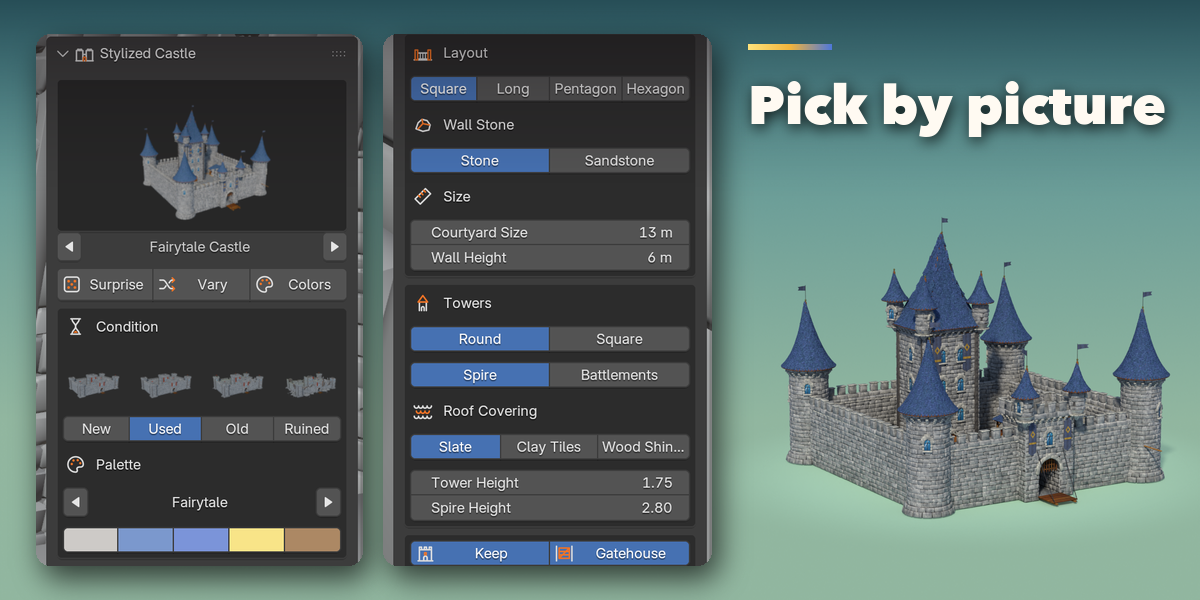
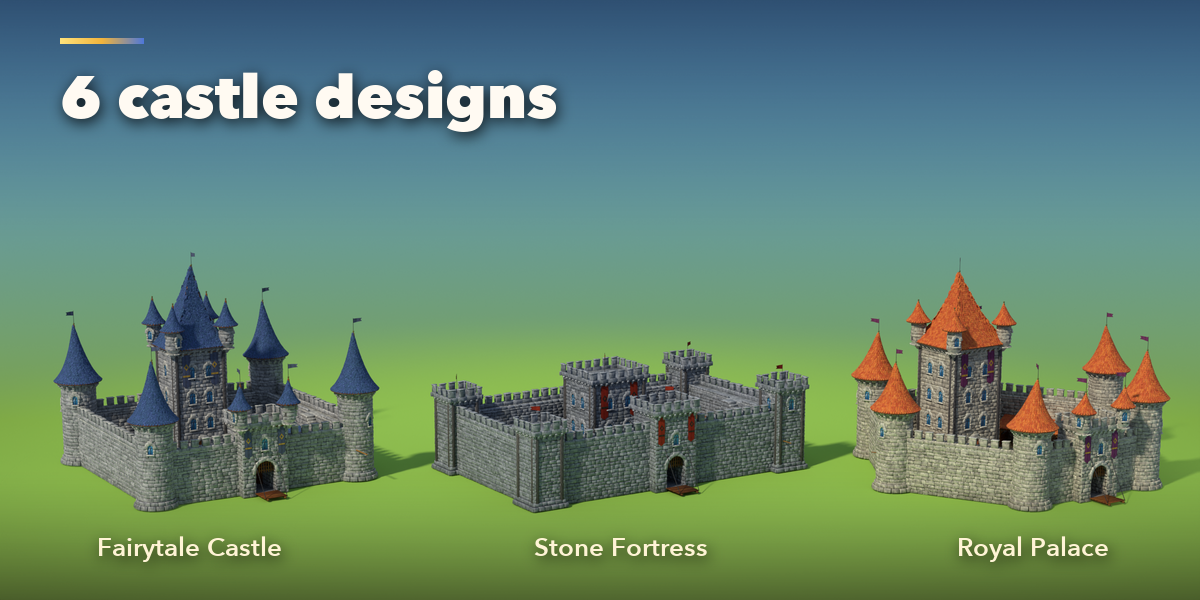
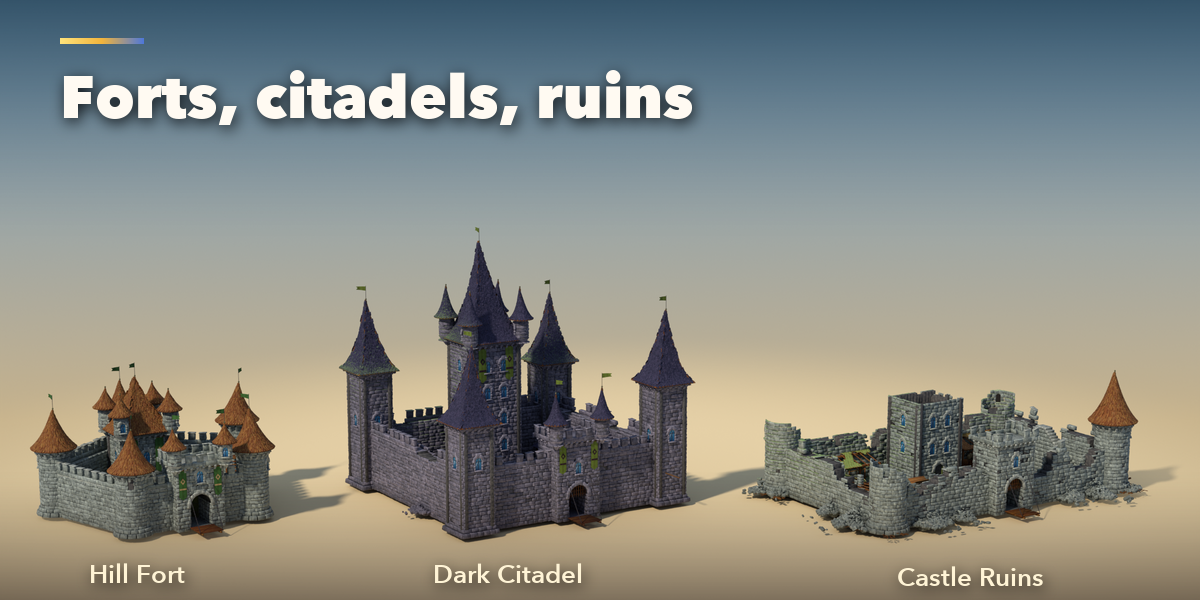
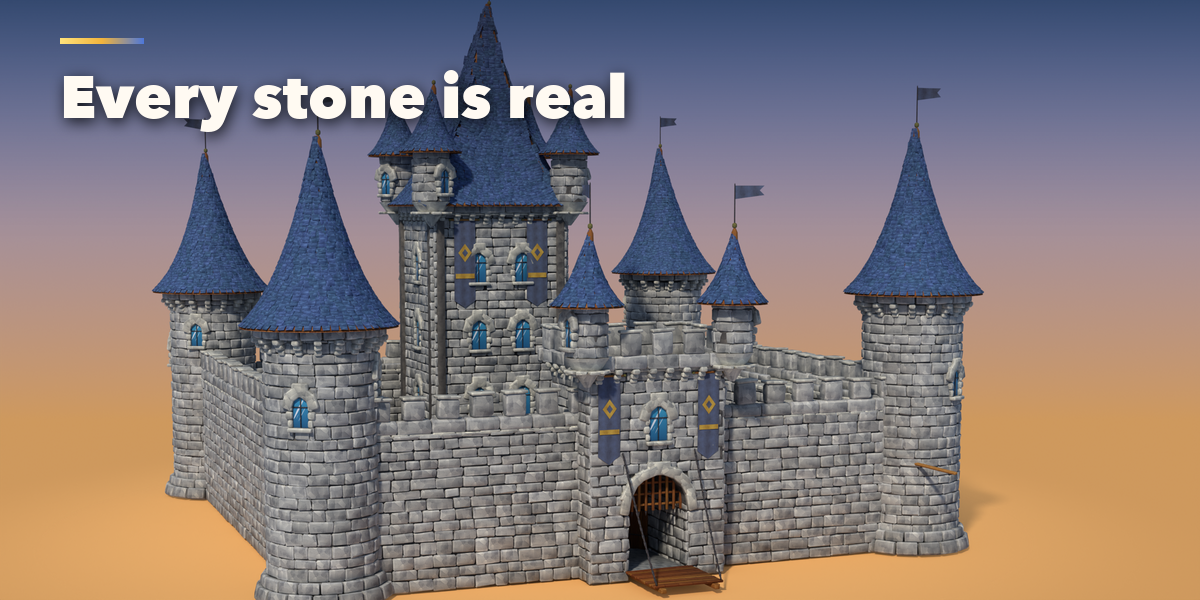
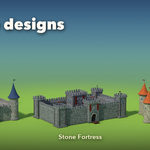
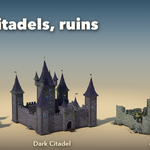
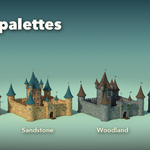
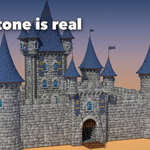
- Open the Castle tab in the 3D viewport sidebar (N). With nothing selected, click the picture to choose a design and press Add Stylized Castle, or use Shift+A, Mesh, Stylized Castle. The castle is built at the 3D cursor.
- With a castle selected, the picture switches its design. Surprise makes a new random castle, Vary keeps the design and changes its proportions, Colors repaints it.
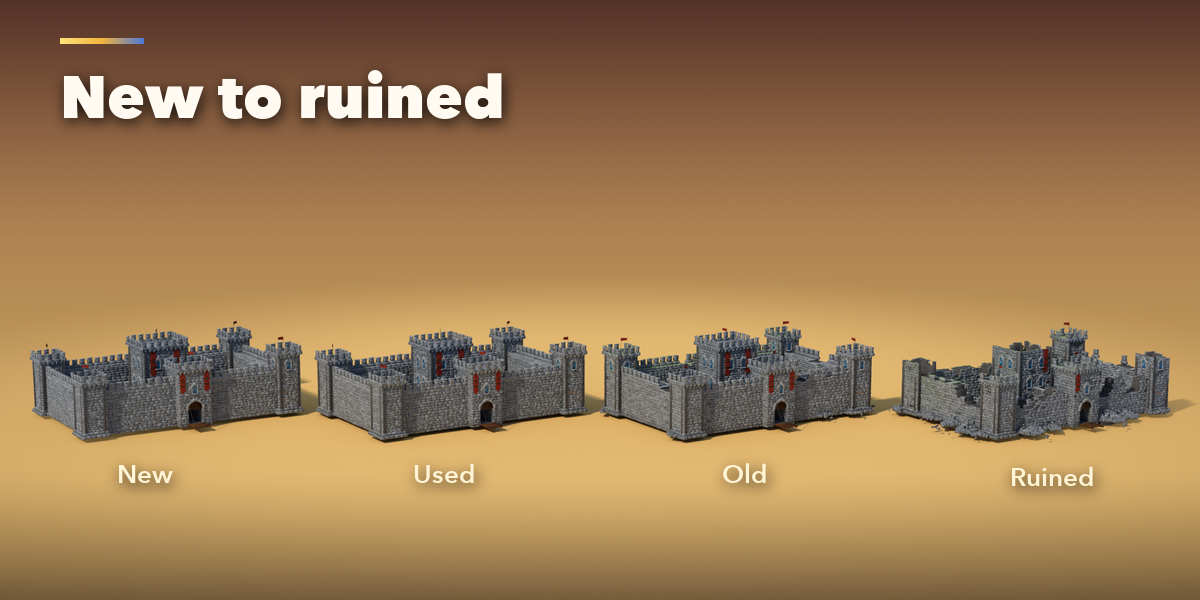
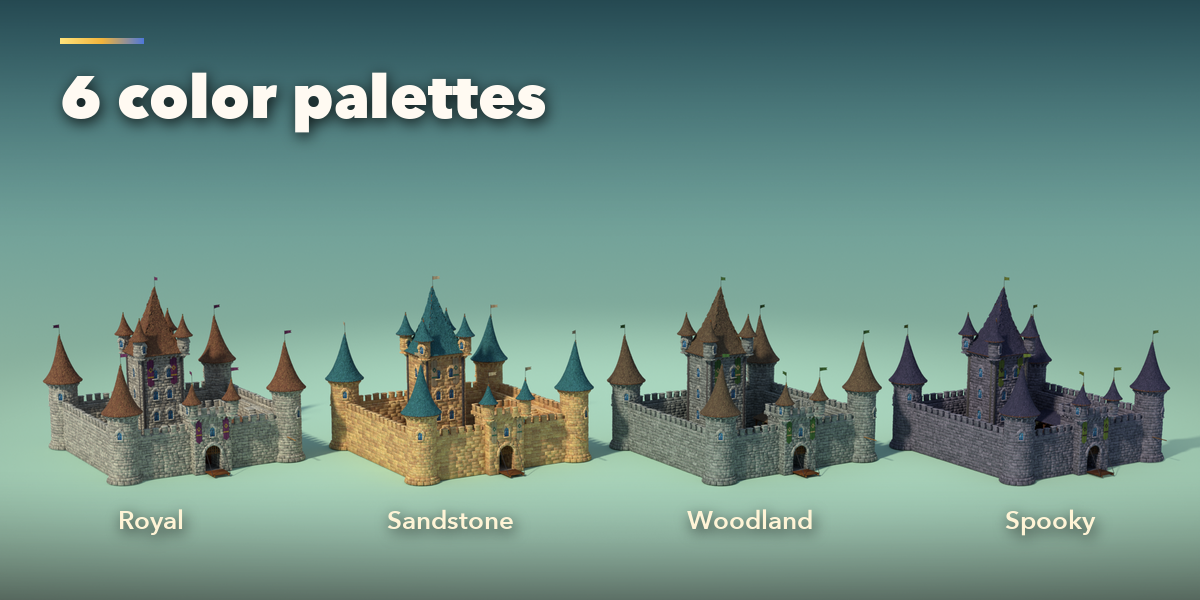
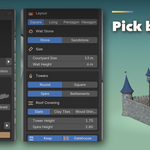
- The main page holds Condition, Palette, Layout, Wall Stone, Size, Towers, Roof Covering, Keep, Gatehouse, Gate Open, Interior, Banners and Flags.
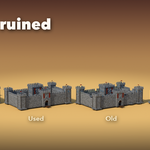
- The sub-panels hold the rest: Walls & Towers (wall thickness, tower radius, roof curve, keep width, turrets, portcullis, windows), Details & Wear (ruin, grime, moss, wonkiness, seed, courtyard props, wall stair), All Colors and Castle Object (Reset to Design, Make Plain Mesh, Delete).
- Switch Interior on to hollow the keep and towers and furnish them; leave it off for distant castles and lighter scenes.
The painted textures are bundled with the addon.
Have questions about this product?
Login to message
| Blender Extension Compatible | Yes |
| Published | 1 day ago |
| Blender Version | 4.2 - 5.2 |
| Extension Type | Add-on |
| Render Engine Used | Cycles, Eevee |
| License | GPL |

Discover more products like this
environment Castle hand painted medieval procedural Cartoon fantasy ruins fortress Game asset stylized Generator