 Cratial 3D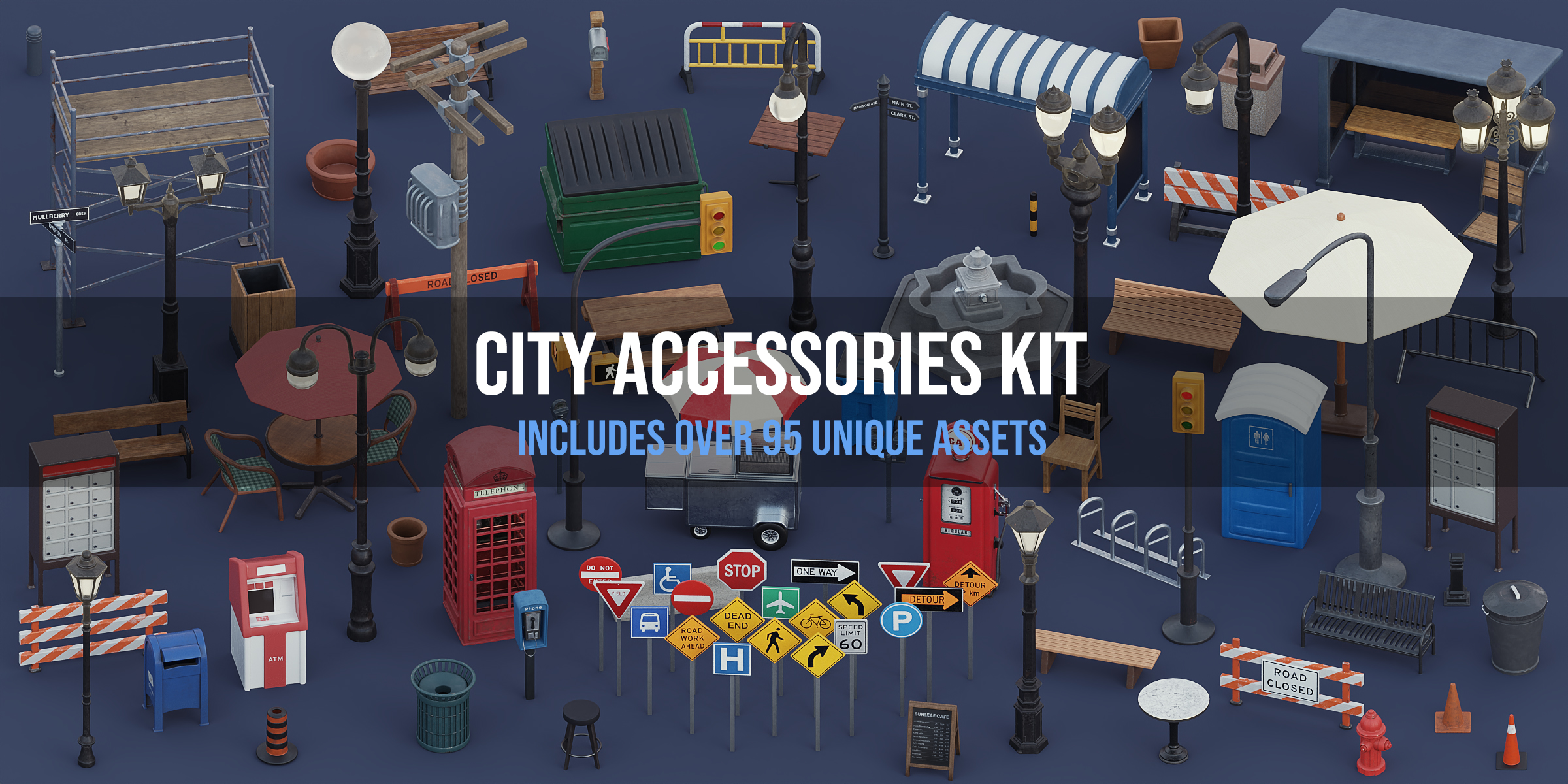
Build a Lived-In Stylized City with 98 Street, Construction, and Café Props
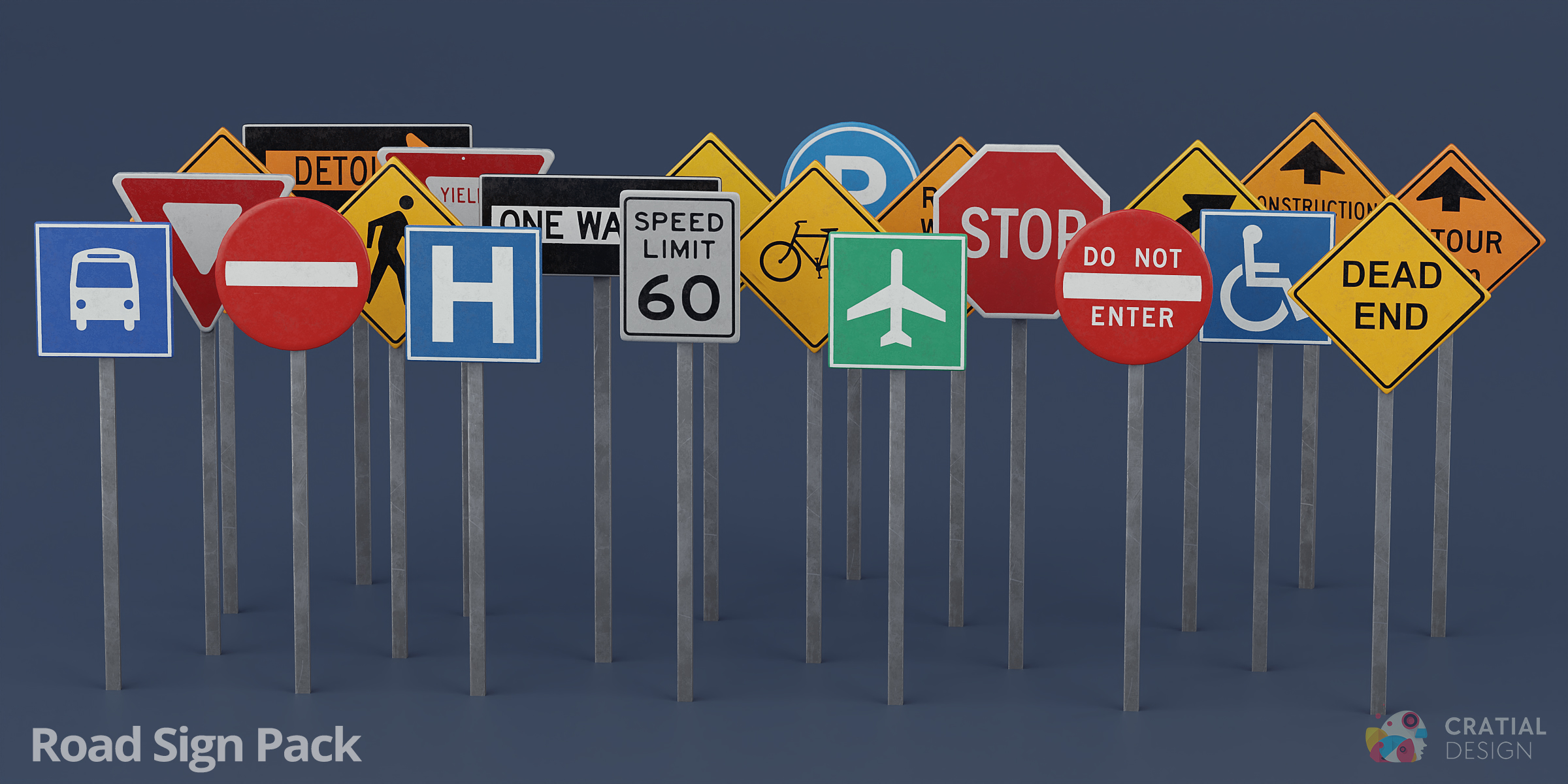
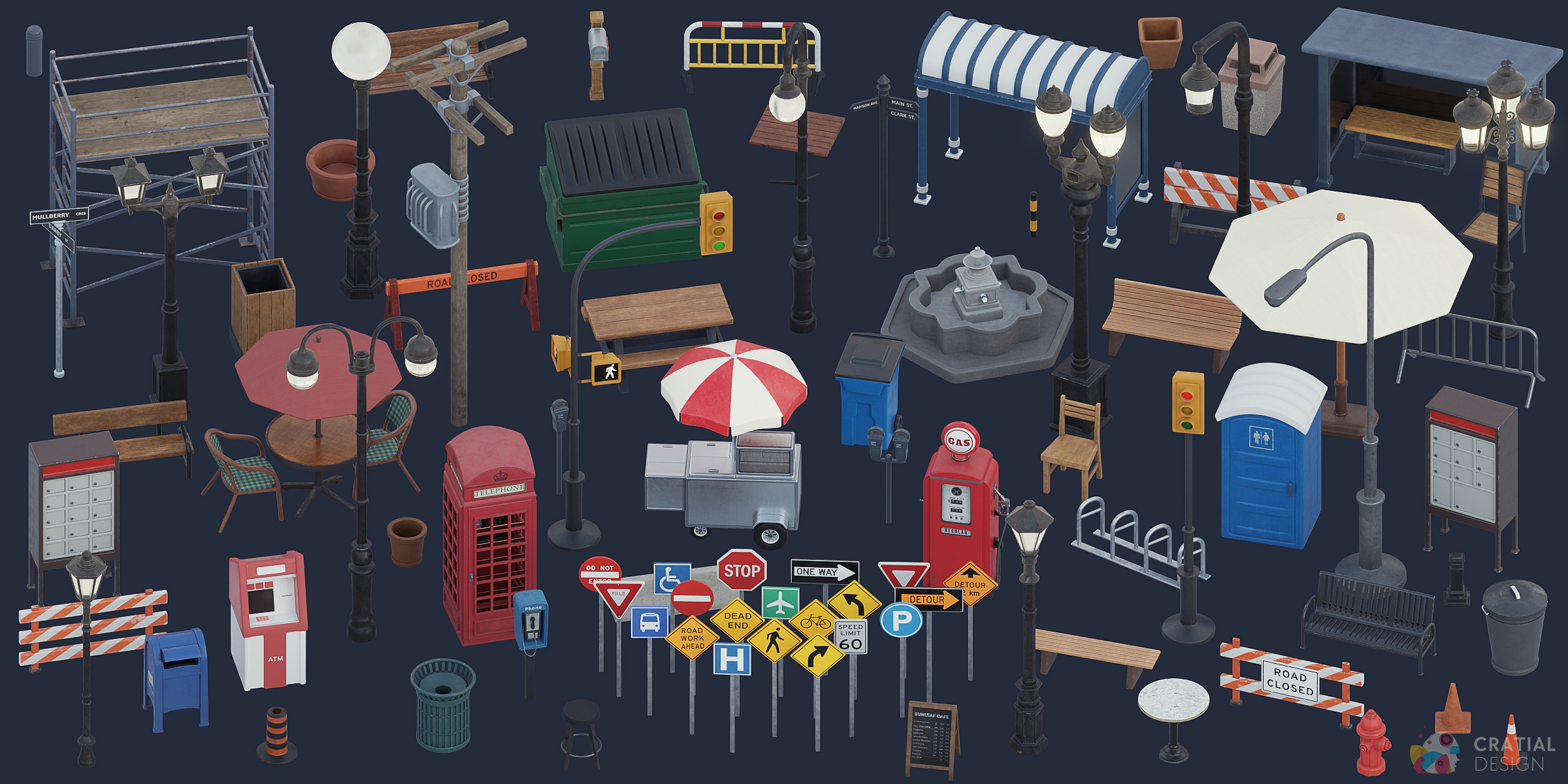
Turn empty streets and sidewalks into recognizable city spaces with this massive set of 98 stylized props. Set up café patios, roadwork zones, bus stops, seating areas, alleyways, and traffic-controlled intersections all in a single asset pack.
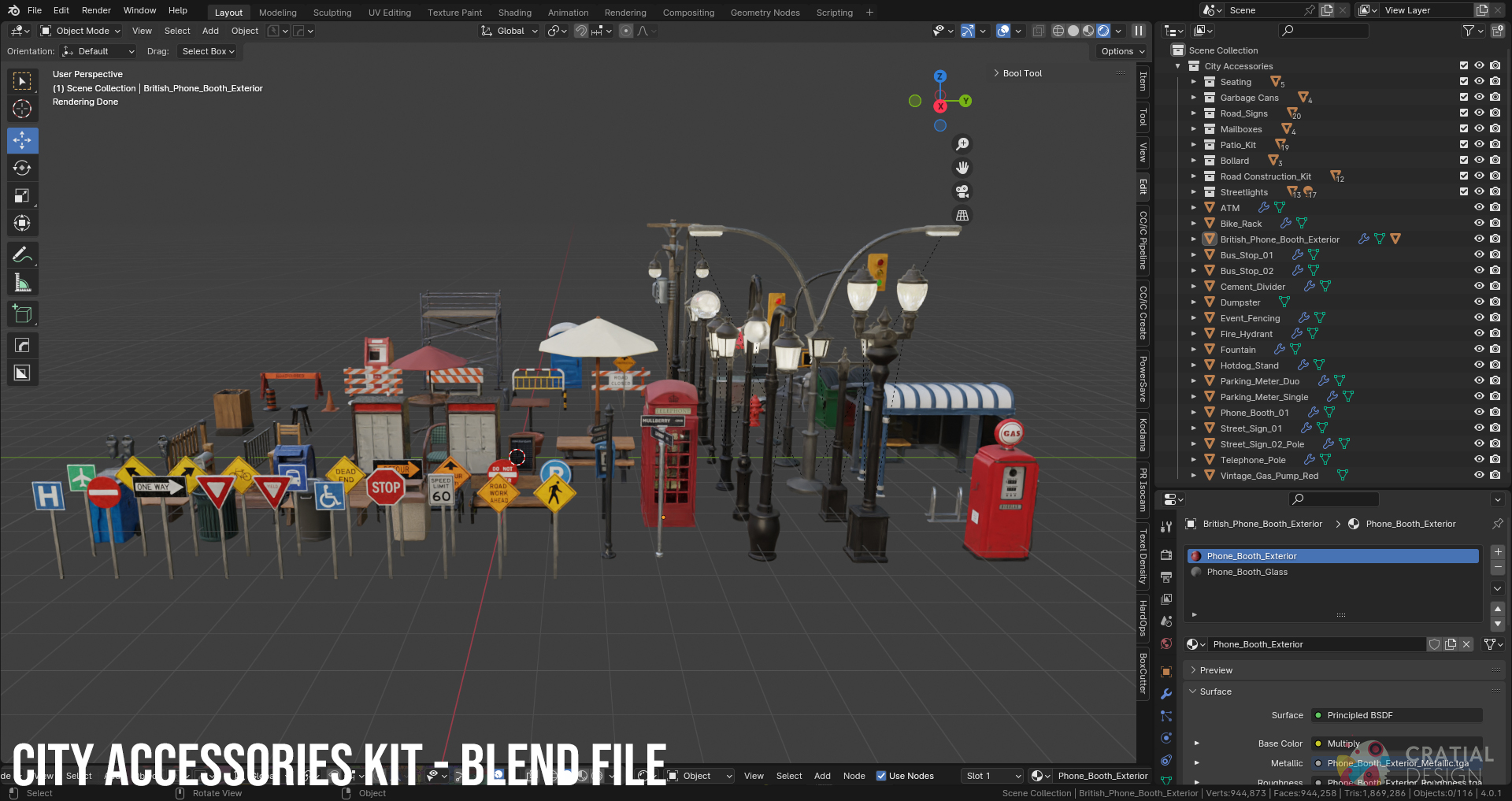
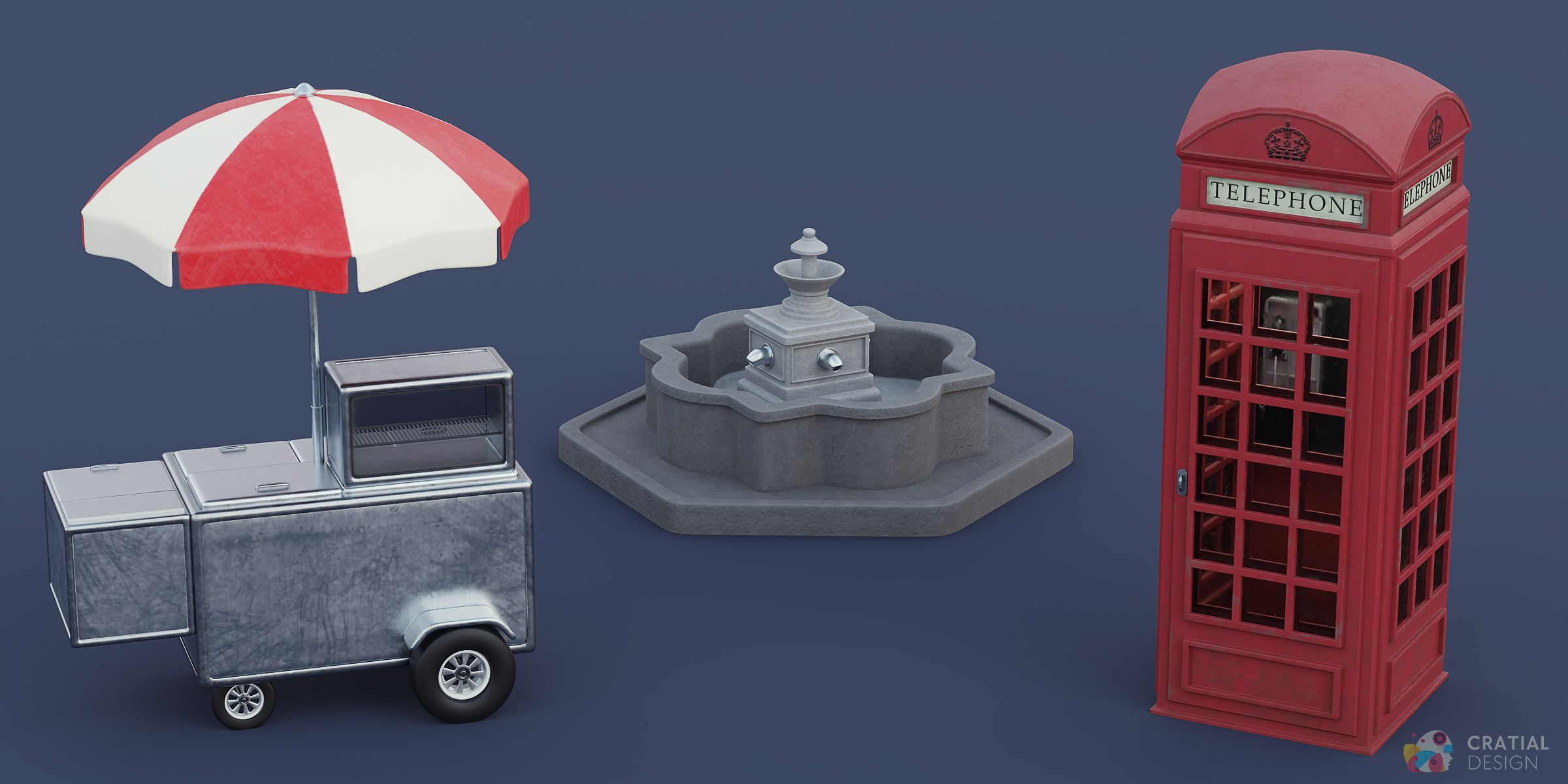
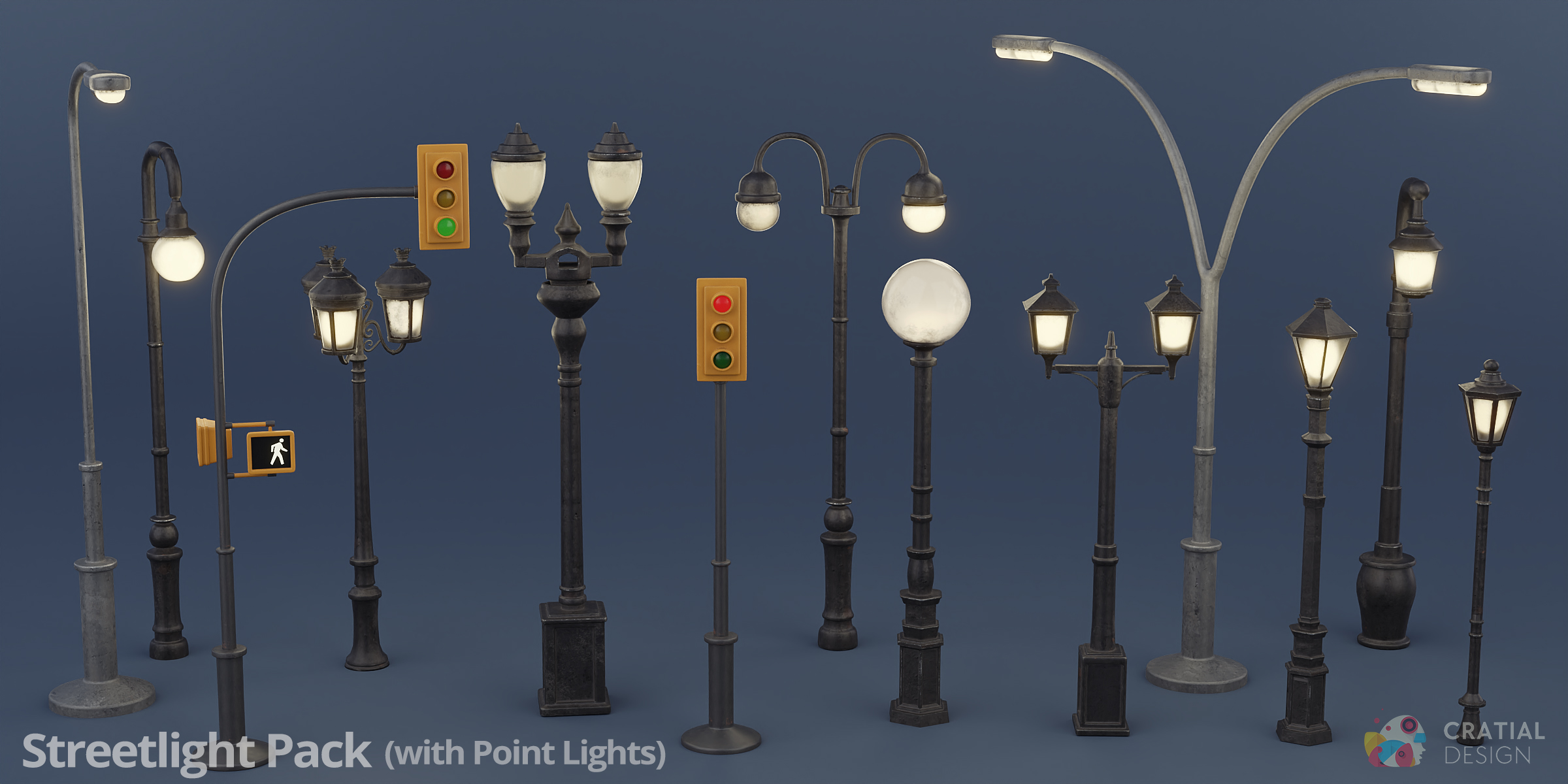
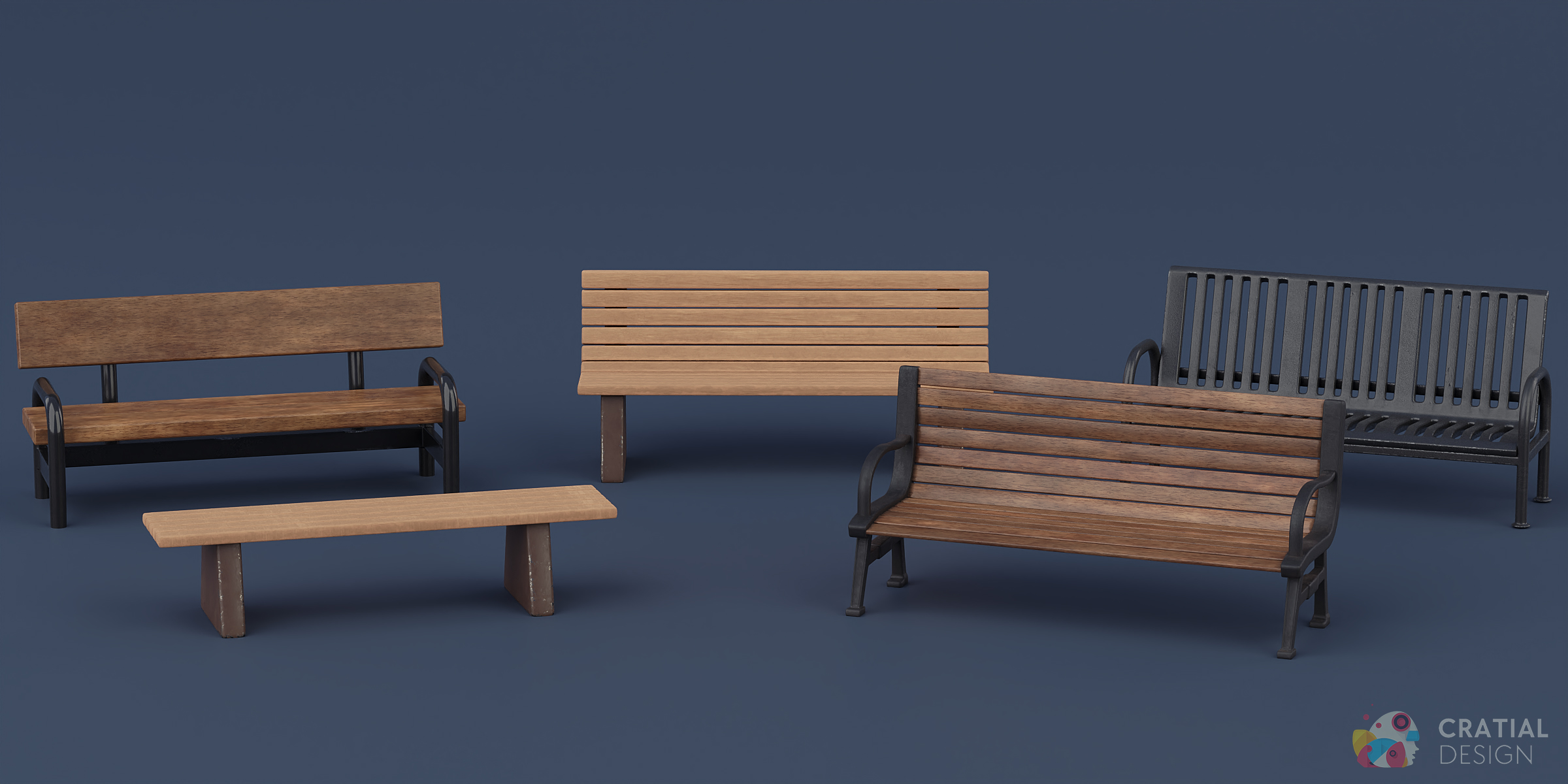
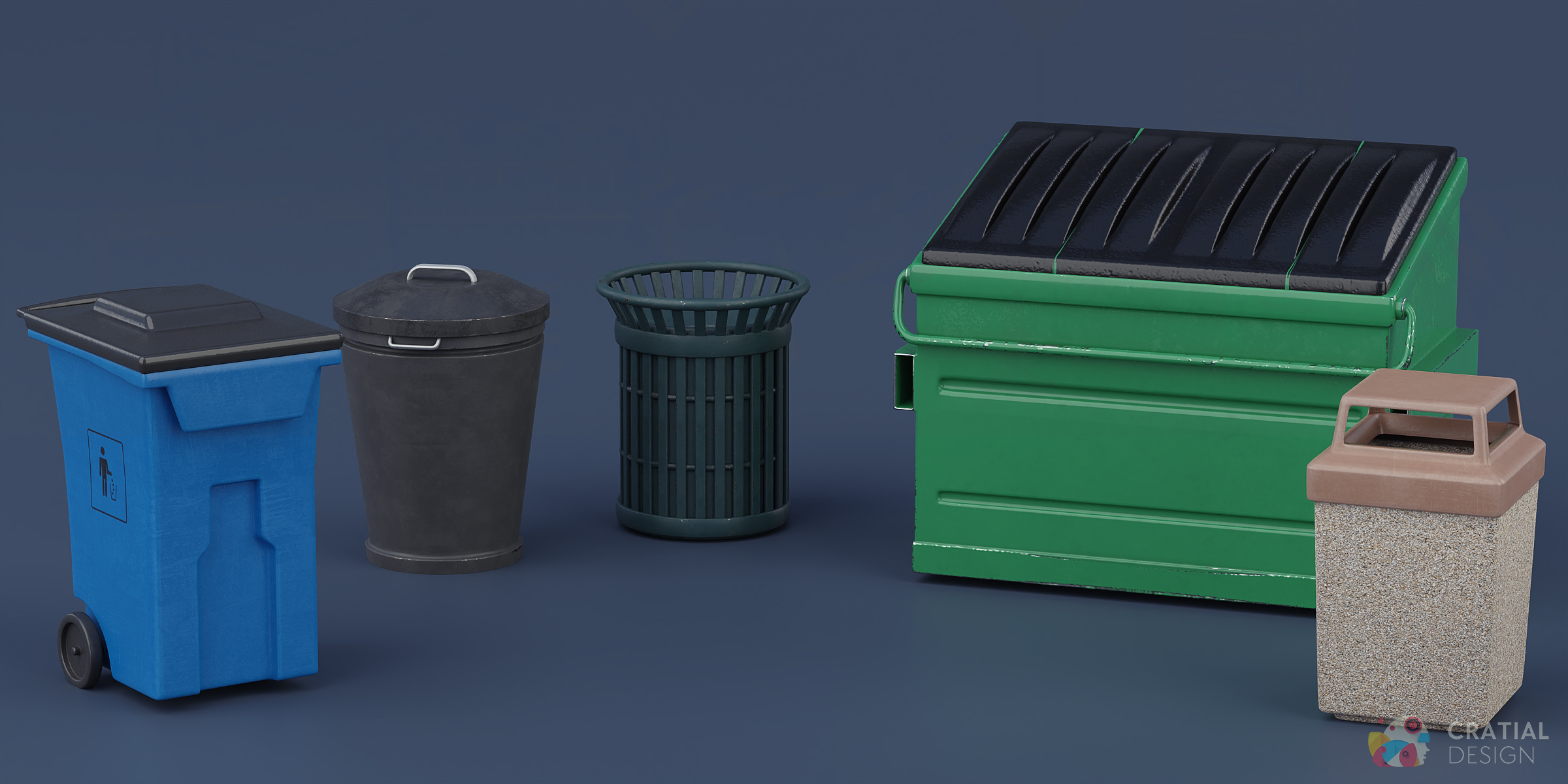
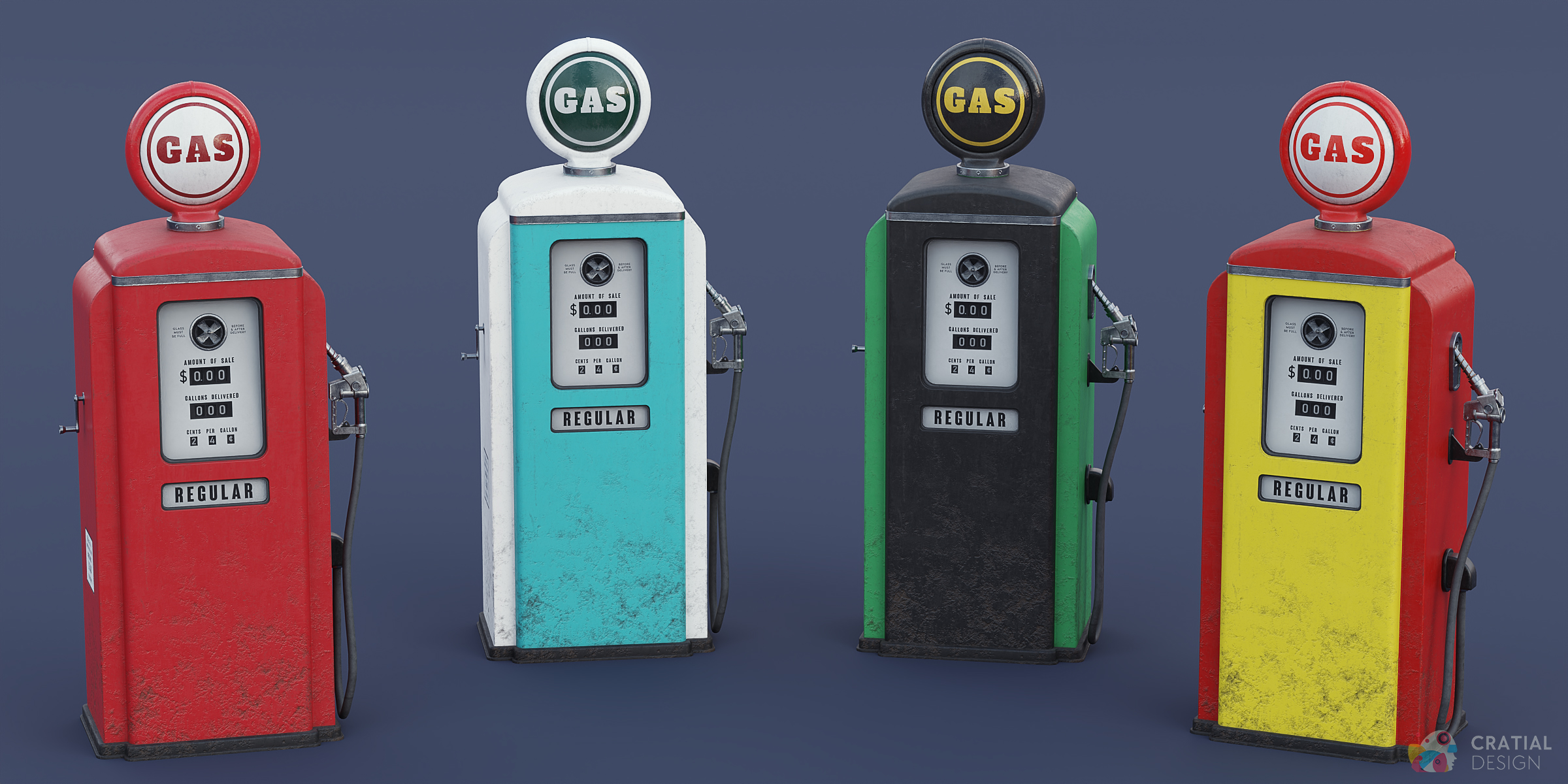
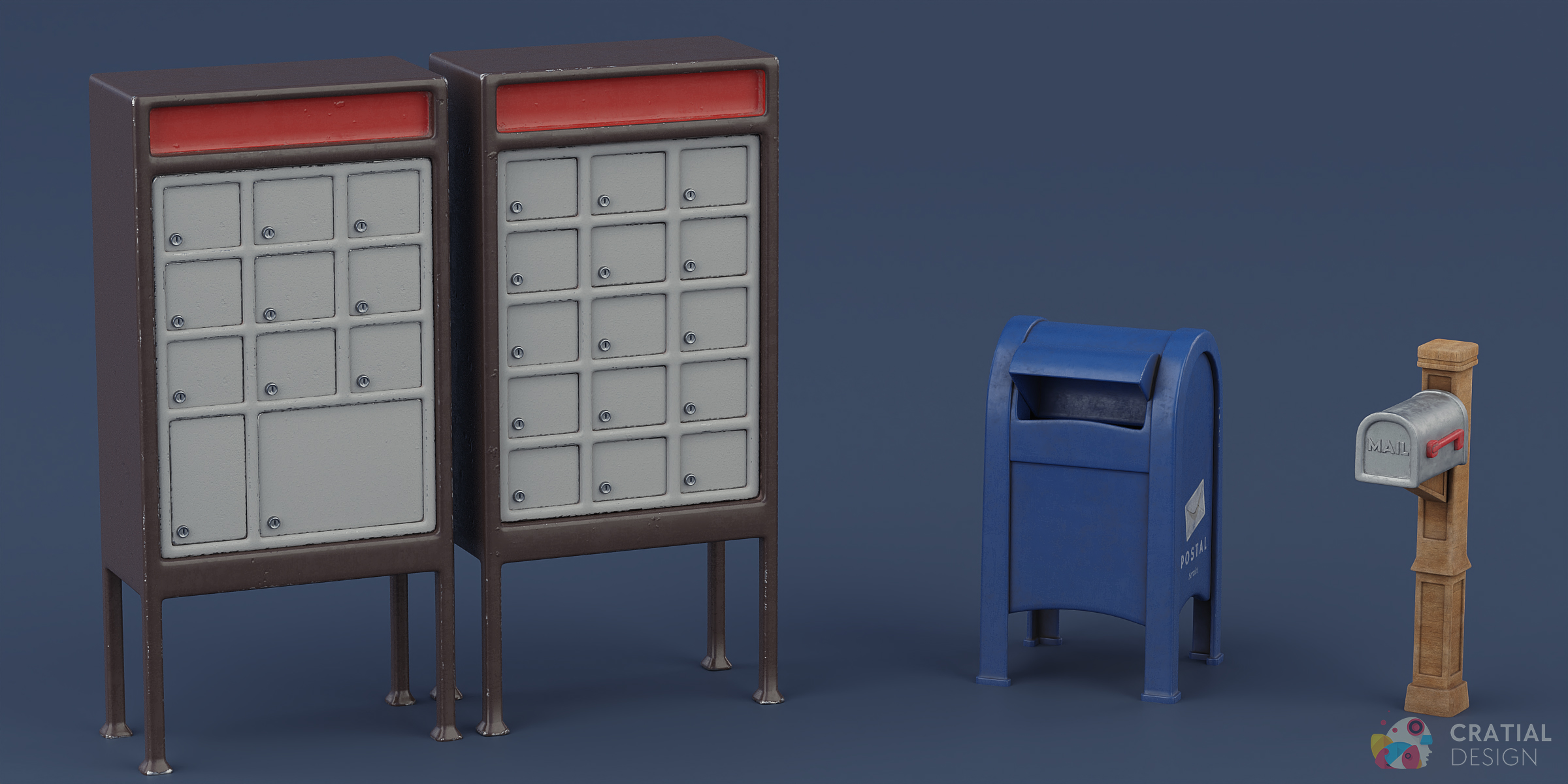
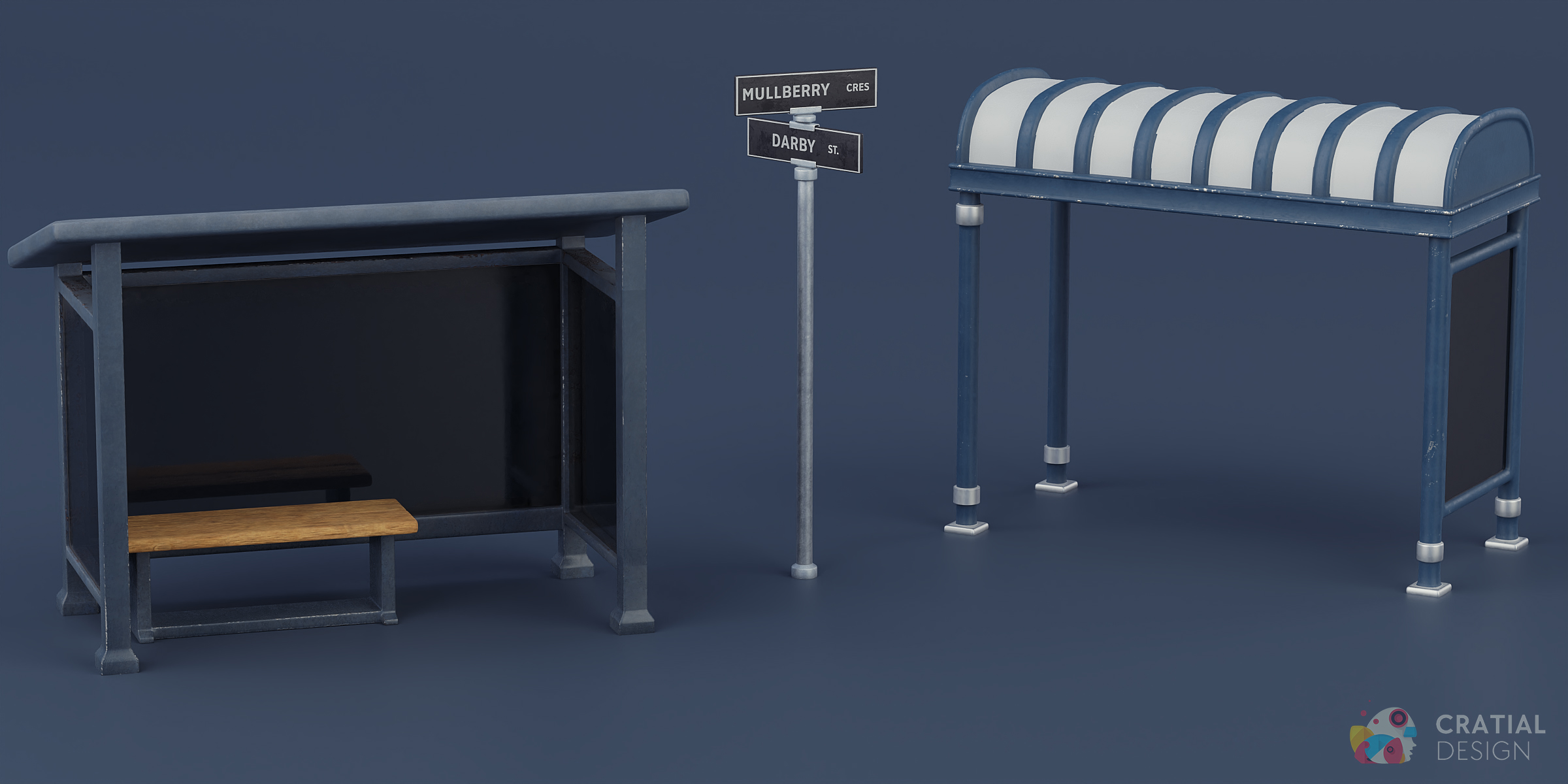
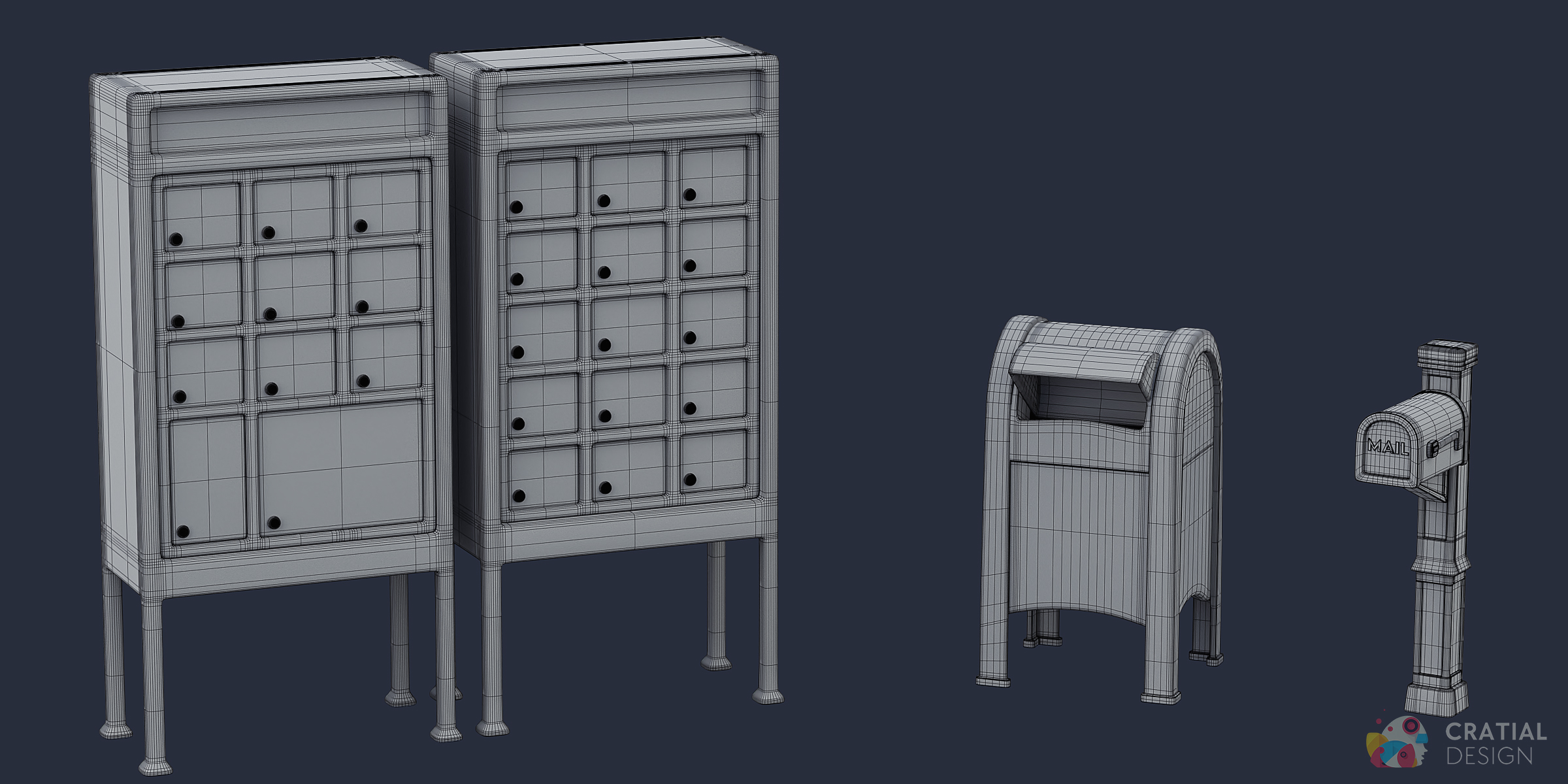
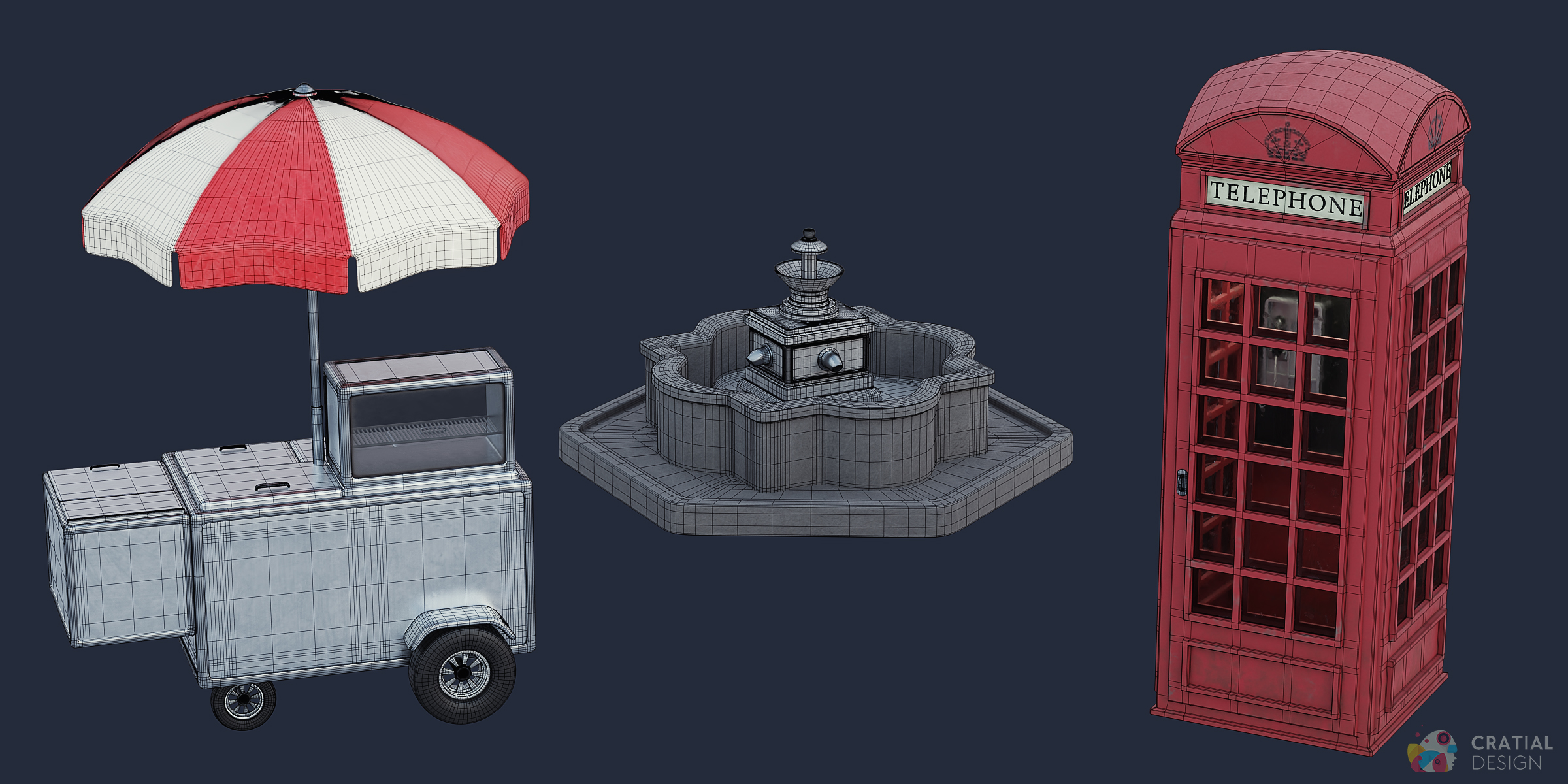
The complete collection brings road signs, streetlights, traffic lights, patio furniture, benches, bus stops, mailboxes, bins, phone booths, a hot dog stand, a fountain, a vintage gas pump, and many smaller city details into one Blender-ready pack.
What's Included
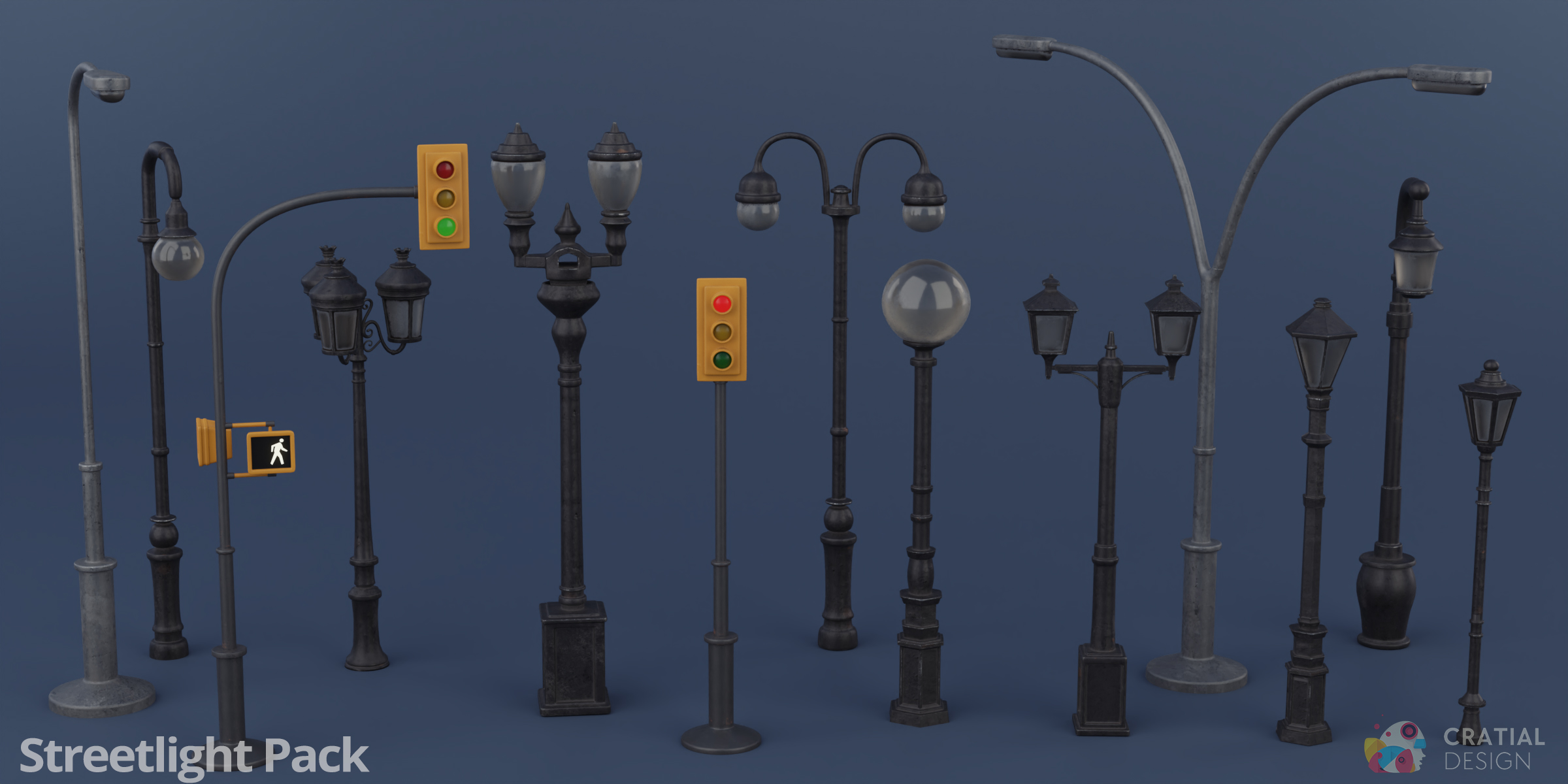
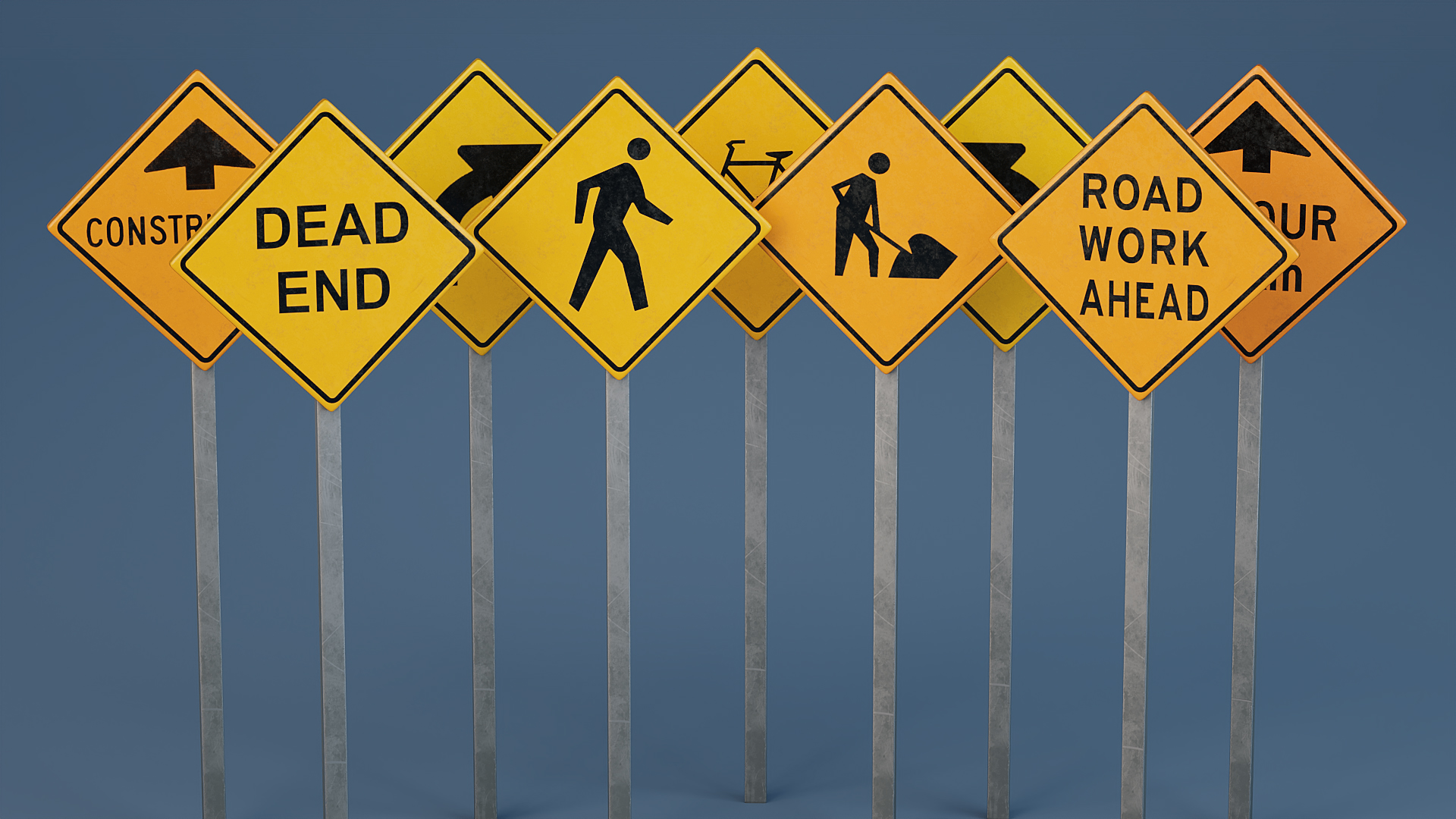
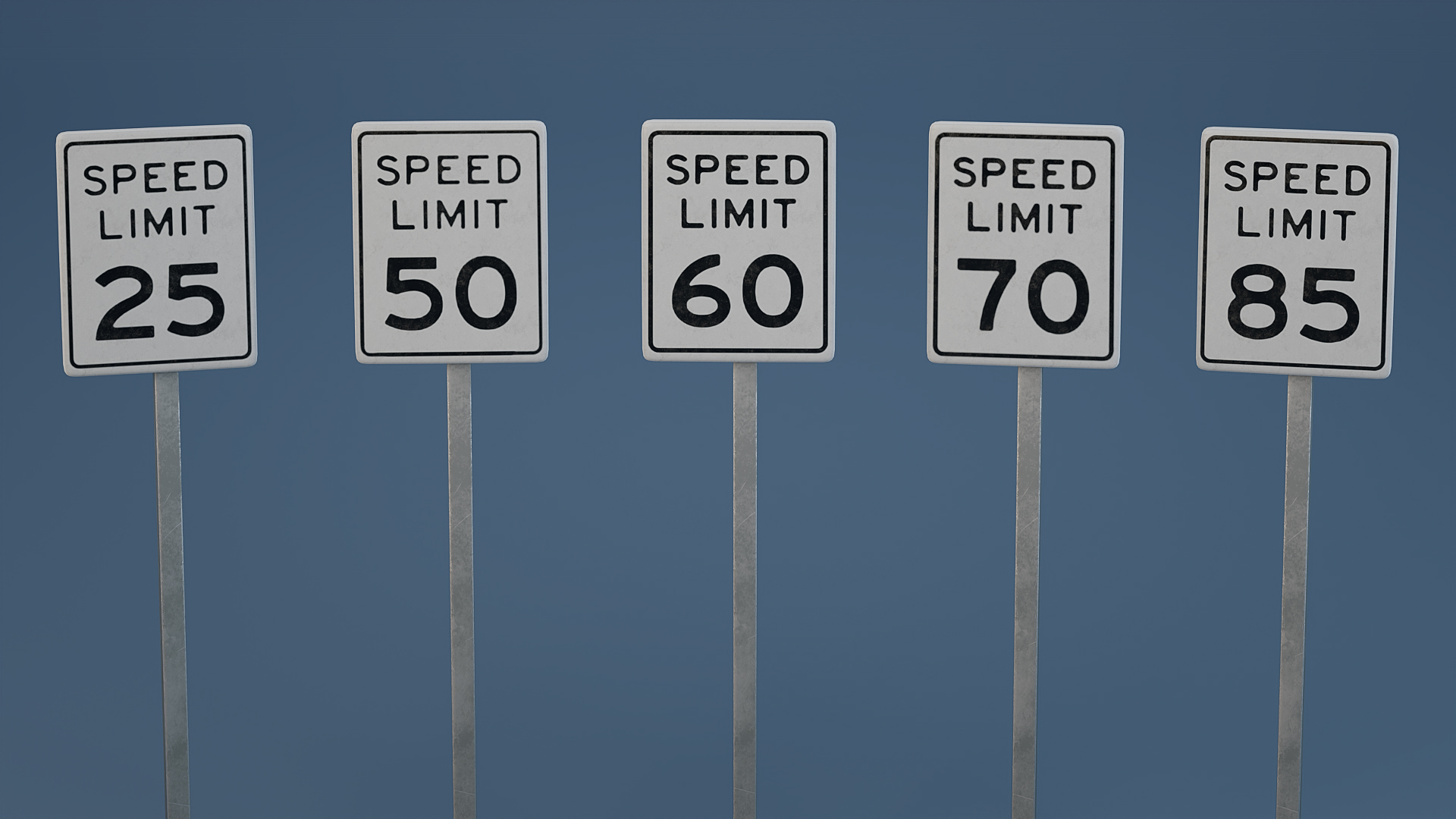
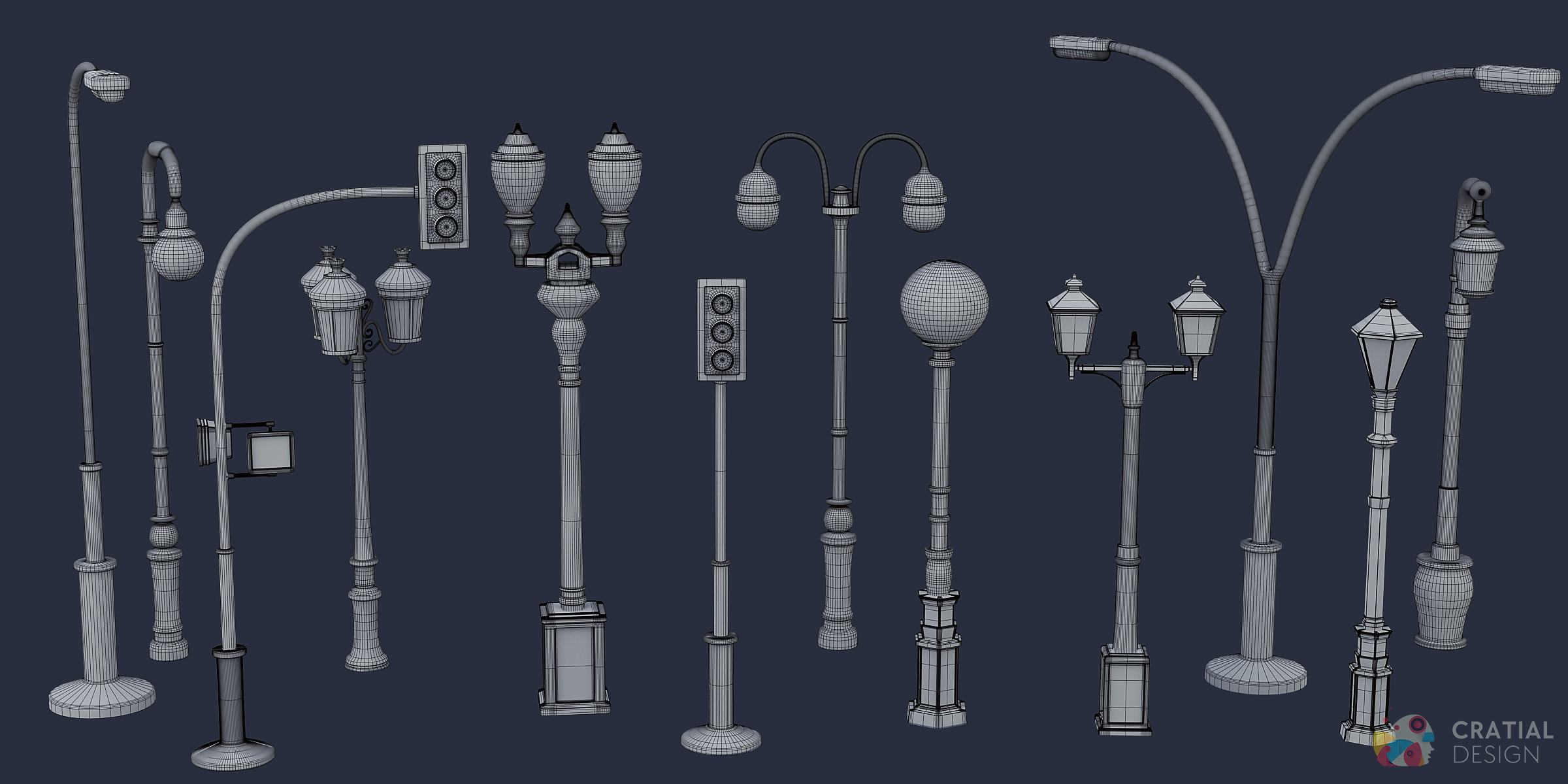
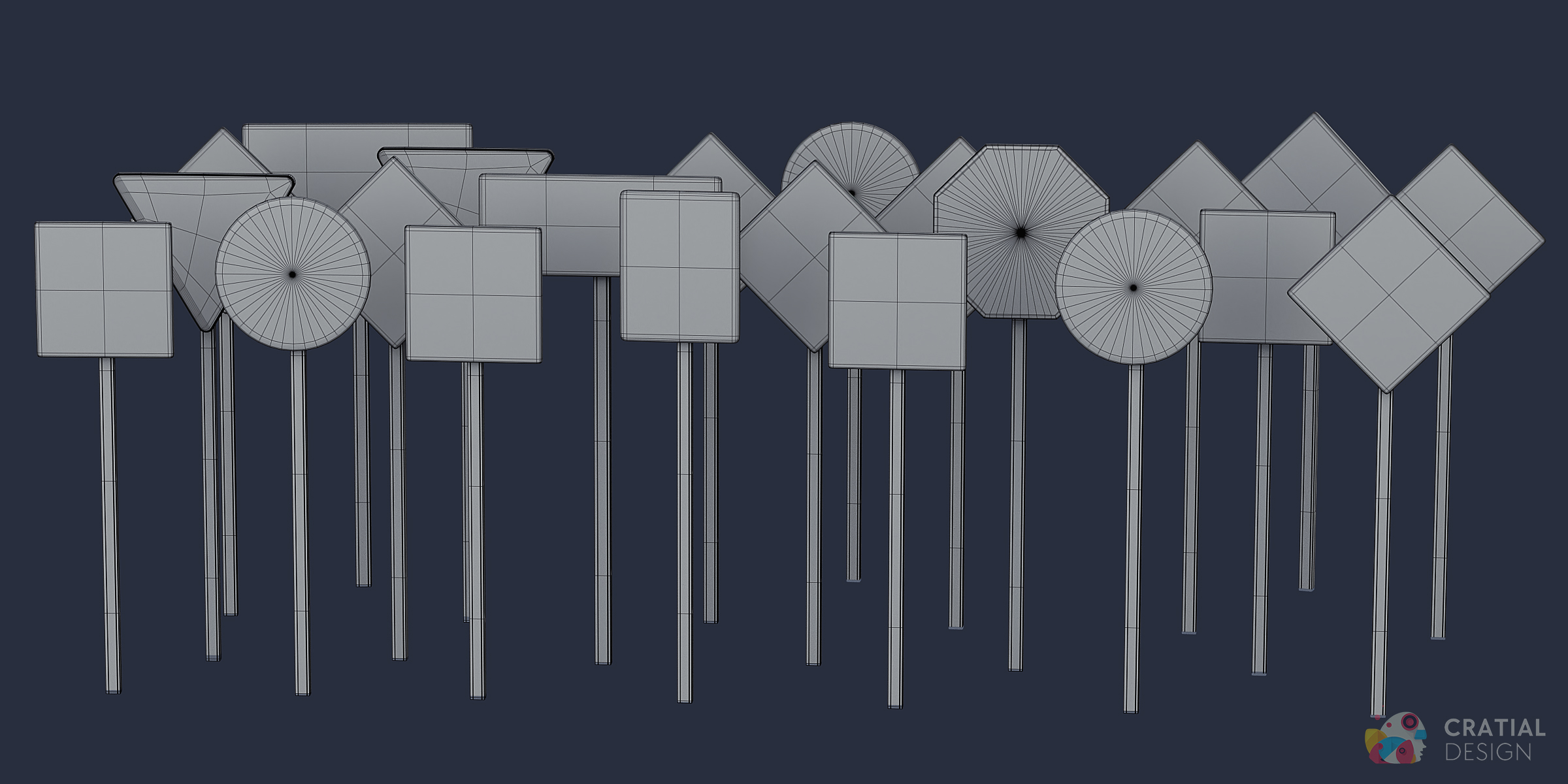
- Traffic and road control: road signs, street signs, traffic lights, streetlights, and traffic-control props
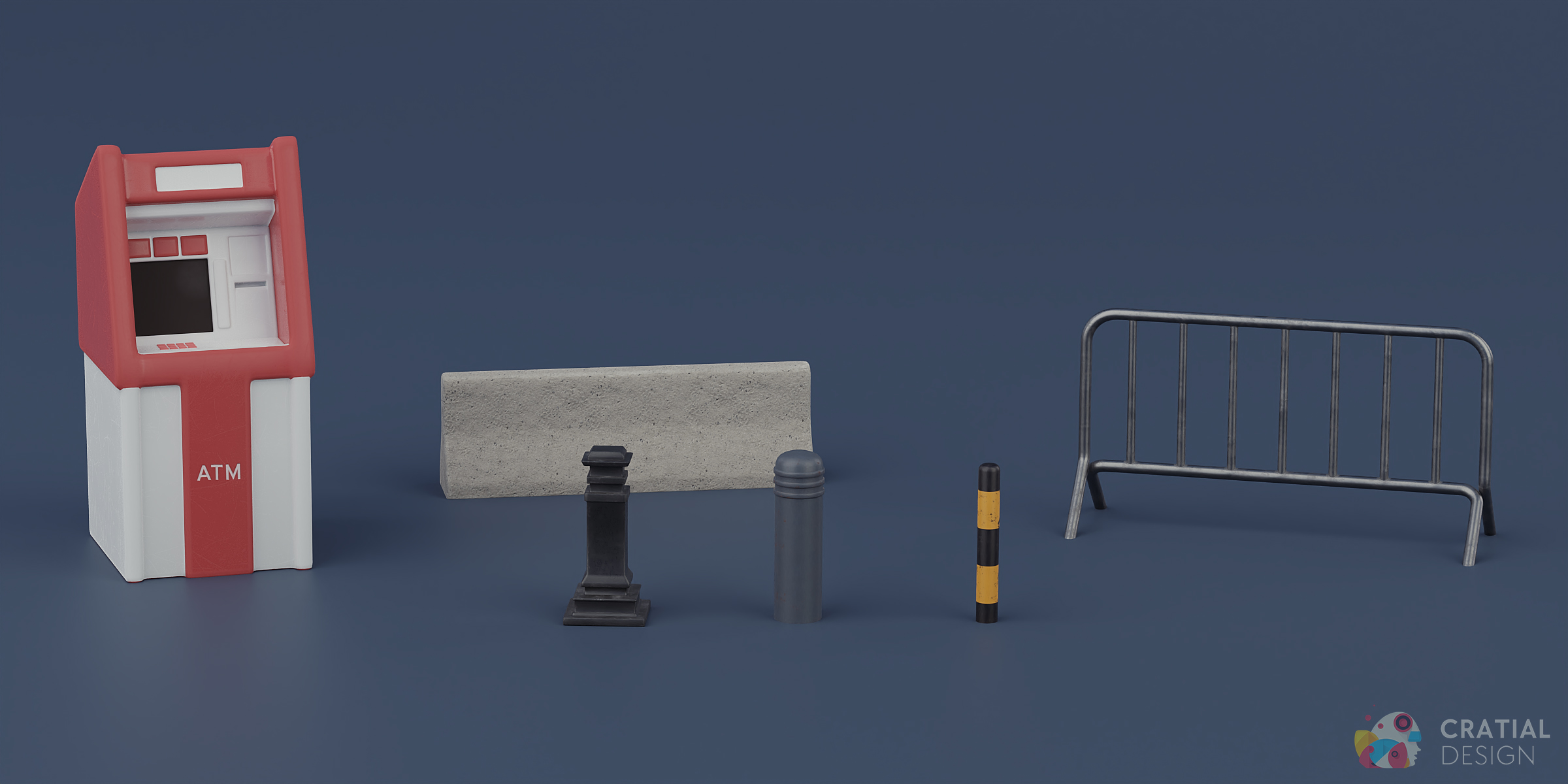
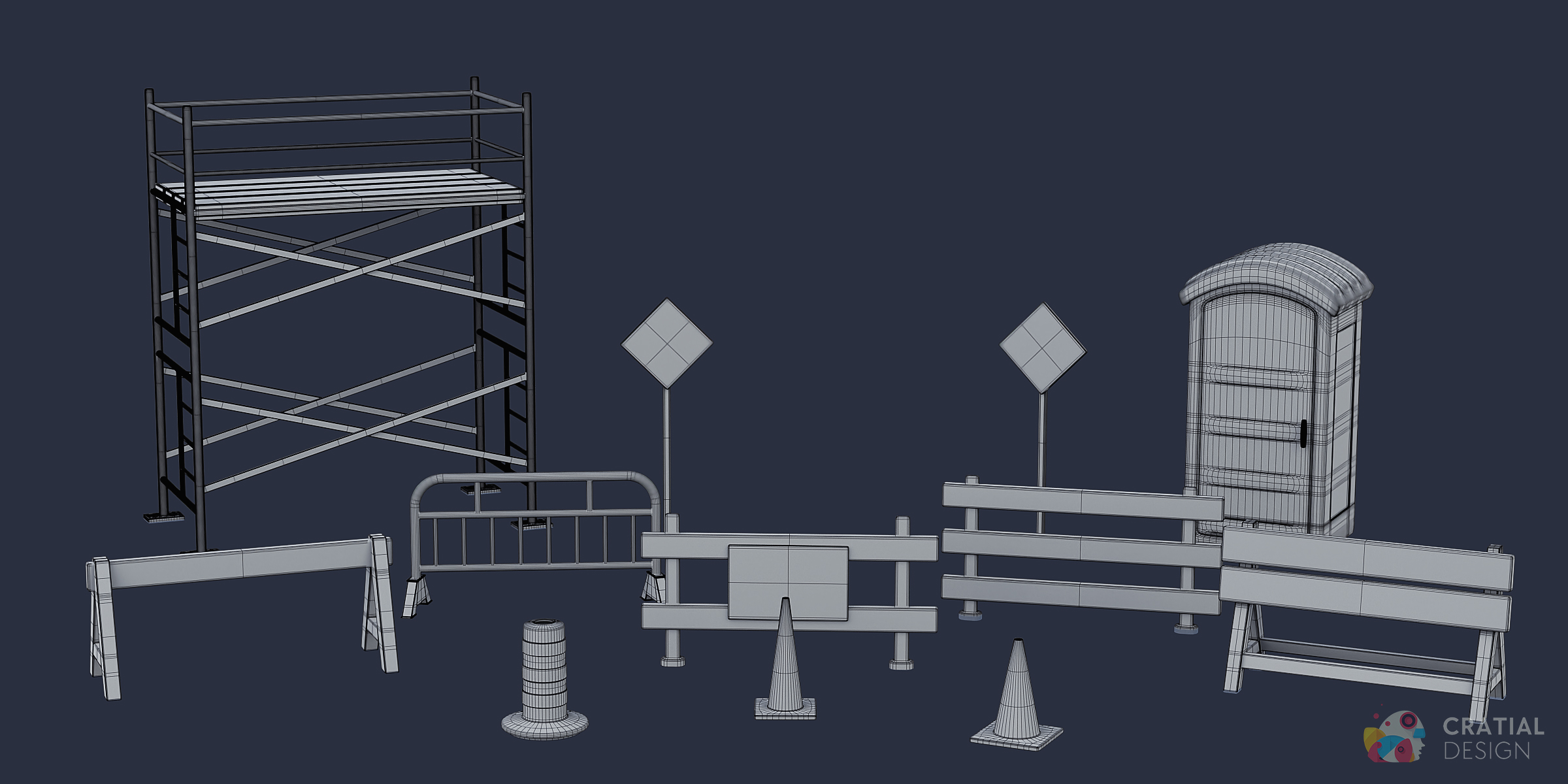
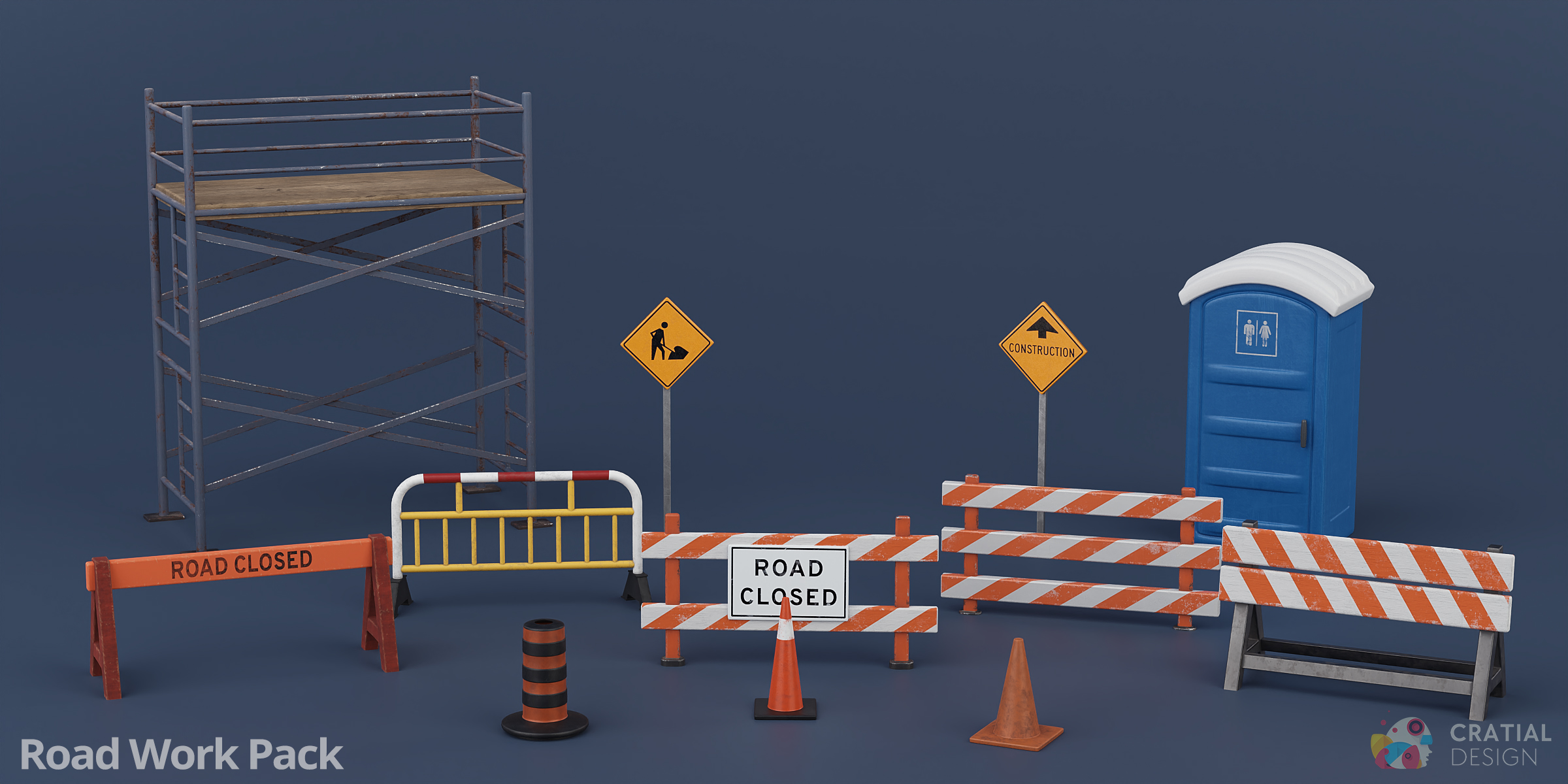
- Construction and roadwork: barriers, pylons, scaffolding, warning signs, and a portable toilet
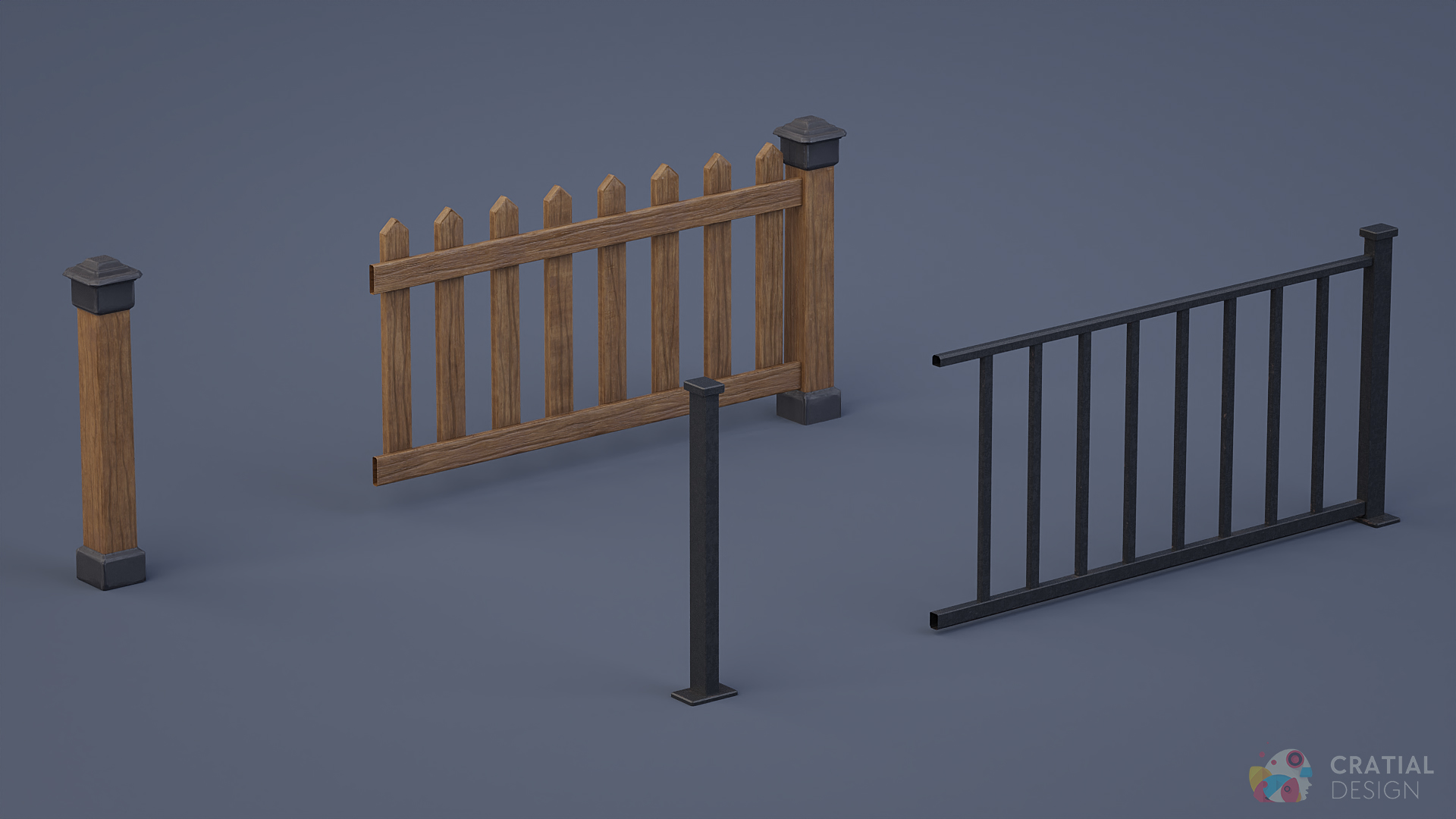
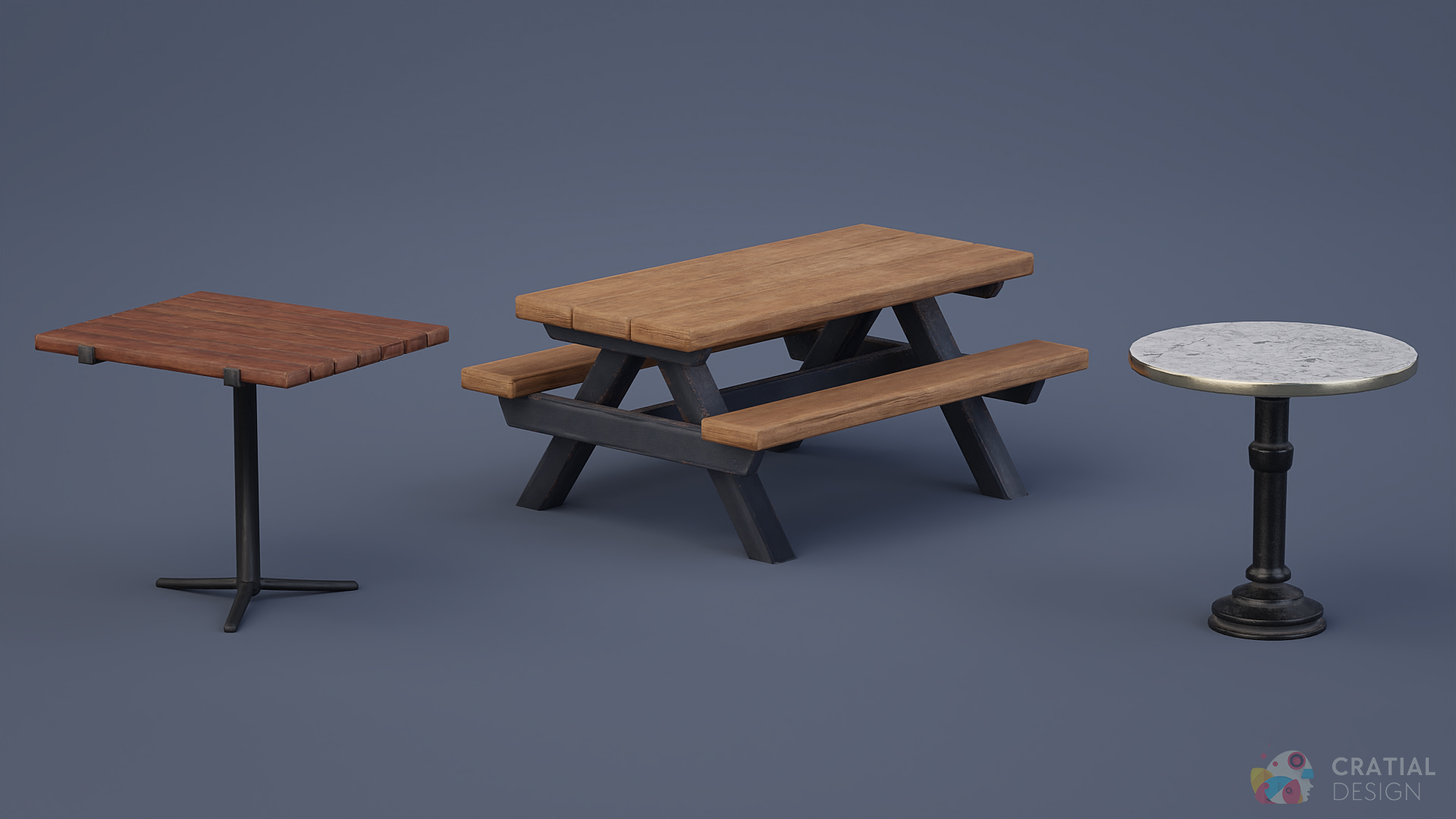
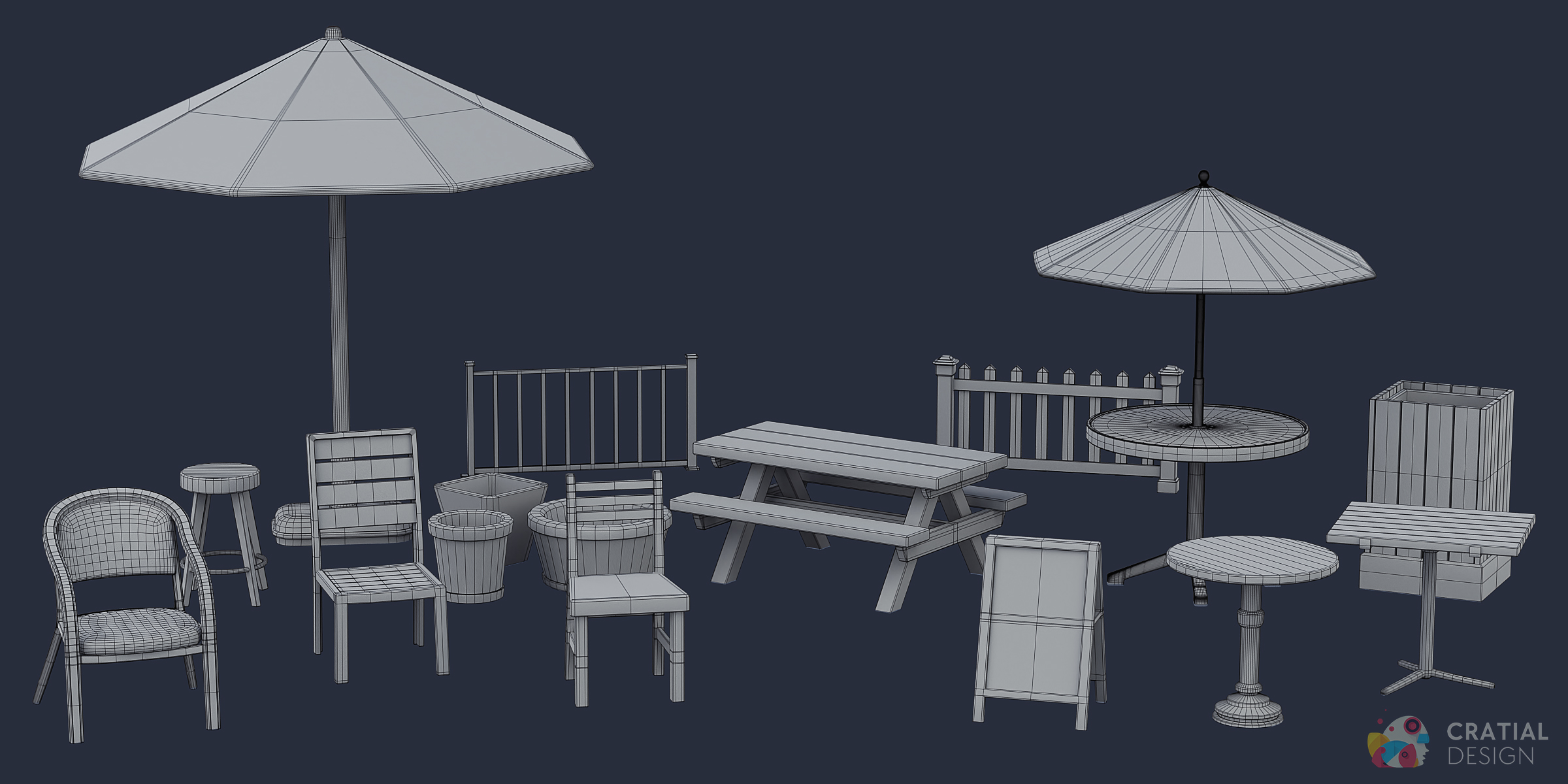
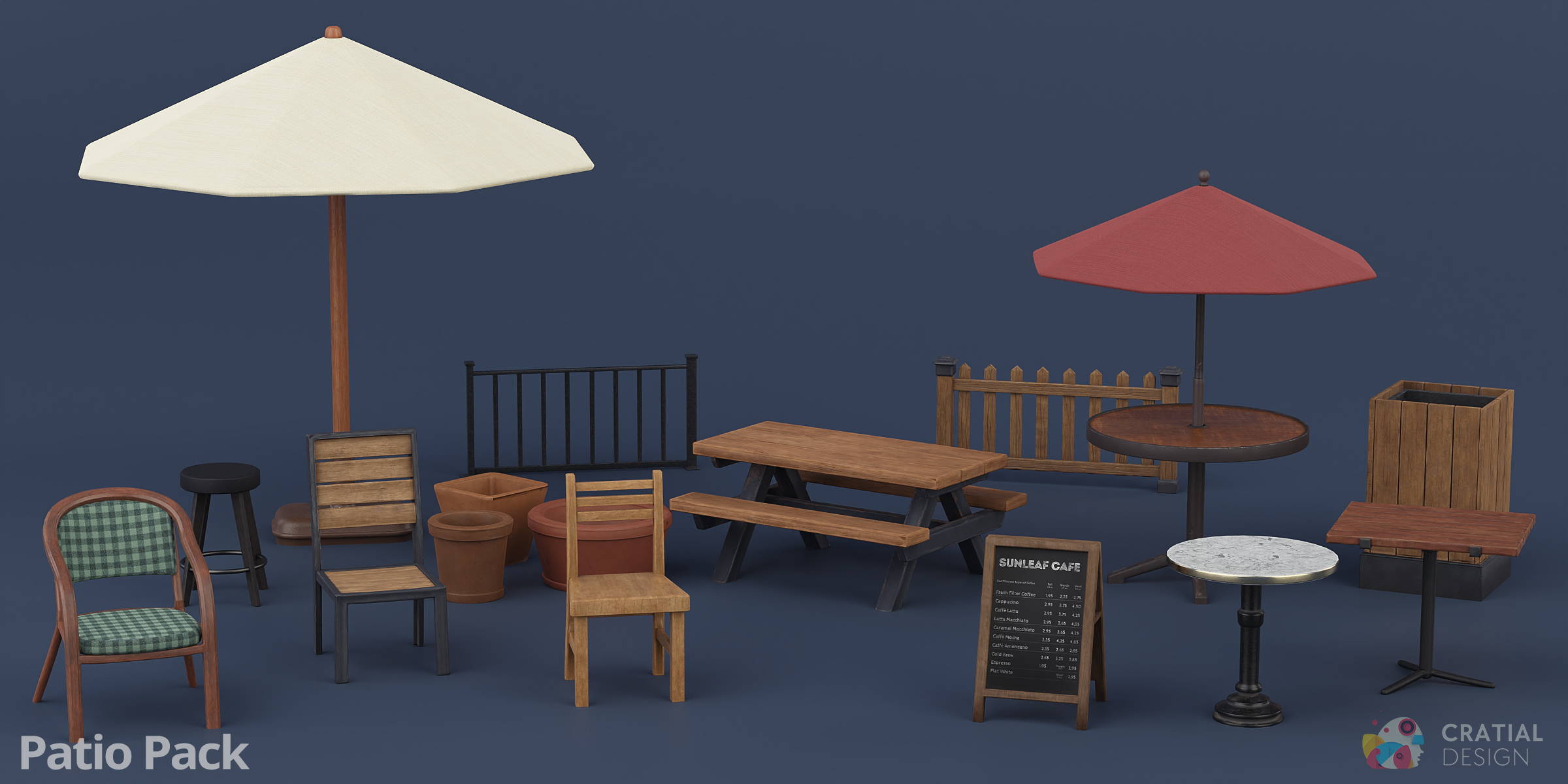
- Restaurants and outdoor cafés: tables, chairs, umbrellas, stools, fencing, pots, and signs
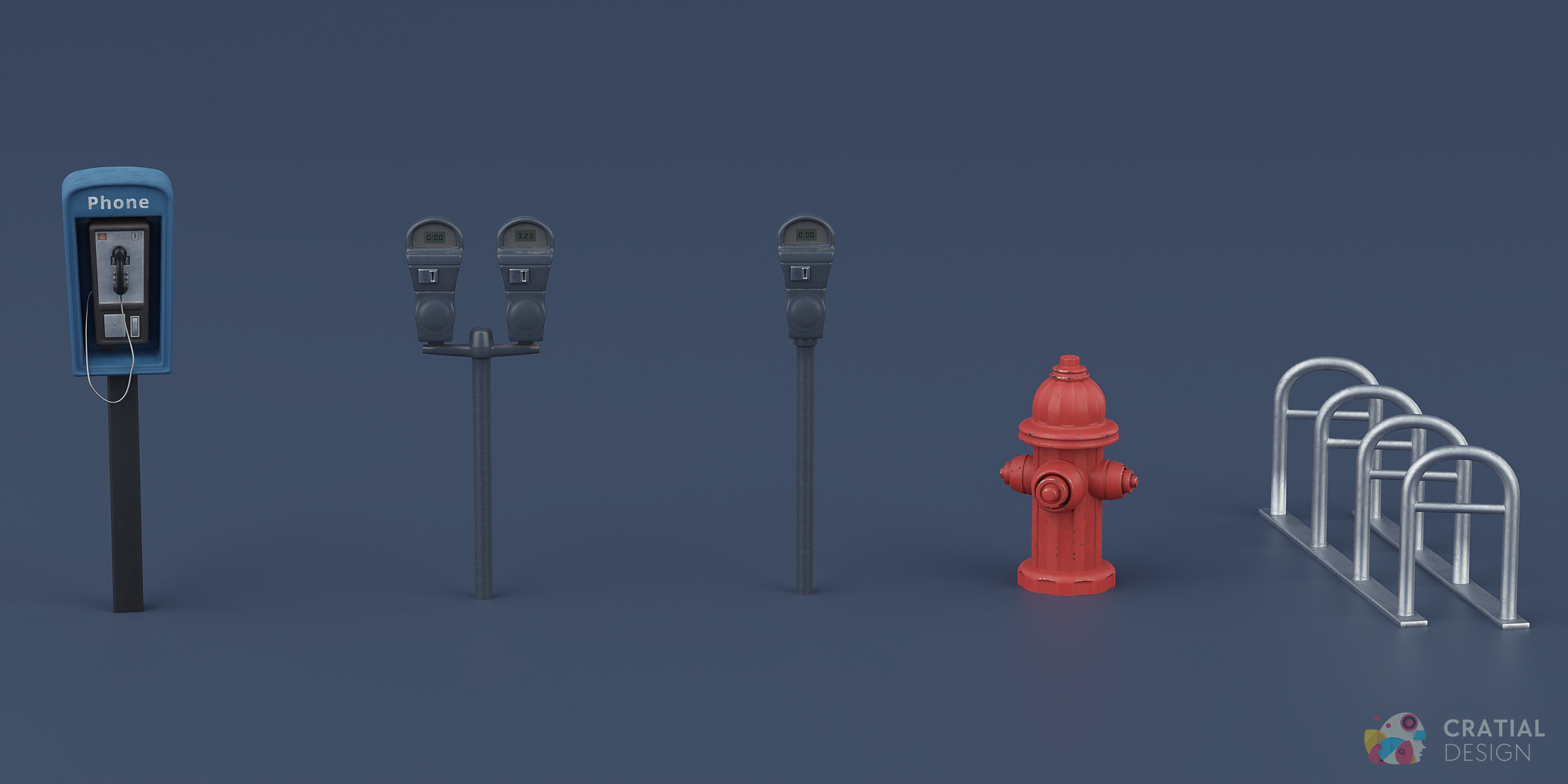
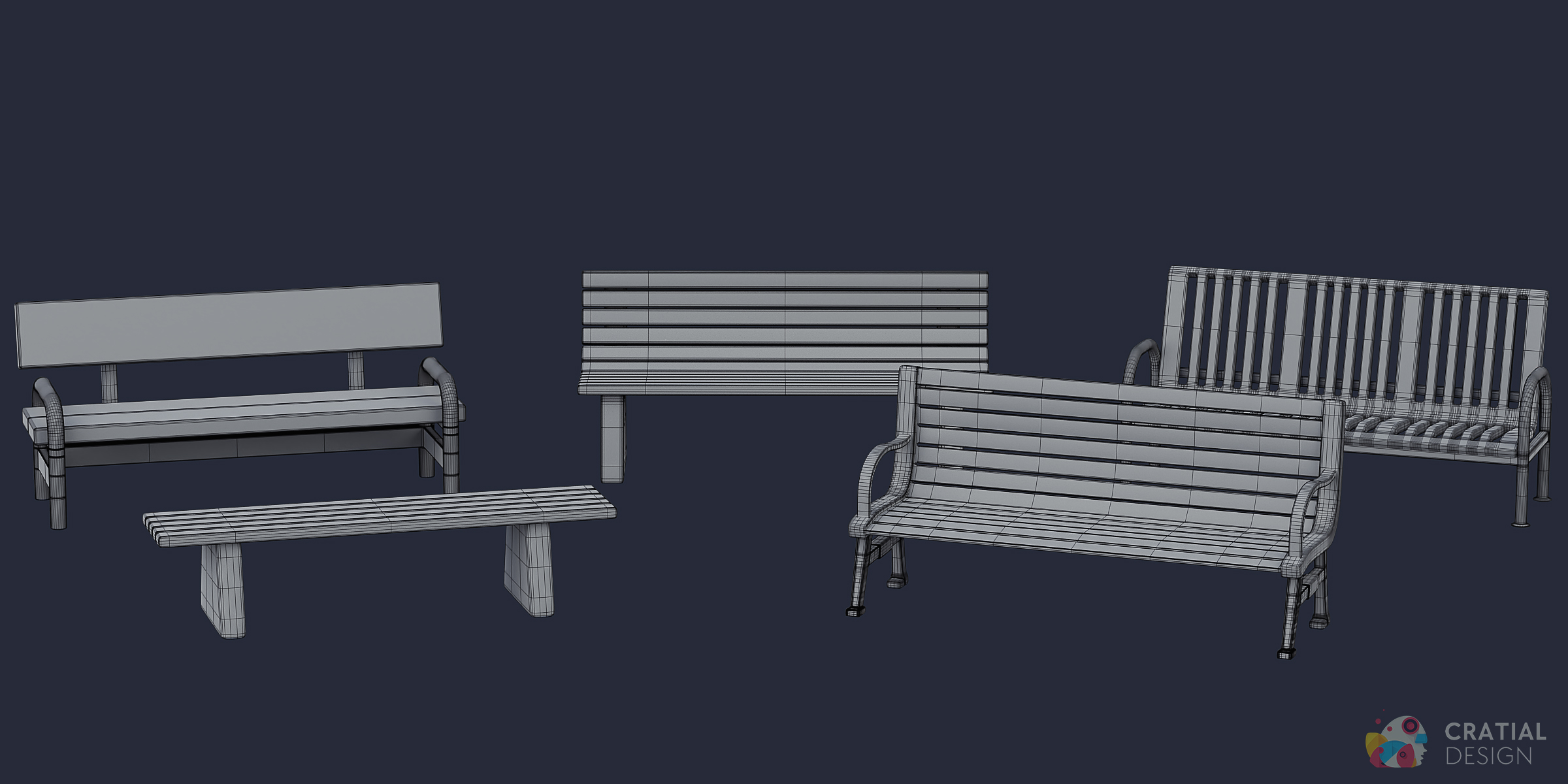
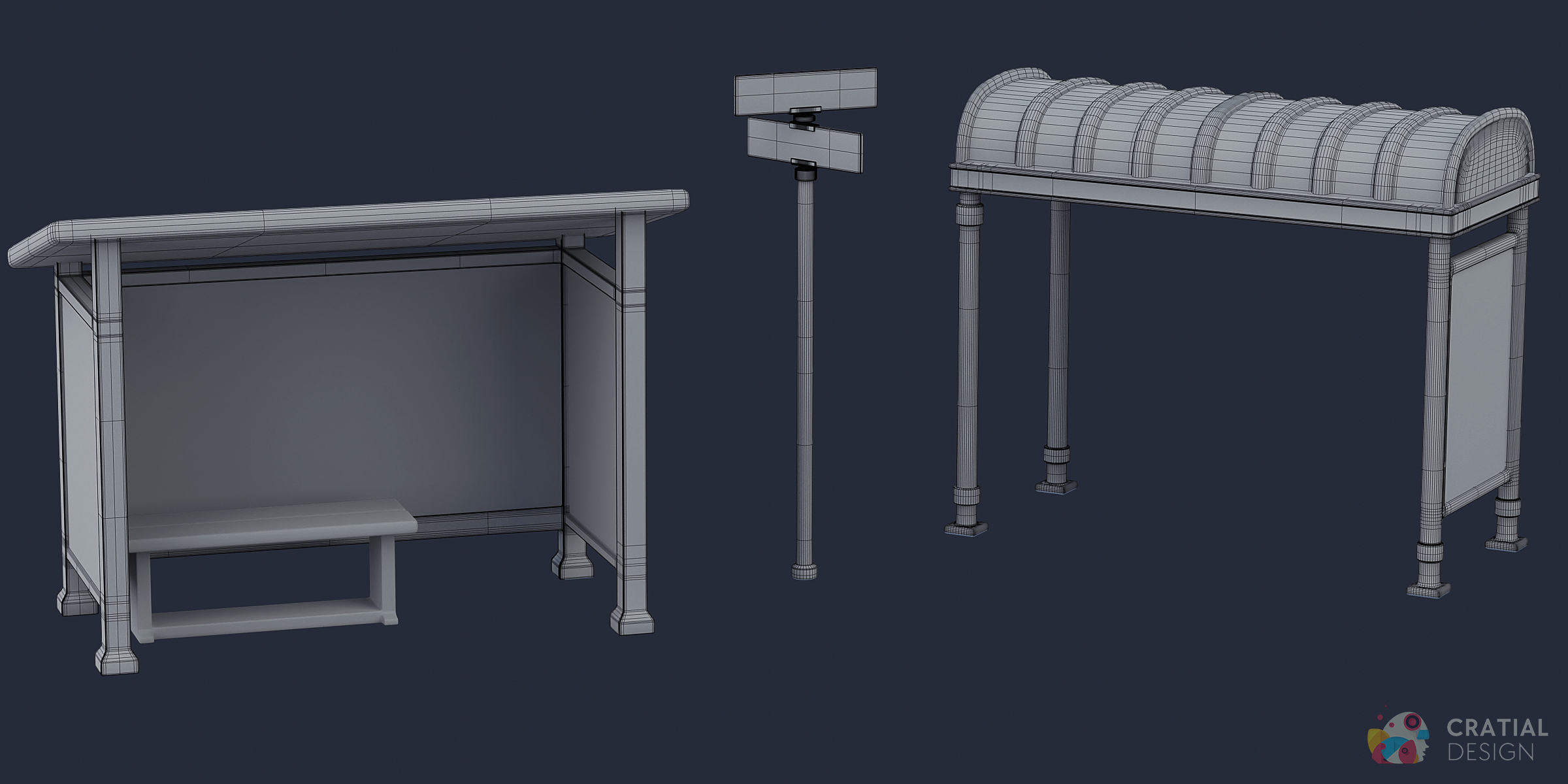
- Transit and street furniture: benches, bus stops, bike racks, bollards, parking meters, and mailboxes
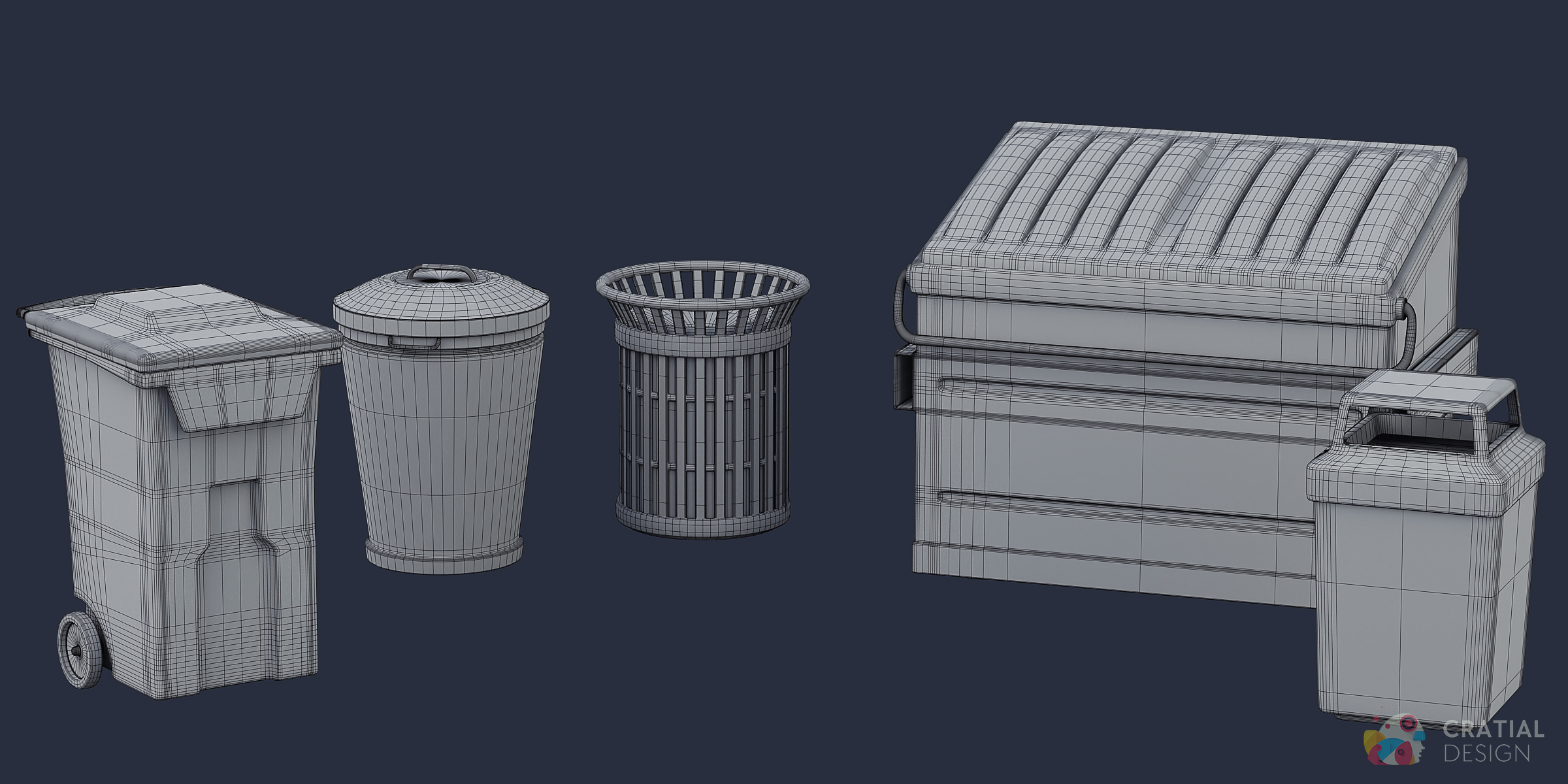
- Sanitation and utilities: garbage cans, a recycling bin, and a dumpster
- Landmarks and specialty props: two phone booths, a fountain, a hot dog stand, a fire hydrant, and a vintage gas pump
Build a Café Patio That Matches the Rest of the City
Use the patio furniture, umbrellas, fences, planters, bins, and café sign to create an outdoor dining area in the same style as the surrounding street furniture and traffic props.
Multi-Resolution PBR Textures
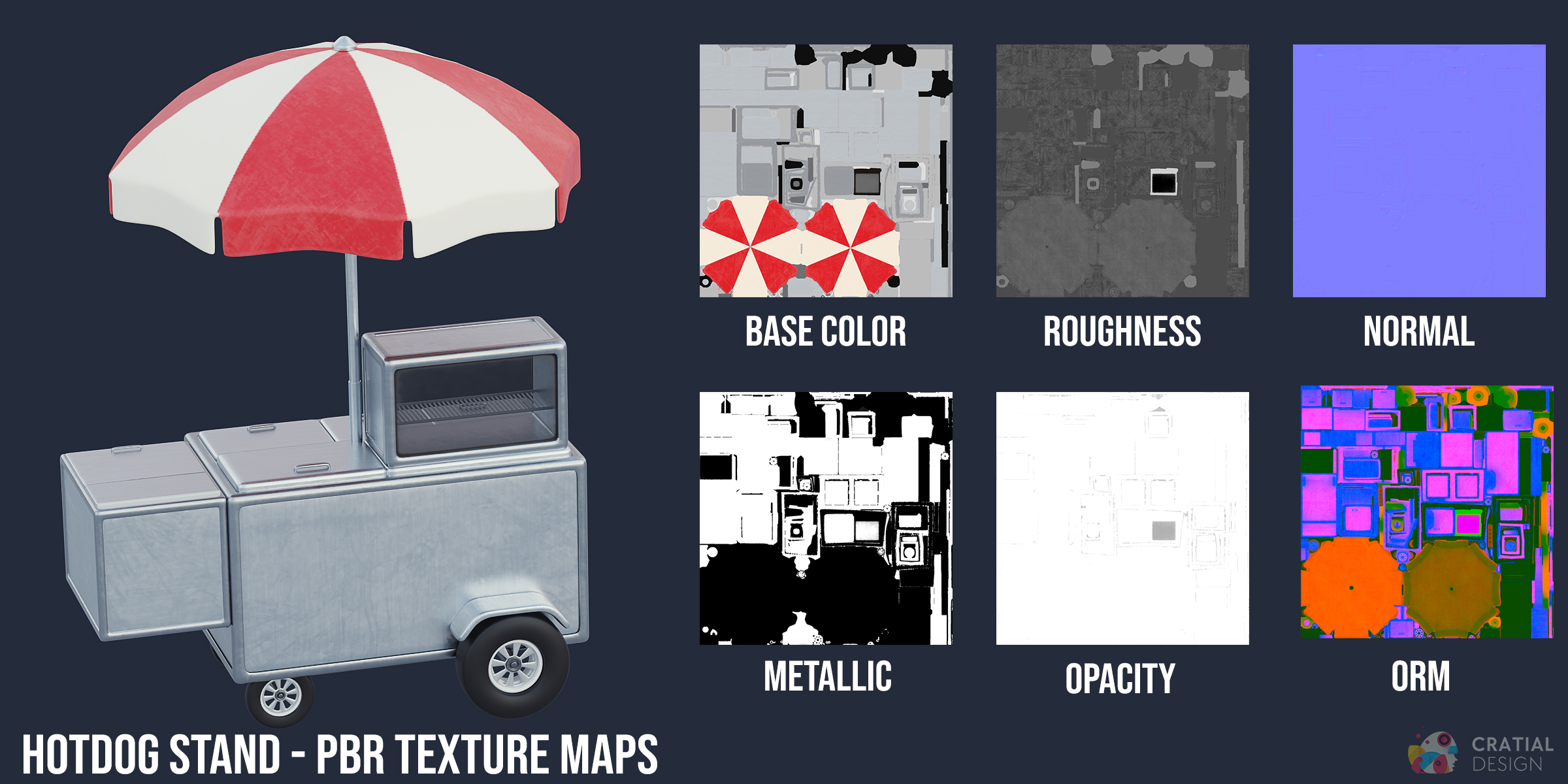
The supplied TGA texture folders include 1024, 2048, and 4096 versions. Depending on the asset, maps include Base Color, Roughness, Normal, Metallic, Ambient Occlusion, ORM, Opacity, and Emissive. The complete collection's .blend file is packed with the 1024 texture maps, while the smaller pack .blend files are packed with 2048 maps. The asset browser assets use 2048 maps as well.
Browse All 98 Assets from Blender's Asset Browser
The complete collection includes 98 entries through Superhive's Remote Asset Library. In Blender 5.2 or later, connect the library using the account-linked Workstation URL from your Superhive account. You can then browse and drag individual assets into your scene from Blender's Asset Browser. Assets download on demand as you use them.
This feature is completely optional and separate from the downloadable .blend, .fbx, and .obj files.
Technical Details
- Render engines: Cycles and EEVEE
- File formats:.blend, .fbx, and .obj
- Texture maps:1K, 2K, and 4K textures in TGA format