Stylized City Generator
 Blender Procedural
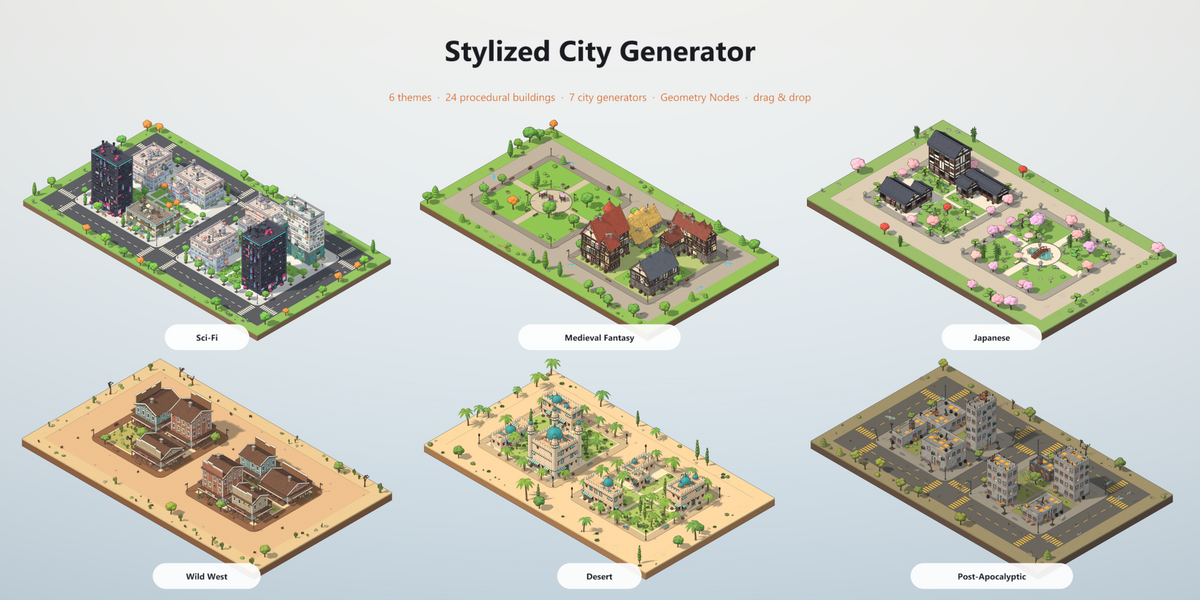
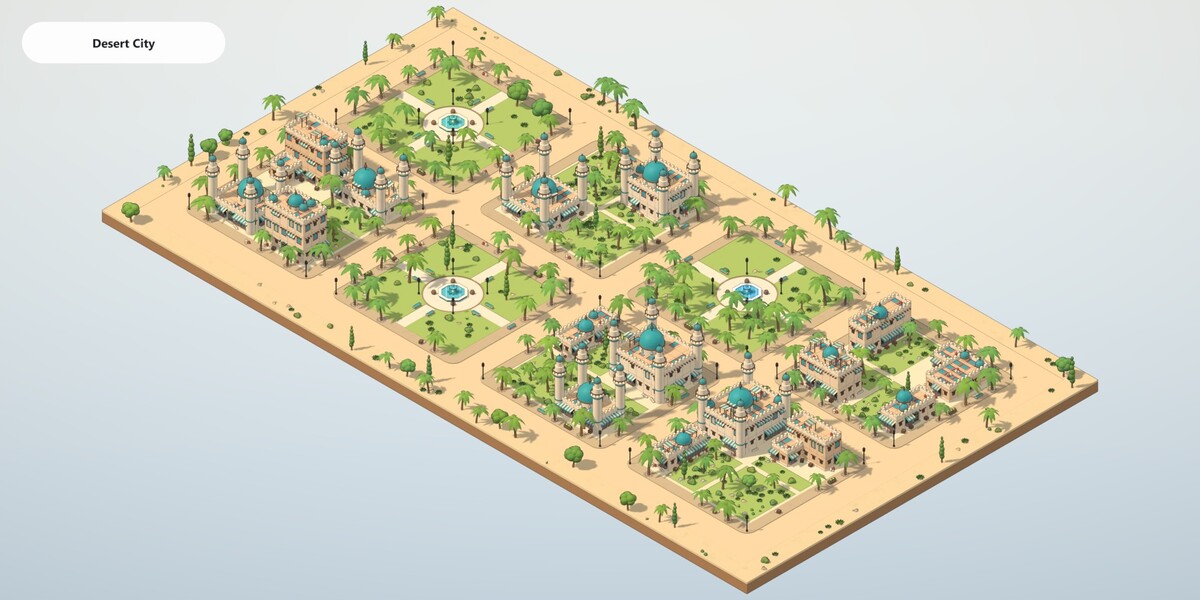
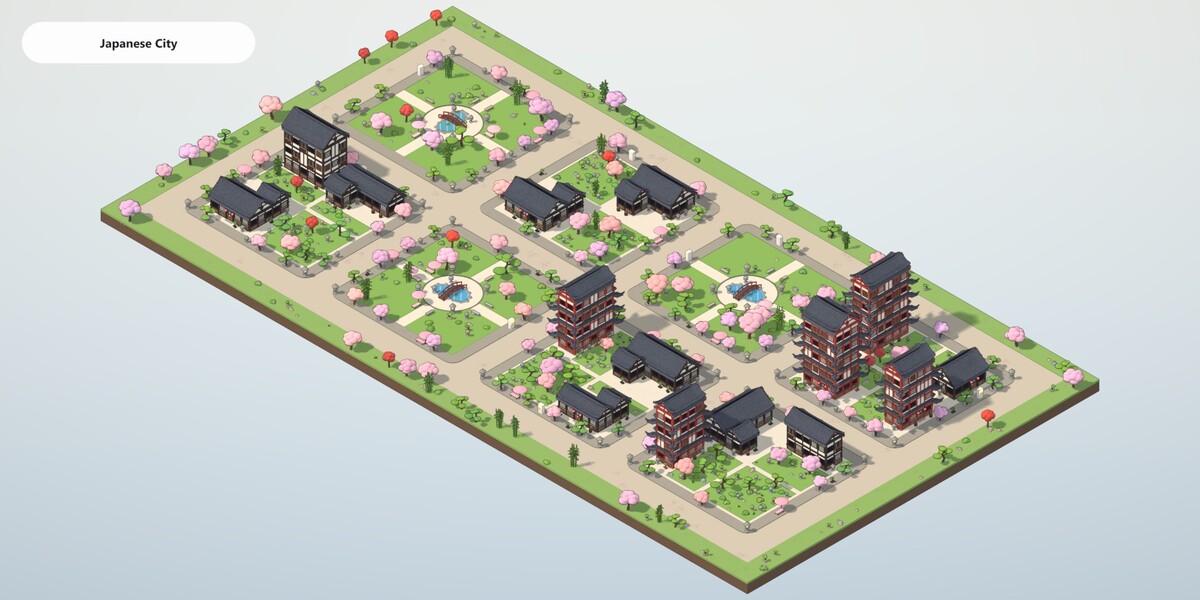
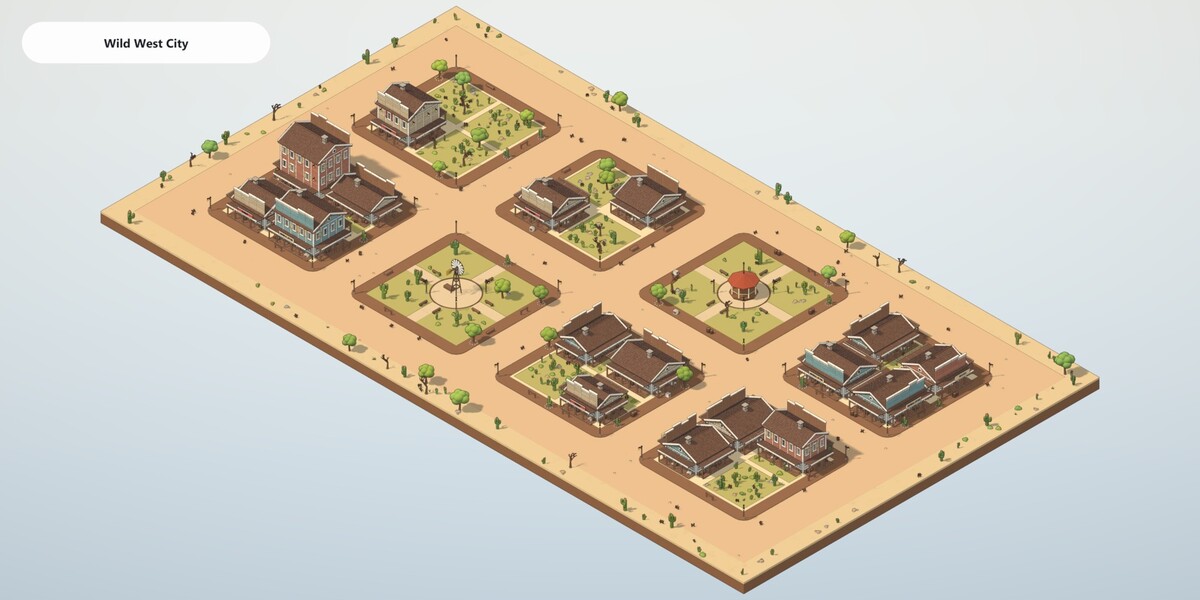
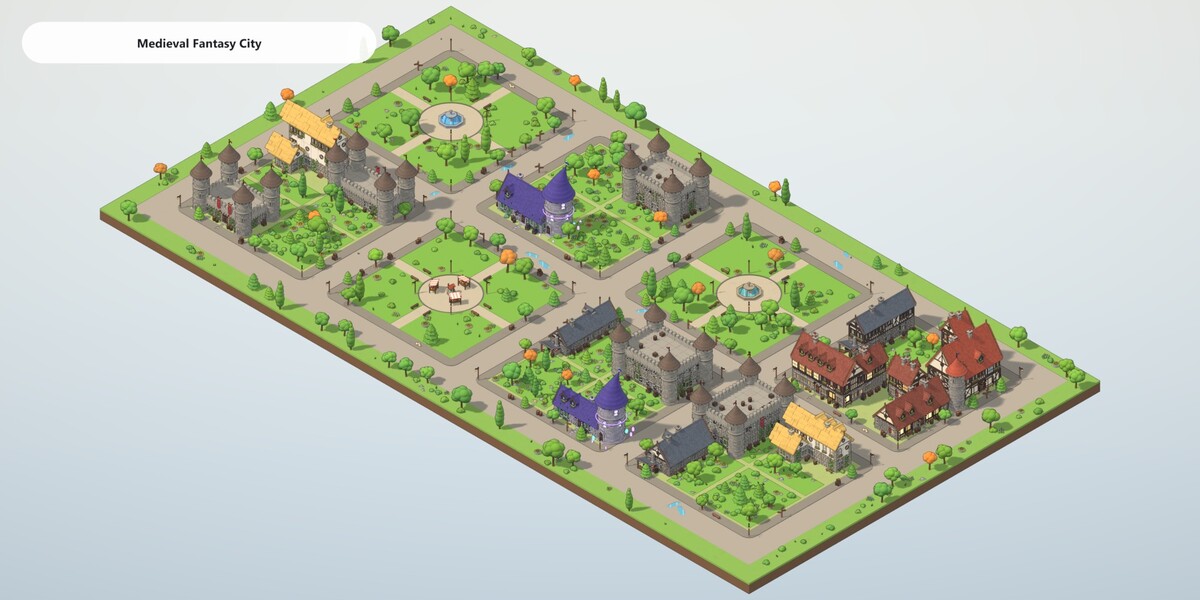
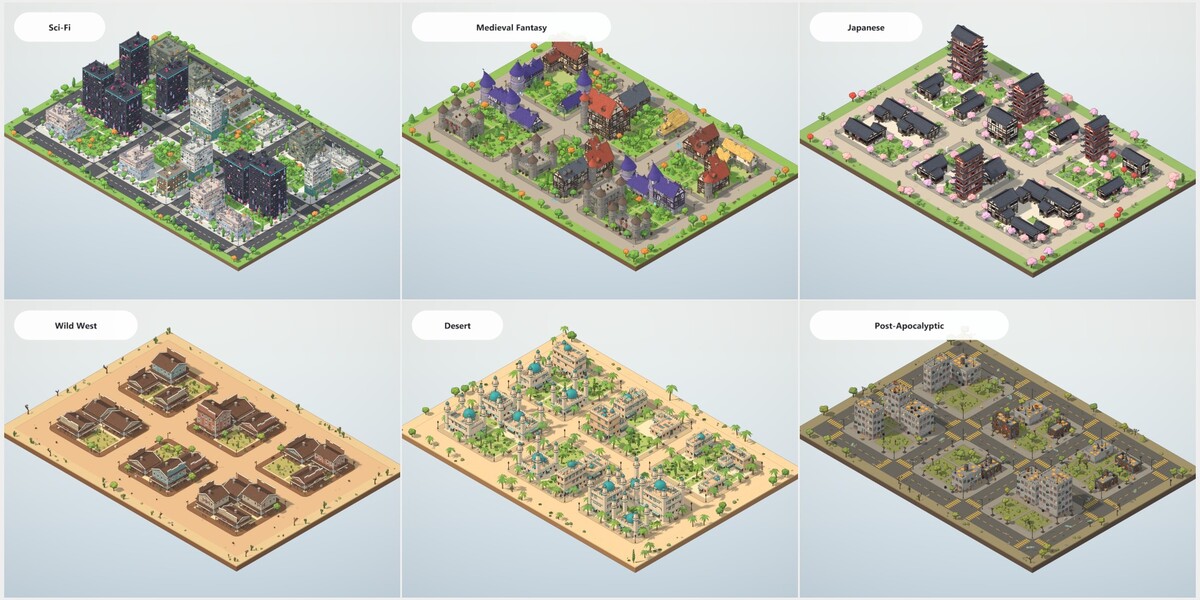
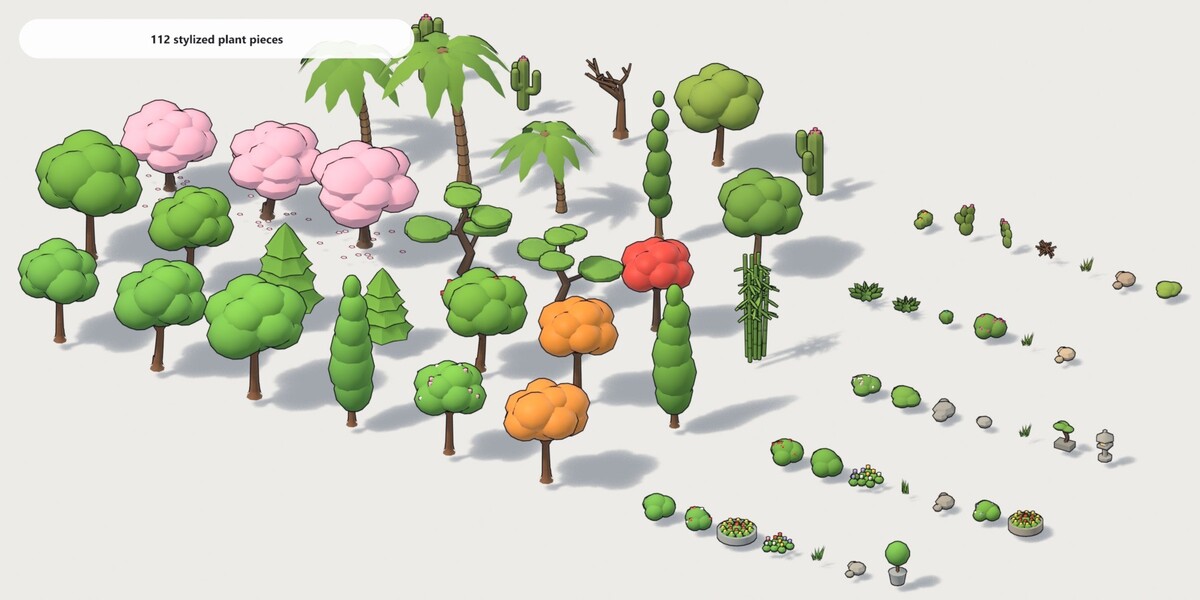
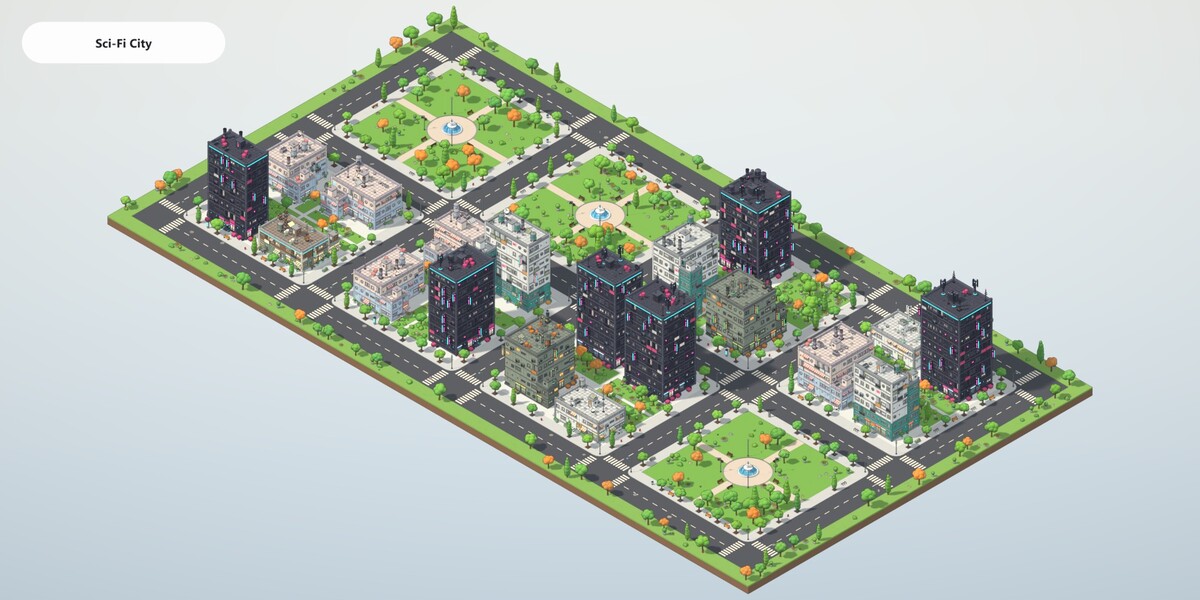
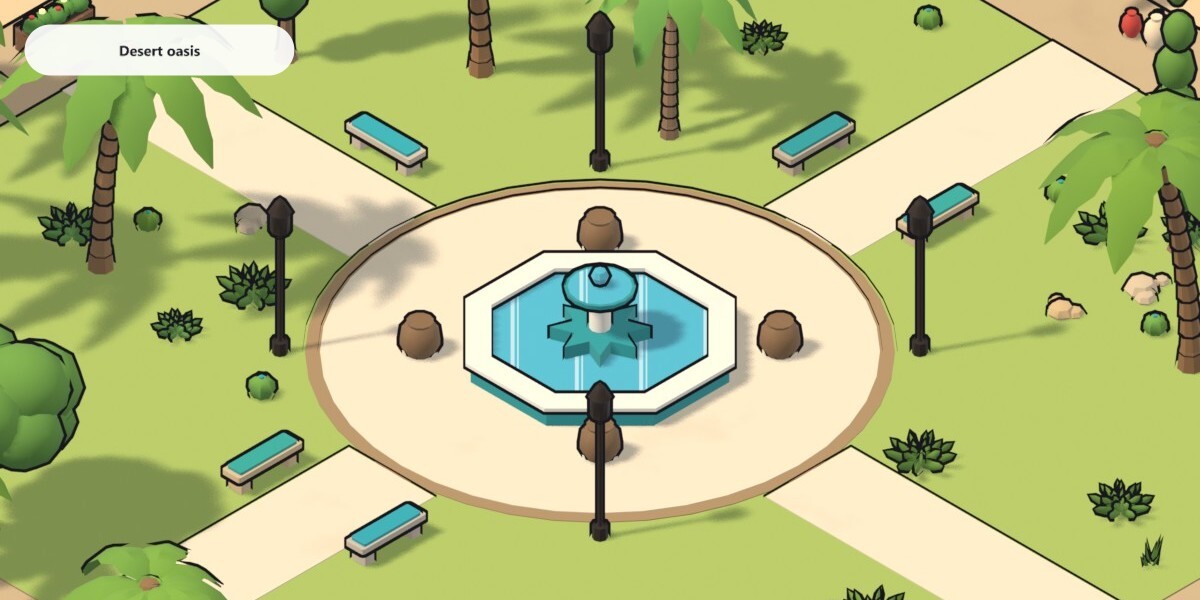
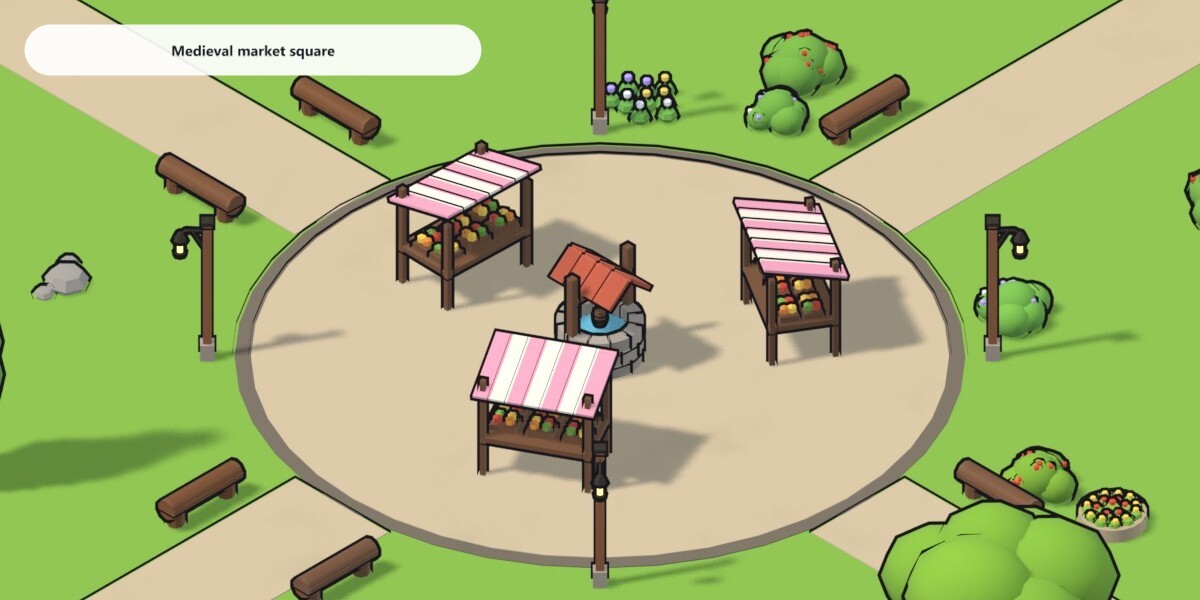
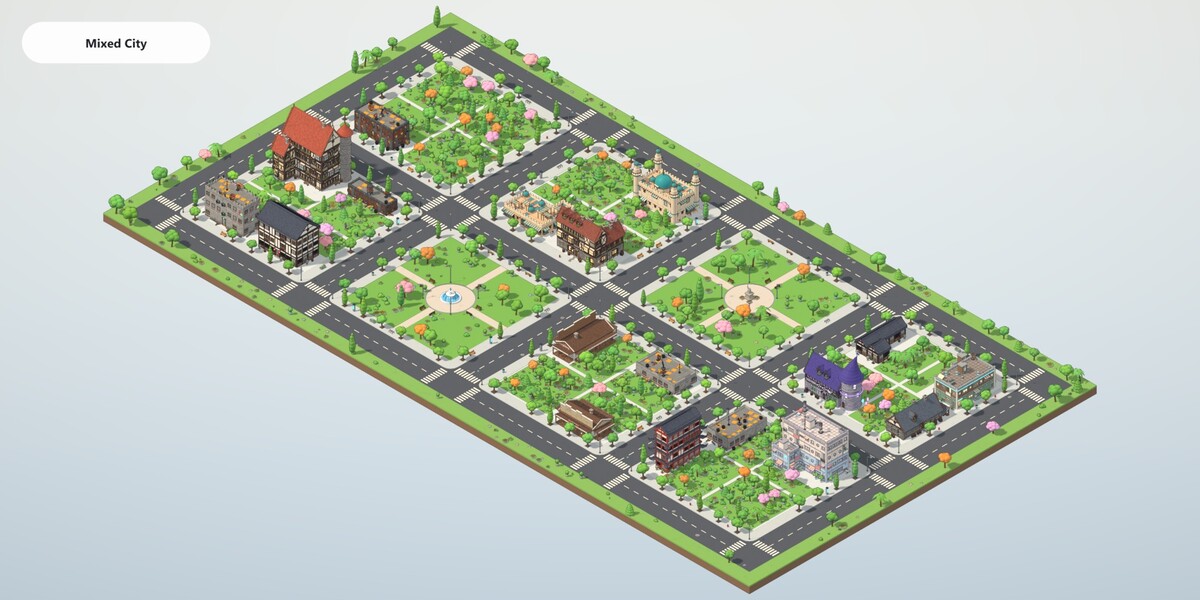
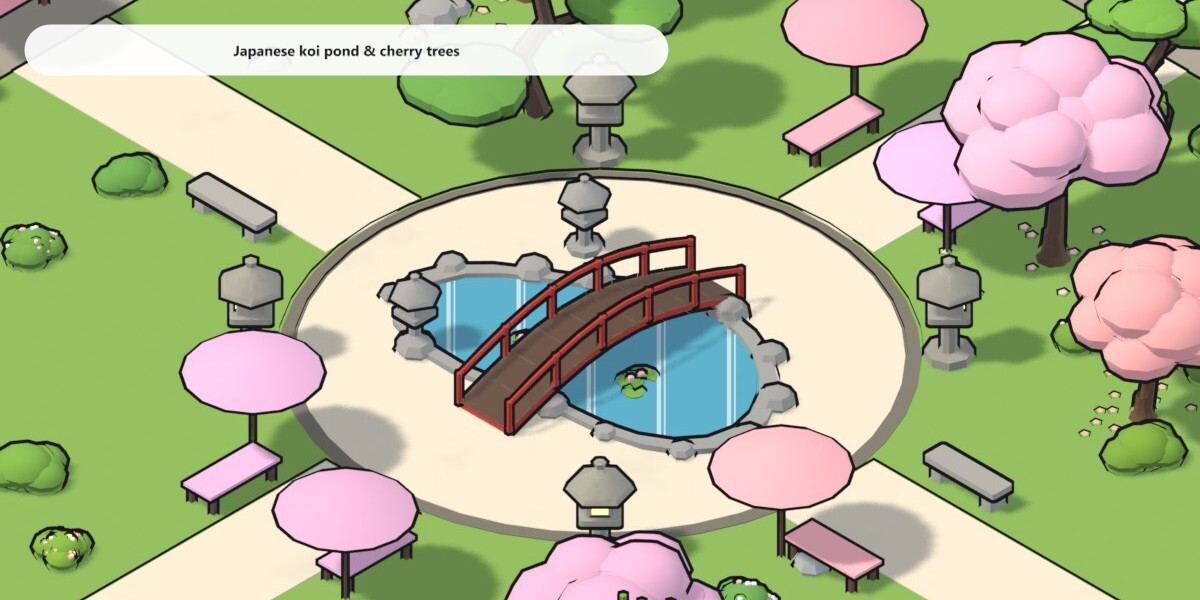
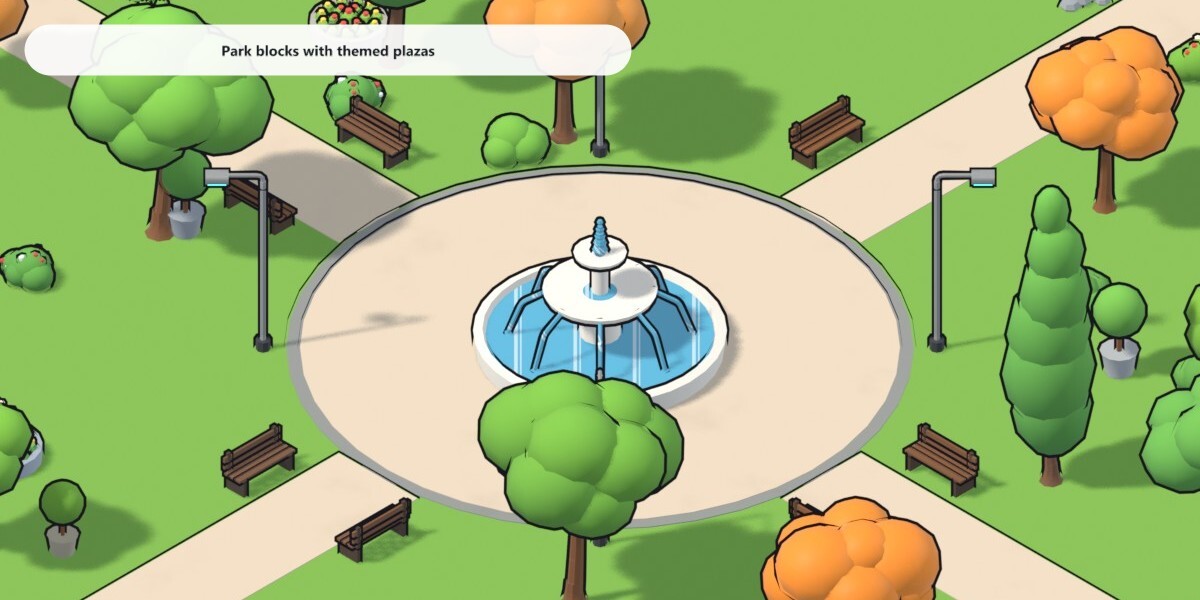
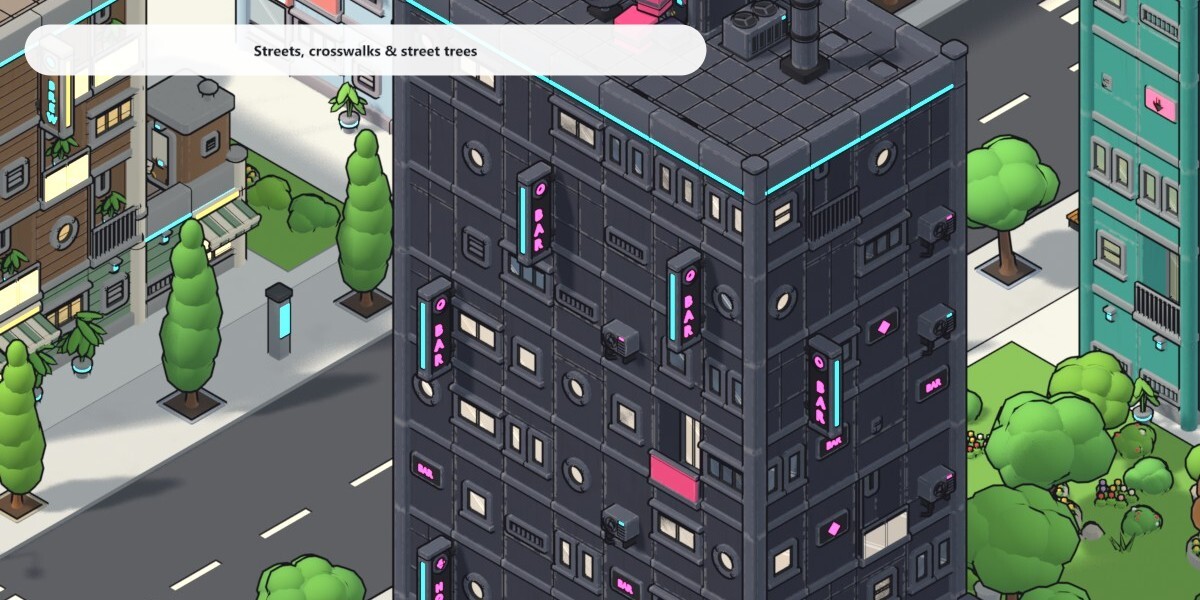
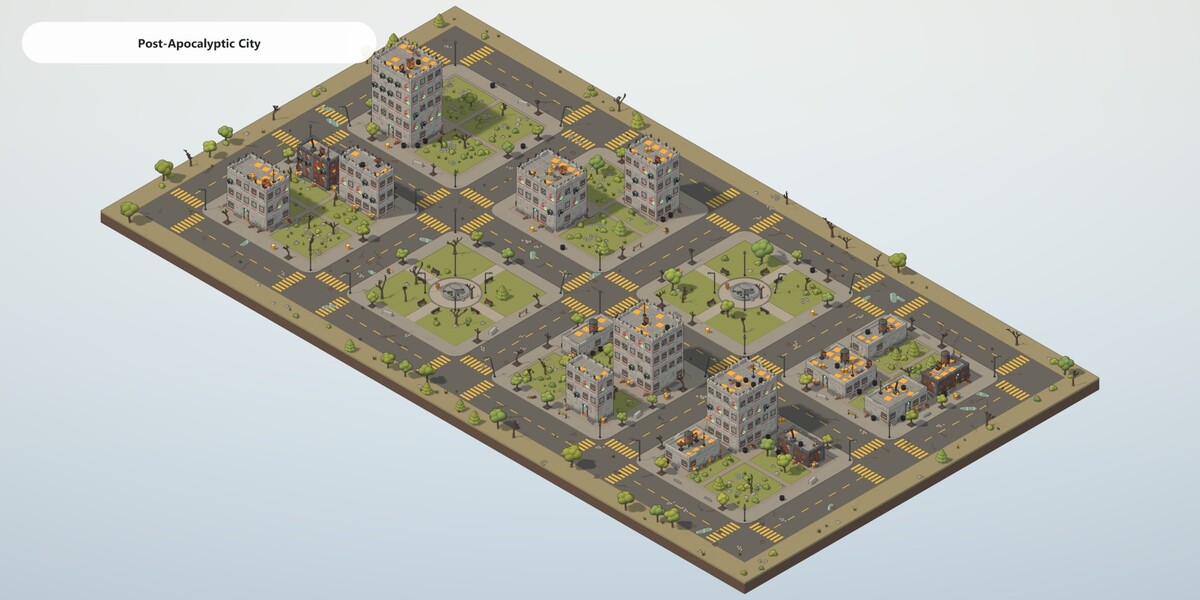
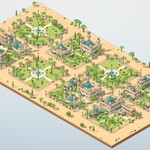
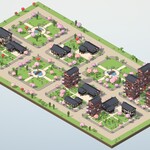
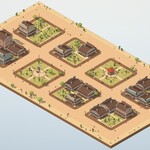
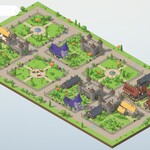
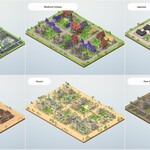
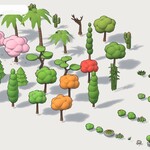
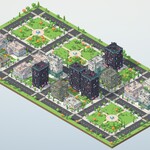
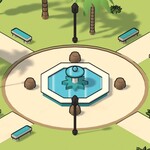
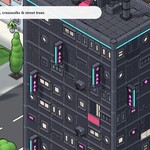
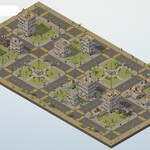
Installation
- Unzip Stylized_Buildings_Asset_Library.zip into a permanent folder.
- In Blender open Edit > Preferences > File Paths > Asset Libraries, click + and pick that folder.
- Set the library's import method to Append (Reuse Data), so dropped assets stay editable and a second drop reuses the generators, kits and materials already in your file.
Usage
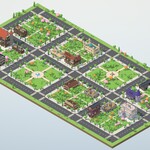
- Open an Asset Browser, choose the Stylized Buildings library and drag a building or a city into the 3D viewport.
- Select the dropped object and open Properties > Modifiers > Stylized Buildings to change Seed, size, floors, blocks, plots, parks, gardens, plants and colours.
- Buildings stand on their origin. A city's street level is at its origin; its diorama base goes below it. Turn off Diorama Base to drop a city onto your own ground.
- Apply the modifier when you want a plain mesh you can edit by hand or export.
City inputs
| Panel | Inputs |
|---|---|
| Layout | Seed, Blocks X / Y, Plots X / Y, Plot Size, Street Width, Sidewalk Width |
| Buildings | Gardens, Parks, Frontage, Corner Turn, Size Variation, Floor Variation, Yard |
| Nature | Street Trees, Tree Spacing, Garden Trees, Bushes & Flowers, Plant Scale |
| Ground | Lane Lines, Crosswalks, Road Decals, Street Props, Diorama Base, Base Depth, Base Margin, ground colours |
| Look | Outline on / off, Outline Thickness |
Performance
Every building is fully detailed, so cities are heavy: a default 3 x 2-block city is roughly 1 to 6.5 million triangles depending on the theme. Turn the outline off while you work, lower Blocks X / Y, or apply the modifier once the layout is final.
Requirements
Blender 4.5 or newer (tested on 4.5 LTS and 5.2 LTS). Renders in EEVEE and Cycles. No add-on, no Python.
Have questions about this product?
Login to message
Includes an Asset Library
31 drag-and-drop assets for Blender’s Asset Browser.
Browse included assets| Published | about 9 hours ago |
| Blender Version | 4.5 - 5.3 |
| Render Engine Used | Cycles, Eevee |
| License | Royalty Free |
Discover more products like this
isometric geometry nodes buildings procedural asset library toon city city generator medieval japanese stylized sci fi