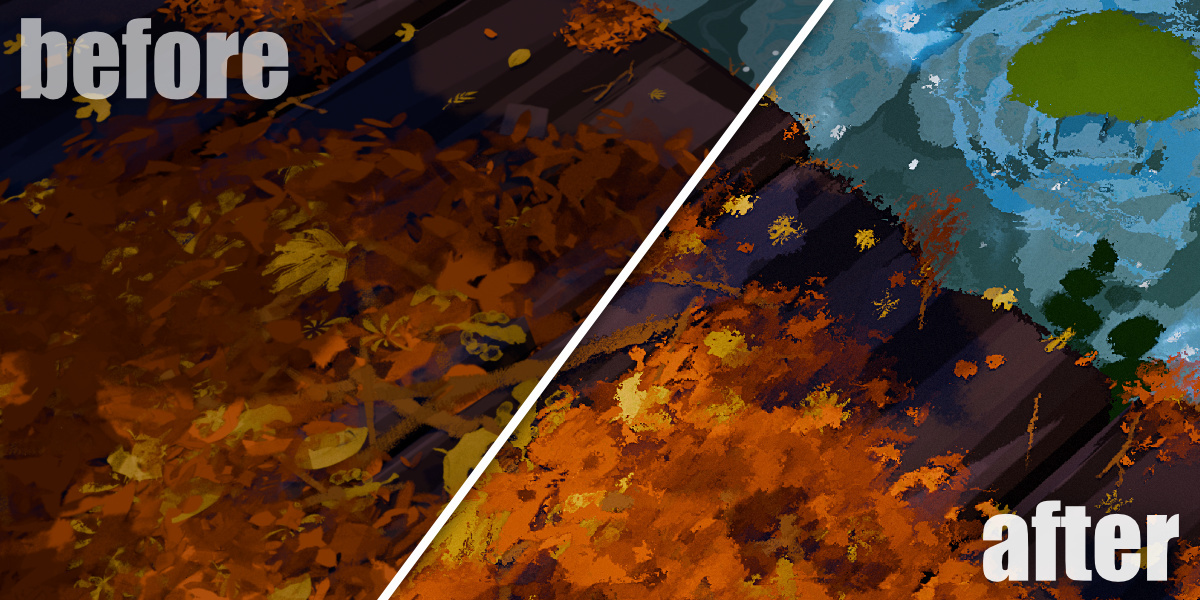
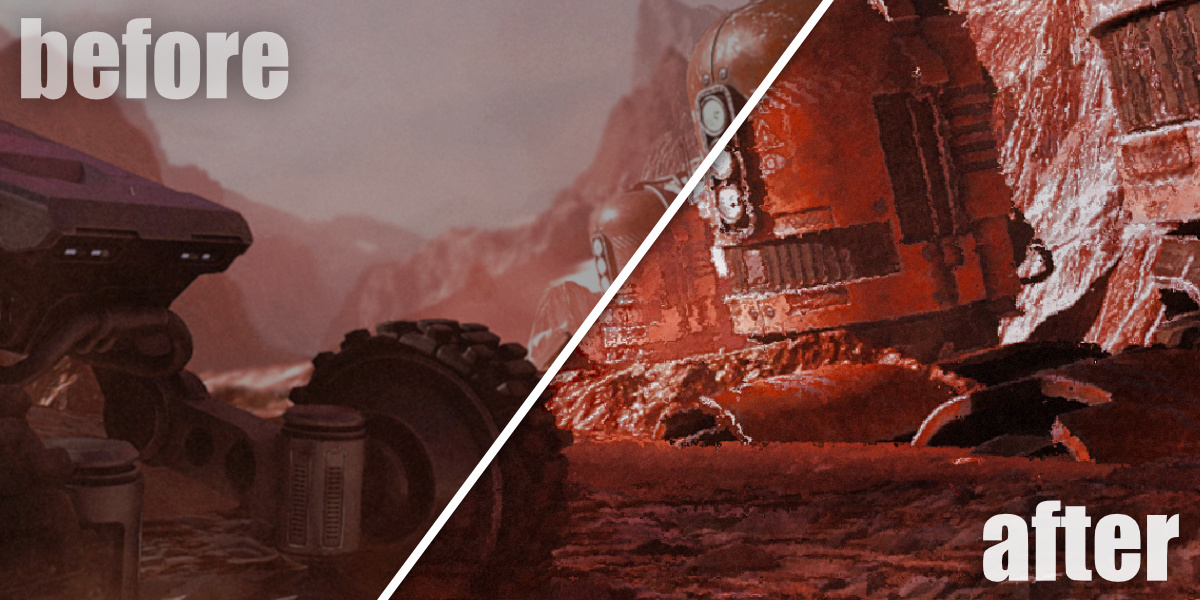
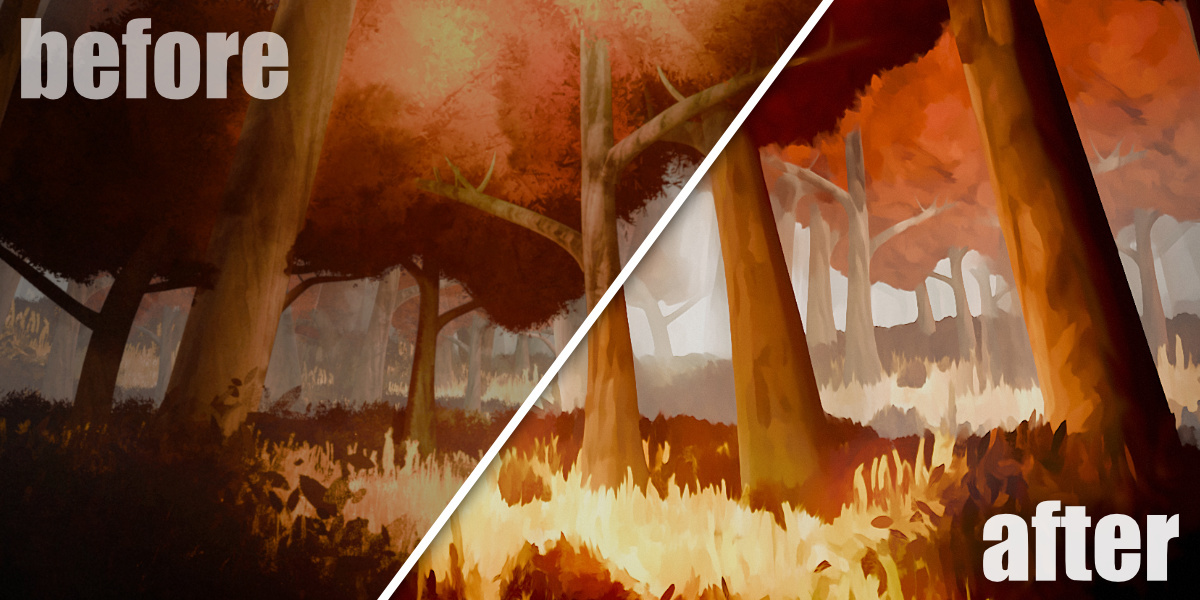
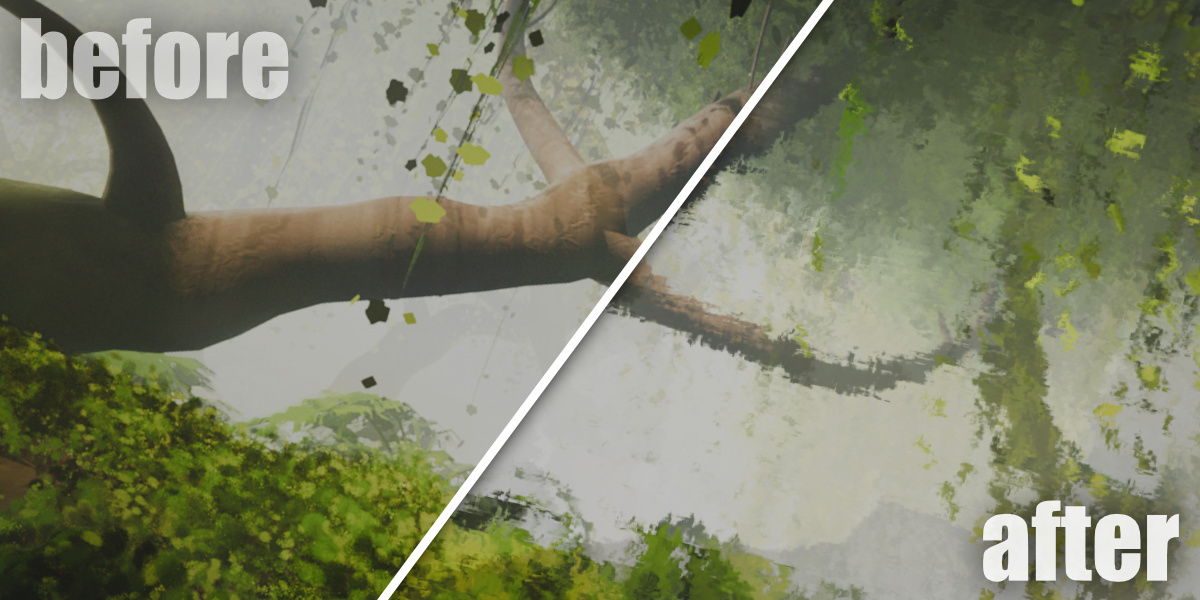
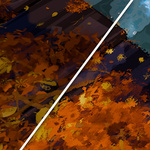
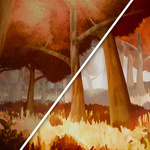
Stylized Comp Master - Achieve Stylized Effects With One Click
MeiU in Compositing Presets


Stylized Comp Master User Manual

Blender Stylized Compositing Toolset — Complete Usage Guide

📋 Table of Contents

  • 1. Add-on Overview
  • 2. Installation & Enable
  • 3. Basic Workflow
  • 4. Main Panels & Features
  • 5. Tips & Best Practices

1. Add-on Overview

🎨 What is Stylized Comp Master?

Stylized Comp Master is a comprehensive compositing toolset designed for 3D artists who love creativity and stylized effects. Whether you are creating animation-like scenes, abstract visual art, or compositions with a strong personal style, this add-on helps you move swiftly from concept to finished render.

  • Quick Effects — Apply stylized compositing effects with a single click
  • Flexible parameters — Fine-tune each compositing node and filter
  • Custom nodes & saving — Add your own nodes and save frequently used combinations
  • Stylized filter library — Built-in filters to make your work stand out instantly

📋 Product Information

  • Add-on Name: Stylized Comp Master
  • Author: MeiU
  • Type: Blender Add-on (Compositing)
  • Use Case: Stylized post-processing, animation-like looks, abstract visuals

2. Installation & Enable

1

Install the Add-on

Edit → Preferences → Add-ons → Install → Select the Stylized Comp Master zip file
2

Enable the Add-on

Search for Stylized Comp Master in the Add-ons list and check the box to enable it. The compositing panels will appear in the Blender UI.

Installation & Use Tutorial

▲ Watch the video for step-by-step installation and usage

Installation guide 1 Installation guide 2 Installation guide 3 Installation guide 4 Installation guide 5 Installation guide 6

3. Basic Workflow

Set up your render, open the Compositor, apply a Quick Effect with one click, fine-tune parameters, then save your favorite combinations for reuse.

1

Enable Compositor & Prepare Your Render

Switch to the Compositor workspace (or enable Use Nodes in the Compositor). Ensure your scene render is ready for post-processing.

2

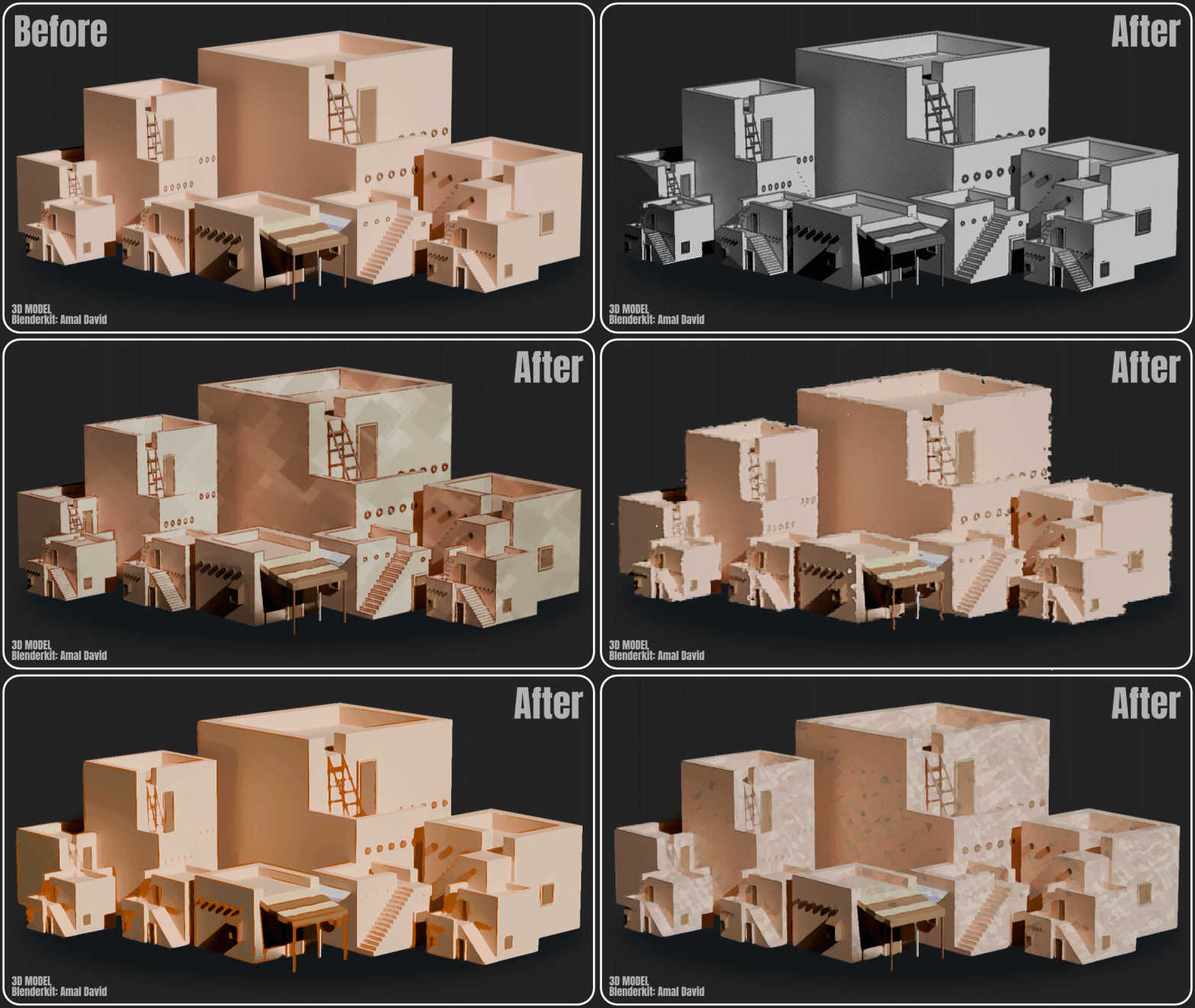
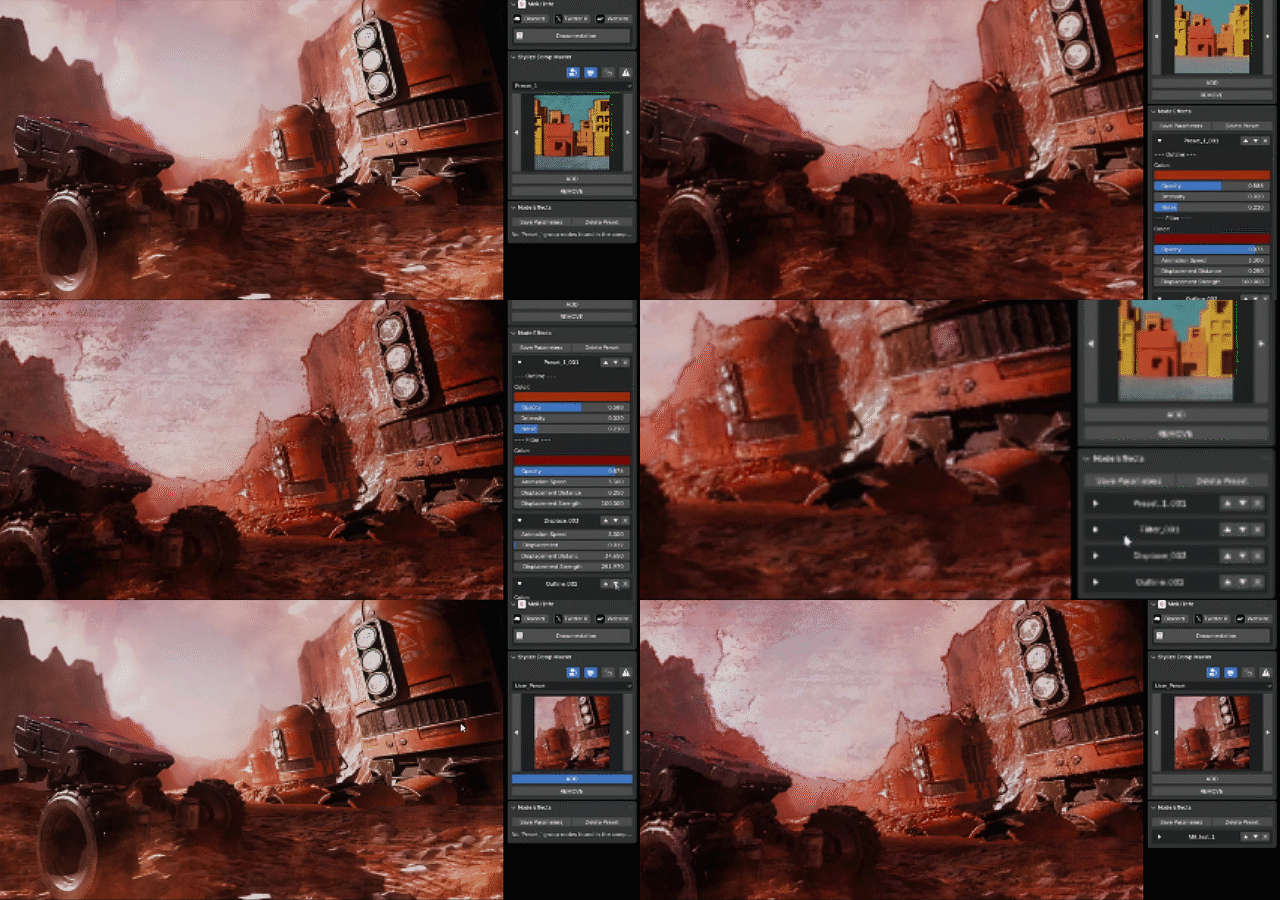
Apply a Quick Effect

Select a preset from the add-on panel and apply it with a single click — no tedious manual node setup required.

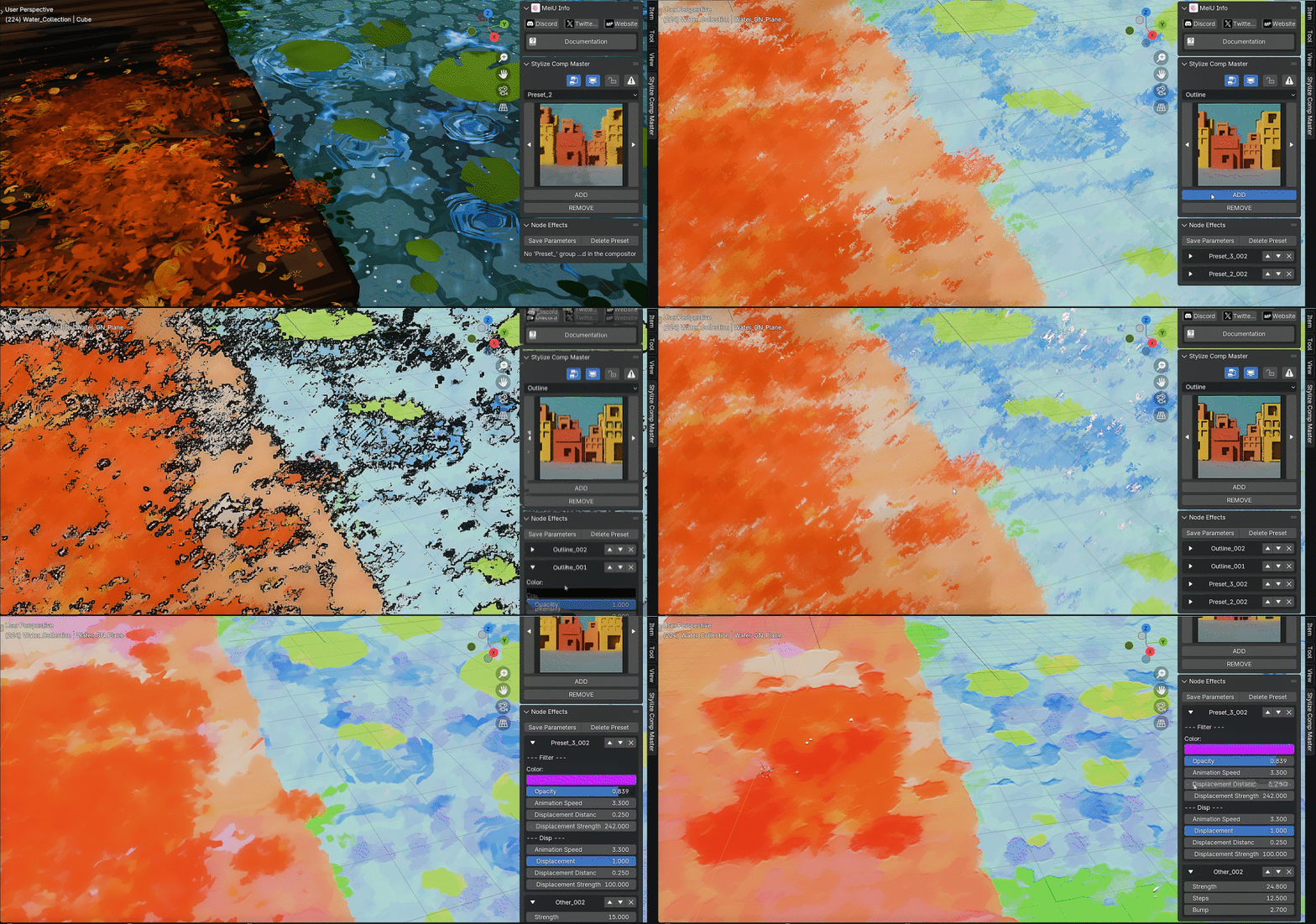
Quick Effects demo 1
Quick Effects demo 2
3

Customize Parameters

Adjust compositing node and filter values in the panel to achieve your unique look.

Customizable parameters demo
4

Save & Reuse

Save frequently used node combinations for future projects. Add custom nodes when you need extended workflows.

Custom nodes and saving demo

4. Main Panels & Features

⚡ Quick Effects

Apply effects with a single click, eliminating tedious manual adjustments. Focus on creativity while quickly achieving a wide range of stylized compositing looks.

🎛️ Flexible Customizable Parameters

Each compositing node and filter can be finely adjusted. Whether fine-tuning values or layering custom effects, Stylized Comp Master supports personalized and distinctive results.

🔧 Custom Nodes & Saving Options

Designed with high extensibility — customize and add your own nodes, then save frequently used combinations for future reuse to speed up your workflow.

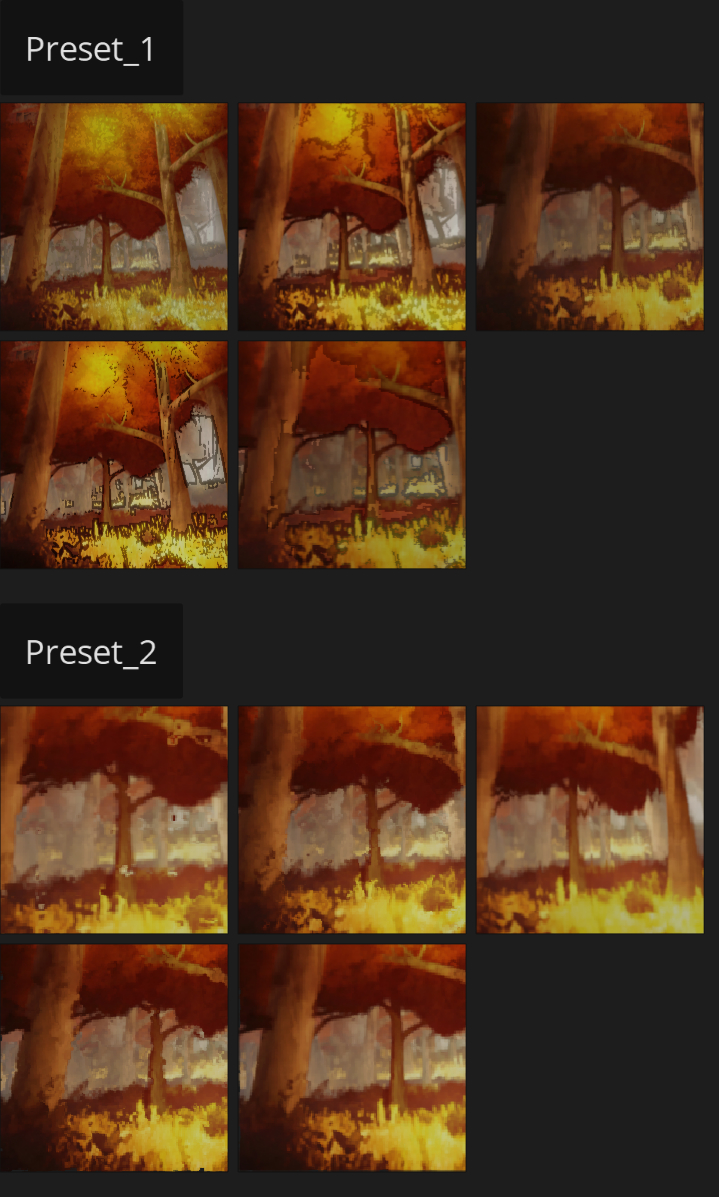
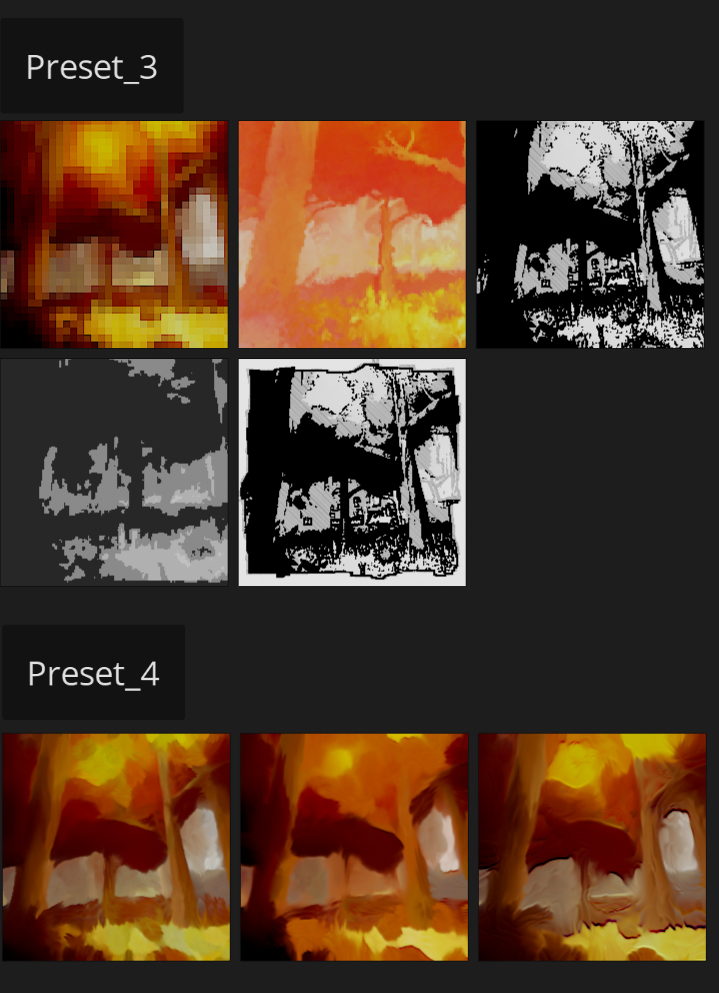
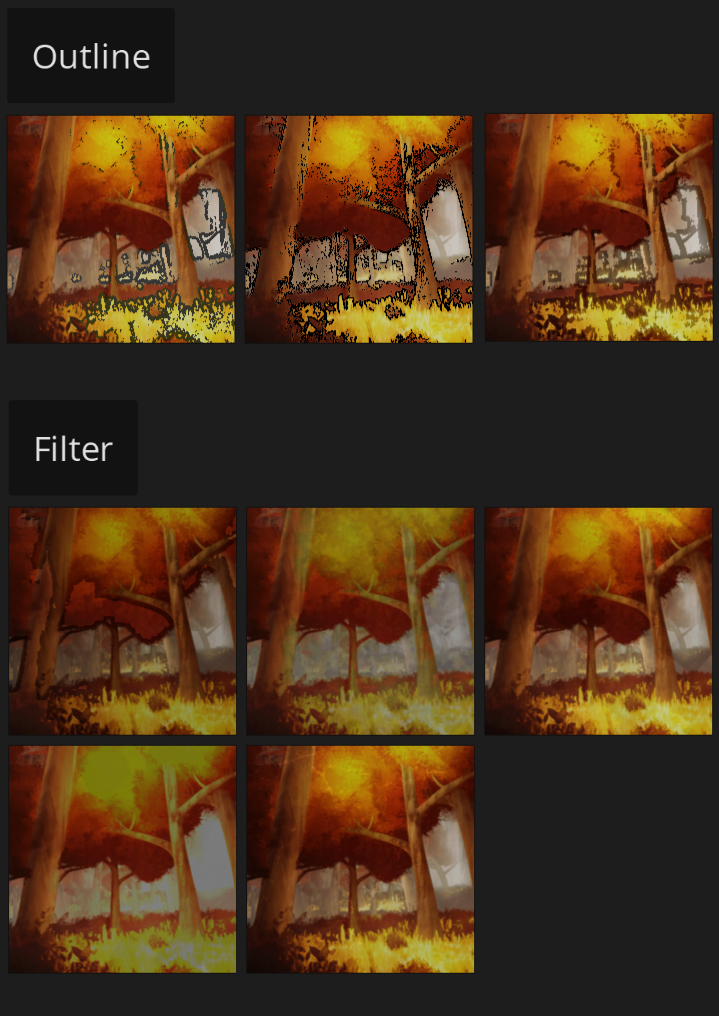
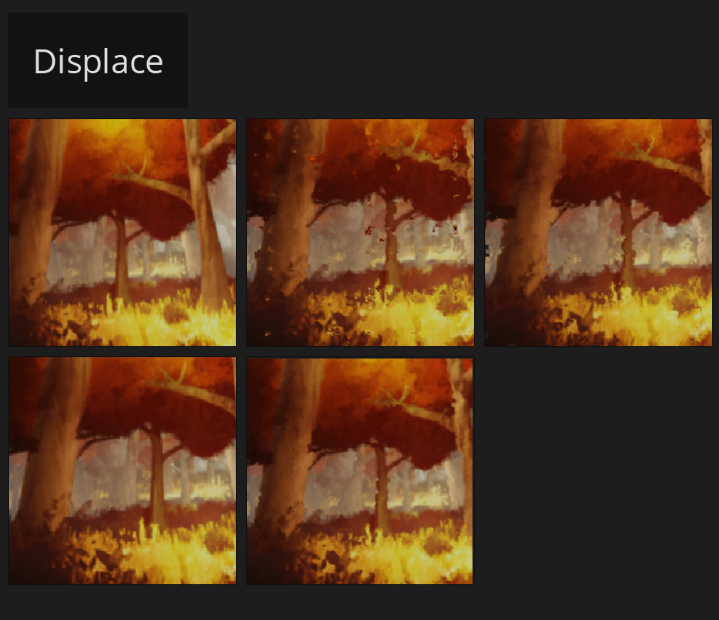
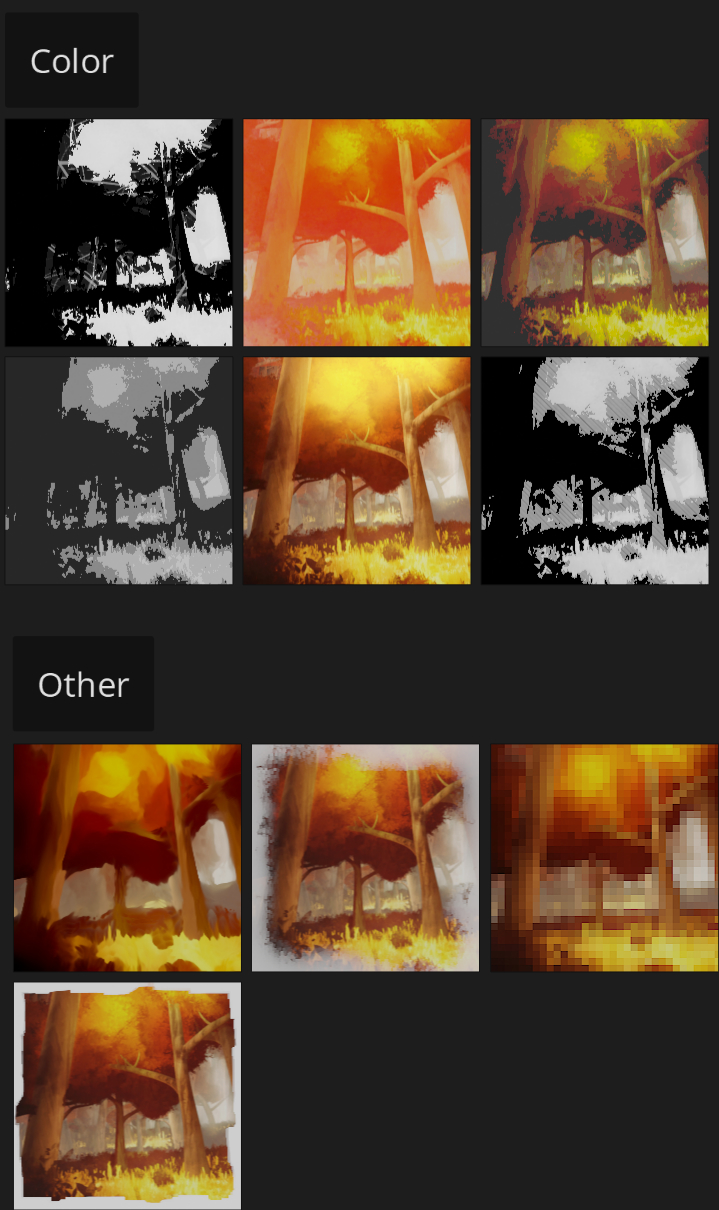
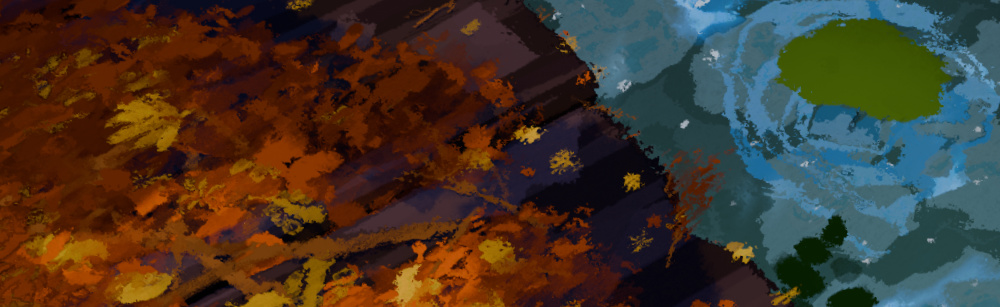
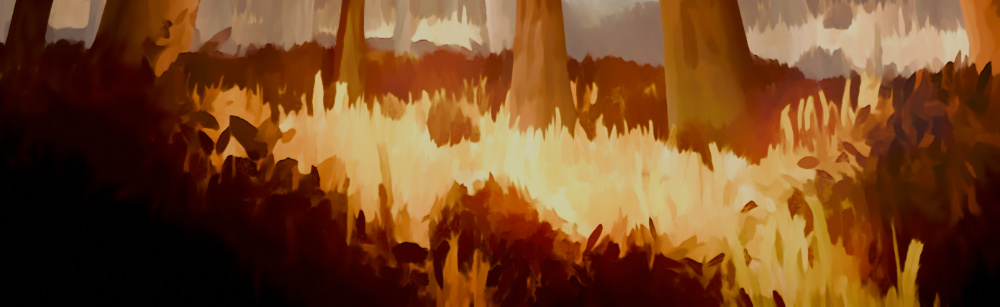
🎞️ Stylized Filter Effects

A multitude of built-in filter effects help your work stand out instantly. These options cater to various creative needs for animation-like, abstract, and stylized renders.

Filter effects 1 Filter effects 2 Filter effects 3 Filter effects 4

5. Tips & Best Practices

💡 Recommended Workflow

  1. Enable the add-on and confirm Use Nodes is active in the Compositor
  2. Start with a Quick Effect preset, then refine parameters
  3. Save successful node combinations for reuse across projects
  4. Experiment with built-in Stylized Filters before building custom stacks
  5. Watch the installation tutorial in Section 2 if panels or effects do not appear

❌ Common Issues

  • Add-on panels not visible: Confirm Stylized Comp Master is enabled in Preferences → Add-ons
  • Effects have no visible result: Ensure the Compositor has Use Nodes enabled and Render Layers are connected
  • Quick Effect looks wrong: Adjust individual node parameters in the add-on panel after applying

⚠️ Note

For additional pre-purchase information, refer to the product FAQ on the store page. Performance may vary depending on render resolution and the number of compositing nodes in your stack.

  • Full Content.

    $16
  • Full Content. (Supports up to 10 seats) / 50%off

    $80
$16

Have questions about this product?
Login to message

Details
Sales 200+
Dev Fund Contributor
Published almost 2 years ago
Blender Version 4.0 - 5.0
Render Engine Used Cycles, Eevee
License Royalty Free