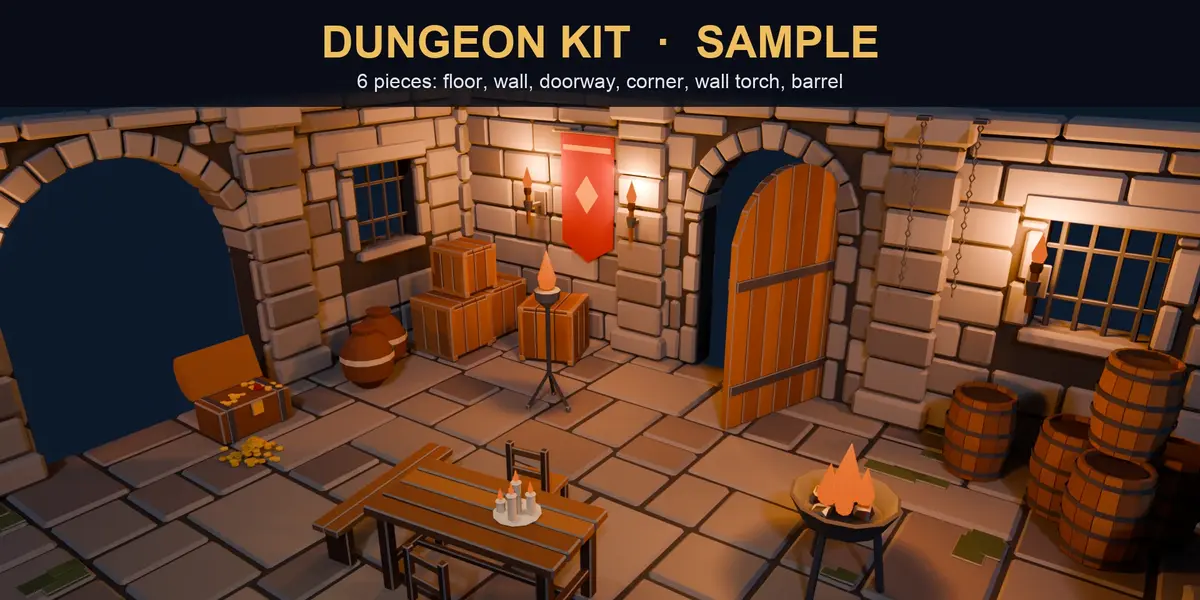
Stylized Dungeon Kit Sample: 6 Modular Low Poly Pieces
 LumioLab
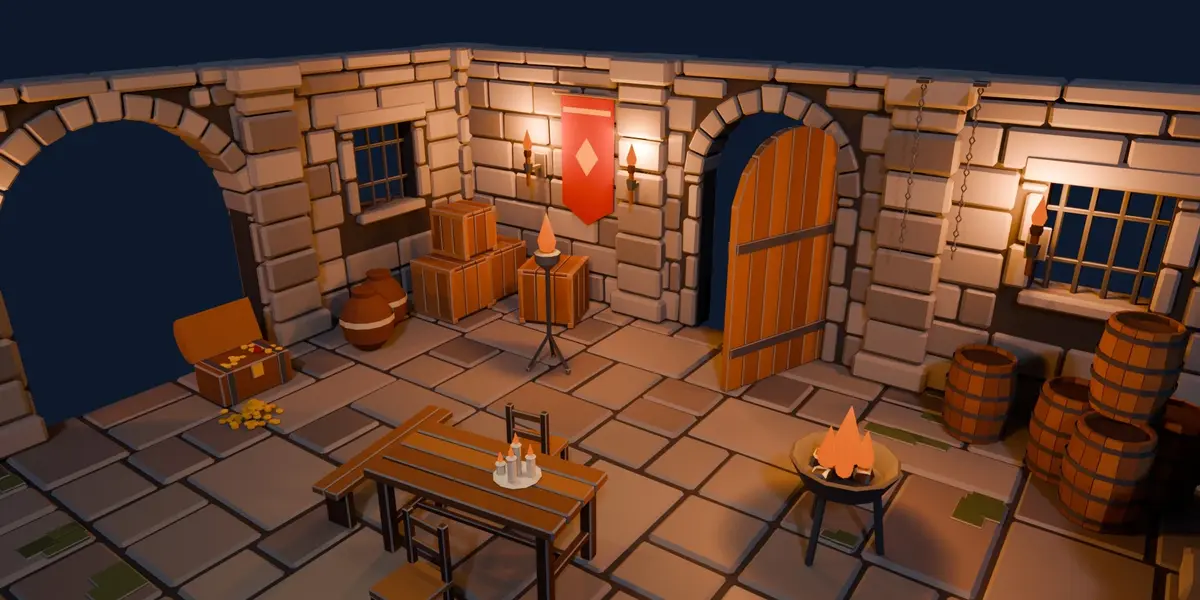
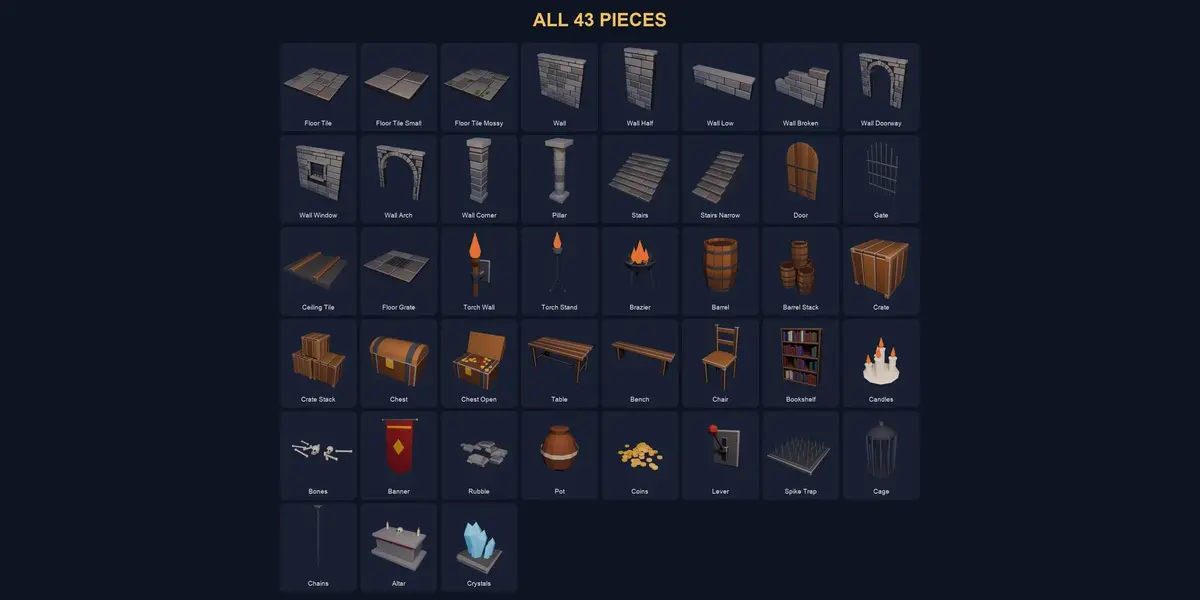
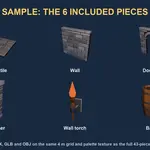
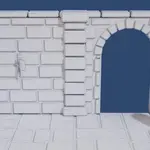
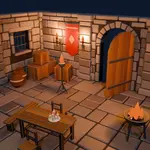
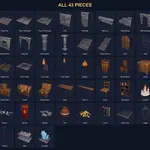
What's inside
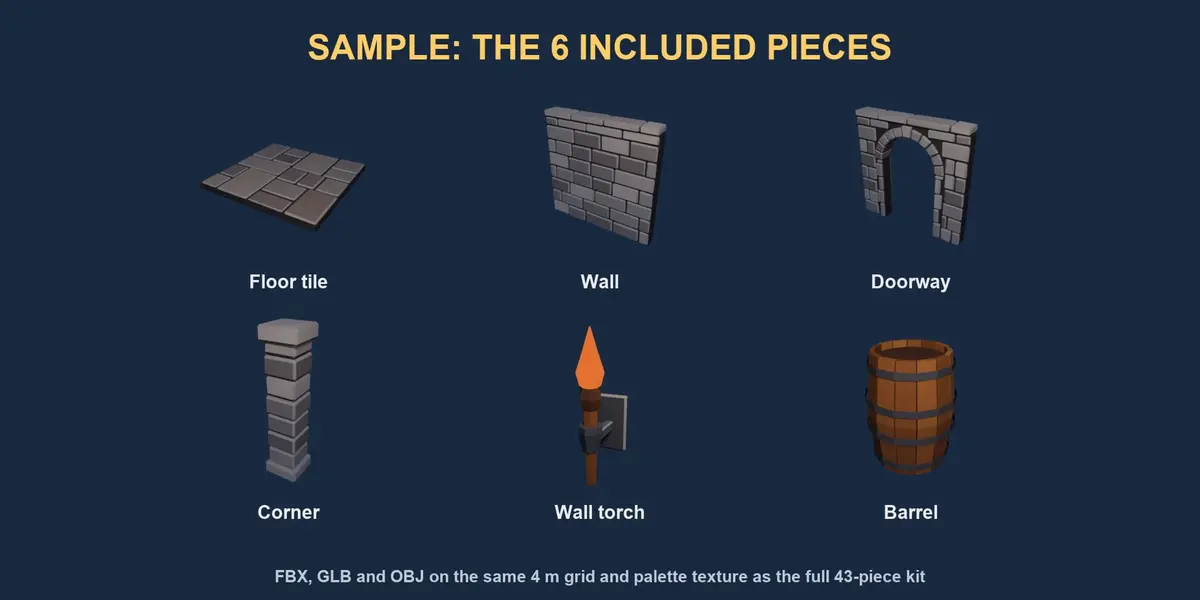
- Source/ DungeonKitSample.blend (Blender 5.1): the six pieces with materials
- FBX/ the six pieces + DungeonKit_Palette.png
- GLB/ the six pieces with the texture embedded
- OBJ/ the six pieces + .mtl files + palette
- Textures/ DungeonKit_Palette.png (256 x 256, 16 px colour swatches)
Blender
Open Source/DungeonKitSample.blend, or Append the pieces into your scene. The file reads the palette from ../Textures, so keep the folders together. Every piece uses one material (DungeonKit) with the palette texture; the torch flame uses the emissive DungeonGlow material. Set the texture to Closest interpolation for crisp colours.
The grid
- Floor_Tile: 4 x 4 m, pivot at the tile centre, walking surface at height 0. Place tiles every 4 m.
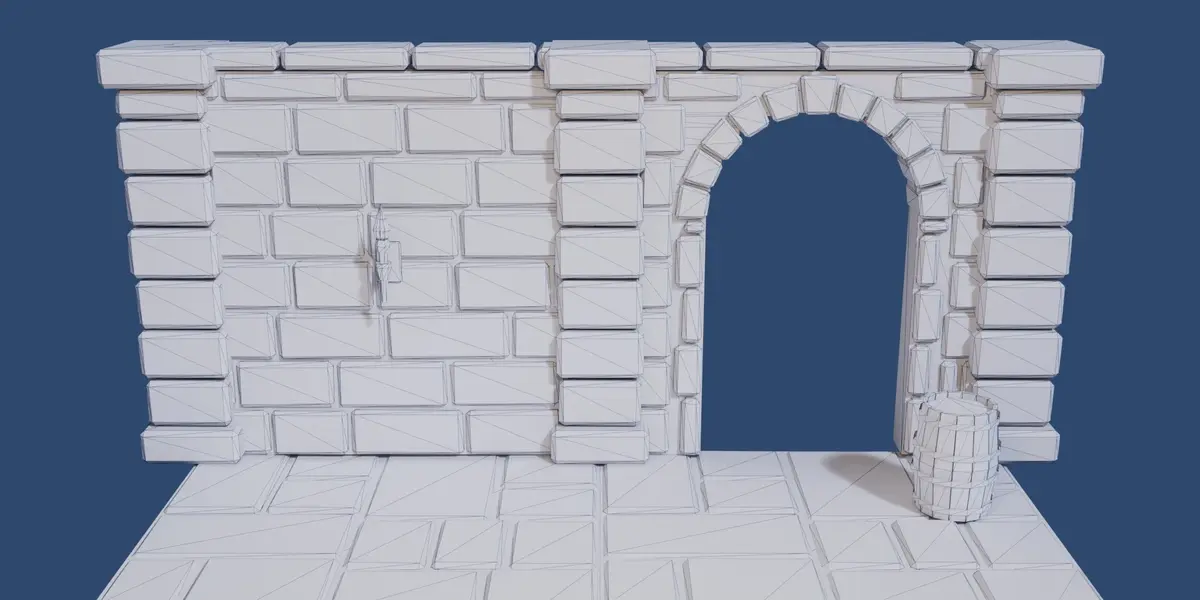
- Wall and Wall_Doorway: 4 m long, 4 m tall, 0.5 m thick, pivot at the bottom centre. They sit on the edge between two floor tiles; turn 90 degrees for the other direction.
- Wall_Corner: goes on the grid point where walls meet and covers the joints.
- Torch_Wall: pivot on its back: put it on the wall face, 0.25 m out from the wall's centre line.
Game engines
Use the FBX or GLB files (metres, Y up on export). In Unity or Godot set the palette texture to Point / Nearest filtering with no mipmaps. The full kit adds ready-made Unity prefabs and a Godot 4 demo project.
Have questions about this product?
Login to message
| Published | about 9 hours ago |
| Blender Version | 5.1 |
| Render Engine Used | Eevee |
| Misc Data | Textured |
| License | Royalty Free |