 NicoHartl
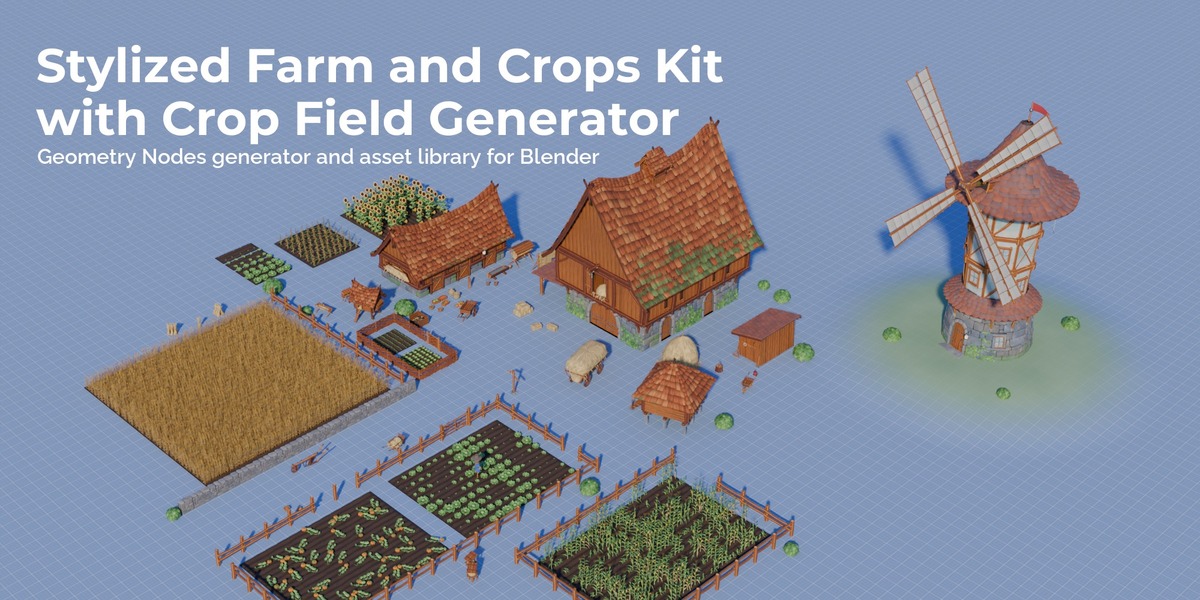
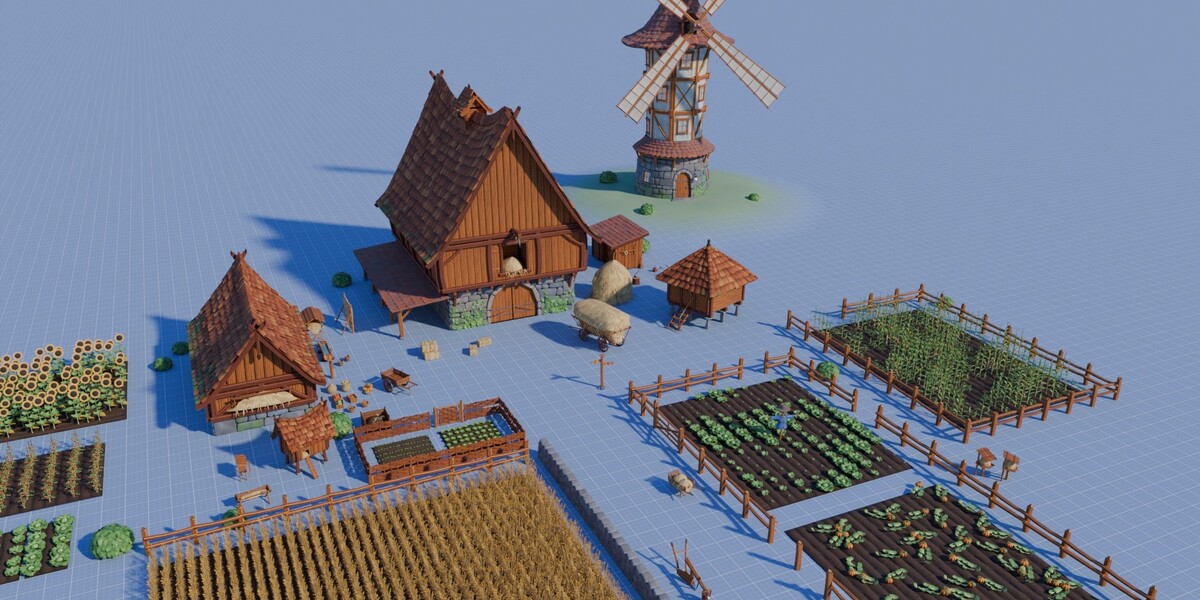
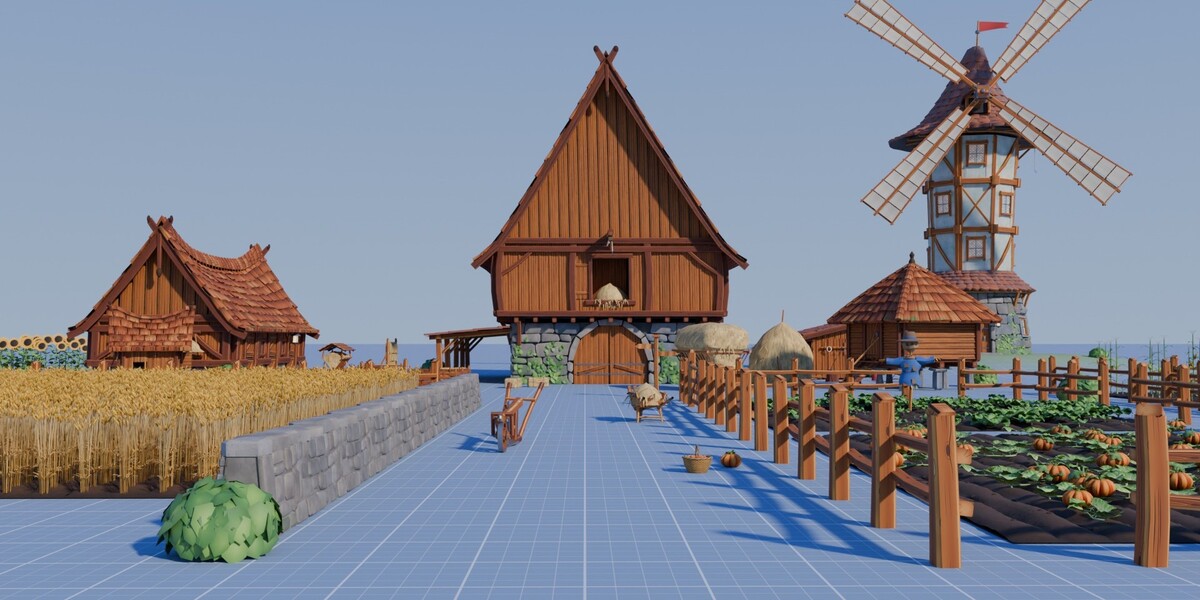
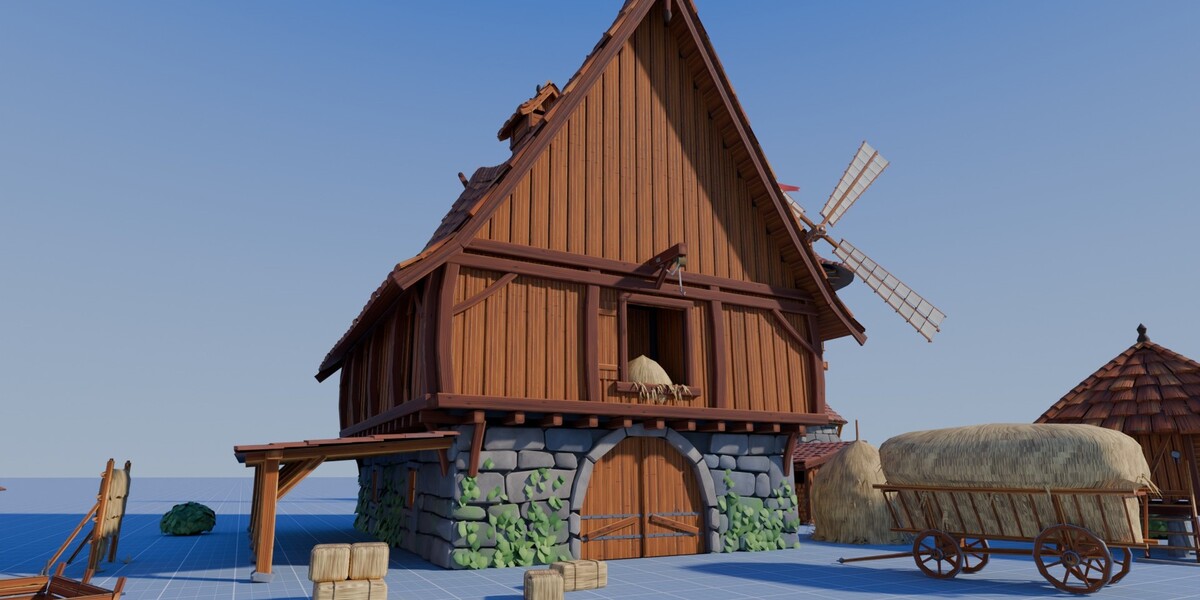
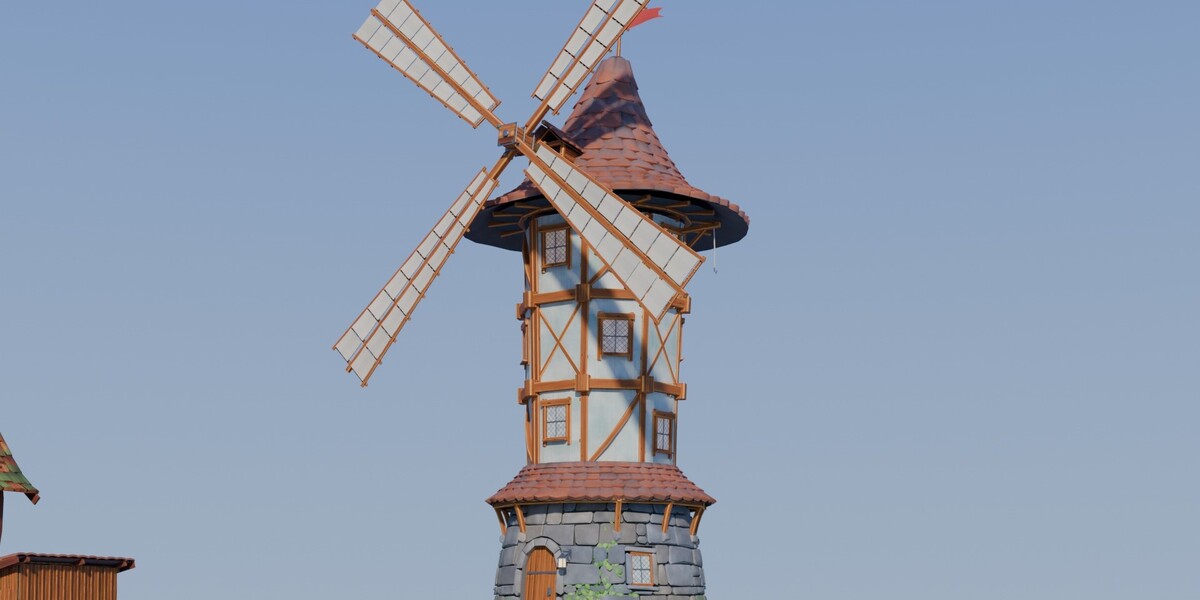


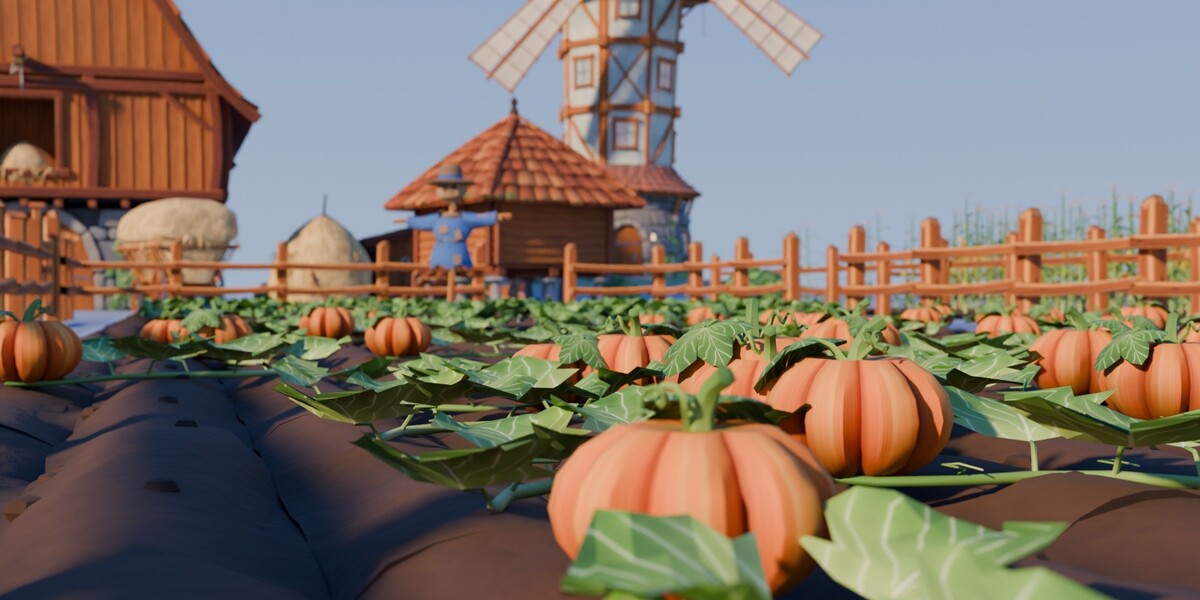
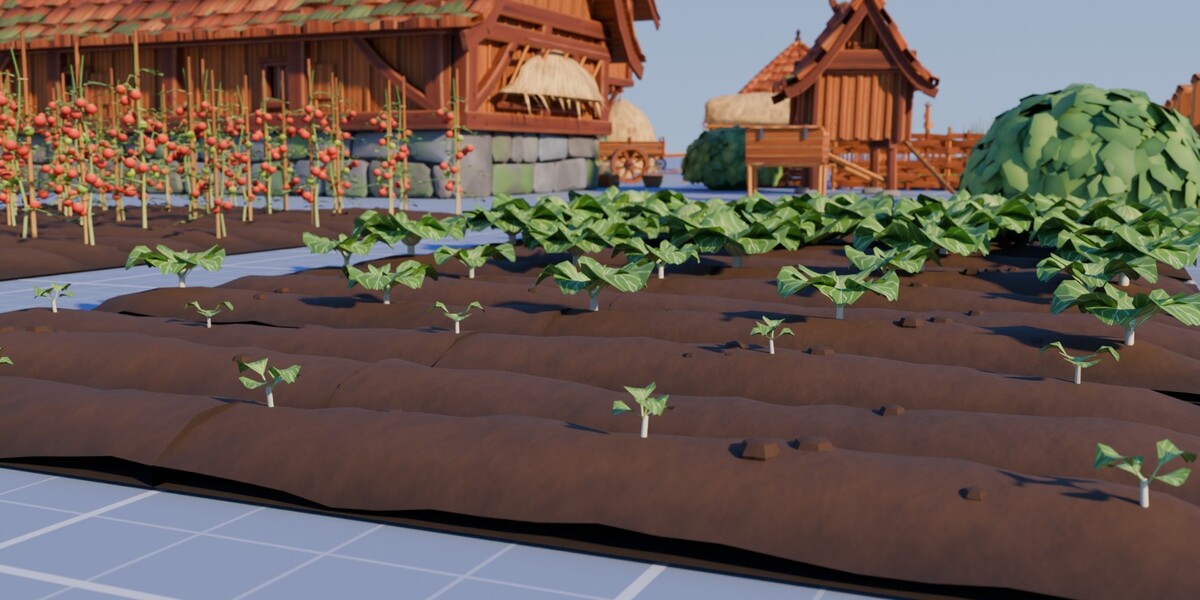
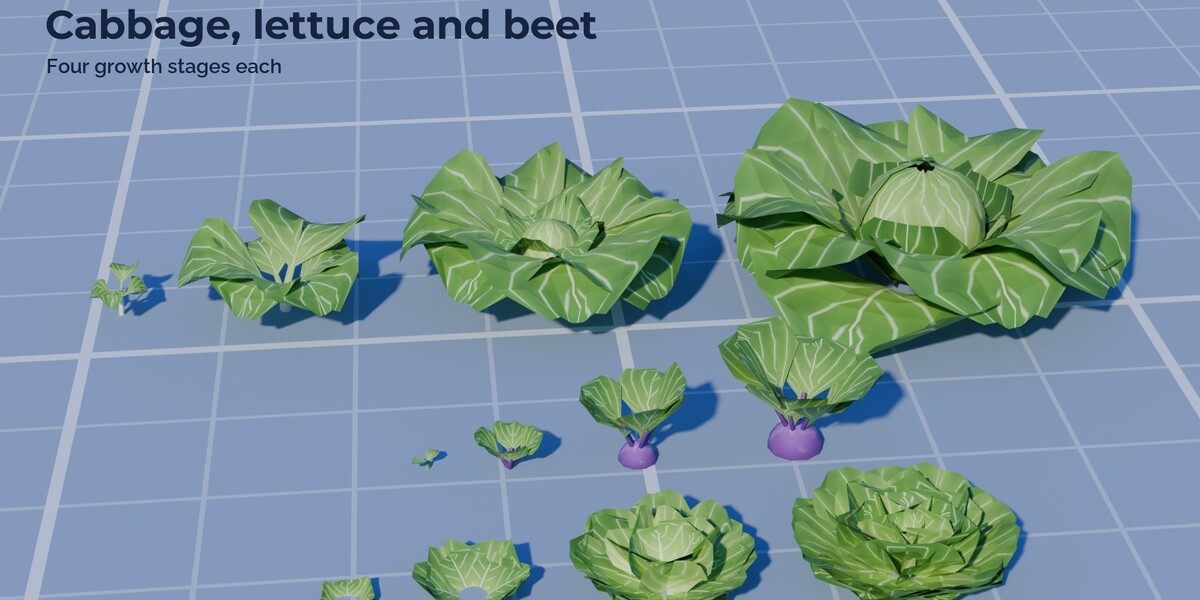
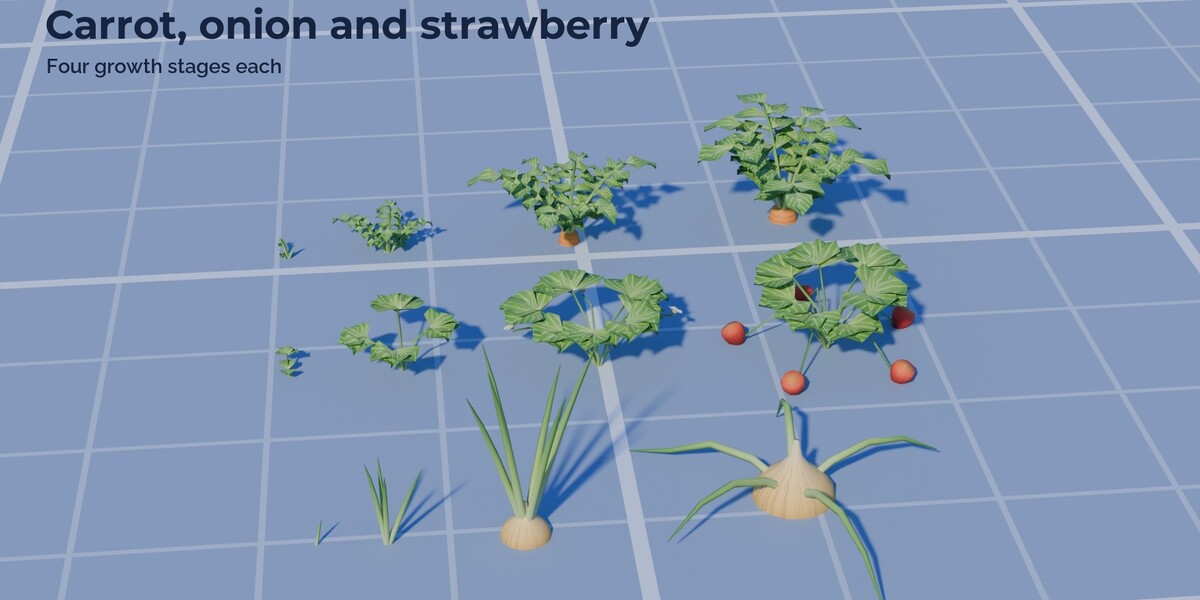
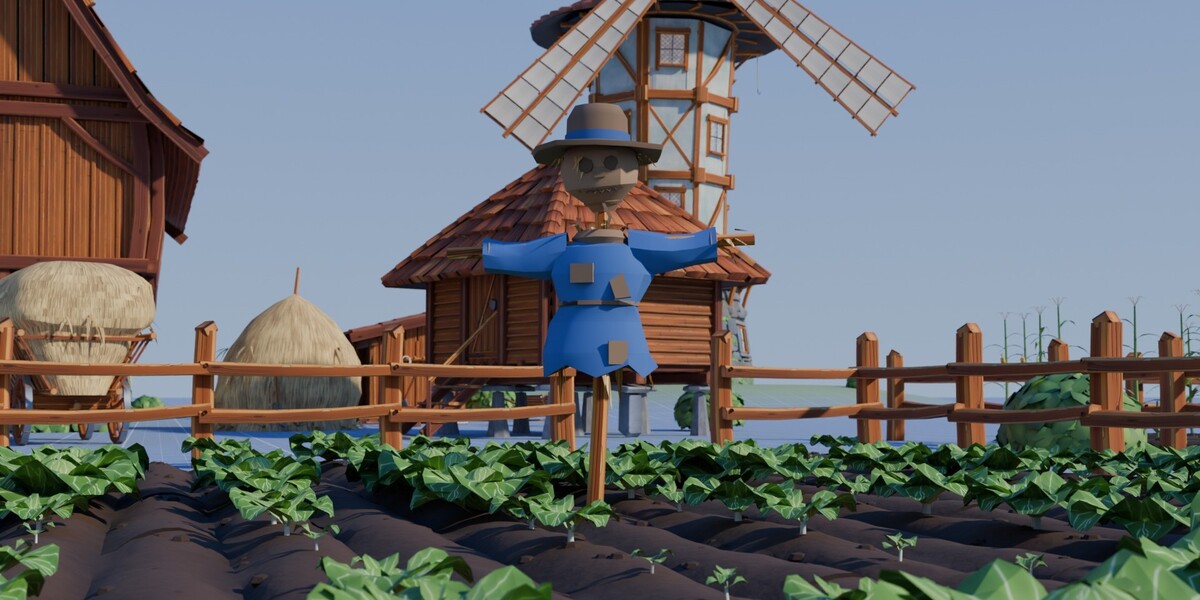
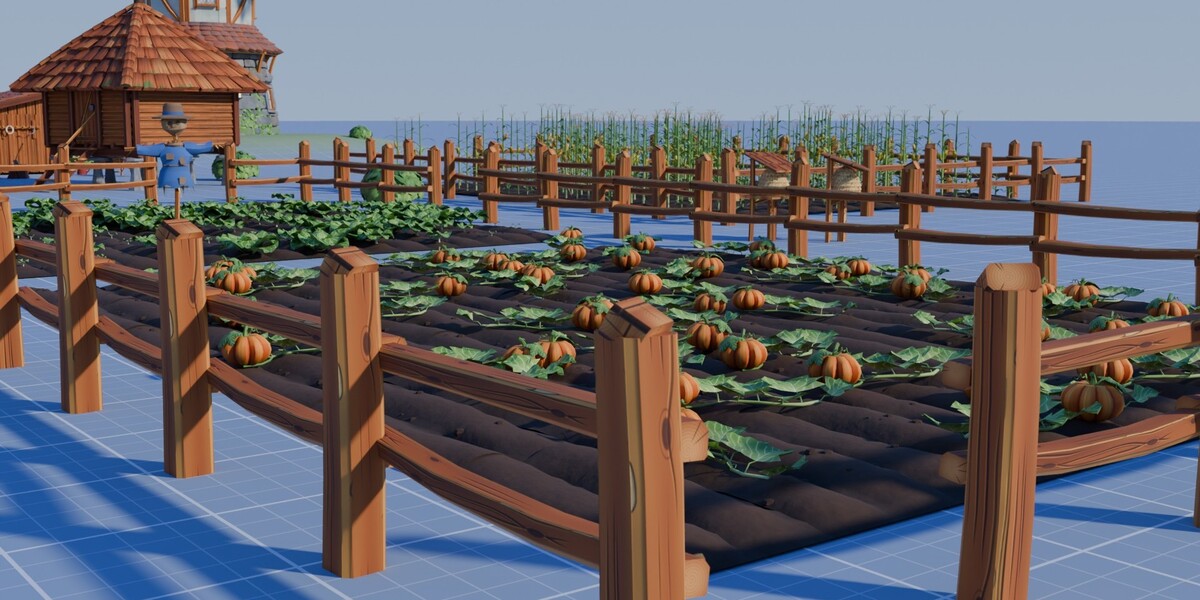
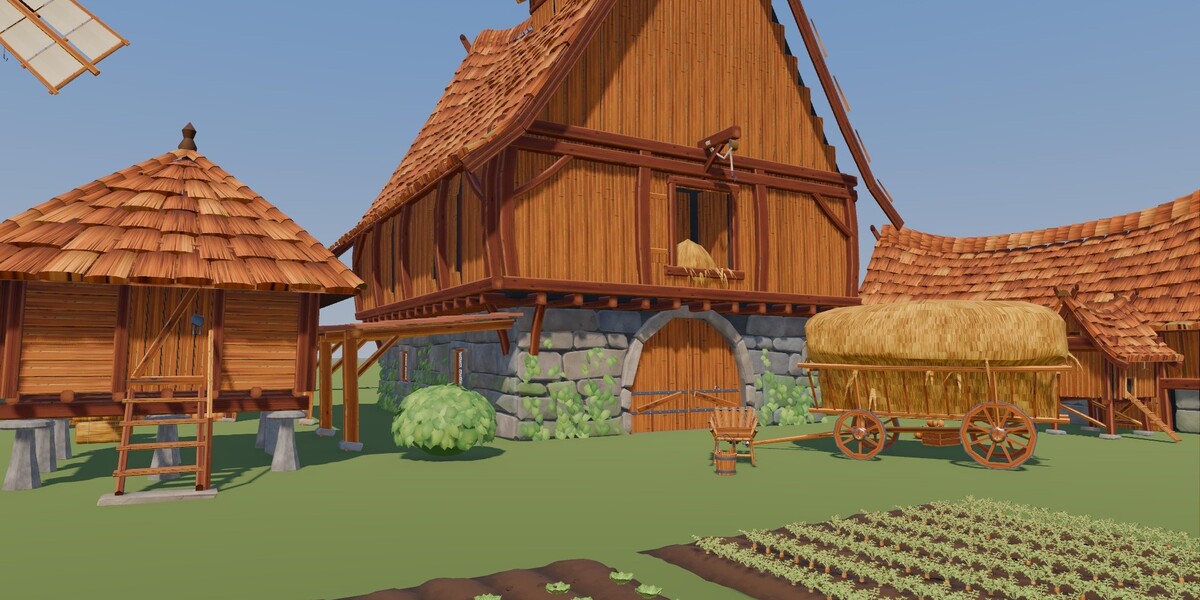
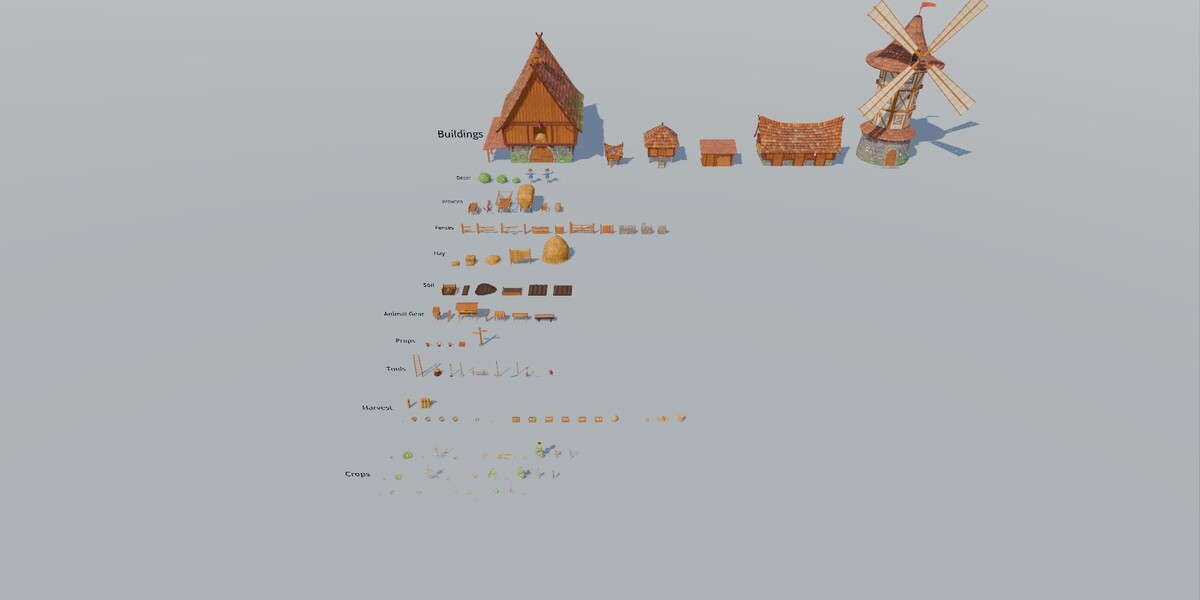
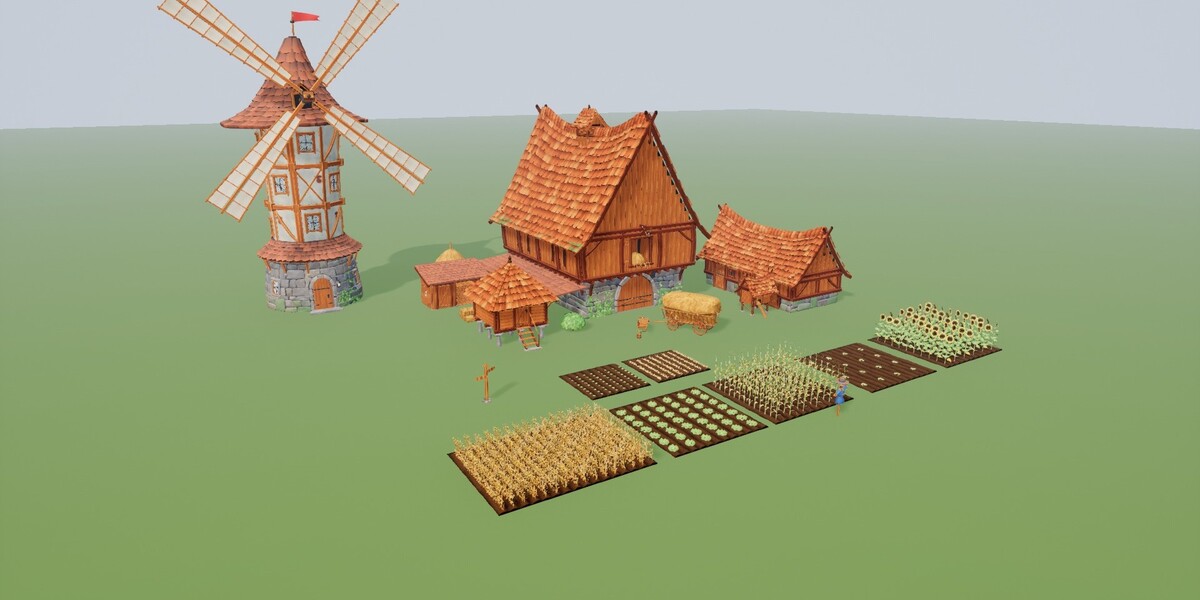
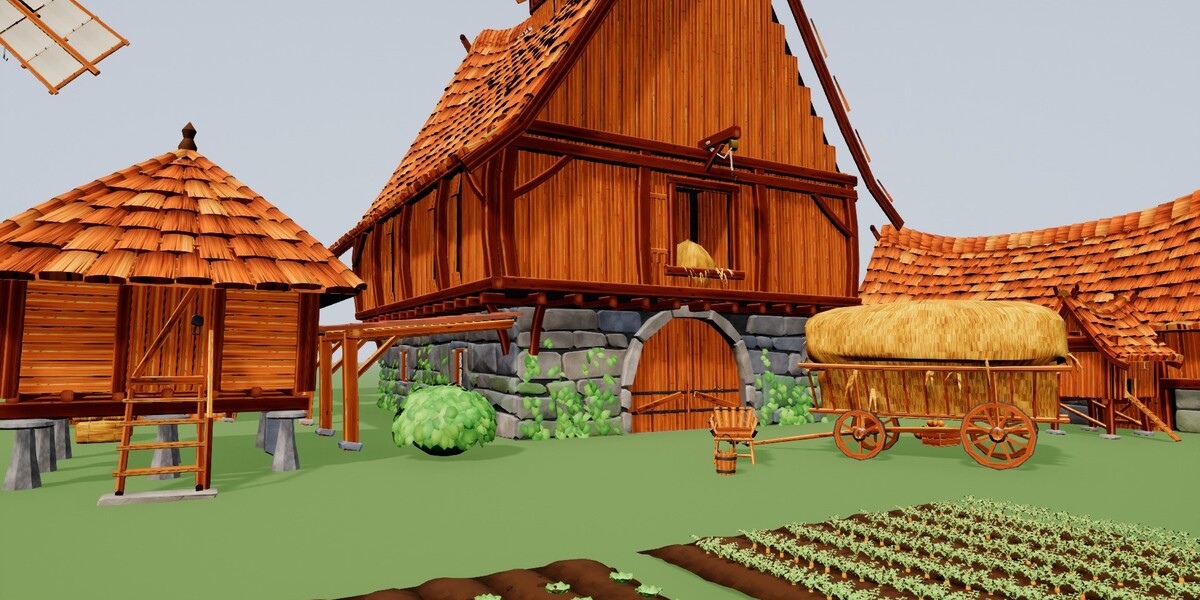
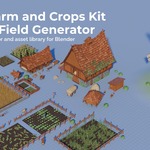



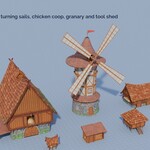
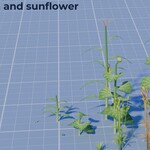
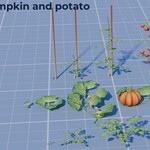
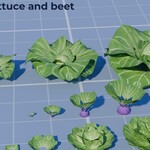
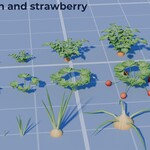
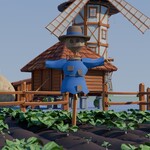
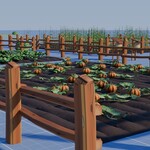
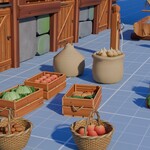
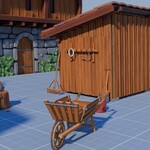
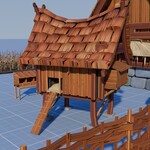
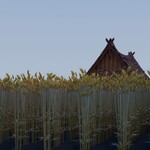
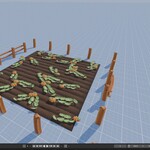
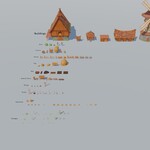
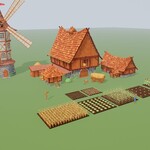
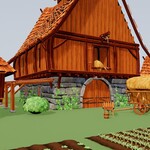
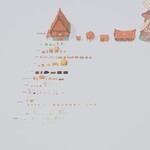
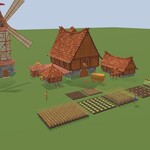
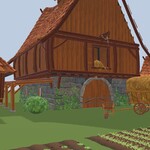
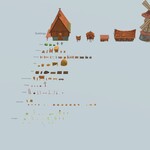
Stylized Farm and Crops Kit for Blender, version 1.0
Blender 5.2 or newer.
Files
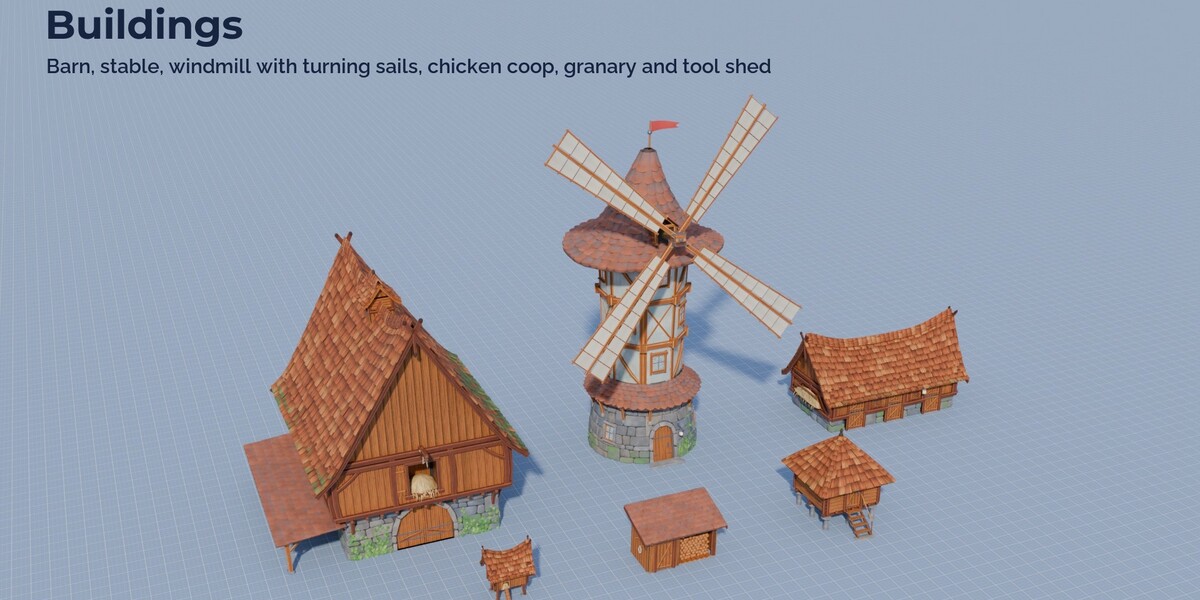
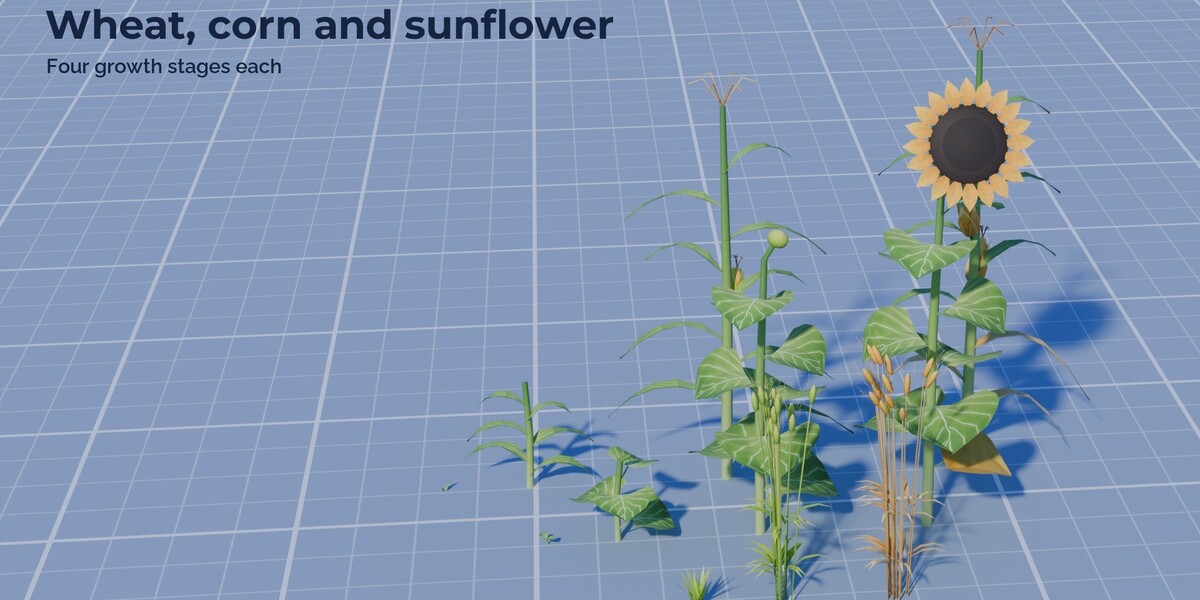
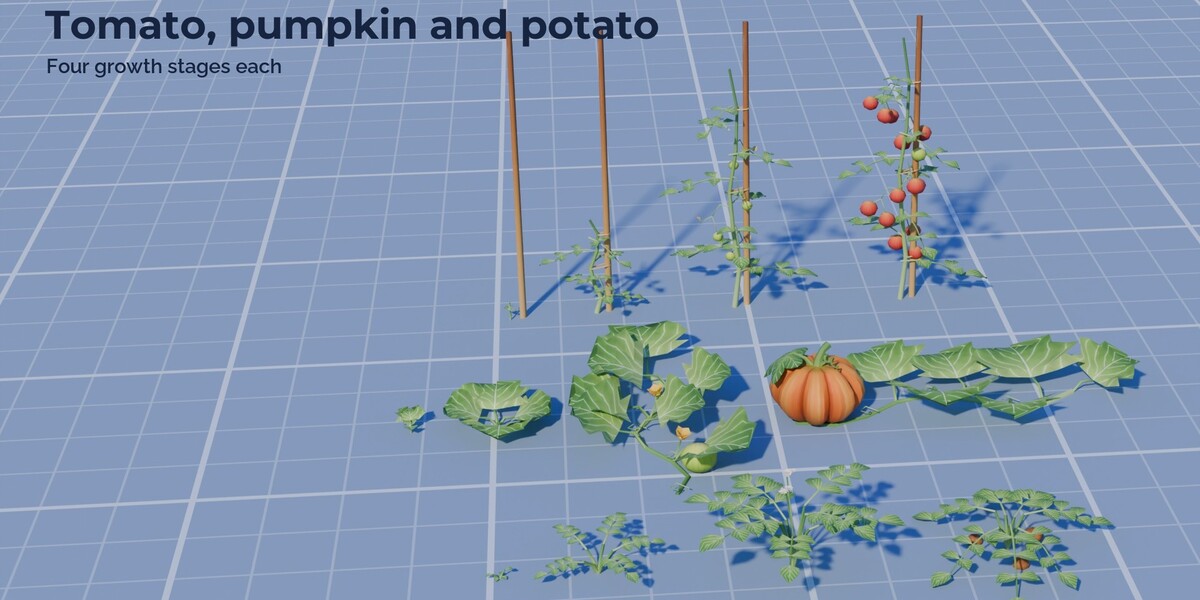
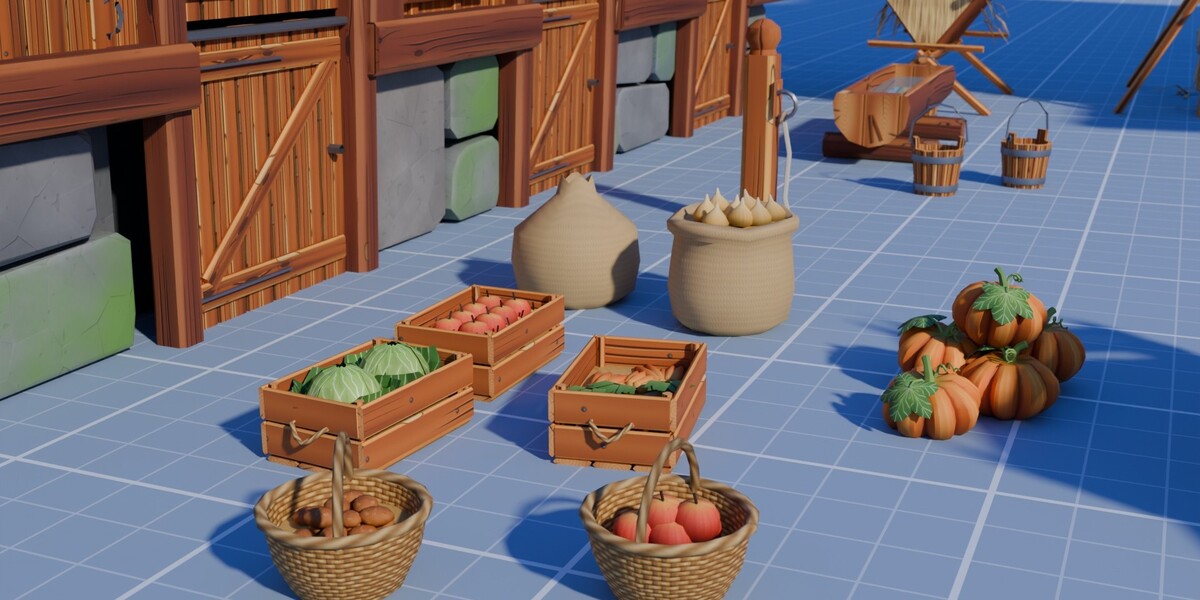
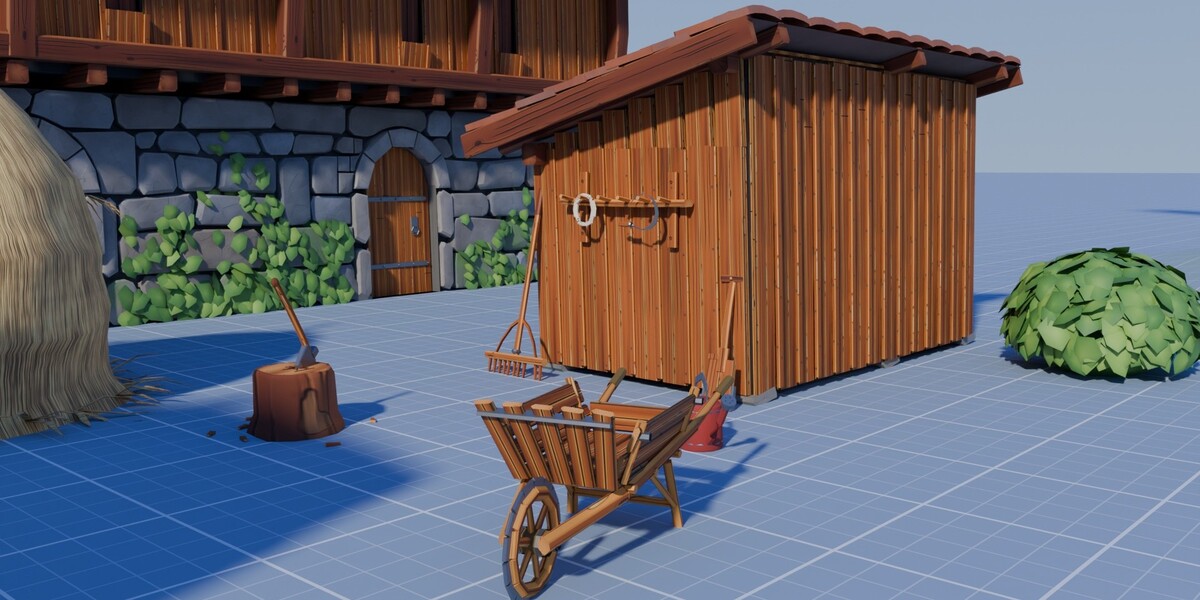
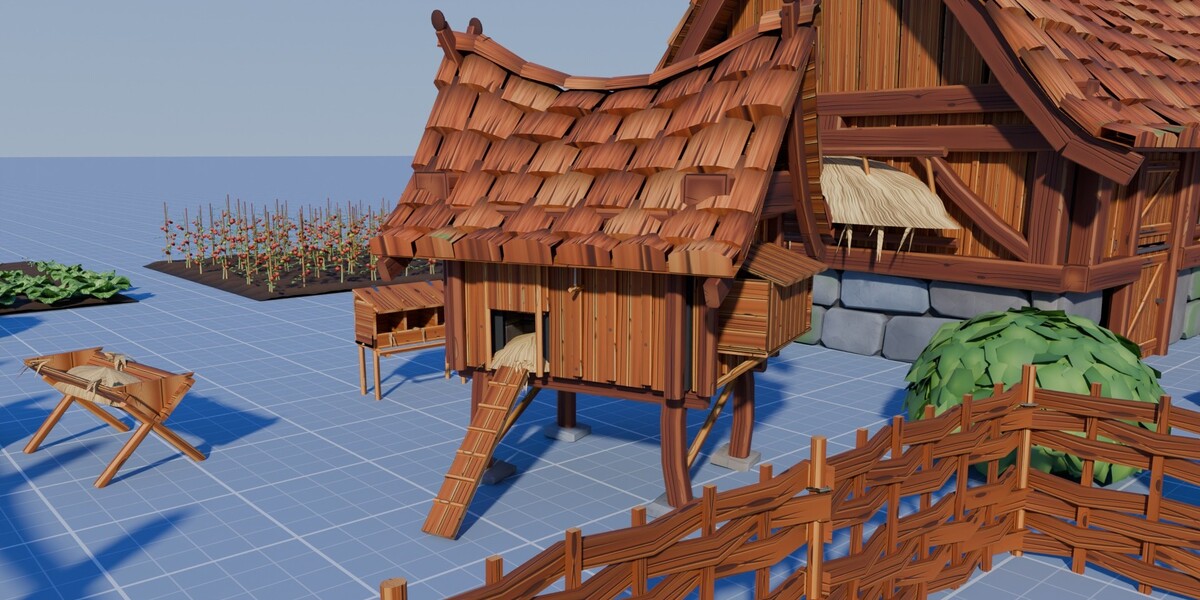
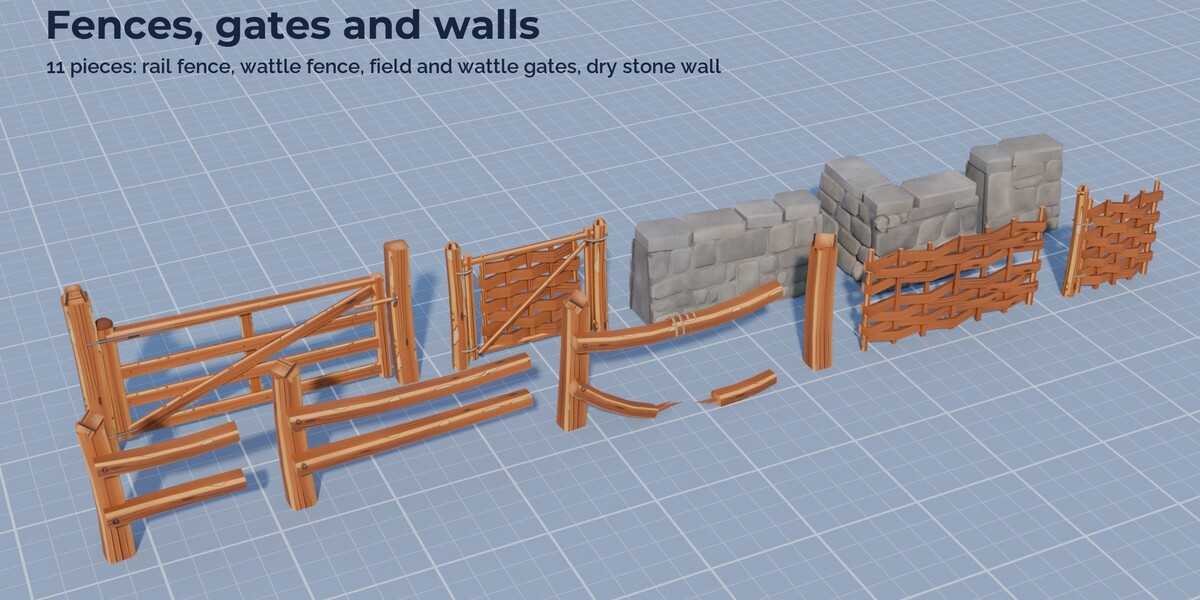
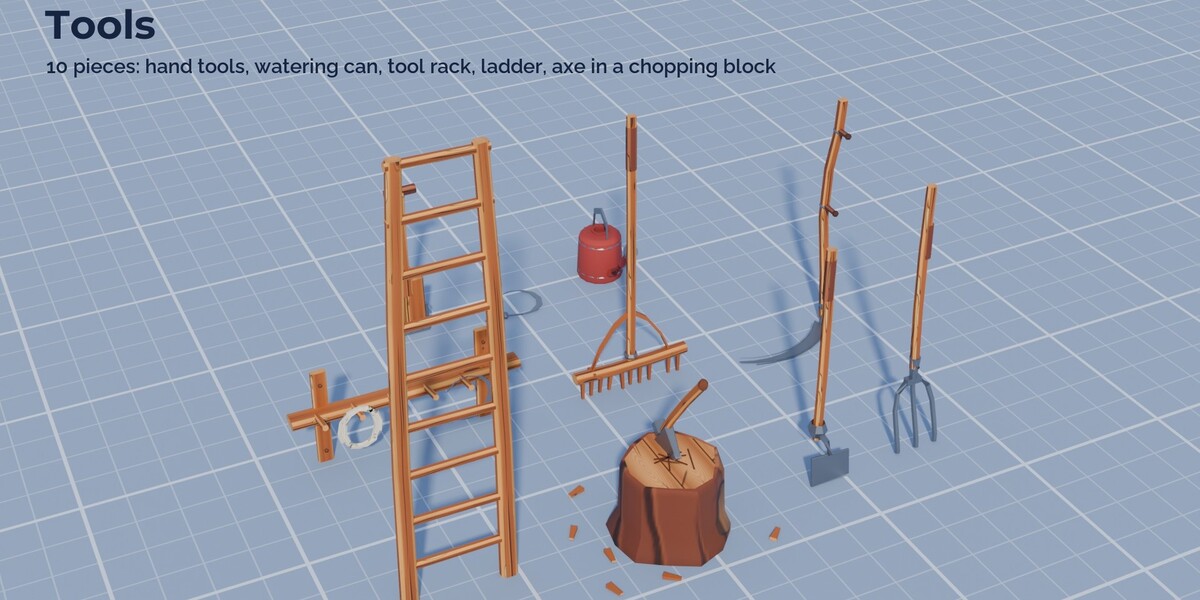
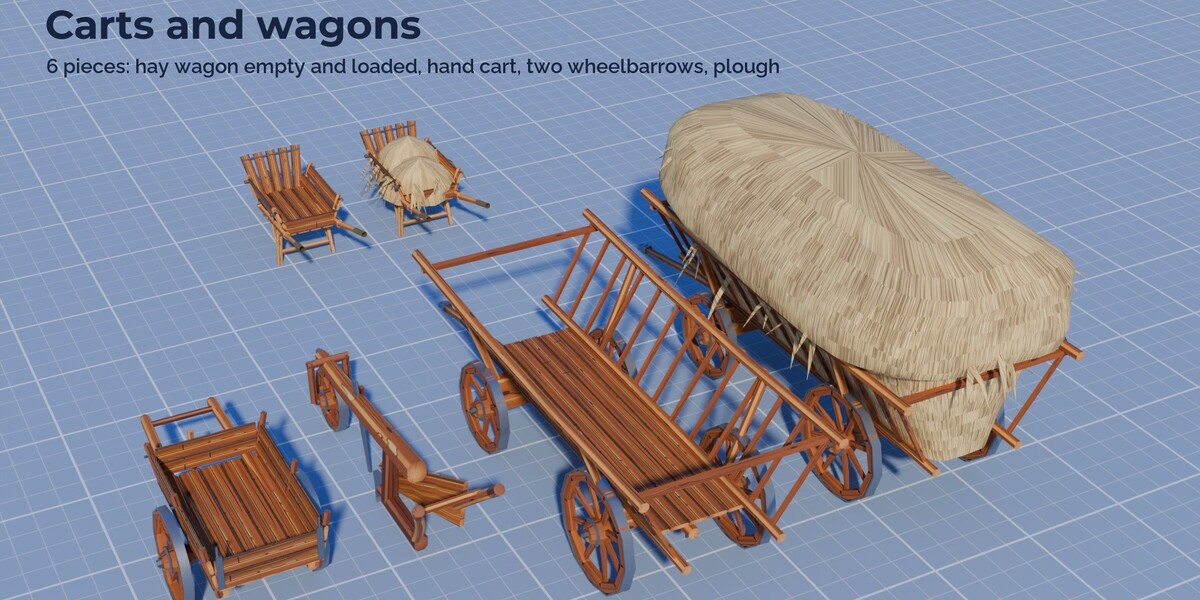
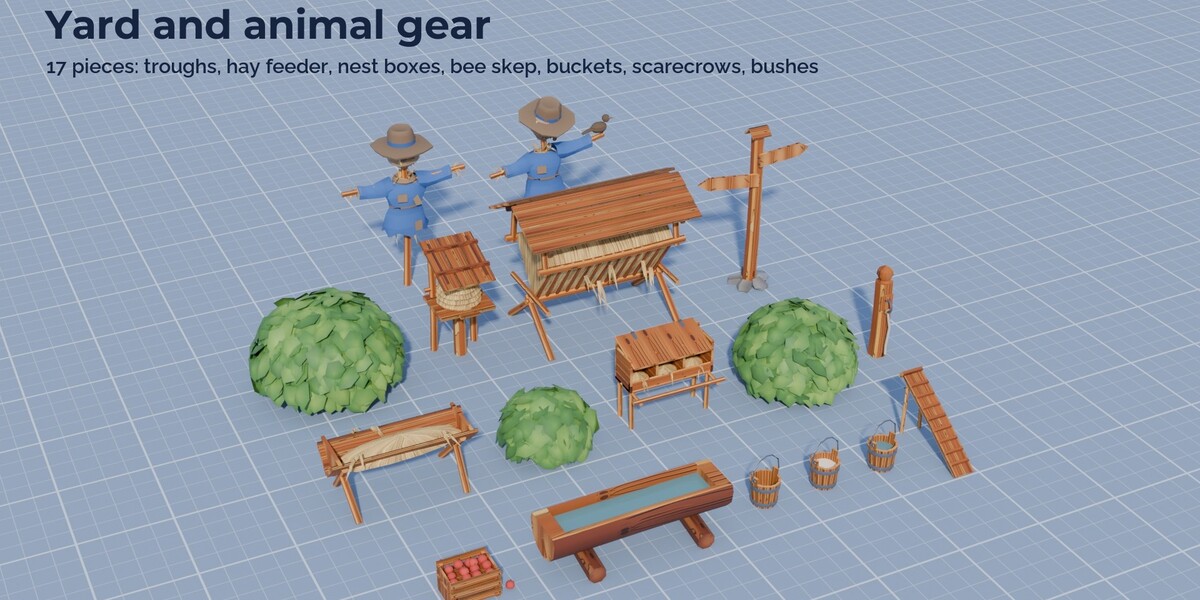
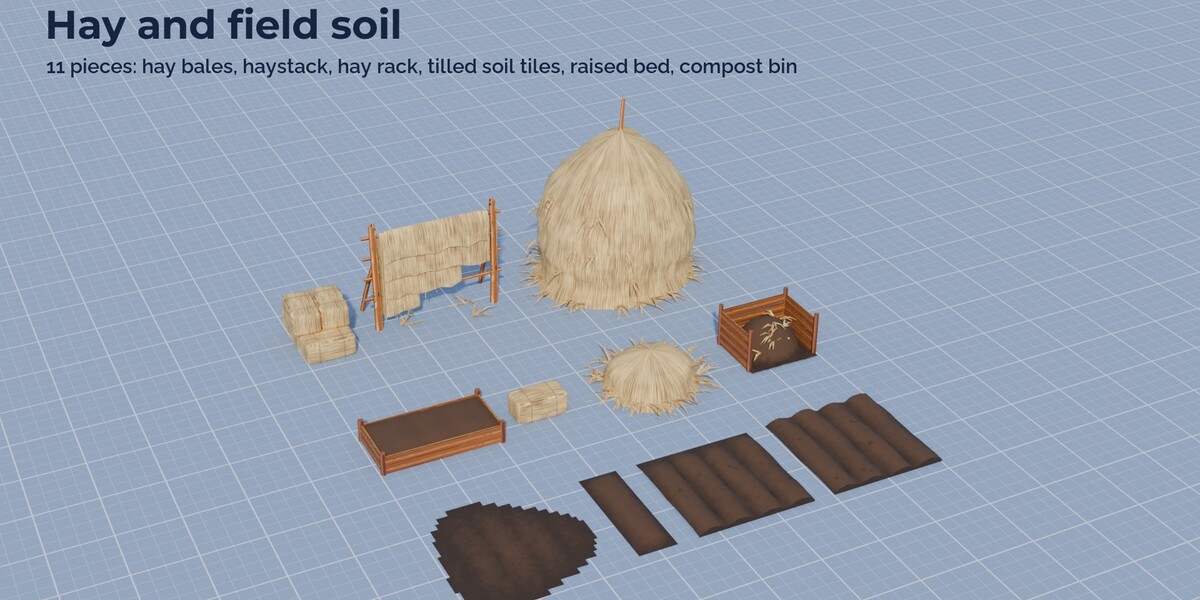
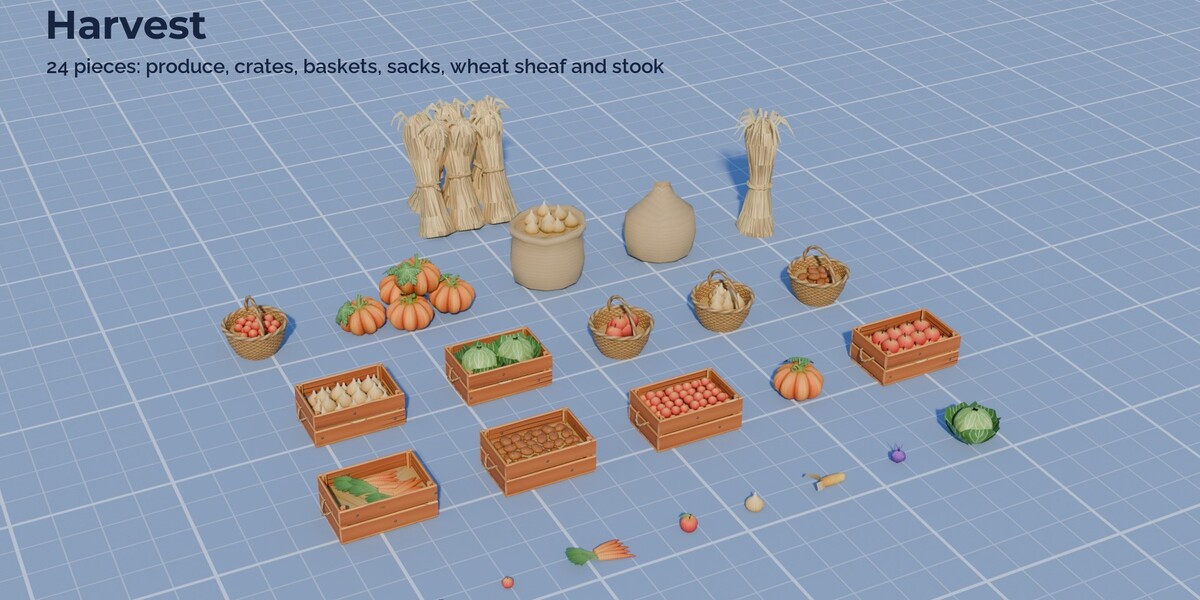
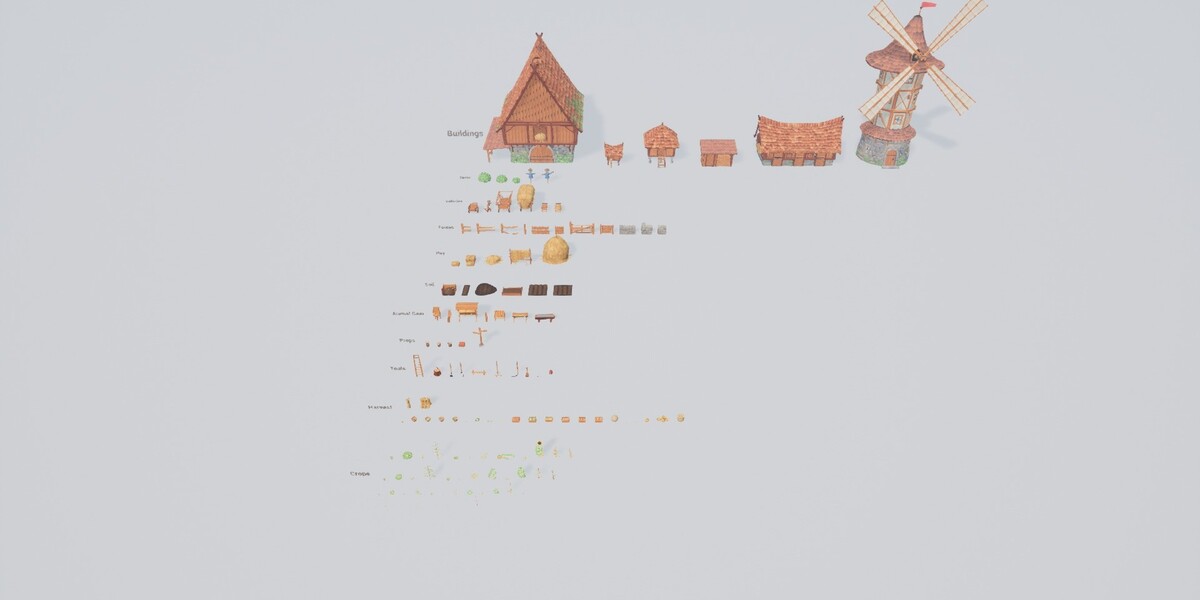
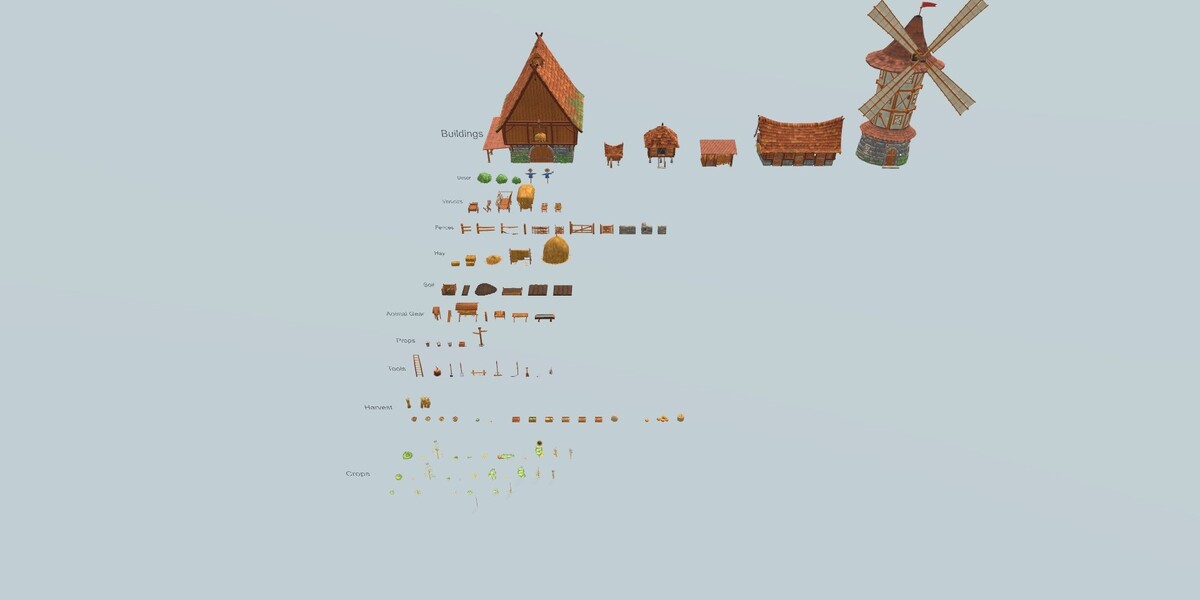
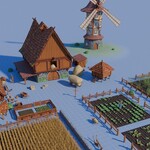
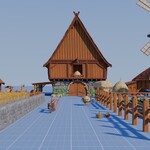
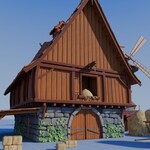
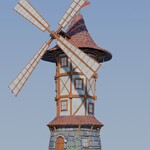
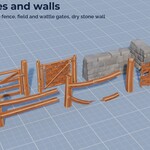
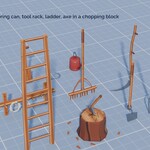
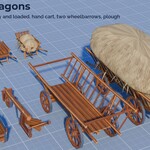
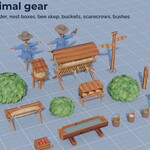
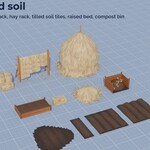
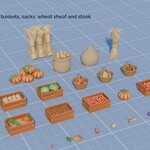
- StylizedFarm_Library.blend: all 135 meshes as assets with previews, sorted into catalogs (Stylized Farm / Buildings, Crops, Harvest, Soil, Fences, Hay, Tools, Vehicles, Animal Gear, Props, Decor, Generators). The assembled windmill is a collection asset. blender_assets.cats.txt holds the catalogs.
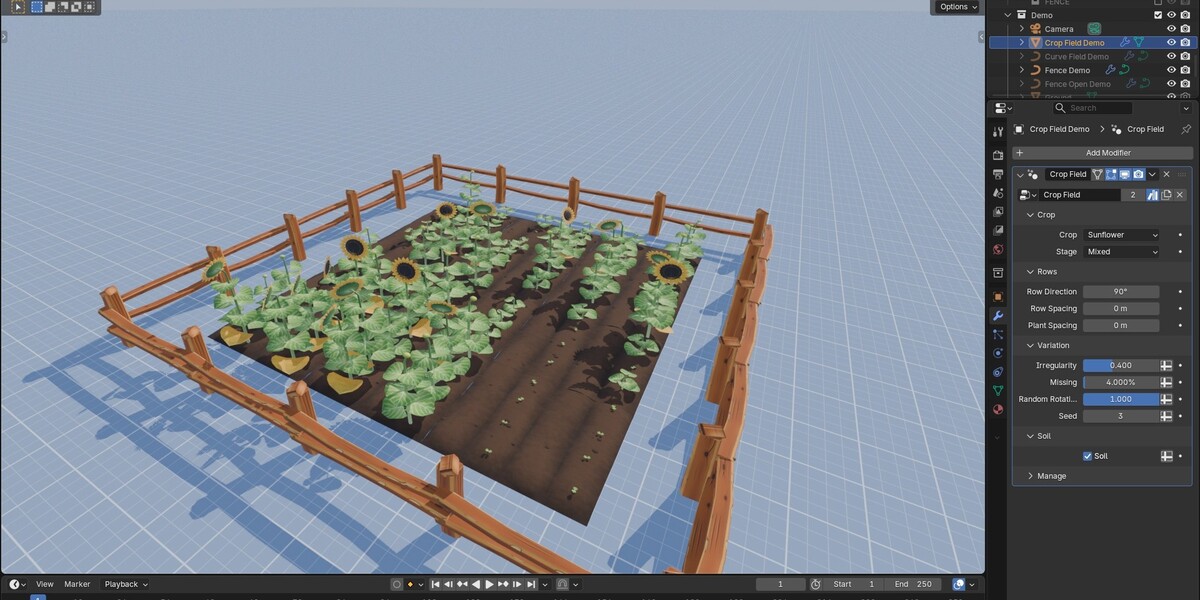
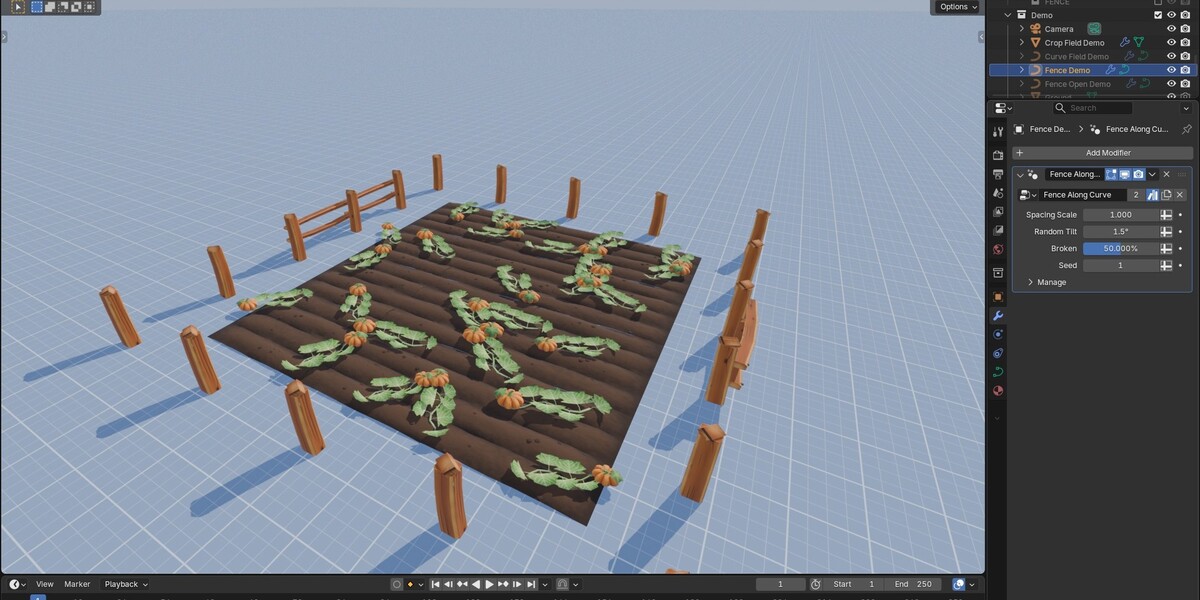
- StylizedFarm_Generator.blend: the Geometry Nodes generator with two node group assets, Crop Field and Fence Along Curve, plus a small example scene. See GENERATOR_GUIDE.md.
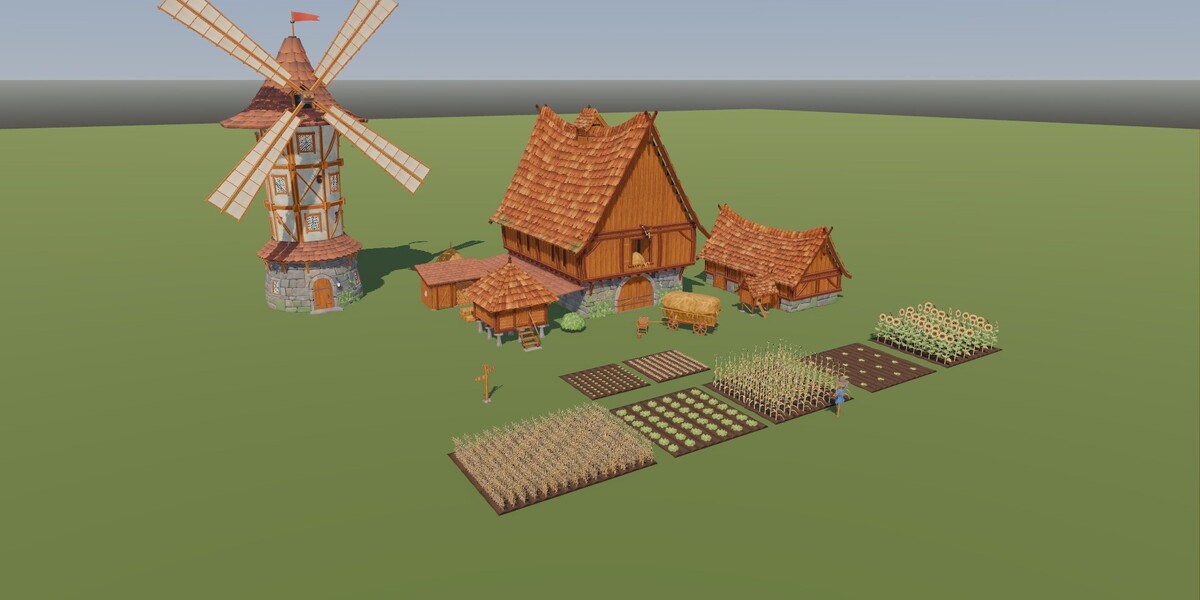
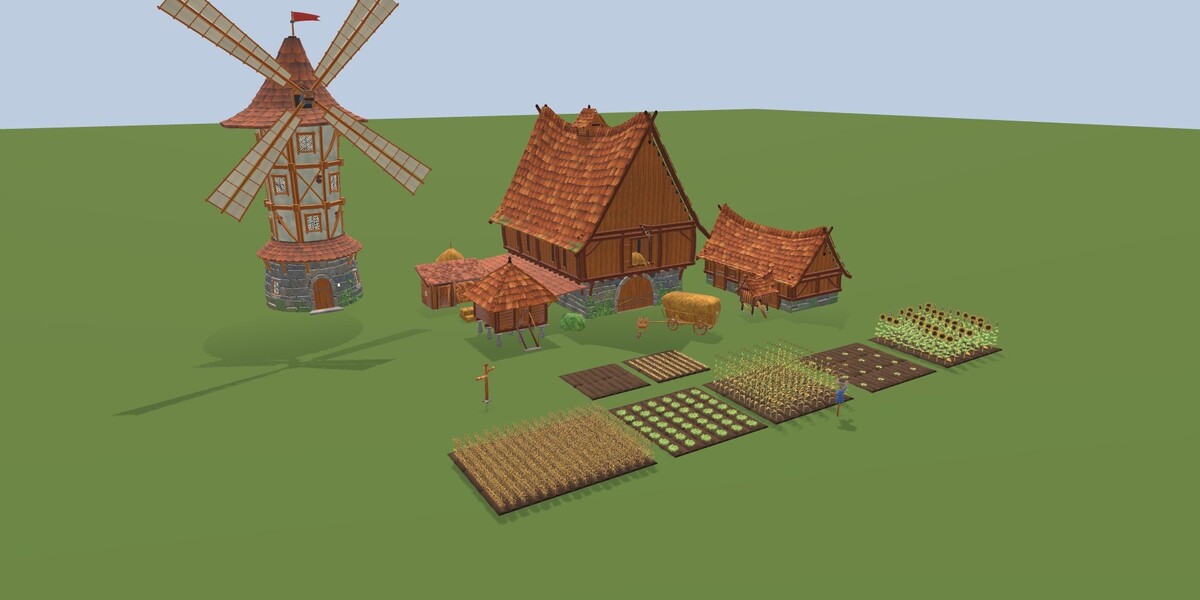
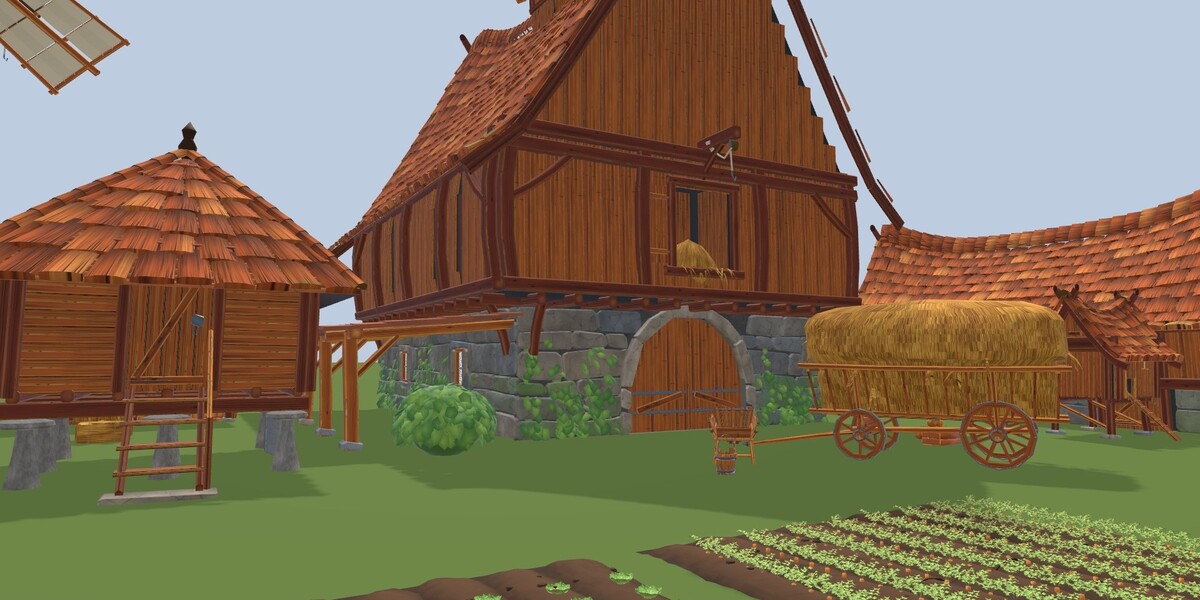
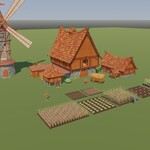
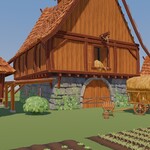
- StylizedFarm_Demo.blend: a ready farmstead scene with camera, sun and sky; it opens in Material Preview.
- textures/: every texture, linked relative to the .blend files.
Asset Browser
Edit > Preferences > File Paths > Asset Libraries: add this folder. In the Asset Browser pick the library; the catalogs appear on the left. Drag meshes into the scene. Node group assets go onto a mesh or curve as a Geometry Nodes modifier.
Scale, pivots, materials
Real world scale in metres. Props, plants and produce: pivot at the bottom centre. Fence pieces at the start post, soil tiles at the front left corner on a 0.5 m grid, buildings at the front left corner of the ground storey. The materials read the vertex colour layer "Col" (brightness, moss, grime, stone hue); keep it when editing meshes. The Blender files hold LOD0 only. LODs and collision hulls are in the engine and source packages.
Generator guide
StylizedFarm_Generator.blend holds two Geometry Nodes node groups. Both are assets in the Generators catalog, so they can also be dragged from the Asset Browser onto an object.
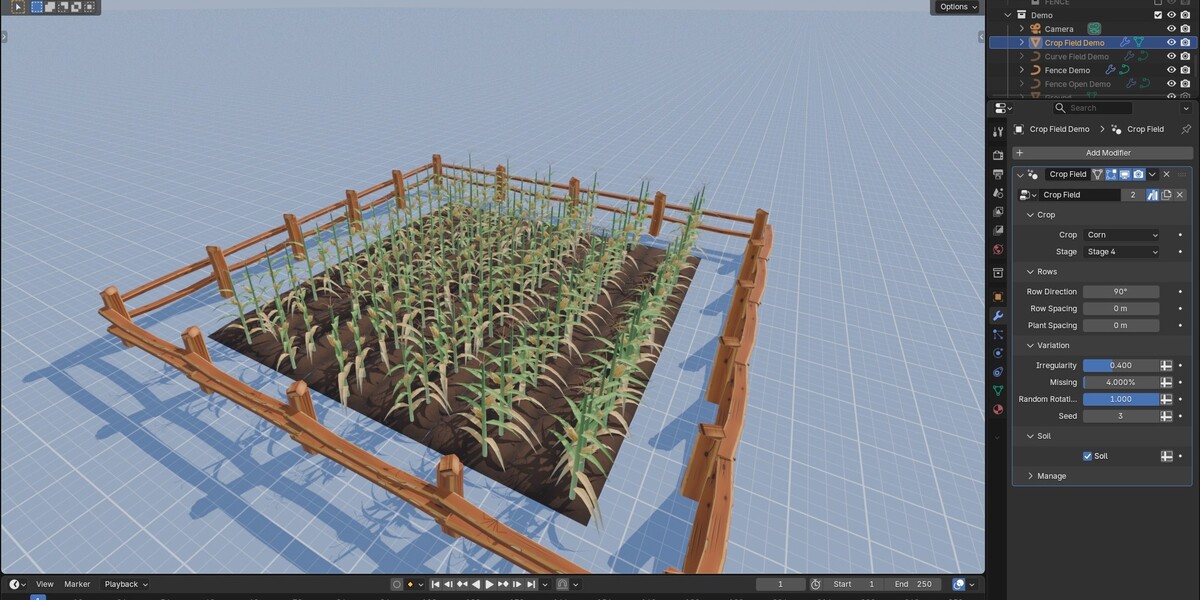
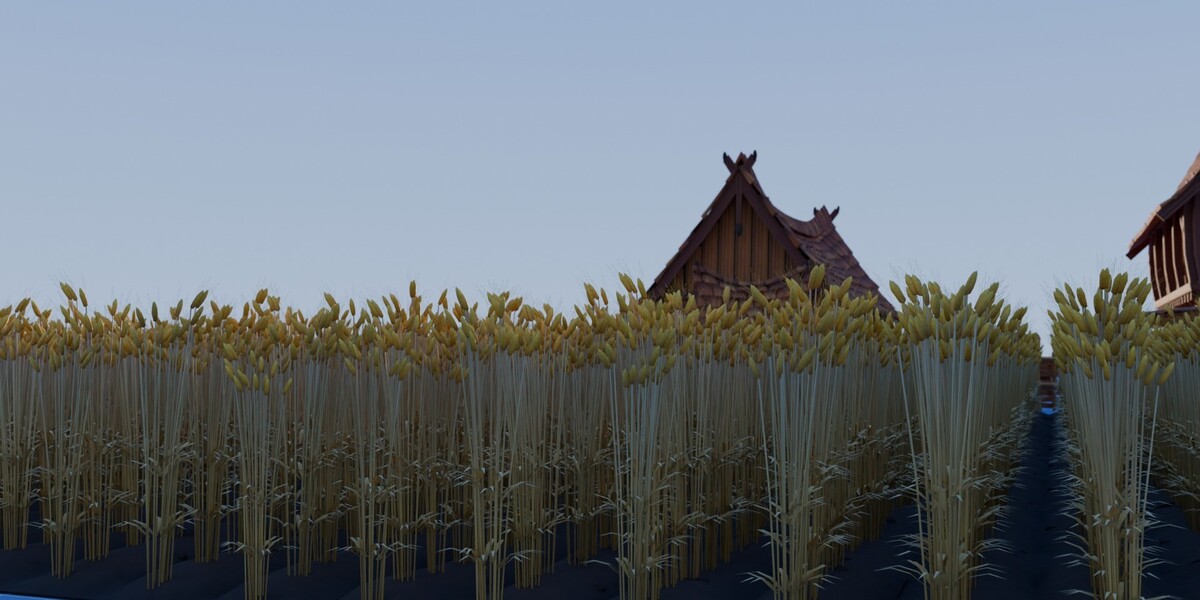
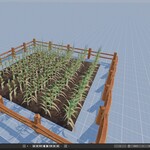
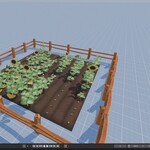
Crop Field
Put it on a flat mesh (a plane scaled to the field size) or on a closed curve as a Geometry Nodes modifier.
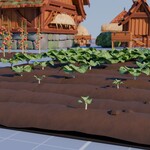
- Crop, Stage: the plant and its growth stage (1 to 4); Mixed fills the field with patches of different stages.
- Row Direction: the angle of the rows on the field.
- Row Spacing, Plant Spacing: distance between rows and between plants; 0 uses the spacing that suits the crop.
- Irregularity: small offsets and size changes per plant.
- Missing: share of empty spots in the rows.
- Random Rotation: turns every plant about its stem.
- Seed: a different random layout with the same settings.
- Soil: lays the tilled soil tiles under the rows; the plants stand on the ridge tops.
Fence Along Curve
Put it on a curve. The rail fence follows the curve, splits at sharp corners and keeps the posts upright on slopes.
- Spacing Scale: panel length as a share of the 2 m rail.
- Random Tilt: small lean per post.
- Broken: share of broken panels.
- Seed: a different random layout.
To turn a generated field or fence into plain meshes: Object > Convert > Mesh. For game engines export the converted result, or place the single meshes of the engine packages.
Have questions about this product?
Login to message
| Published | about 23 hours ago |
| Blender Version | 5.3 |
| Render Engine Used | Cycles, Eevee |
| Misc Data | Uvs-Unwrapped, Normal-Mapped, Textured |
| License | Royalty Free |