Stylized Lion Warrior Man Character
 Salman Animator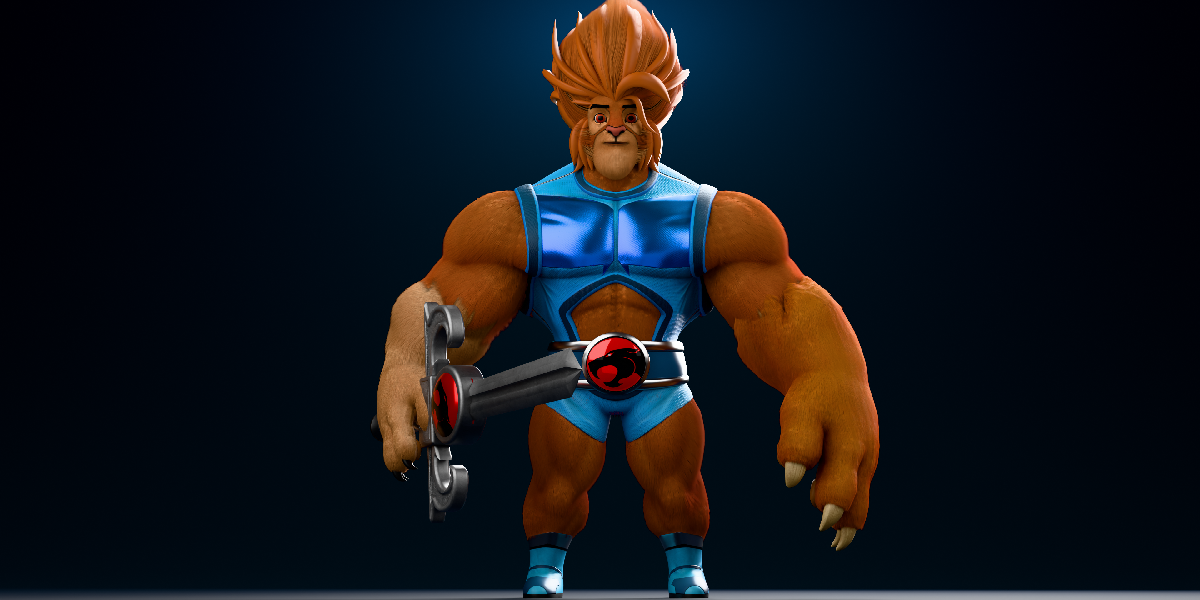
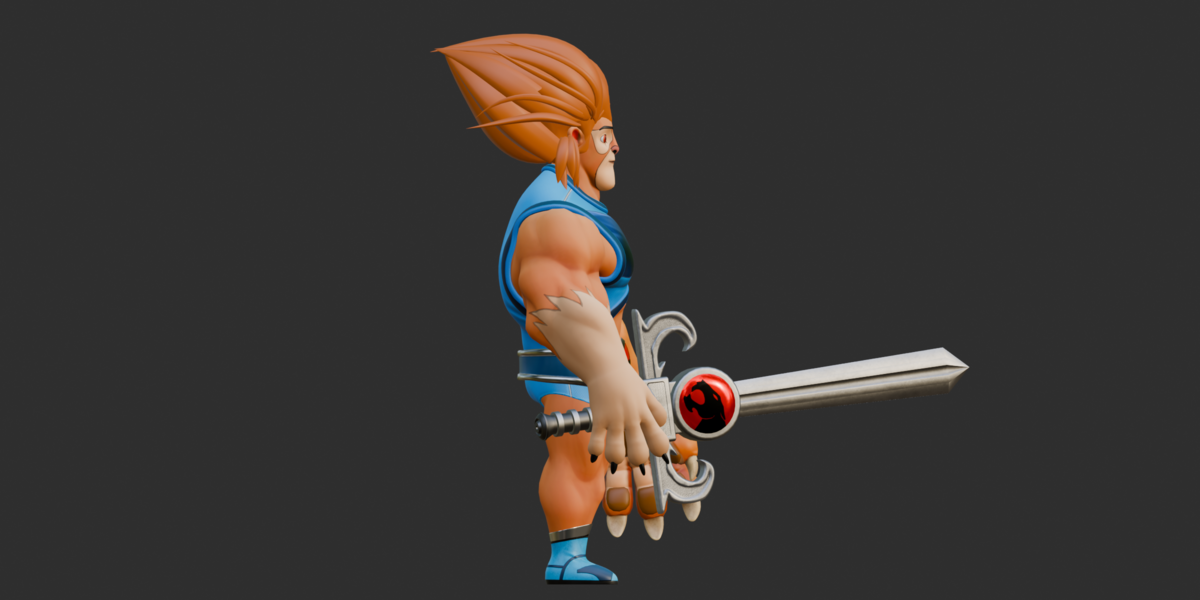
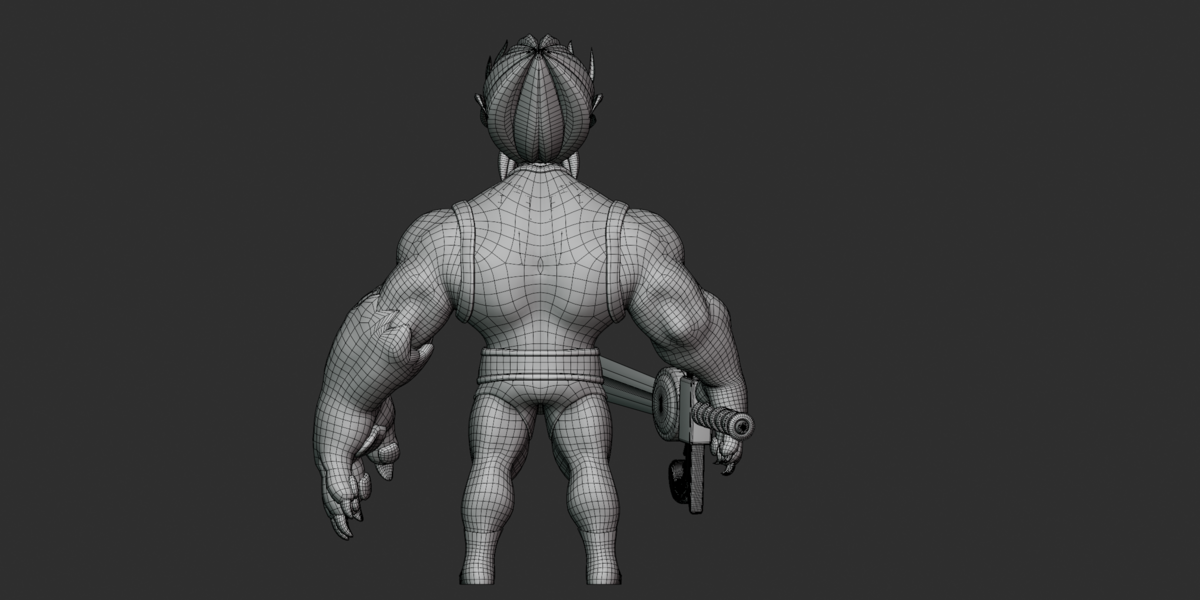
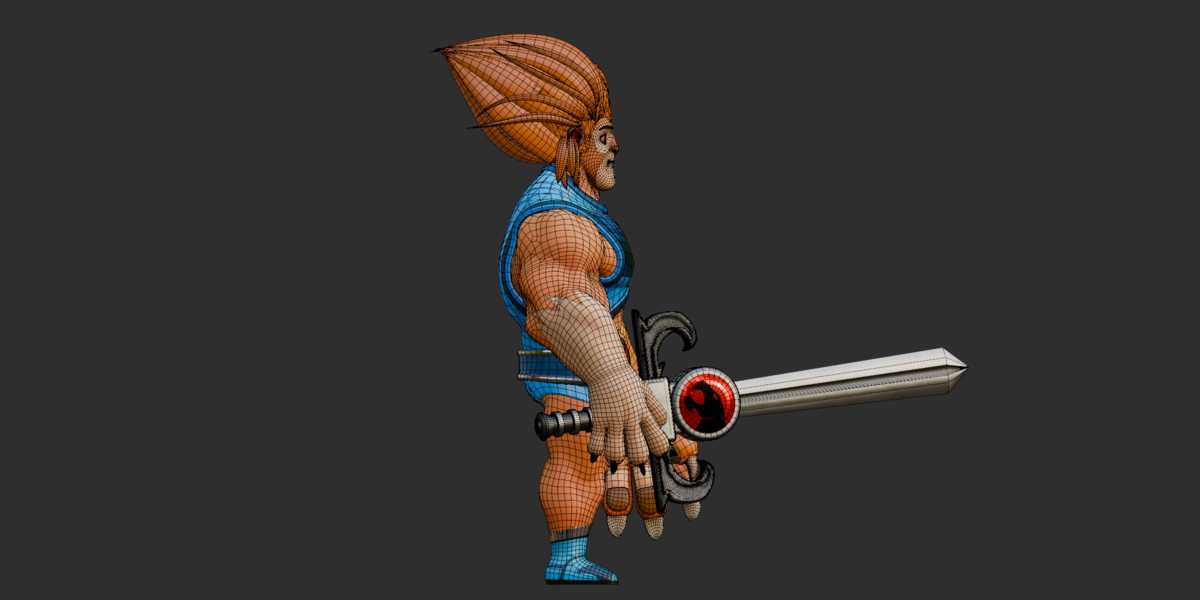
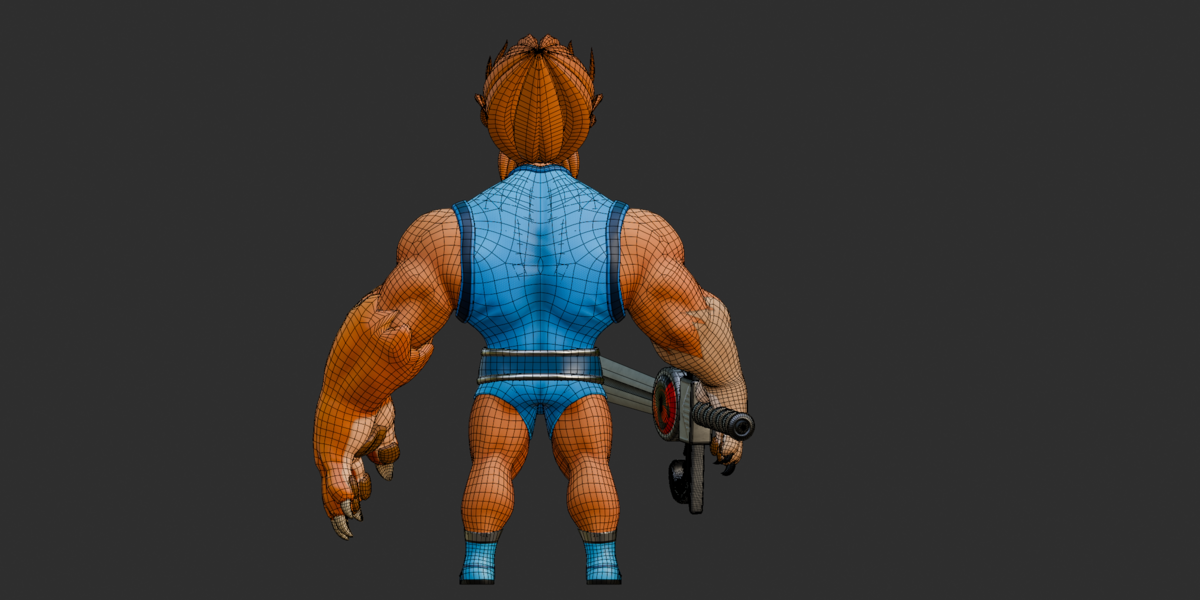
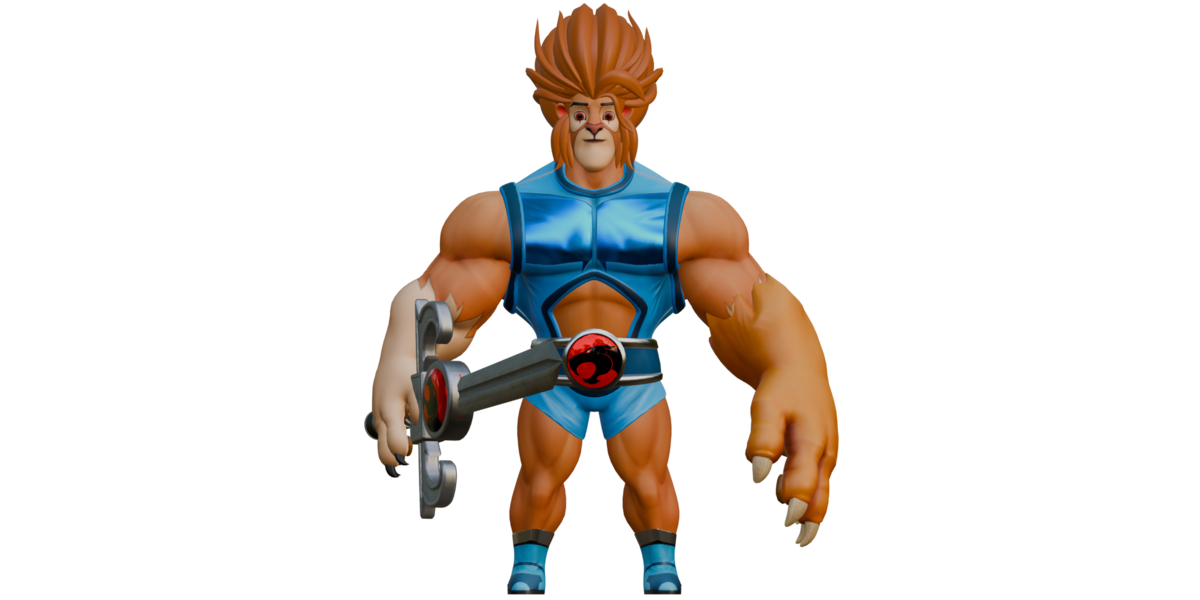
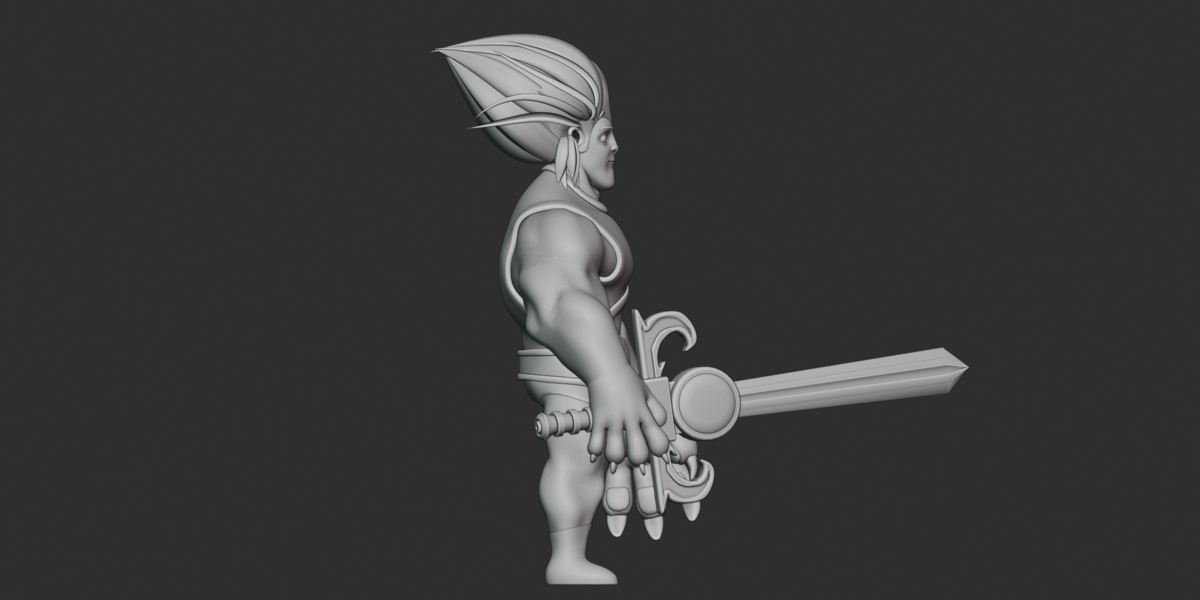
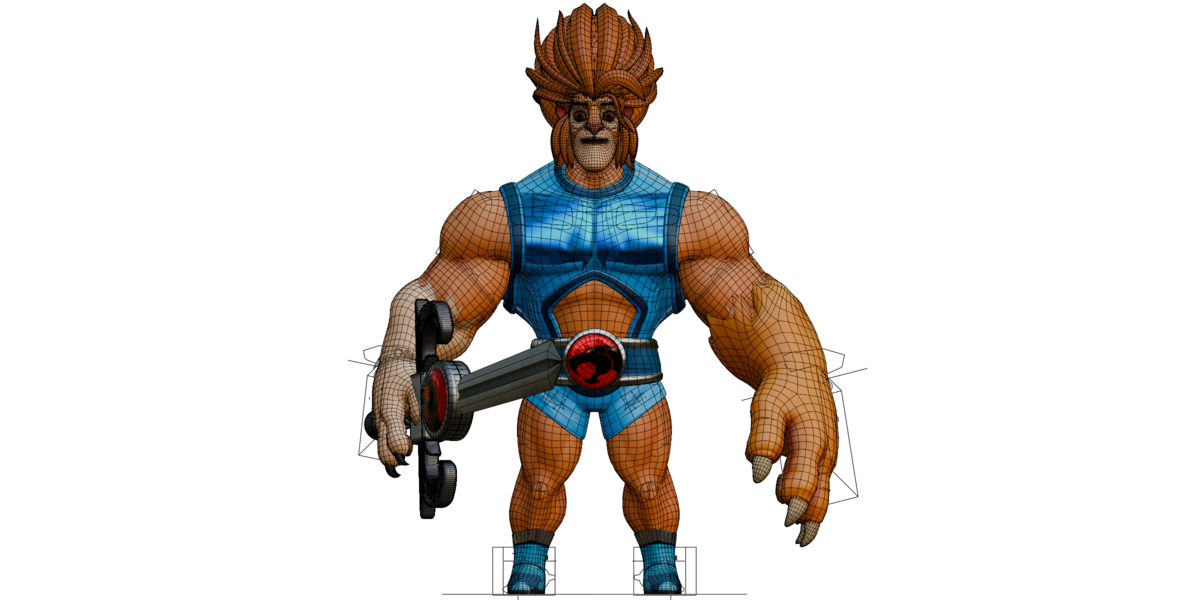
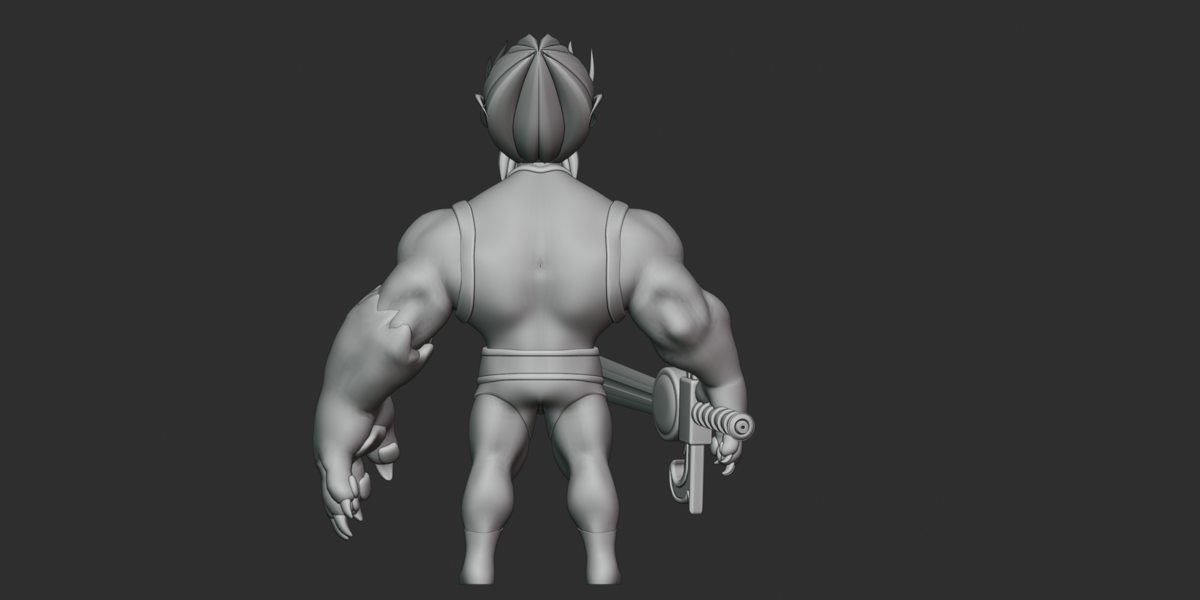
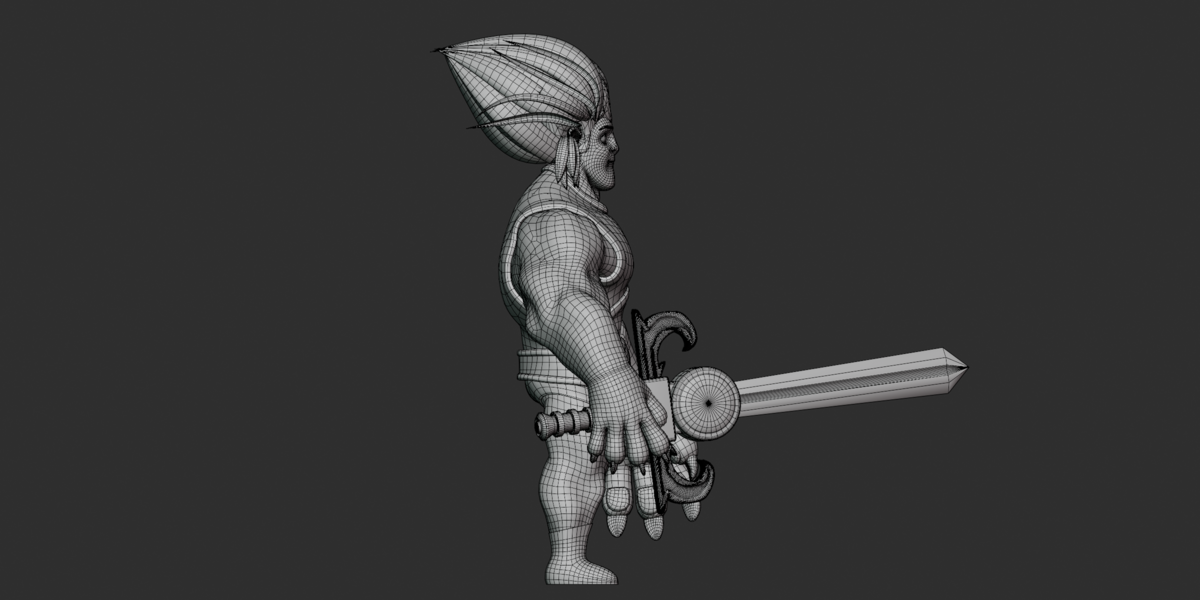
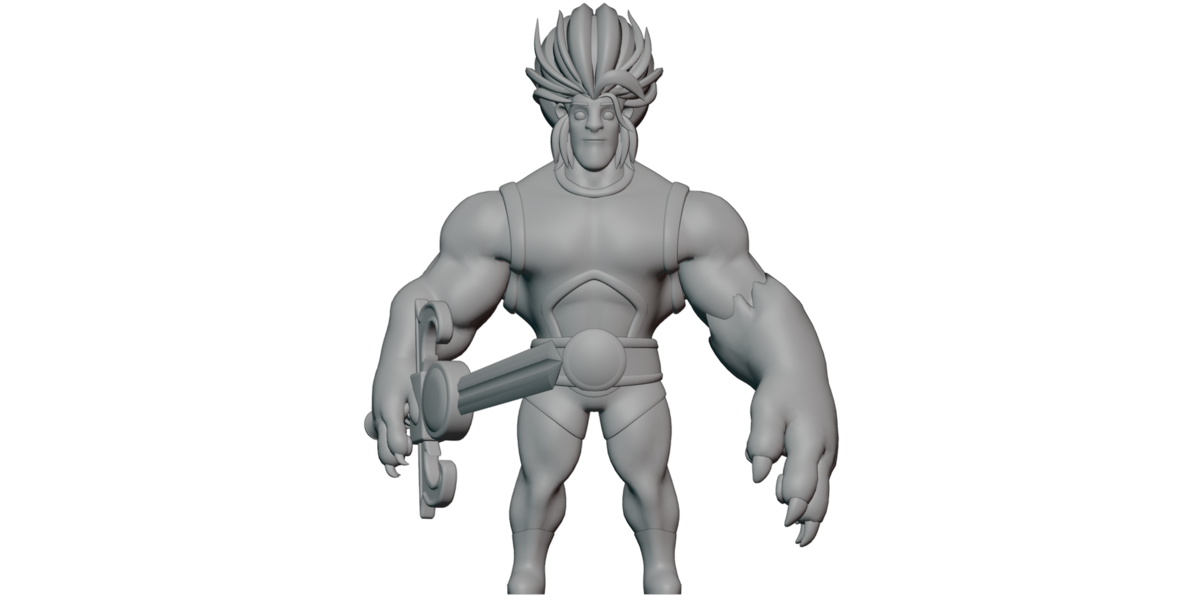
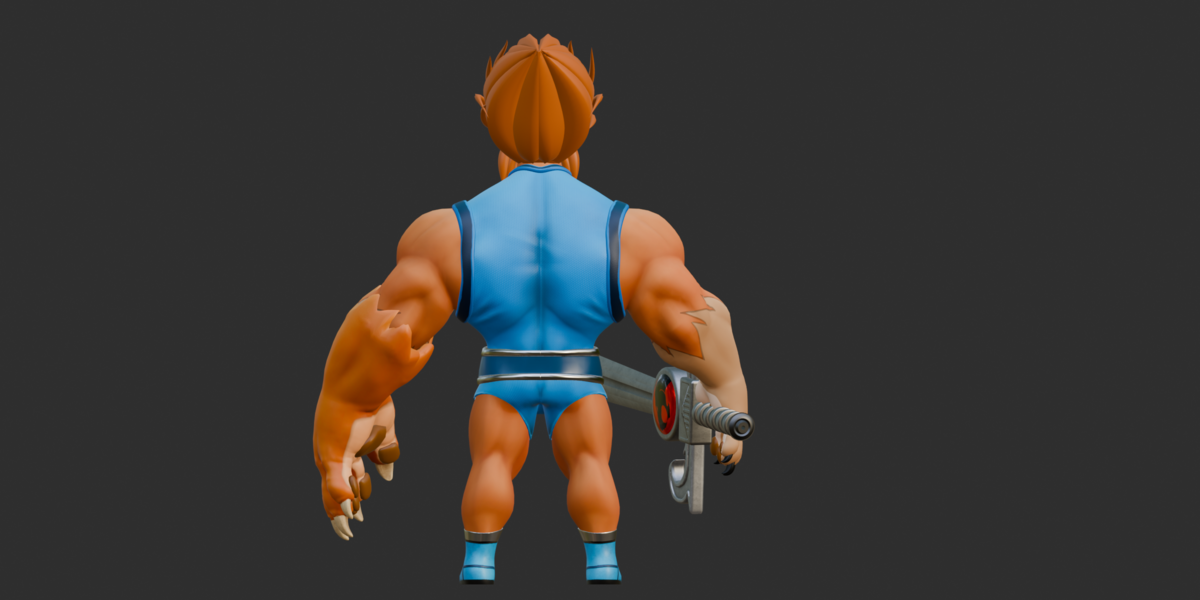
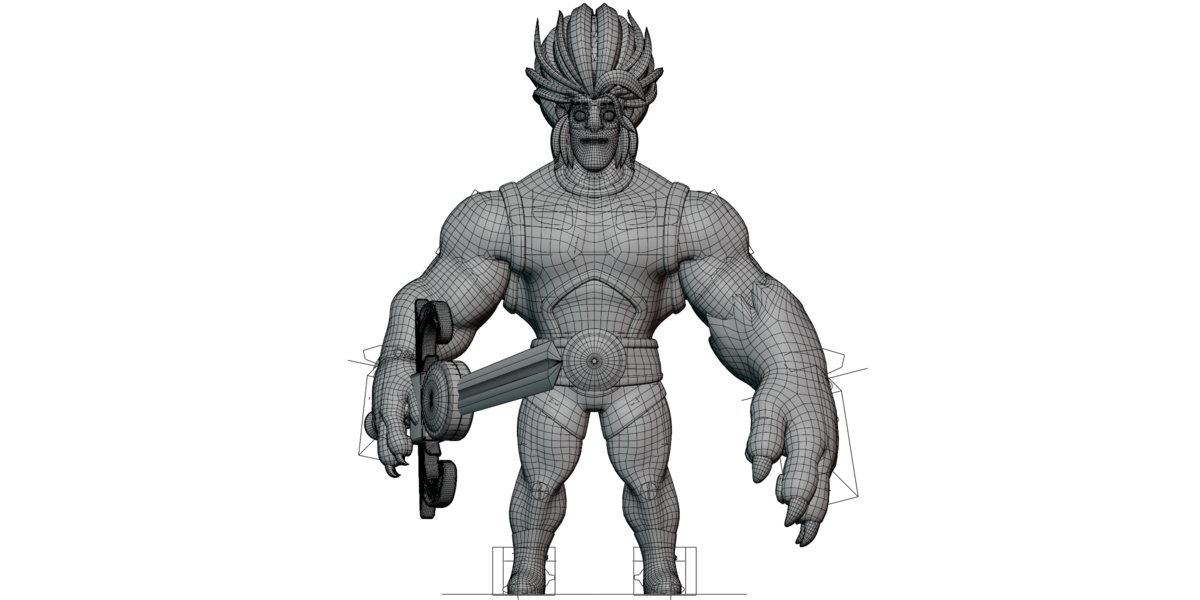
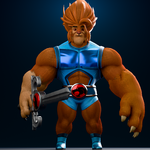
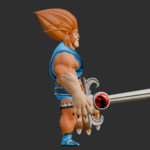
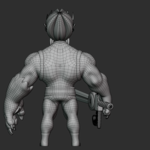
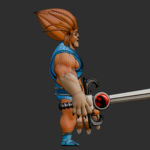
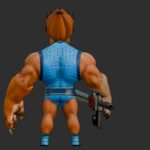
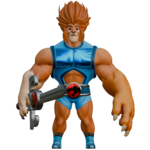
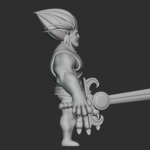
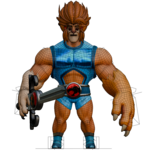
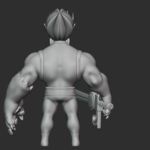
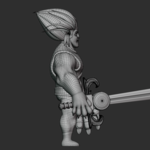
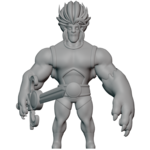
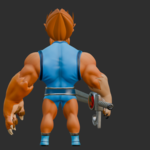
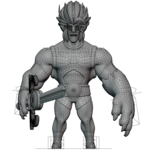
Stylized Lion Warrior 3D Character, Documentation
Key Features
Stylized muscular anthropomorphic lion warrior
Full-body and facial control rig
1,115 skin joints
IK/FK arm and leg controls
Individual finger controls
Detailed facial controls
21 active materials
26 PNG textures
All textures are 2048×2048
Sword and claw/blaster hand device included
9 shape keys on the head-hair mesh
.blend,.fbx,.obj + .mtl, and.glb13 high-resolution marketing renders
No pre-made animation
GLB includes embedded texture images
Technical Documentation
Included Files & Formats
| Format | Contents | Best Use |
|---|---|---|
| BLEND | Native scene, character, rig, materials, textures and controls | Blender editing, posing and customization |
| FBX | Character mesh, materials, armature and skin data | Character transfer and rigged workflows |
| OBJ + MTL | Static mesh with material definitions | Static model workflows |
| GLB | Meshes, materials, embedded images, skin and shape keys | Single-file interchange and modern viewers |
| Textures ZIP | 26 PNG texture files | Texture editing or manual relinking |
The supplied FBX and OBJ files were exported using Blender 4.5.5 LTS. The GLB was generated using Khronos glTF Blender I/O v4.5.49.
The native .blend file contains an internal Blender BLENDER-v402 header marker.
Geometry
The exported OBJ contains:
15 mesh objects
61,346 unique vertices
61,608 faces
3,205 triangles
58,396 quads
7 n-gons
Approximately 120K triangle-equivalent geometry
47,141 UV coordinates
1 UV channel
The GLB contains 17 meshes.
The supplied geometry represents the evaluated exported model. A modifier stack was not independently verified from the native Blender scene.
Rig & Controls
The armature is named rig.
The rig uses an Auto-Rig-Pro-style naming and control structure, including controls such as c_root_master.x, c_spine_master.x, IK/FK controls, snap controls, and .l/.r/.x naming.
Main Rig Controls
Root and master controls
Pelvis controls
Spine and chest controls
Neck and head controls
IK/FK arm controls
IK/FK leg controls
Hand controls
Individual finger controls
Foot controls
Facial controls
Ear controls
Jaw and tongue controls
Eye and eyelid controls
Eyebrow controls
Lip and cheek controls
Nose controls
Teeth controls
The rig includes 1,115 skin joints.
The arm and leg systems include IK/FK controls, while the hands provide individual finger controls for thumb, index, middle, ring, and pinky fingers.
Facial Rig
The facial setup includes controls for:
Eyes
Eyelids
Eyebrows
Jaw
Lips
Tongue
Teeth
Cheeks
Nose
Ears
Stretch controls are also present for areas such as the spine, neck, and head.
Shape Keys / Morphs
One mesh, identified as head hairs, contains 9 shape keys.
The available keys include:
left eyeright eyesmile-L-zsmile-R-zsmile-L-ysmile-R-ysmile-L-xKey 8Key 9
Seven have descriptive names, while two retain the default Key 8 and Key 9 names.
The shape keys are available in the BLEND and GLB versions. They are not included in the supplied FBX or OBJ.
Animation
The character does not include pre-made animation.
The GLB contains 0 animations, and the FBX contains no animation stack/layer/curve data.
The character is supplied in a rest/bind pose and can be posed using the included rig.
Materials
The character uses 21 active materials.
The MTL file defines 22 material entries, with one black material remaining unused.
Materials use standard Blender/glTF-style PBR properties where applicable.
Material setups include combinations of:
Base Color
Normal
Metallic
Roughness
Some materials use flat colors without texture maps.
The GLB materials are double-sided, with no transparency or emissive materials identified in the inspected file.
Textures
The package contains 26 PNG texture files.
Texture specifications:
Format: PNG
Resolution: 2048×2048
Bit depth: 8-bit
Texture types: Base Color, Normal, Metallic, Roughness where used
Normal maps use the OpenGL convention. If your software expects DirectX normals, the green channel may need to be inverted.
The texture set includes maps for materials such as:
Cloth
Cloth sides
Belt
Eyes
Body
Big hand
Additional material texture sets
The supplied textures.zip contains the 26 source texture images.
UV
The exported model contains one UV channel.
The OBJ includes 47,141 UV coordinates, and the GLB confirms the presence of TEXCOORD_0.
No second UV channel or UDIM setup was verified.
Accessory Props
Two accessory props are included:
Sword
Claw/blaster hand device
These are supplied as part of the product package and can be used with the character for different warrior poses and scenes.
Scale
The OBJ bounding dimensions are approximately:
X: 1.349 units
Y: 1.681 units
Z: 1.597 units
The FBX reports an original unit scale factor of 1.0.
A real-world character height of approximately 1.68 m is only an interpretation under Blender metric assumptions; the source scene's exact real-world scale was not independently verified.
Import Workflow
Blender — BLEND
Open the .blend file directly in Blender.
If textures do not appear automatically, relink them to the supplied texture files.
The native Blender version provides the most complete editing environment for the rig and shape keys.
FBX
Import the FBX with its armature and skin data.
The file contains:
Character mesh
Armature
Skin/cluster data
Materials
There are no animations included.
Check the import scale and relink textures from the texture package if required.
The high joint count may require optimization or retargeting depending on the target application.
OBJ
Keep the .mtl file in the same location as the OBJ.
For texture loading, extract the texture package and maintain the expected relative texture paths.
OBJ is a static mesh format here and does not contain the character rig or shape keys.
GLB
The GLB provides a convenient single-file version.
It contains:
Meshes
Materials
Embedded images
Skin
1,115 joints
9 shape keys on one mesh
The GLB contains 23 embedded PNG images and does not require the external texture ZIP for its embedded texture data.
No animation is included.
Rigging Workflow
Open the BLEND, FBX, or GLB version in a compatible application.
Select the character rig.
Use the available character controls to pose the model.
Use IK/FK controls for arms and legs where supported.
Use the individual finger controls for hand posing.
Use the facial controls for expressions and facial positioning.
Adjust the available shape keys on the
head hairsmesh when using BLEND or GLB.Keyframe the controls if creating your own animation.
Export the character again when required for your target workflow.
Rig behavior outside Blender may vary because some IK/FK behavior, constraints, drivers, and control relationships are stored in the native rig setup.
Customization
The character can be customized by:
Recoloring the active materials
Editing the supplied 2048×2048 textures
Replacing texture maps
Posing the character with the rig
Adjusting the available facial/shape-key controls
Creating your own animations
Re-exporting the character for another workflow
No additional clothing variants or extra accessory sets beyond the included sword and claw/blaster hand device are supplied.
Troubleshooting
Textures are missing
Make sure the texture files are available and relink them manually if the application cannot find them.
For OBJ, keep the .mtl file beside the OBJ and preserve the expected relative texture path.
Model appears grey
Some materials use flat or non-textured color setups. Missing texture links can also cause a grey appearance.
Normals look incorrect
The supplied normal maps use the OpenGL convention. A DirectX-based workflow may require green-channel inversion.
Rig controls behave differently
The complete rig relationship is most reliably handled in Blender. Other applications may not reproduce every Auto-Rig-Pro-style constraint, driver, IK/FK, or control behavior.
Shape keys are missing
Shape keys are available on the head hairs mesh in BLEND and GLB. They are not included in the supplied FBX or OBJ.
No animation is visible
This is expected. The product contains a rig but no pre-made animation.
Import scale looks different
Check the target application's unit and import-scale settings. The FBX reports an original unit scale factor of 1.0.
FBX is heavy
The character has a high joint count of 1,115 joints. Some target applications may benefit from joint reduction or retargeting.
Compatibility Notes
The formats were inspected for their supplied structure and contents, but specific game engines and third-party applications were not independently tested.
General format guidance:
BLEND: Best for Blender editing and full rig control.
FBX: Suitable for rigged character transfer workflows.
GLB: Convenient single-file interchange with embedded images.
OBJ: Suitable for static mesh workflows.
Engine-specific behavior can vary, especially with the high joint count, facial setup, IK/FK controls, and shape keys.
Important Notes
No animation is included.
Shape keys are available only on one mesh.
Shape keys are supplied in BLEND and GLB, not FBX/OBJ.
The character uses 1,115 skin joints.
The MTL defines 22 materials, while 21 are actively used.
The
blackmaterial is defined but unused.The GLB contains 23 embedded PNG images, while the external texture package contains 26 source PNGs.
Cameras and lights are not included in the supplied interchange files.
The full-resolution marketing renders are actually 3840×2160.
There is no pure front wireframe render; one front textured-wireframe viewport capture is duplicated.
Modifier stacks, native Blender collections, constraints, and drivers could not be independently verified from the native
.blendfile in the inspection environment.The model's exact real-world scene scale was not independently confirmed.
The design resembles a recognizable licensed animated-character style. Any licensing/rights information should be confirmed by the seller before commercial use.
Have questions about this product?
Login to message
| Published | about 2 months ago |
| Blender Version | 2.6x - 5.2 |
| Render Engine Used | Cycles, Eevee, Freestyle |
| Misc Data | Rigged, Textured |
| License | Royalty Free |
