Stylized Low Poly Shops – 12 Modular Assets
 BAVRIDO ASSETS
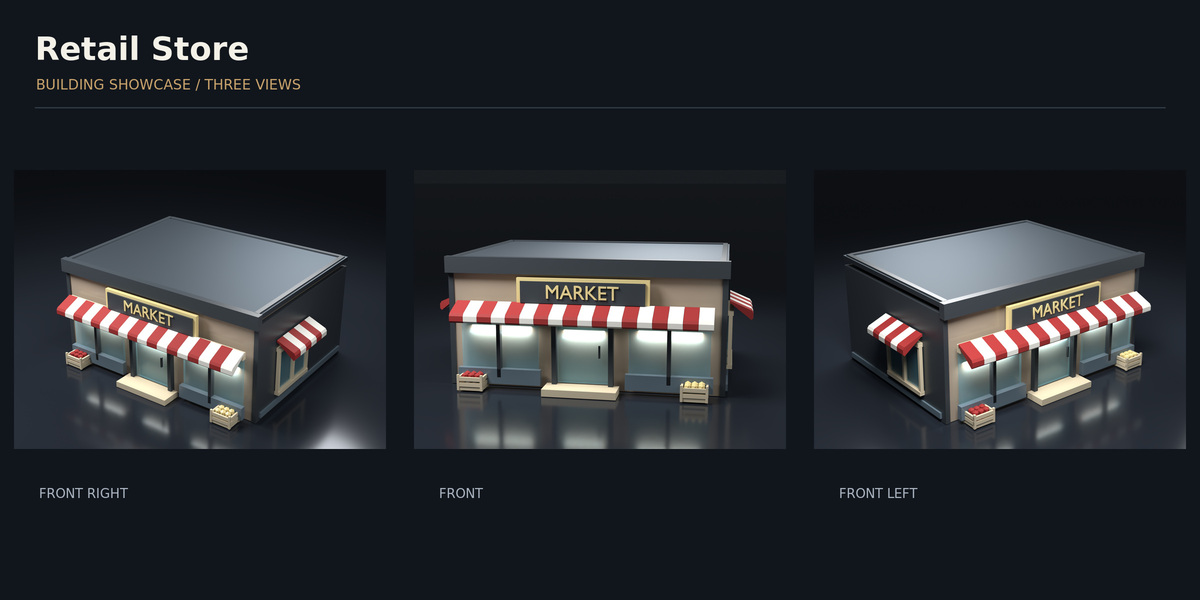
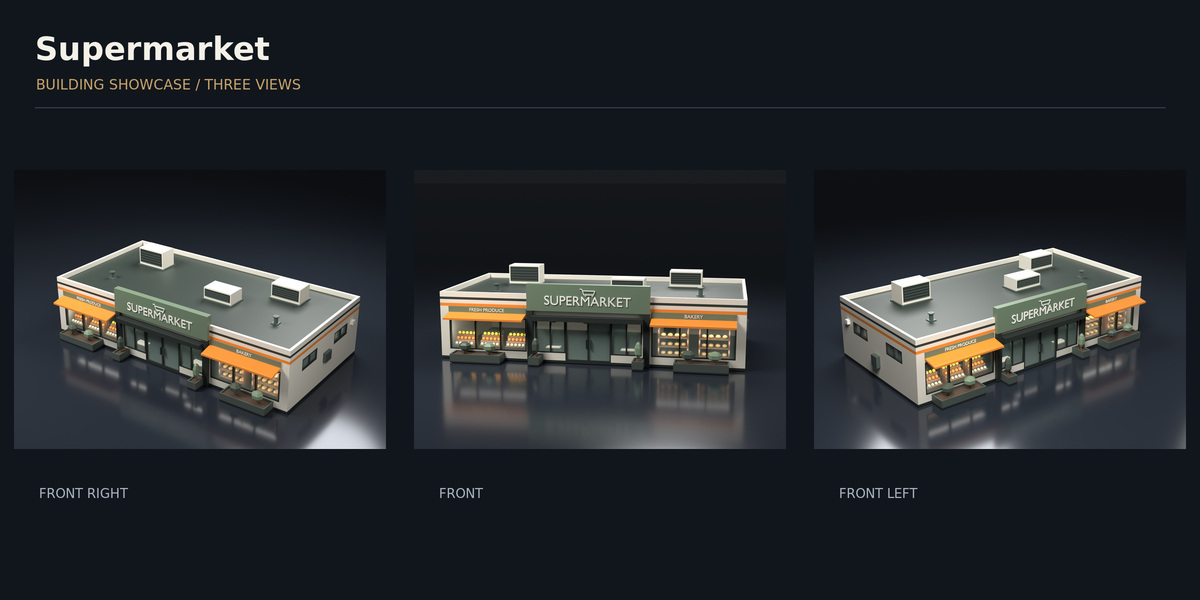
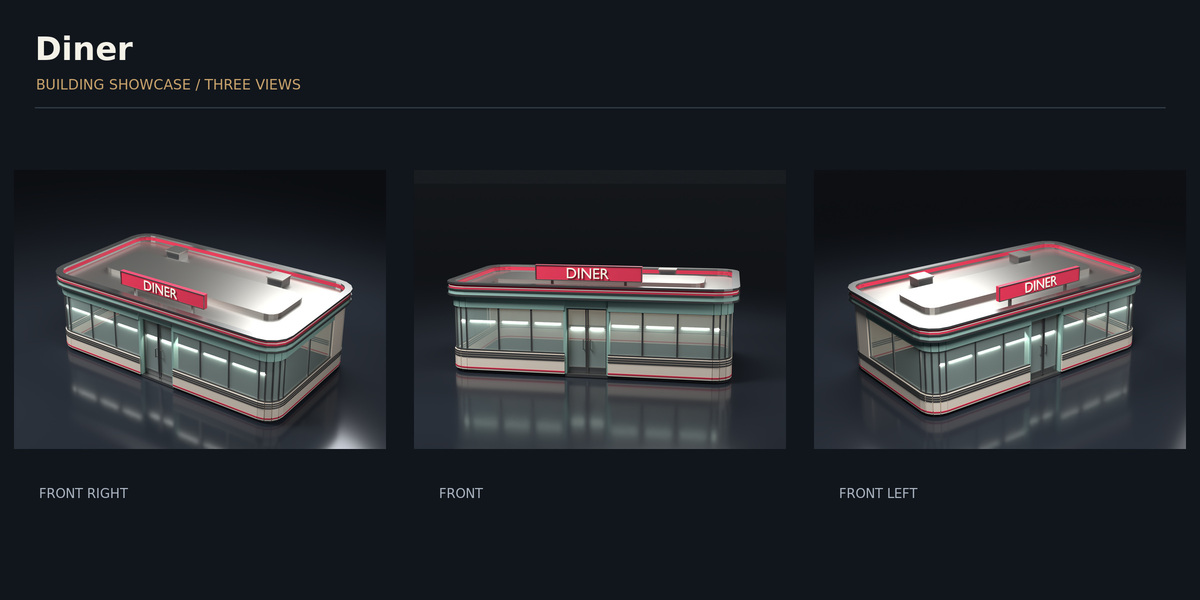
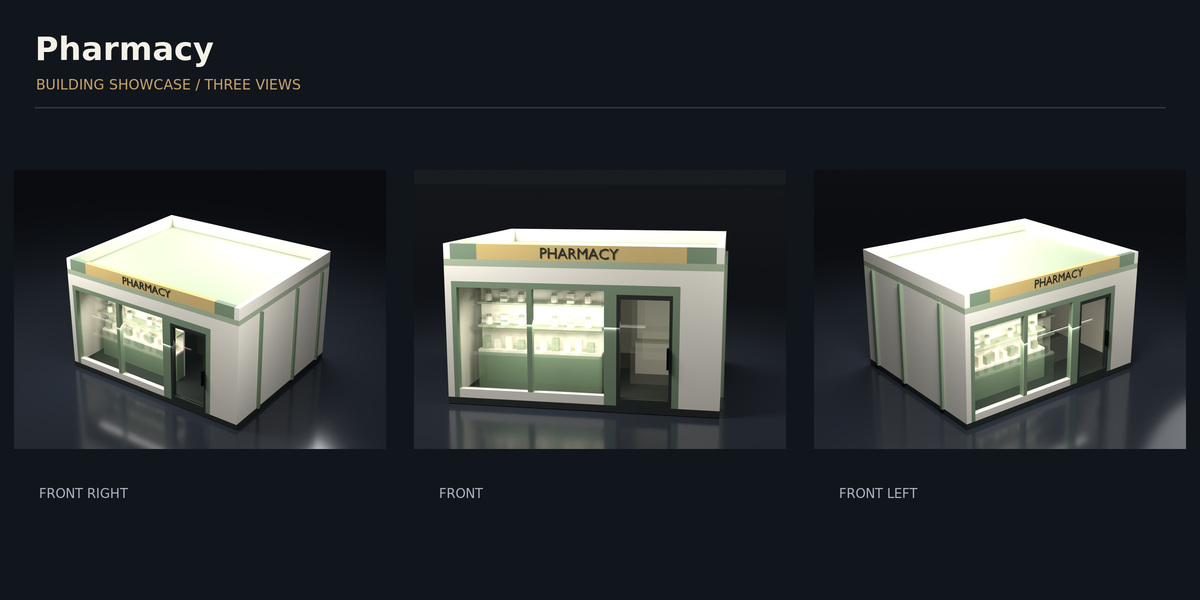
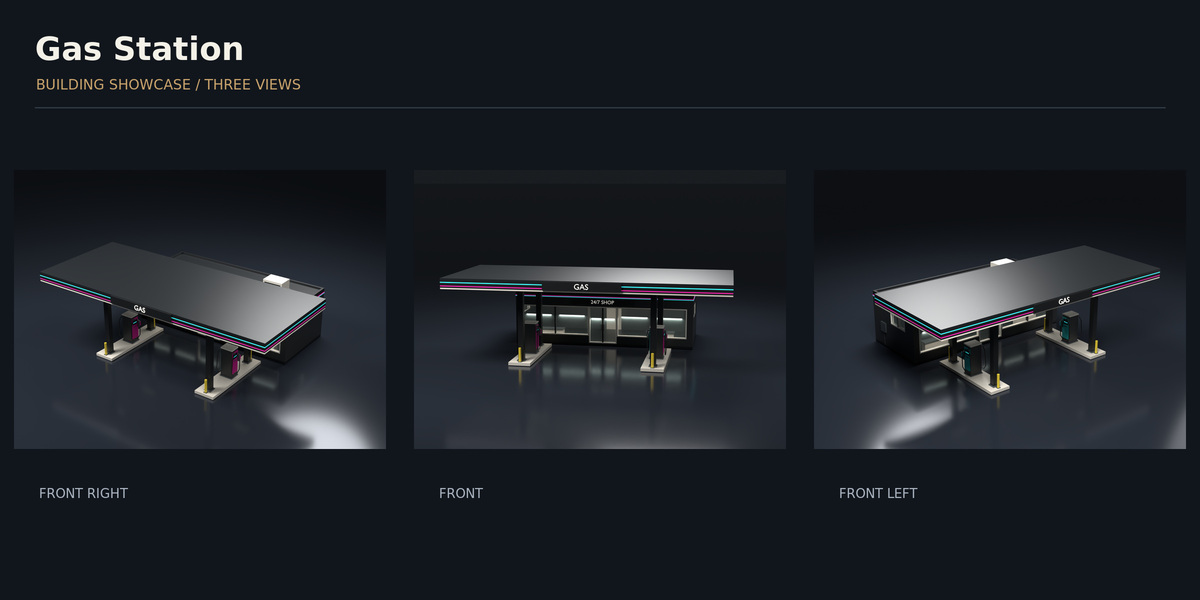
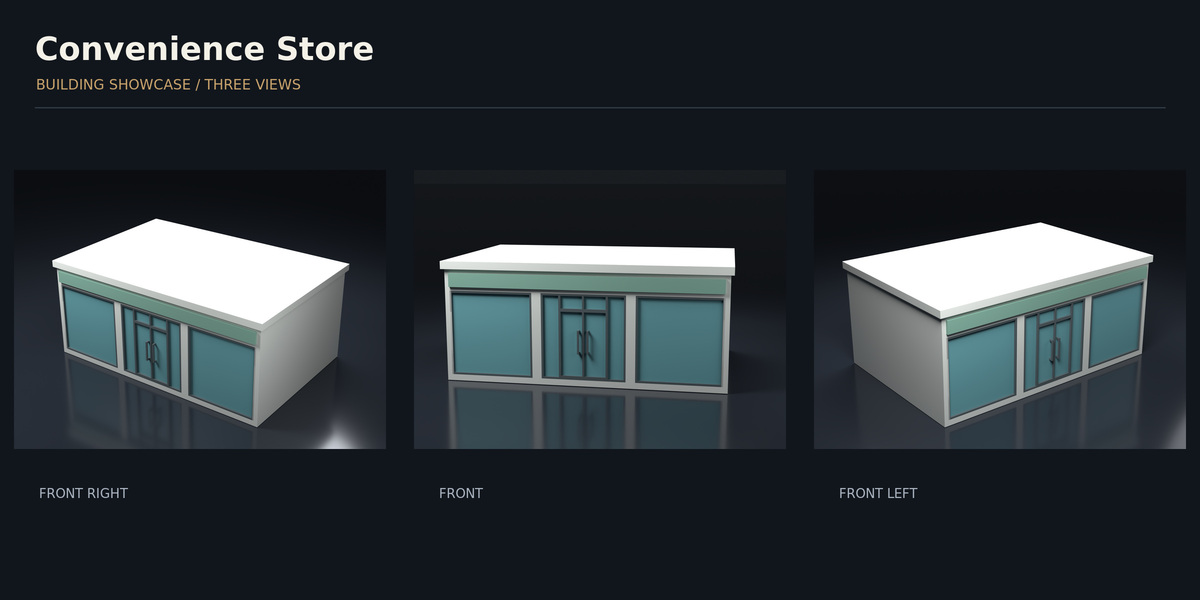
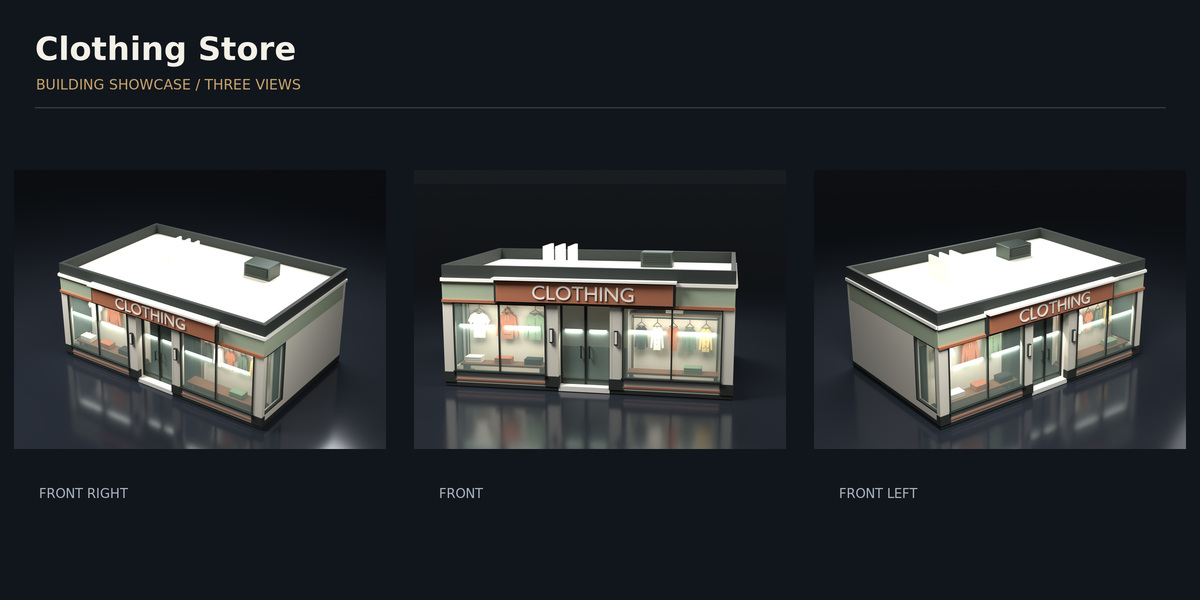
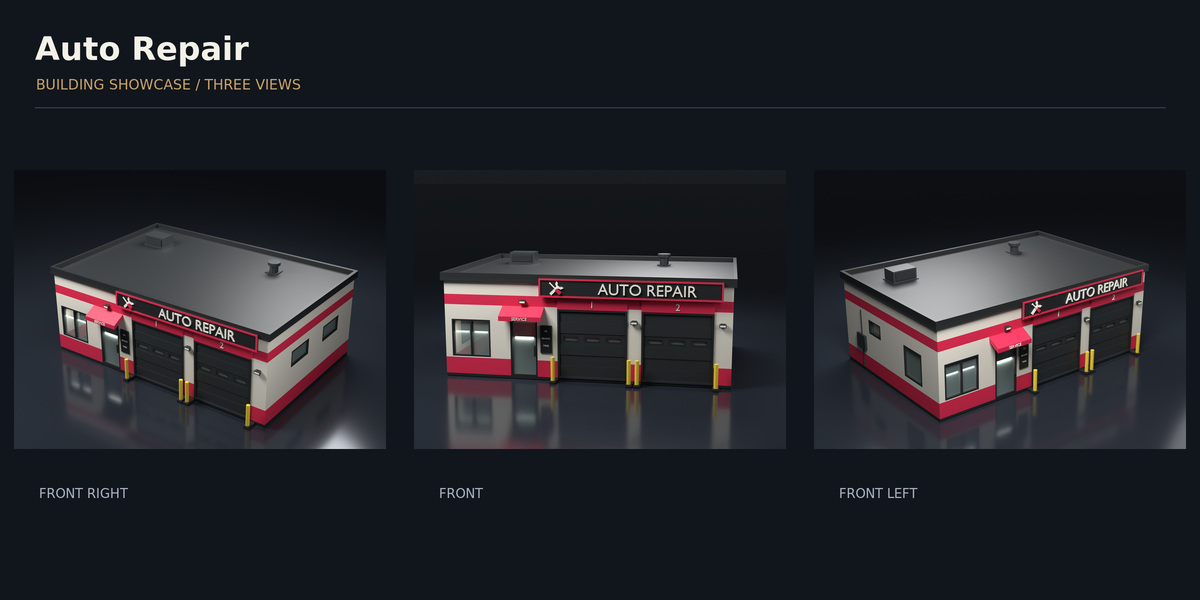
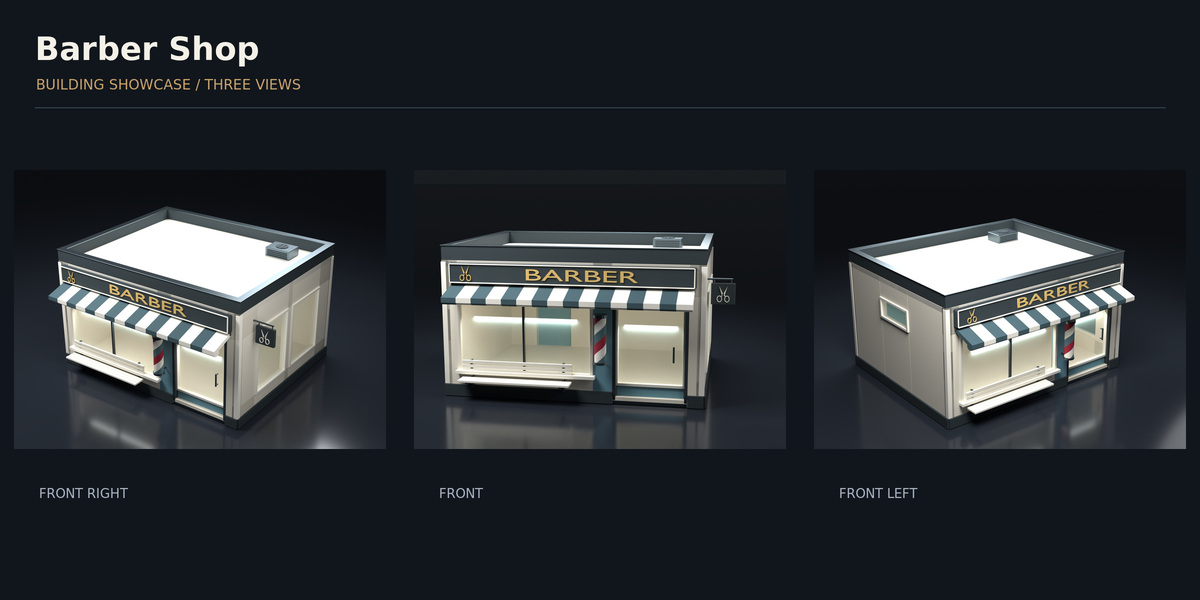
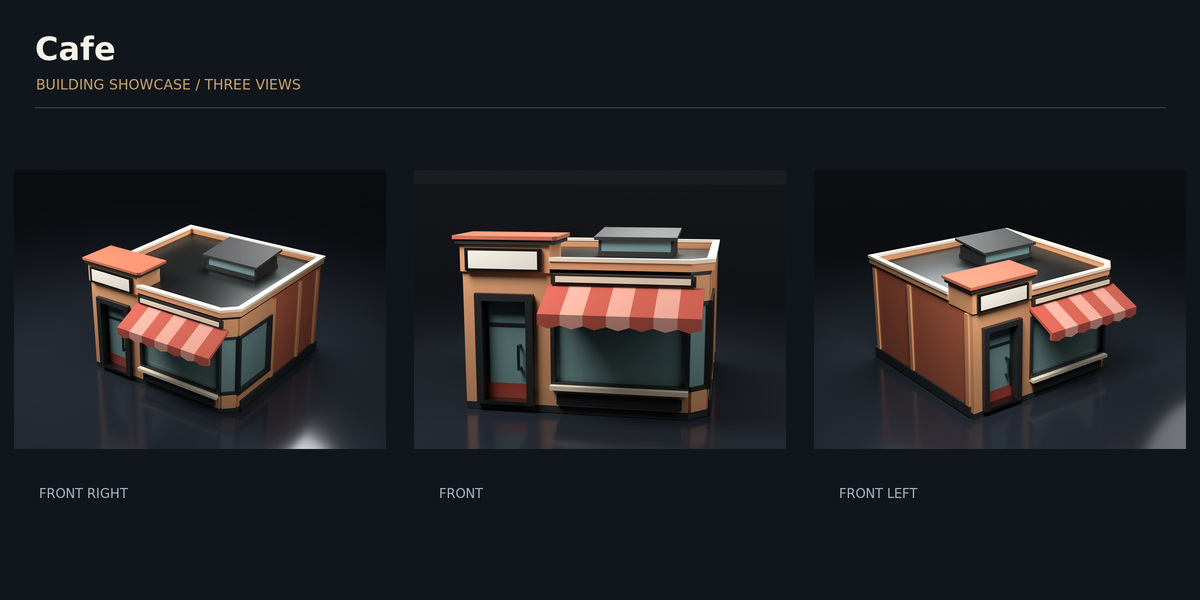
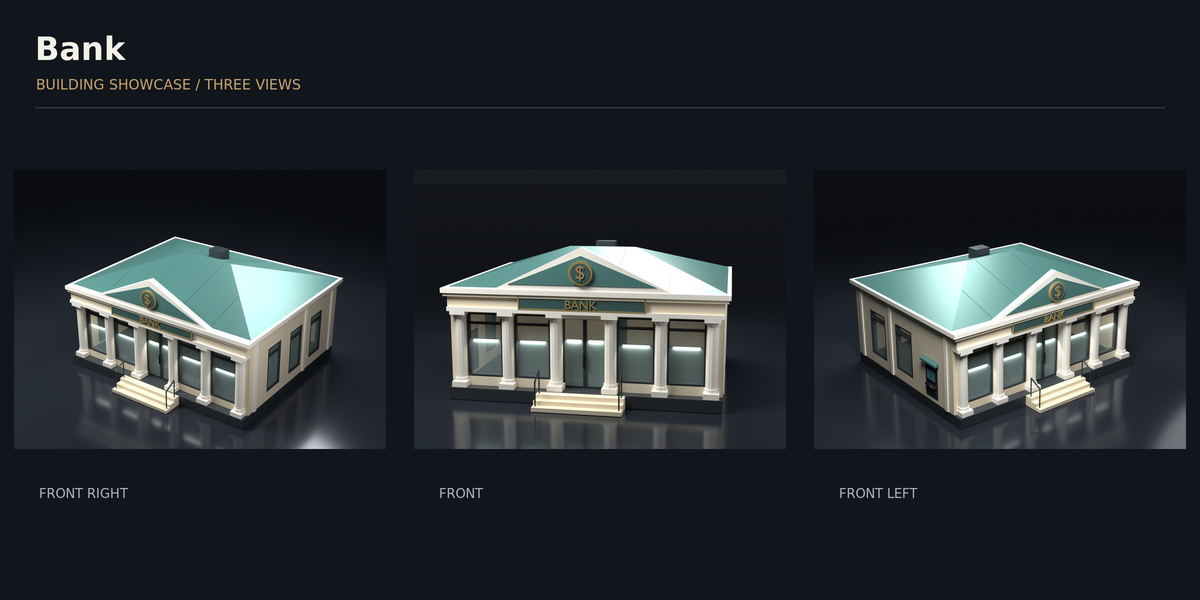
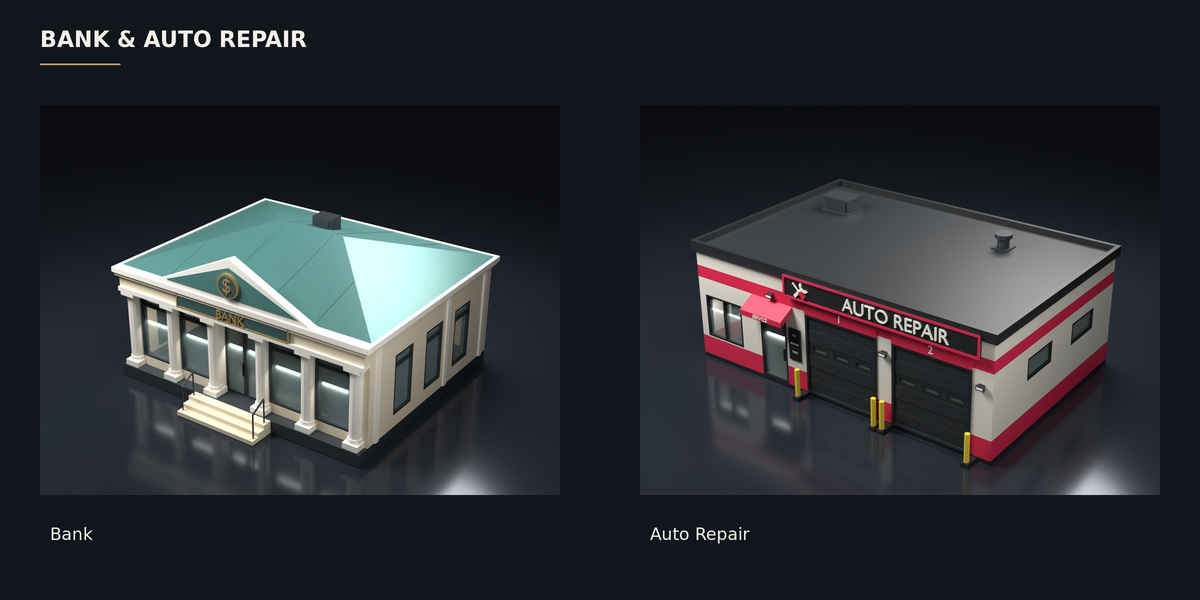
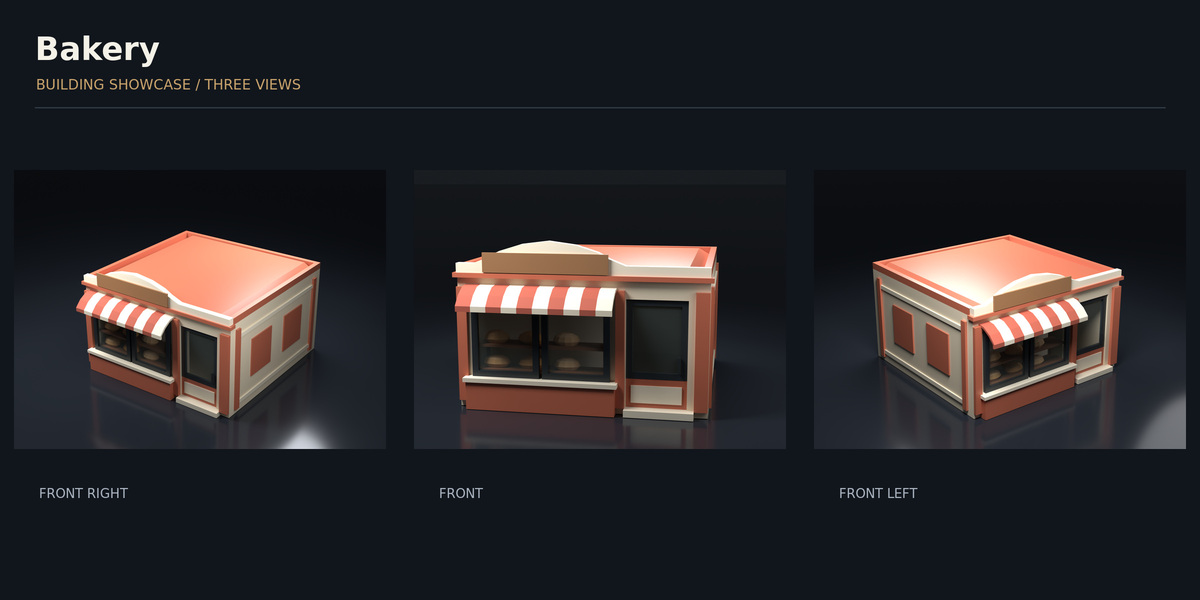
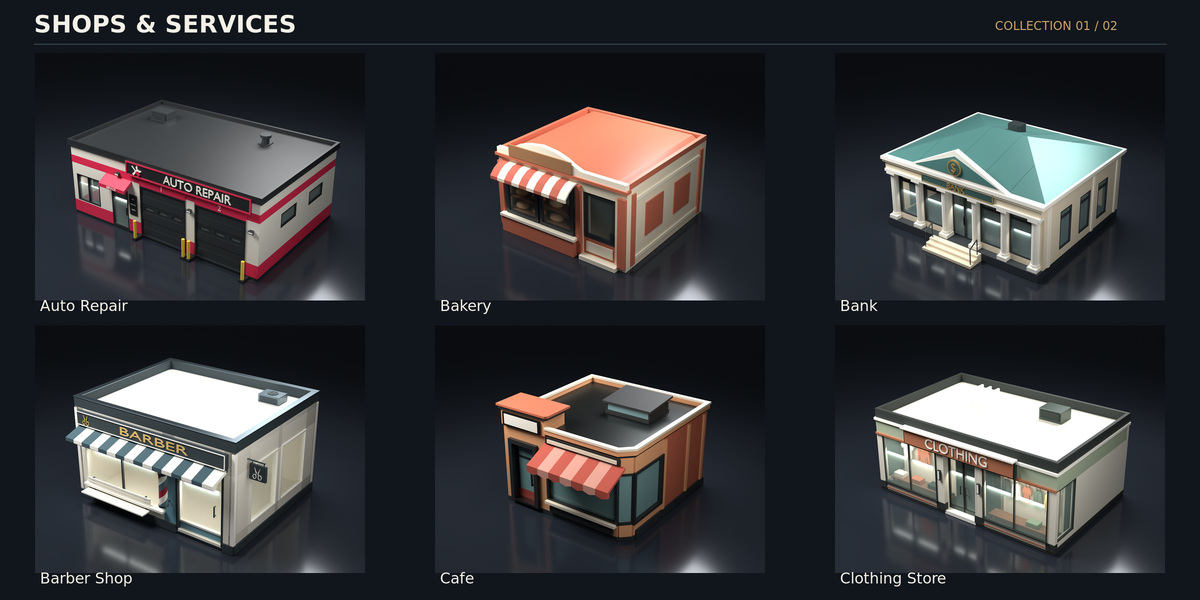
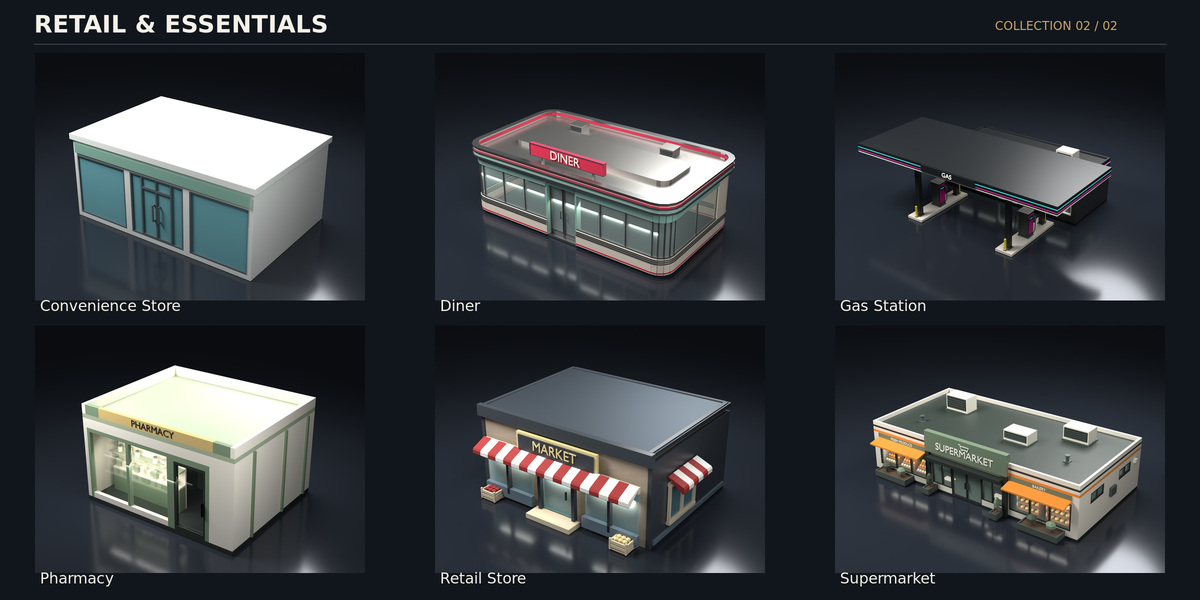
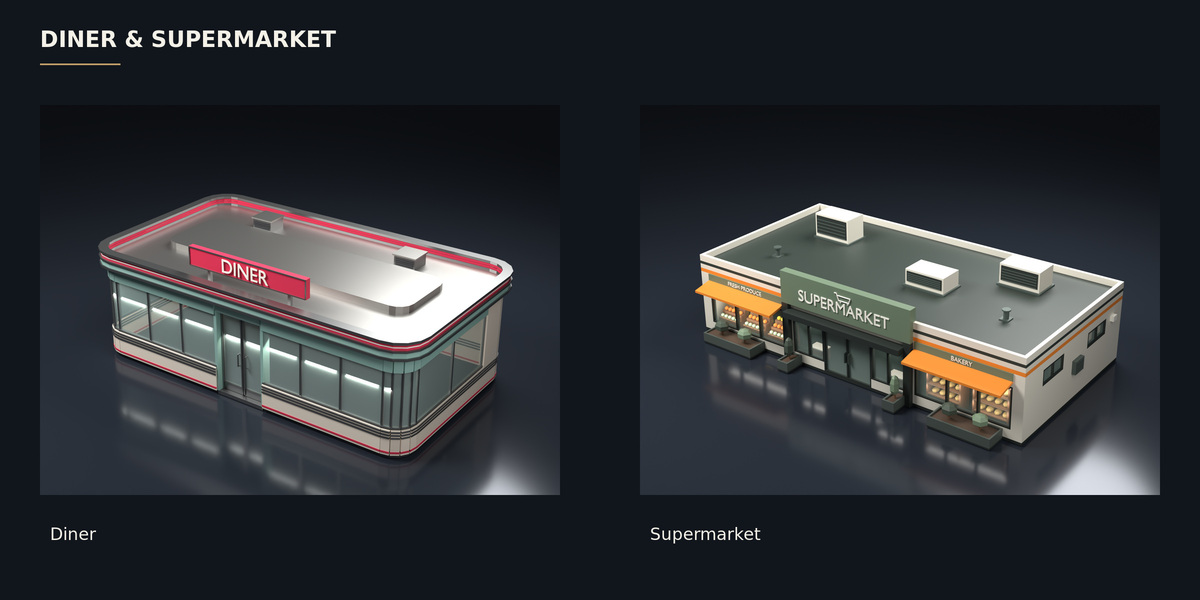
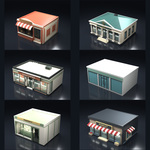
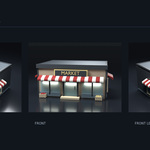
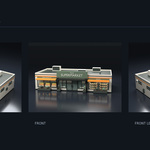
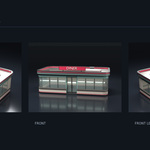
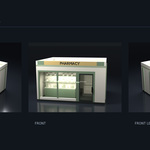
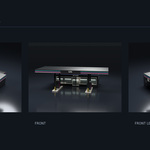
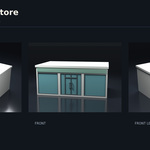
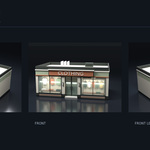
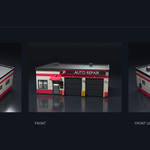
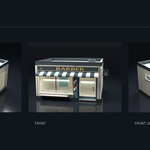
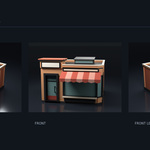
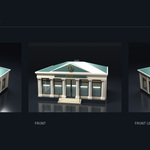
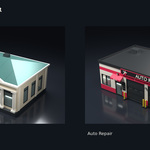
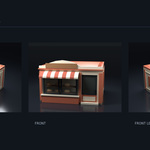
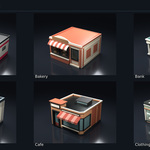
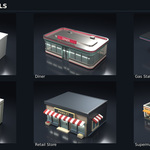
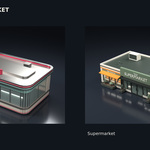
Thank you for purchasing Stylized Low Poly Shops – 12 Modular Assets.
This pack includes 12 stylized low-poly modular storefront assets for Blender projects, stylized city scenes, shopping streets, and game environments.
Included:
• 12 modular shop and storefront assets
• Materials and textures
• Demo scene
• Organized model files
• Prefab files
• Documentation
• Blender 5.1 project files
Installation:
1. Extract the SHOPS.zip file.
2. Open the included .blend files with Blender 5.1 or newer.
3. Keep the original folder structure so materials and textures remain linked.
4. Open the Demo folder to view the example scene.
5. To use the assets in another project, append or link the required objects from the Models or Prefabs folders.
If Blender reports missing textures, use File > External Data > Find Missing Files and select the Textures folder.
The assets were tested with Blender 5.1 and the Eevee render engine.
Have questions about this product?
Login to message
| Published | 2 days ago |
| Blender Version | 5.1 |
| Render Engine Used | Eevee |
| Misc Data | Uvs-Unwrapped, Textured |
| License | Royalty Free |
Discover more products like this
blender game ready urban architecture environment buildings low poly city modular stylized shops storefront