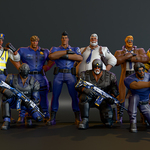
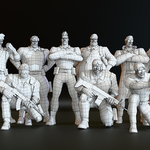
Stylized Police Character Pack: 11 Rigged Cops With Body Shape Keys
 Orhan
in Game Ready
Opening the Blender file
- Open
All Police-male characters.blendin Blender 5.2 or newer. - In the Outliner, open the
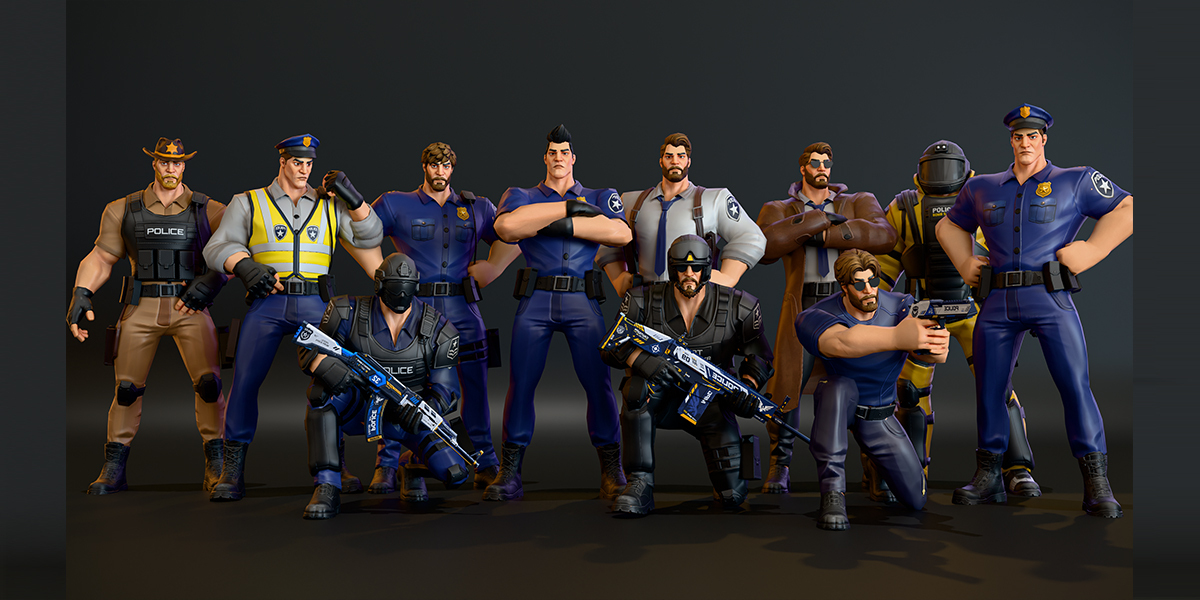
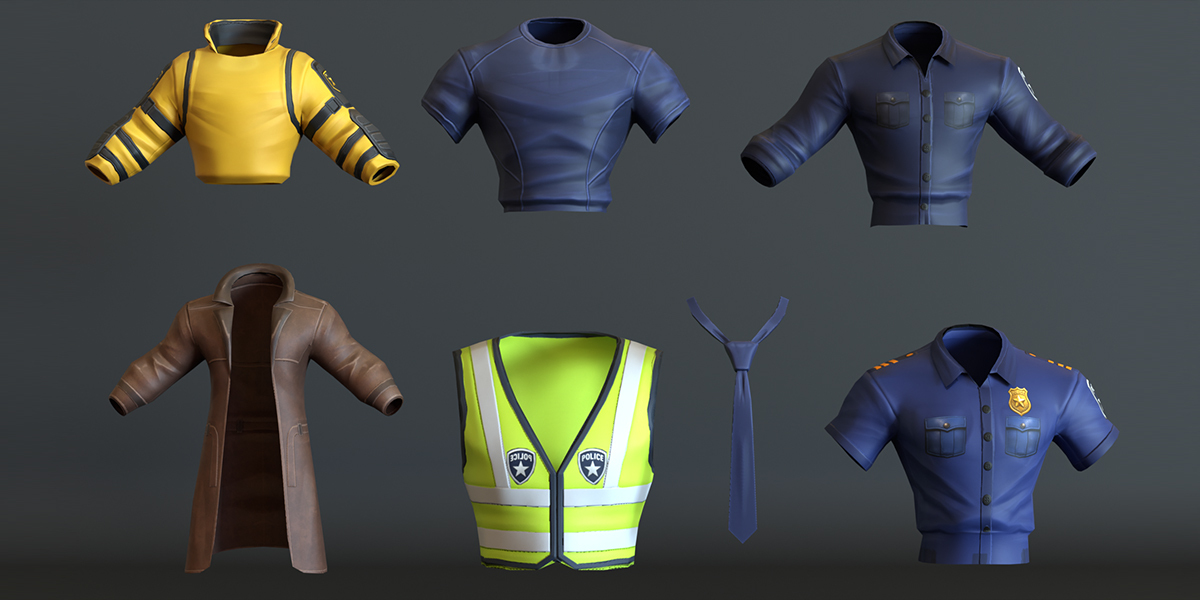
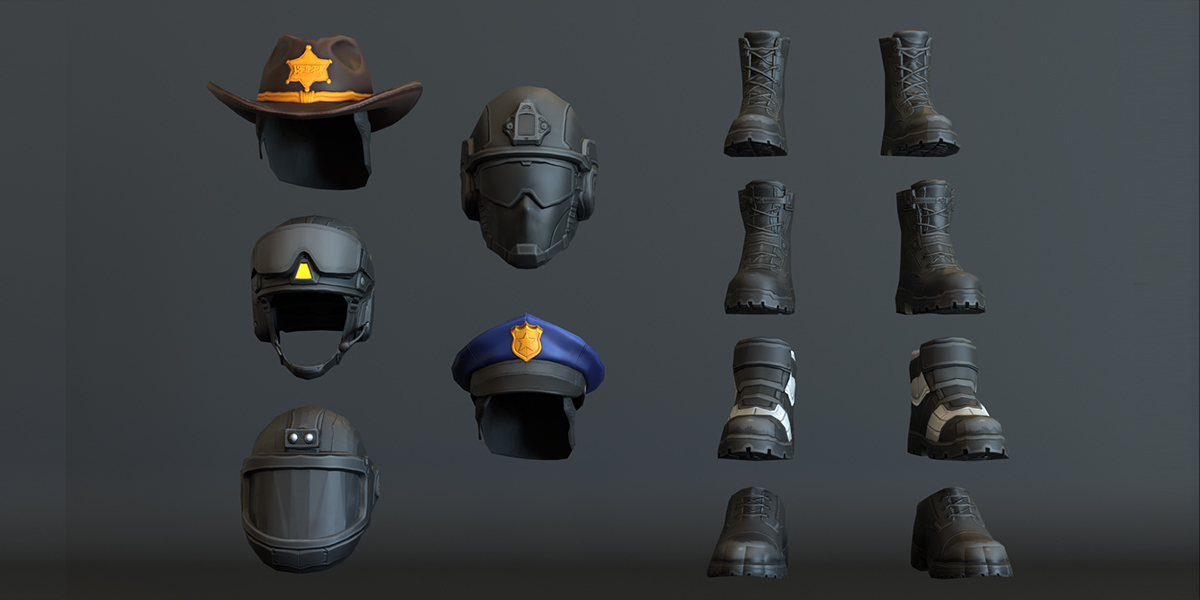
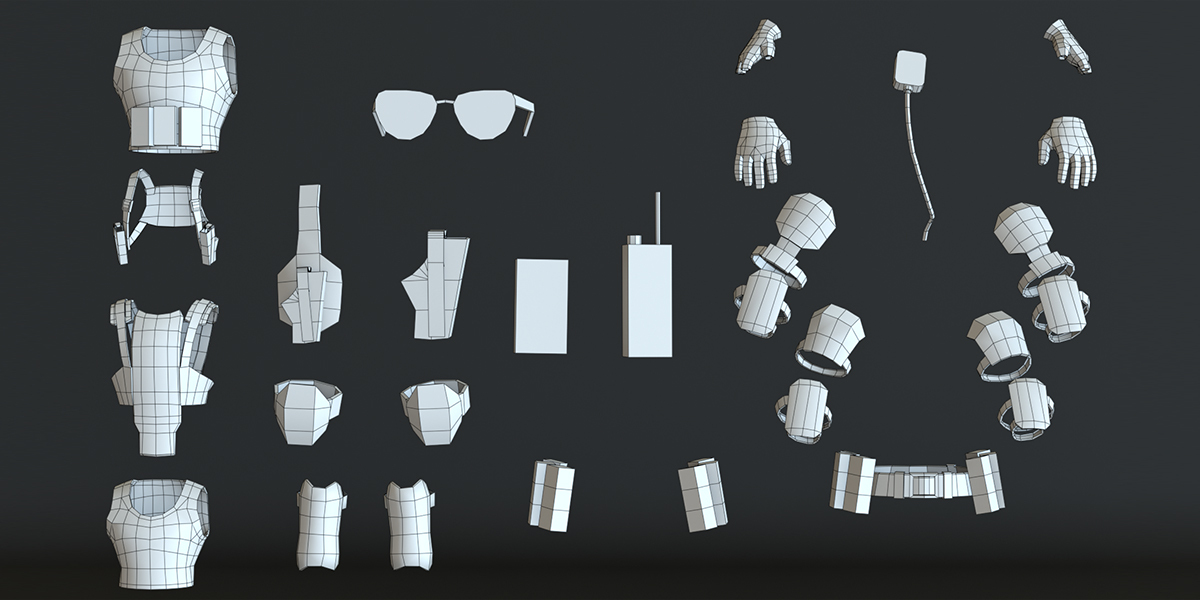
Police_characterscollection. Each officer has its own collection:police-officer,young-police-officer,simple police,police-waddan(Traffic Warden),sheriff-police,detective-police,Secret Service officer,under-cover-cop,special-police,swat-police,bomb-squad. - The weapons are in the
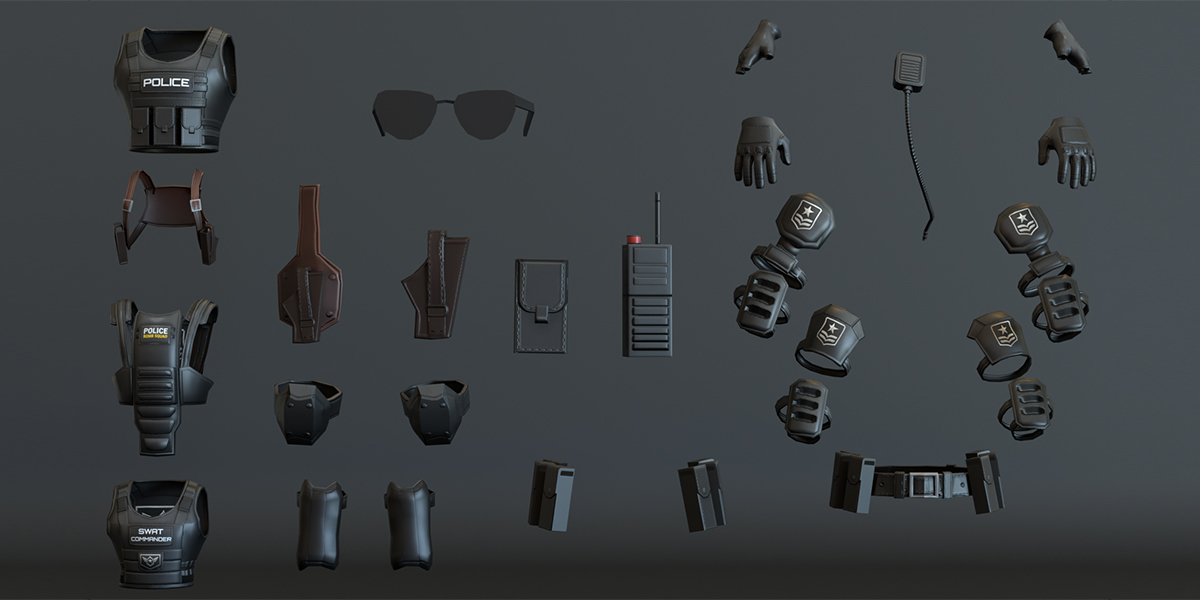
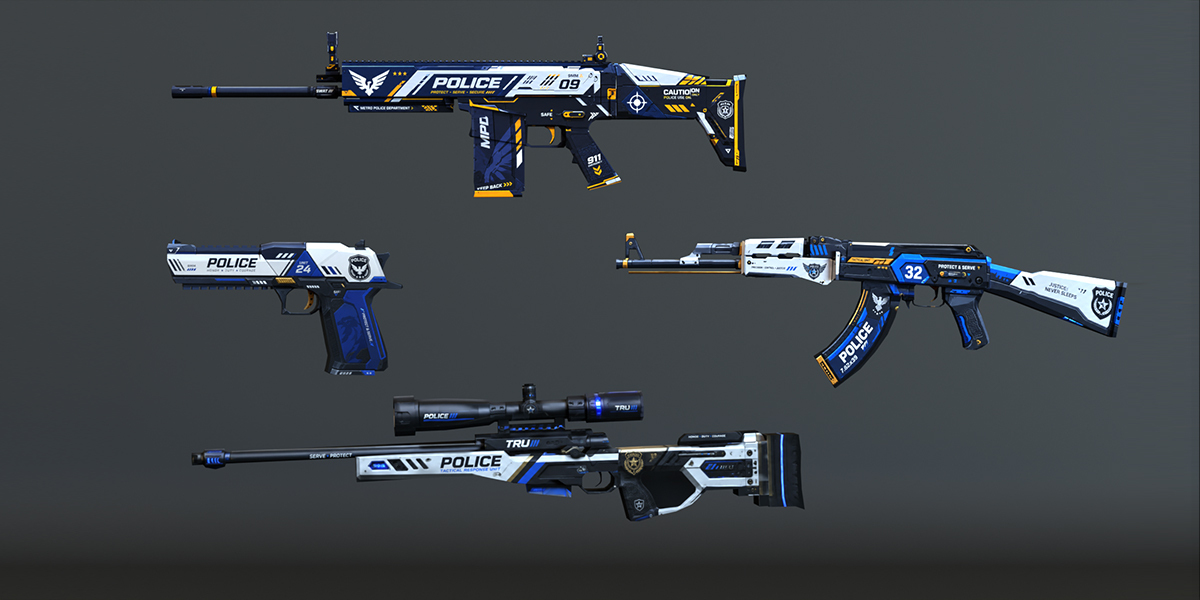
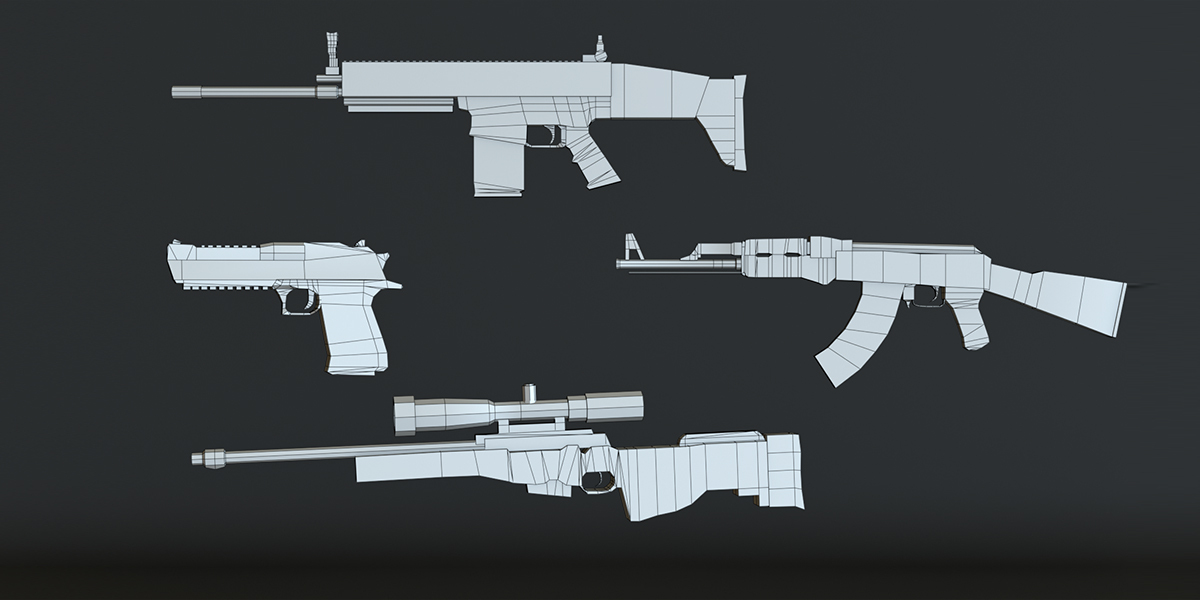
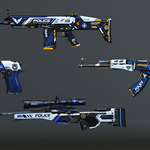
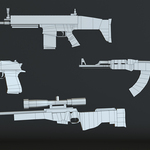
gunscollection, which is excluded from the view layer by default. Tick its checkbox to show it.
Appending one character into another file
File > Append > browse to the .blend > Collection > pick the character collection. The rig, meshes and materials come with it.
Changing body type
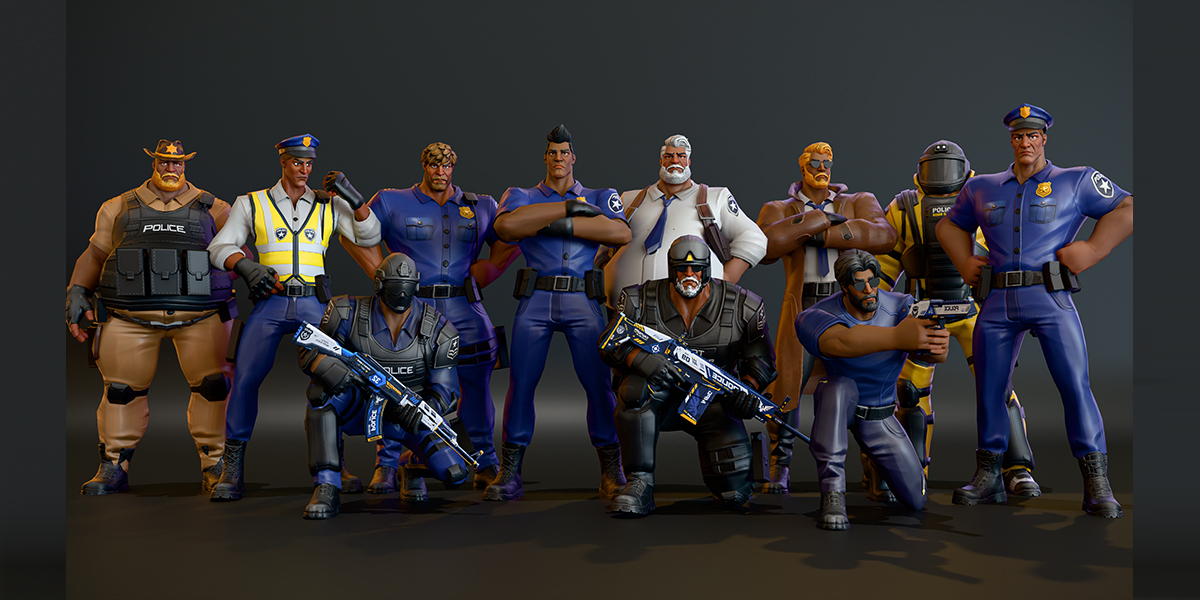
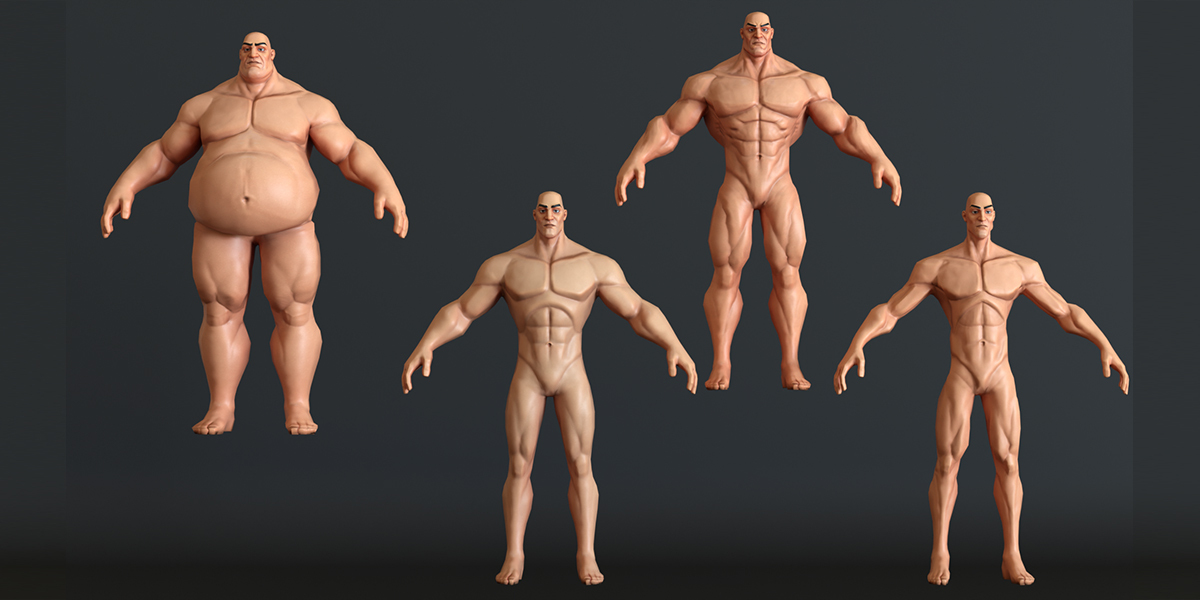
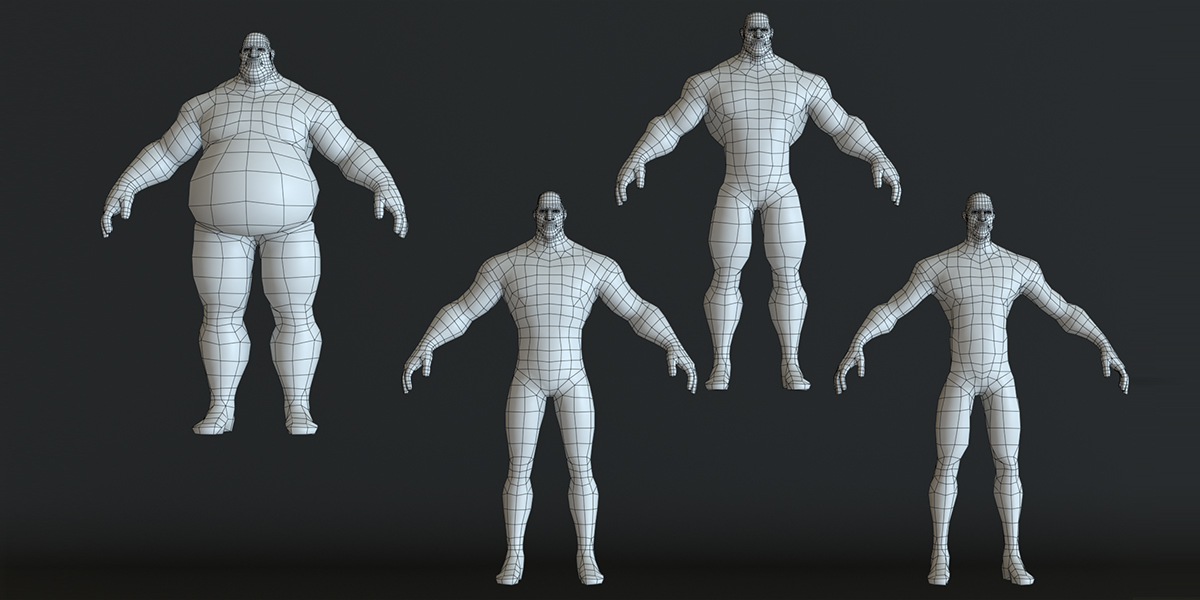
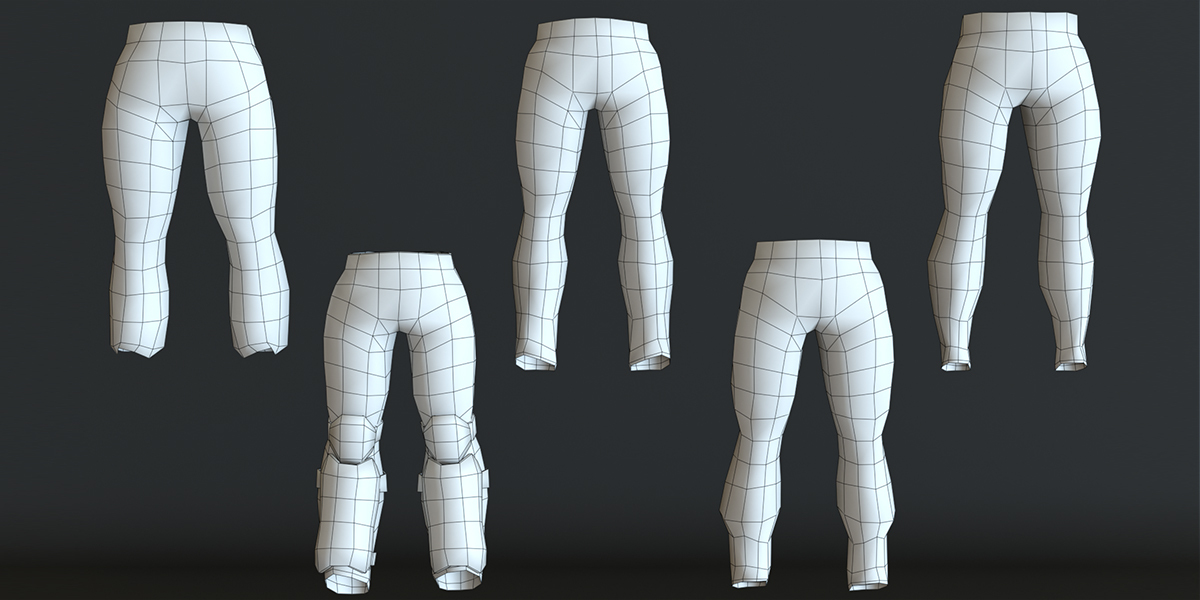
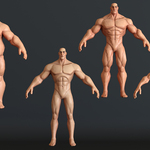
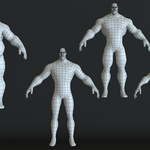
Select the body or any clothing piece, open Object Data Properties > Shape Keys and set fatty, builder or skinny. To change the whole character at once, set the same value on each piece of that character, or drive them from one custom property.
Swapping uniform colors
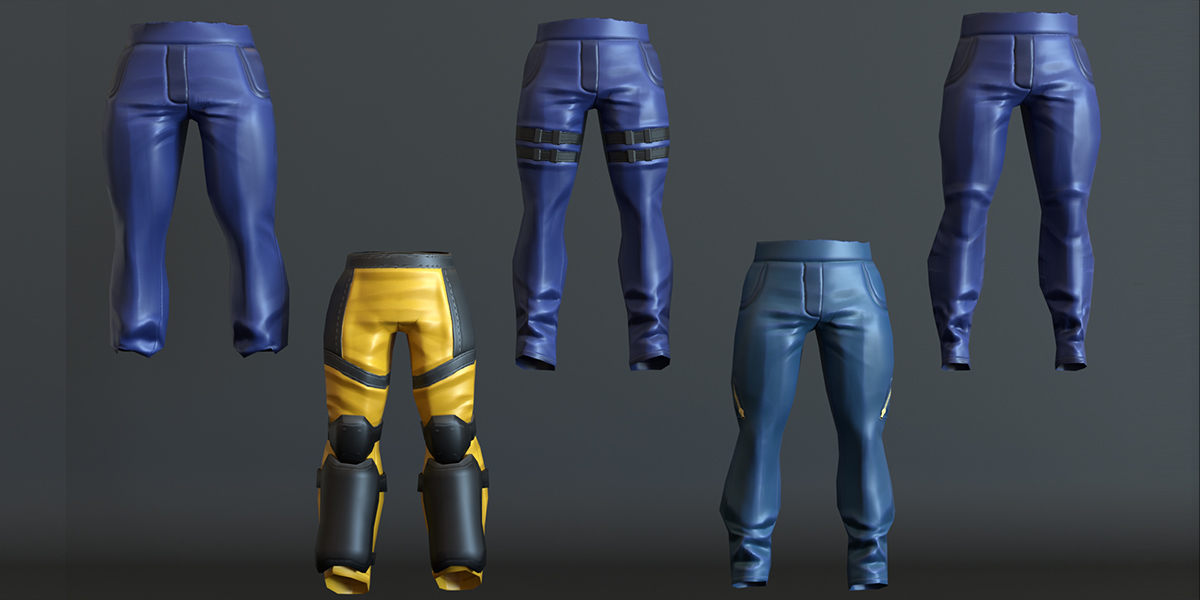
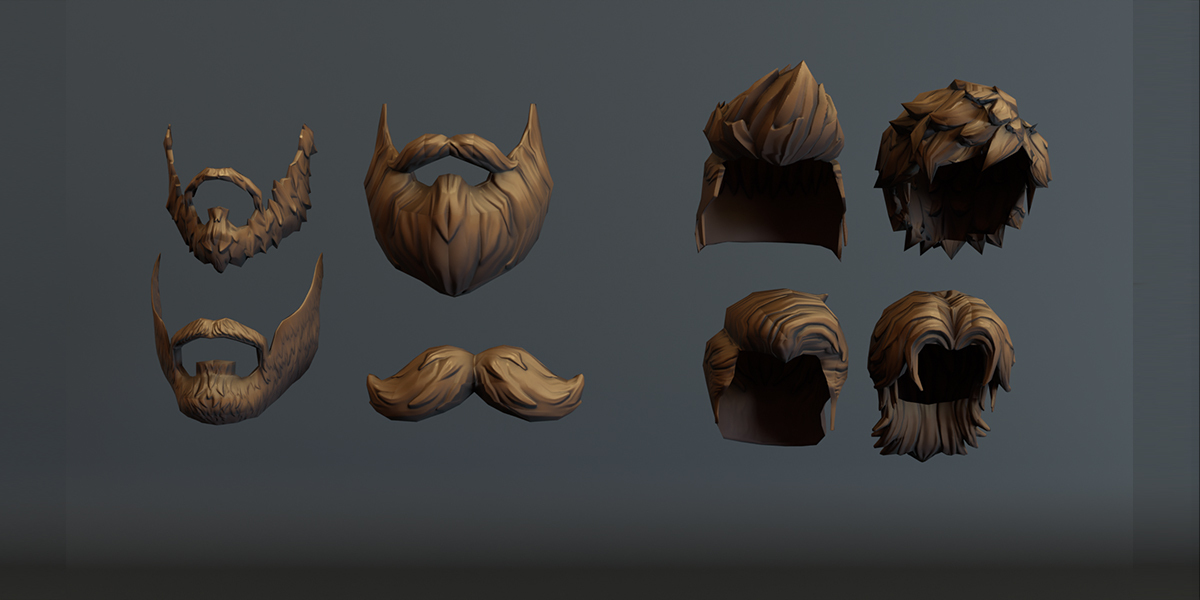
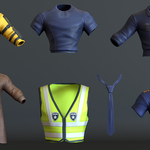
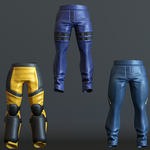
In the Shader Editor, select the shirt, pants or hair image node and choose another texture: shirts_Texture_1 to _4, Pants_Texture_1 to _4, hairs_Base_1 to _4.
Posing and animation
Select the rig, enter Pose Mode and use the c_ controls. Arms and legs support IK and FK. Face controls cover jaw, lips, eyelids and eyebrows.
Setting up the export files
Unzip the format zip you want (FBX, OBJ or DAE) and Texture.zip into the same folder. Every file looks for its textures by file name in its own folder.
Importing in Blender
- FBX: File > Import > FBX. Keep "Automatic Bone Orientation" off for the cleanest rig.
- GLB/glTF: File > Import > glTF 2.0. Textures are embedded.
-
OBJ: File > Import > Wavefront (.obj). Unzip
Texture.zipnext to the .obj first. - DAE: File > Import > Collada (Blender 4.5 and older; Collada import was removed in Blender 5.0).
Using in game engines
- Unity: drag the FBX into Assets, set Rig to Humanoid and check the avatar mapping.
- Unreal Engine: import the FBX as a Skeletal Mesh and include morph targets to keep the body shape keys.
- Godot: import the GLB directly.
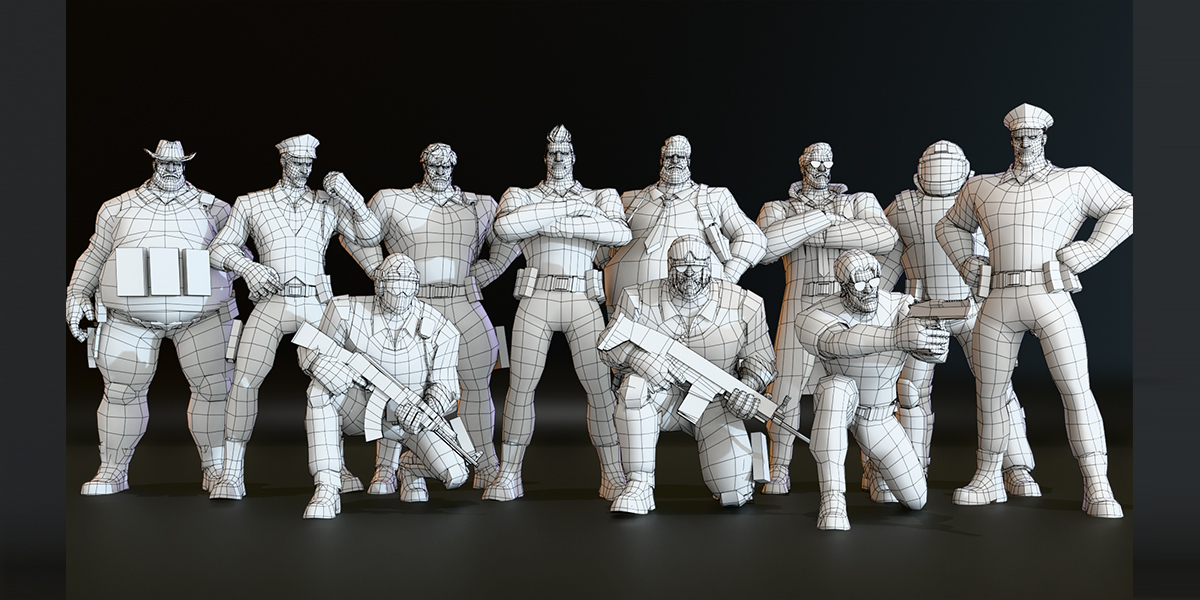
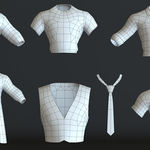
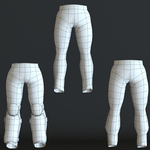
Polycount per character (triangles)
| Character | Triangles |
|---|---|
| Classic Police | 7,479 |
| Undercover Cop | 8,064 |
| Police Officer | 8,319 |
| Young Police Officer | 8,619 |
| Secret Service Officer | 9,223 |
| Traffic Warden | 9,309 |
| Sheriff | 10,397 |
| Bomb Squad | 10,586 |
| Detective | 10,743 |
| Special Police | 11,260 |
| SWAT Officer | 11,816 |
| 4 weapons (total) | 5,882 |
Troubleshooting
-
Textures missing after import: unzip
Texture.zipinto the same folder as the OBJ, FBX or DAE files, or in Blender use File > External Data > Find Missing Files and point it at the texture folder. - Model looks too small or too large: the source is in metres. In Unity and Unreal check the import scale factor (Unity 1, Unreal 100 if your FBX was exported in metres).
- Which file should I open? For editing, posing and rendering use the .blend. For game engines use FBX (Unity, Unreal) or GLB (Godot, web). Use OBJ only for static meshes, since OBJ has no rig.
- Blender warns the file is from a newer version: update to Blender 5.2 or newer.
Have questions about this product?
Login to message
| Published | about 1 hour ago |
| Blender Version | 2.77 - 5.2 |
| Render Engine Used | Cycles, Eevee, Freestyle |
| Misc Data | Uvs-Unwrapped, Rigged, Normal-Mapped, Textured |
| License | Royalty Free |

Discover more products like this
police officer Rigged character cop shape keys weapons character pack auto-rig pro swat police character stylized-character game ready low poly character