 NicoHartl
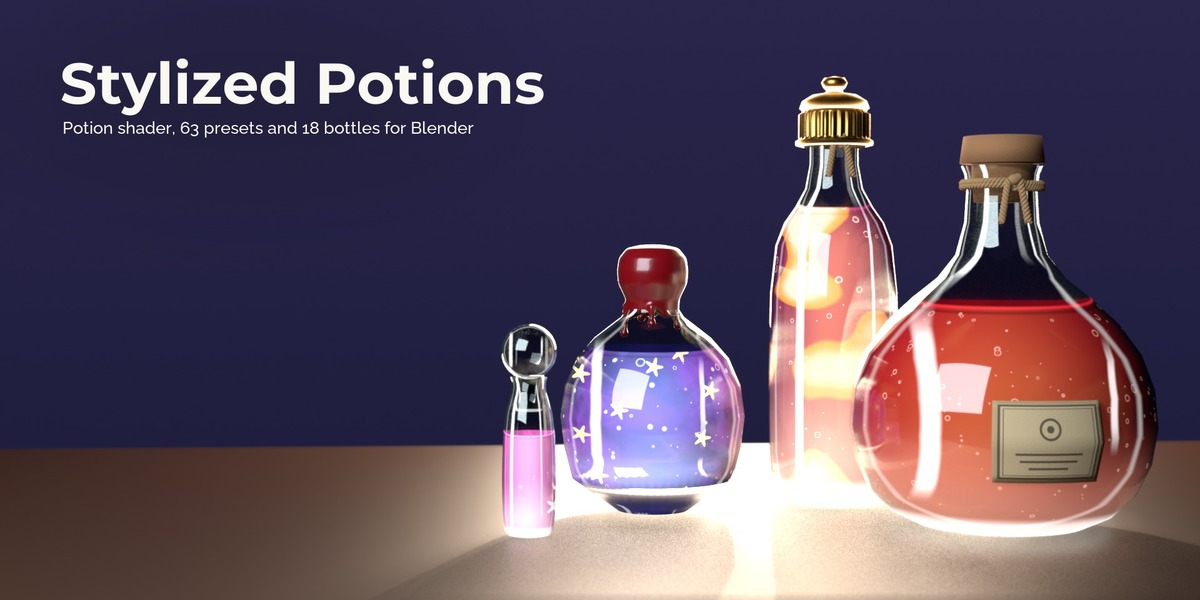
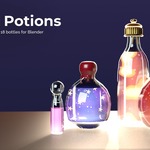
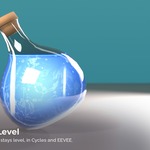
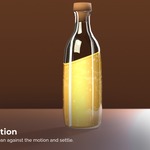
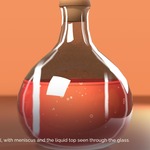
Features
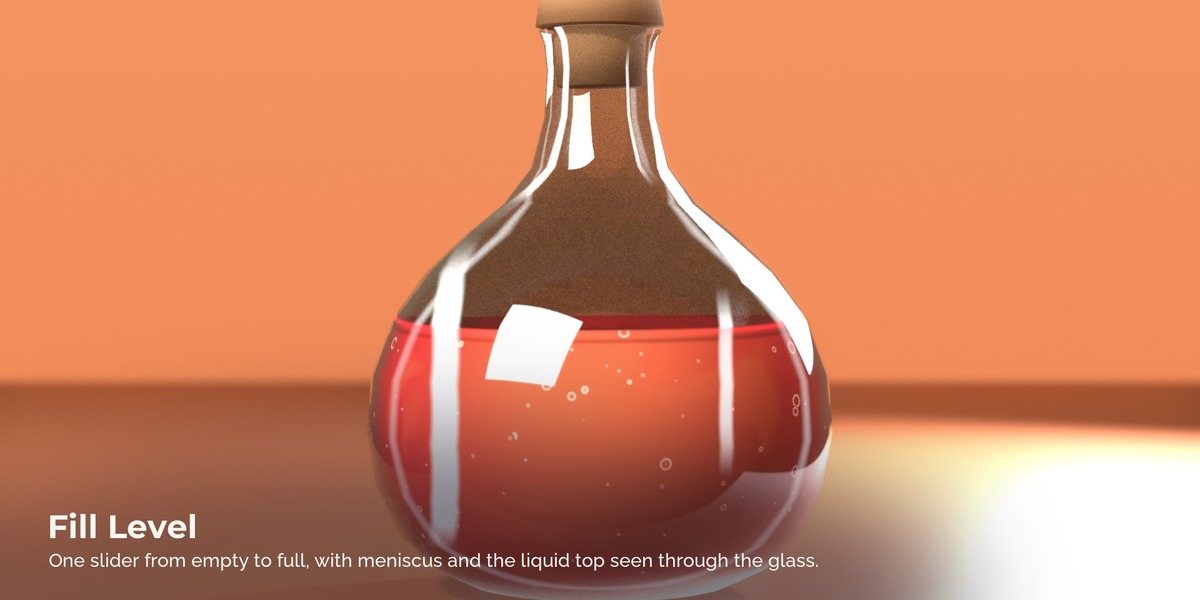
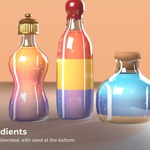
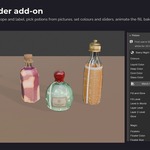
- Fill level with one slider. The fill line has a meniscus, and through the glass above it you see the top of the liquid.
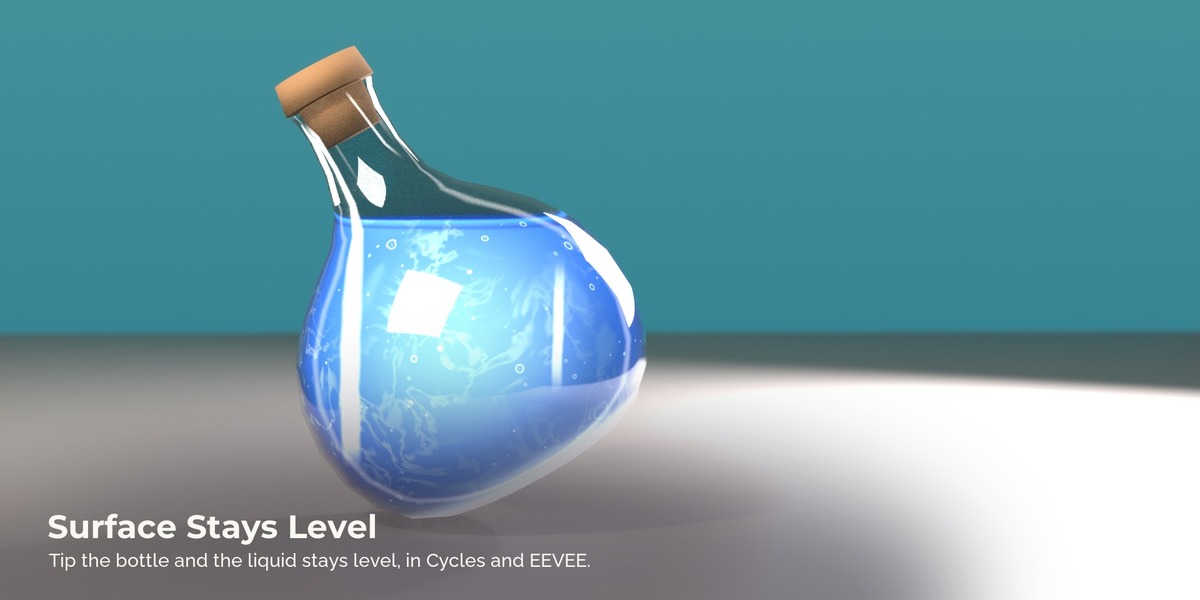
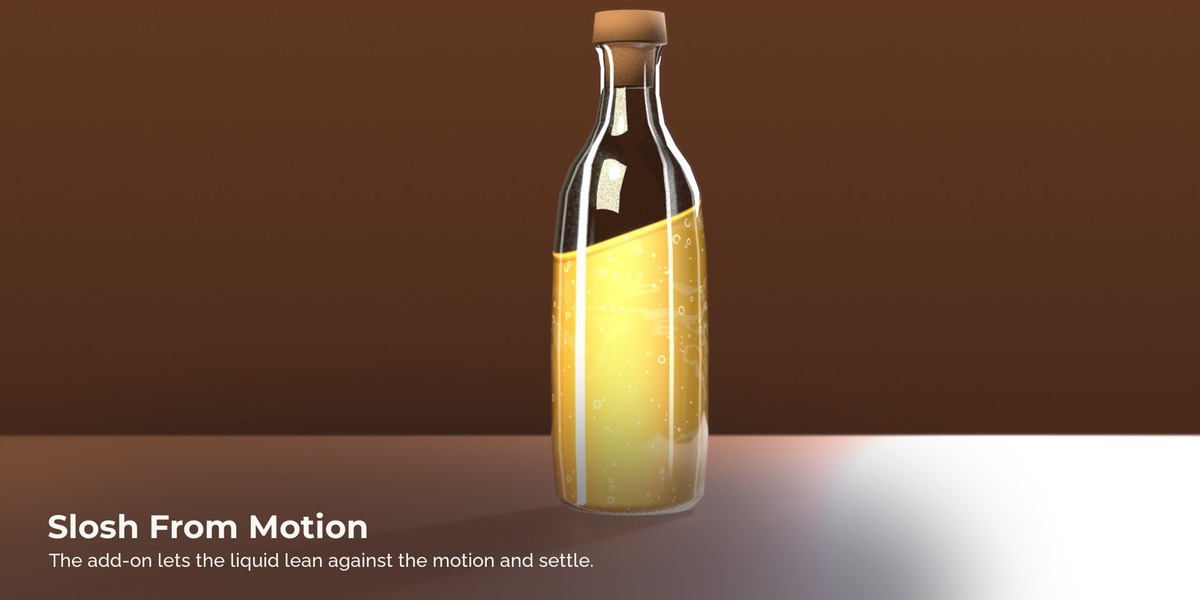
- Level in World keeps the liquid surface horizontal when you tip or lay down the bottle. Tilt and Wobble add sloshing.
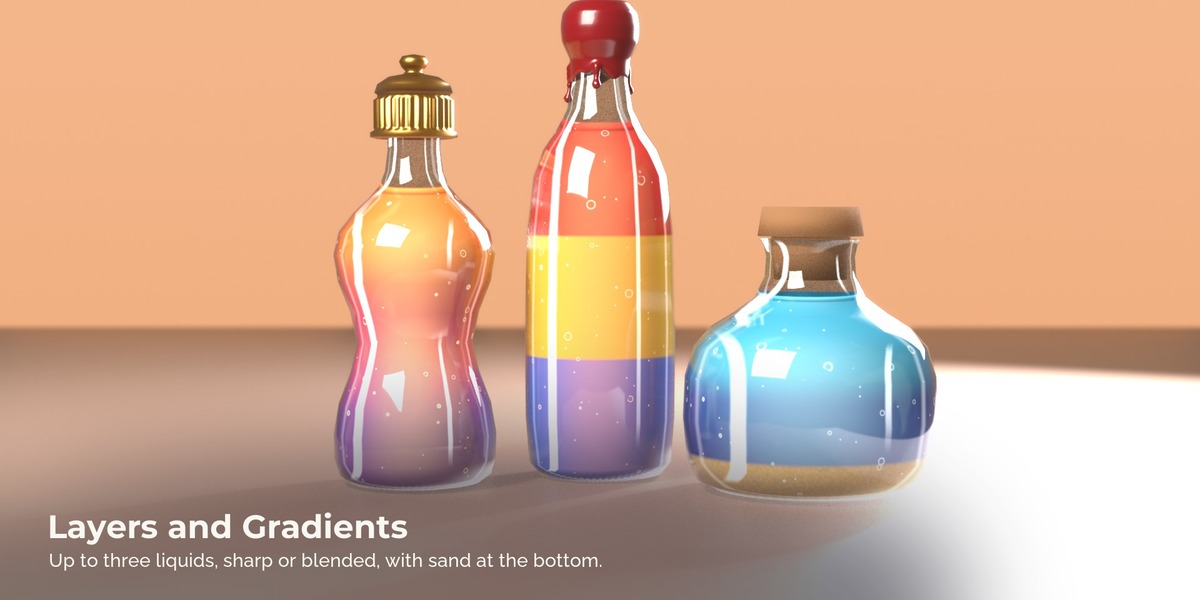
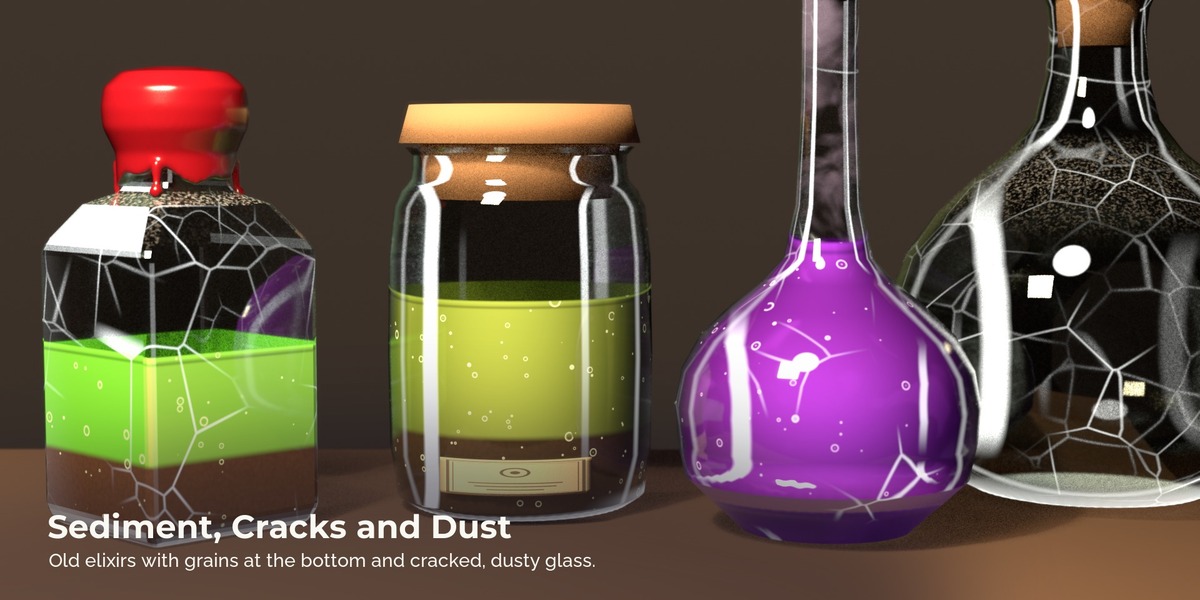
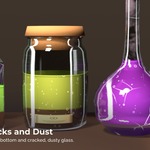
- Up to three liquid layers with sharp or soft borders, and sediment that settles at the bottom.
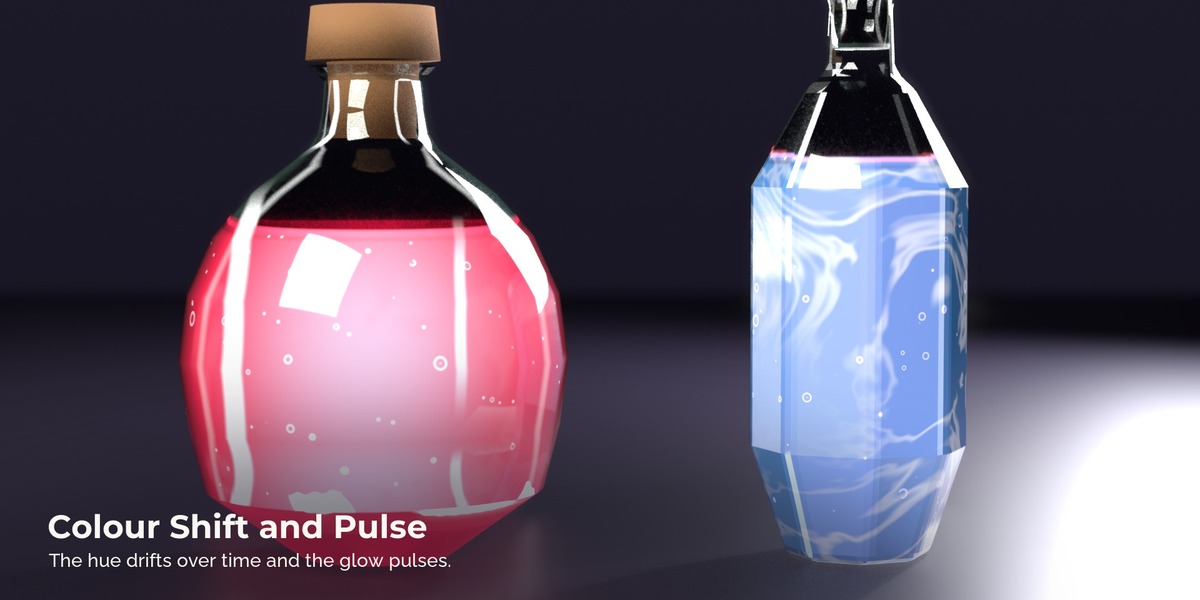
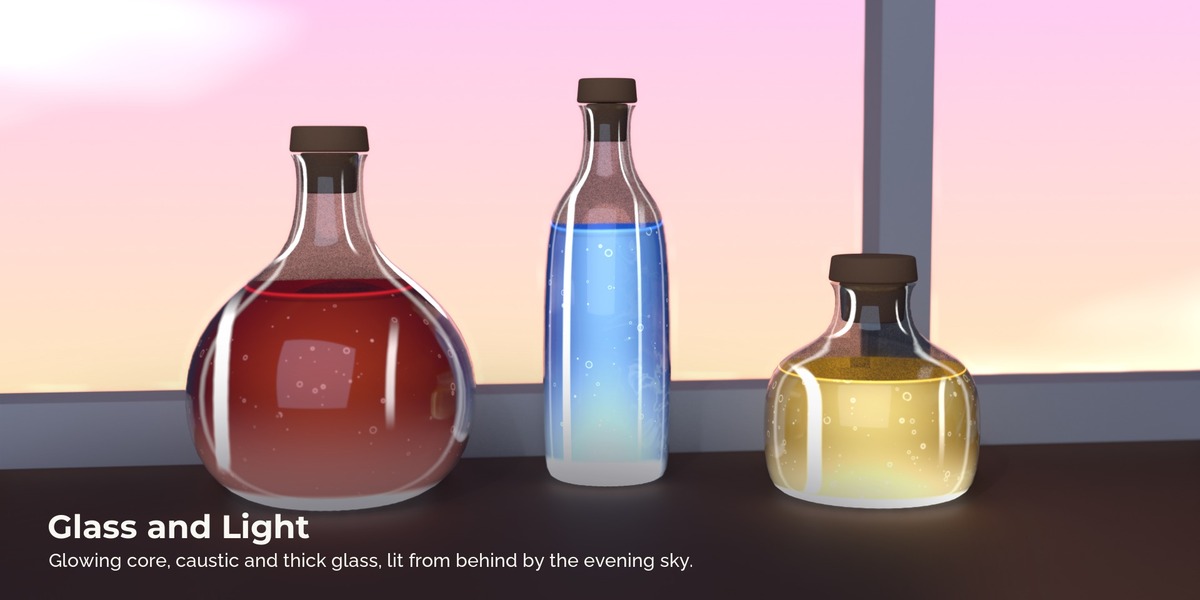
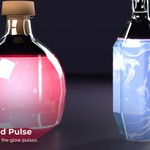
- The round bottle acts like a lens: the core glows, the rim is deep in colour, and light gathers in a caustic at the bottom.
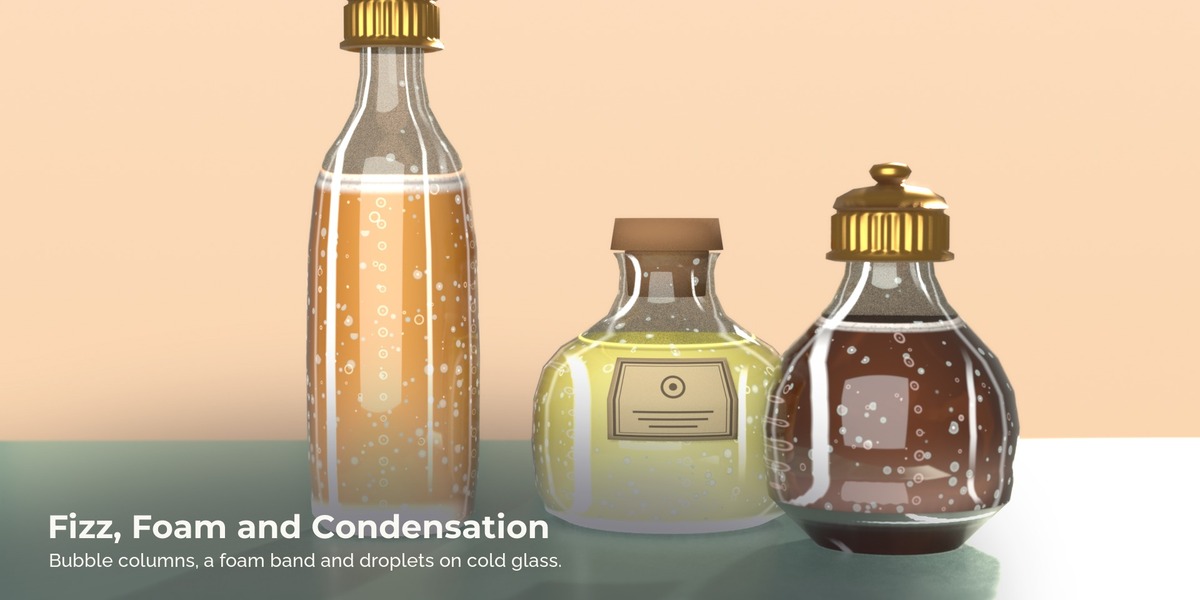
- Rising bubbles, bubbles on the wall, fizz columns from the bottom and a band of foam for drinks.
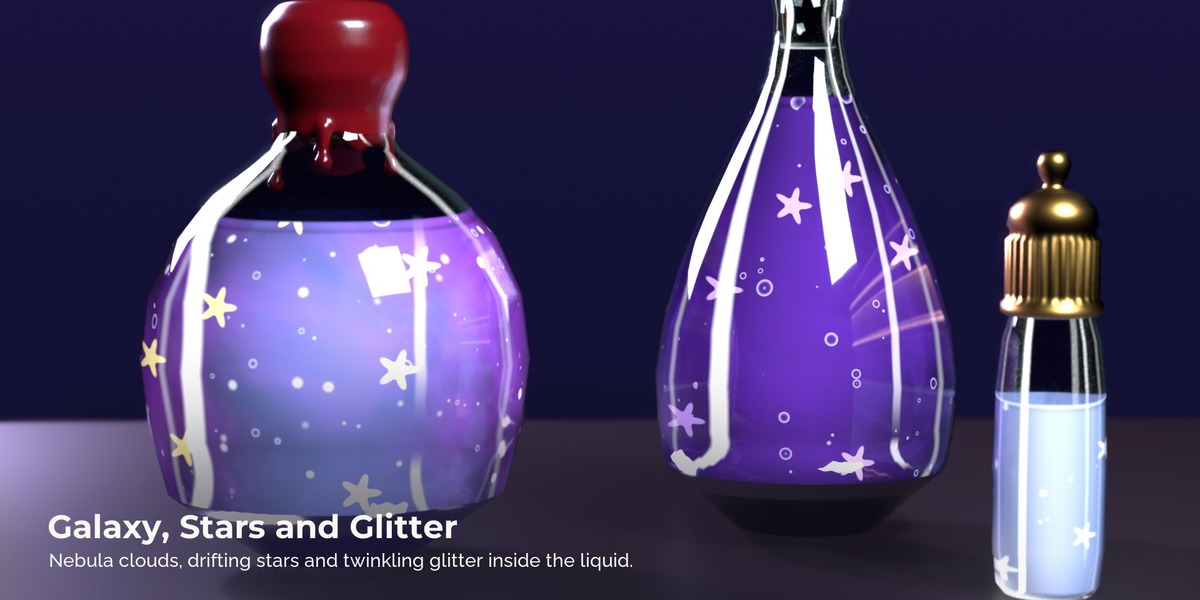
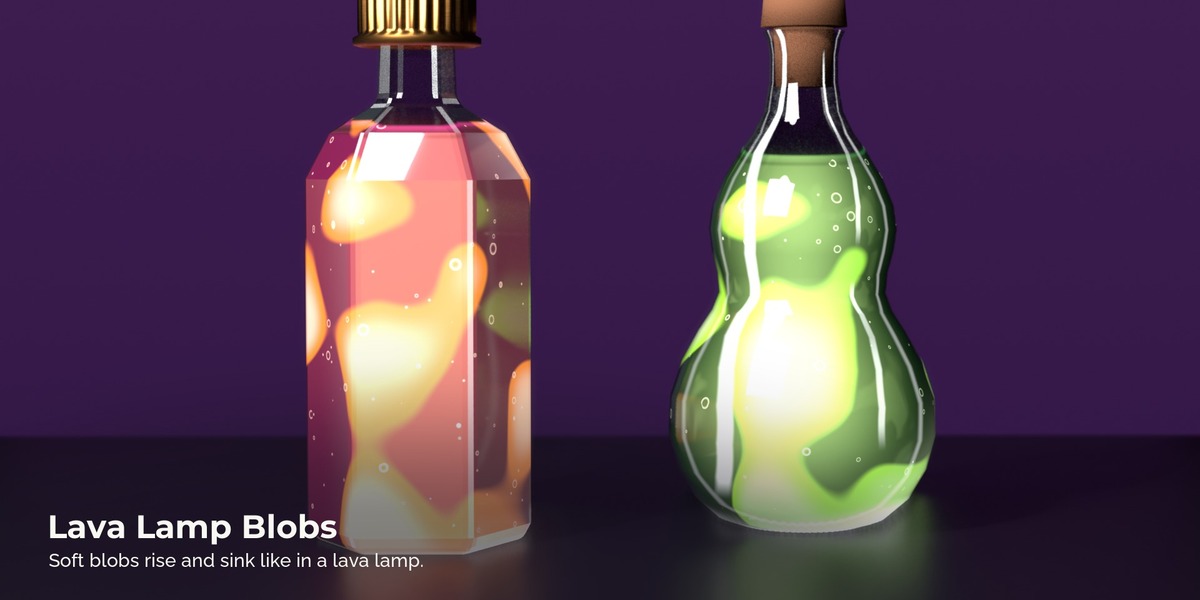
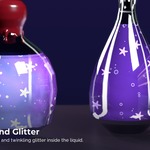
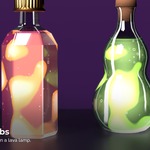
- Magic effects for fantasy potions: drifting stars, twinkling glitter, nebula clouds, lava lamp blobs, a slow colour shift and a glow that pulses.
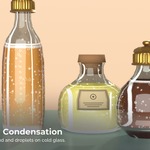
- Glass with a tint, thick edges and bottom, frost, dust, condensation droplets and cracks.
- A cartoon setting that turns the gradients into flat painted bands for toon potions.
- Painted highlights and a cool shadow side that follow one Light Direction, so the bottle reads well in any lighting.
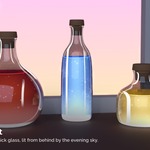
- In Cycles, light through a red potion tints its shadow.
- The look can be baked to colour and roughness maps for a game engine.
How it works
- Add the folder with StylizedPotions.blend as an asset library in the Blender preferences.
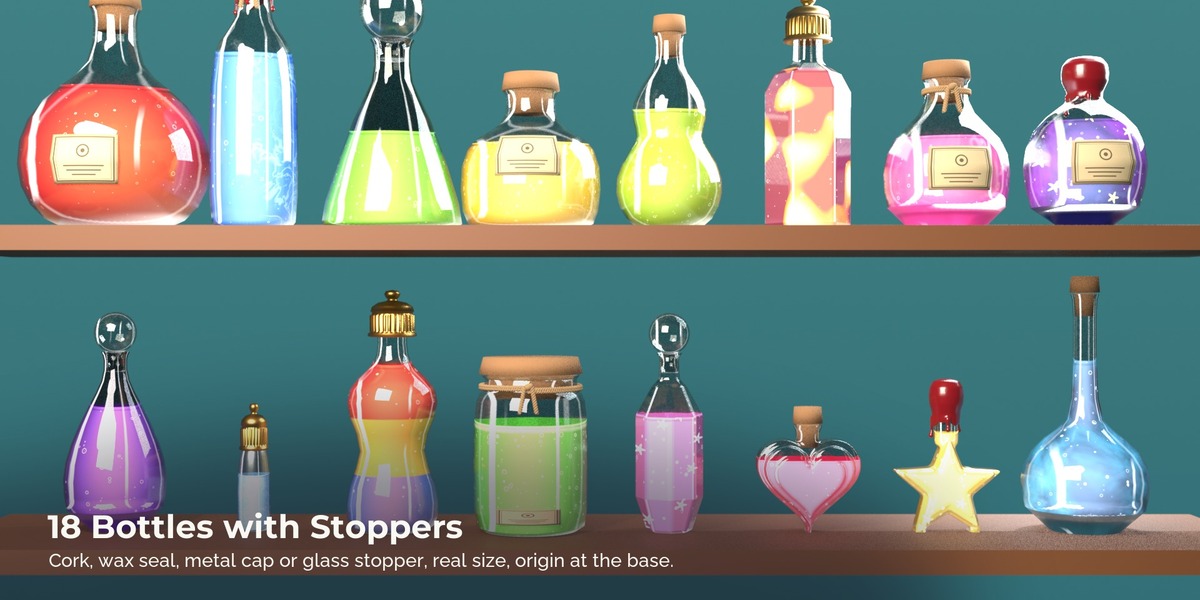
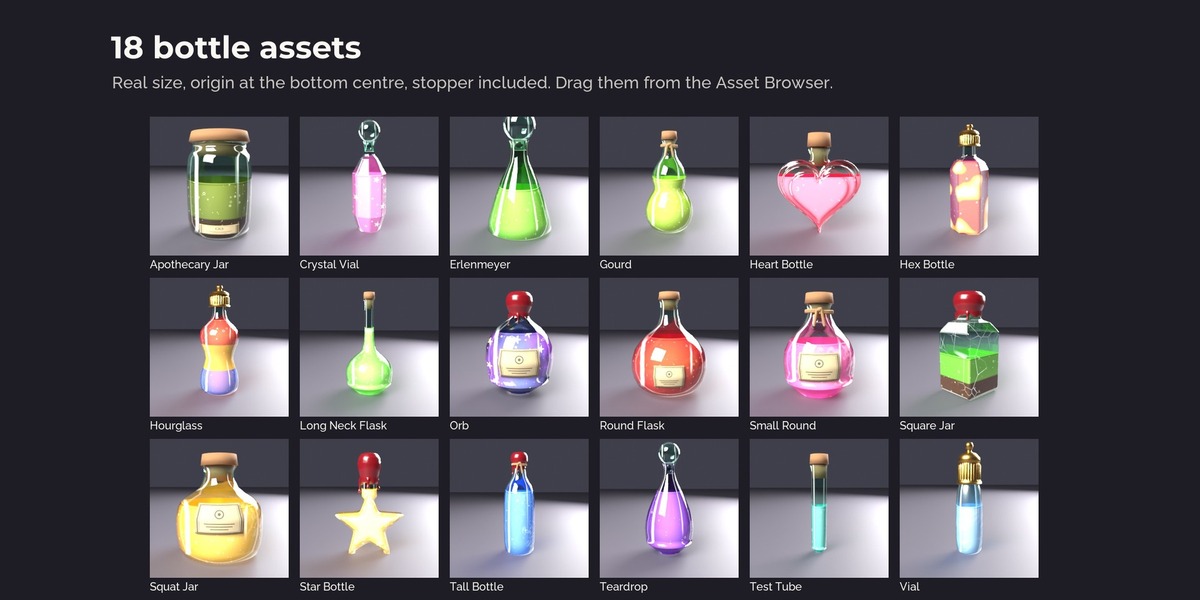
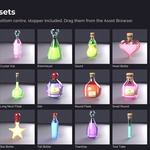
- Drag a bottle from the Bottles catalog into your scene, or drag a preset onto your own bottle model.
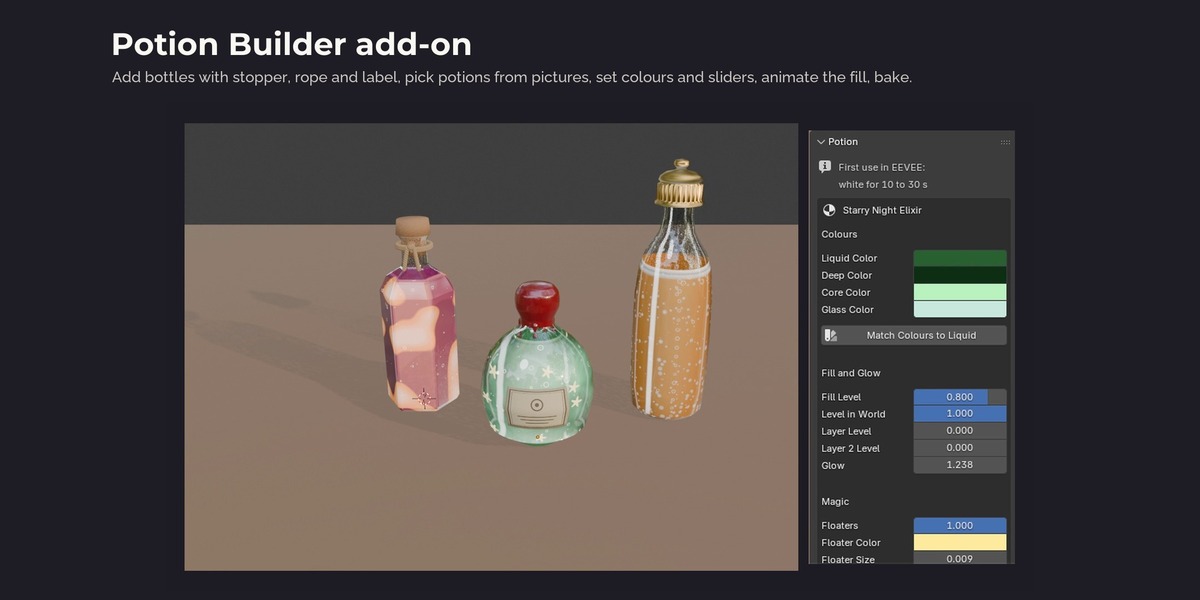
- Open the material and change the sliders on the SP Potion node, for example Fill Level, Layer Level or Floaters.
- Point Light Direction at your main light so the painted highlights match the scene.
Limits
- There is no real refraction: the background behind a bottle is not bent.
- Coloured cast shadows only render in Cycles. In EEVEE the cast shadows stay grey.
- Fill Level and Level in World use the bounding box of the object. Several bottles joined into one object share one level. On your own bottle, keep the stopper a separate object, or the fill height shifts a little.
- In EEVEE the bottle is white for about 10 to 30 s the first time a preset or an effect is used, while Blender compiles the shader. After that it is instant.
- Slosh From Motion leans the liquid along the bottle's own X axis only.
- Level in World keeps the surface level, but it does not keep the amount of liquid exactly when the bottle lies far over.
- Effects that depend on the view (glass edges, the glowing core, highlights) are baked as seen straight on.
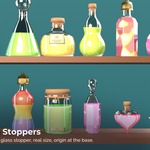
- Five demo scenes are included (starry night, soda cafe, lava lamps, bottle shelf, old elixirs); they need Blender 5.3.
FAQ
Do I need to unwrap UVs? No. The shader works in object space. You only need UVs if you bake textures.
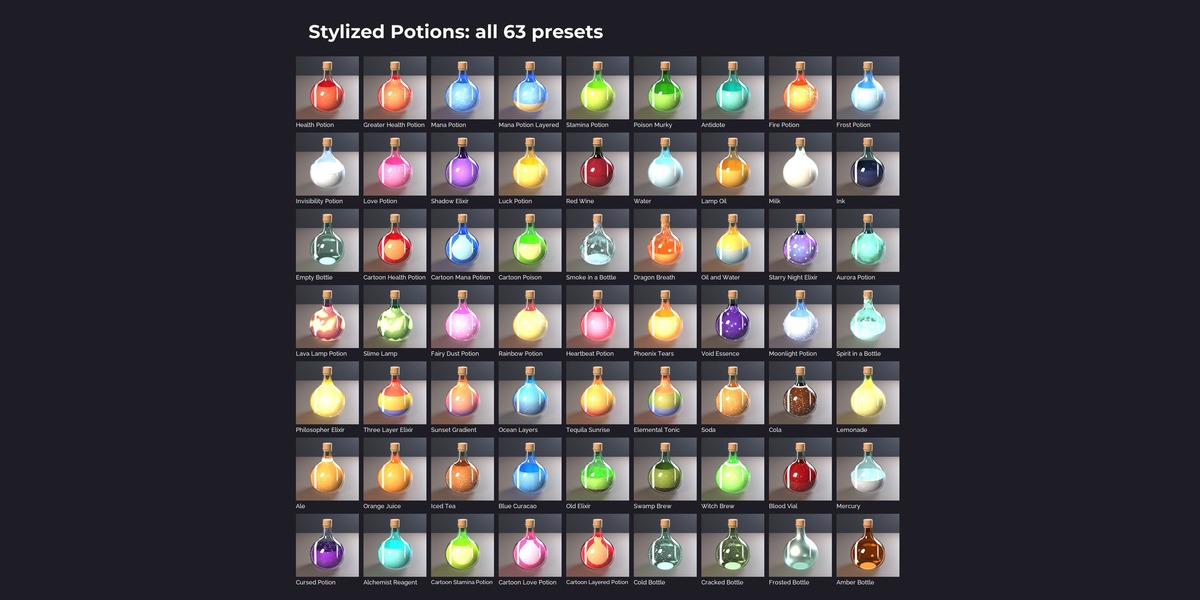
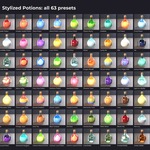
Does it work in EEVEE? Yes. Over all 63 presets the median difference to Cycles is 3.5 %, the largest 6.0 %. Coloured cast shadows are Cycles only.
Why is my bottle white for a moment in EEVEE? Blender compiles the shader the first time a preset or an effect is used. It takes about 10 to 30 seconds and happens once. Blender needs more memory for those seconds (4.5 to about 6 GB of RAM for one preset in our test with Blender 5.3, about 3 GB with Blender 4.5), so add a few presets at a time on a computer with 16 GB or less.
What happens when the bottle tips over? With Level in World on (the default) the liquid surface stays horizontal. Set it to 0 if the liquid should follow the bottle.
Can I use my own bottle models? Yes. Drag a preset onto any closed bottle mesh. Keep each bottle a separate object so it gets its own fill level.
Can I make my own potions? Yes. Every preset is the SP Potion node with slider values, so a new colour, fill level or effect is a few clicks.
Can I use it for games? The materials are Blender shaders. Bake them to textures in Blender and use those in any engine.
Do I need the add-on? No. The shader, presets and bottles work from the Asset Browser. The Potion Builder add-on adds buttons for adding bottles, animating the fill, sloshing and baking.
Have questions about this product?
Login to message
| Published | about 4 hours ago |
| Blender Version | 4.5 - 5.3 |
| Render Engine Used | Cycles, Eevee |
| License | Royalty Free |