 ZEG
Installation
In Blender open Edit, Preferences, Get Extensions, then use Install from Disk and pick the stylized_rock_generator zip.
Usage
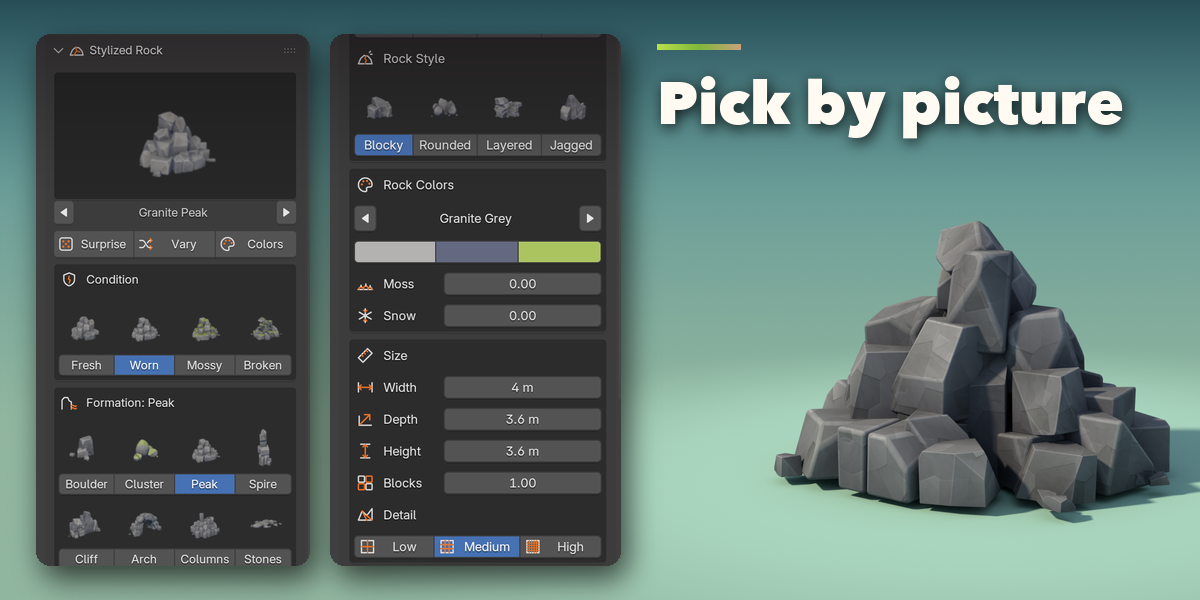
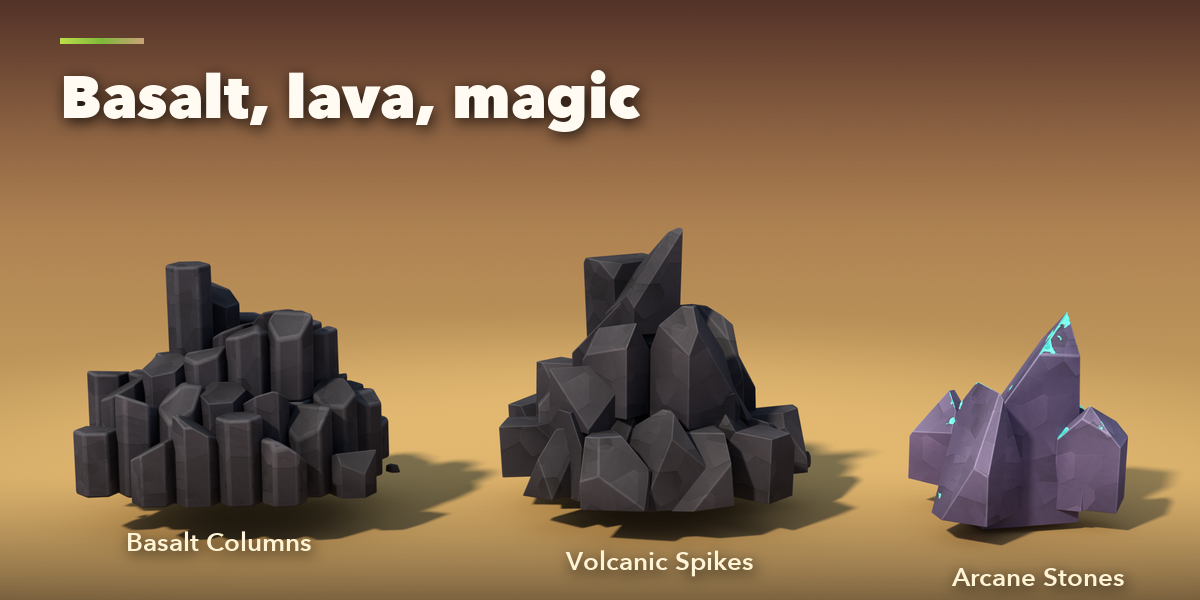
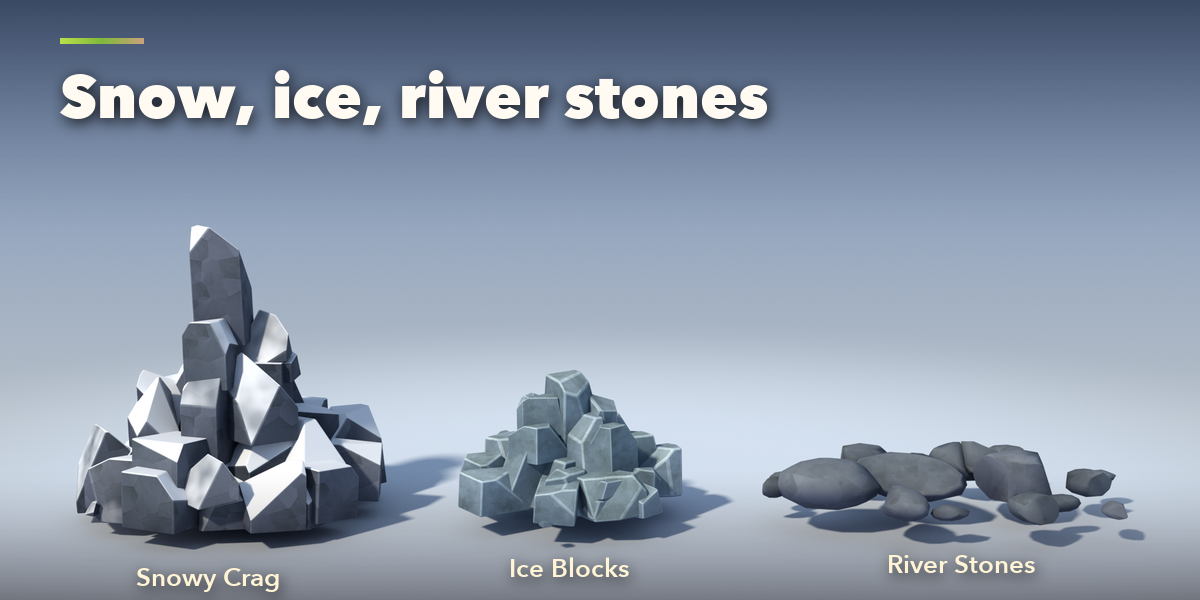
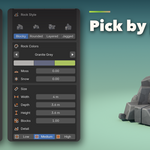
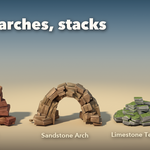
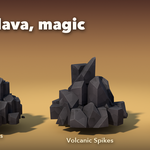
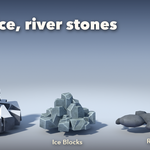
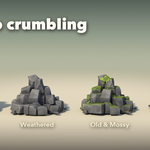
- Open the Rock tab in the 3D viewport sidebar (N). With nothing selected, click the picture to choose a design and press Add Rock, or use Shift+A, Mesh, Stylized Rock. The rock is built at the 3D cursor. Surprise Me adds a random one.
- With a rock selected, the picture switches its design. Surprise Me makes a new random rock in place, Vary keeps the design and reshapes it, Colors repaints it.
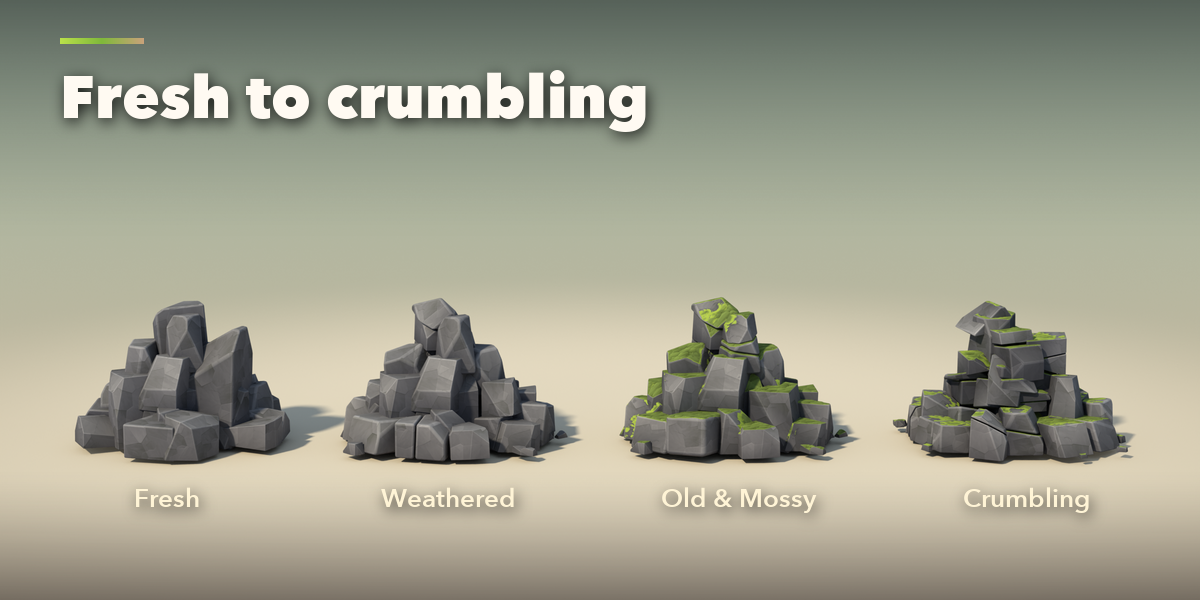
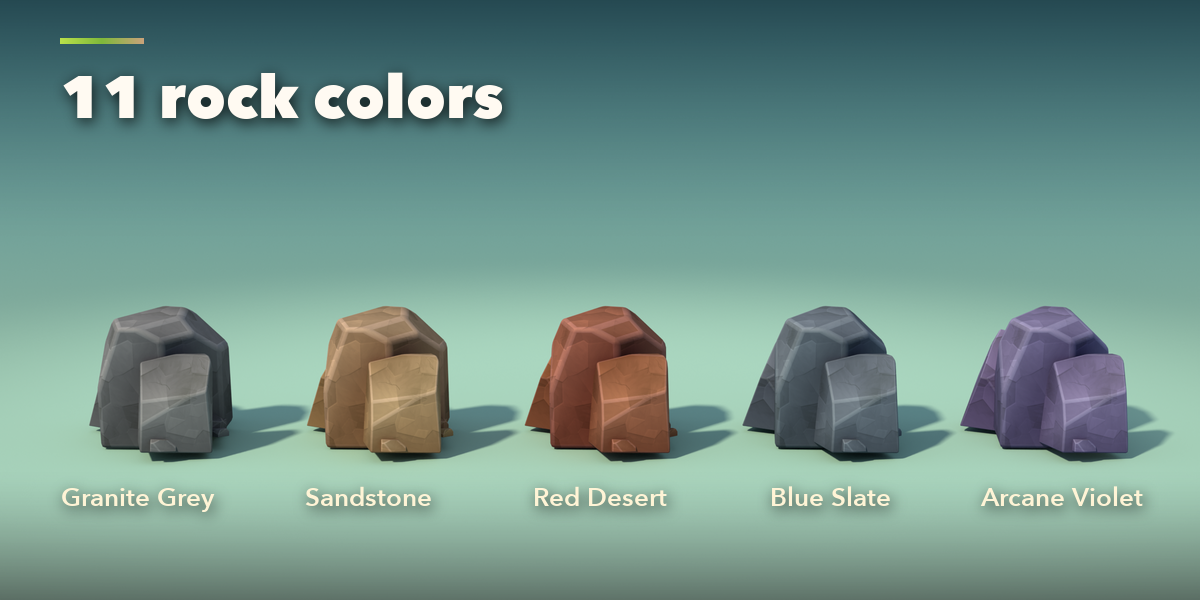
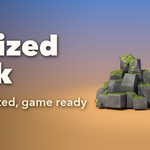
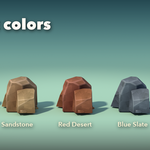
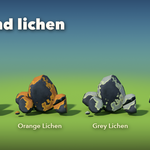
- The main page holds Condition, Rock Colors, Formation, Rock Style, the size, the color swatches and the Moss, Moss Type, Density and Snow sliders.
- The sub-panels hold the rest: Blocks (block size, stones, arch thickness, detail, seed), Cracks & Rubble, Paint (texture, texture scale, edge highlight, grime) and Actions (Reset to Design, Make Plain Mesh, Delete Rock).
- Make Plain Mesh turns the rock into a normal mesh for export.
The painted textures are bundled with the addon.
Have questions about this product?
Login to message
| Blender Extension Compatible | Yes |
| Published | 41 minutes ago |
| Blender Version | 4.2 - 5.2 |
| Extension Type | Add-on |
| Render Engine Used | Cycles, Eevee |
| License | GPL |

Discover more products like this
Rock Generator stylized hand painted fantasy low poly cliff procedural environment Game asset stone boulder