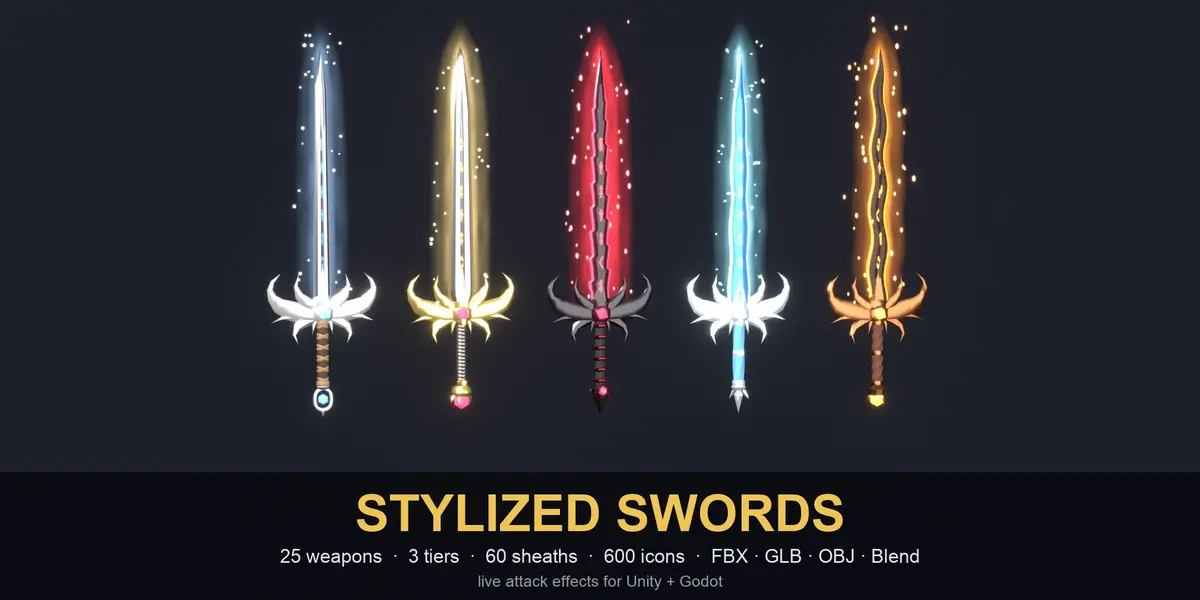
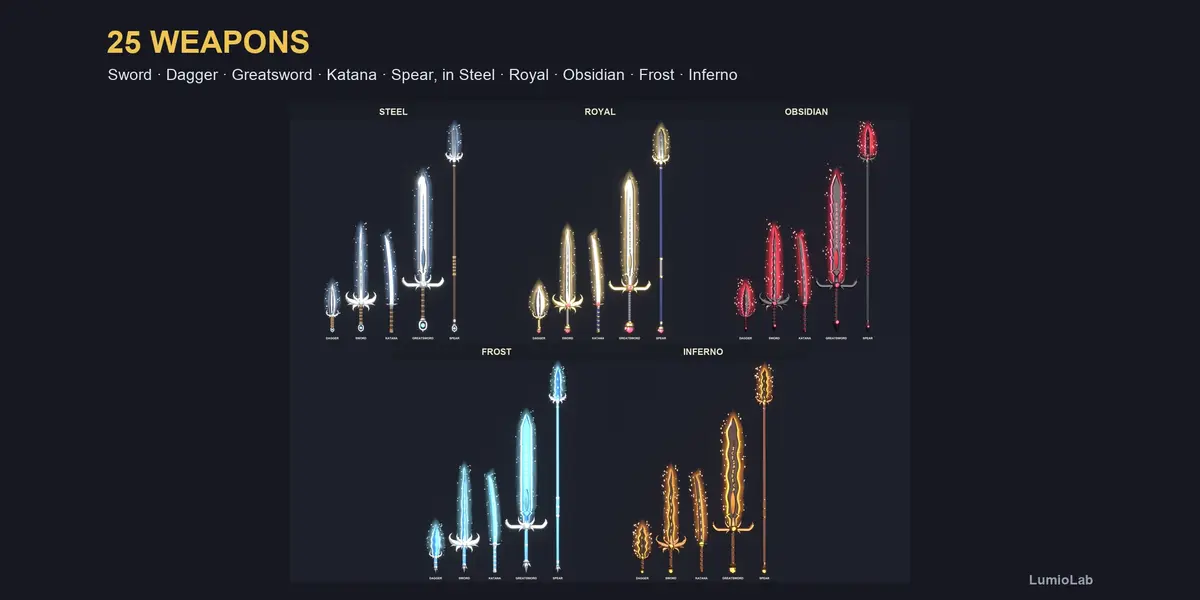
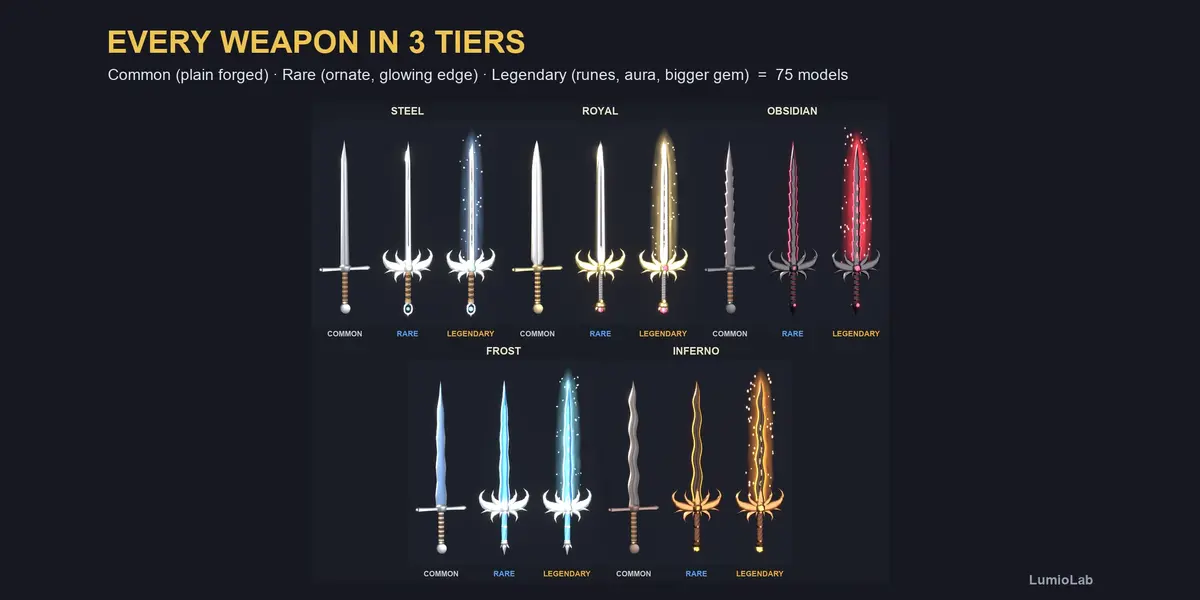
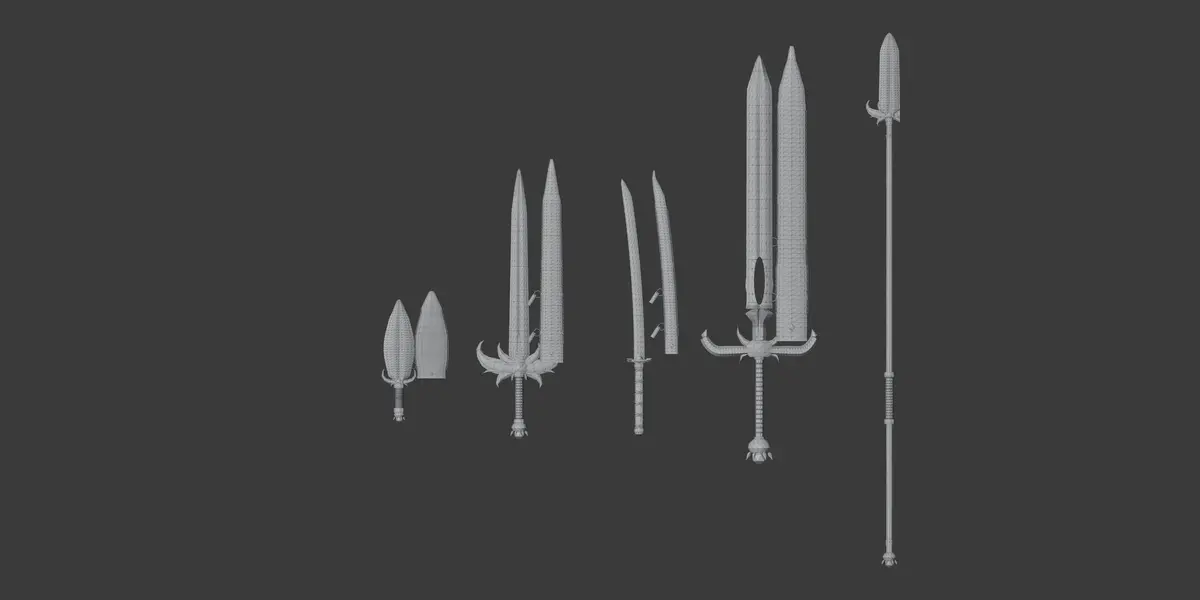
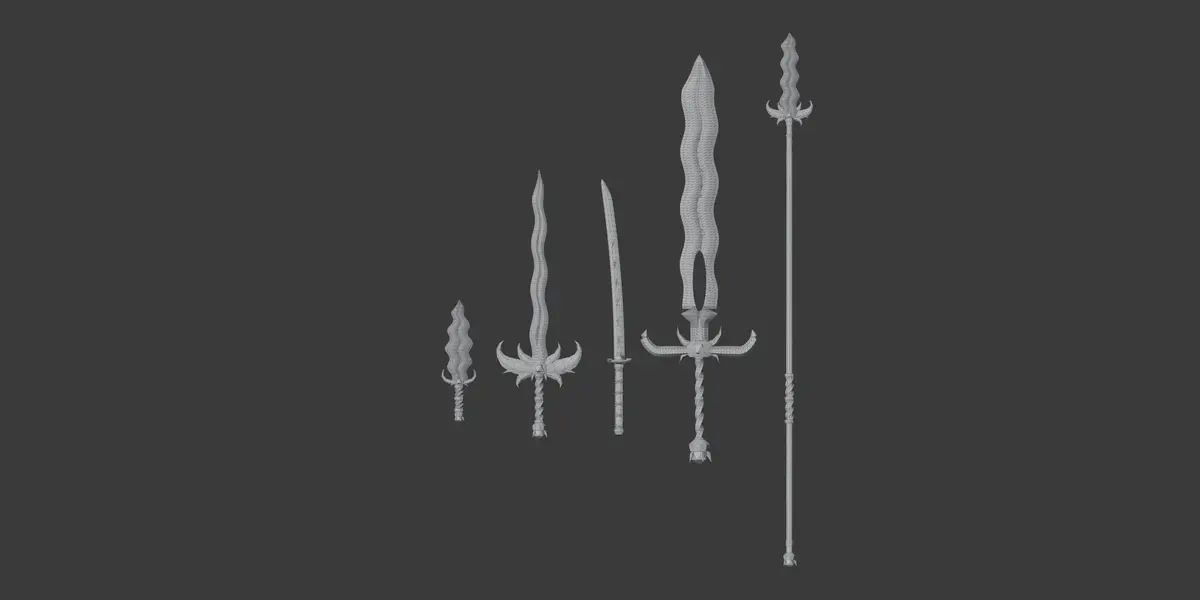
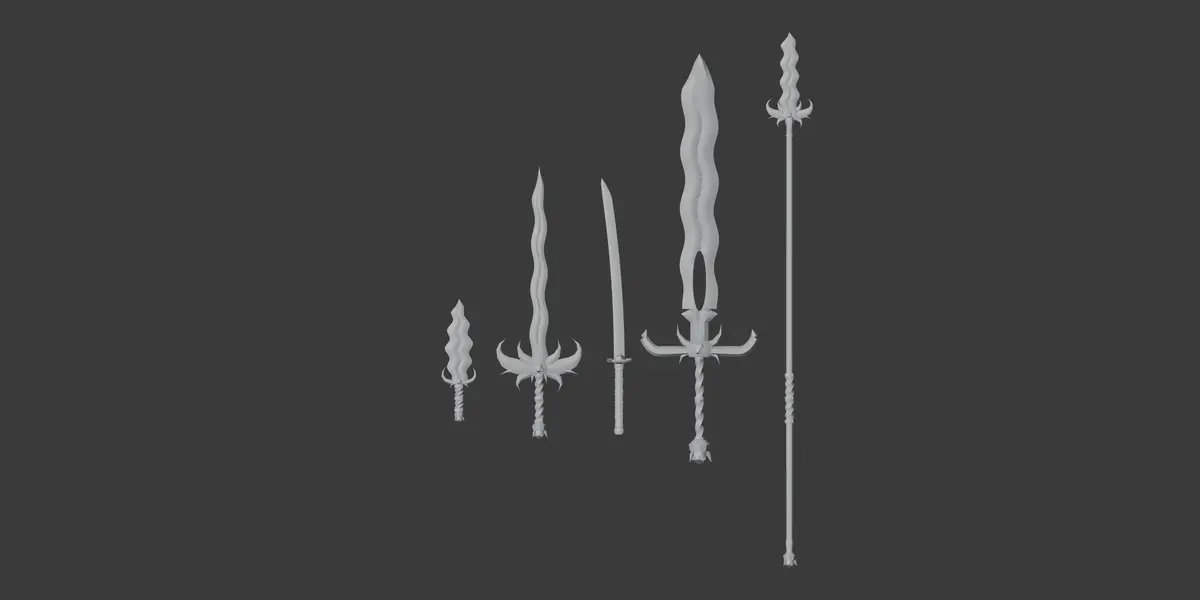
Stylized Swords: 75 Fantasy Weapons With Sheaths, Icons and Attack Effects
 LumioLab
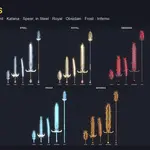
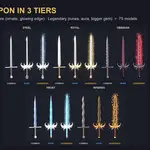
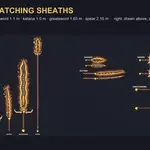
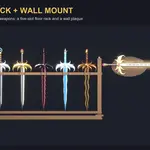
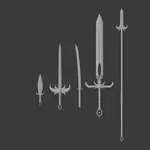
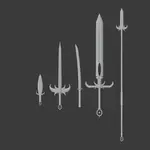
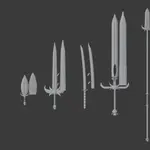
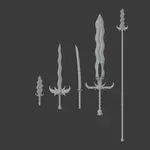
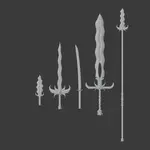
What's in the download
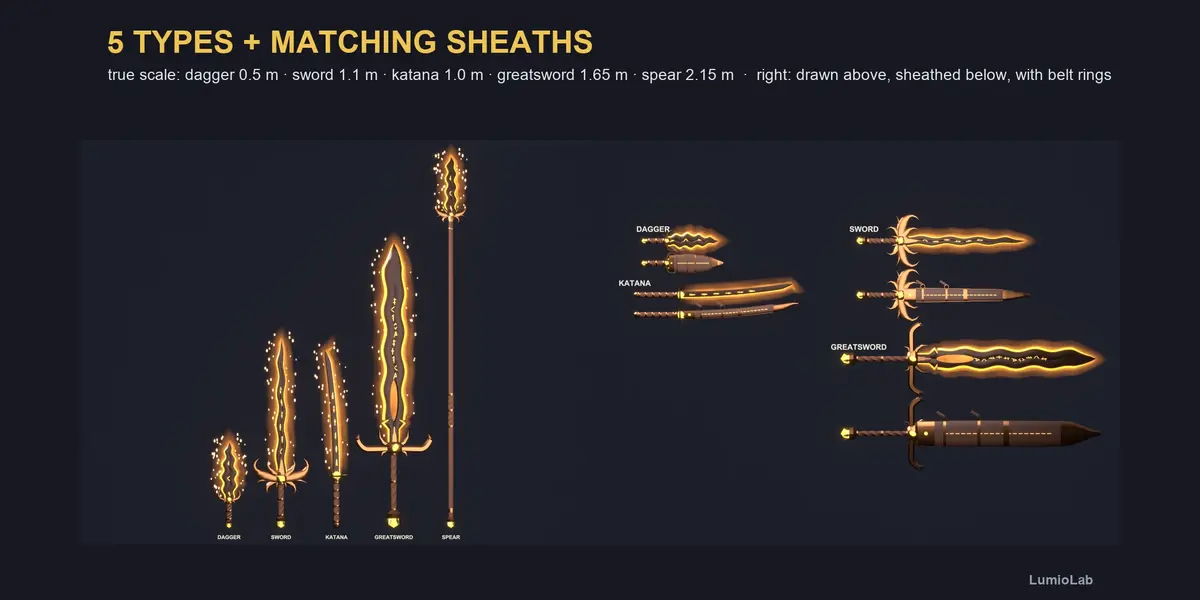
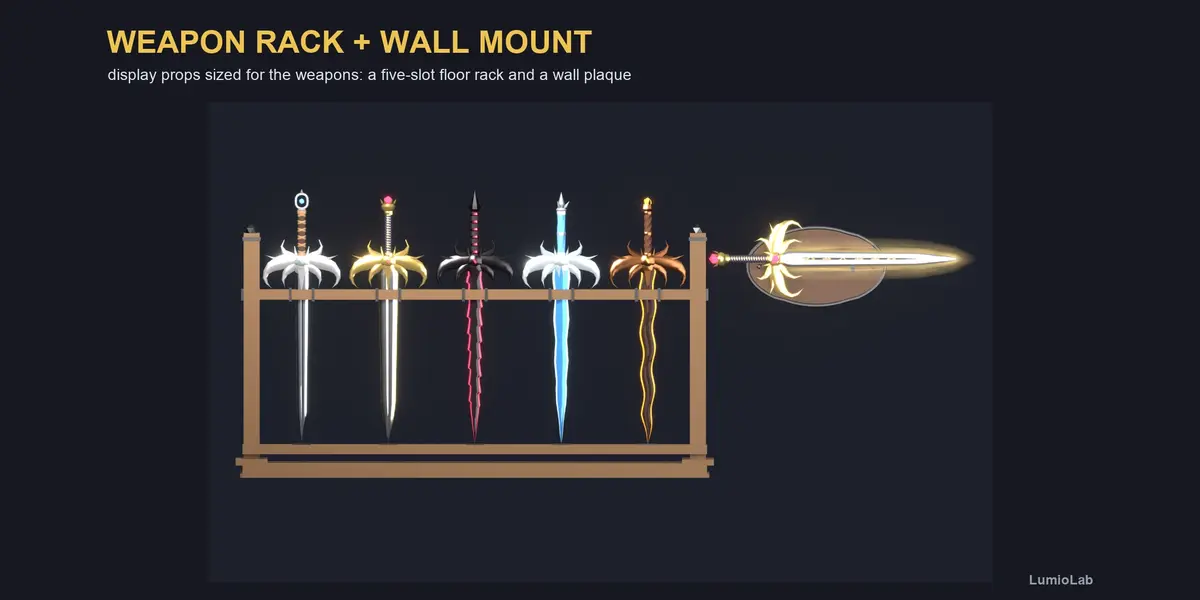
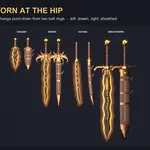
- FBX/ all weapons, sheaths and props (Unity, Unreal, most engines), with LOD0 / LOD1 / LOD2
- GLB/ glTF 2.0 for Godot, three.js and the web
- OBJ/ OBJ + MTL
- Source/StylizedSwords.blend all 75 weapons (Blender 5.1)
- Unity/ StylizedSwords.unitypackage (prefabs, effects, demo scene)
- Godot/ stylized_swords folder (scenes, effects, demo scene)
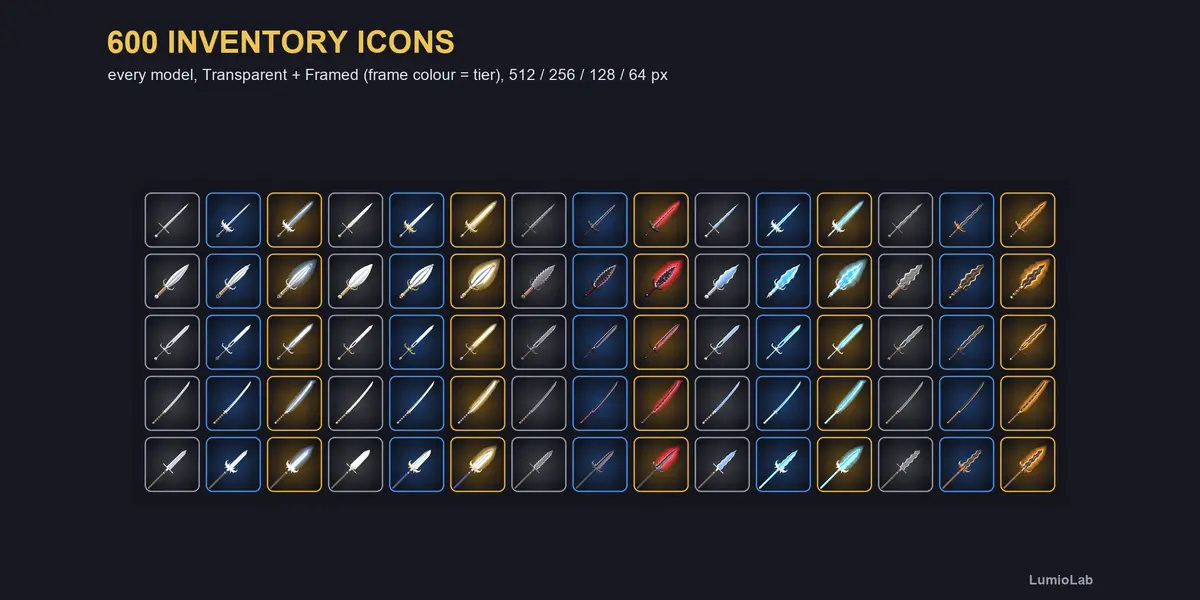
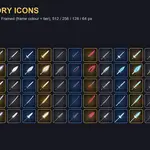
- Icons/ 600 inventory icons, transparent and framed, 512/256/128/64 px
Blender
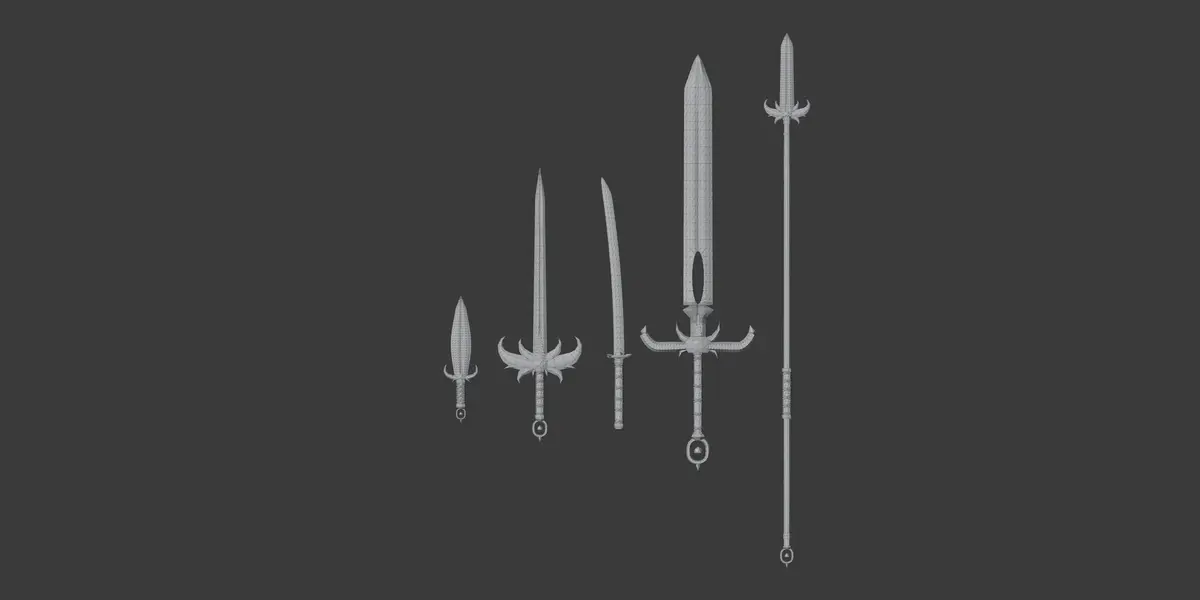
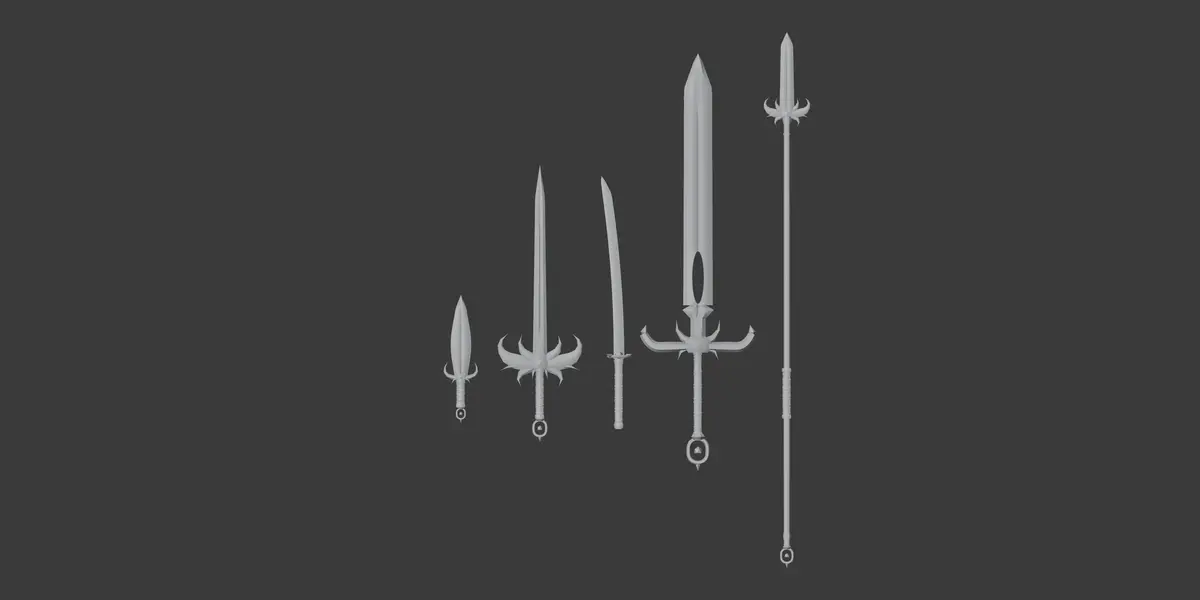
Open Source/StylizedSwords.blend. Every weapon is one mesh with up to 7 materials (Blade, Edge, Guard, Grip, Wrap, Gem, Rune), real-world scale in metres, pivot at the centre of the grip. Flat PBR colours, no textures needed, so recolouring is just changing a material colour. Glowing parts use emission: turn on Bloom (Eevee) or use Cycles for the glow.
Unity (2021.3+, Built-in or URP)
- Import Unity/StylizedSwords.unitypackage.
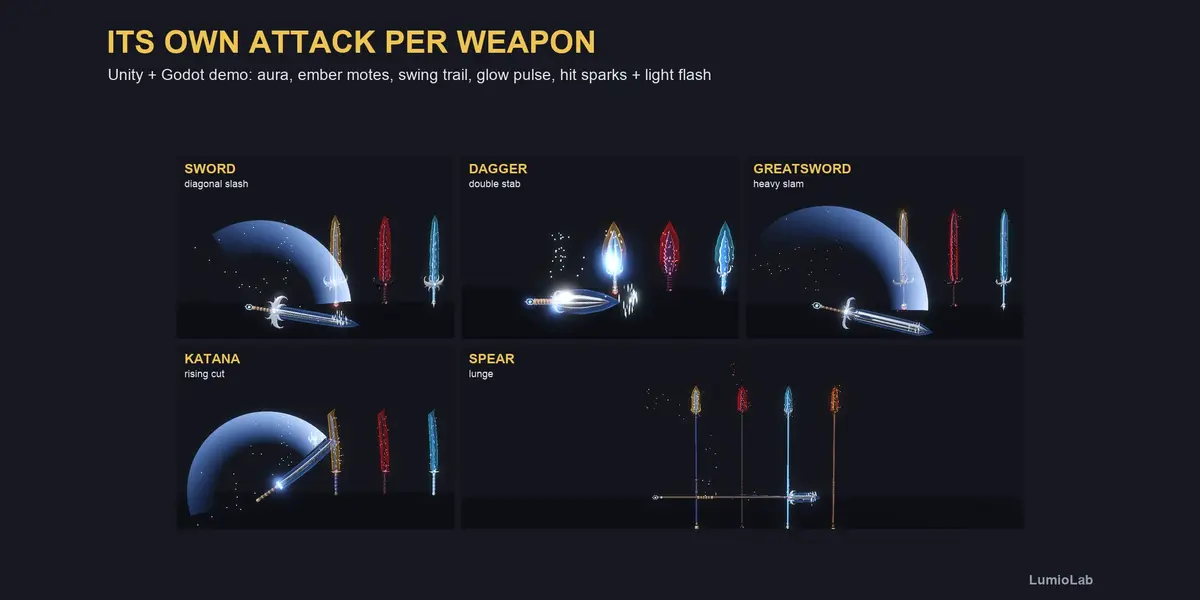
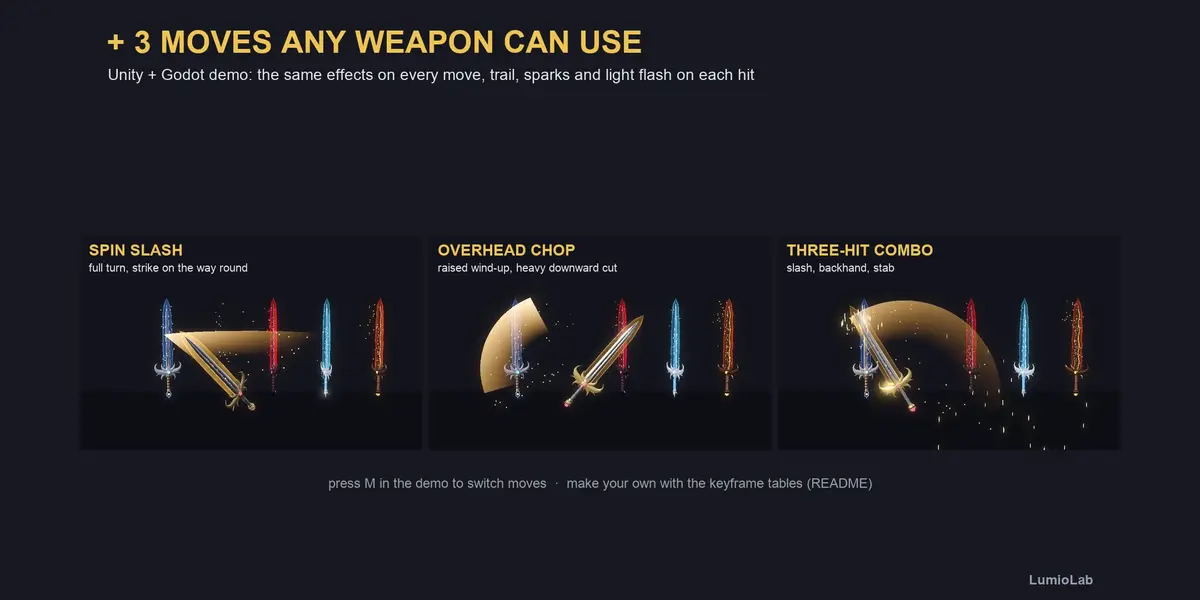
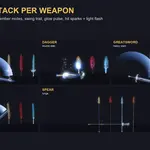
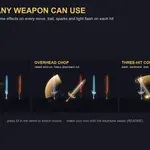
- Open StylizedSwords/Demo/SwordsDemo.unity and press Play (1/2/3 tier, W weapon type, M move, A aura, Space attack).
- Drop any prefab into a hand bone. On a strike call GetComponent().Hit(point, normal).
URP: run the Render Pipeline Converter (Material Upgrade) once. Turn on Bloom for the glow.
Godot 4.3+
- Copy Godot/stylized_swords into the root of your project (res://stylized_swords/).
- Demo: stylized_swords/demo/demo.tscn.
- Instance any scene from stylized_swords/scenes and call $Sword/SwordFX.hit(position, normal) on a strike.
Turn on Glow in your WorldEnvironment.
The full guide (including how to make your own attack moves) is in README.txt inside the download.
Have questions about this product?
Login to message
| Published | about 1 hour ago |
| Blender Version | 5.1 |
| Render Engine Used | Cycles, Eevee |
| Misc Data | Uvs-Unwrapped |
| License | Royalty Free |