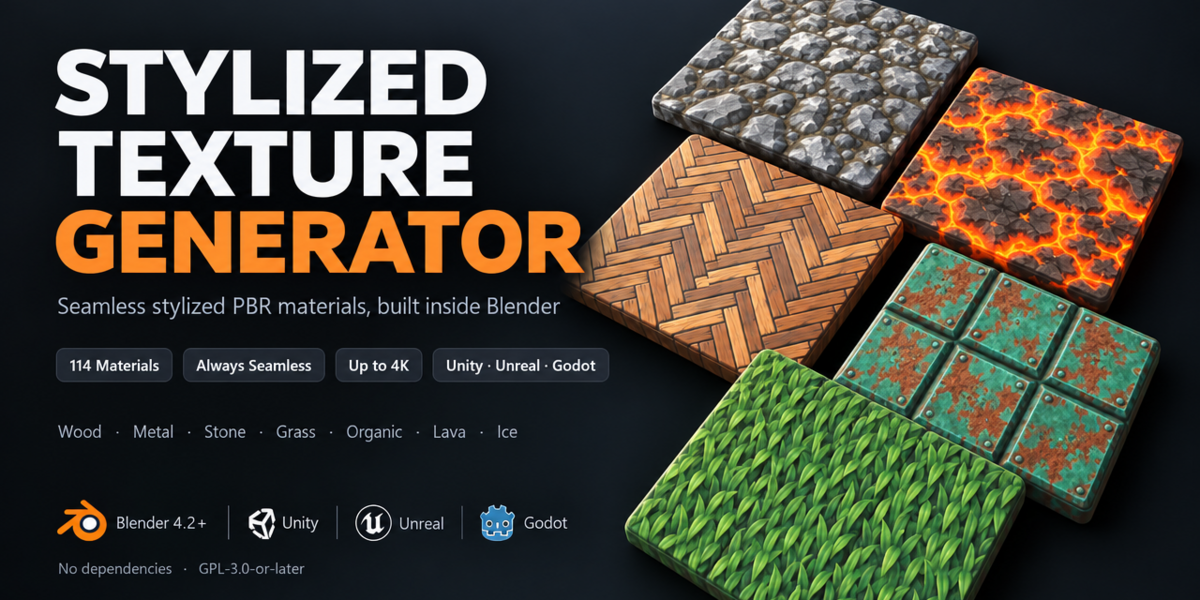
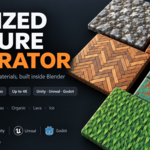
Stylized Texture Generator Tool
 Kaan Tezcan
Installation
- Download the zip. Do not unzip it.
- In Blender go to Edit > Preferences > Get Extensions, open the small arrow menu at the top right and choose Install from Disk. Pick the zip.
- Make sure the add-on is switched on.
- Open the 3D Viewport, press N and click the Stylized Tex tab.
- Works on Blender 4.2 and newer. Tested on 4.2 LTS, 5.0, 5.1 and 5.2 LTS.
The material card
The top of the panel holds everything about the current material.
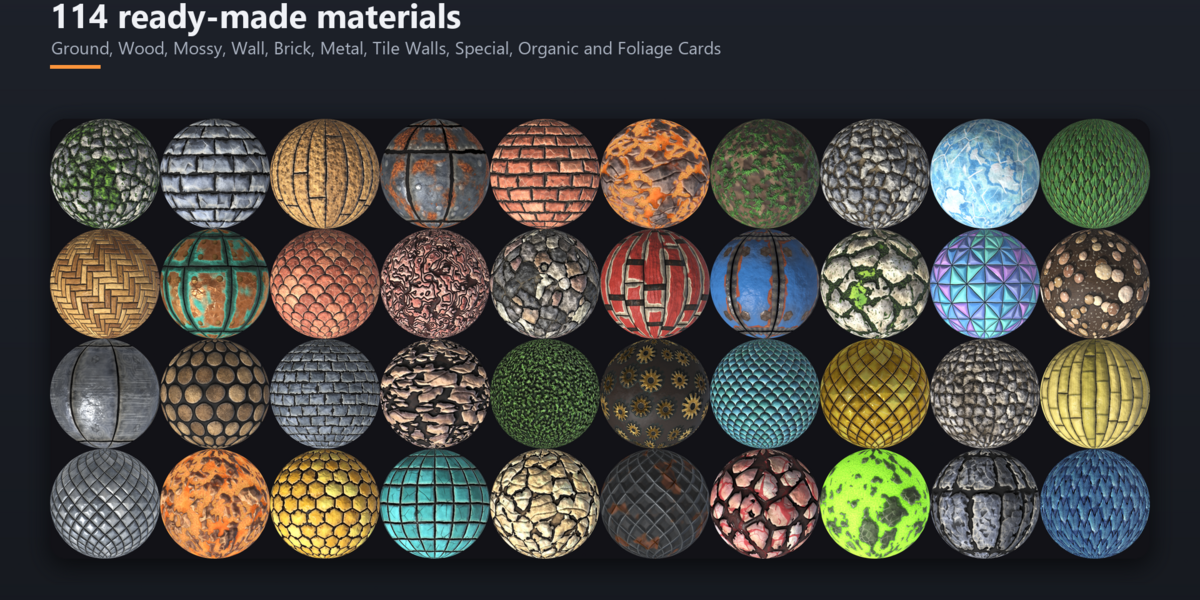
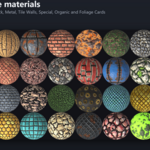
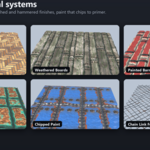
- Category and sheet mode (Single Tile, Trim Sheet, Atlas, Terrain, Flipbook, Foliage Cards)
- Big preview: click it to pick a material. The star saves a favorite, the magnifier searches, the arrow resets
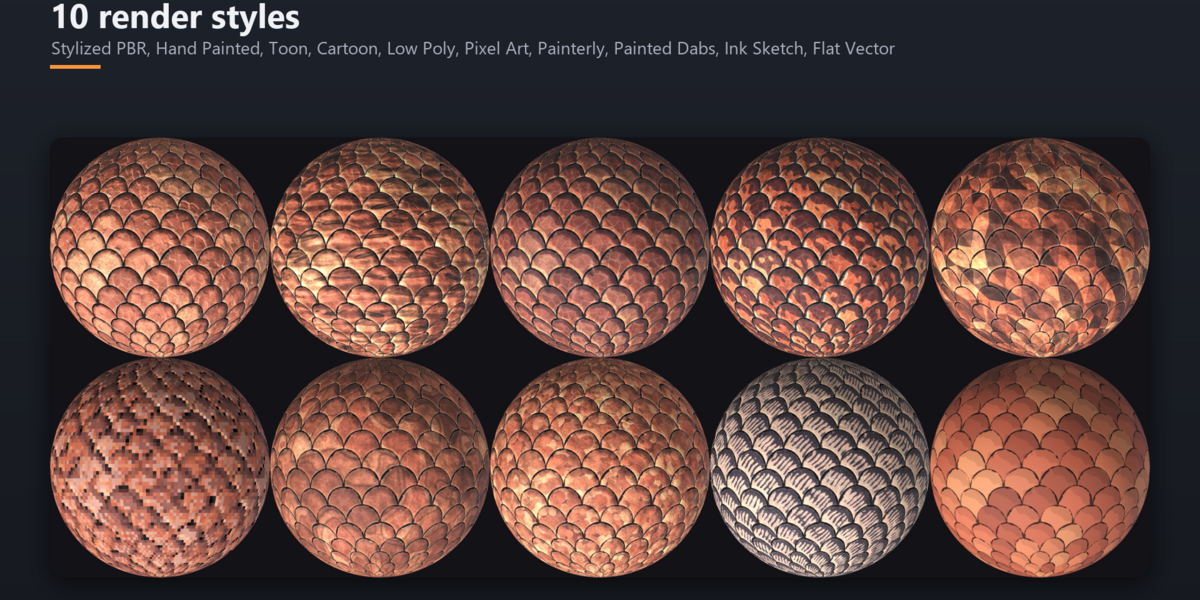
- Style, Target (your game engine) and Resolution (128 px to 4K)
- Ball, albedo and normal thumbnails that update while you work
- Randomize, Mutate and Variations
- Bake & Export right below the card
Test in Blender
- Plane, Cube or Sphere adds a test object with your material
- Live Preview updates it while you edit. Tiling repeats the texture so you can check the seams
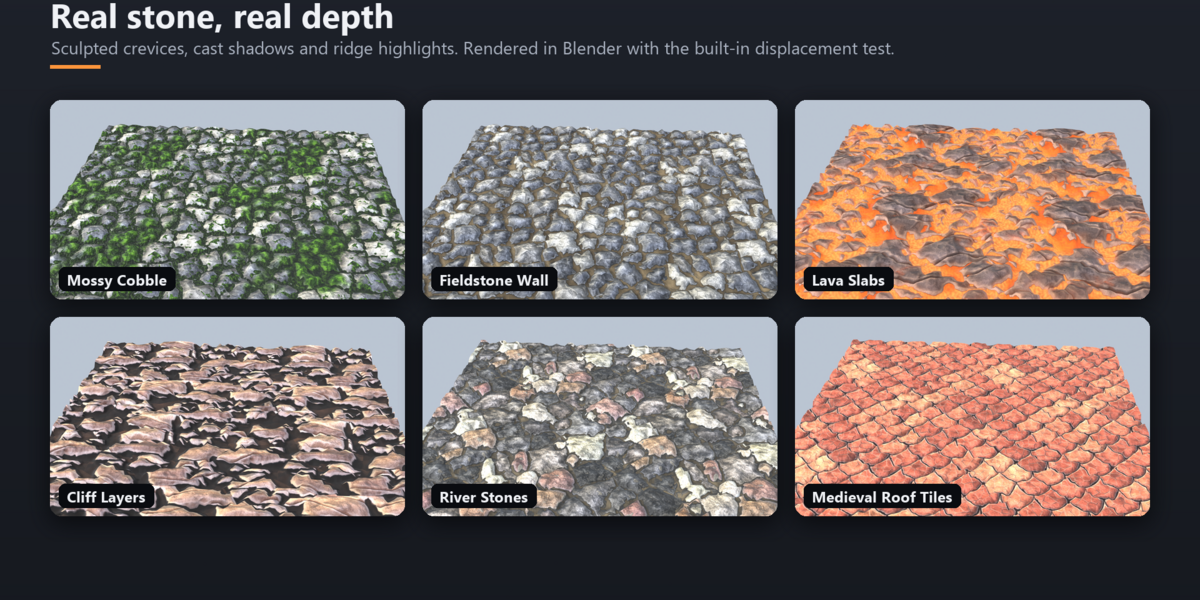
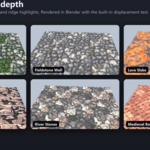
- Apply Displacement shows the height map as real depth (preview only, not exported)
The five tabs
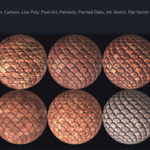
- Pattern: the layout (bricks, planks, stones, hexagons, scales, grass, shapes and more)
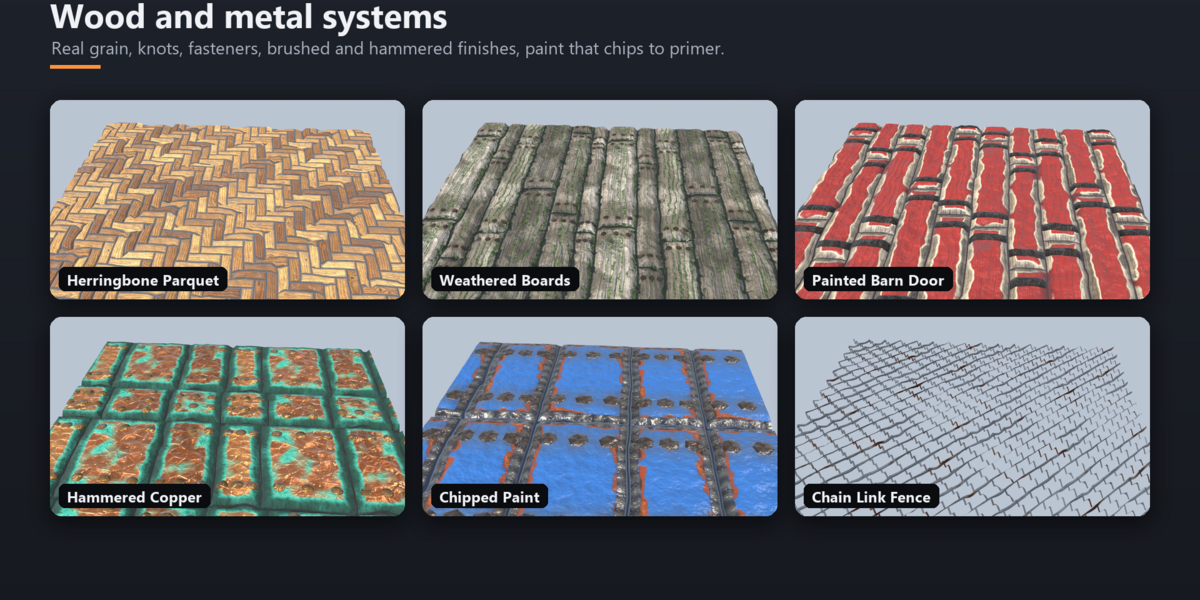
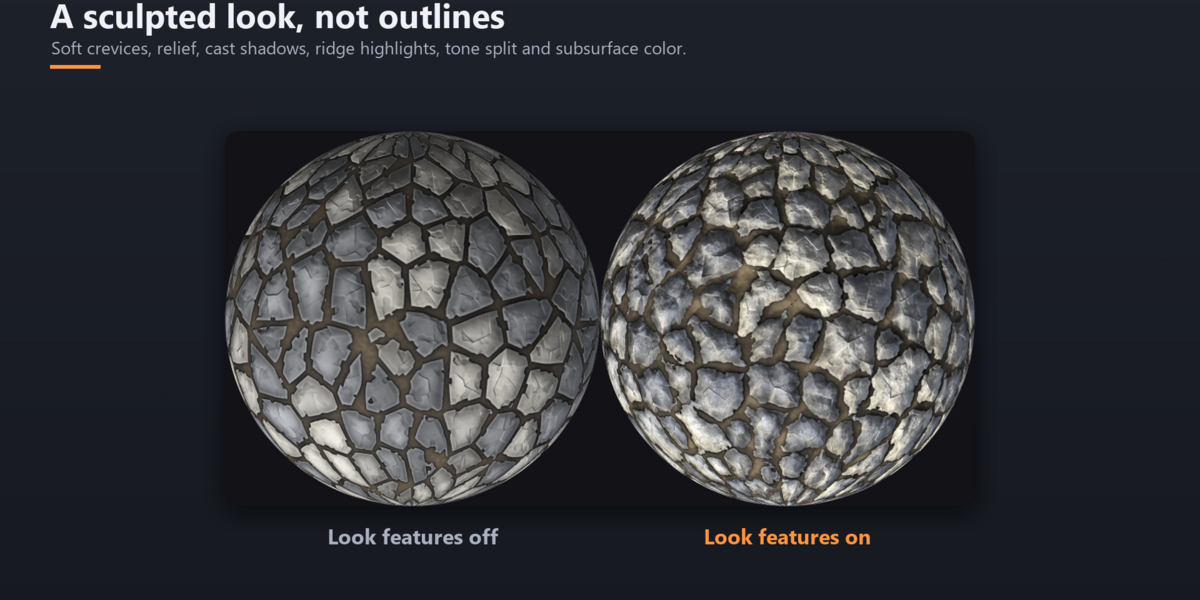
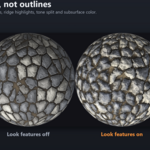
- Surface: gaps, bevel, relief, wear, stone detail, wood grain, metal finish and style options
- Color: palette, grading, gradient map, roughness, metallic, normals, AO and emission
- Layers: moss, snow, rust, paint, cracks, grass, fasteners or a whole other material on top, each with its own mask
- Output: folder, name, format, extra maps, My Presets and Tools
- The gear icon in the panel title switches between simple and advanced controls
Export
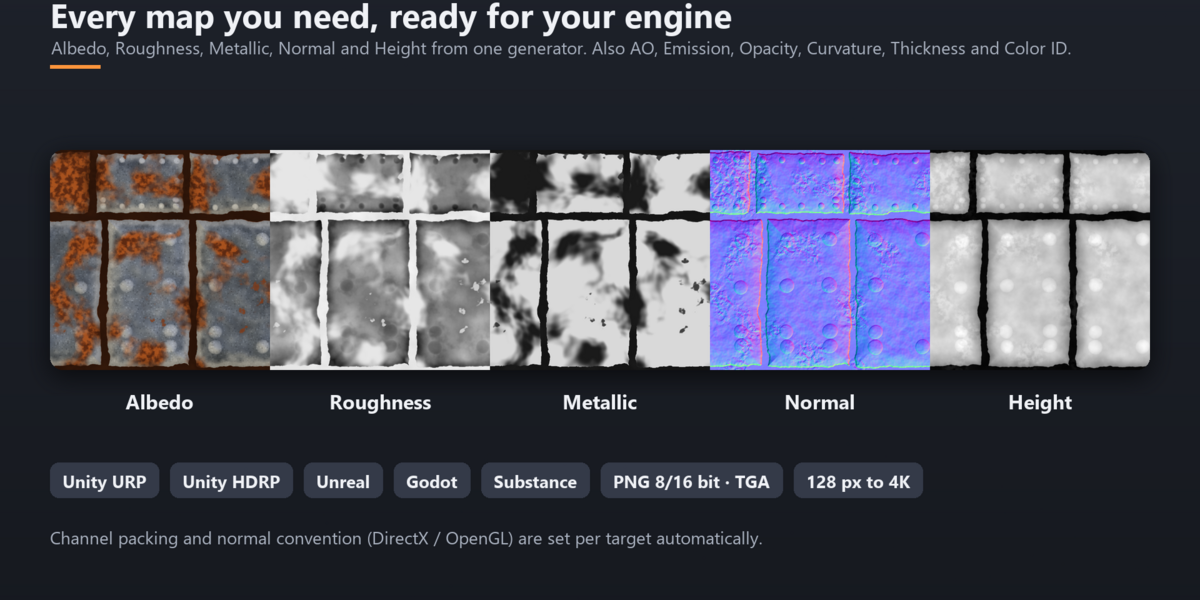
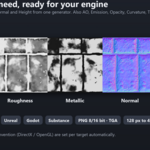
- Albedo, Roughness, Metallic, Normal. Optional: Height, AO, Emission, Opacity, Curvature, Thickness, Color ID and a custom packed map
- Channel packing and normal convention are set for Unity URP, Unity HDRP, Unreal, Godot, Substance naming or Generic
- PNG (8 or 16 bit) or TGA. Height maps are always 16 bit PNG
- A small _material.json with the import settings is written next to the maps
PDF guide
A short illustrated guide with install steps, the panel, layers and export. Download the PDF guide
License
GPL-3.0-or-later. The license file is included in the zip. Textures you generate are yours to use in commercial projects.
Support
Questions or bug reports: [email protected]
 Included
Includes 12 months of
- Support from Kaan Tezcan
- Product updates
Extend this product’s Support Period +12 months: 50% of product price
Have questions before purchasing?
Login to message
| Blender Extension Compatible | Yes |
| Published | about 10 hours ago |
| Blender Version | 4.2 - 5.2 |
| Extension Type | Add-on |
| Render Engine Used | Eevee |
| License | GPL |
Discover more products like this
3dstylized stylized Generator Stylized Blender Materials Material texture pbr-stylized-textures