Stylized Texture Generator
 Ugabugastudio
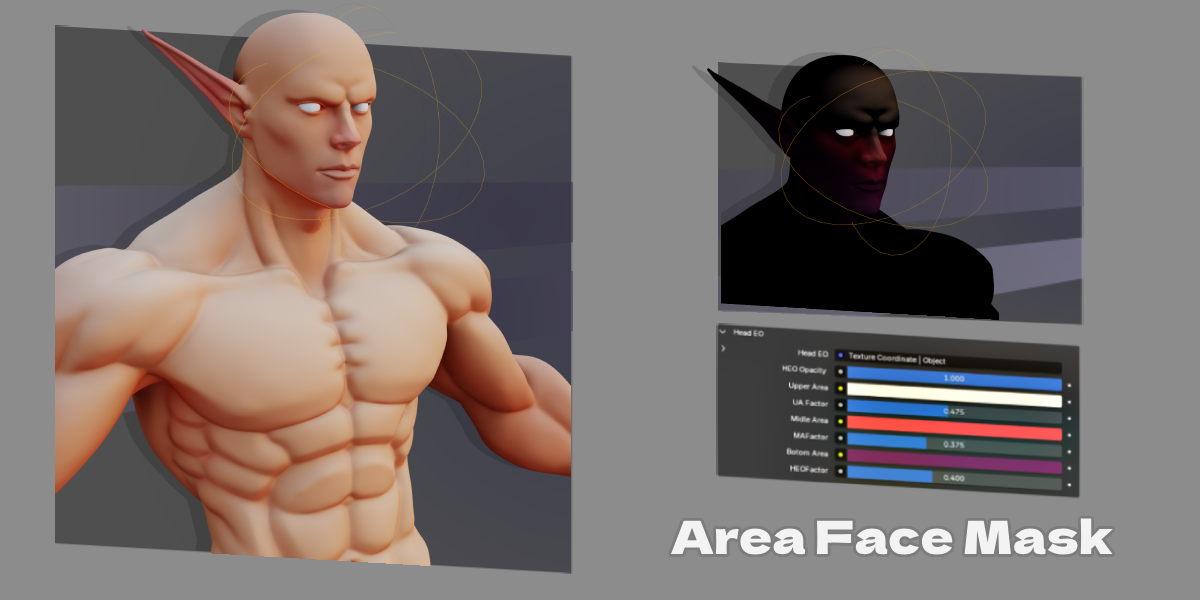
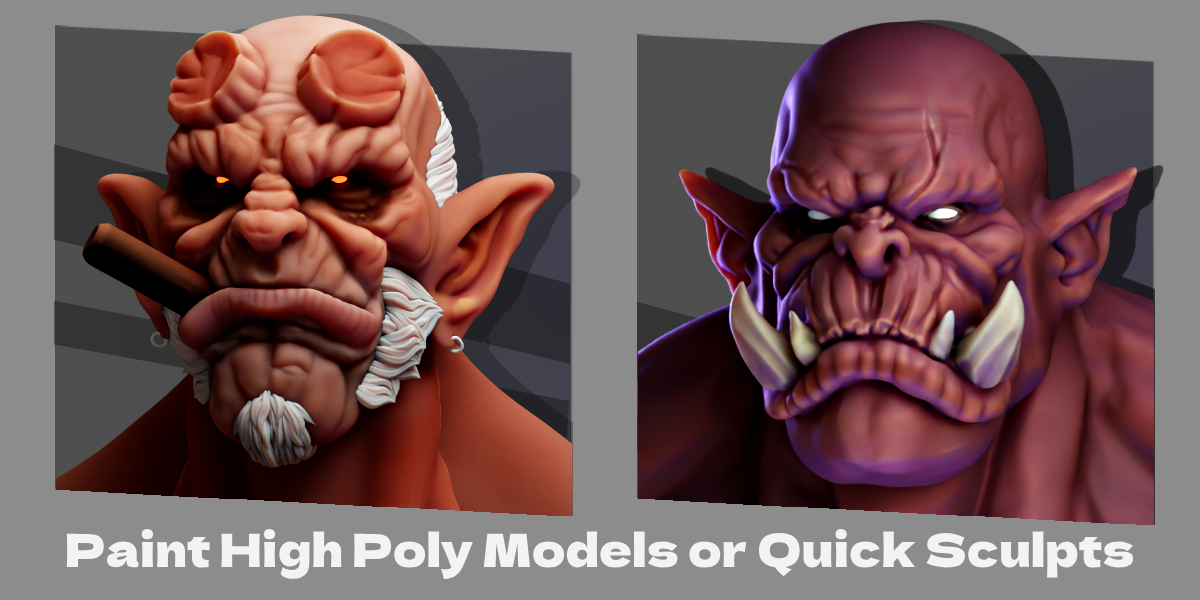
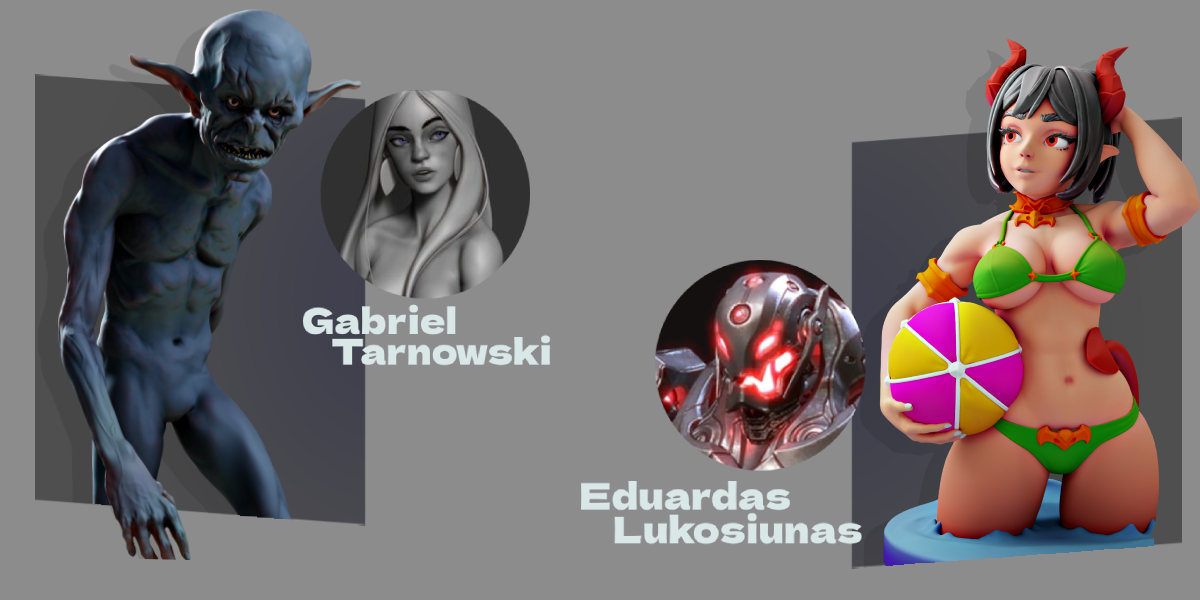
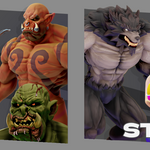
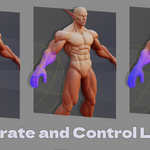

Layer System
- Add, remove, duplicate and reorder layers
- Layers stack top to bottom, newest on top
- Hide and solo buttons per layer
- Opacity slider per layer
- 19 blend modes per layer
- Copy and paste layers between materials
Effects
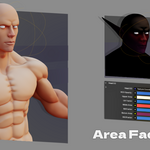
- Base Color two tone stylized shading with color balance controls
- Ambient Occlusion darkens crevices and contact areas
- Curvature highlights or darkens edges based on mesh curvature
- Inner Edge targets inside edges of the mesh
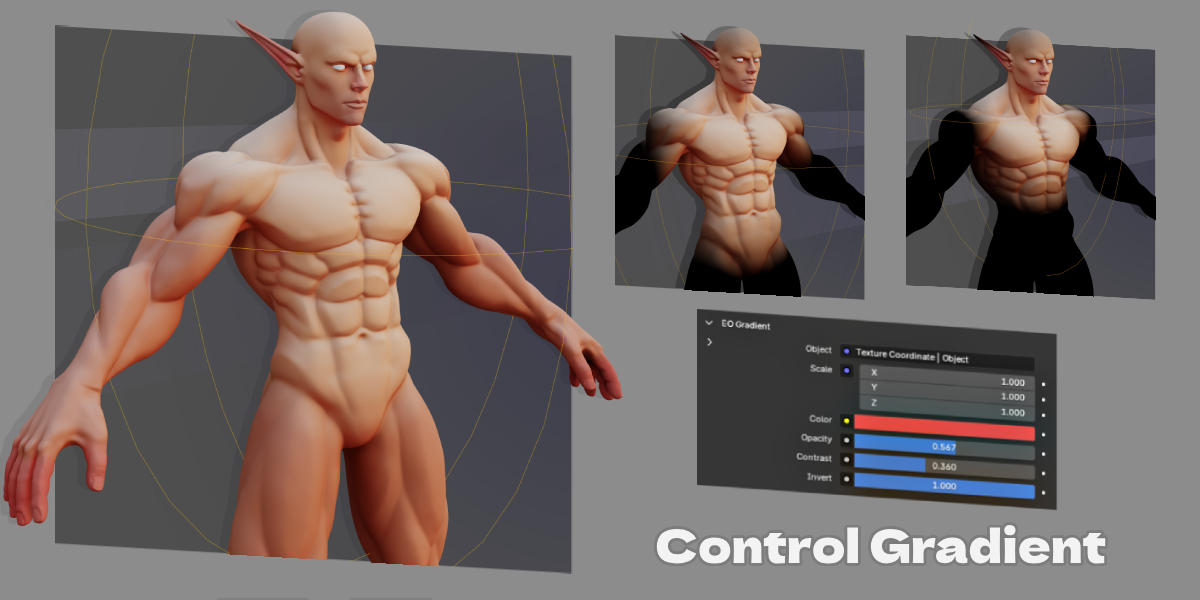
- Gradient directional gradient across the mesh
- Subsurface adds a subsurface scattering color pass
- Bottom Light gradient based on mesh normals, lights from below
Masking
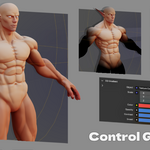
Each layer supports a vertex color mask. Paint directly in Blender's vertex paint mode to control where the layer appears.
- Create new masks from the layer panel
- Preview any mask directly on the mesh
- Enter and exit paint mode without leaving the panel
- Remove masks without losing the layer
Materials
- One-click Generate STG Material with all effect nodes set up automatically
- Works on fresh installs, no manual setup needed
- Register any existing material as an STG material
- Assign materials to objects from the panel
Node Tree
- Clean Nodes button auto arranges the shader node tree into readable columns
$15
Have questions about this product?
Login to message
| Blender Extension Compatible | Yes |
| Sales | 20+ |
| Published | over 1 year ago |
| Blender Version | 3.6 - 5.2 |
| Extension Type | Add-on |
| Render Engine Used | Cycles, Eevee |
| License | GPL |
Discover more products like this
blender procedural textures material-management material creator Texture Generator