 ZEG
Installation
In Blender open Edit, Preferences, Get Extensions, then use Install from Disk and pick the zip.
Usage
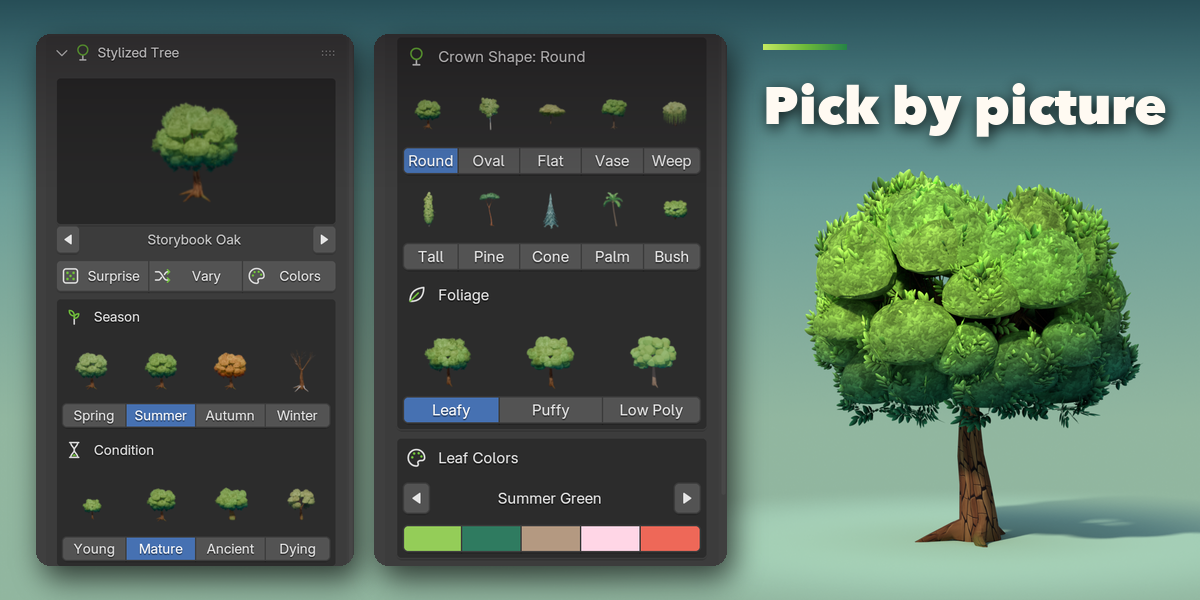
- Open the sidebar (N) in the 3D Viewport and pick the Tree tab.
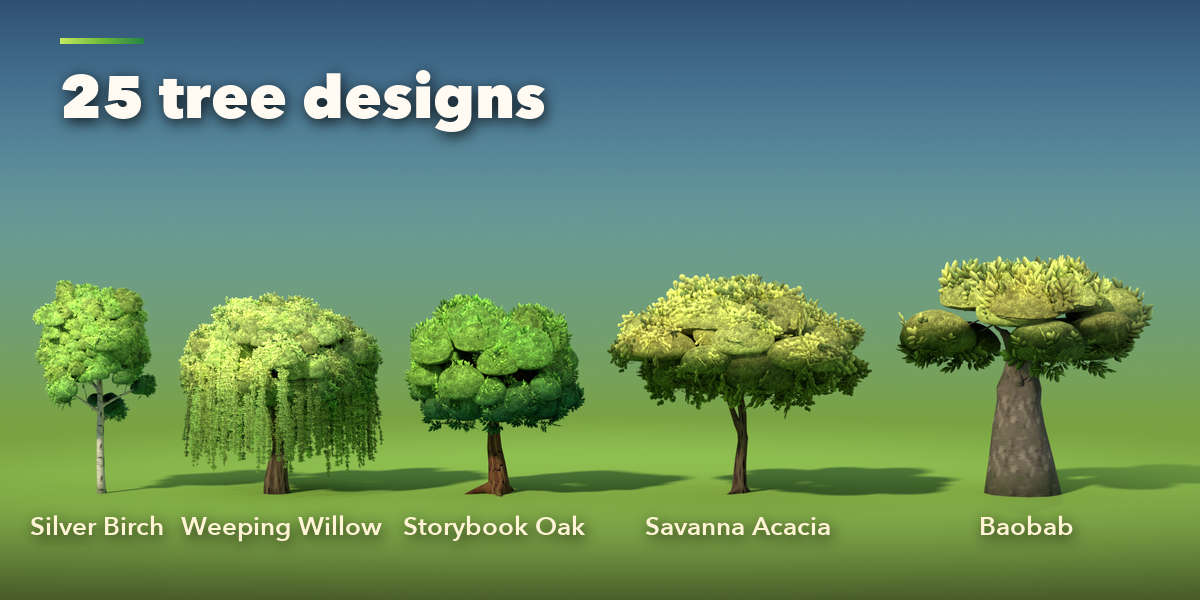
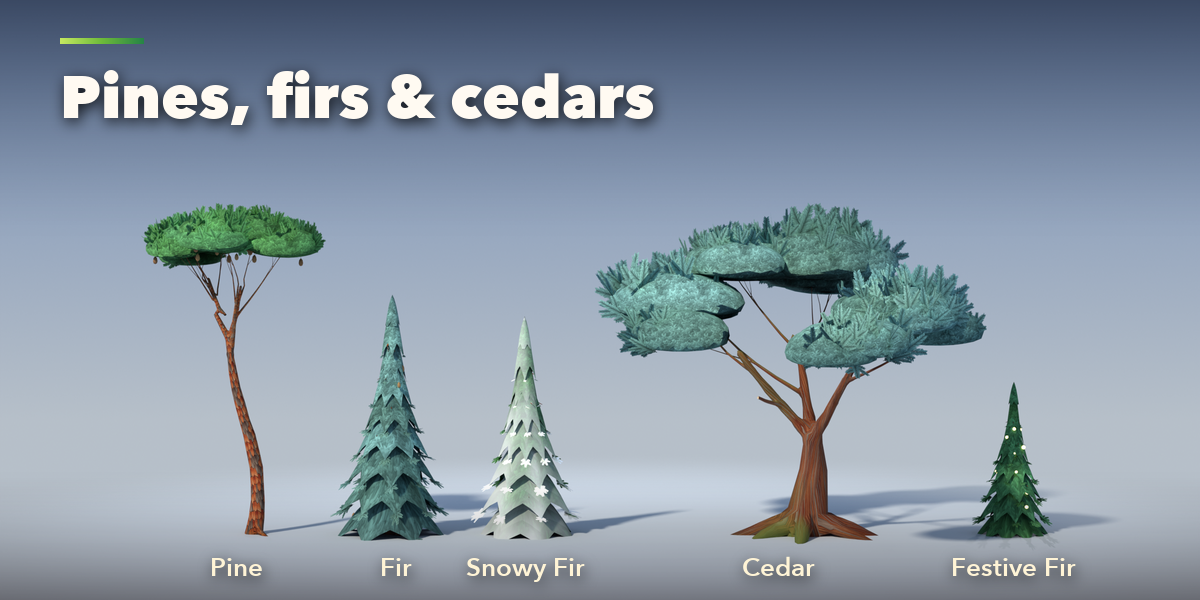
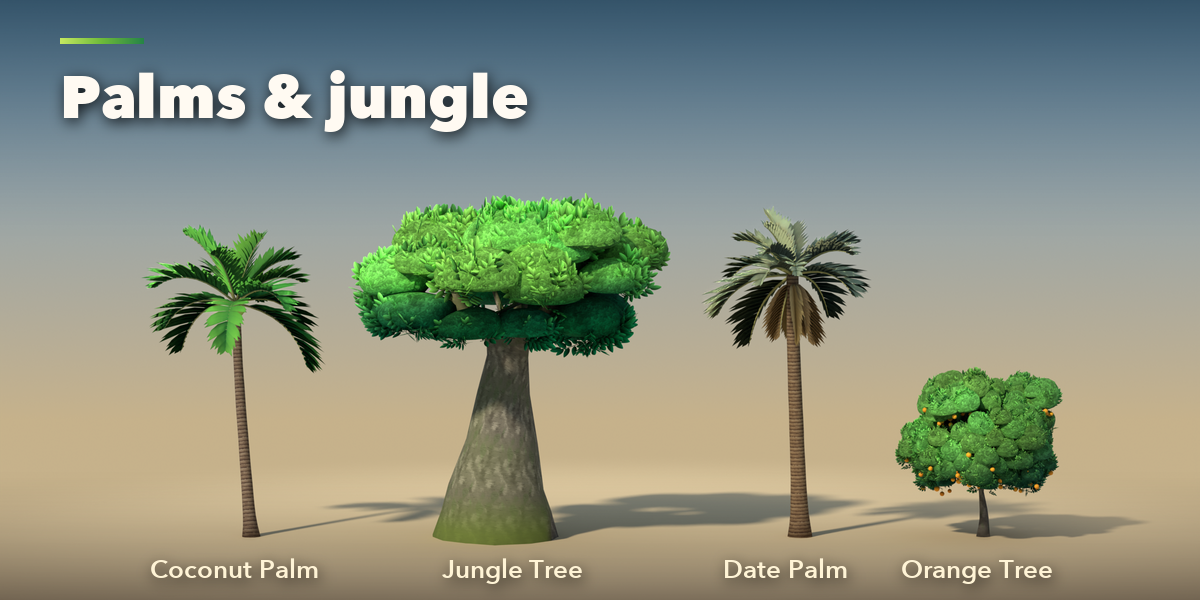
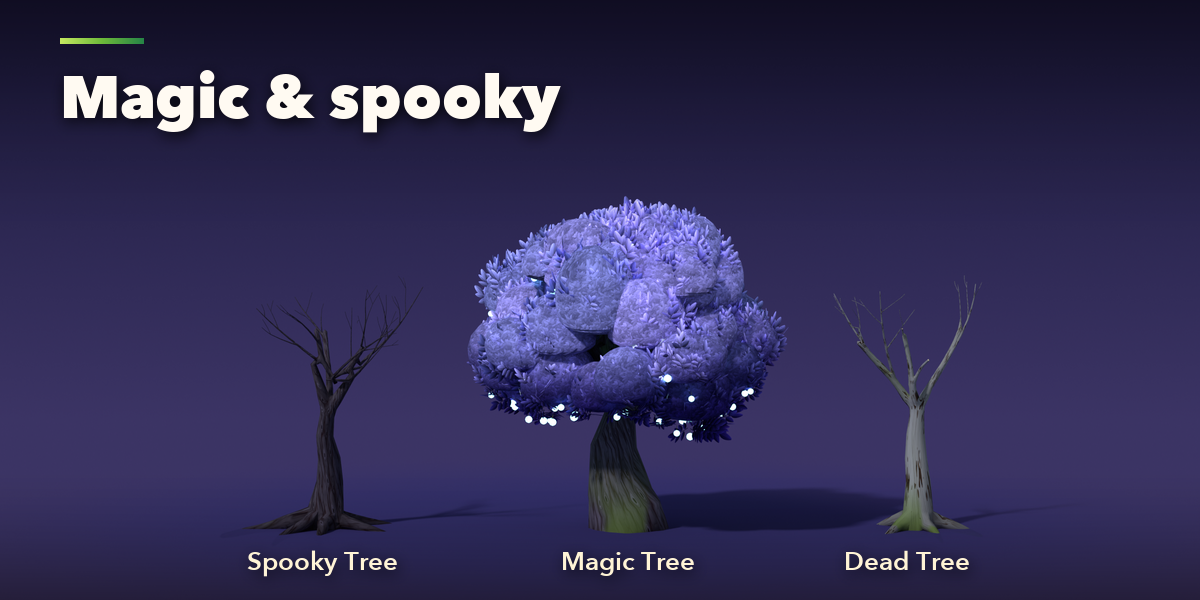
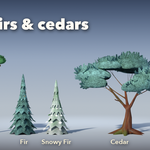
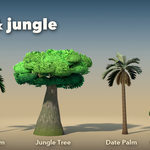
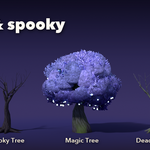
- Click the picture to choose a design and press Add Tree, or press Surprise Me.
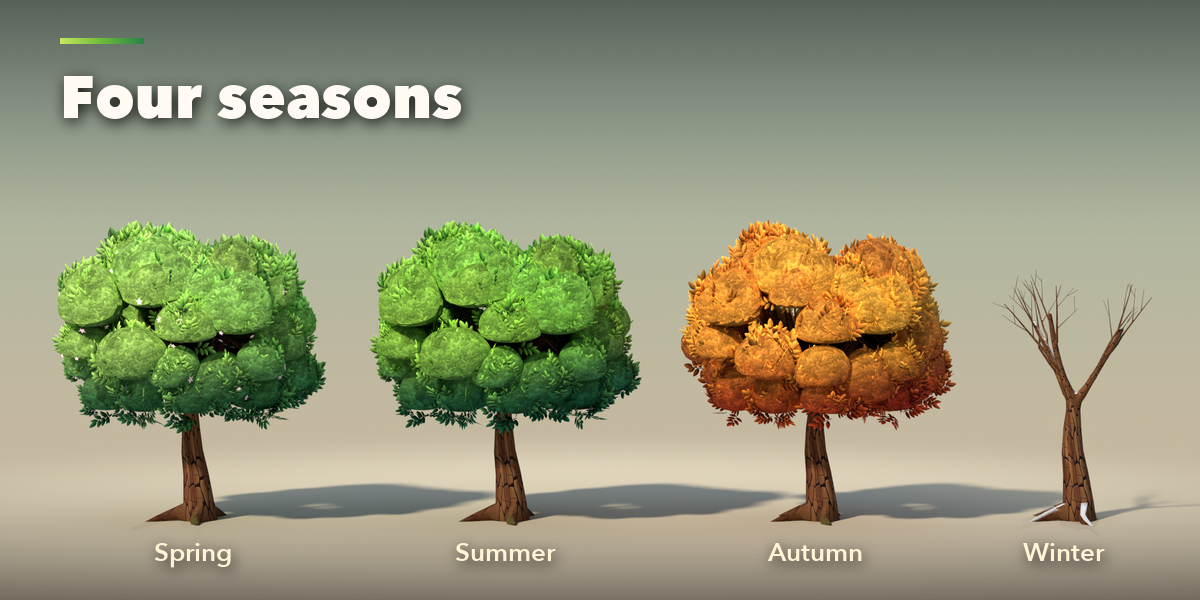
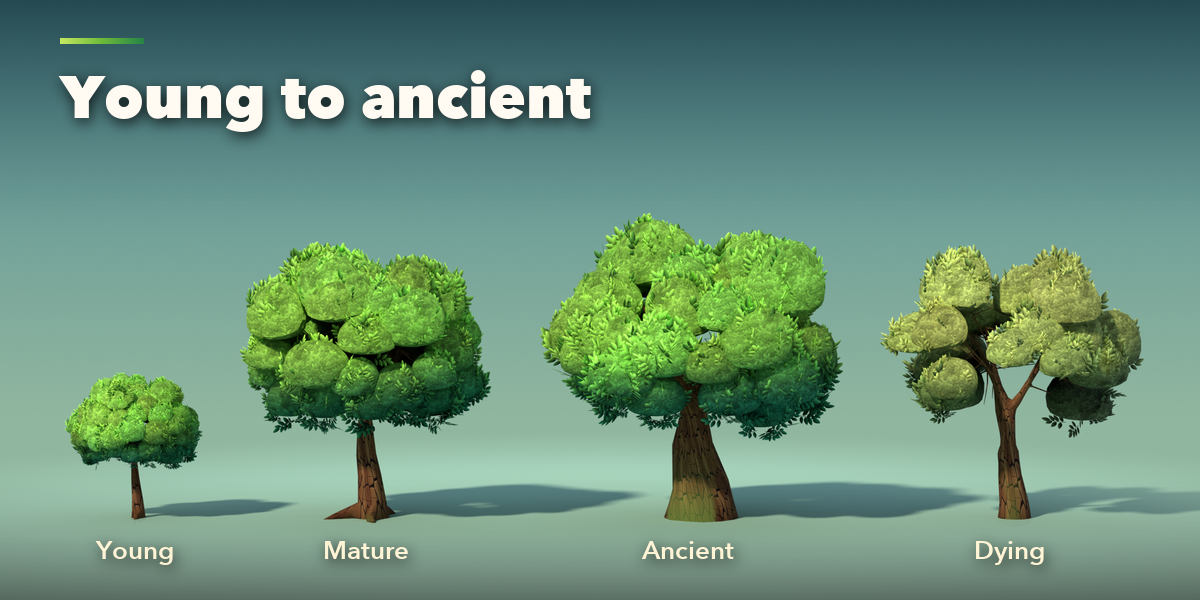
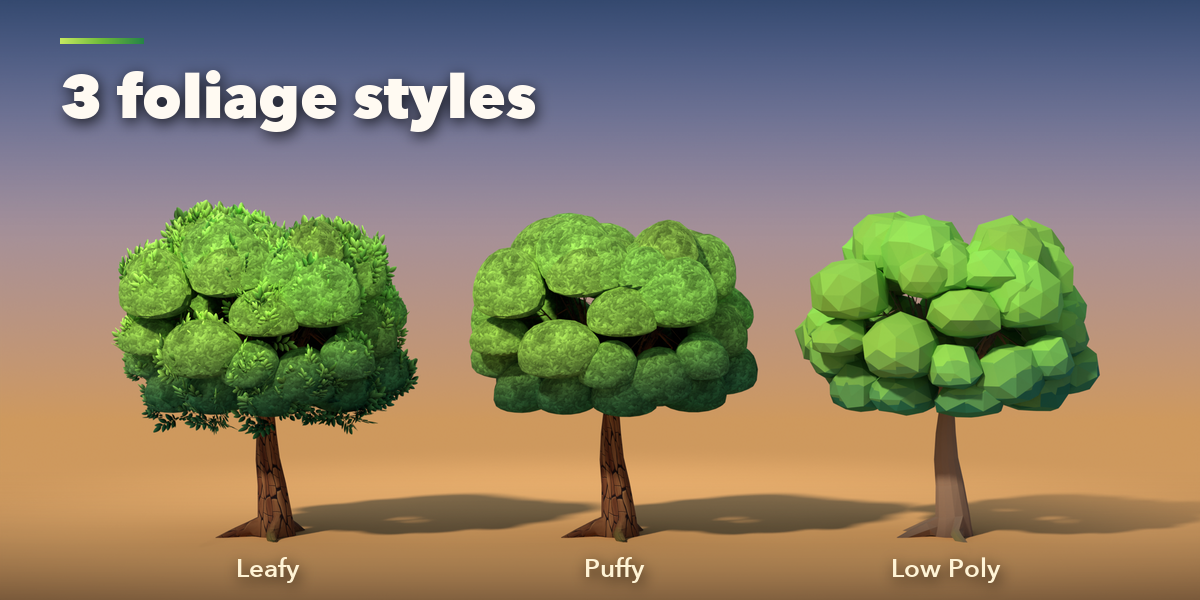
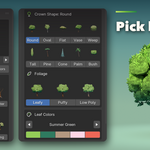
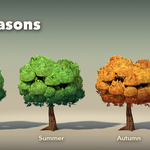
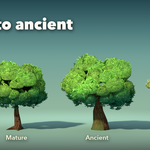
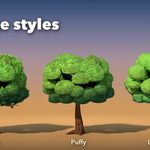
- With the tree selected, change Season, Condition, Crown Shape, Foliage and Leaf Colors; the tree rebuilds live.
- Fine-tune the crown and branches, trunk and roots (bark, moss, ivy), leaves, fruit and flowers, colors and snow in the sub-panels.
- Surprise gives a random tree, Vary reshapes the same design, Colors picks a new leaf palette.
- Actions > Make Plain Mesh keeps the tree as a normal mesh for hand editing.
Have questions about this product?
Login to message
| Blender Extension Compatible | Yes |
| Published | 33 minutes ago |
| Blender Version | 4.2 - 5.2 |
| Extension Type | Add-on |
| Render Engine Used | Cycles, Eevee |
| License | GPL |

Discover more products like this
#nature game ready hand painted tree fantasy low poly tree-generator procedural #palm pine foliage stylized