Stylized Witch Broom
 Dev_Sharky8
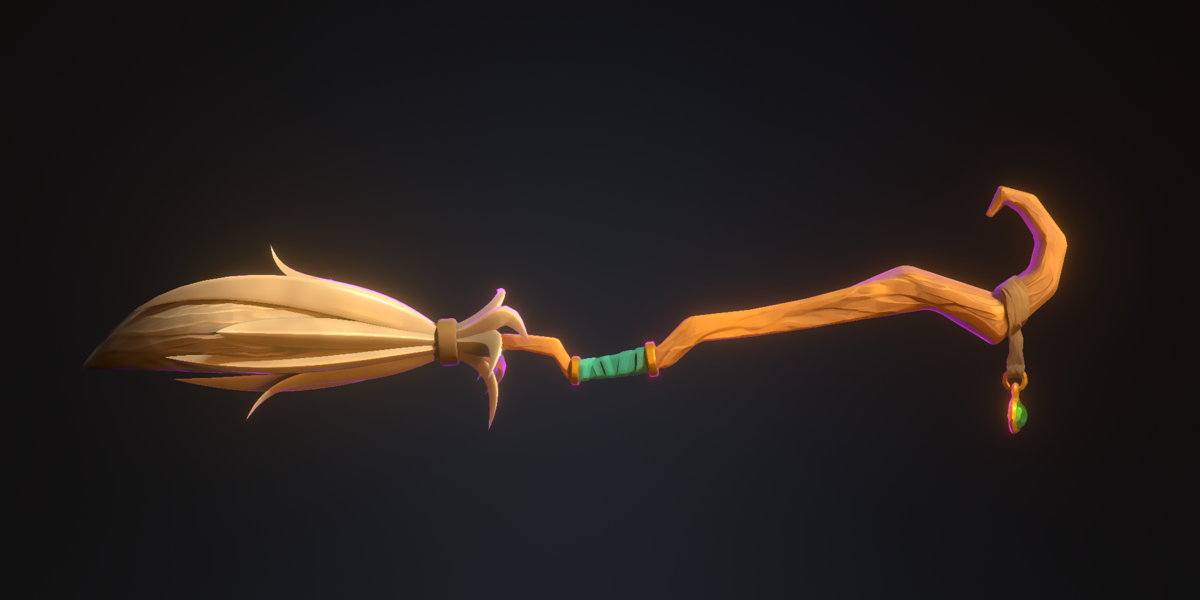
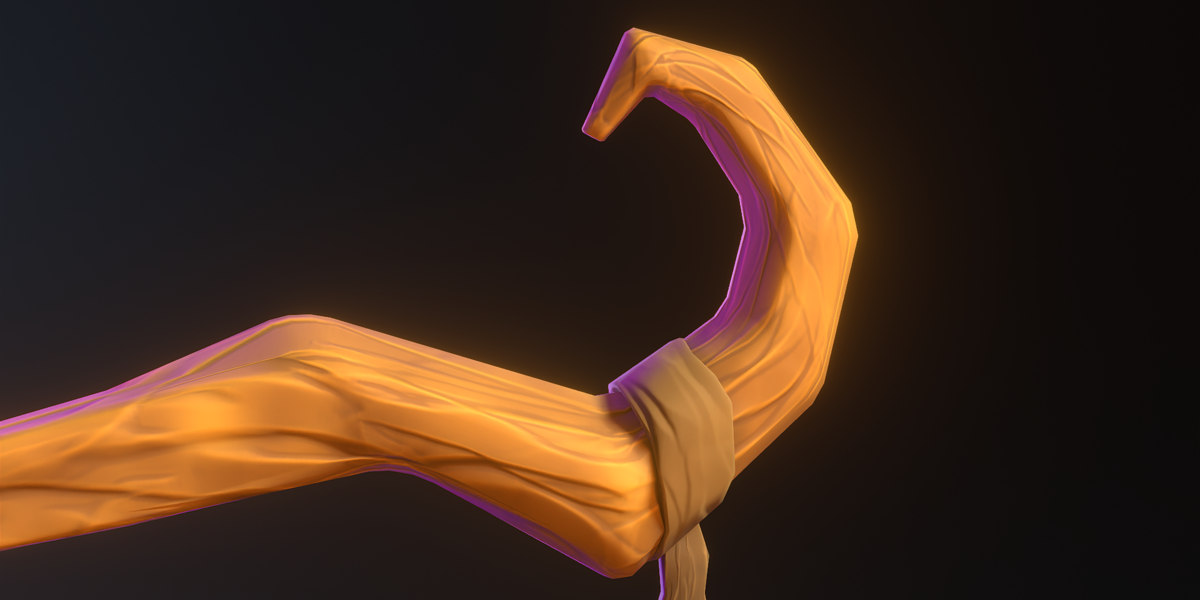
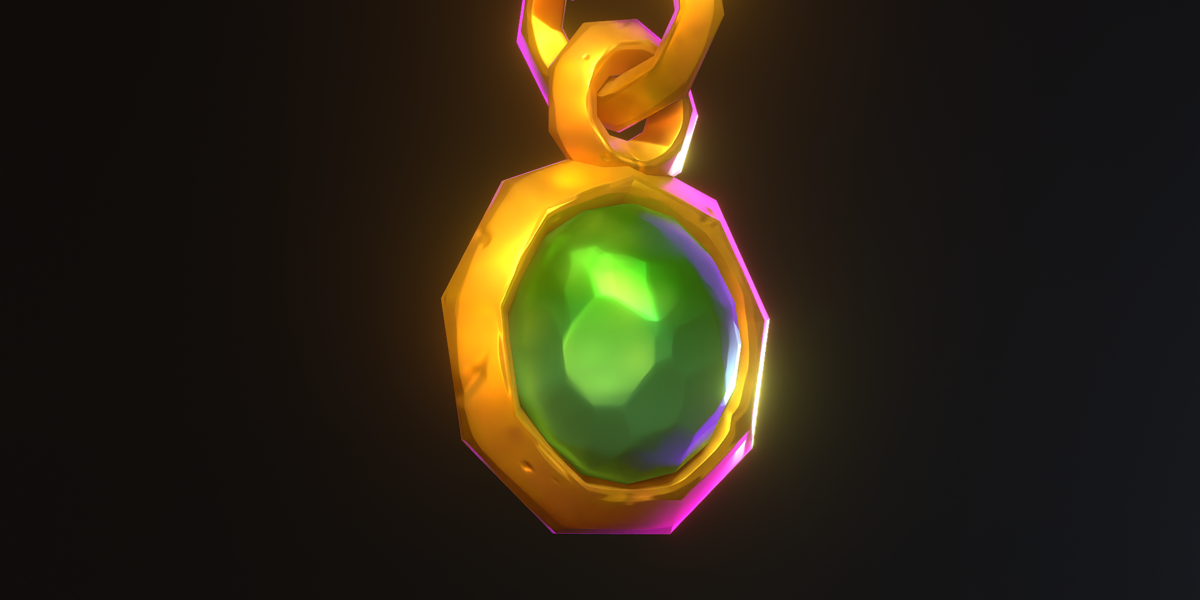
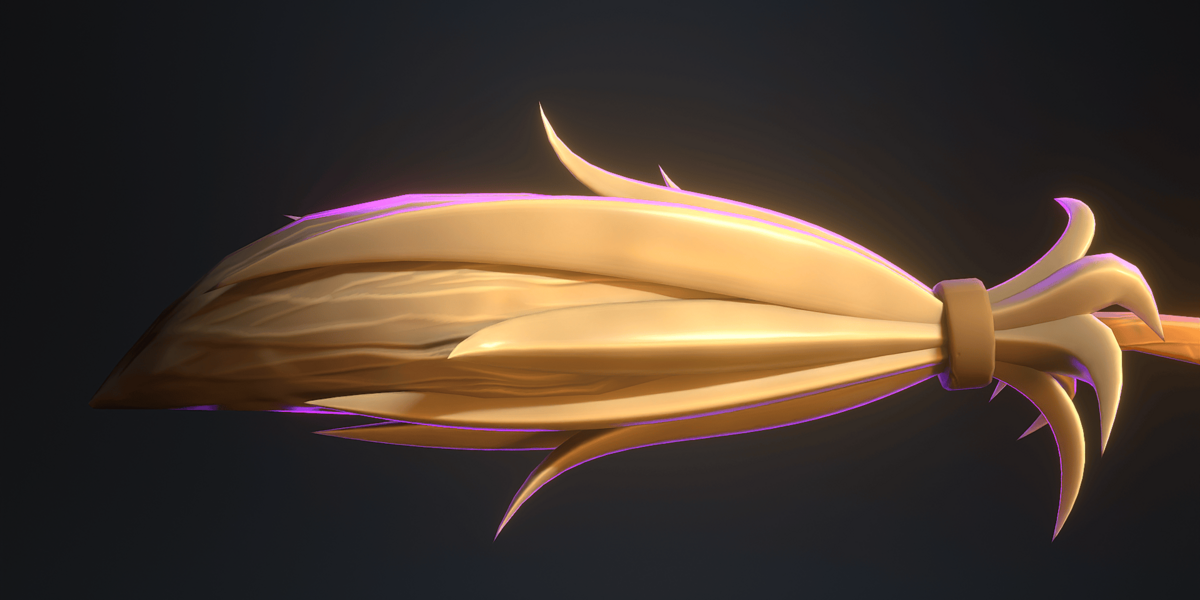
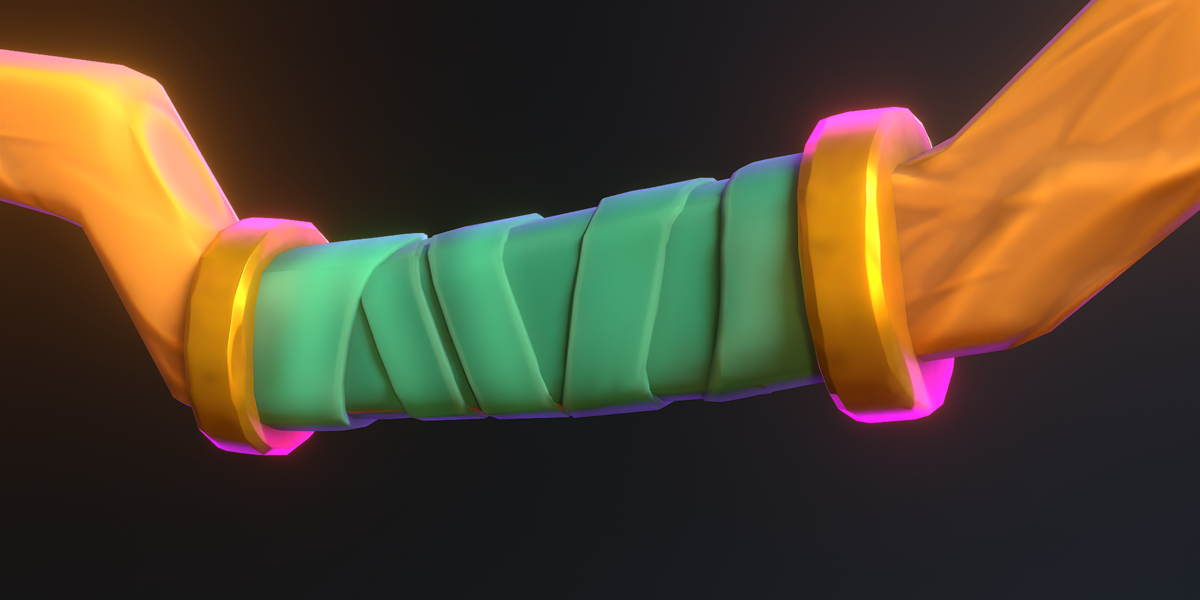
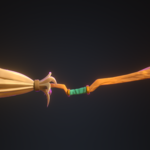
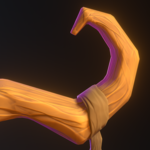
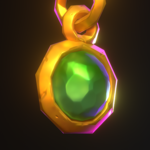
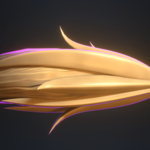
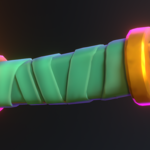
Thank you for purchasing the Stylized Witch Broom 3D Model!
This asset is designed for fantasy games, Halloween environments, cinematics, animations, and other stylized 3D projects.
Included Files
Stylized Witch Broom 3D Model
FBX, OBJ, GLTF, STL Model File
Textures ( included in the downloaded package)
Import Instructions
Blender:
Open Blender.
Go to File → Import → FBX.
Select the downloaded FBX file.
Import the model into your scene.
If textures are not automatically connected, manually assign them using the Shader Editor.
Unity / Unreal Engine:
Import the FBX file into your project.
Import the included texture files, if provided.
Set up the materials and assign the appropriate textures.
Adjust material settings according to your project's requirements.
Important Notes
This is a digital 3D asset. No physical product will be shipped.
You may need to adjust materials and shaders depending on your software or game engine.
Please make sure to extract the downloaded ZIP file before importing the assets.
Some material properties may require manual adjustments depending on your rendering engine.
Support
If you encounter any issues with the model or have questions regarding its usage, feel free to contact me through my creator profile.
Thank you for your support!
Have questions about this product?
Login to message
| Published | about 2 hours ago |
| Blender Version | 3.0 - 5.3 |
| Render Engine Used | Cycles, Eevee |
| Misc Data | Uvs-Unwrapped, Normal-Mapped, Textured |
| License | Editorial |