 ZEG
Installation
- In Blender open Edit, Preferences, Get Extensions, then use Install from Disk and pick the bundle zip (do not unzip it).
- In Edit, Preferences, Add-ons, expand the bundle's entry and click Install all addons. Every addon is installed and enabled.
To install only some addons, unzip the bundle and install the zips you want from its addons folder the same way.
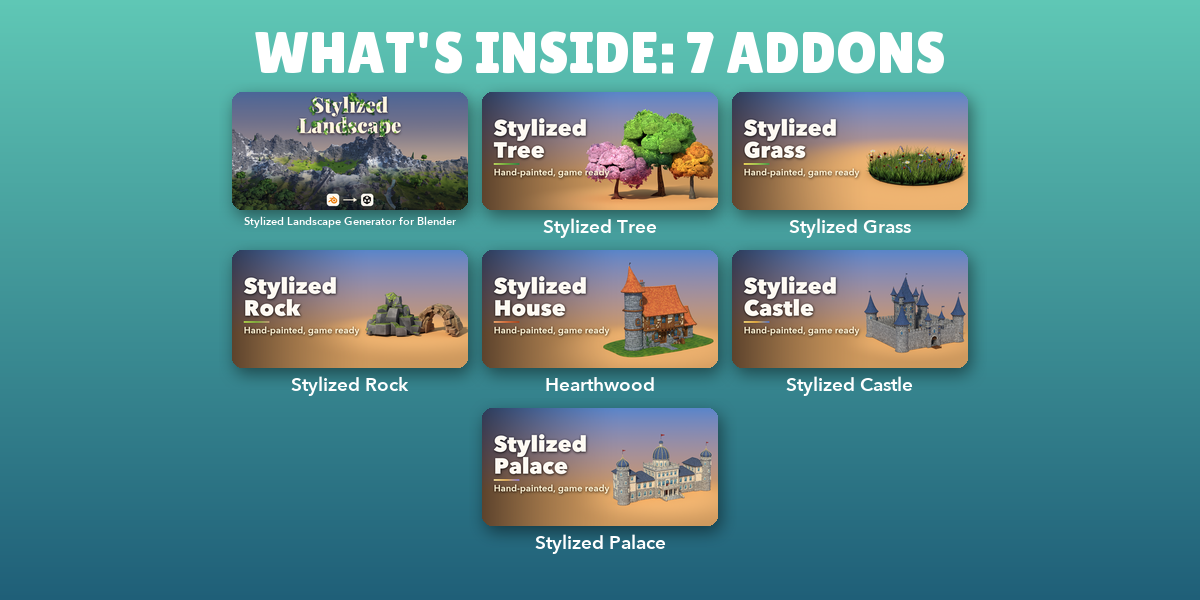
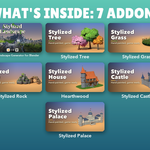
Included addons
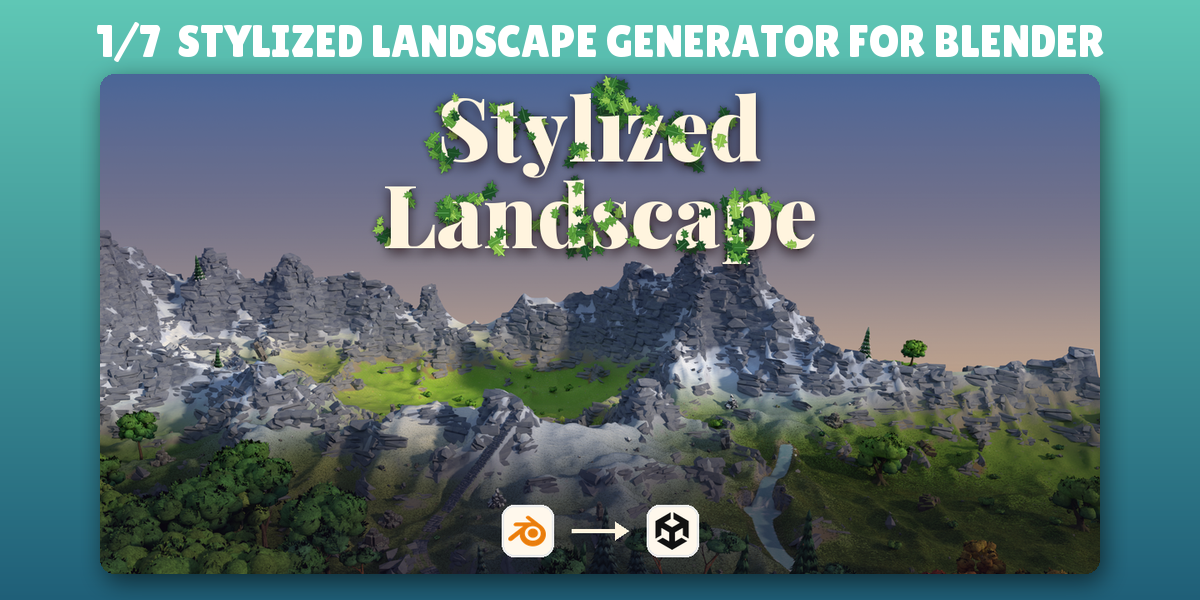
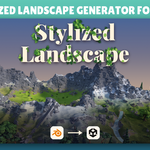
- Stylized Landscape Generator for Blender: Paint stylized biomes, sculpt terrain and carve spline roads
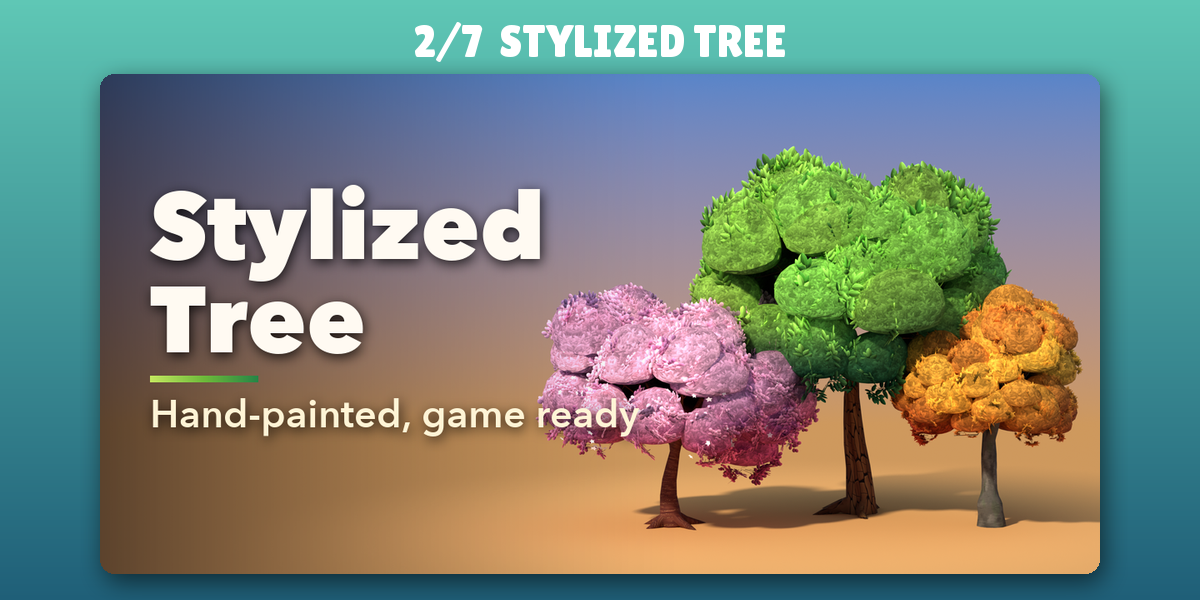
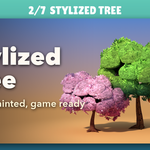
- Stylized Tree: Stylized hand-painted trees of every kind for games and scenes
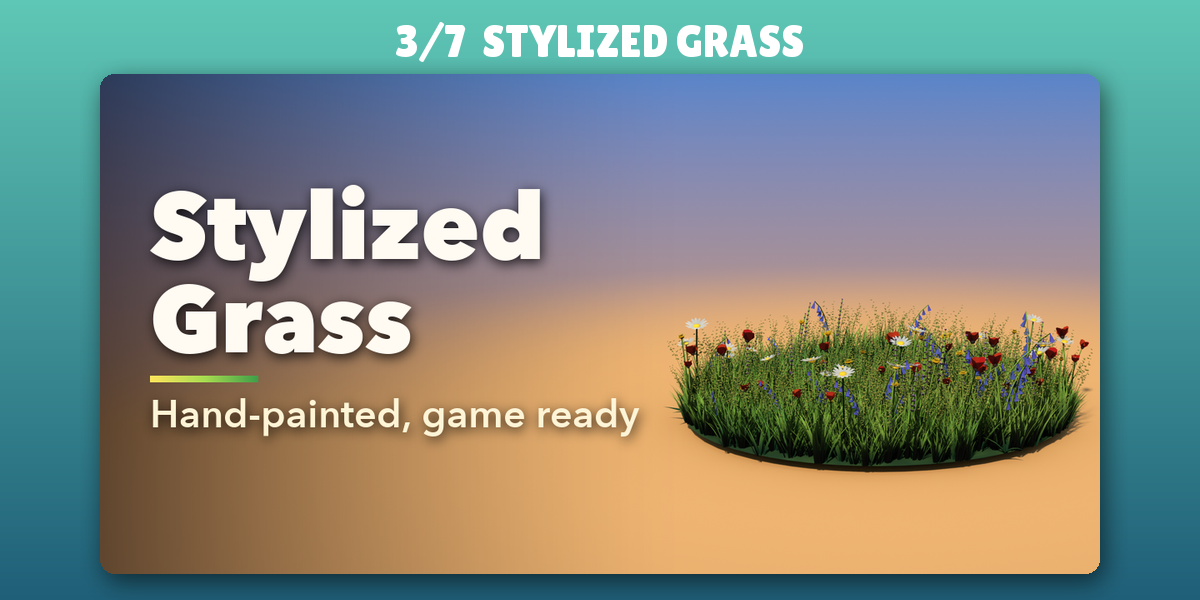
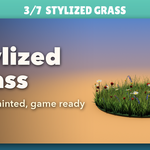
- Stylized Grass: Stylized grass, flowers and bushes with wind and interaction
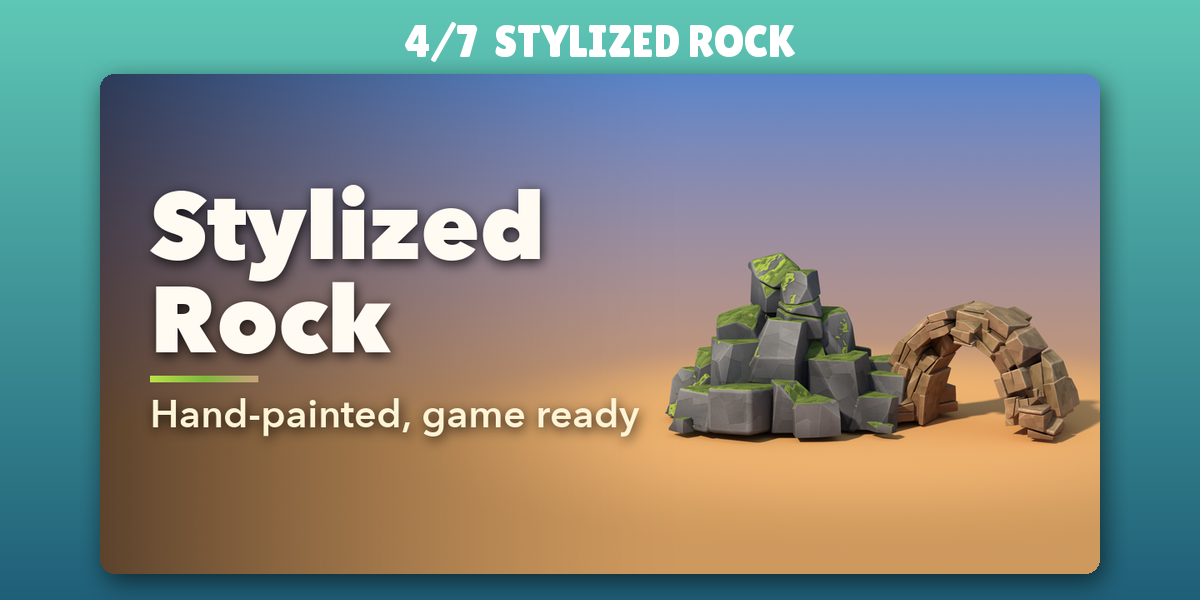
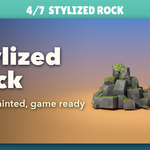
- Stylized Rock: Stylized hand-painted rocks, formations and cliffs for games
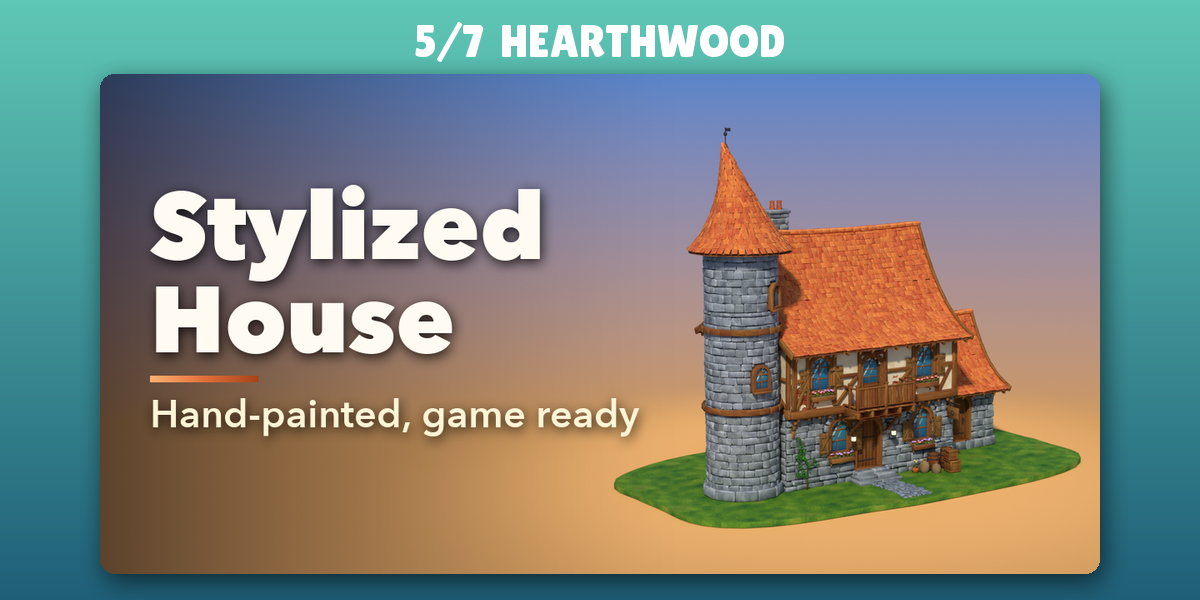
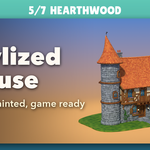
- Hearthwood: Hand-painted storybook houses with interiors, game ready
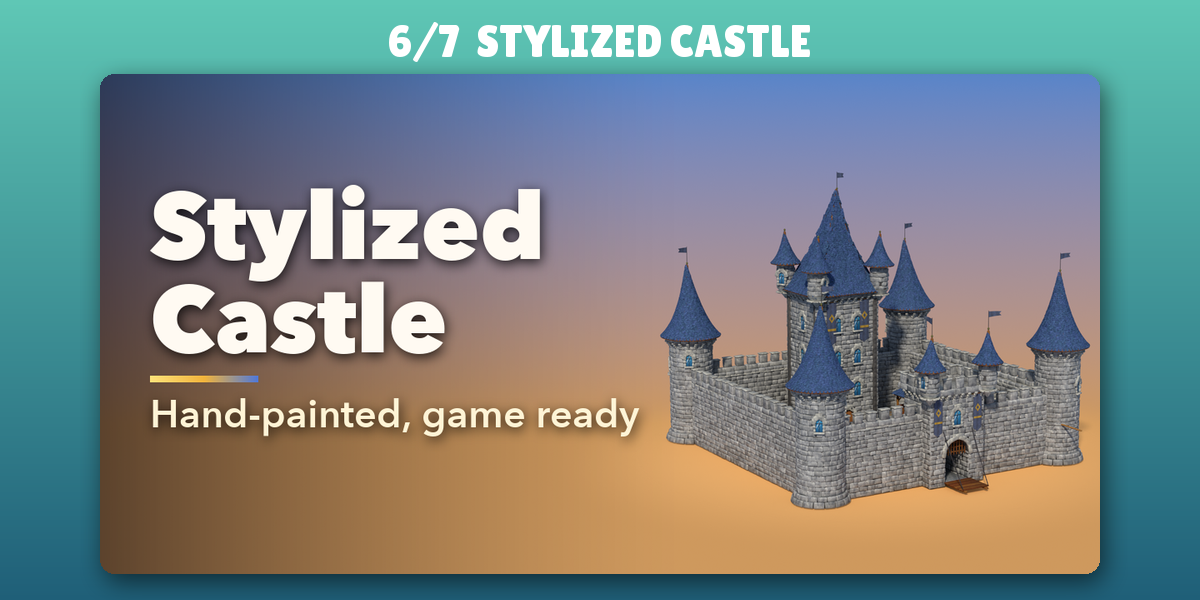
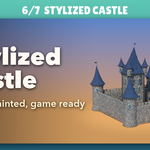
- Stylized Castle: Stylized hand-painted fantasy castles with towers and walls
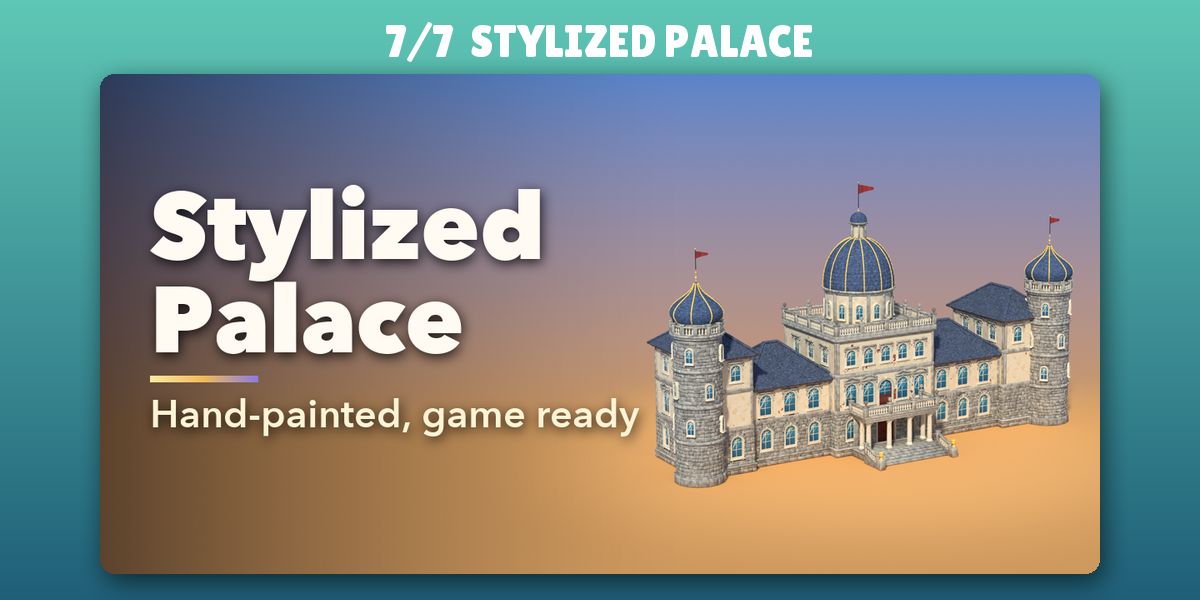
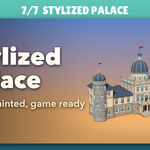
- Stylized Palace: Stylized hand-painted fantasy palaces with domes and towers
Each addon has its own tab in the 3D viewport sidebar (N); see each addon's product page for its full guide.
Have questions about this product?
Login to message
| Blender Extension Compatible | Yes |
| Published | 2 days ago |
| Blender Version | 4.2 - 5.2 |
| Extension Type | Add-on |
| Render Engine Used | Cycles, Eevee |
| License | GPL |

Discover more products like this
environment game assets Generator landscape terrain rivers scatter world building stylized unity biomes roads