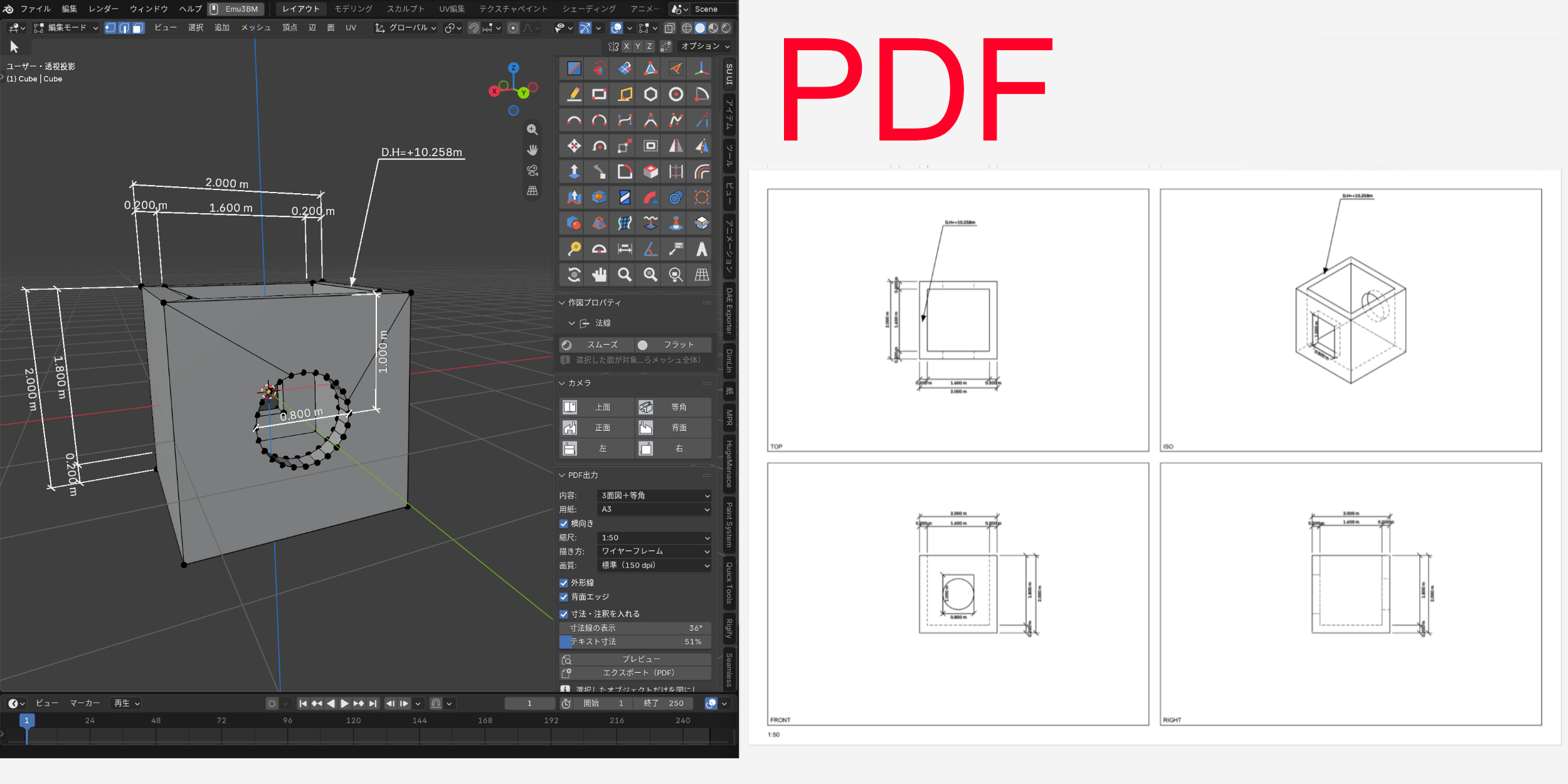
Draw it, push it, print it. SketchUp's ease, inside Blender.
Blender can build anything. But when you just want to block out a structure and check its dimensions, what you really want is SketchUp's simple rhythm: draw a line, push a face.
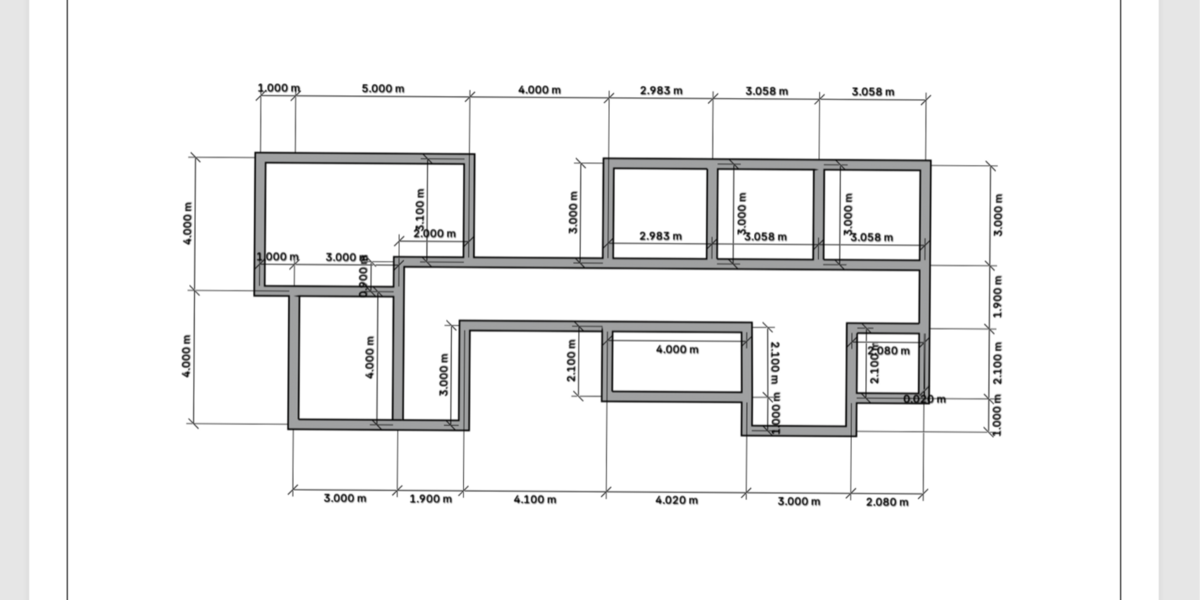
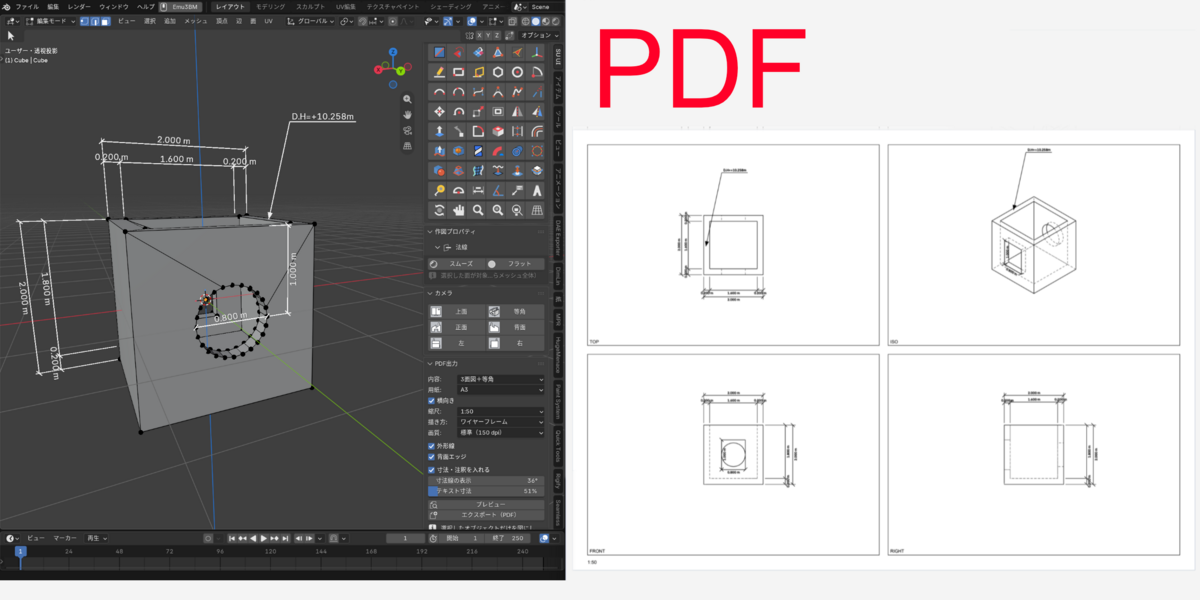
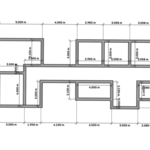
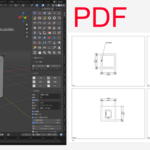
SU MODE button in the sidebar and Blender switches to SketchUp-style tools and navigation. Draw to exact sizes with inference snapping and typed input, add dimensions and notes, and export scaled drawings (plan, elevations and isometric) straight to PDF. The drawings you take to a meeting come out of the modeling itself. Press the button again and Blender goes back to exactly how it was.
You don't need to memorize a lot of shortcuts for 3D modeling.
Key features
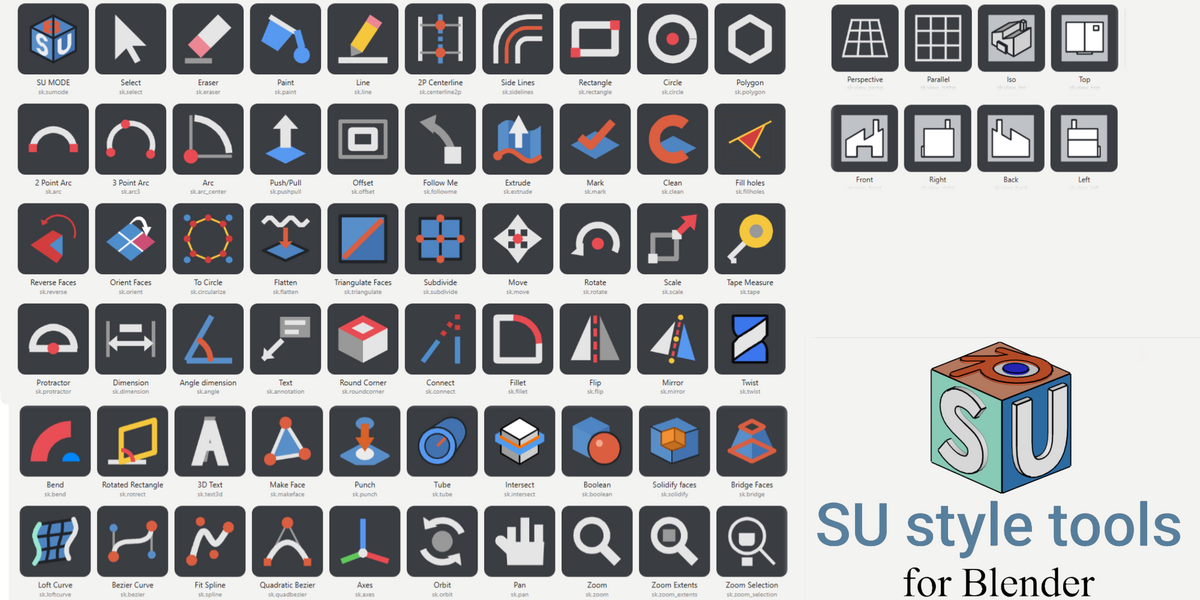
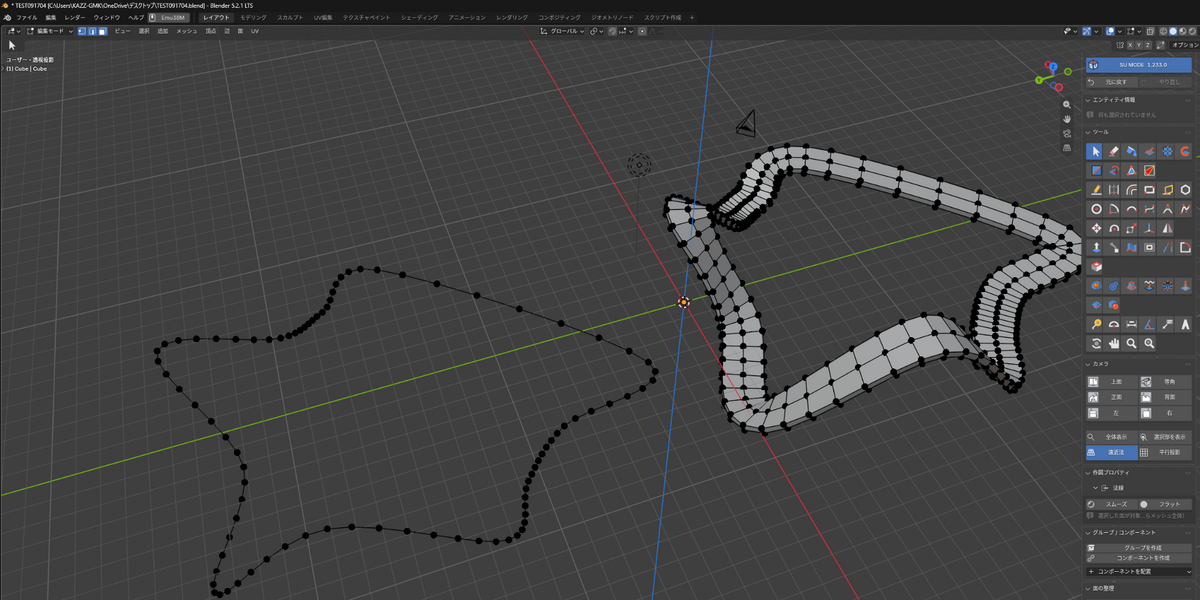
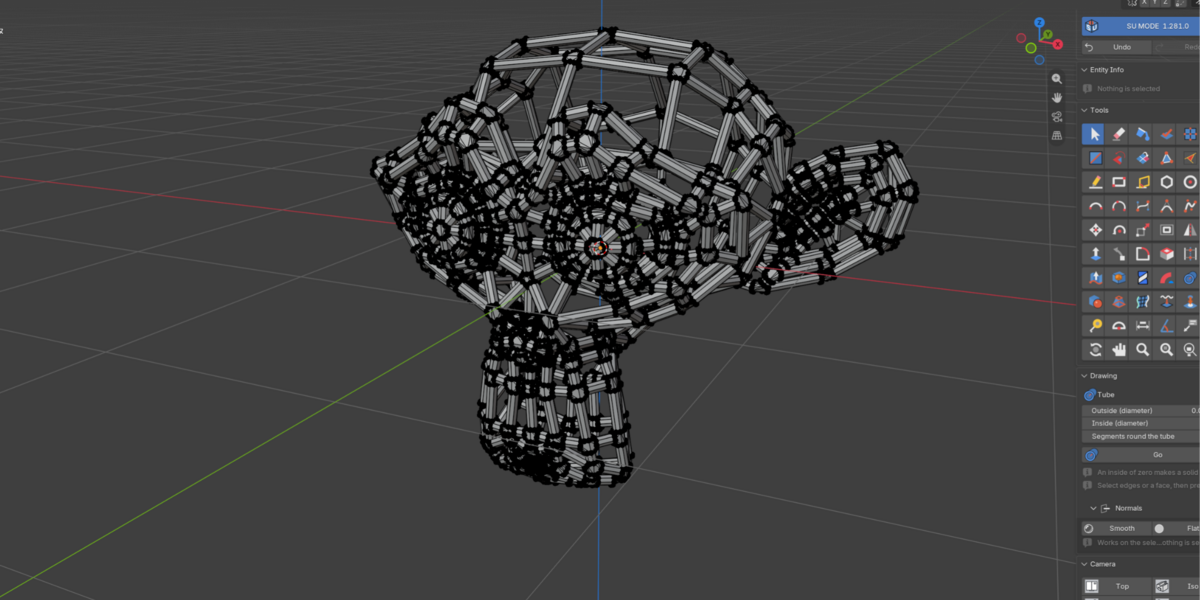
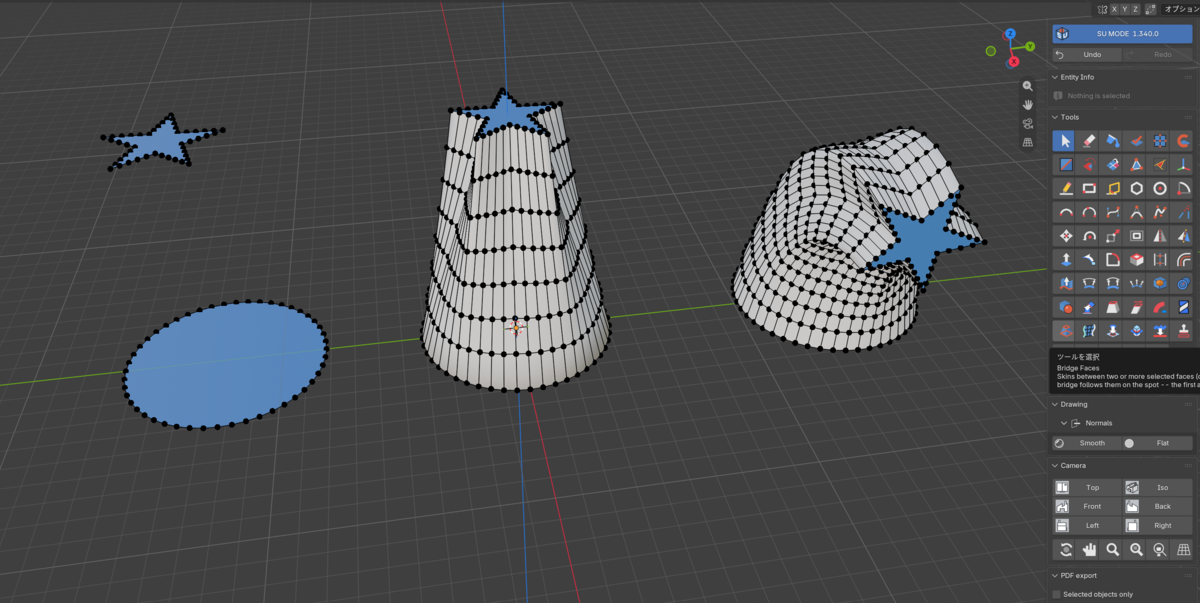
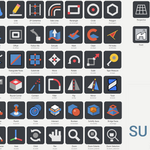
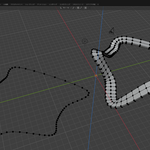
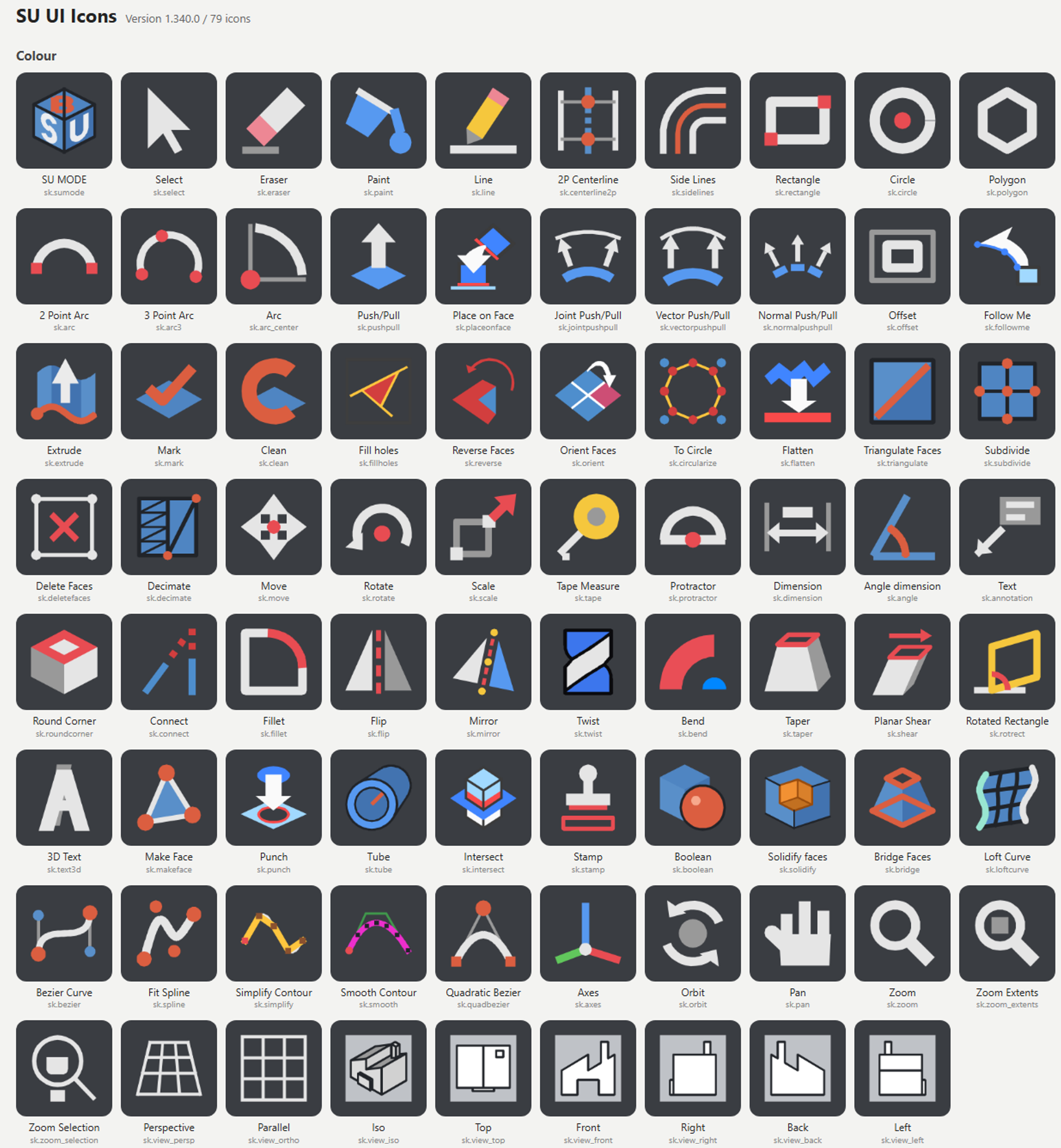
SketchUp-style tools with their own icons: Line, Rectangle, Circle, Arc, Polygon, Push/Pull, Follow Me, Offset, Move, Rotate, Scale, Eraser, Paint, Tape Measure, Protractor and more
Inference snapping, typed input and middle-button orbit, the way SketchUp works.
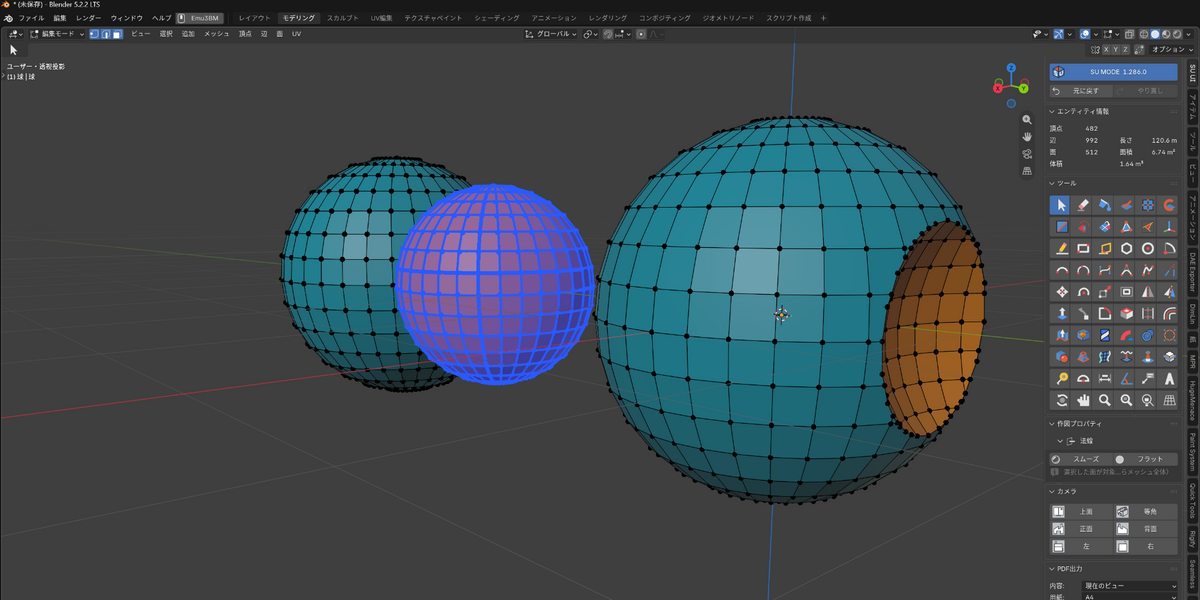
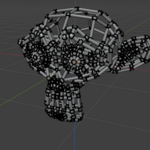
Intersect, Fillet and face cleanup
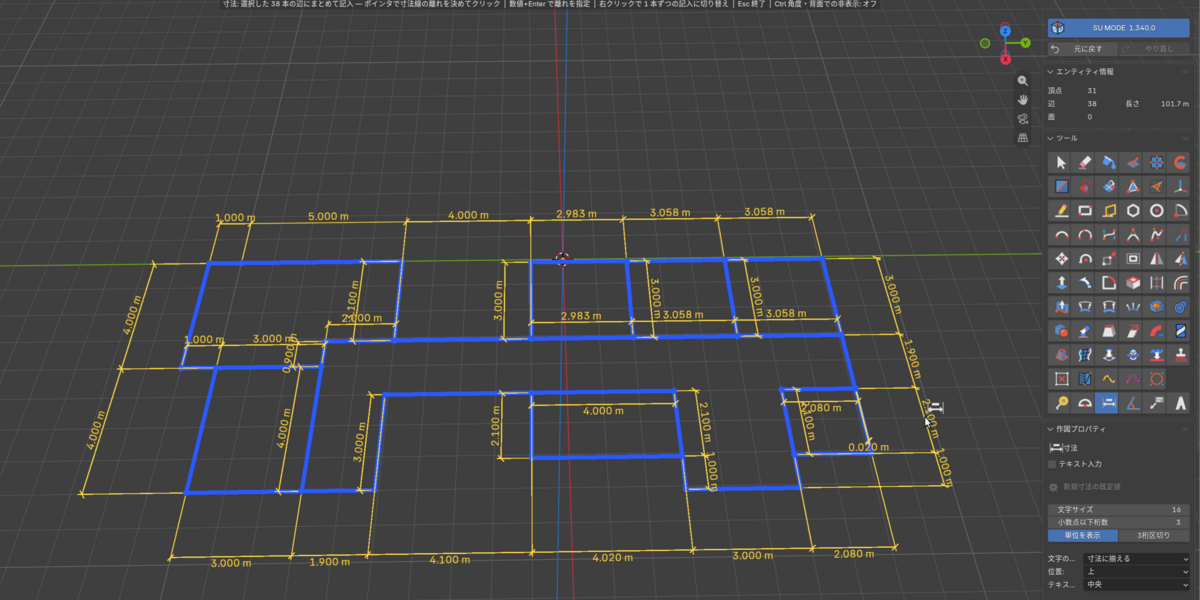
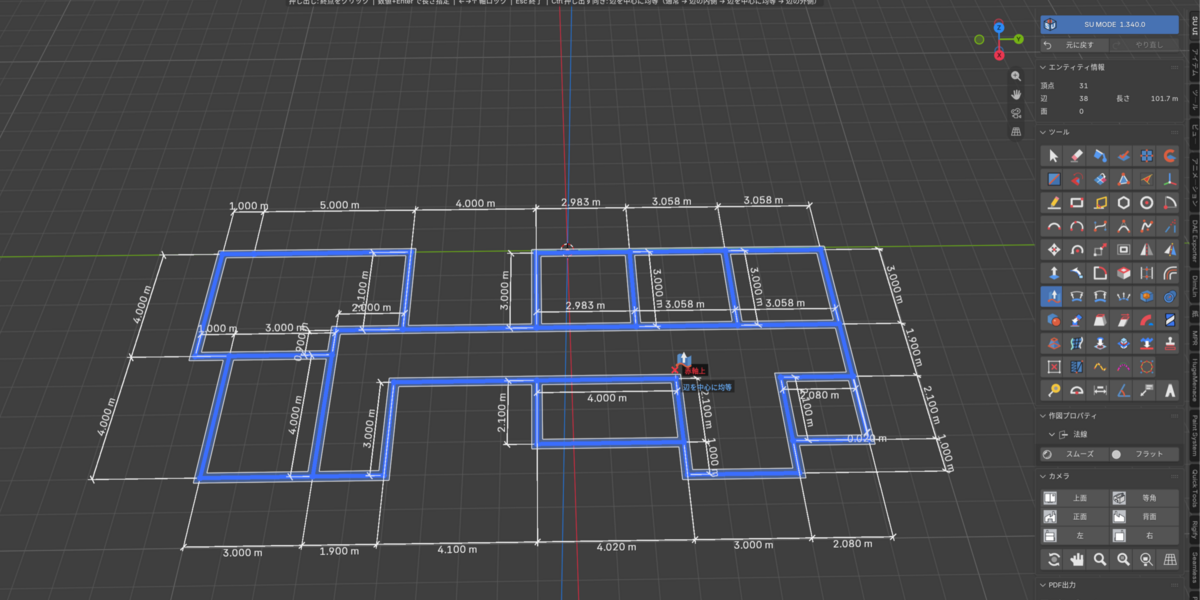
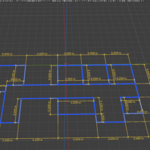
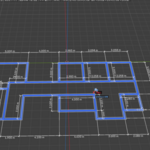
Linear and angle dimensions, plus notes that can insert area or volume
PDF export
Many other additional features
Japanese and English interface; tested on Blender 4.2,5.1 and 5.2
 KAZUHIRO WATANABE
 Key features