 ZEG
Installation
In Blender open Edit, Preferences, Get Extensions, then use Install from Disk and pick the zip.
Usage
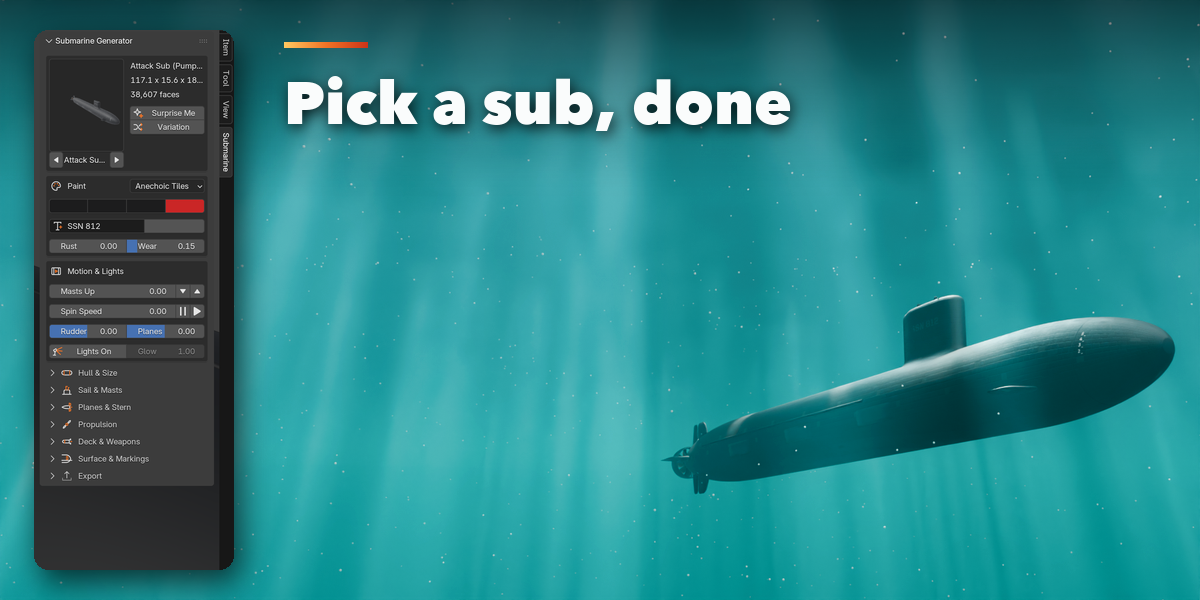
- Open the Submarine tab in the 3D viewport sidebar (N), or use Shift+A, Mesh, Submarine.
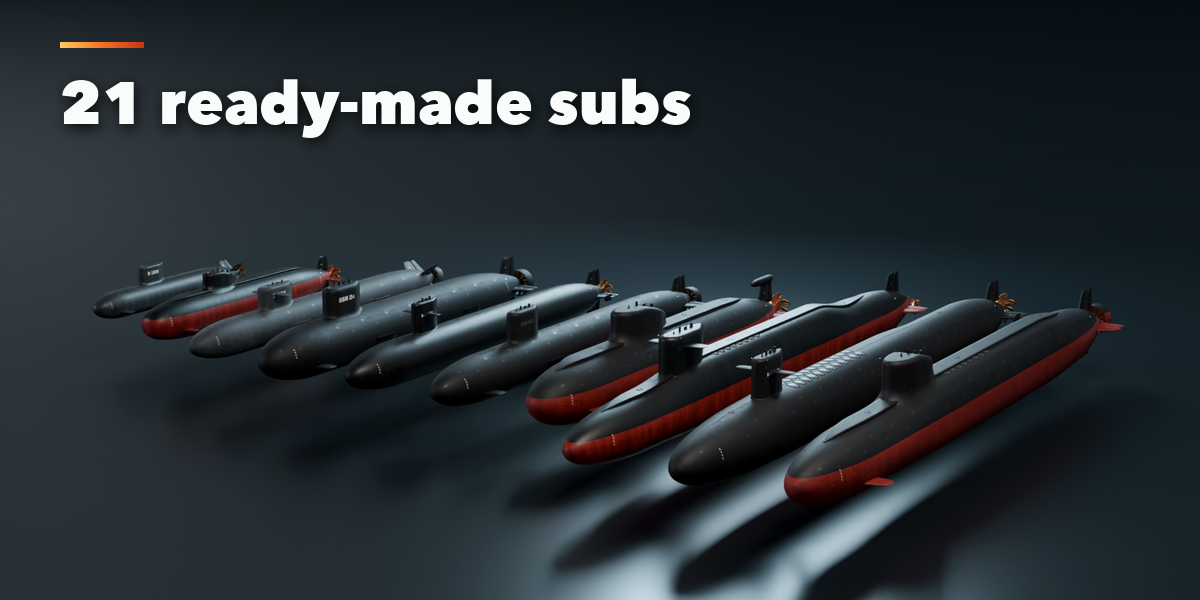
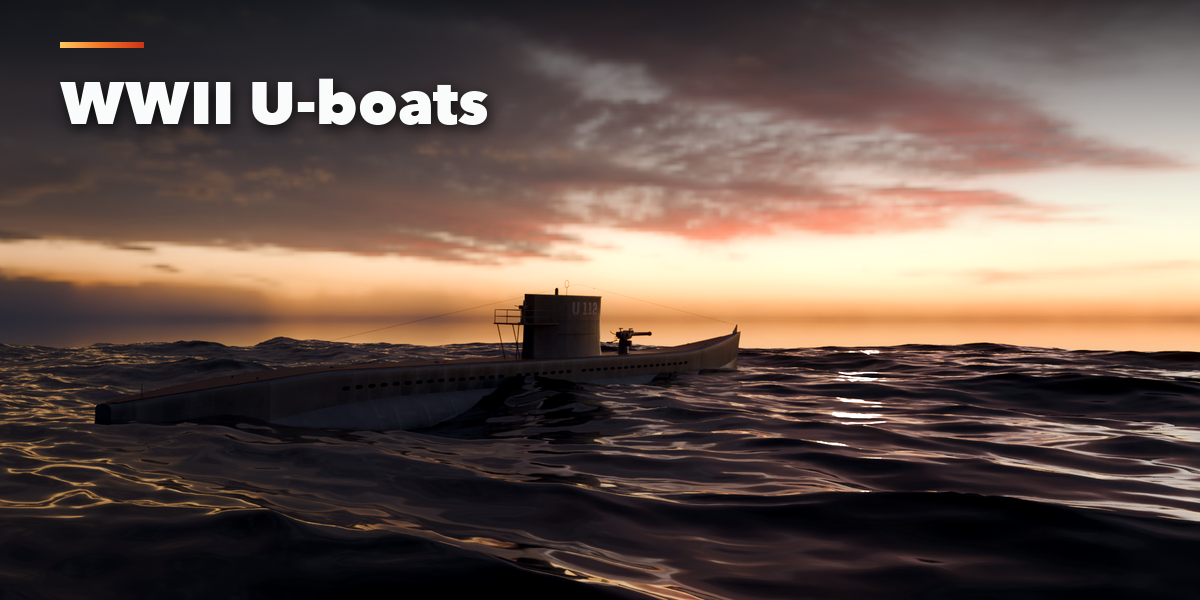
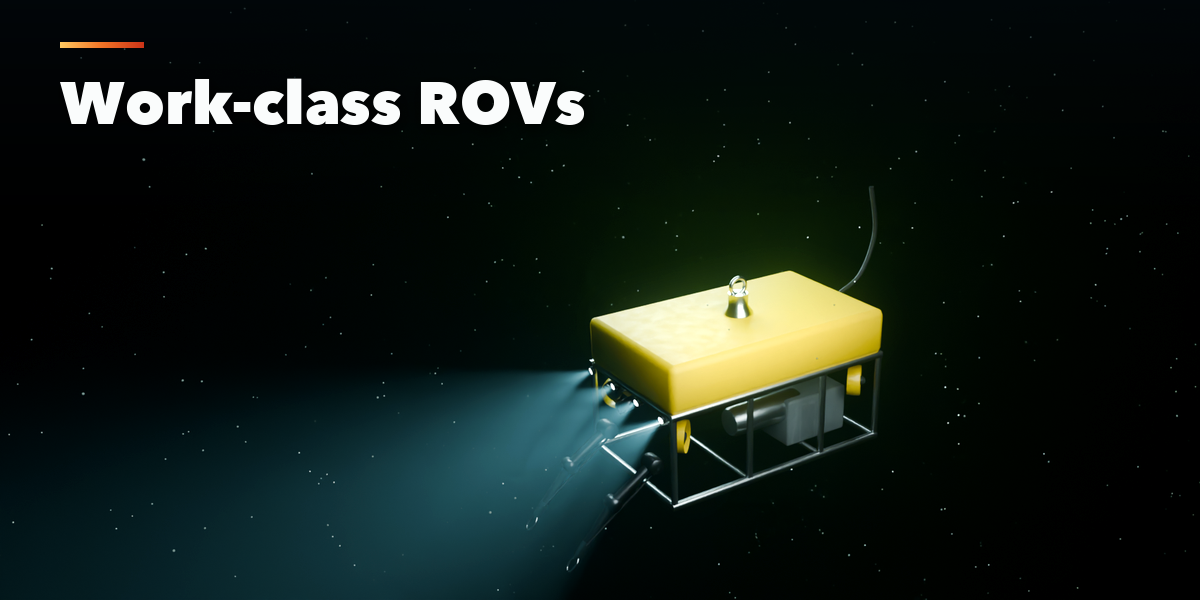
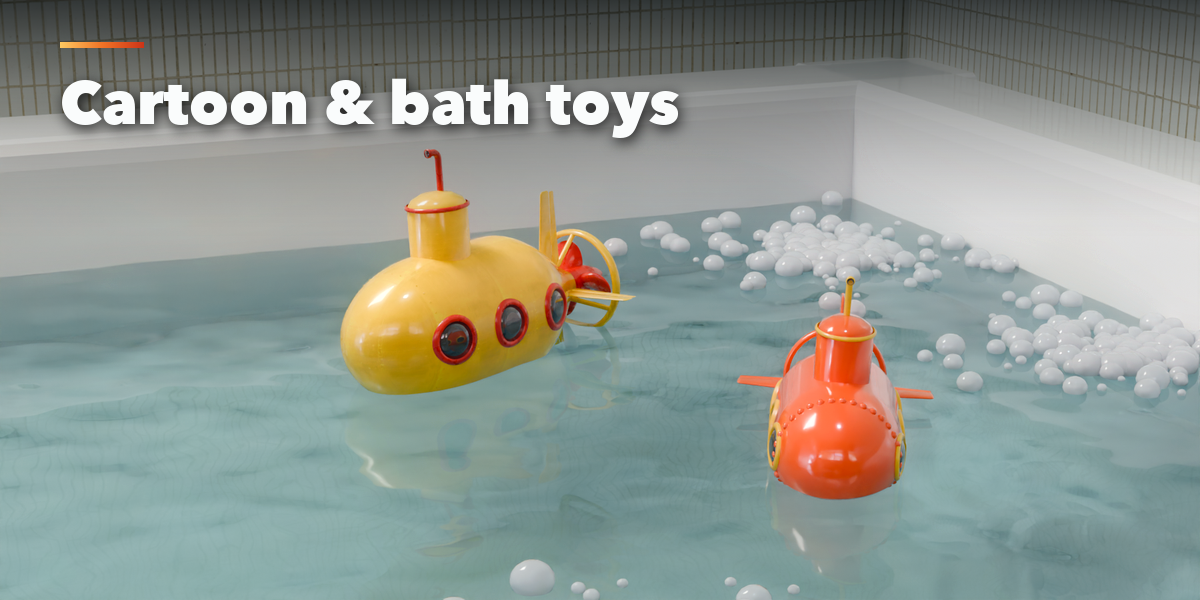
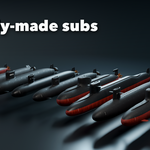
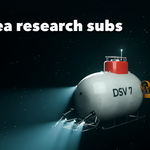
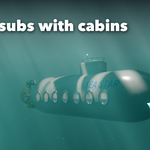
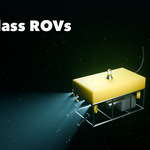
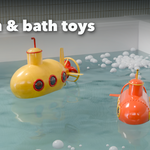
- Click the picture to choose one of 21 ready-made submarines and press Add.
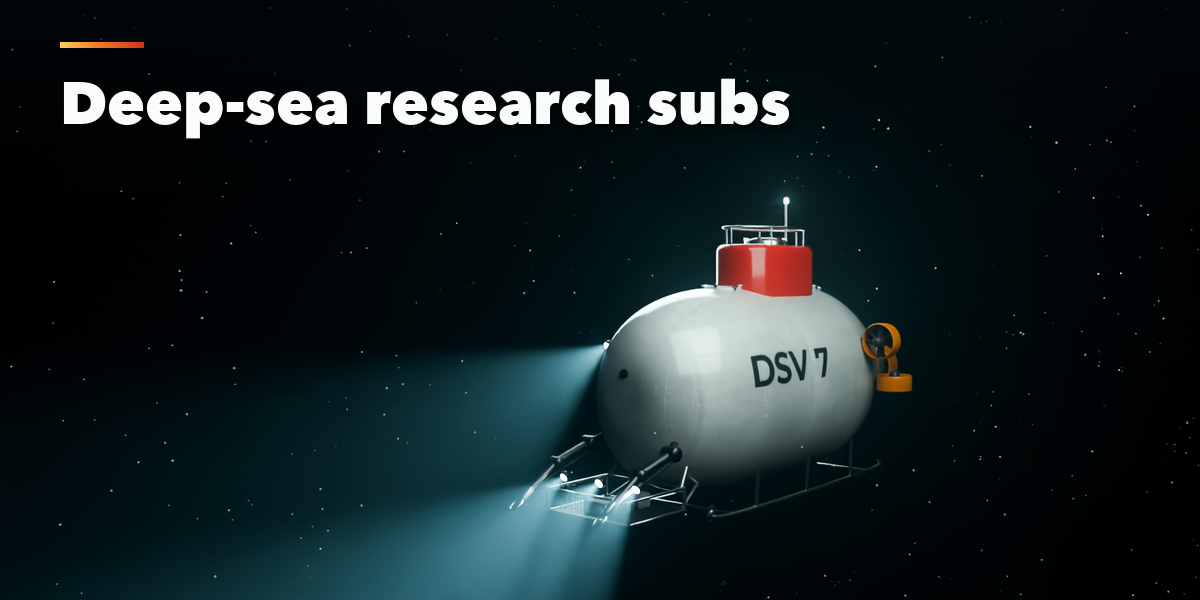
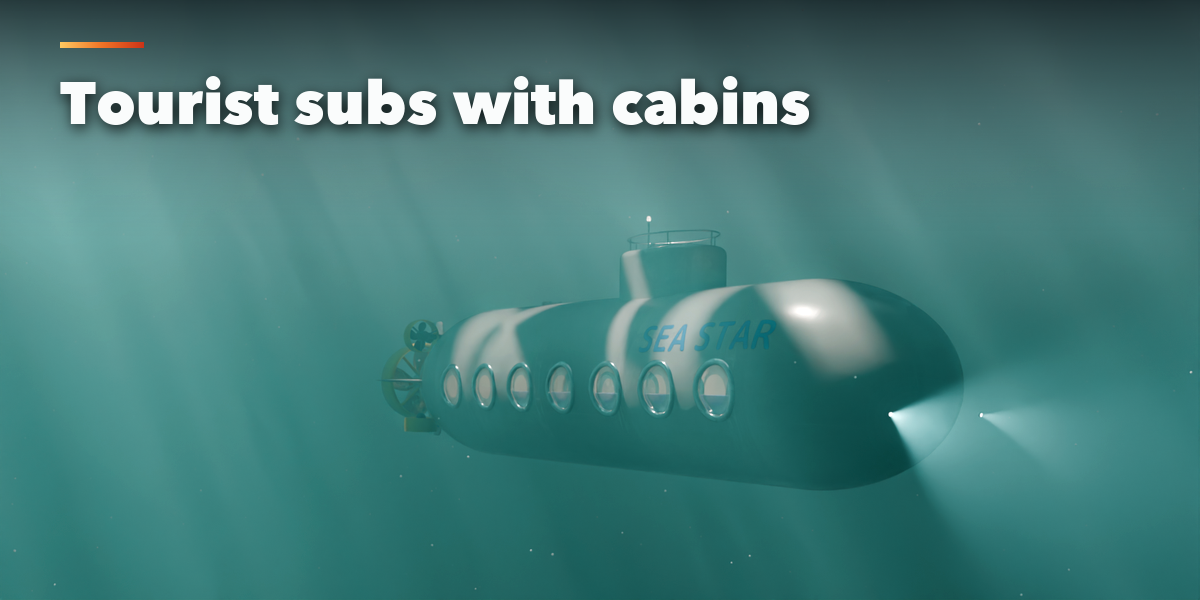
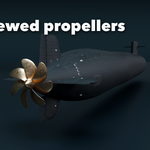
- Use Surprise Me, Variation and New Seed for new designs, change the paint and hull number, and open the sections (Hull and Size, Sail and Masts, Planes and Stern, Propulsion, Deck and Weapons, Windows and Research Kit, Surface and Markings) for full control. Everything rebuilds live.
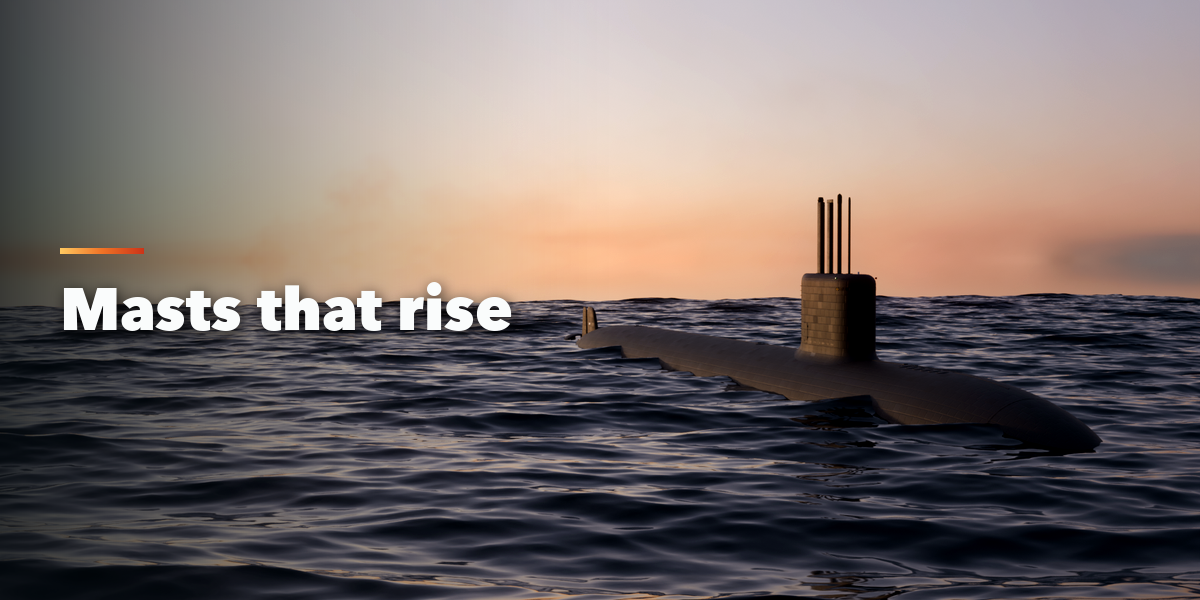
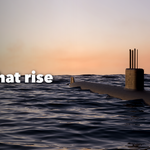
- Masts Up, Spin Speed, Rudder, Planes and Arms move parts through drivers and can be keyframed. The arrow buttons next to them set a keyframe when you hold Shift.
- Export, Make Real turns the submarine into plain meshes for export to other software or game engines.
Have questions about this product?
Login to message
| Blender Extension Compatible | Yes |
| Published | 2 days ago |
| Blender Version | 4.2 - 5.2 |
| Extension Type | Add-on |
| Render Engine Used | Cycles, Eevee |
| License | GPL |

Discover more products like this
procedural submarine vehicle submersible underwater naval game ready rov u-boat nuclear-submarine Generator military