 MST ARQUITECTURA


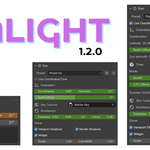
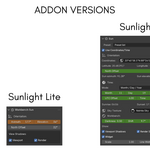
SUNLIGHT CONTROL lets you link the sun in a sky texture to the Workbench Render Sun, providing fully animatable sliders instead of the default trackball, along with the ability to create your own presets.
Sunlight Control Panel:
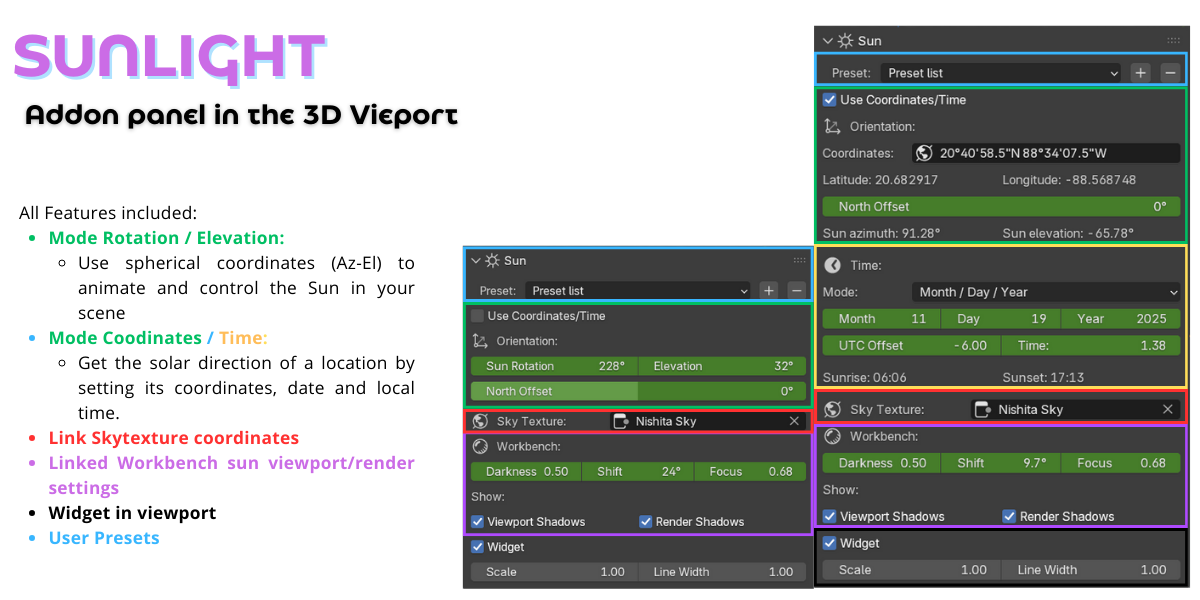
- Preset: Allows you to save and load your own sun settings for quick application in different scenes.
- Coordinates / Time:
get the solar direction of a specific location by setting its coordinates, date and local time. -
Orientation: Allows you to move the Workbench Sun
- Azimuth: Controls the horizontal position of the sun in degrees.
- Elevation: Adjusts the height of the sun above the horizon.
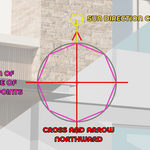
- North Offset: Adjusts the relative north orientation of the scene, if the north of your project is not oriented on the Y axis, this slider will rotate the north, the current north orientation will be visible in the widget in red.
-
Show North Widget: Show North Widget: Enables or disables the visual widget that indicates the direction of north and the sun. The current north is indicated in red by a cross and arrow, the direction of the sun is indicated in yellow by a sphere and line, and the midpoint of the cardinal points is represented in violet by an octagon.
- Scale (Widget Radius): Adjusts the size of the orientation widget, the size is determined by Blender units and represents the radius of the circle in gray.
- Line Width (px): Changes the line thickness in the orientation widget, the line thickness is in screen pixels
- Note: The widget is not rendered, a visual guide form that represents the parameters and their adjustments.
- Sky Texture: Selects a Nishita Sky Texture to illuminate the scene and sync it with the Workbench sun.
-
Workbench: Allows you to animate and control shadows parameters of Workbench
- Darkness: Controls the intensity of the shadows in the Workbench.
- Shift: Adjusts the direction of the shadows.
- Focus: Controls the sharpness of the shadows.
- View Shadows:
- Viewport: Enables the display of shadows in the 3D viewport.
- Render: Enables the display of shadows in the final render
