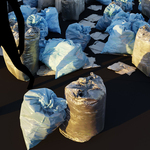
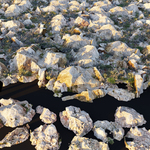
Super Scatter On Surface, 400+ Photoscans Covering 20 Categories
 Šime Bugarija


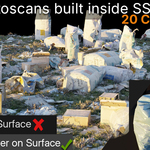
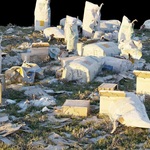
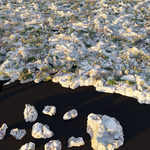
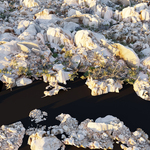
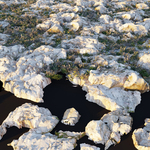
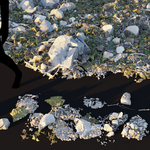
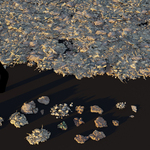
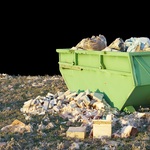
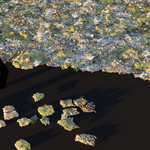
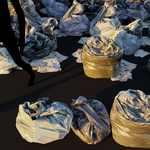
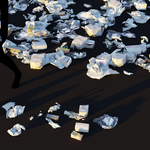
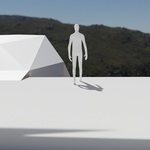
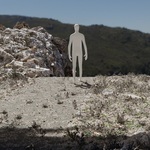
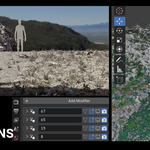
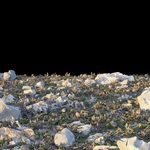
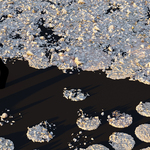
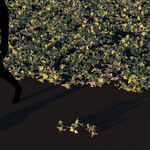
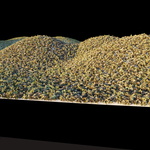
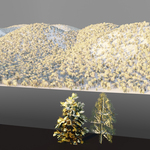
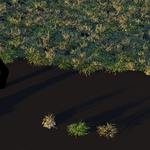
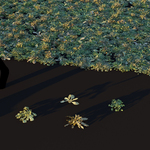
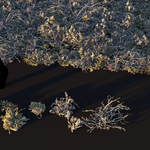
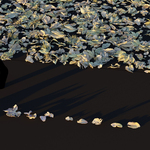
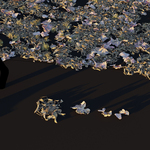
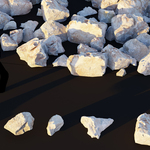
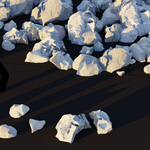
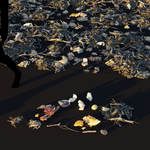
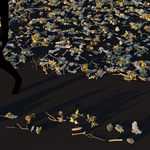
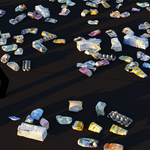
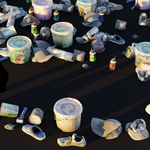
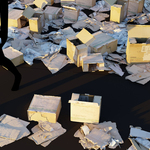
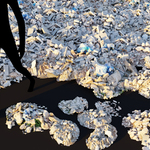
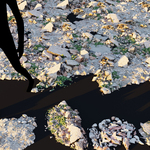
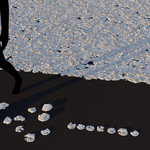
To make sure you are using the product correctly, I recommend watching all the videos. (I recommend playing at speed 1.5 if you want to speed up the process)
1 – Installation process
1a - Save in the startup Blender file
2 – Scatter on plane, dust shader (from 10:00), painting with texture paint (from 13:00)
3 – Scatter with curve
4 – Trees and Asphalt testing, asphalt testing (from 0:00), trees testing (from 4:05)
$19.99
Have questions about this product?
Login to message
| Sales | 30+ |
| Rating | 1 ratings |
| Published | 7 months ago |
| Blender Version | 5.0 |
| Render Engine Used | Cycles, Eevee |
| Misc Data | Uvs-Unwrapped, Textured |
| License | Creative Commons |
