 CarOnium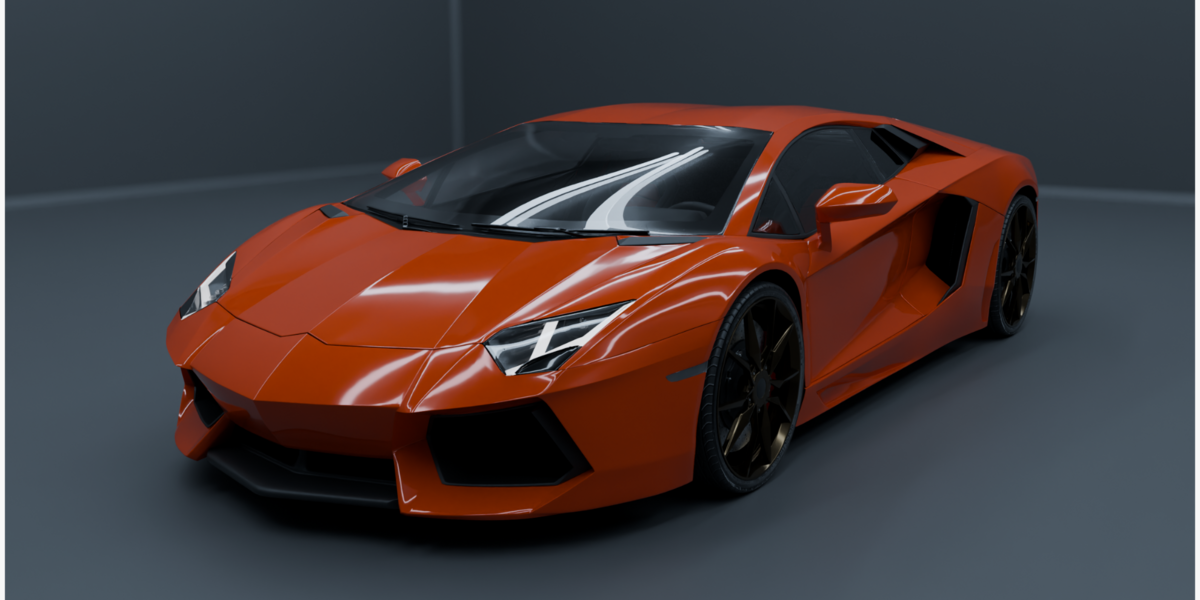
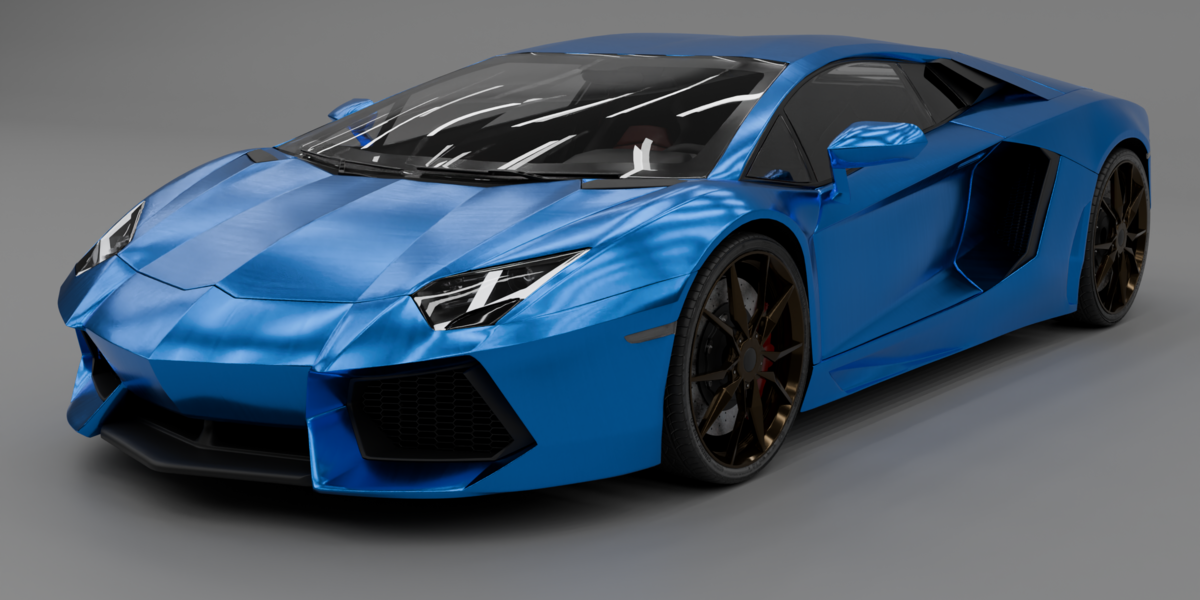
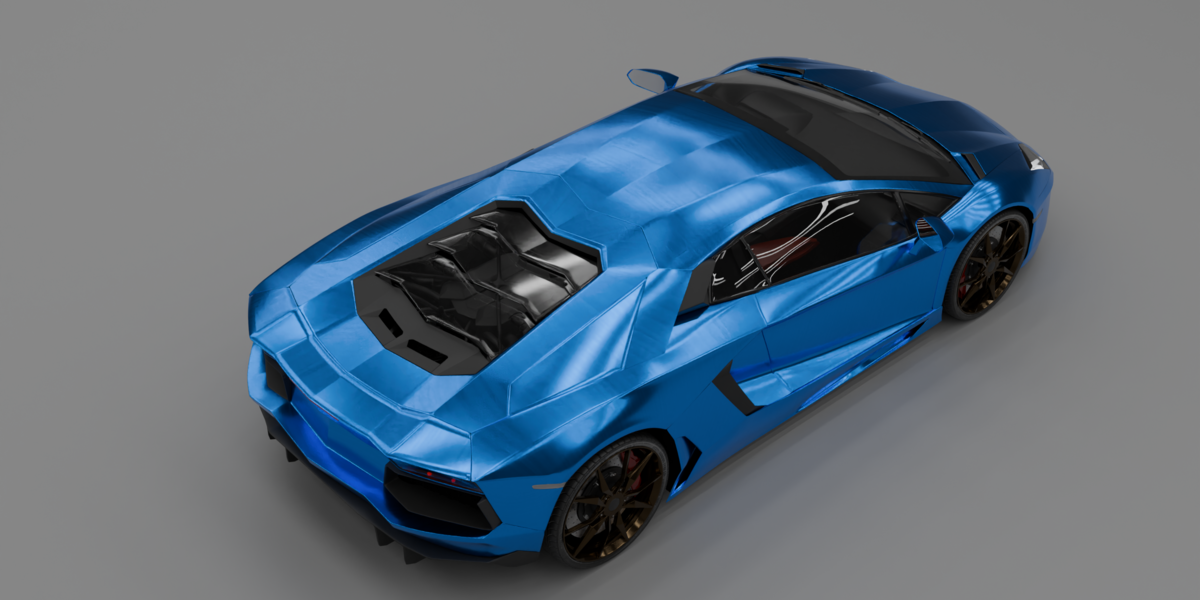
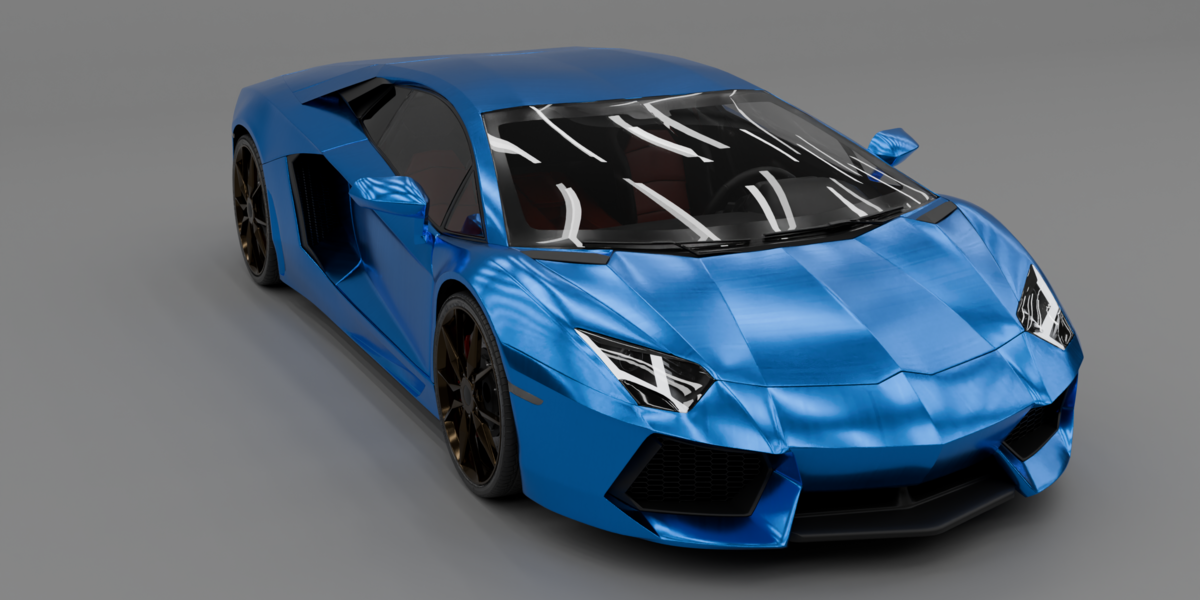
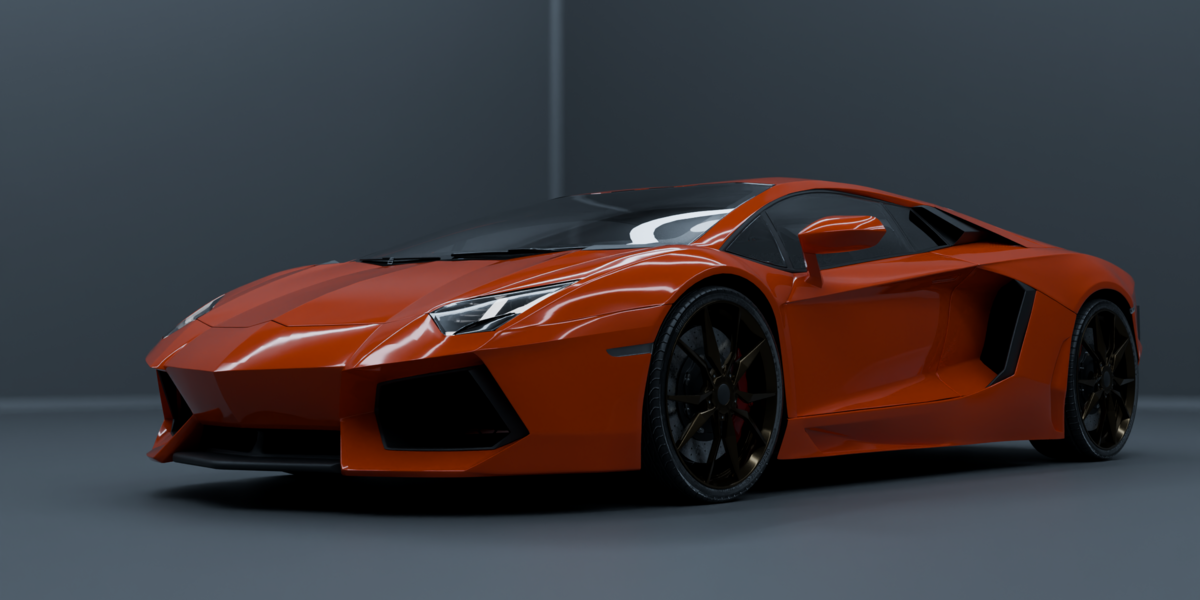
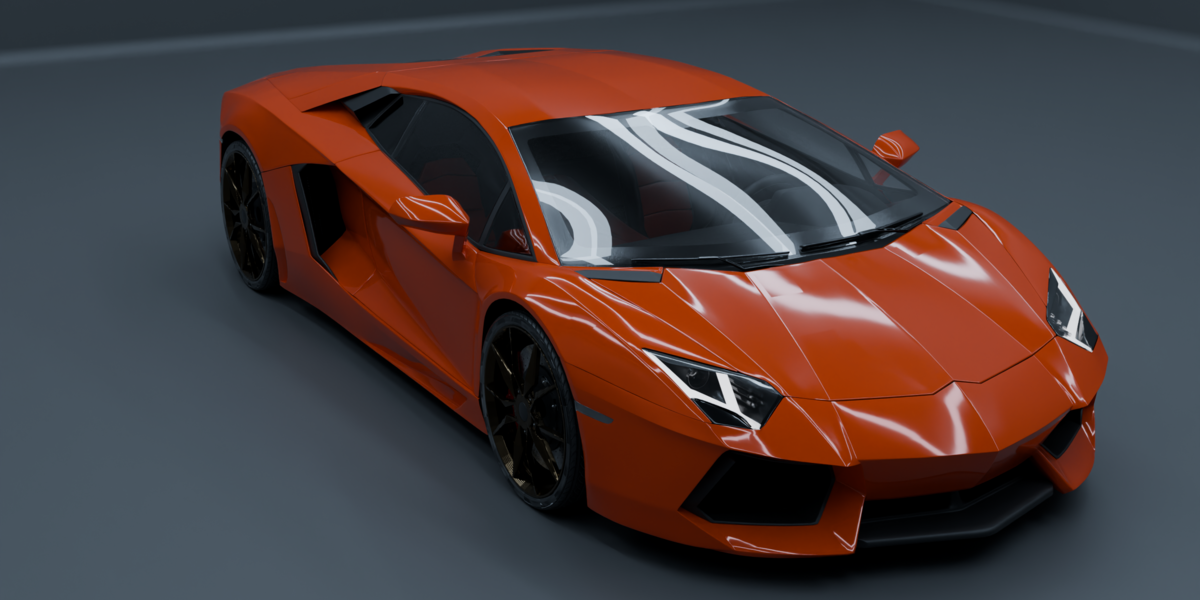
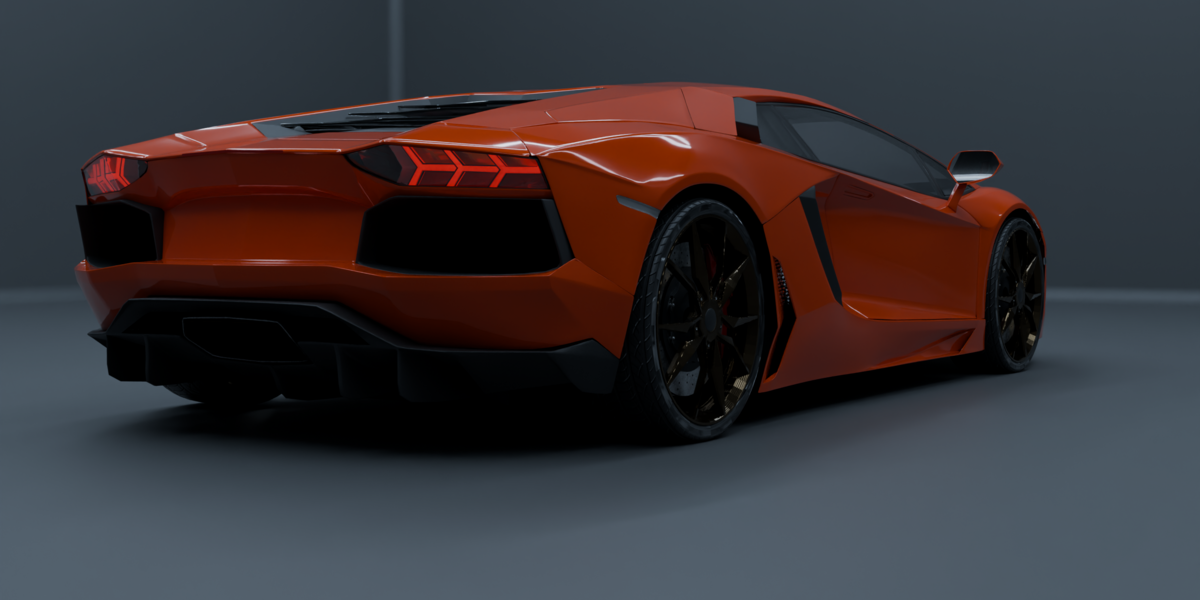
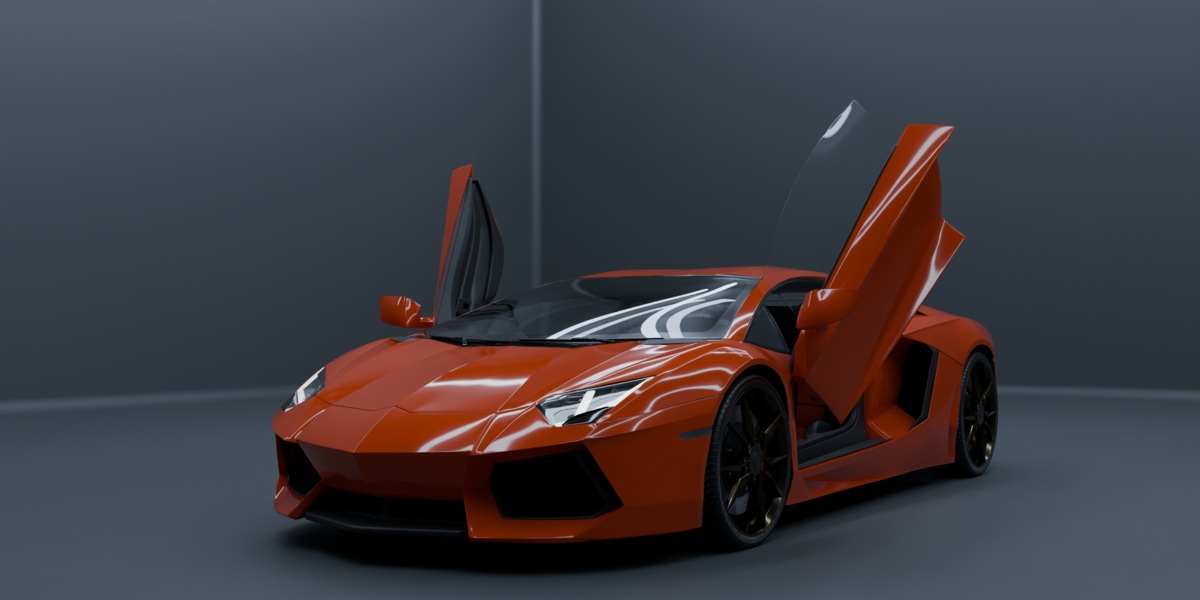
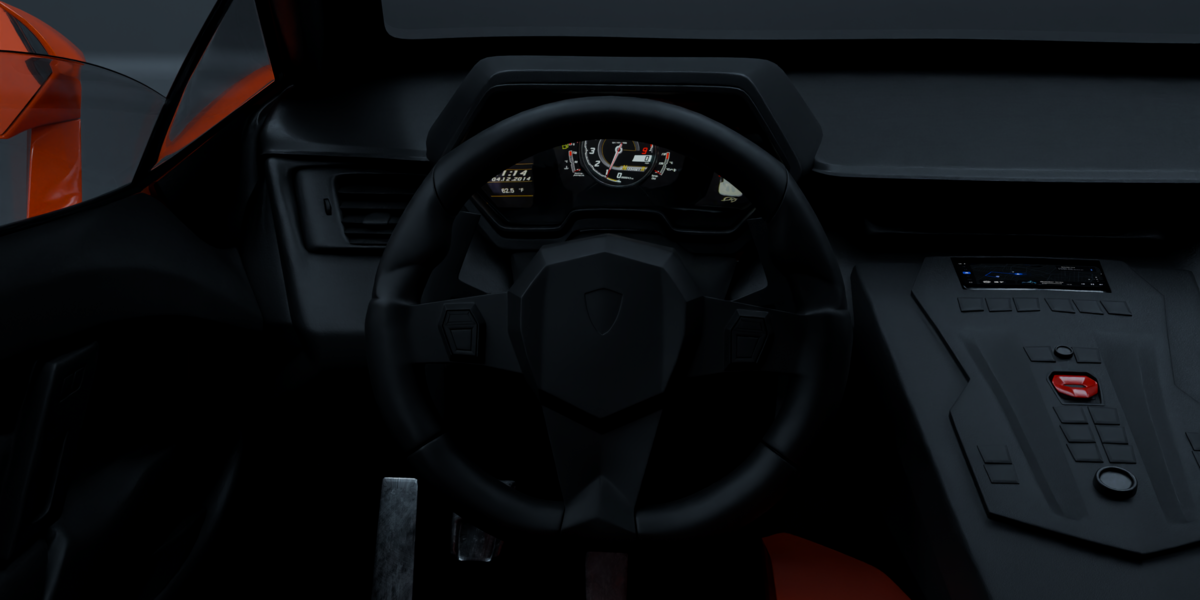
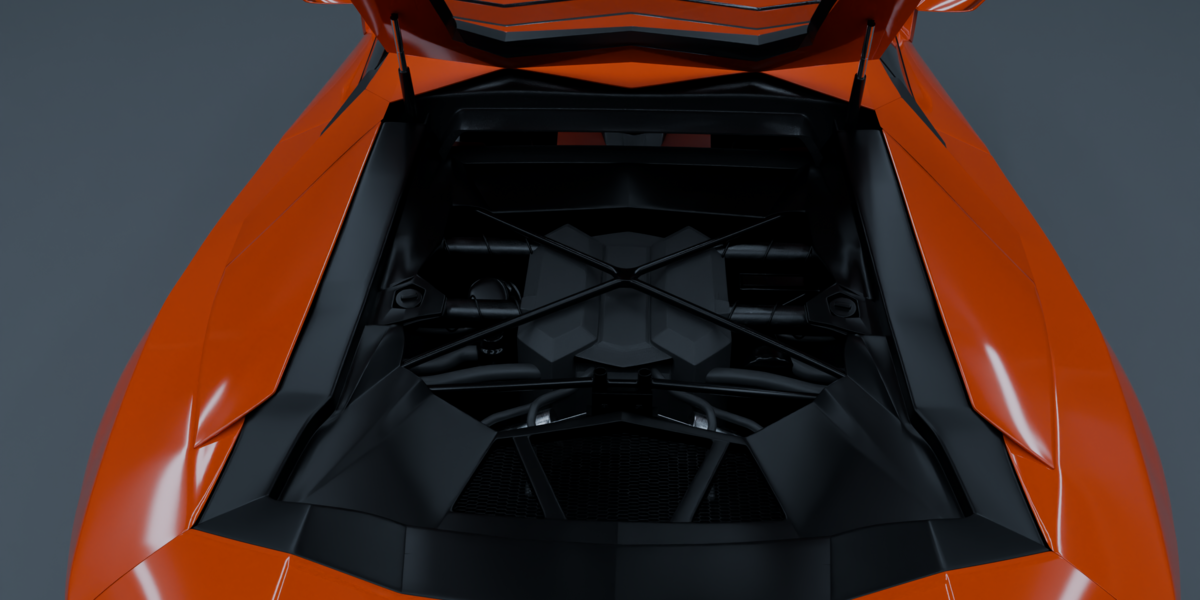
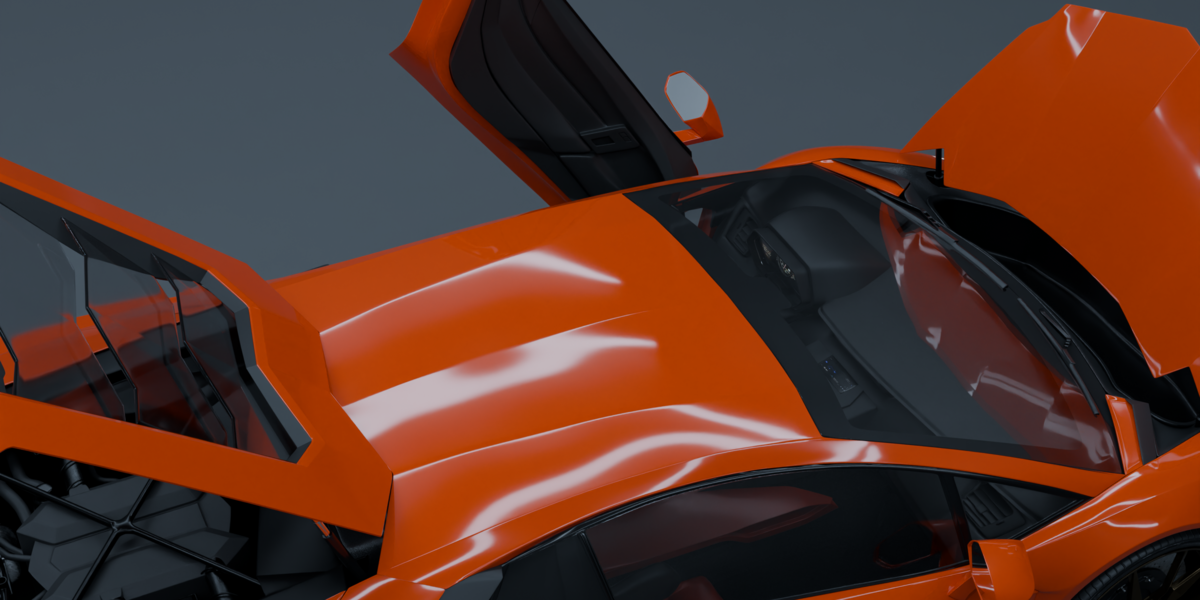
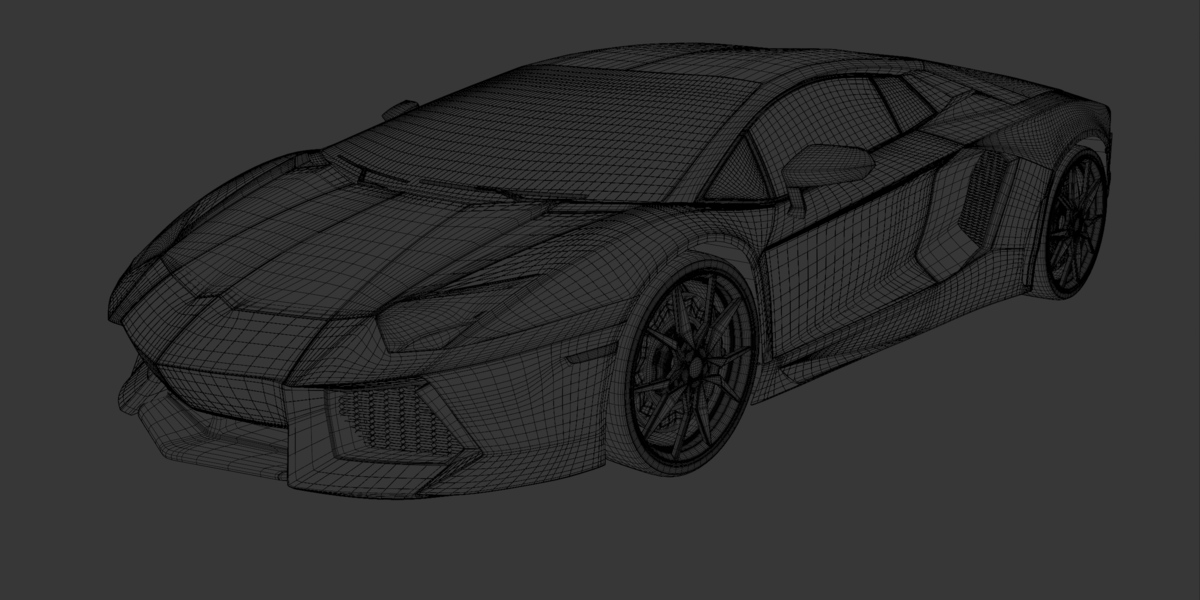
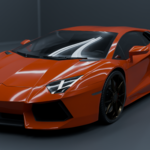
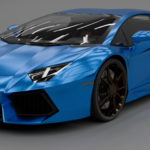
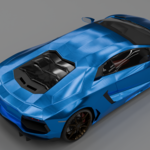
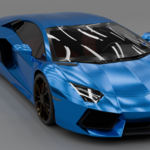
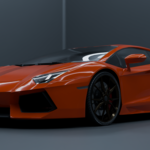
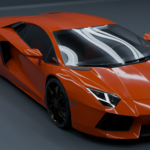
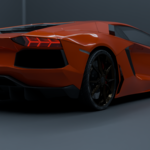
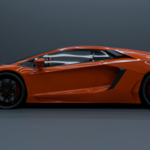
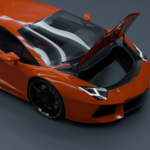
Getting Started with Your Supercar Asset
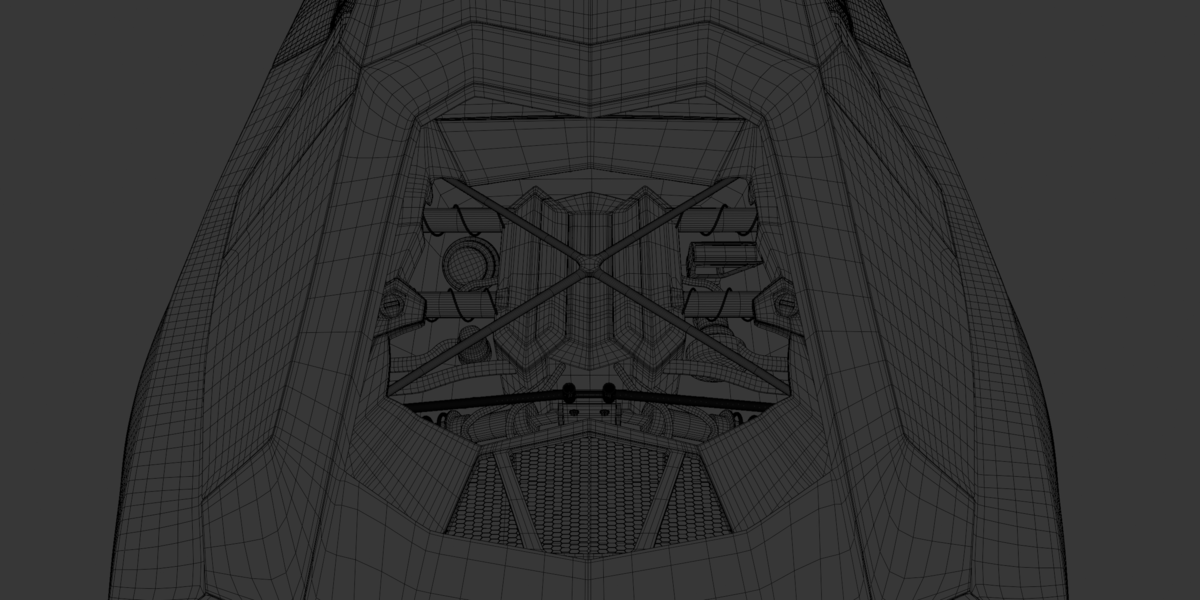
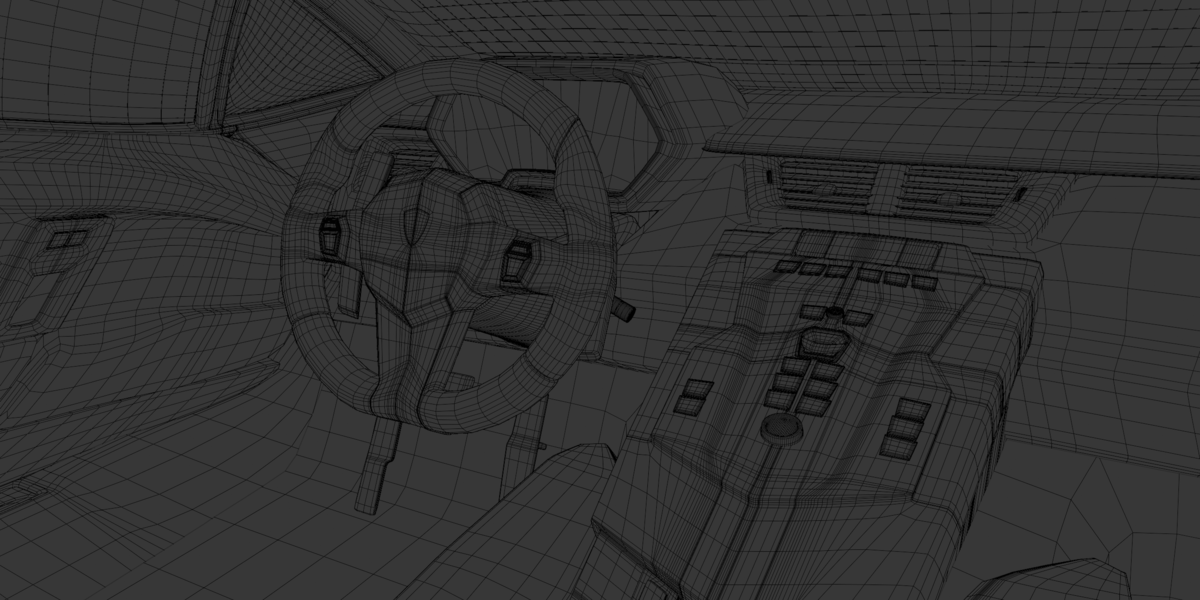
Below is the technical reference guide to help you set up, customize, and animate your new supercar asset across your production pipeline.
🚗 1. Package Versions & Modifiers
- Main & Rigged Variant : Contains unmerged modular objects with mostly live (unapplied) modifiers(some are applied) for maximum editing control.
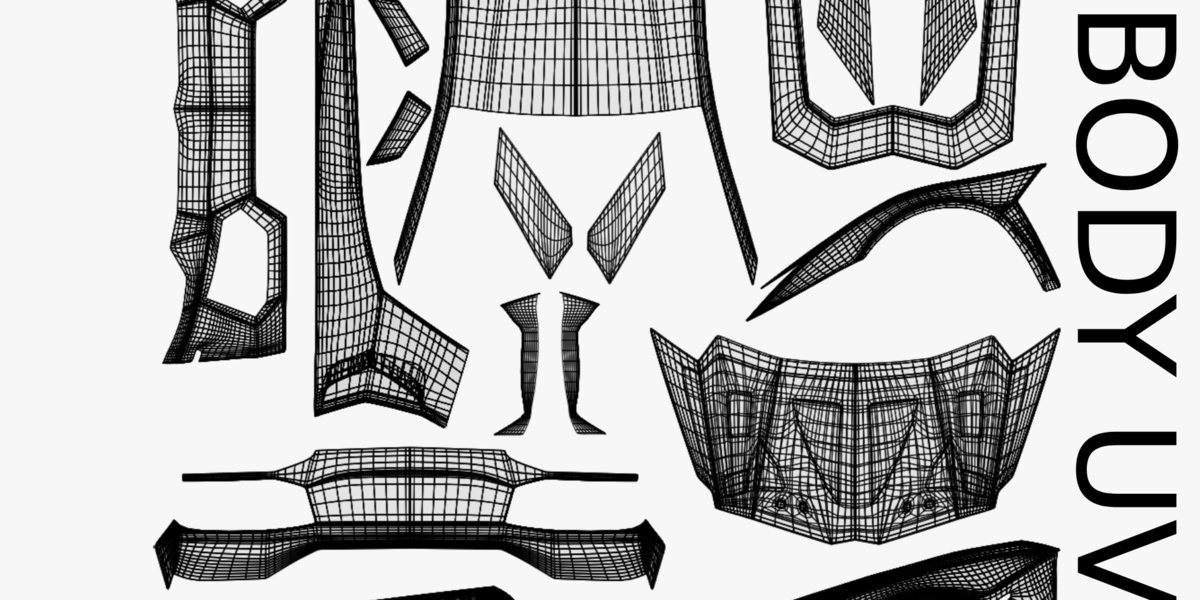
- Plug & Play Variant: Features fully applied modifiers for instant, lightweight performance out of the box. It includes pre-mapped, optimized, and cleanly merged objects for seamless conversion, alongside the non-Blender formats (
.fbx,.obj,.glb) of the main version.
🎨 2. Changing the Car Paint Color
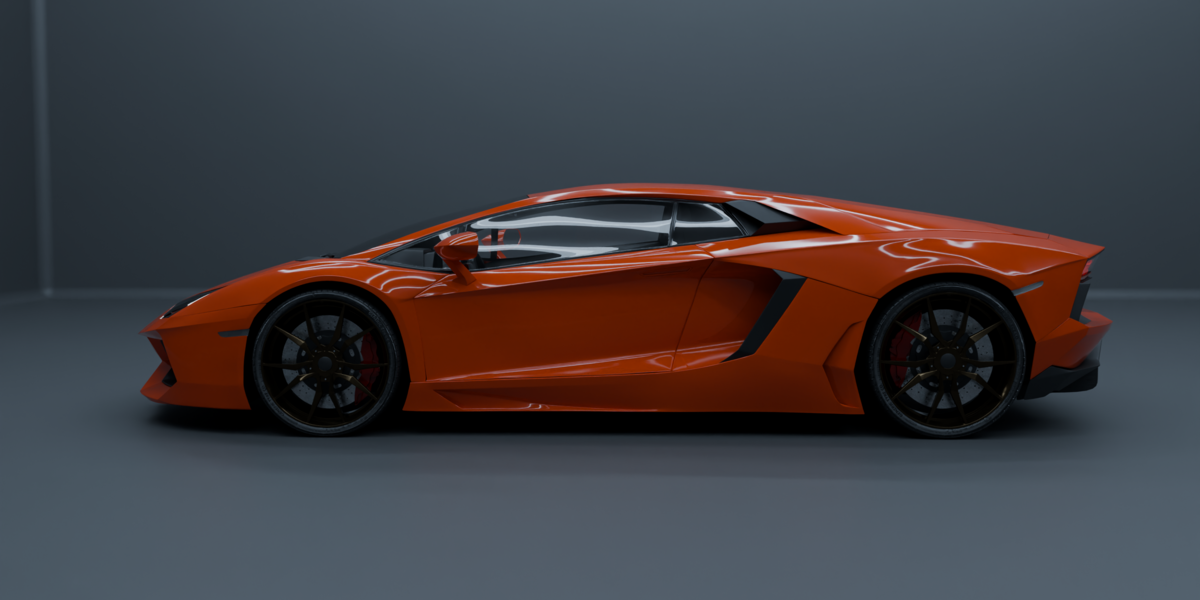
Changing the body paint color to match your scene is incredibly simple:
- Select the main car body mesh.
- Go to the Material Properties tab.
- Locate the material explicitly named
Body_Mat. - Adjust the Base Color input to your desired custom shade or metallic tint.
🔧 3. Rigging & Bone Layout (Fully Rigged Variant Only)
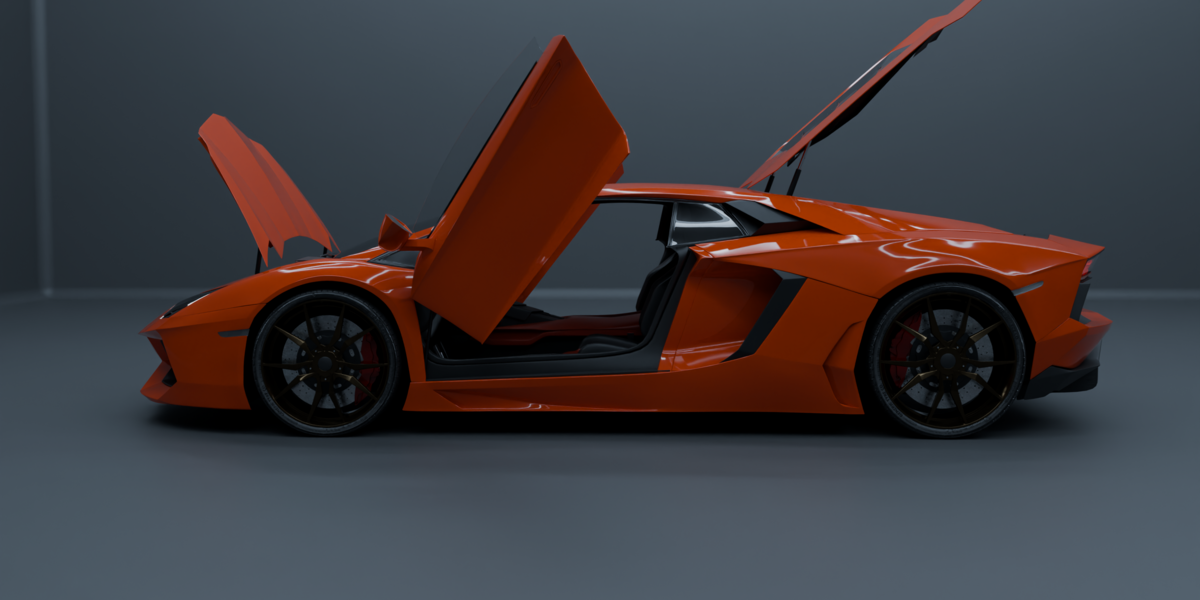
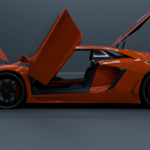
The Animation Edition is equipped with an advanced mechanical skeleton built for clean animation. To operate the rig, select the vehicle’s armature and switch into Pose Mode.
The rig features dedicated, independent bones for targeted animation control:
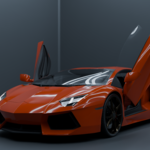
- Left Door & Right Door (Separate bones for independent opening/closing hinges)
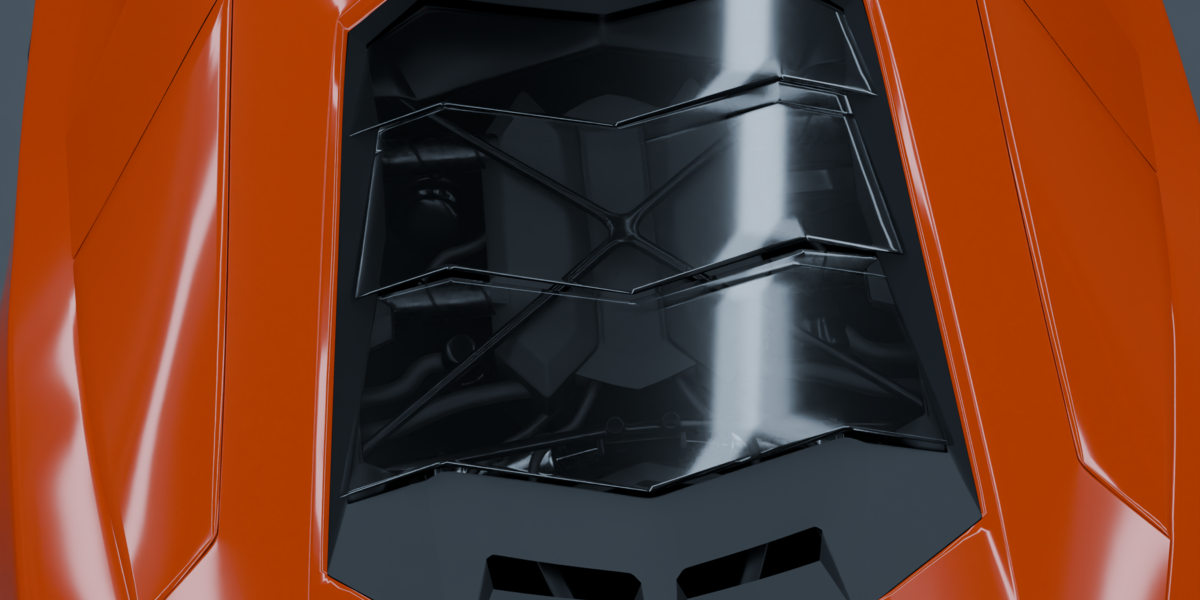
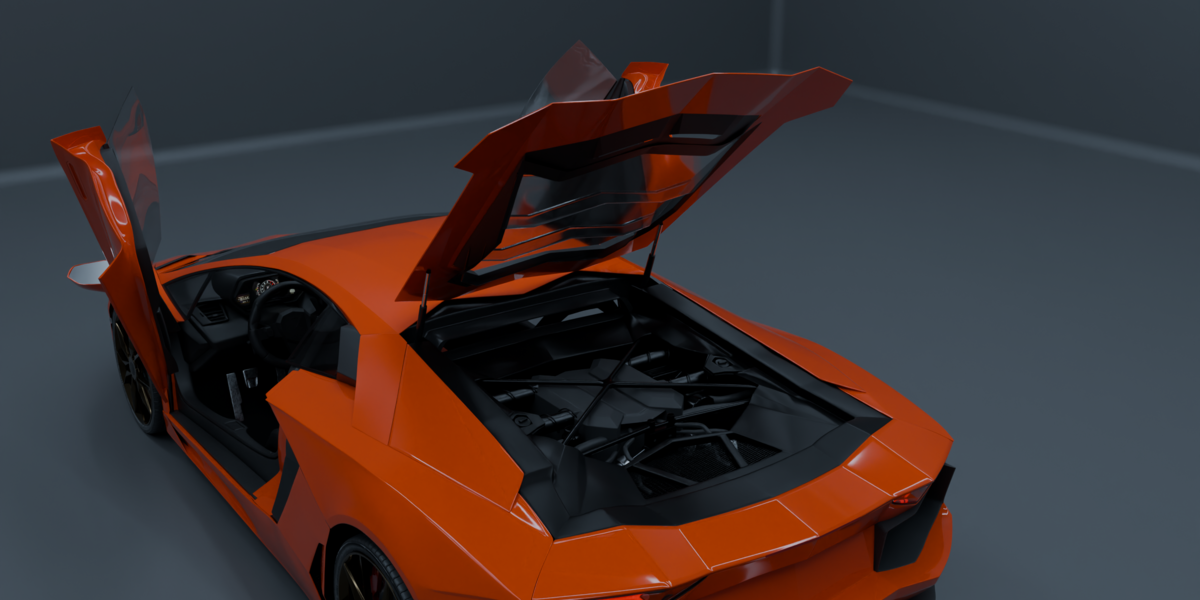
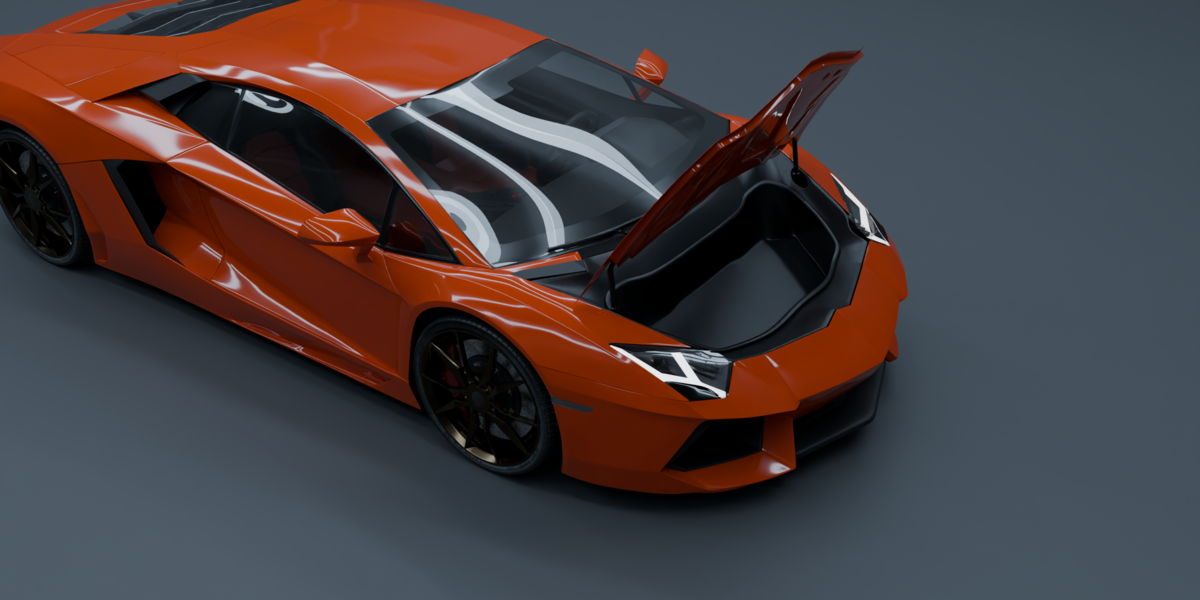
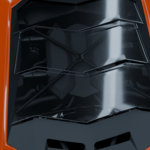
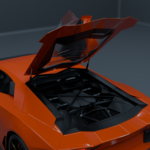
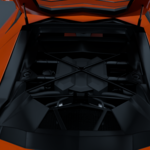
- Engine Cover & Frunk (Separate bones for cinematic engine exposure and front trunk animations)
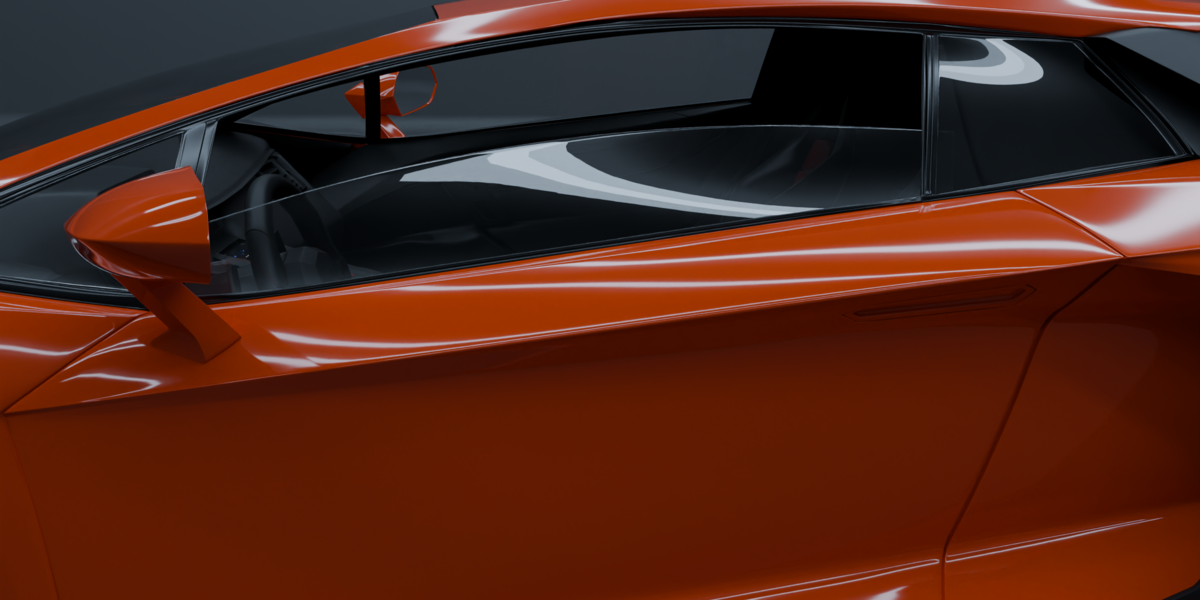
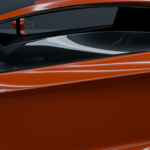
- Left Window Glass & Right Window Glass (Separate bones to slide the glass cleanly into the door panels)
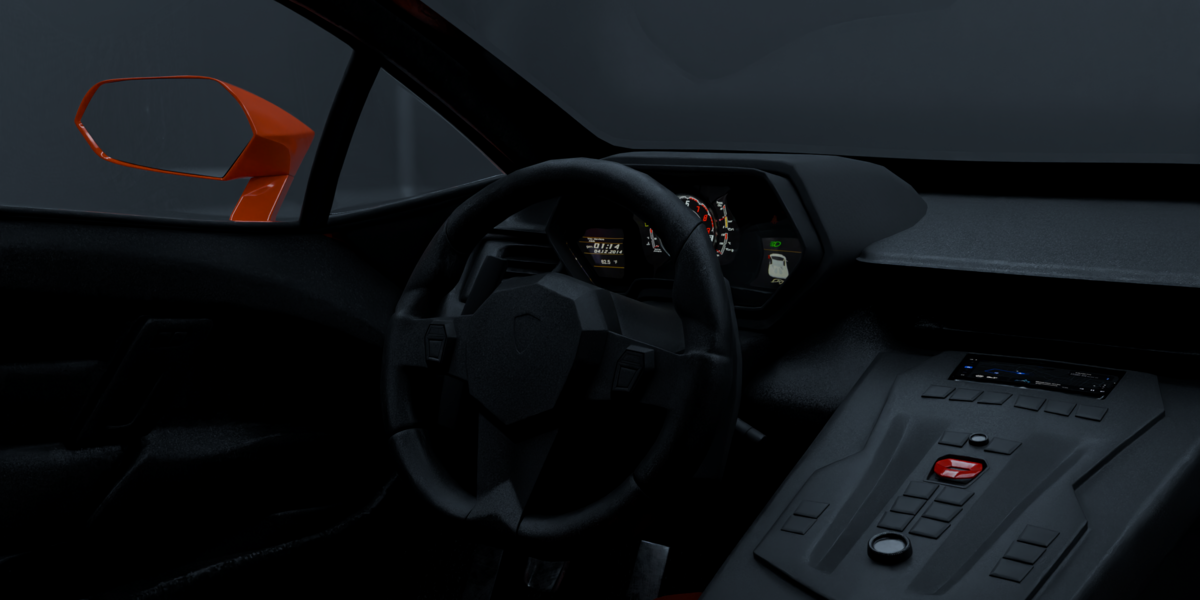
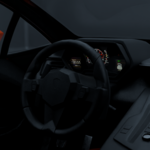
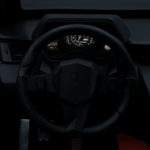
- Steering Sync: The steering wheel bone is automatically wired up to rotate perfectly in sync with the front wheels when turning.
💡 4. Lighting Controls (Boolean Switches)
To control the vehicle's custom lighting setup, you do not need to manually edit emissive materials.
- In the Object Hierarchy, locate and select the Empty object named
lightning controls. - Navigate over to the Object Properties tab in your properties panel.
- Look under the Custom Properties sub-menu.
You will find an array of Boolean (On/Off) toggle check-boxes mapped directly to the car's lighting nodes. Simply check or uncheck them to instantly activate:
Front Y drlsHeadlight projectorHeadlight indicatorsSide indicatorsRear y drl
📧 Support & Business Inquiries
For any further queries, technical questions, or custom commercial work, please feel free to email me directly using the contact address listed on my storefront page.
-
$159
The main version with shared 4k textures and materials with modular objects
-
$169
This variant has partially modular object separation, each object with separate textures and materials (2k textures) for full inter-software compatibility.
-
$239
This version is rigged exclusively for blender, with window glass, lights, doors, frunk , engine cover, suspension, steering, wheels etc.
Have questions about this product?
Login to message
| Published | 6 days ago |
| Blender Version | 5.0 - 5.1 |
| Render Engine Used | Cycles, Eevee |
| Misc Data | Uvs-Unwrapped, Rigged, Normal-Mapped, Textured |
| License | Royalty Free |
Discover more products like this
full interior car Engine bay coupe luxurycar car hypercar PBR italiancar supercar Detailedcar sportscar v12