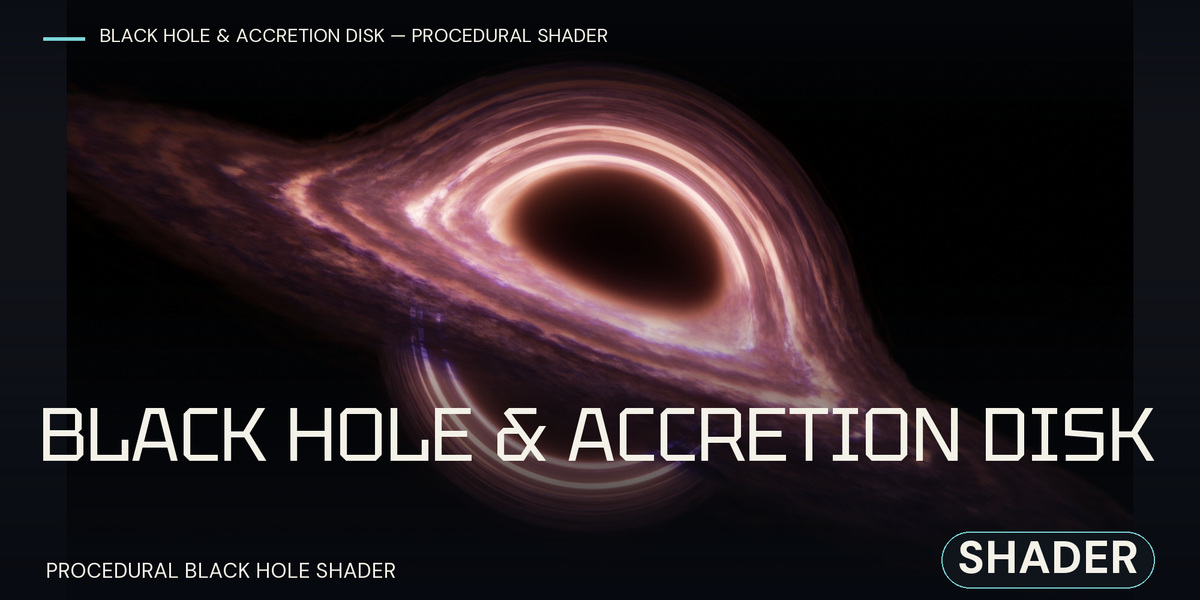
Black Hole & Accretion Disk — Procedural Shader for Blender
 Space Store
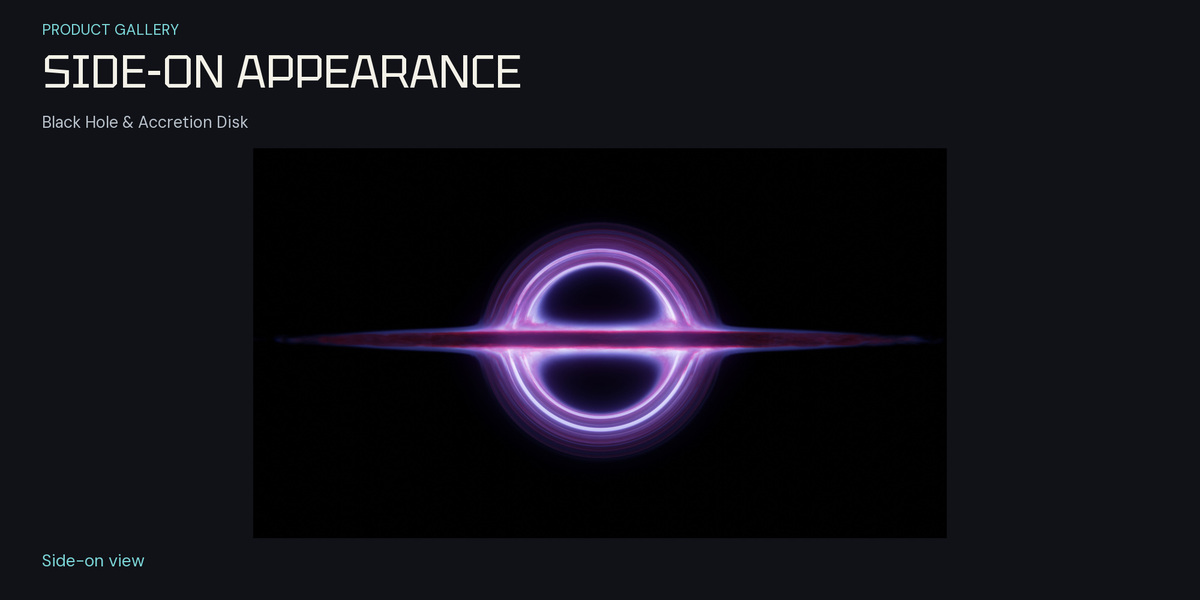
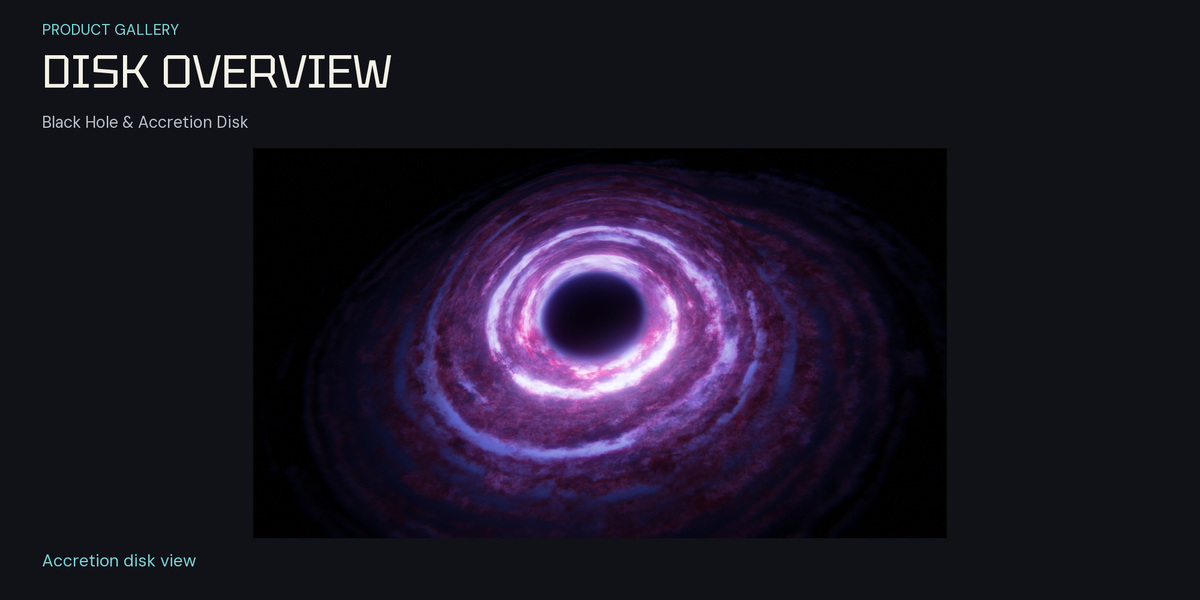


Open the supplied setup
The supplied file contains material and object setup without a camera. Use Rendered viewport shading for a first preview, or add and position your own camera for a camera render.
- Download Black hole.blend and open a working copy in Blender 5.2.3 LTS. Use Cycles.
- Start with the saved objects, material and scene settings, and make a small preview render.
- Frame the black hole and accretion disk from the intended camera angle.
- Explore the material nodes one control at a time. Keep a reference preview when adjusting the appearance.
Use it in an existing scene
- Choose File > Append, open Black hole.blend and append the required objects or collection with their material.
- Preserve the original geometry, object scale, coordinates and material links when matching the authored look.
- For a material-only workflow, use the original scene to identify the required object or volume container and coordinate setup.
- Check Cycles sampling, volume settings where used, World, exposure, color management and any compositor effects in the destination scene. A material append does not copy every scene setting.
- Render a small preview and save the new project before increasing final resolution and samples.
License
New purchases use the Superhive Standard Royalty Free license. Previously granted licenses and applicable third-party terms remain valid.
Have questions about this product?
Login to message
| Dev Fund Contributor | |
| Published | over 3 years ago |
| Blender Version | 5.2 |
| Render Engine Used | Cycles |
| License | Royalty Free |
Discover more products like this
volumetric volume procedural blender sci fi VFX black-hole accretion disk Shader cosmic space Material