 DoubleGum


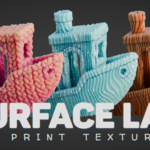
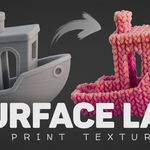
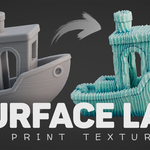
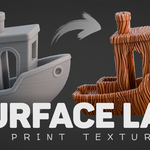
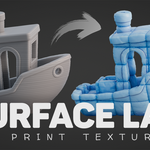
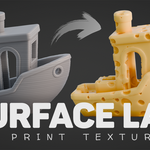
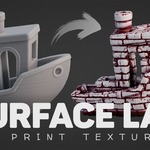
WHAT IS SURFACE LAB

A toolkit for adding tactile surface detail to your models. It turns boring, smooth meshes into objects that feel hand crafted and ready for the real world.
It's not just a texture pack, it is a system for applying textures on 3D models, quickly and intuitively.
TEXTURES
Surface Lab comes with a curated set of 30+ ready-to-use textures. You can use any custom texture from the internet as well.

FEATURES
Everything you need to apply, control, and refine surface detail (without dealing with nodes).

⚡ Instant results - Just drag and drop to apply textures

🧩 Works on any model - No UV unwrapping needed

🎚️ Fully customizable - Adjust location, rotation, scale, and more

⛰️ Depth control - Emboss or Deboss with precision

🎯 Mask Control - Target specific areas with vertex groups

🔀 Layer multiple textures - Mix and combine for unique results
MEET THE MAKERS
Rahul Parihar, Technical Artist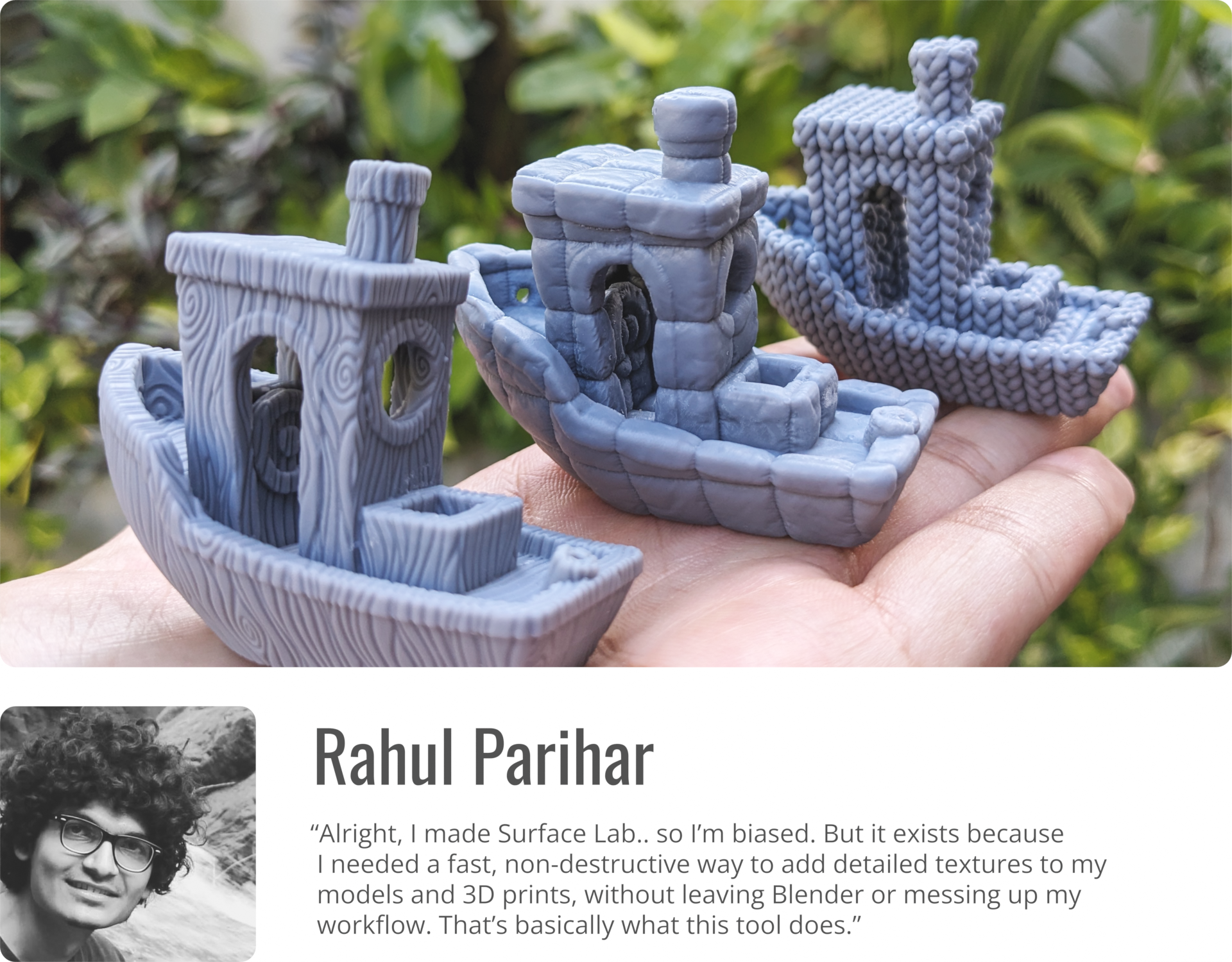
(Using Surface Lab? Tag/ mention me in your posts to get featured here.)
WHY SURFACE LAB
• Fast, easy, non-destructive workflow
• Fully customizable
• No UV unwrapping needed
• No limits on polygon count or texture resolution
• Instant, realtime results - no baking, no waiting
• 30+ ready to use textures
• Supports custom textures
• Commercial use allowed
HOW TO USE
1. Drag-n-Drop a texture
2. Adjust settings (optional)
3. Export for printing
NOTE: Surface Lab includes CC0 textures from AmbientCG and TextureCan, along with many textures that I've created from scratch.
Feel free to follow or check out .
Happy Blending!
