 Playful Pixel



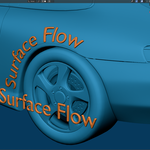
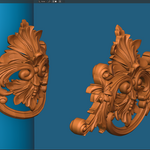
Make Any Mesh
Follow Any Surface.
Surface Flow gives Blender artists a fast, non-destructive way to wrap detailed meshes across complex forms—with the result updating as you work and direct support from the person who built it.
| Real-time feedback | Non-destructive | Direct creator support | Ongoing updates | 🐝 BeeBinder included free |
Projection finds a point.
Surface Flow follows the form.
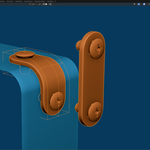
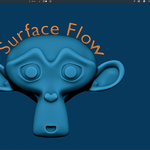
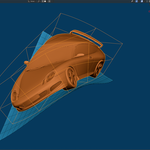
Traditional projection pushes geometry toward the nearest surface. Surface Flow walks it across the target, preserving the sense that your mesh belongs on the form instead of being stamped onto it. The difference becomes clear on curved objects, long strips, sharp transitions, and detailed decorative work.
Four steps. Live result.
Start simple, then open the deeper controls only when the shot demands them. No separate panels, binding stages, or destructive setup.
| 01 Select the mesh that should conform | 02 Pick the surface it should follow | 03 Shape the direction, mapping, and quality | 04 Watch the final wrap update live |
Six major upgrades.
One cleaner workflow.
Automatic Axis Detection
Surface Flow can detect a better wrapping direction automatically, reducing manual rotation and making setup faster on new objects.
New Mapping Controls
Control alignment and flow directly from the modifier, so you do not have to constantly rotate the mesh, rebuild the setup, or fight the original orientation.
Guide Curve Support
Use guide curves to direct long flowing shapes like ribbons, straps, belts, cables, trims, and decorative strips with much clearer artistic intent.
Improved Sharp Edge Handling
The walking algorithm has been improved for difficult forms, including cleaner behavior around sharp edges and 90° surface changes.
Transform on the Surface
Adjust the wrapped result with surface-aware transform controls, designed for artistic corrections directly on the target surface.
Rigid and Non-Rigid Inputs
Use self input, rigid collections, and non-rigid collections to build complete wrapping setups directly inside the modifier workflow.
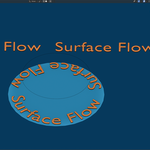
From a small label to a demanding continuous wrap.
Surface Flow does not lock you to a fixed quality cap. Increase the detail for long or complex geometry, then balance the final result against the performance available for your scene.
Work at the quality your project needs—from quick iteration to detailed final output.
If it needs to follow a surface, start here.
Use Surface Flow for the everyday tasks that should be quick—and the ambitious forms that used to demand fragile modifier stacks, destructive edits, or too much manual correction.
Meet BeeBinder.
When the wrap needs to stay locked.
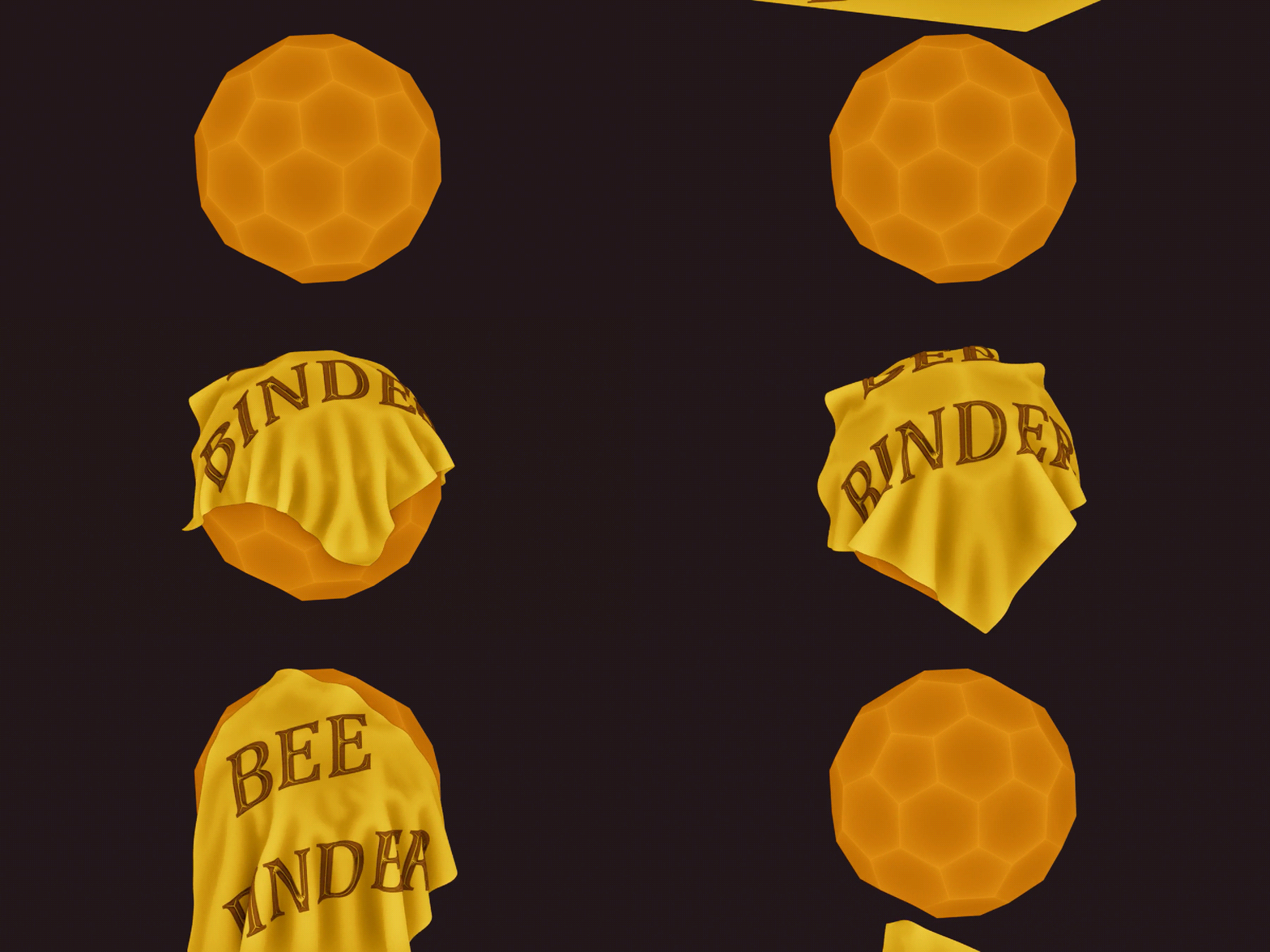
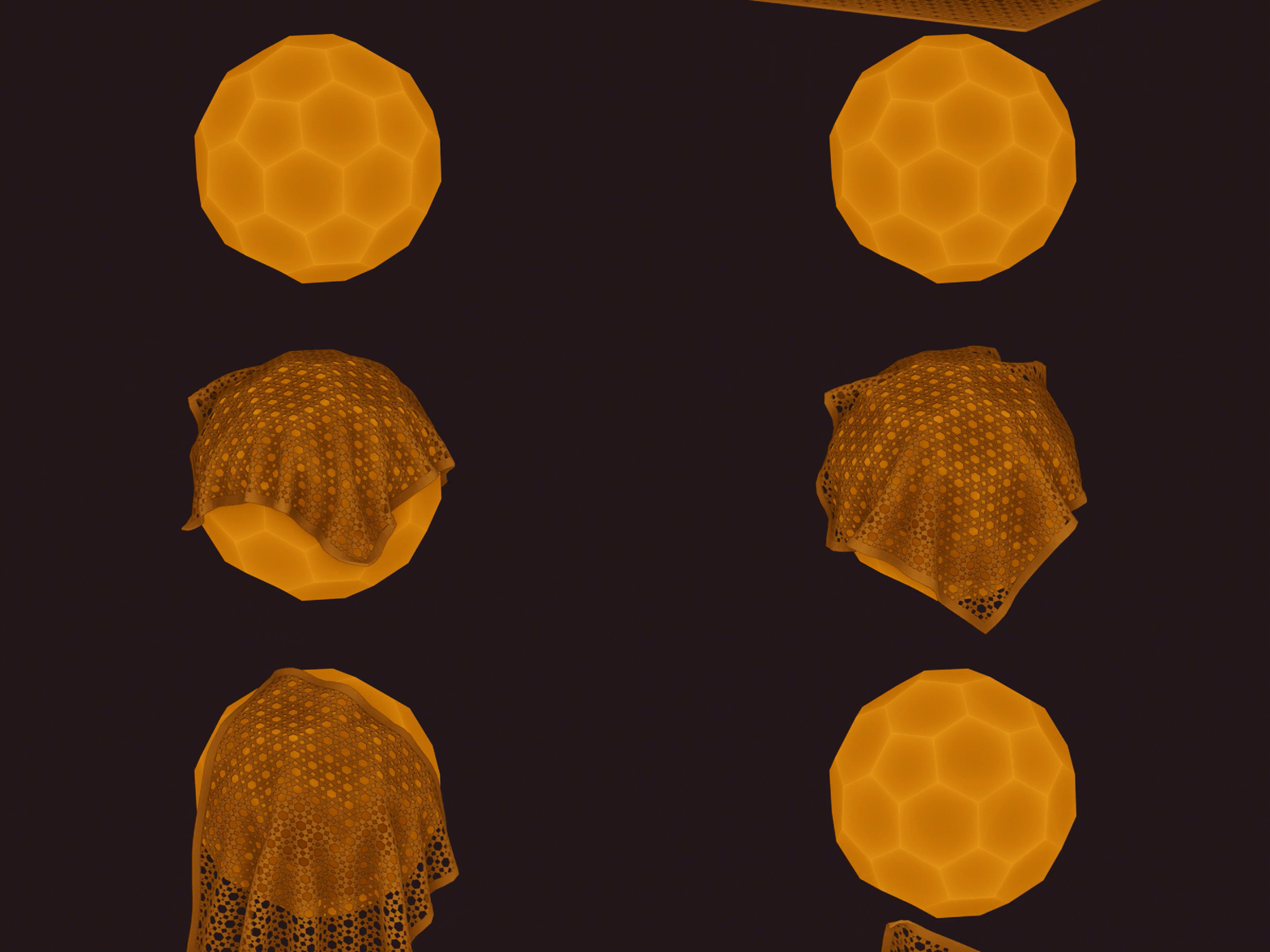
Surface Flow is still the fast, effortless choice for everyday wrapping — select the target and go. BeeBinder complements it with UV-based binding for cases where consistency matters more than setup speed.
If your target is animated, deforming, or simulated, BeeBinder keeps attached geometry tied to the same UV location so details stay where they belong. Every Surface Flow user gets BeeBinder for free, including future updates and support.
| CONSISTENT BINDING Stay locked to the surface Ideal for animated, deforming, and simulated targets where details must remain in the same place. | UV-BASED Predictable placement Place the source in UV space and let BeeBinder map that position consistently back onto the 3D surface. | REAL DEPTH More than a flat decal Keep the source mesh's real depth for patches, badges, trims, panels, ornaments, raised decals, and more. |
Actively developed.
Supported personally.
Surface Flow is actively developed and personally supported. I continue improving its wrapping technology, performance, workflow, Blender compatibility, tutorials, and documentation based on real production needs and customer feedback.
| Direct Support Talk to the CreatorWhen something is unclear or a setup behaves unexpectedly, you can contact me directly for practical help. | Ongoing Work Active DevelopmentSurface Flow continues to evolve through performance work, workflow refinements, compatibility updates, and real production feedback. | Learning Resources Clear GuidanceTutorials and documentation are part of the product, helping you understand the workflow and reach useful results faster. |
Buy once.
Keep the updates.
Surface Flow is a one-time purchase—not a subscription. Future updates are included with your license.
• Added a new wrapping method designed for very long meshes.
• Significantly improved performance with the new wrapping method.
• Fixed guide-curve intersection issues when using the new method.
• Added an option for guide-curve radius to influence the wrapping result.
• Applying the modifier now removes generated attributes, leaving no unnecessary attributes behind.
• Improved Smooth Flow behavior.
• Text and Curve objects can now receive the modifier directly. Text, Curve, Surface, and Metaball objects can also be used as targets. Previously, the modifier had to be added to Text and Curve objects manually.
• Guide curves can now be resampled directly from the modifier.
• Renamed several settings to make their purpose clearer.
• BeeBinder is now a separate UV-based binding tool and is included free for every Surface Flow user, with ongoing support and future updates.
Having trouble with a setup?
If something is not working as expected, please contact me before leaving a review. Most setup issues can be resolved quickly, and I’m happy to help you get the best result from Surface Flow.
Less wrestling with geometry.
More progress on the work.
Real five-star feedback from Surface Flow customers on Superhive.
| ★★★★★ “Wow! I have tried three other addons attempting to do this and have been disappointed every time. They were either too destructive, too complicated, or just didn't deliver results, but with SurfaceFlow, you've found the key to wrapping one object onto another! Thank you! You've made my life a little easier.” Sean Platter | ★★★★★ “This handy tool is probably the most intuitive one that I have tried comparing to others available to achieve similar function. Highly recommended! And the creator is very open to suggestions and responded very quickly!” HalfArch | ★★★★★ “Awesome addon and awesome creator. Made my work much easier and faster. Thank you very much for SurfaceFlow!” Yusuf |
Stop forcing the wrap.
Start directing it.
Surface Flow turns a technical problem into an artistic workflow, backed by ongoing development and direct support from its creator. Choose the mesh, choose the target, and shape the result while it updates in front of you.
Make the wrap work for you.
