 ZEG
Installation
In Blender open Edit, Preferences, Get Extensions, then use Install from Disk and pick the zip.
Usage
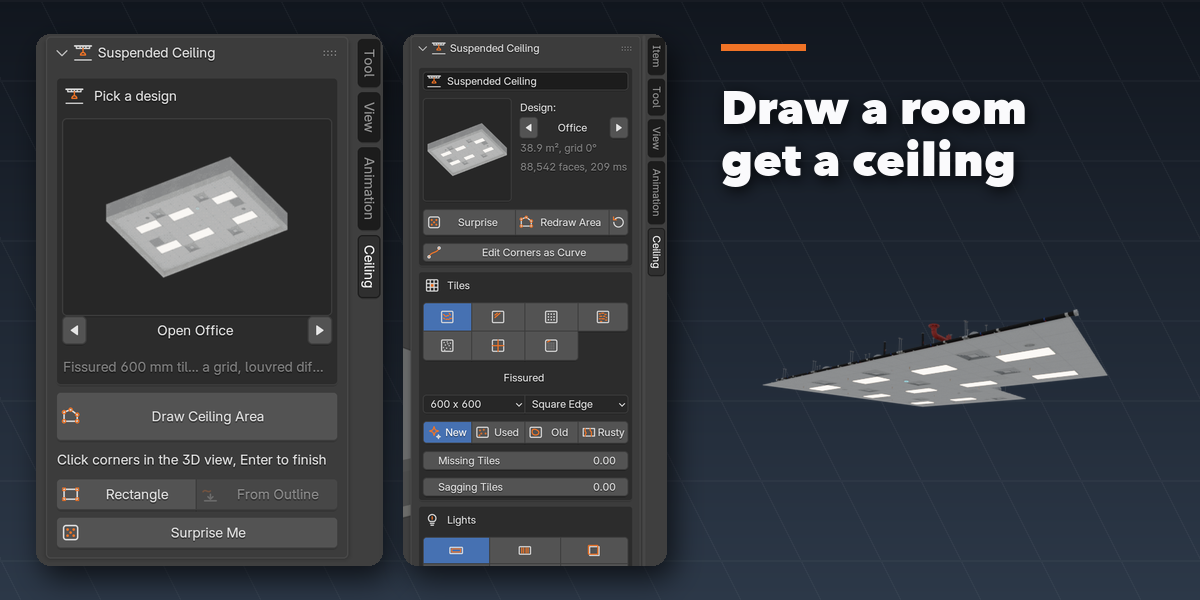
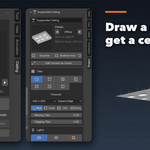
- Open the Ceiling tab in the 3D viewport sidebar (N).
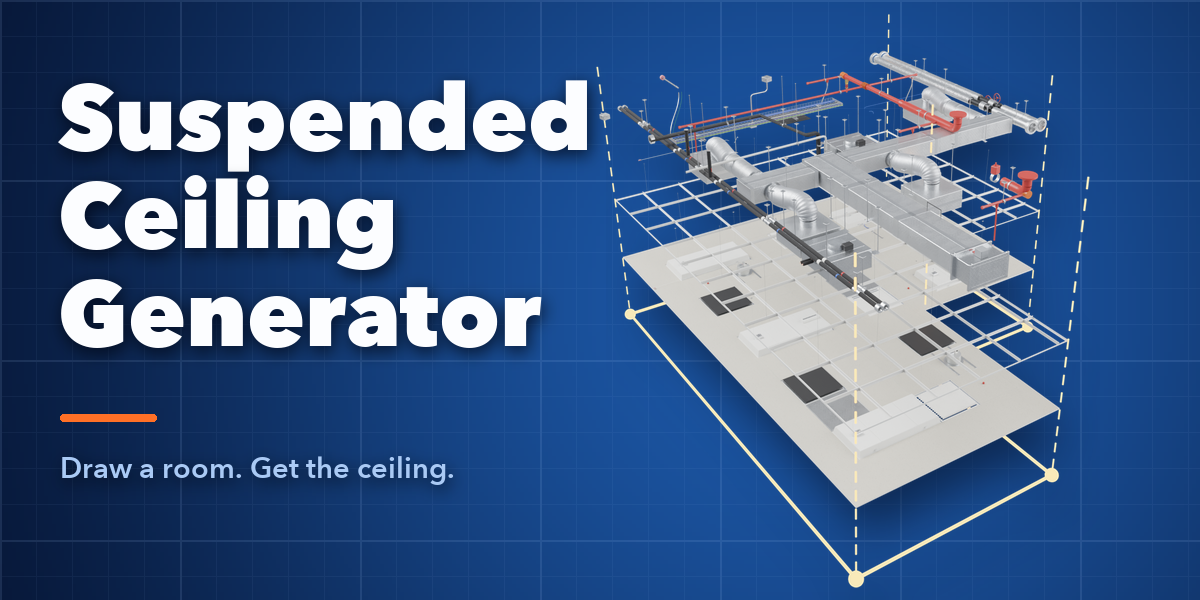
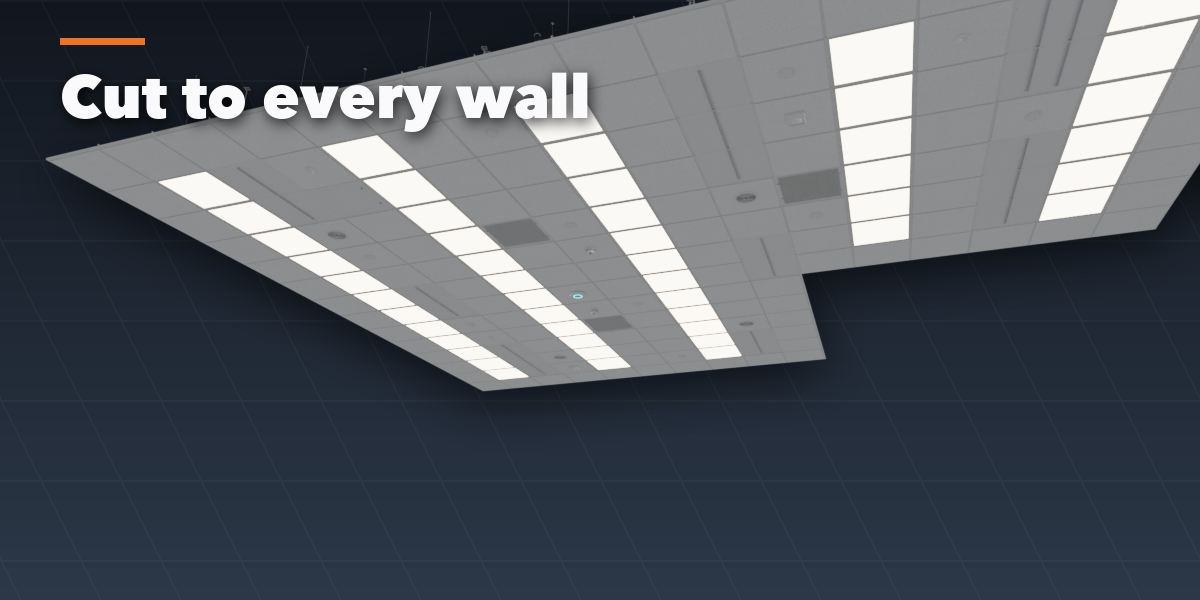
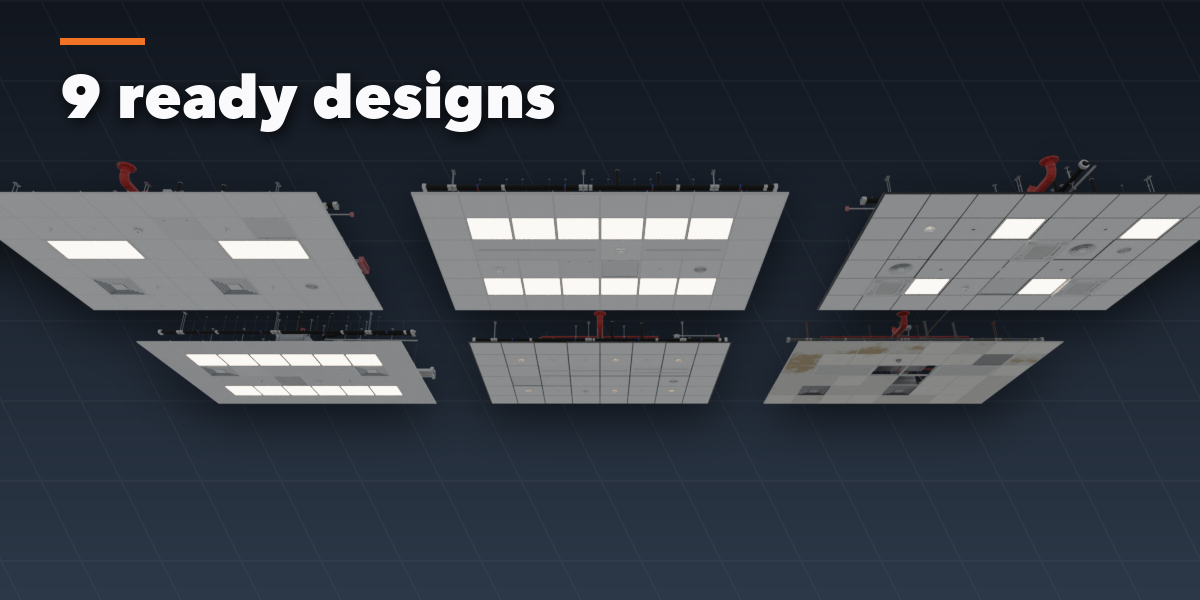
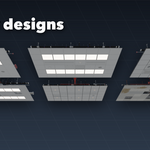
- Pick a design and press Draw Ceiling Area, click the corners, press Enter.
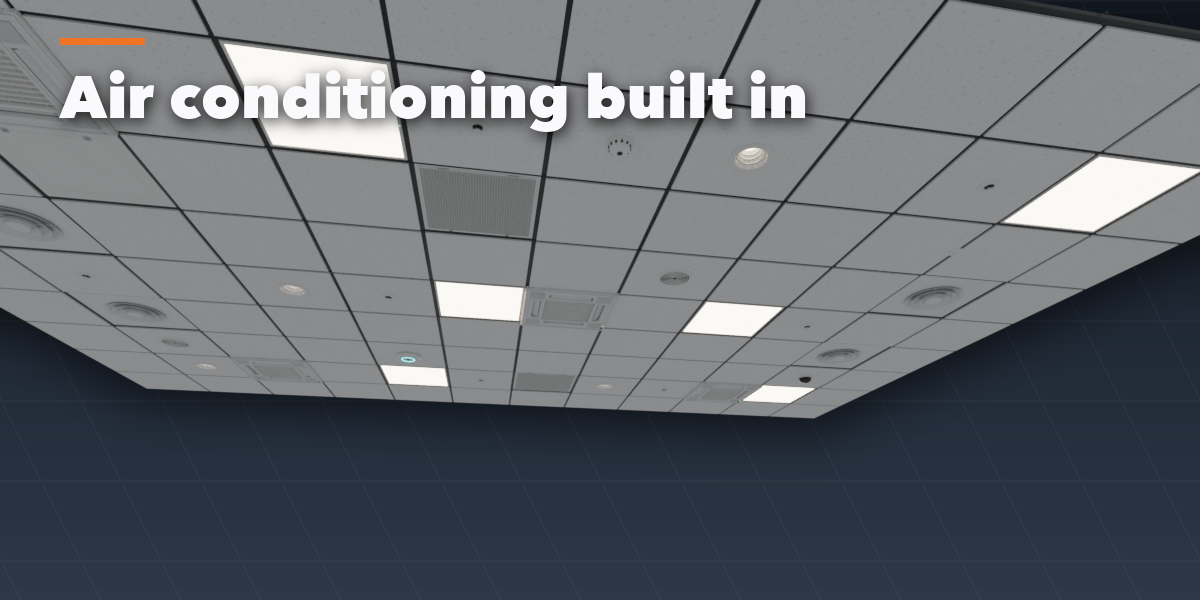
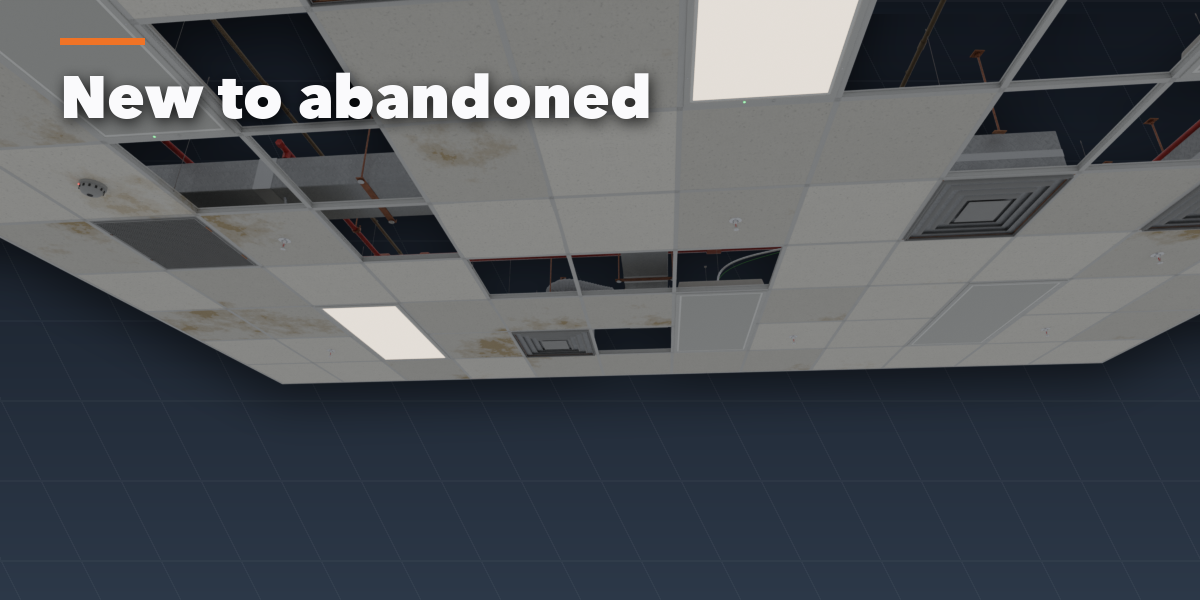
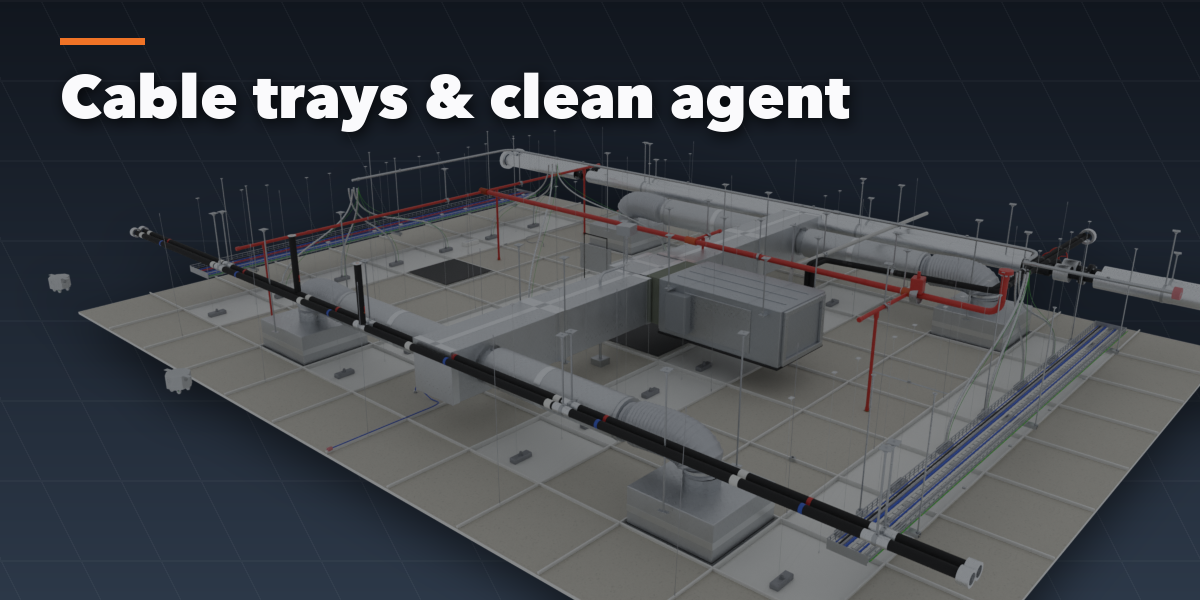
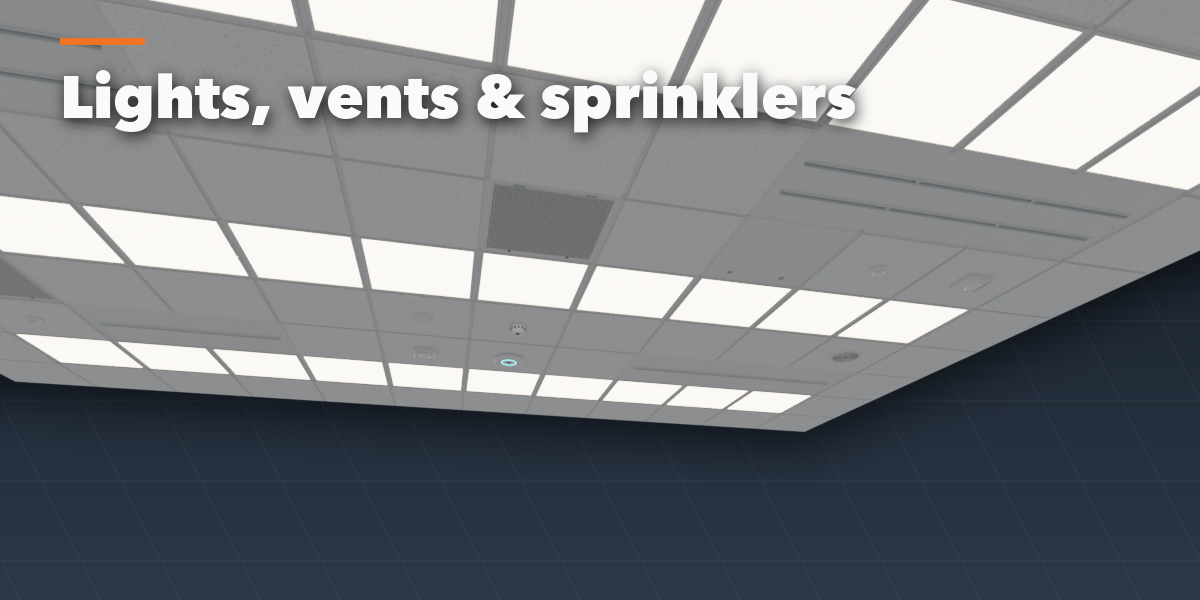
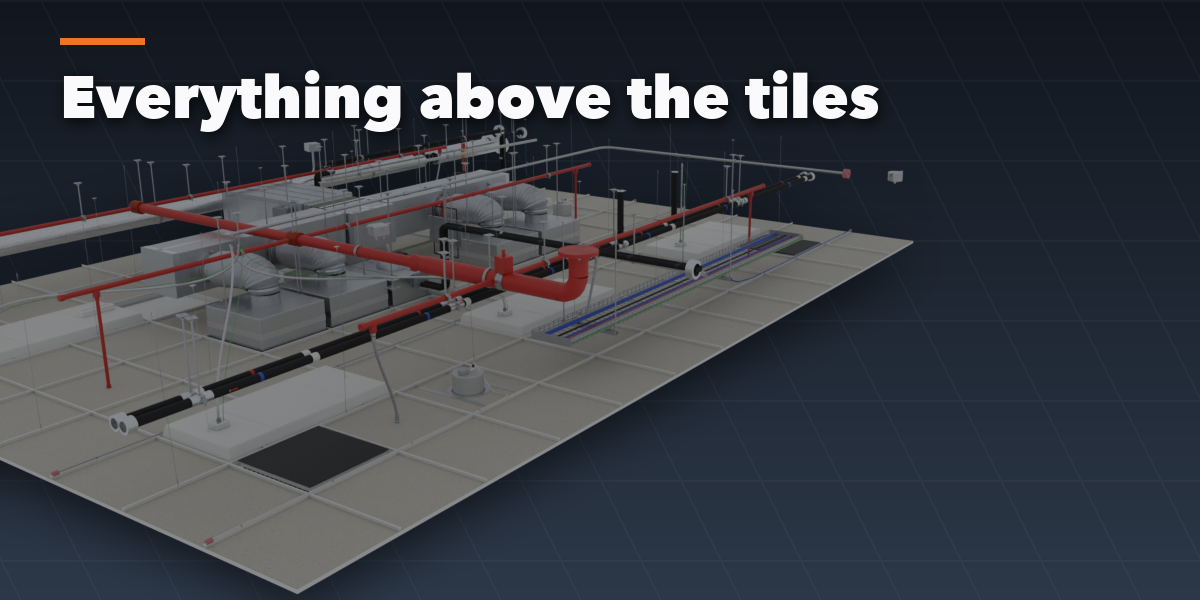
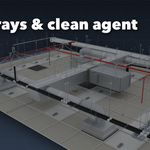
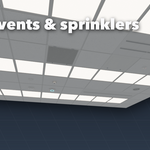
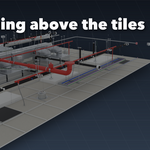
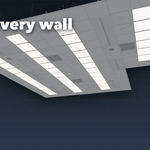
- Change tiles, lights and the systems above the ceiling; press Surprise Me for a new look.
Have questions about this product?
Login to message
| Blender Extension Compatible | Yes |
| Published | 2 days ago |
| Blender Version | 4.2 - 5.2 |
| Extension Type | Add-on |
| Render Engine Used | Cycles, Eevee |
| License | GPL |

Discover more products like this
Interior ceiling tiles suspended-ceiling HVAC Generator Office sprinkler drop-ceiling game ready architecture plenum procedural