 Tomas Krajcovic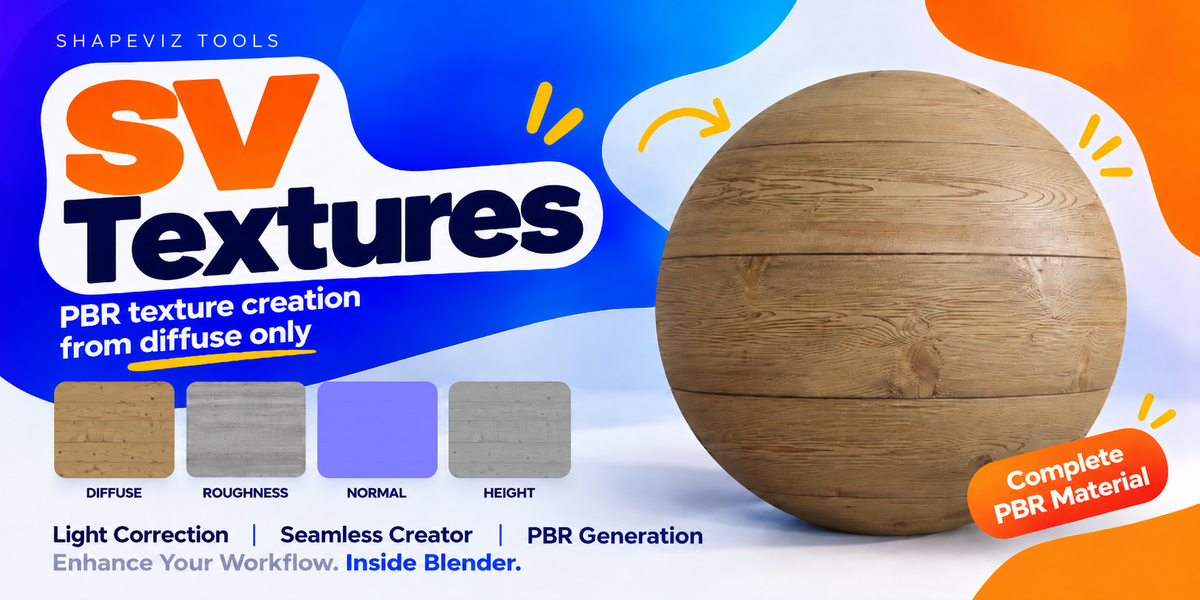

Your next material starts here.
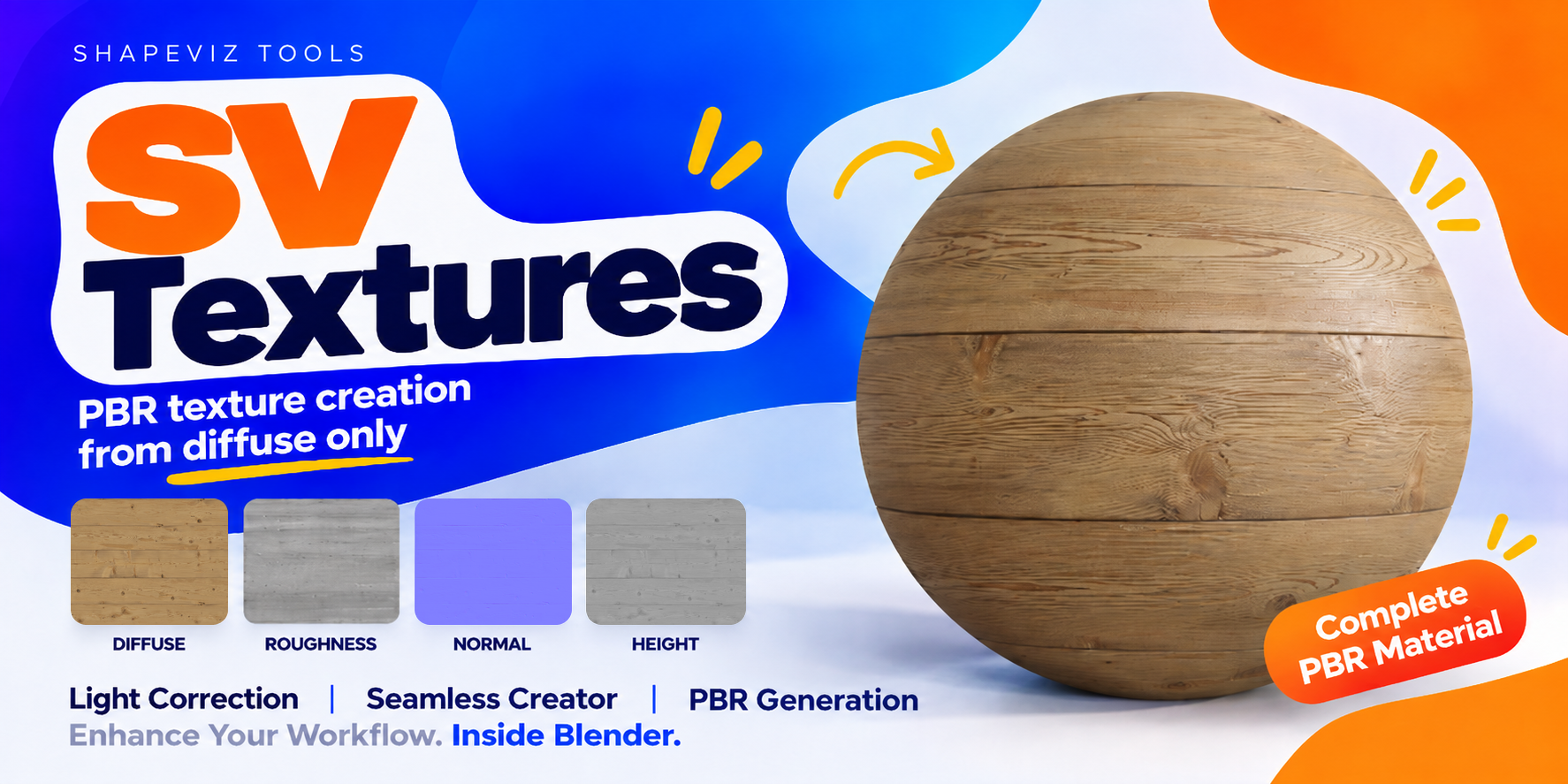
A surface image is only the beginning. SV Textures brings texture correction, seamless tiling, PBR map generation and hands-on editing into one Blender workspace. Start with a diffuse texture or bring your existing PBR maps. Shape the look, inspect the result and export a set you can use in your next project.
LOCAL PROCESSING / GPU ACCELERATION / NO MAN
Your next material starts here.
A surface image is only the beginning. SV Textures brings texture correction, seamless tiling, PBR map generation and hands-on editing into one Blender workspace. Start with a diffuse texture or bring your existing PBR maps. Shape the look, inspect the result and export a set you can use in your next project.
LOCAL PROCESSING / GPU ACCELERATION / NO MANUAL NODE SETUP
Spend your time on the material. SV Textures prepares the working material and preview for you, with no manual node setup required for the workflow.
v1.00 compatibility: Windows x64. SV Basic requires a DirectML-compatible hardware GPU.
A CLEAR PATH FROM INPUT TO OUTPUT
Load. Refine. Preview. Export.
For environment artists, visualisation artists and Blender creators who want more control over the surfaces they already have.
Start → Texture Correct (optional) → Map Editor → Export
01 / THE WORKFLOW
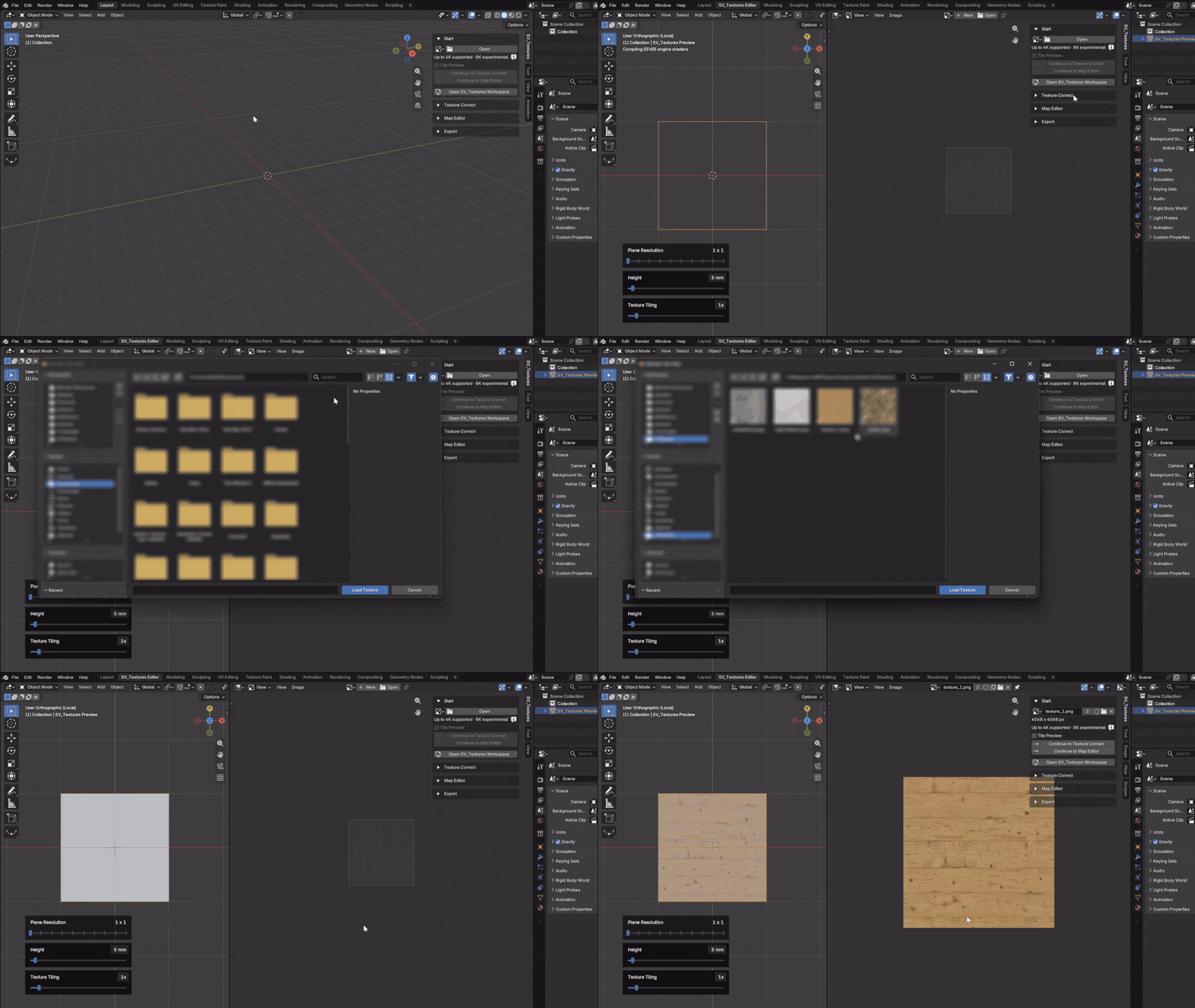
Everything starts with a diffuse texture.
Open the SV Textures workspace, then load your diffuse texture. Work with your selected model, or use the ready-made preview plane to get started without a scene setup.
02 / THE WORKFLOW
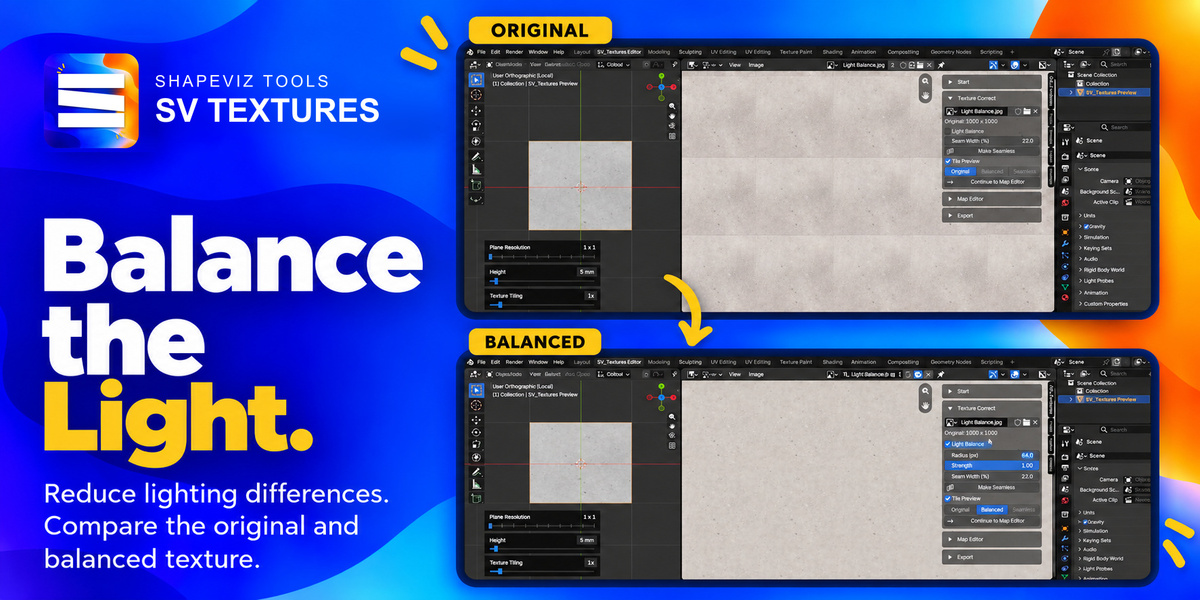
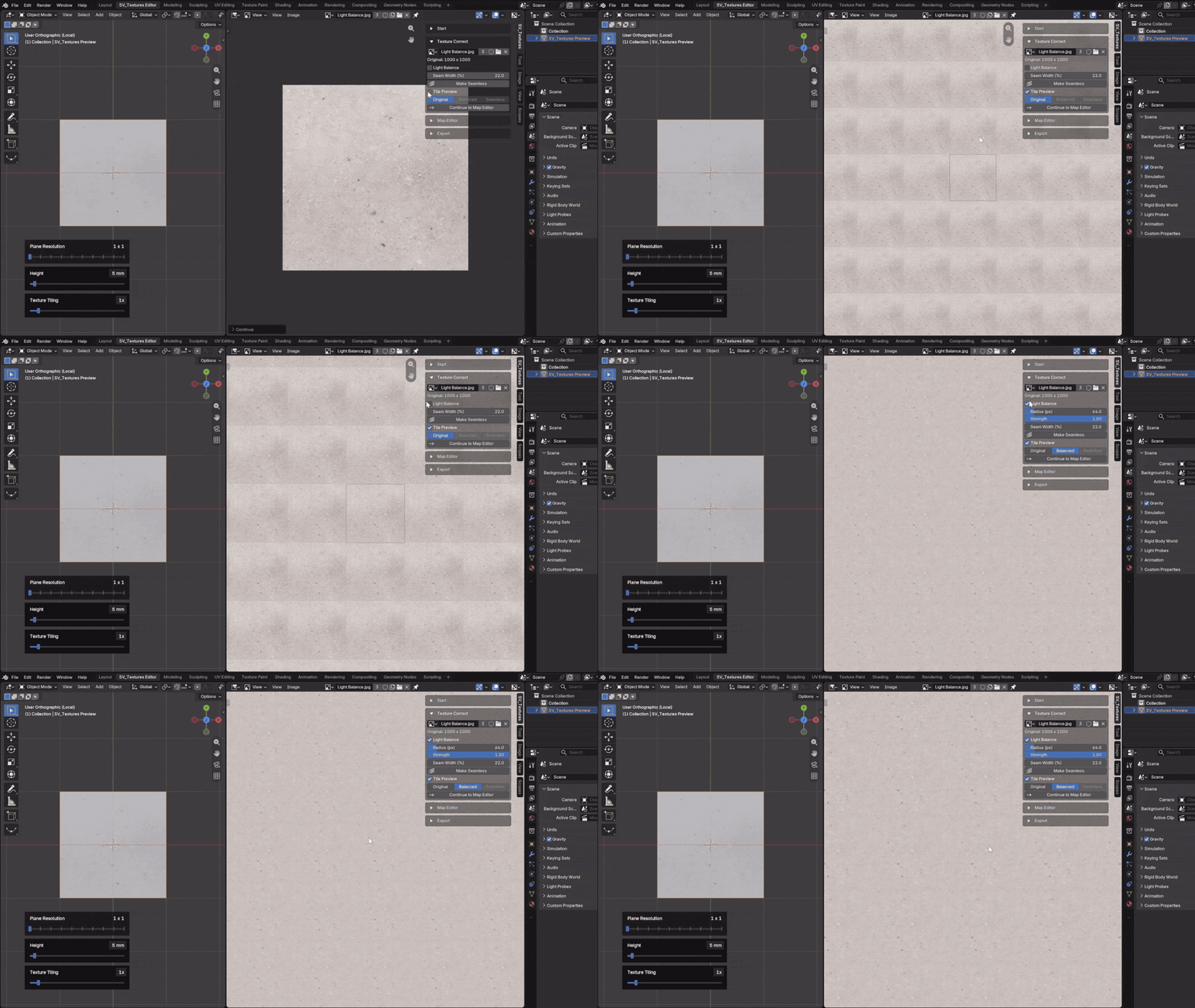
Balance the Light.
Reduce broad lighting and colour differences before building your maps. Light Balance gives you radius and strength controls with a live GPU preview, so you can judge the correction against your original.
03 / THE WORKFLOW
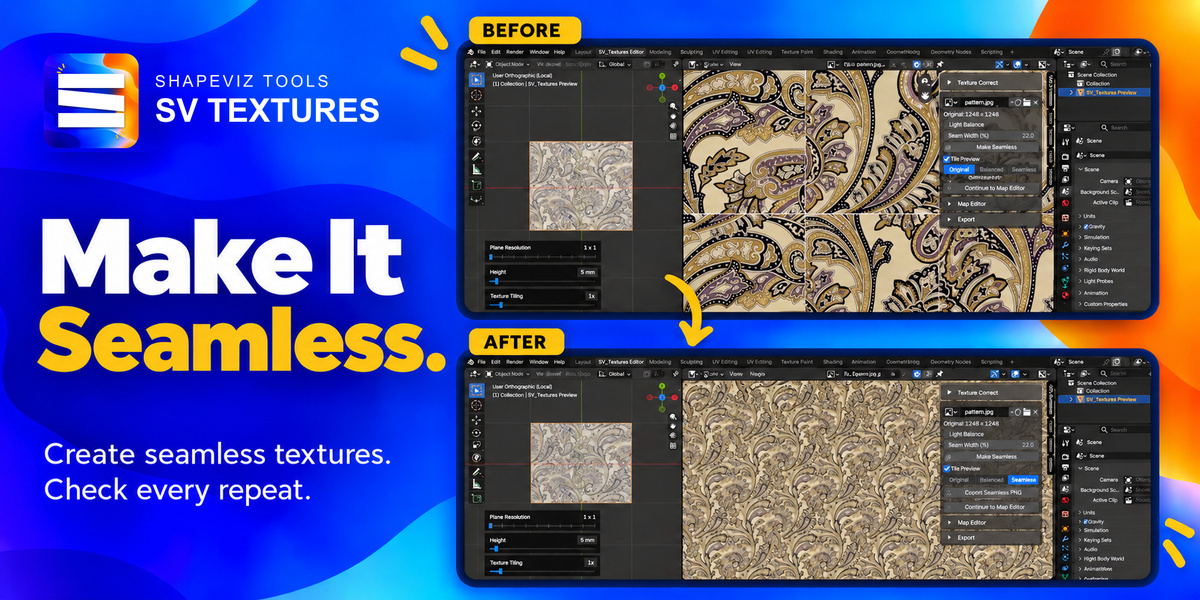
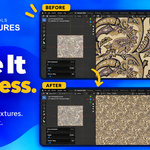
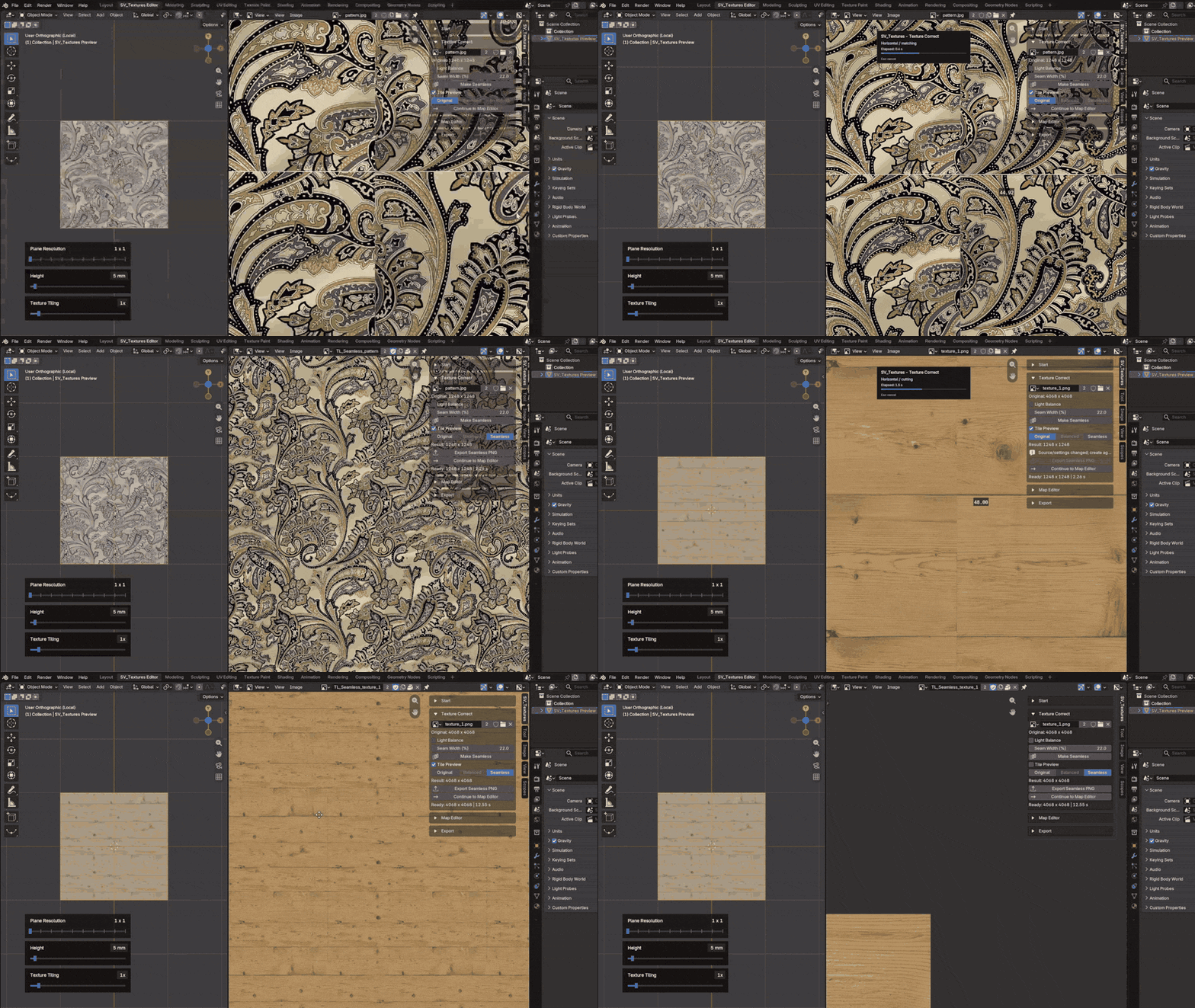
Make It Seamless. See It Repeat.
Turn your surface texture into a tileable starting point. Adjust the seam width, compare Original, Balanced and Seamless, and check the repeating pattern in Tile Preview before moving on.
05 / THE WORKFLOW
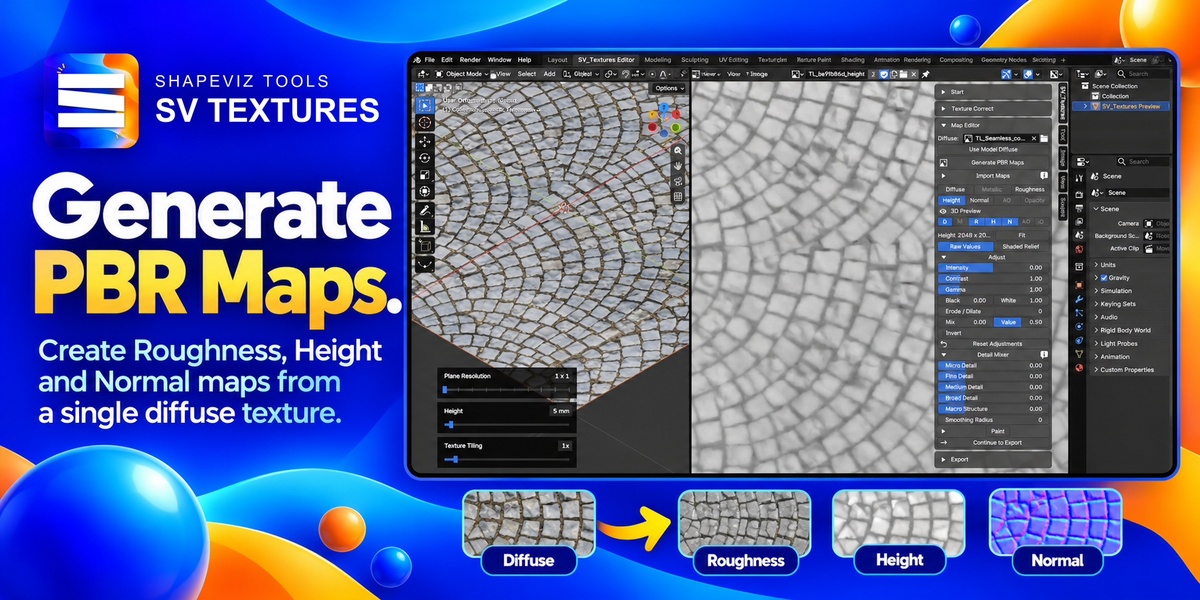
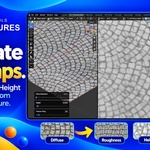
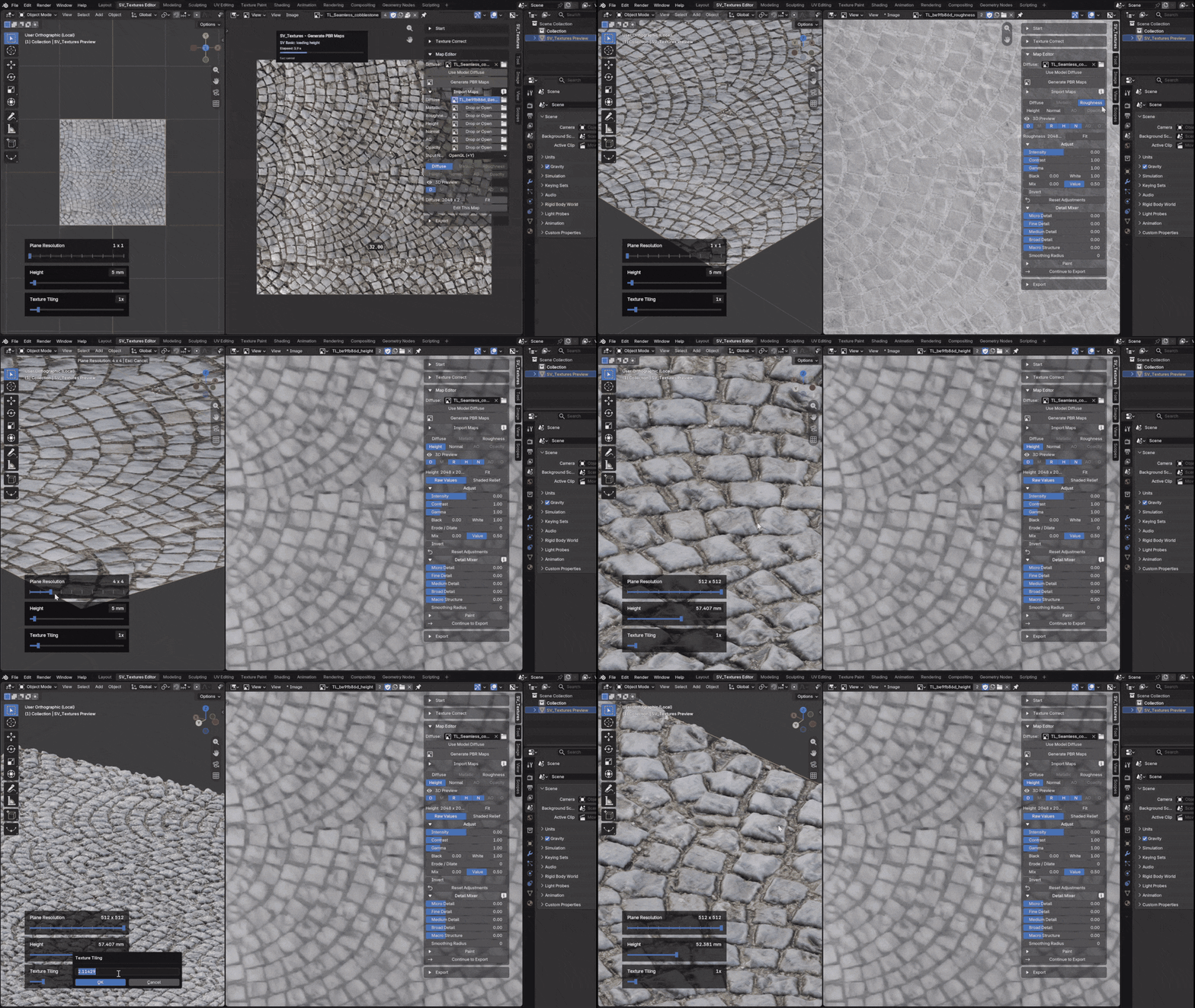
One Diffuse. Complete PBR package
Generate Roughness, Height and Normal with SV Basic, or choose the filter-based SV Legacy workflow. Select the channels you need and work up to 4K. AO can be derived from Height; Metallic starts from your chosen constant value.
06 / THE WORKFLOW
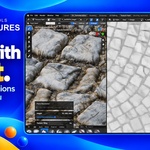
Fine-Tune Every Detail.
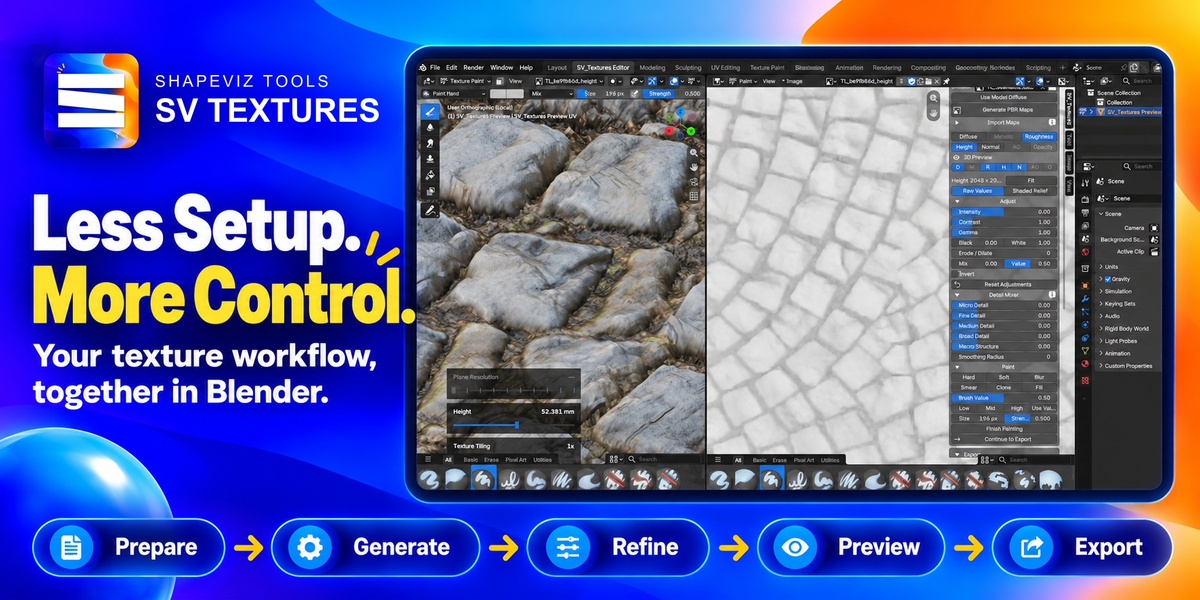
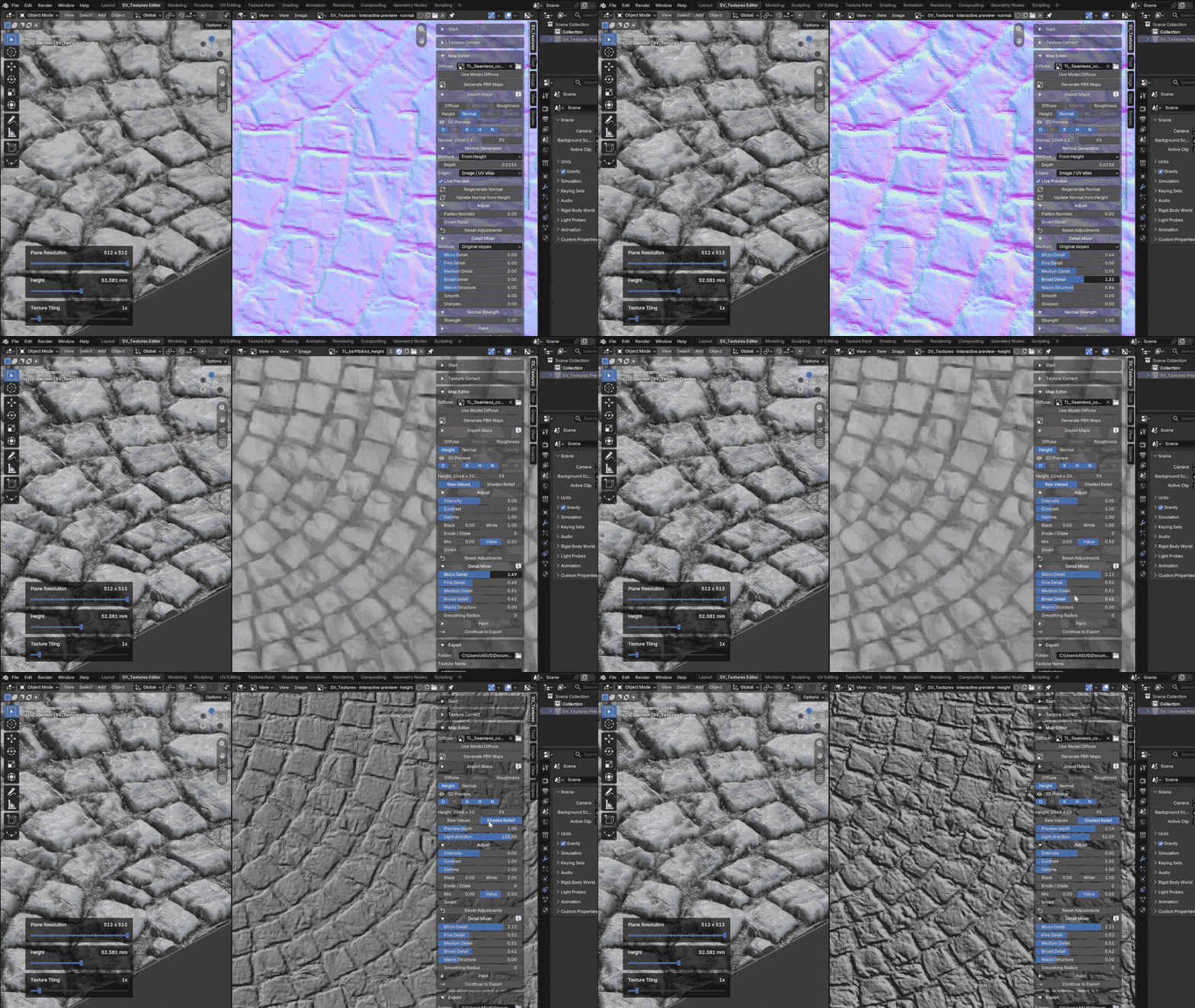
Shape the result with channel-specific adjustments and a five-band Detail Mixer. Refine contrast, gamma and detail at different scales, or tune normal strength and relief. The 2D editor and 3D preview keep each change in context.
07 / THE WORKFLOW
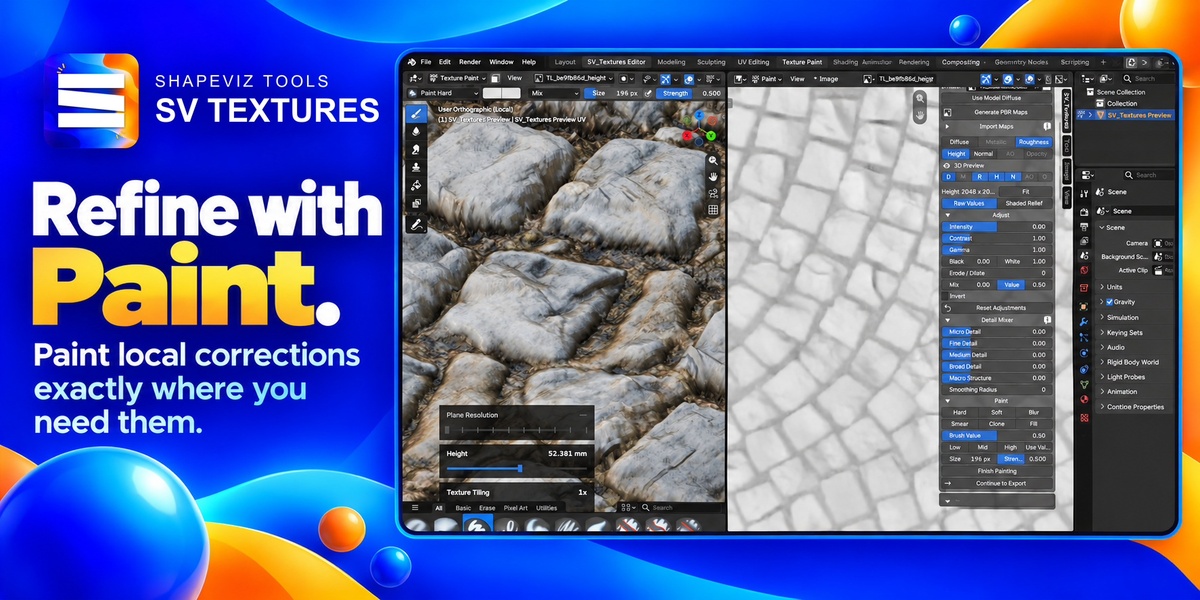
Add the Finishing Touch by Hand.
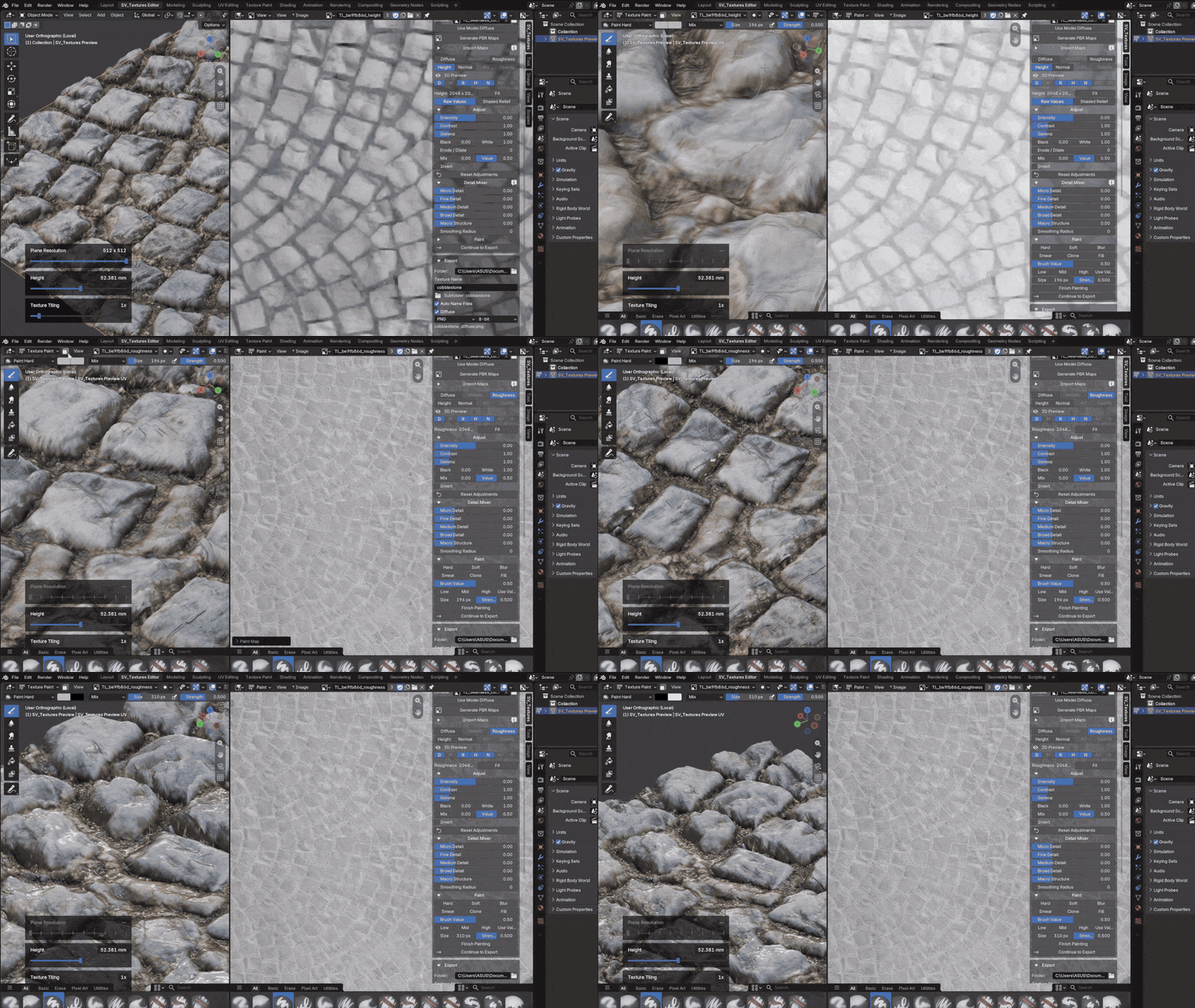
Use Paint for local corrections that sliders cannot place for you. Paint, clone, smooth, smear or fill with the tools available for the active channel, and see how your edits affect the material.
08 / THE WORKFLOW
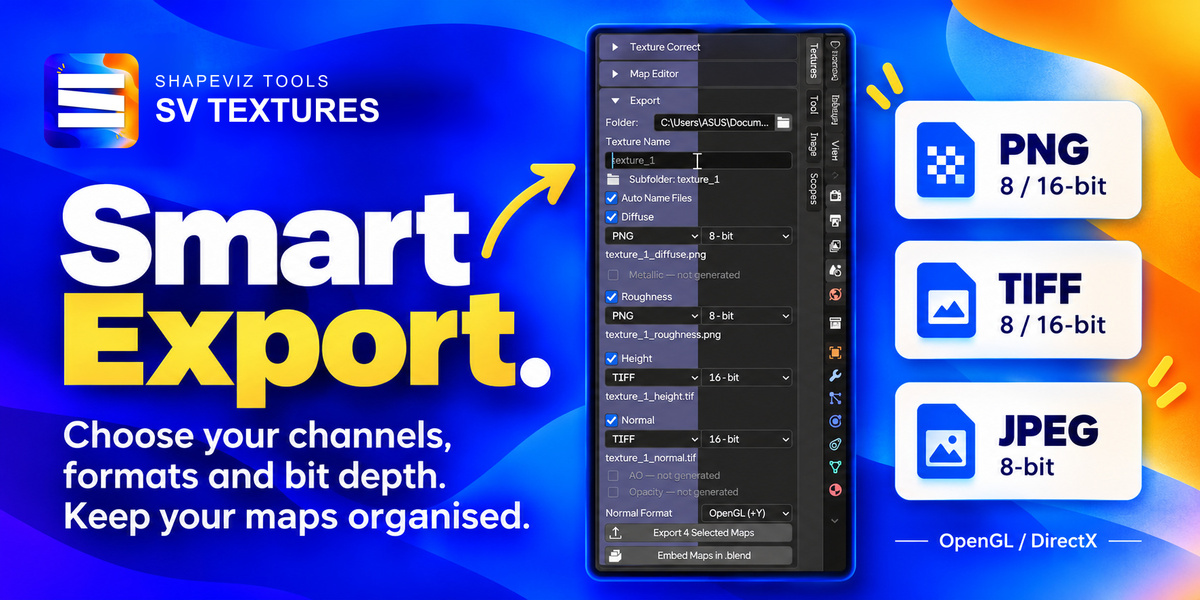
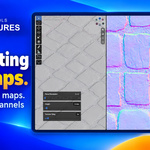
Export the Maps. Keep the Control.
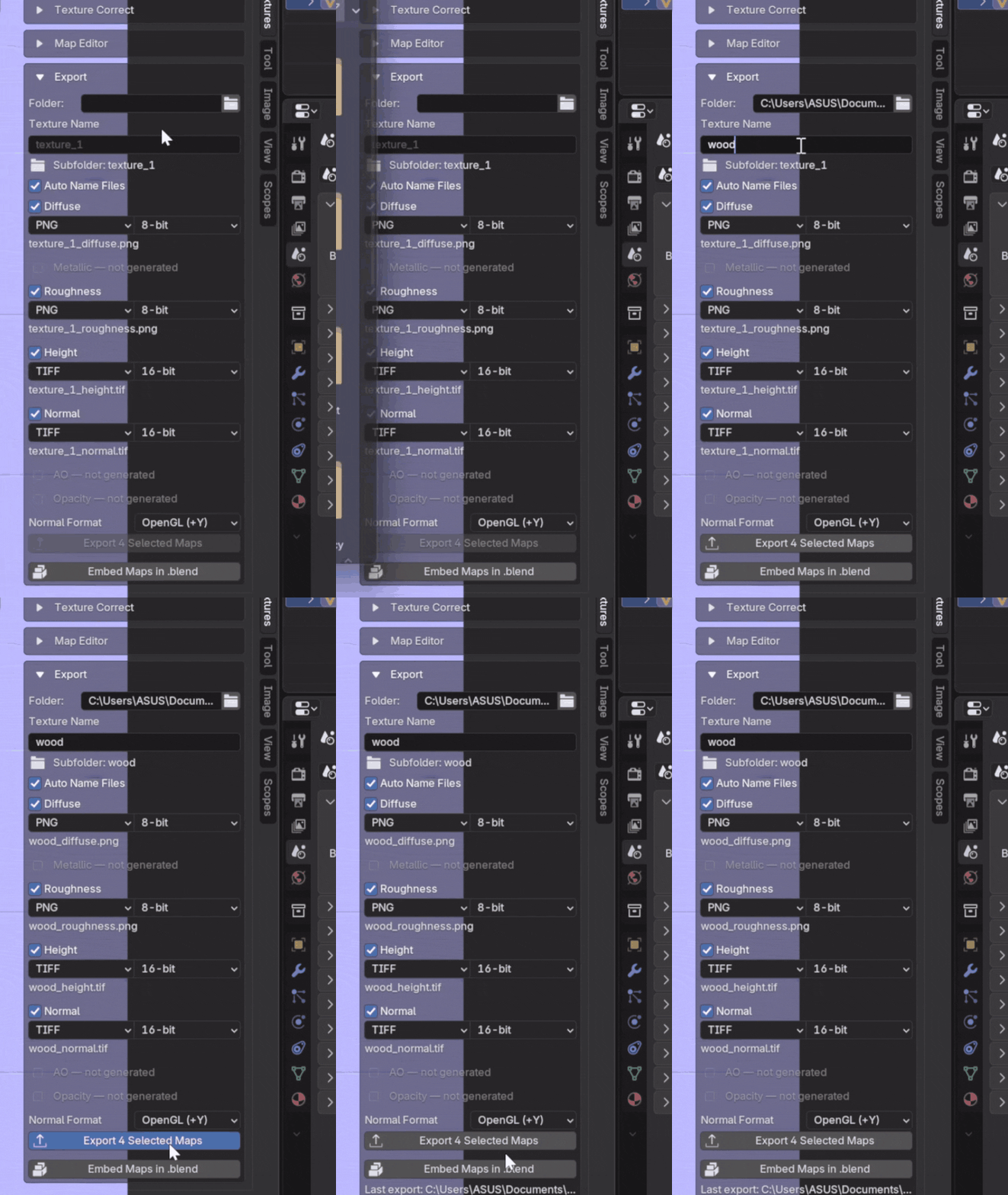
Choose the channels, file format and bit depth for your textures. Export PNG or TIFF at 8 or 16 bits, or JPEG at 8 bits. Choose OpenGL or DirectX normals and let automatic naming keep the set organised.
09 / THE WORKFLOW
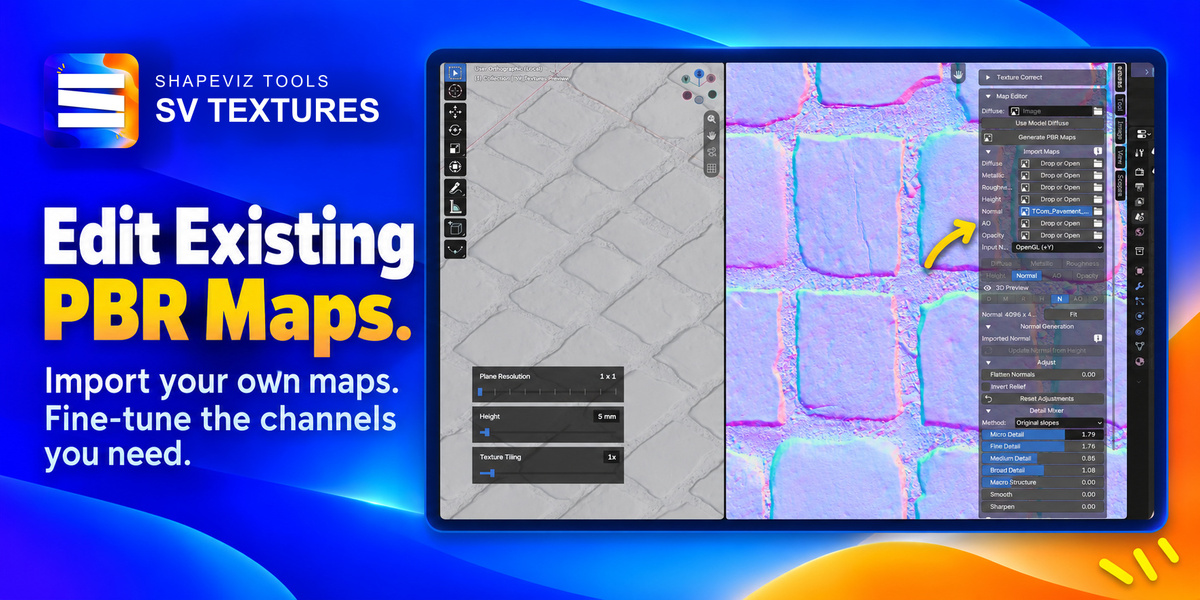
Fine-Tune Your Existing PBR Materials
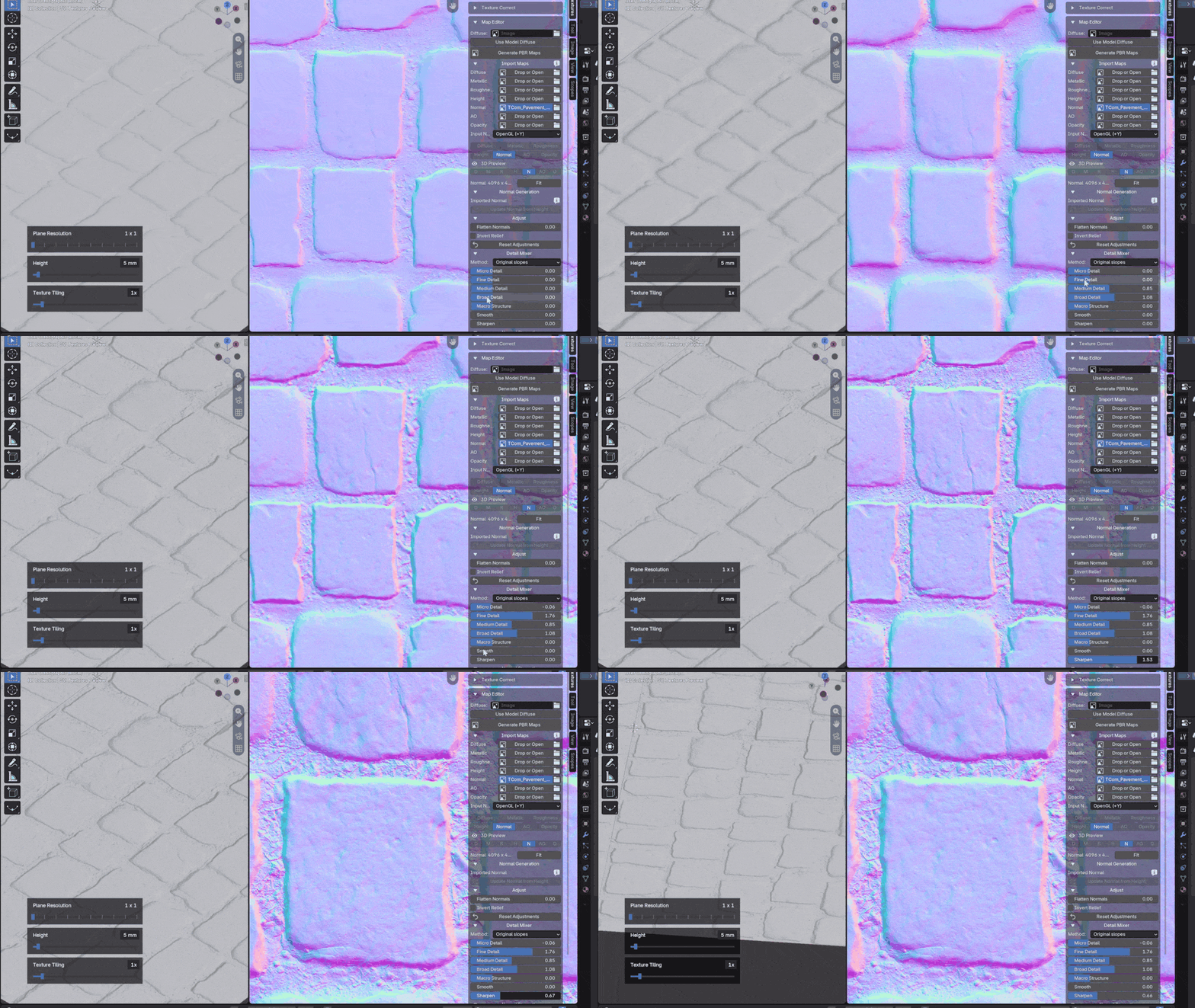
Already have a PBR set? Import your own maps and adjust their values. Load a complete set or just the channel you want to improve.
10 / THE WORKFLOW
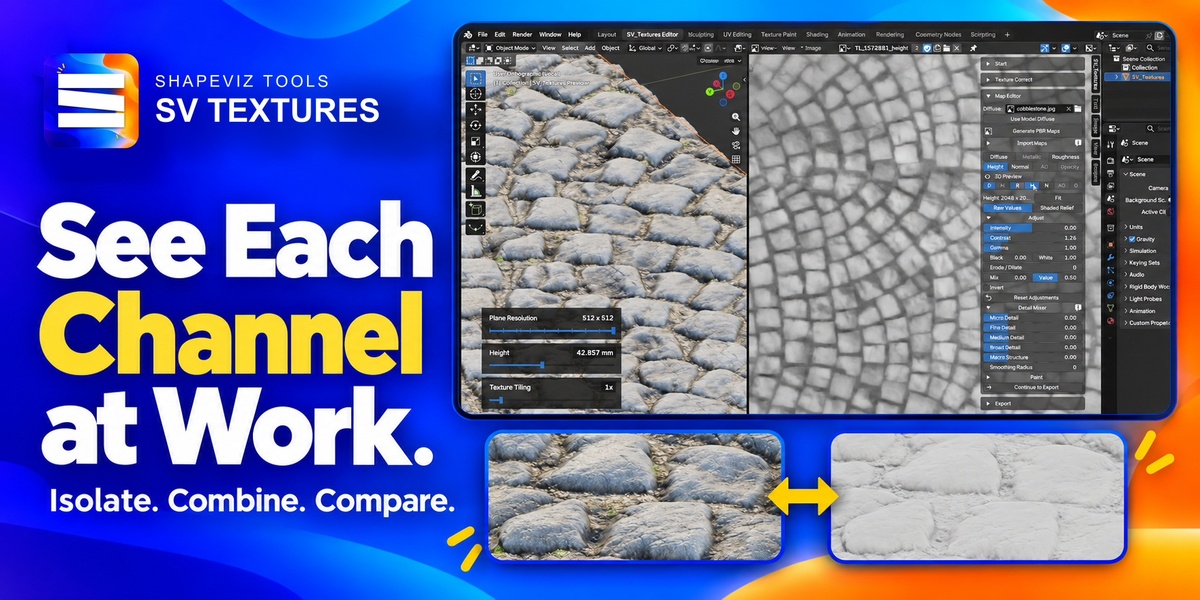
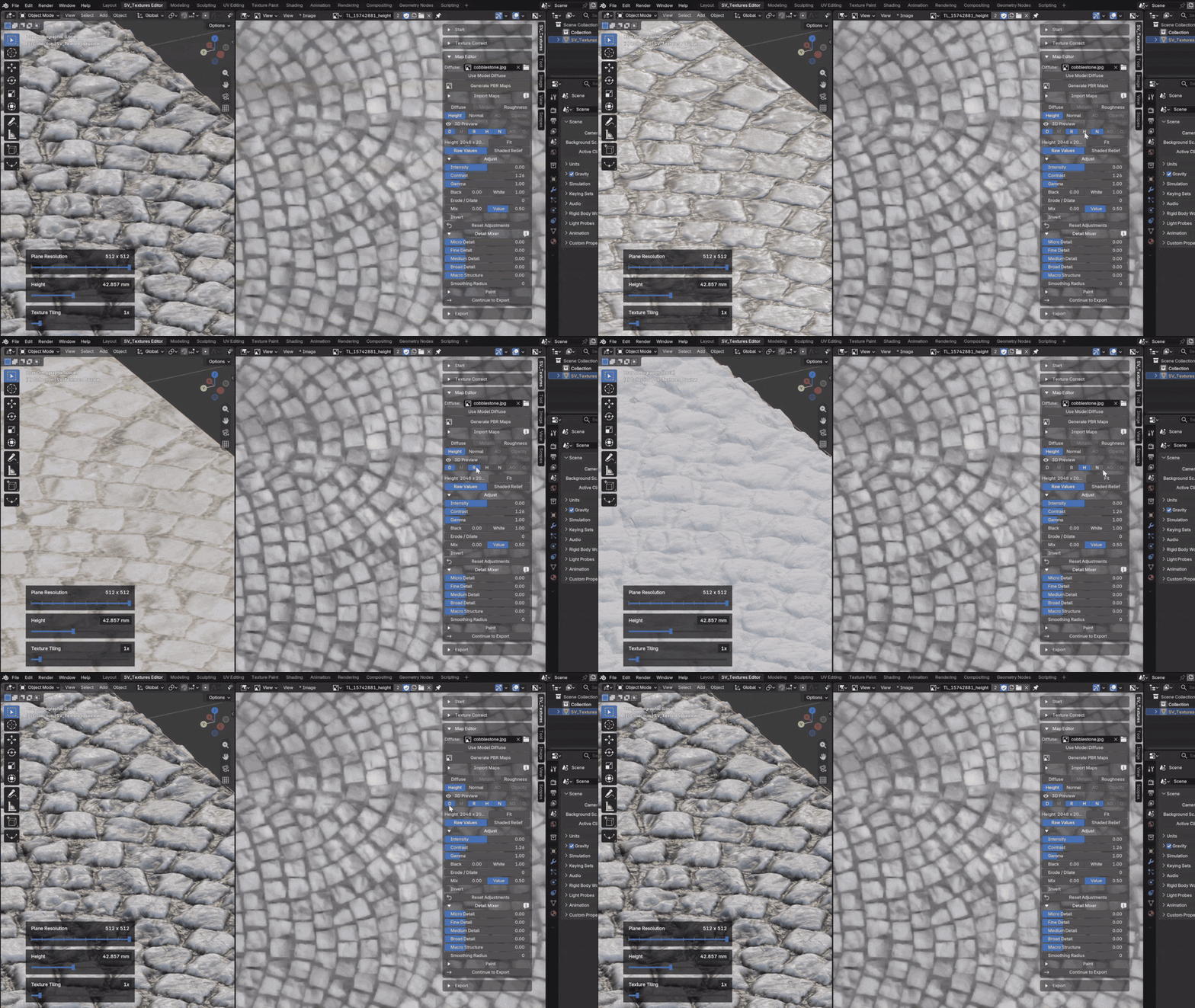
Preview Every PBR Channel Independently
Toggle Diffuse, Metallic, Roughness, Height, Normal, AO and Opacity on or off in the 3D preview. Inspect a channel on its own or combine channels to understand their contribution. These switches do not change your exported image files.
11 / THE WORKFLOW
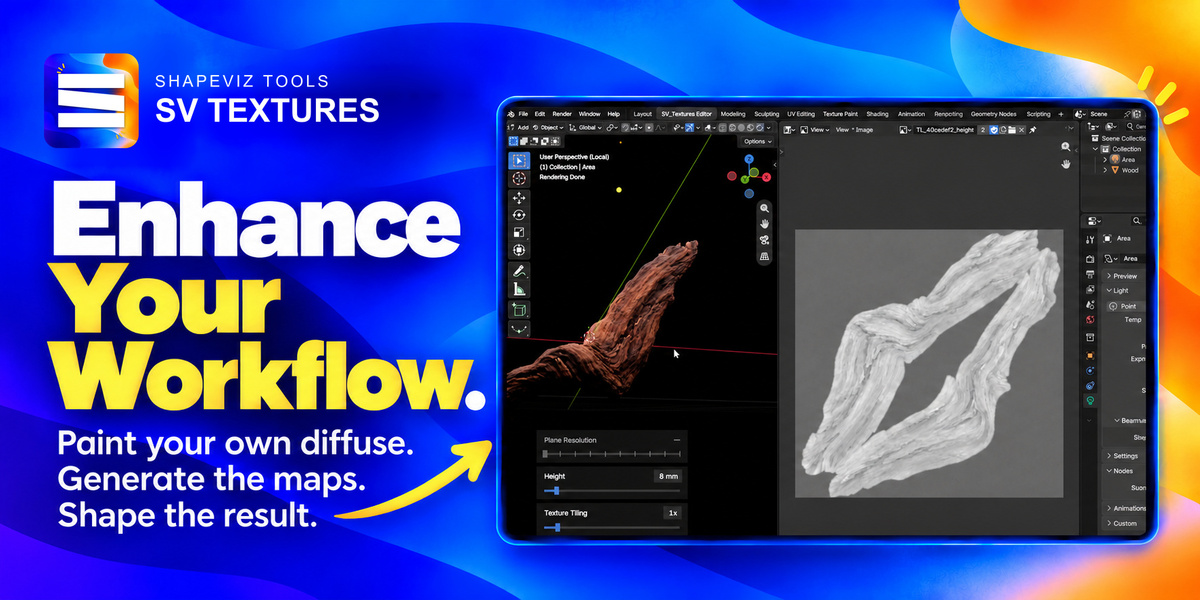
Enhance Your Workflow.
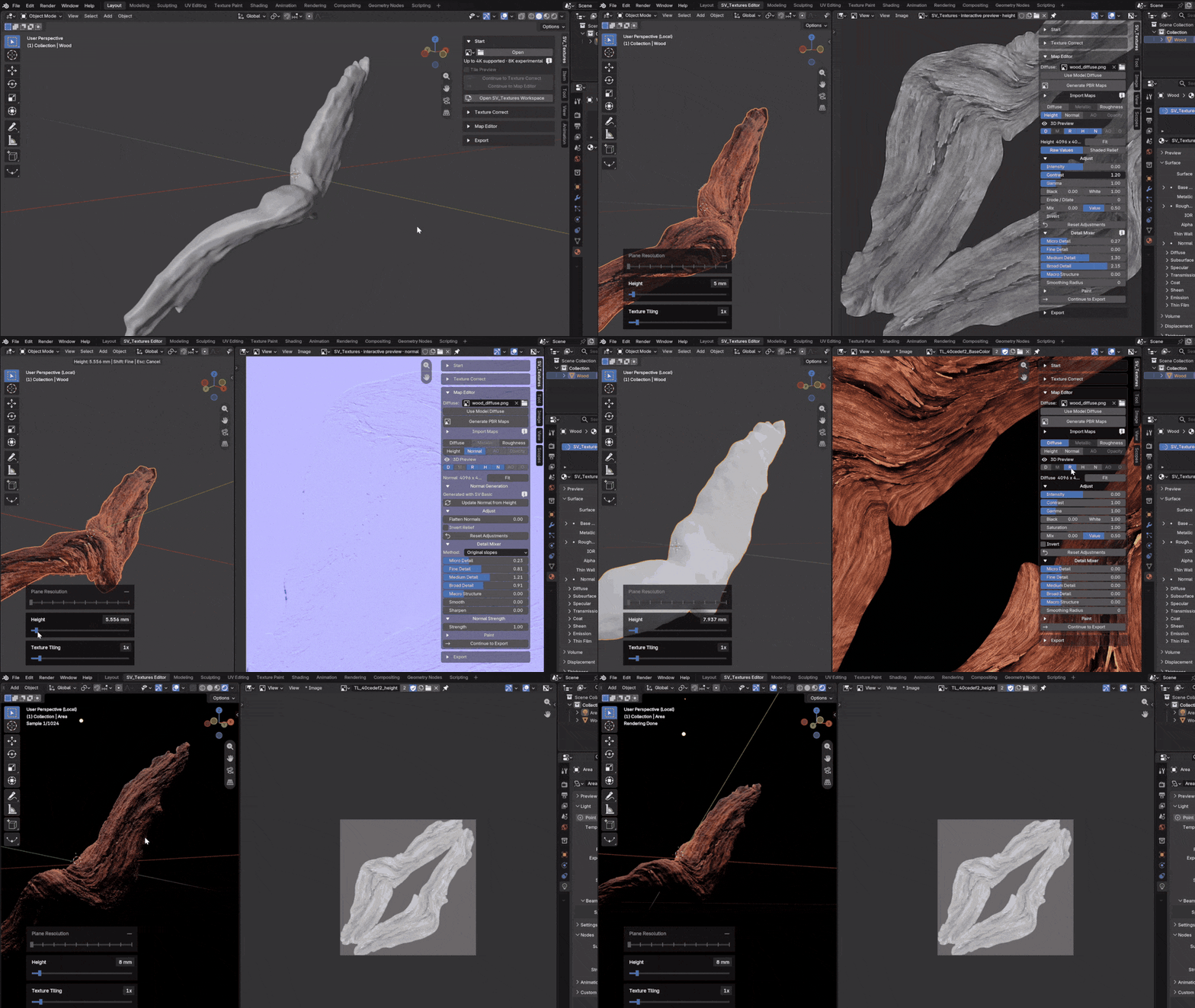
Paint your own diffuse texture in Blender, then bring it into SV Textures to generate Roughness, Height and Normal maps. Build on the look you created, fine-tune the results on your model and export the maps for your material — all within Blender.
Local Processing, GPU-Accelerated Performance.
Your textures are processed on your machine. GPU-accelerated processing powers key parts of the workflow, including SV Basic and interactive previews. SV Legacy also uses local filters, with CPU fallback for supported operations.
The Windows package includes the models and runtime needed for SV Basic. No separate Python installation, additional service account or texture upload is required for normal use.
Performance depends on your hardware, map resolution and selected operations.
What you get in v1.00
- One Blender workspace for preparation, generation, editing and export.
- Light Balance, Make Seamless and repeating texture previews.
- SV Basic and SV Legacy generation workflows.
- Diffuse, Metallic, Roughness, Height, Normal, AO and Opacity channels.
- Map import, channel adjustments, Detail Mixer and Paint.
- Independent 3D channel toggles, tiling and displacement controls.
- Per-channel export settings and map embedding in .blend files.
ON THE ROADMAP
More possibilities ahead.
The next steps for Shapeviz Tools. These are planned directions, not features included in v1.00; scope and release timing may change.
Photo to Material
A guided workflow for turning surface photographs into material starting points, including perspective correction to straighten surfaces photographed at an angle.
Texture Upscaling
Tools to increase texture resolution and make lower-resolution source images more useful in your material workflow.
Smart Material Presets
Useful starting settings to help you reach a material style with fewer repeated adjustments.
Automatic Material Previews & Blender Asset Library
A smoother path from finished material to an organised, reusable Blender library.
Better Painting
Further improvements to the painting workflow, with more control and a smoother experience when making local texture edits.
Performance Improvements
Continued work on responsiveness and memory use, including larger texture workflows.
A few things to know before you begin.
Which systems are supported?
This release is for Windows x64 and Blender 5.2, tested in Blender 5.2.2 LTS. It is not a macOS, Linux or Windows ARM package. SV Basic needs a compatible DirectML hardware GPU and working graphics drivers. RAM and VRAM requirements vary with your workload.
Can I work at 4K?
Yes. SV Basic and SV Legacy support working textures up to 4K. Set Max Resolution before creating the set; the default is 2K. 8K inputs and maps are experimental, with no guaranteed performance or memory use.
Do I need a model or a complete PBR set?
No. Generate, adjust and export using the supplied preview plane. You can also import just one map. Painting requires a mesh with UVs; the preview plane is already prepared.
What can I expect from a single image?
PBR generation estimates surface properties; it does not measure physical depth or recover missing detail. Light Balance reduces broad lighting differences but cannot reliably remove harsh shadows or clipped highlights. Review the result for your intended material.
What about transparency and other inputs?
SV Basic and Make Seamless are intended for opaque surface textures. Use SV Legacy or imported maps for transparent textures and atlases. v1.00 works with individual static images; UDIM, video textures and automatic baking of procedural materials are not supported.
How do I install it?
Keep the download zipped. In Blender, choose Edit → Preferences → Add-ons → Install from Disk, select the ZIP and enable SV_Textures. In the 3D Viewport, press N, open the SV_Textures tab and choose Open SV_Textures Workspace.
SHAPEVIZ TOOLS · SV TEXTURES v1.00
Less setup. More control.
Bring your textures into Blender. Give them the detail, balance and finish your scene deserves.
Created by Tomas Krajcovic · Shapeviz Tools
