Swift Pie Menu V.2.0.3 (Beta)
 3D CADence



Installation
Download the .zip file.
In Blender, go to Edit → Preferences → Add-ons → Install.
Select the downloaded .zip file and click Install Add-on.
Enable the addon by checking the checkbox next to "Swift Pie Menu".
The default hotkey to open the pie menu is Q in the 3D Viewport.
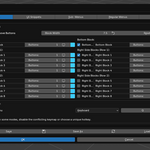
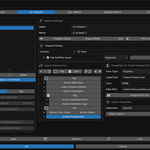
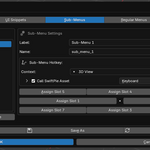
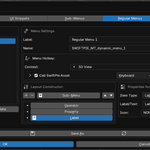
Getting Started Right-click any button or property in Blender's UI and select SwiftPie: Assign to... to add it to your menu.
Support For help and guides, open Blender Preferences → Add-ons → Swift Pie Menu → the Documentation tab contains detailed instructions for all features.
-
$1
Individual License
-
$100
Commercial license for studios and companies. Unlimited seats.
Have questions about this product?
Login to message
Discover more products like this
Panel custom menu customization productivity pie menu popup shortcuts custom ui interface Hotkeys Workflow ui