 LaoMa 3D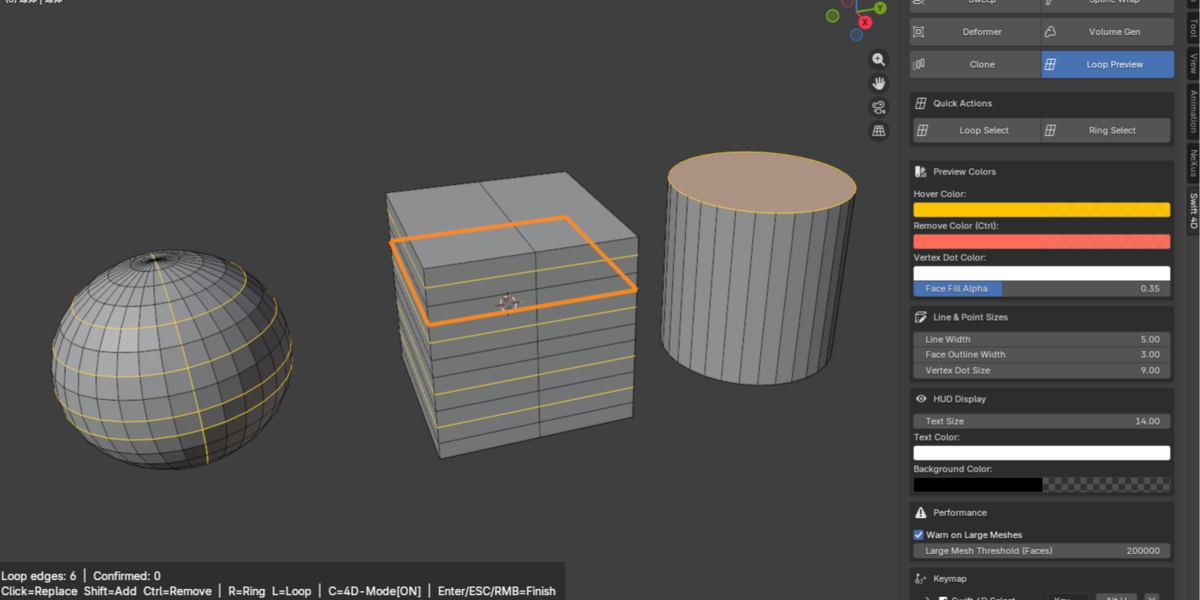



⚠️ IMPORTANT NOTE:
The price will increase with every new feature added. Existing buyers enjoy free lifetime upgrades.
Swift 4D is a node-free modeling and MoGraph workflow toolkit for Blender.
It helps artists build forms faster with direct viewport tools for volume modeling, visual loop selection, non-destructive extrusion, beveling, sweep modeling, spline-based workflows, and deformers.
Designed for artists who prefer a fast, visual workflow over digging through modifier stacks or building a Geometry Nodes setup for every small task.
────────────────────────────────────
🧊 VOLUME BUILDER — DIRECT, VISUAL, AND NODE-FREE
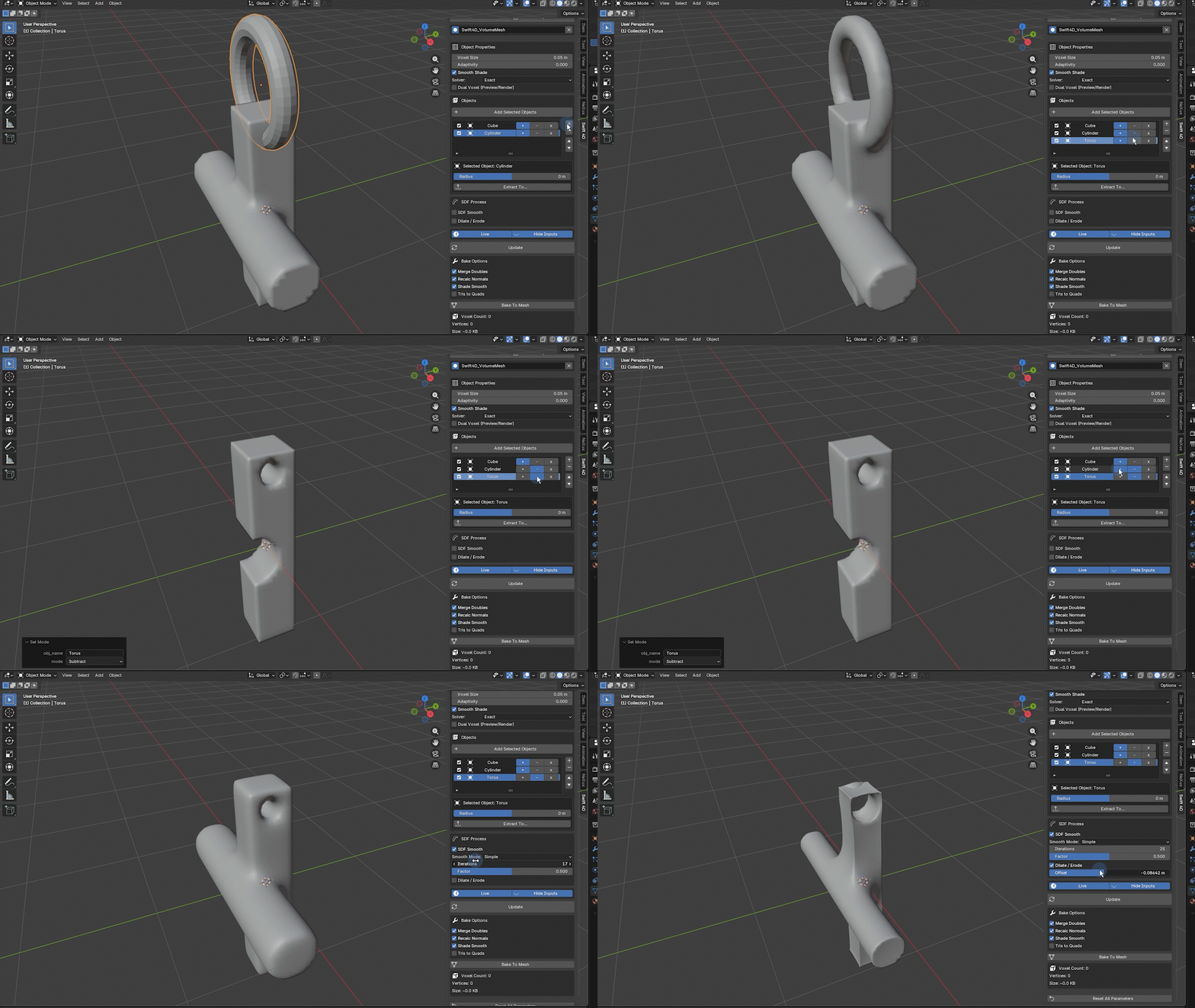
Create complex blended forms from ordinary mesh objects.
Instead of building a complicated multi-object setup manually, Swift 4D gives you a clear object list where you can:
• Add, subtract, or intersect objects
• Enable or disable inputs without deleting them
• Reorder inputs when needed
• Smooth the final volume for softer blends
• Use Dilate / Erode to expand or shrink the generated form
• Turn off Live Update when editing heavy scenes, then update the result when ready
• Bake the final volume into a regular mesh
Perfect for concept modeling, stylized hard-surface forms, organic transitions, quick kitbashing, and motion design shapes.
────────────────────────────────────
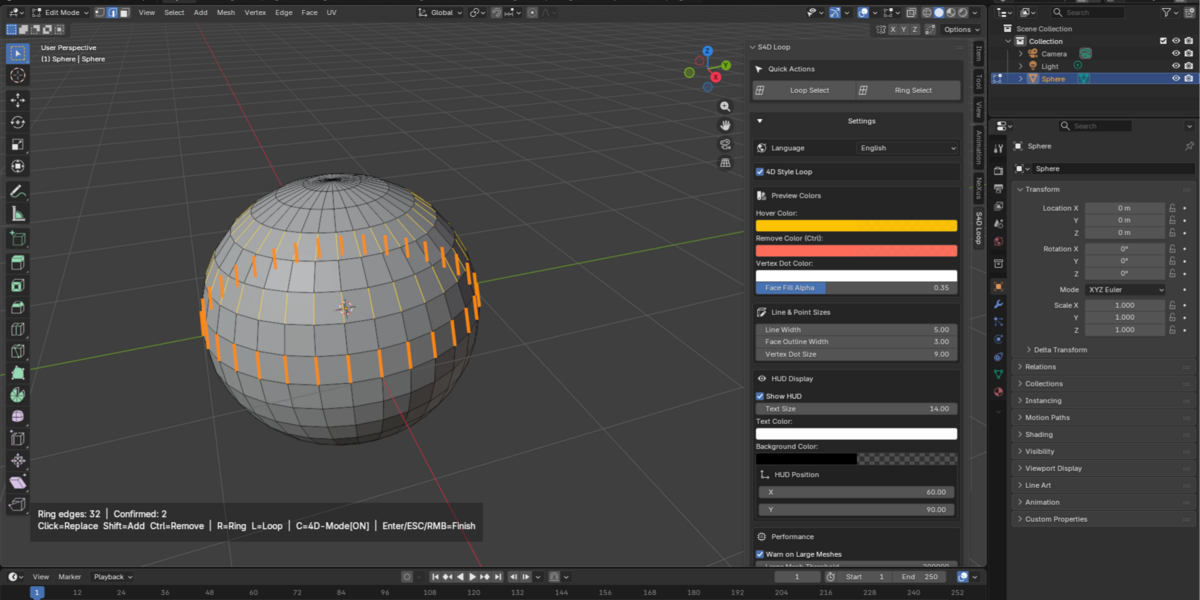
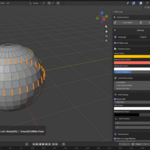
🔁 LOOP PREVIEW — SEE THE LOOP BEFORE YOU SELECT IT
Stop guessing with blind Alt-clicking.
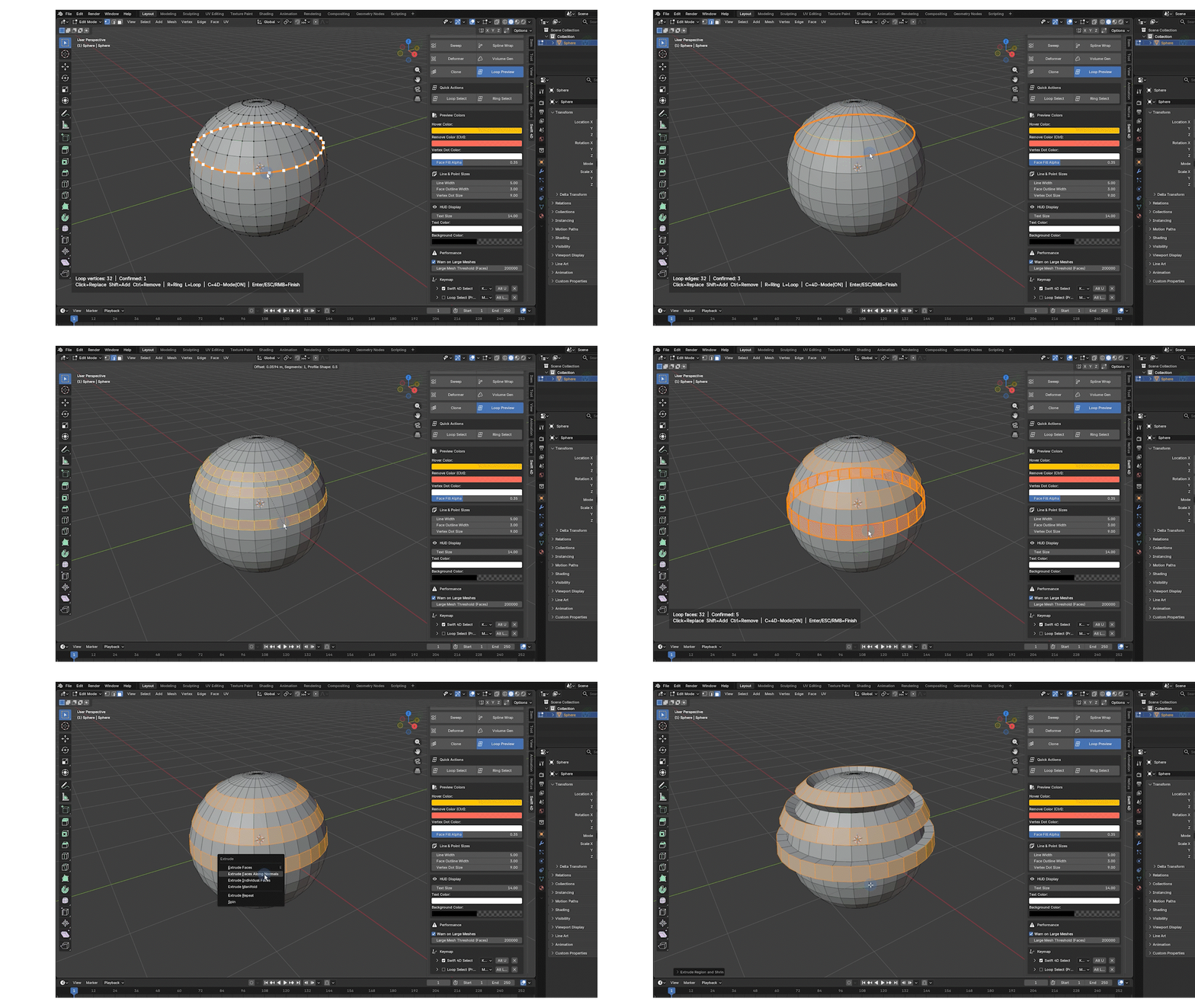
Swift 4D previews loop and ring selections directly in the viewport before you confirm them. Hover over the topology, see the expected selection, then click to commit.
• Visual loop and ring preview
• Faster topology selection
• Adjustable HUD display
• Customizable shortcuts
• Designed for a more direct modeling flow
· Loop Select is now directly integrated with Blender's native modeling tools.
────────────────────────────────────
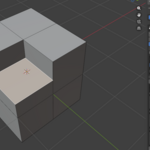
⬆️ SMART EXTRUDE — NON-DESTRUCTIVE FACE MODELING
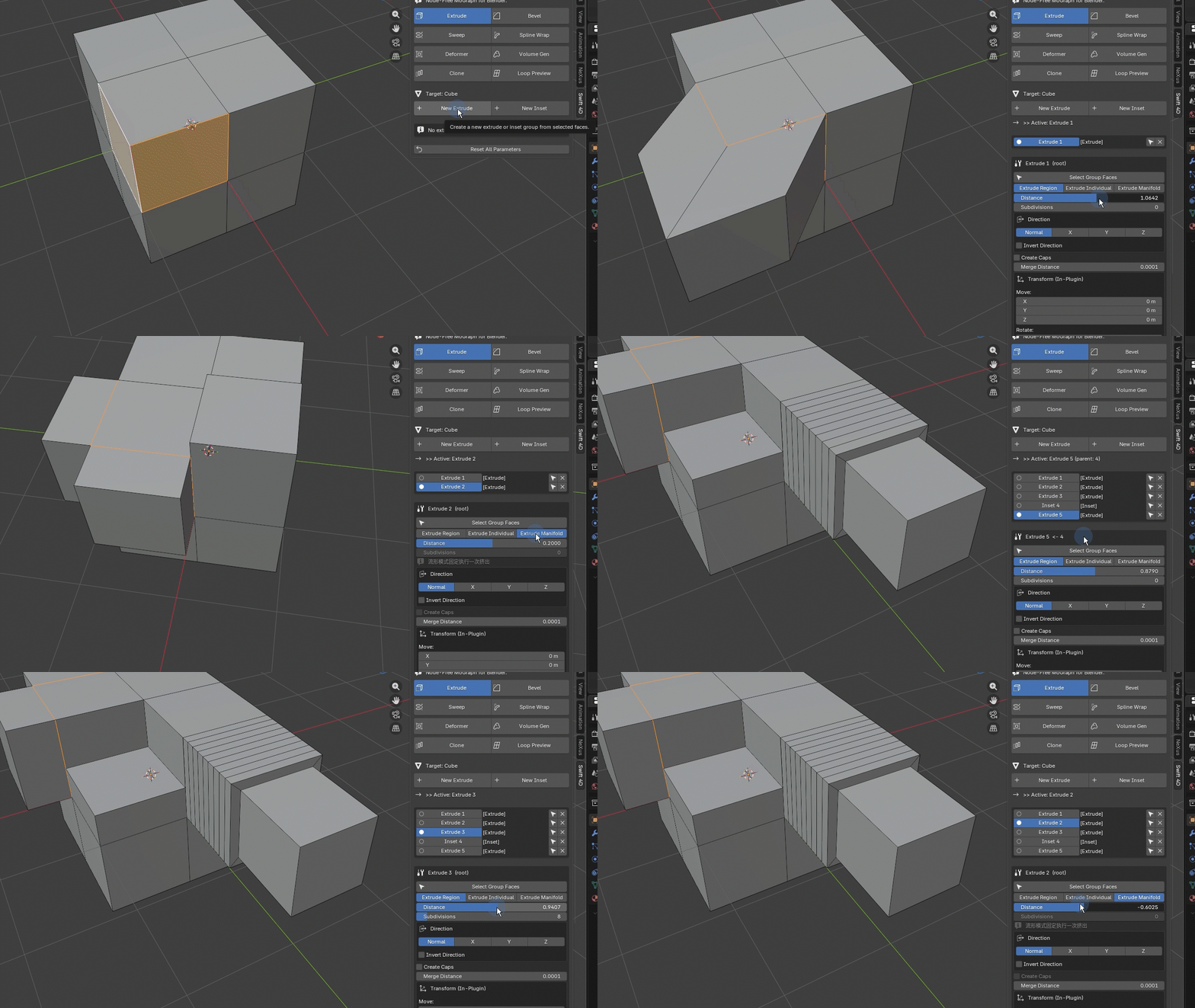
Build and revise extrusions without committing too early.
• Stack-based, non-destructive extrusion workflow
• Edit distance and thickness later
• Select and manage face groups directly
• Individual Faces mode for separated face extrusions
• Manifold mode for cleaner and more predictable results
• Built for fast iteration in hard-surface and motion-design modeling
────────────────────────────────────
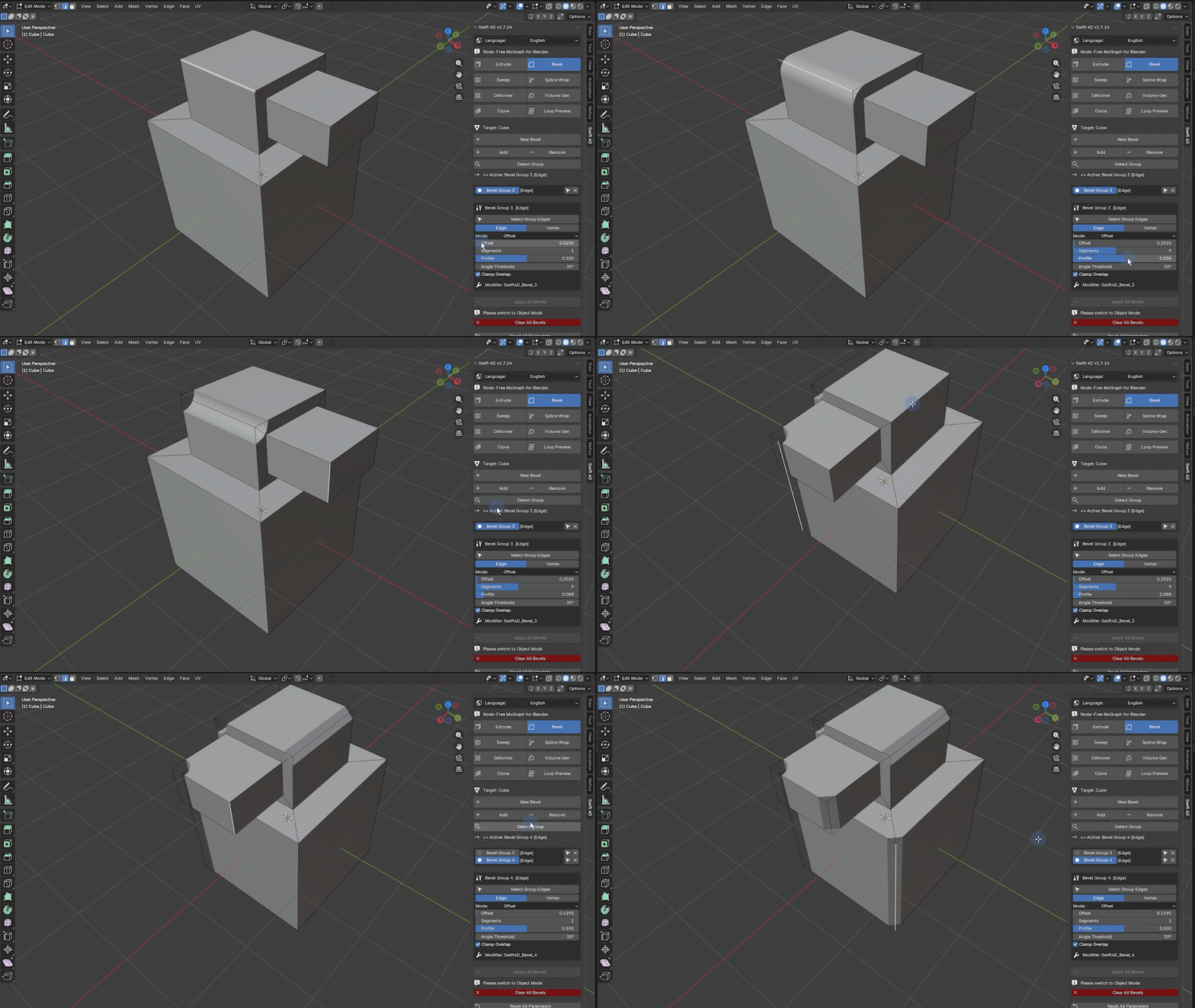
◻️ SMART BEVEL — CLEANER EDGES, LESS FIXING
Create adjustable bevels with a workflow built for iteration.
• Add and manage bevels by face or vertex groups
• Keep bevel settings editable
• Quickly refine shapes without rebuilding geometry
• Designed to reduce repetitive modifier management
────────────────────────────────────
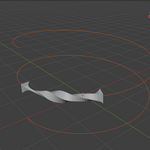
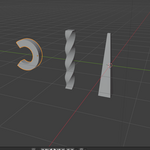
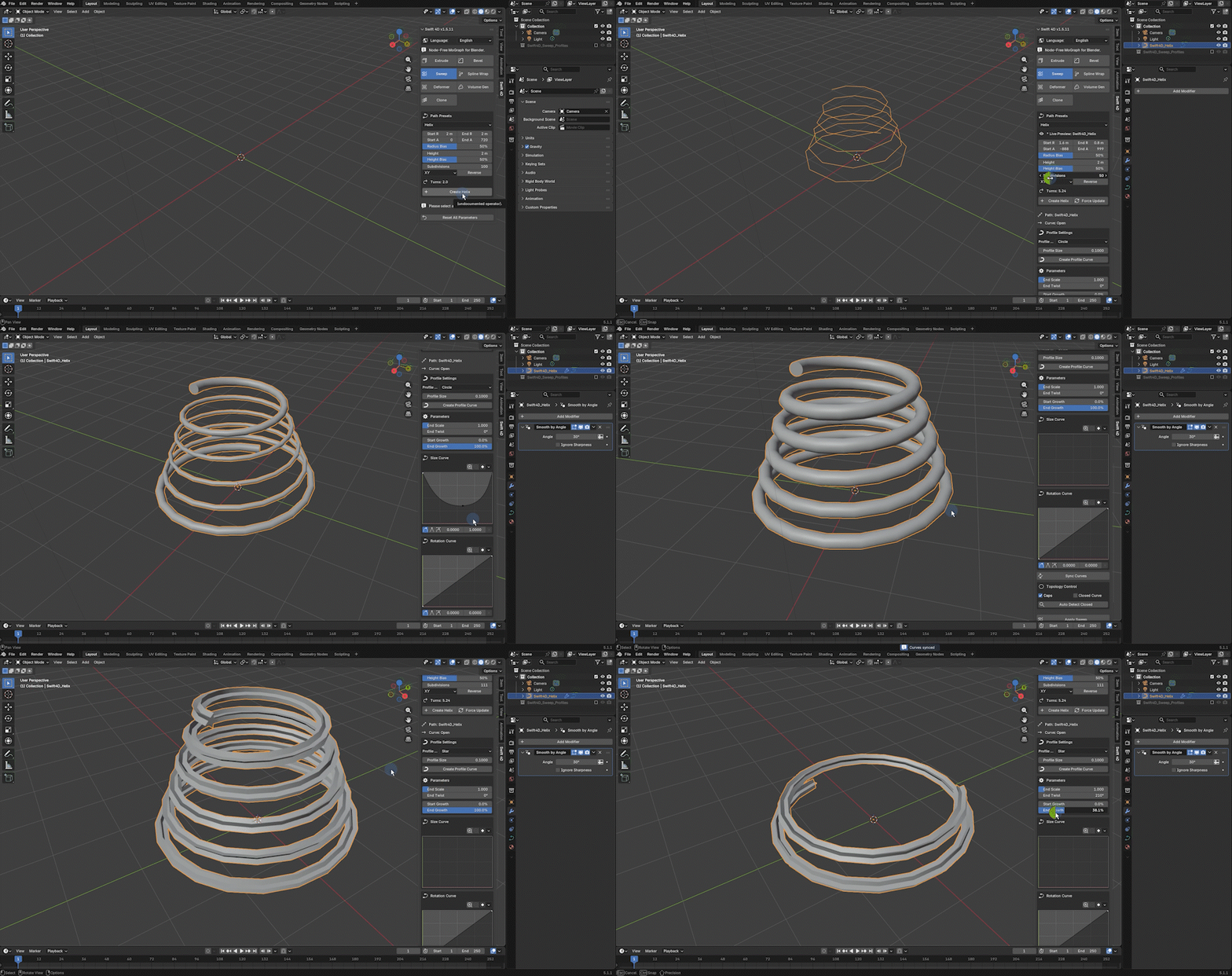
🌀 SWEEP — PROFILES, SCALE, TWIST, AND ROUNDED CAPS
Turn curves into controllable 3D forms.
• Use built-in Circle, Triangle, Rectangle, and Star profiles
• Use your own custom curve profile
• Control profile size, end scale, and twist
• Animate growth along a path
• Choose None, Flat, or Rounded caps
• Control rounded cap Size, Segments, and Tension
• Bake the final sweep as a regular mesh when needed
────────────────────────────────────
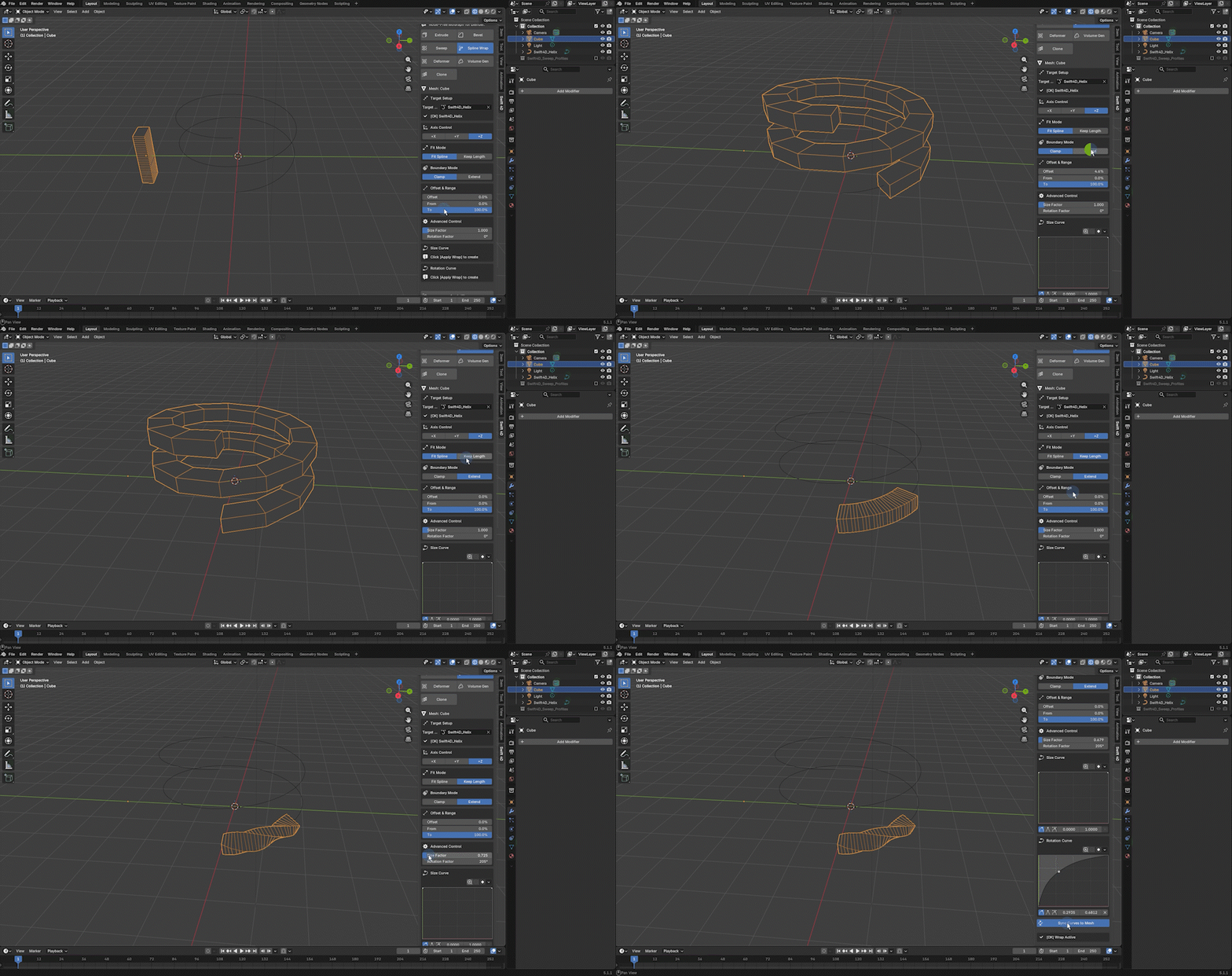
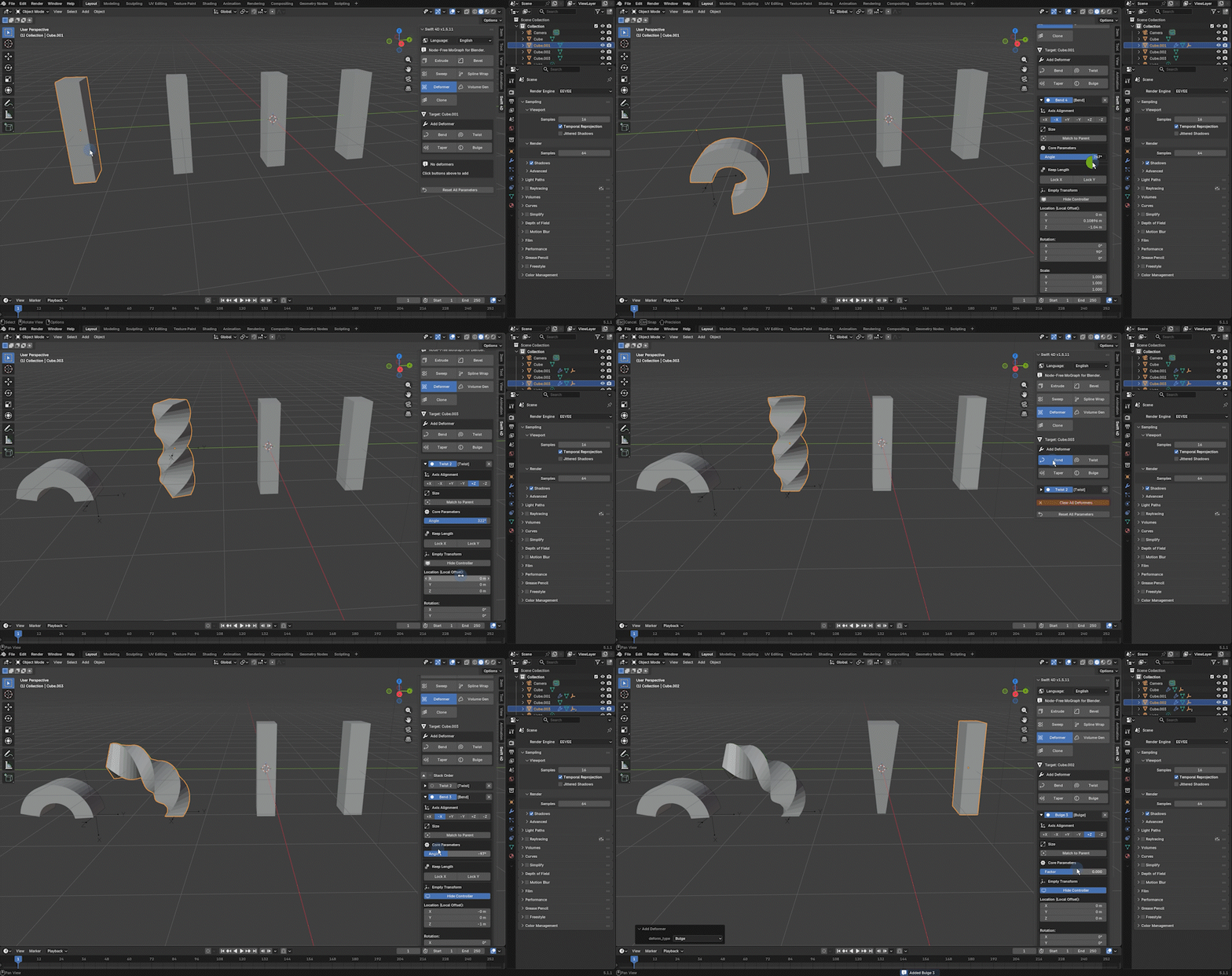
MORE TOOLS INCLUDED
• Spline Wrap / Deformer workflows
• Quick shape and form generation tools
• Editable, animation-ready parameters
• Direct viewport-focused controls
────────────────────────────────────
• Blender 5.0 and above
• English and Chinese UI
────────────────────────────────────
WHO IS SWIFT 4D FOR?
Swift 4D is for Blender artists who want a faster, more visual workflow for modeling, motion design, concept work, kitbashing, and procedural-looking forms — without having to open Geometry Nodes for every small task.
It is especially useful for artists who enjoy the directness of 4D-style workflows but want to work inside Blender.
────────────────────────────────────
UPDATES & SUPPORT
Swift 4D is actively developed.
Your purchase includes ongoing updates for the current major version. If you have feedback, bug reports, or workflow requests, please use the support channel listed on this page.
Thank you for supporting independent Blender tool development.