 ZEG
Installation
In Blender open Edit, Preferences, Get Extensions, then use Install from Disk and pick the swimming_pool_generator zip.
Usage
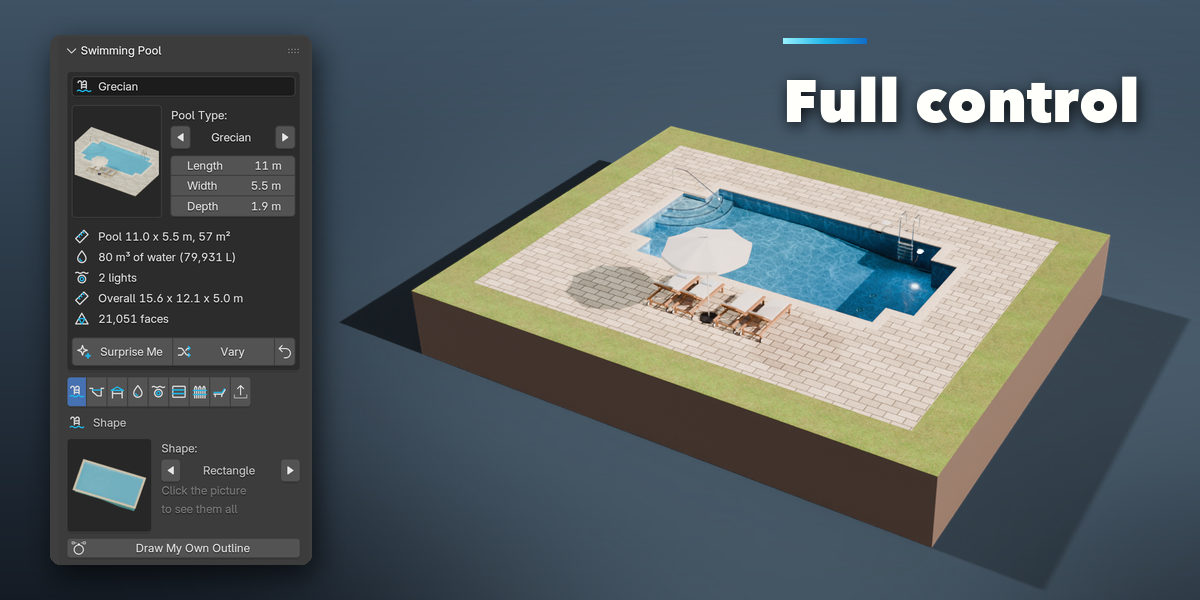
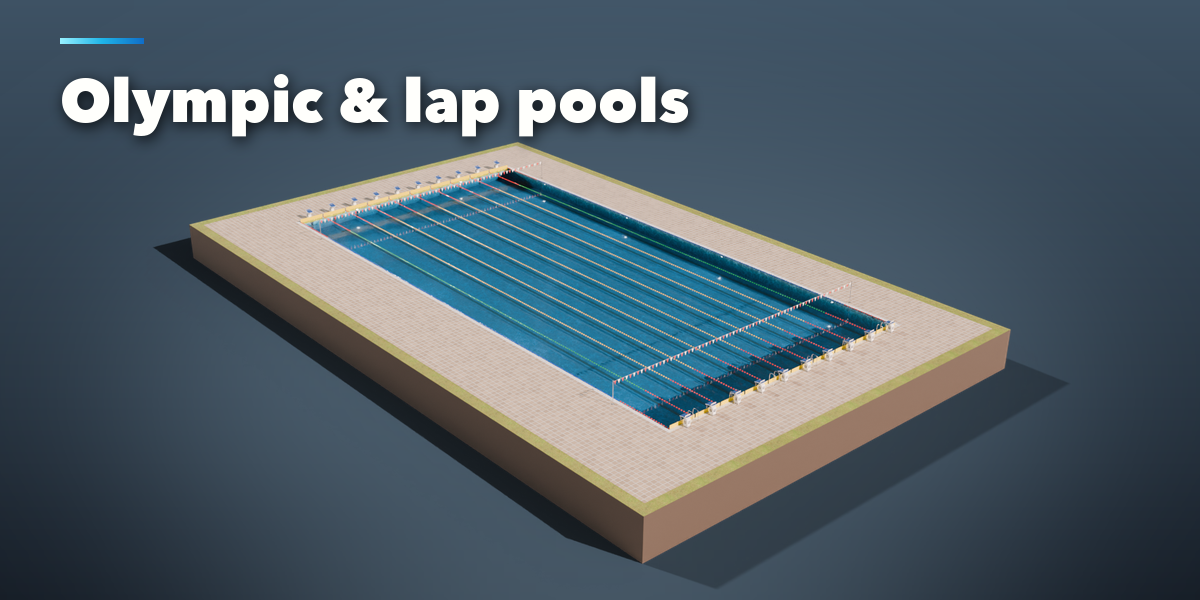
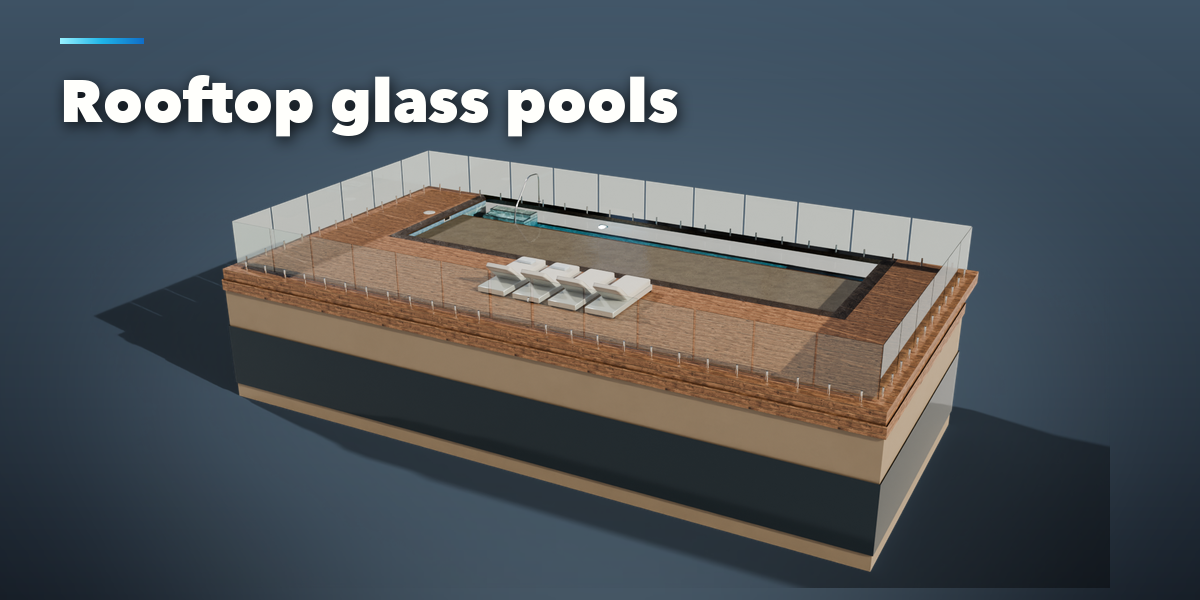
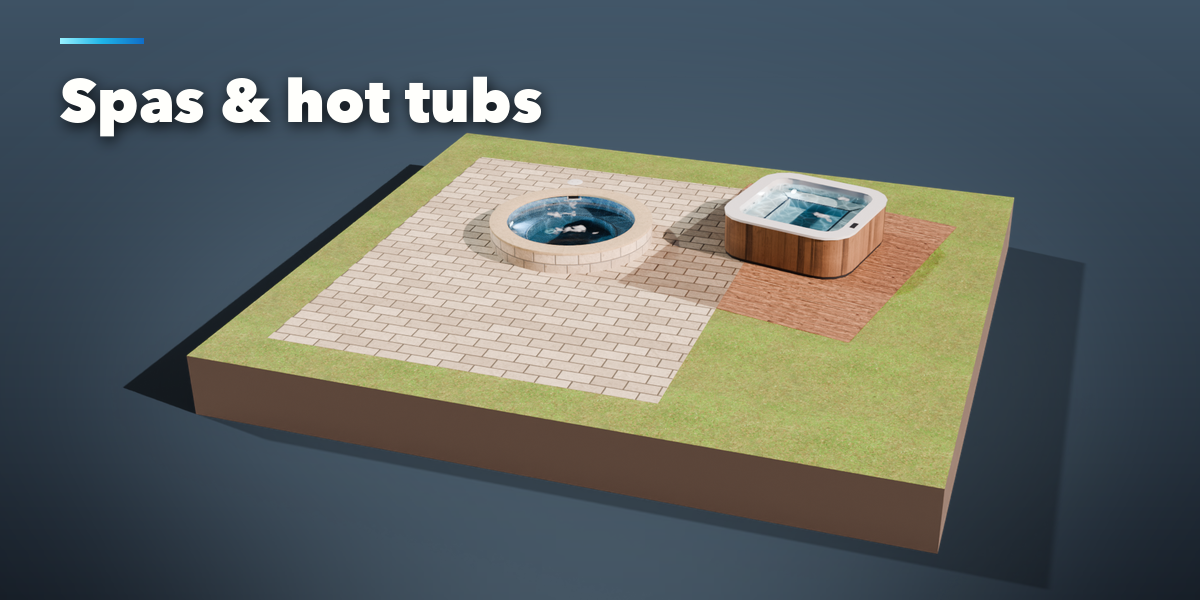
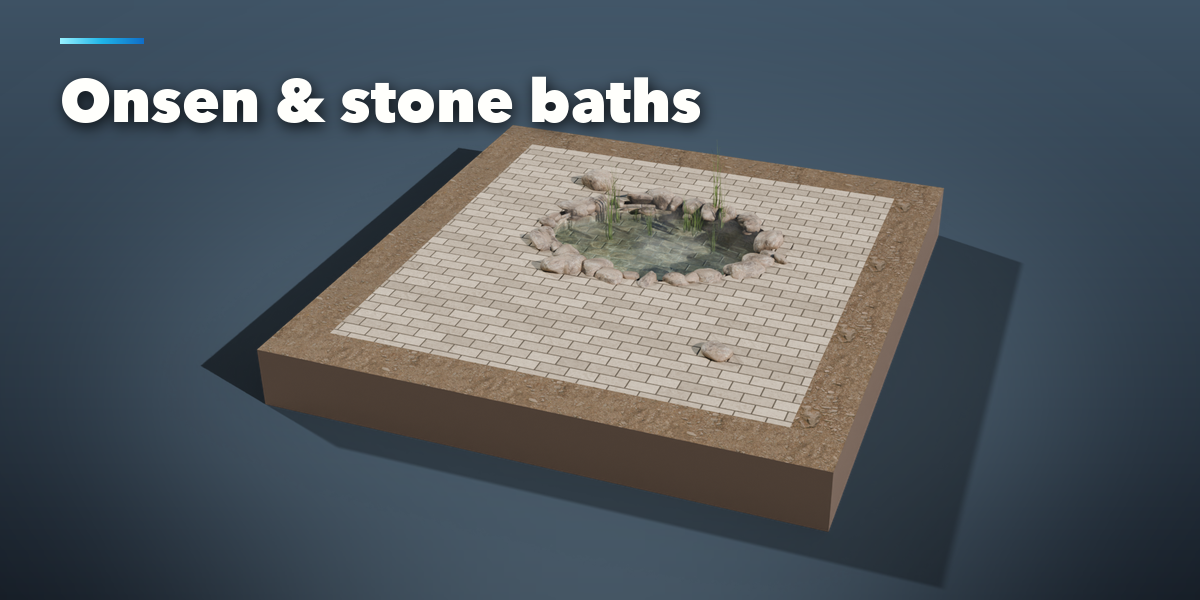
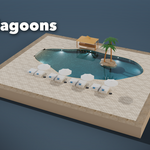
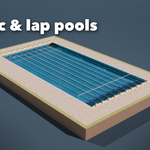
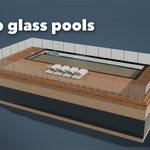
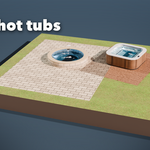
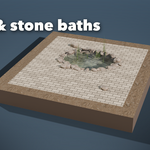
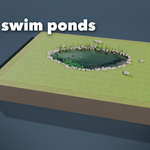
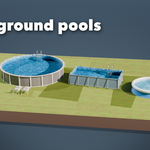
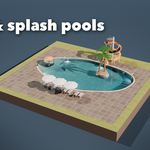
- Open the Pool tab in the 3D viewport sidebar (N). With nothing selected, click the big picture to pick one of the 38 pool types, or browse them by group, then press Add. With a closed curve selected you can also press Pool from Active Curve. Shift+A, Mesh, Swimming Pools has the same pool types.
- The card at the top shows the pool type, its length, width and depth, and what was built: water surface and volume, lights and faces. Surprise Me makes a new random pool, Vary changes the current one a little and the arrow resets the pool type.
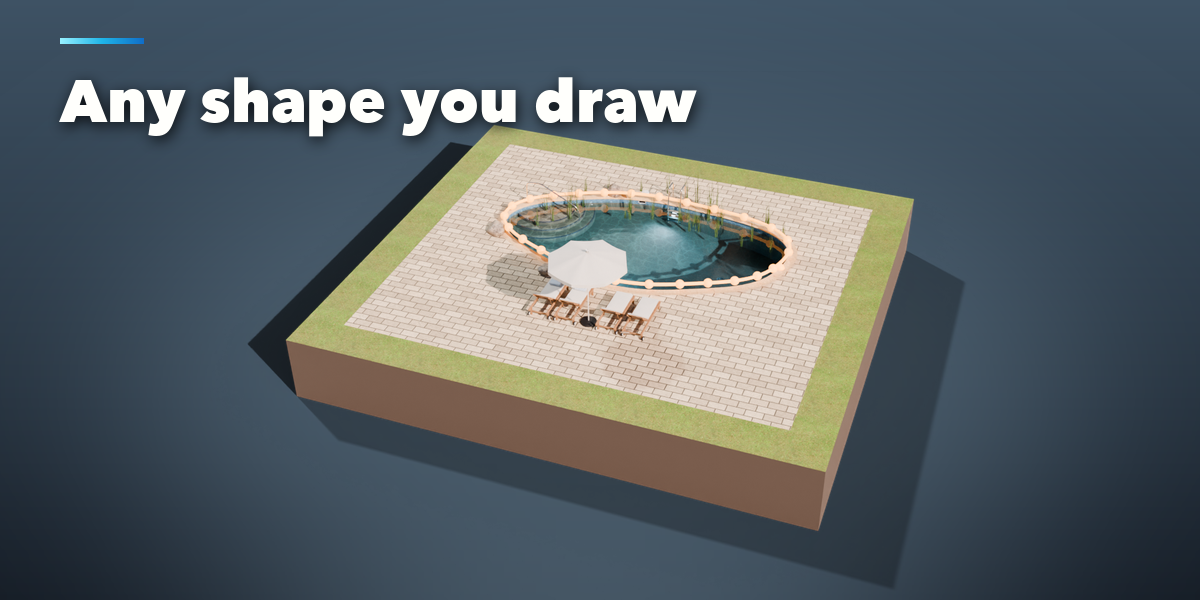
- Draw My Own Outline (Shape tab) turns the outline into a curve and opens it for editing: move, add or delete points and the pool follows live.
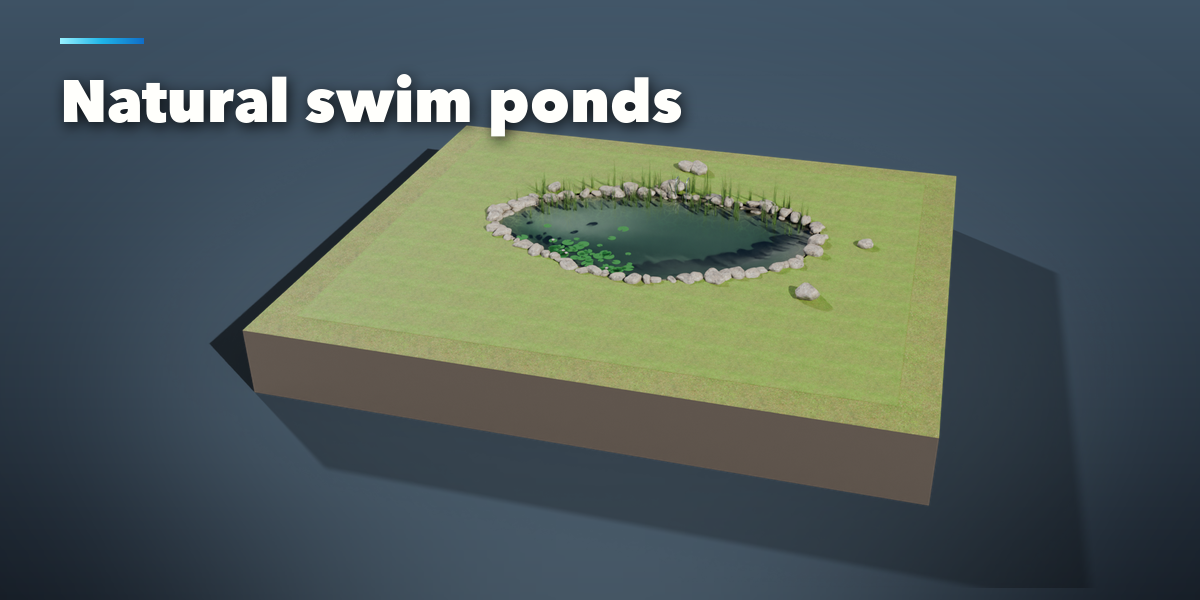
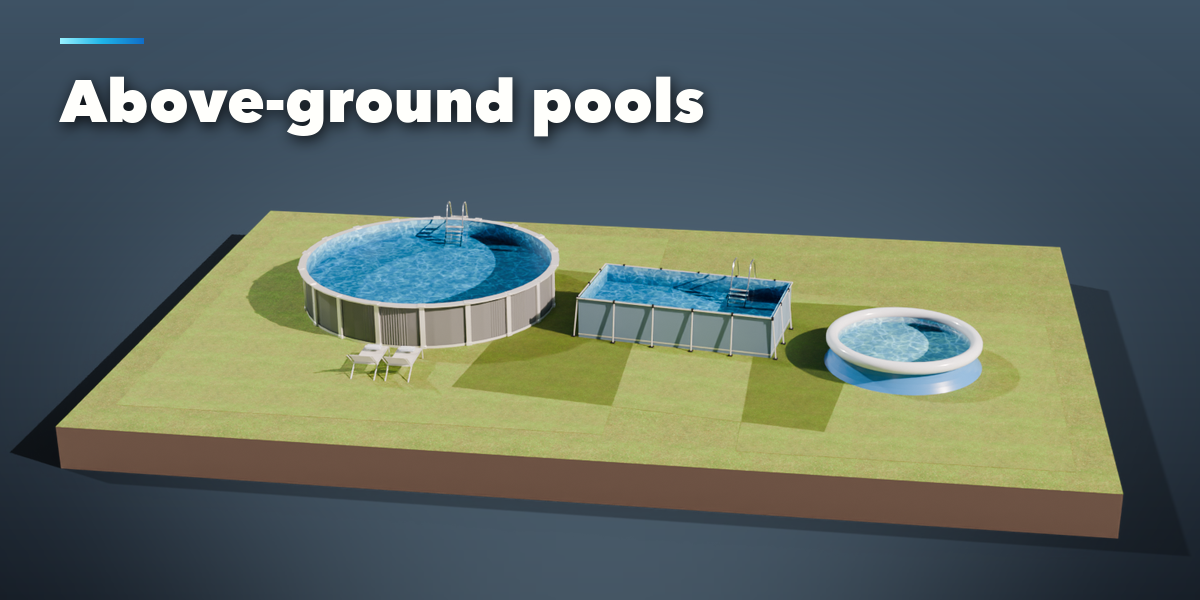
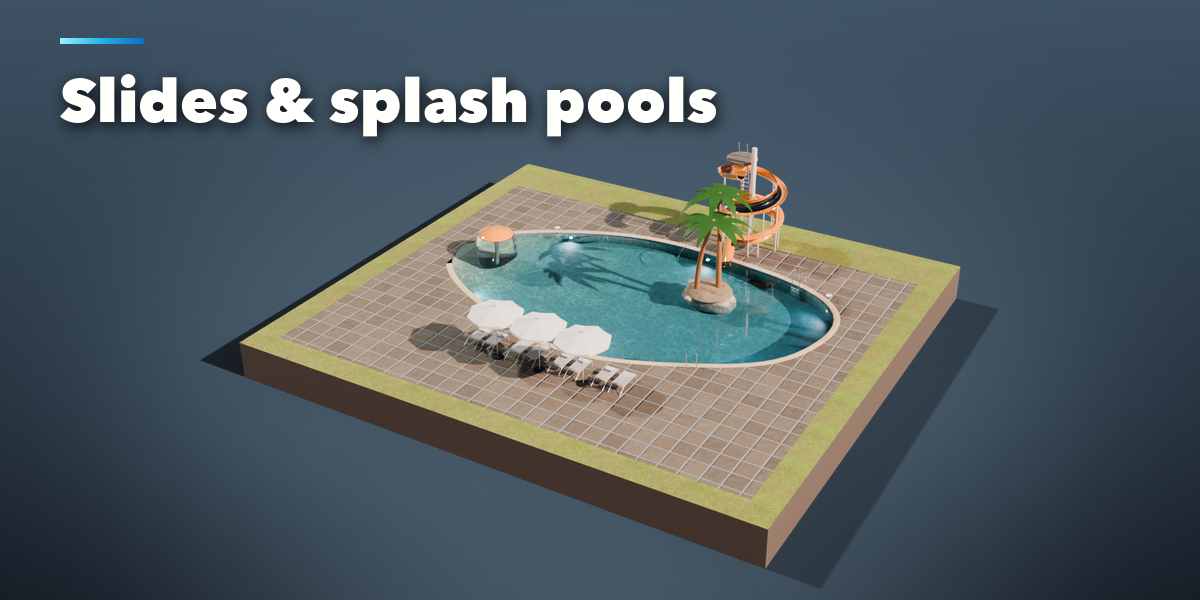
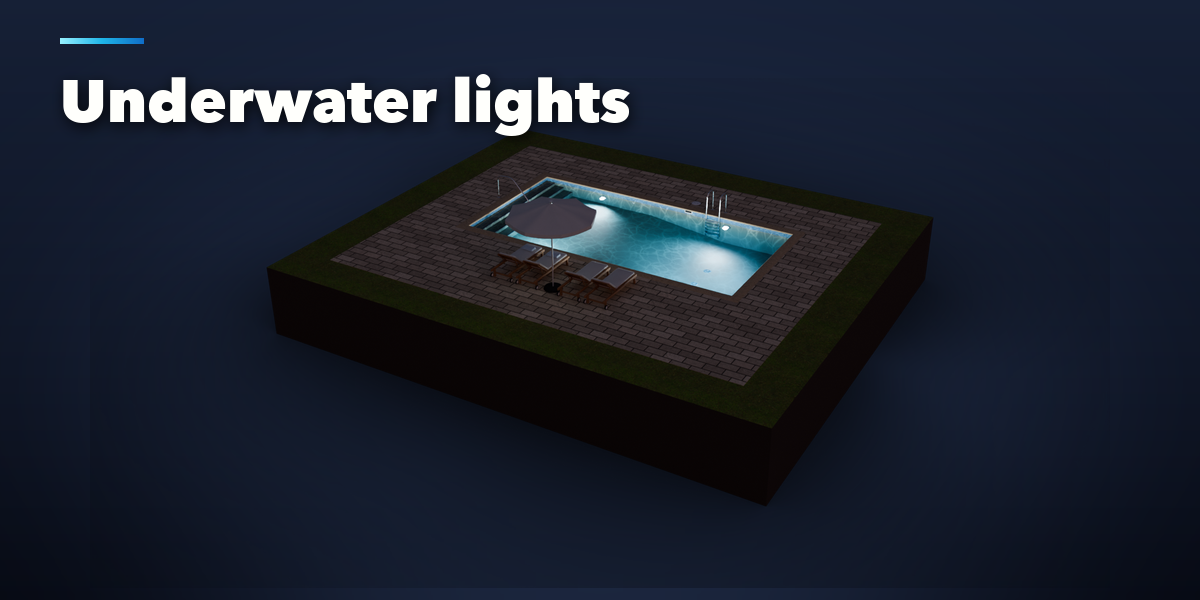
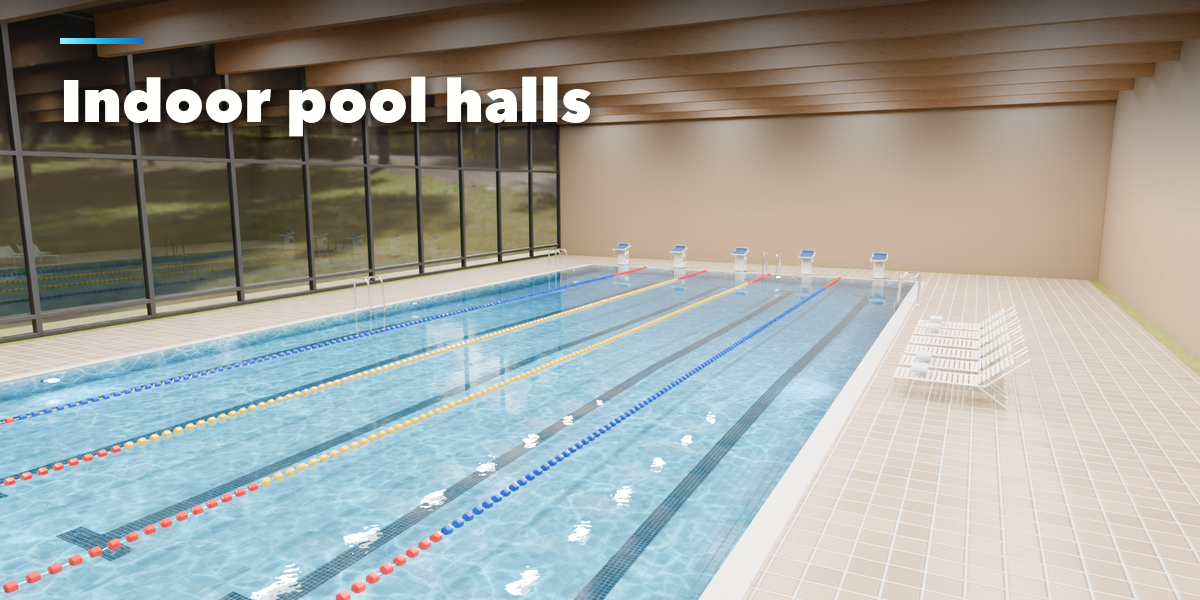
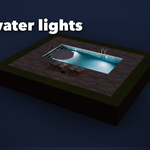
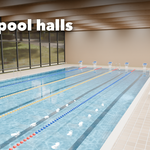
- The icon tabs hold every setting: Shape (outline, size, in-ground, raised, above-ground or rooftop), Depth & Steps, Edge & Finish (coping, infinity edge, interior), Water, Equipment (lights, skimmers, jets, covers), Sport & Play (lanes, blocks, boards, slides, islands), Surround (deck, fence, hall), Furniture & Nature and Parts & Export (part visibility, detail, Convert to Mesh, Make LODs).
- Everything is built in real meters. Each part (shell, coping, water, deck, fixtures, furniture and so on) is its own named object in the pool's collection. The water's top faces are in the Water Surface vertex group, used by the wave animation.
Rendering
Water looks its best in Cycles. In EEVEE turn on Raytracing in the render settings for refraction, or switch on Game Mode in the Water tab for a simple see-through surface that also works in game engines.
Have questions about this product?
Login to message
| Blender Extension Compatible | Yes |
| Published | about 14 hours ago |
| Blender Version | 4.2 - 5.2 |
| Extension Type | Add-on |
| Render Engine Used | Cycles, Eevee |
| License | GPL |

Discover more products like this
hot tub spa resort swimming pool architecture Generator game ready backyard procedural Water pool landscape