 neoashanti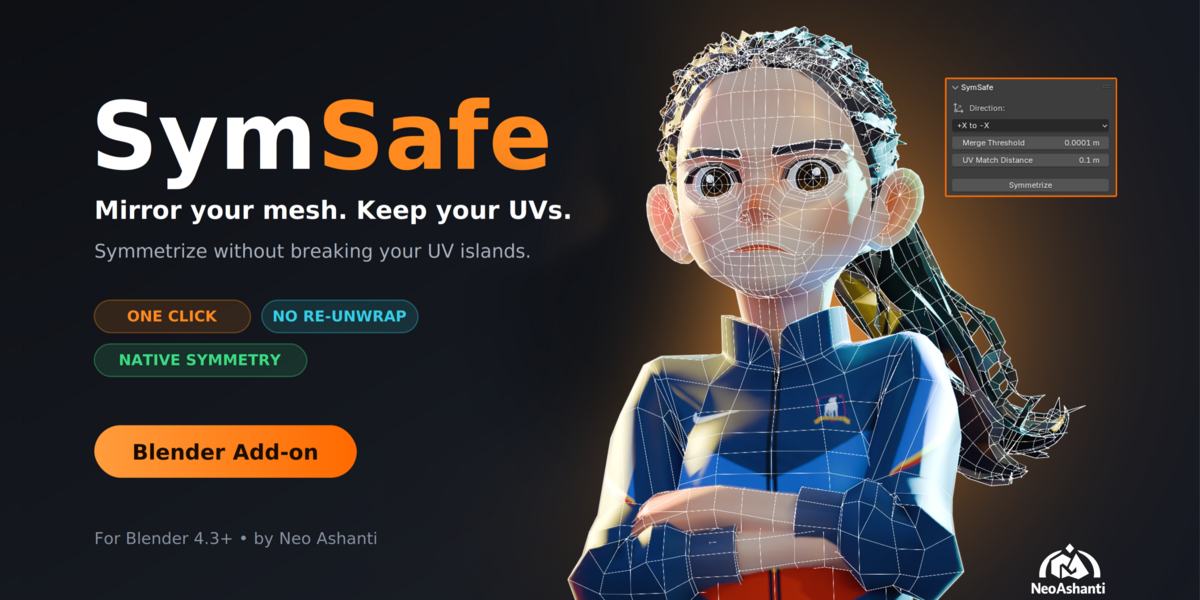
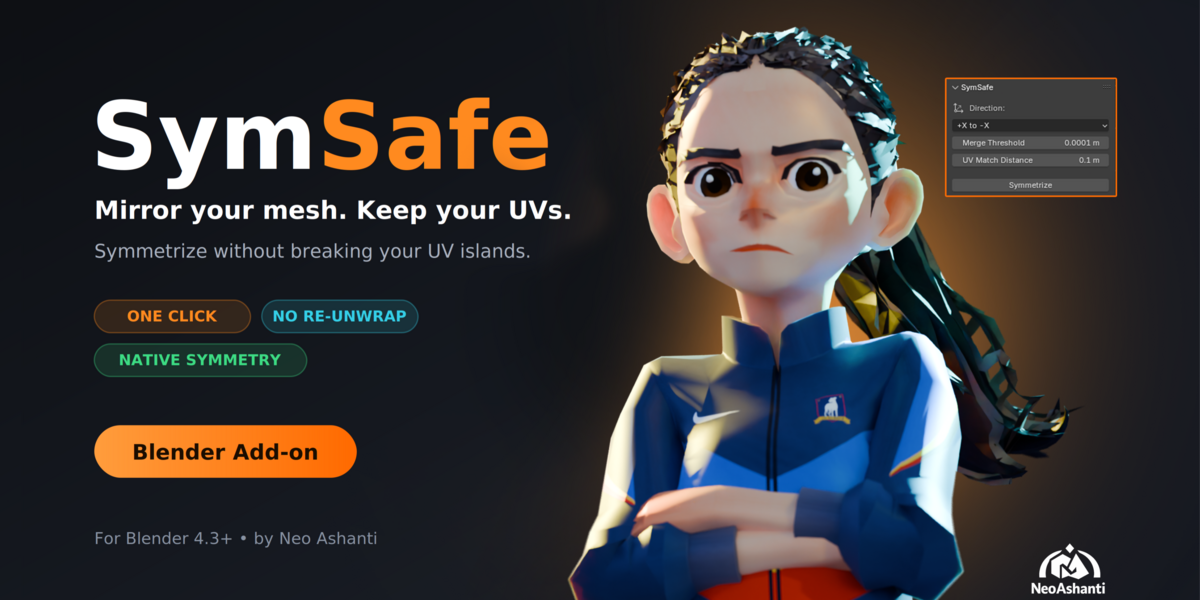
SymSafe
Symmetrize your mesh without breaking your UVs
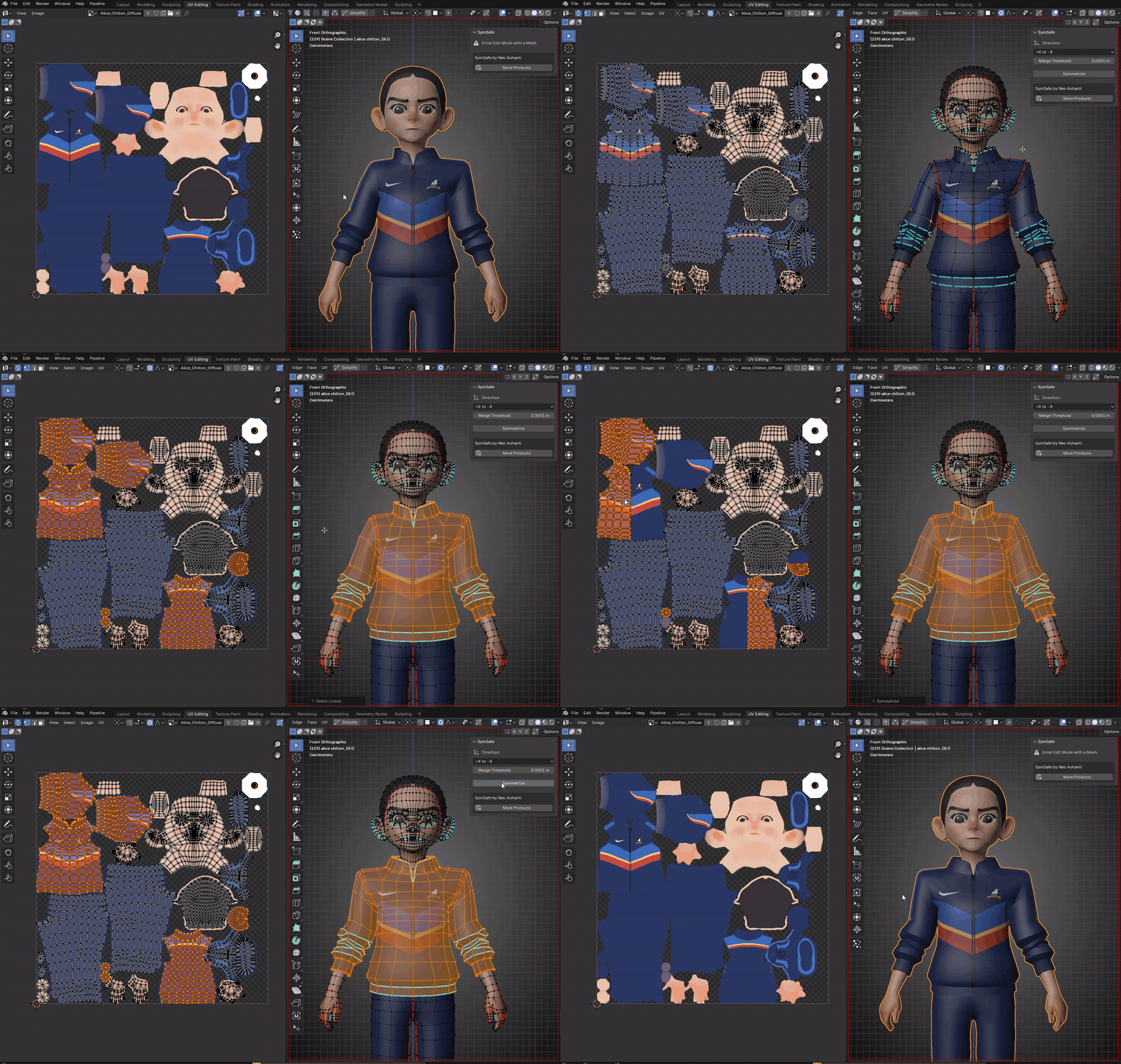
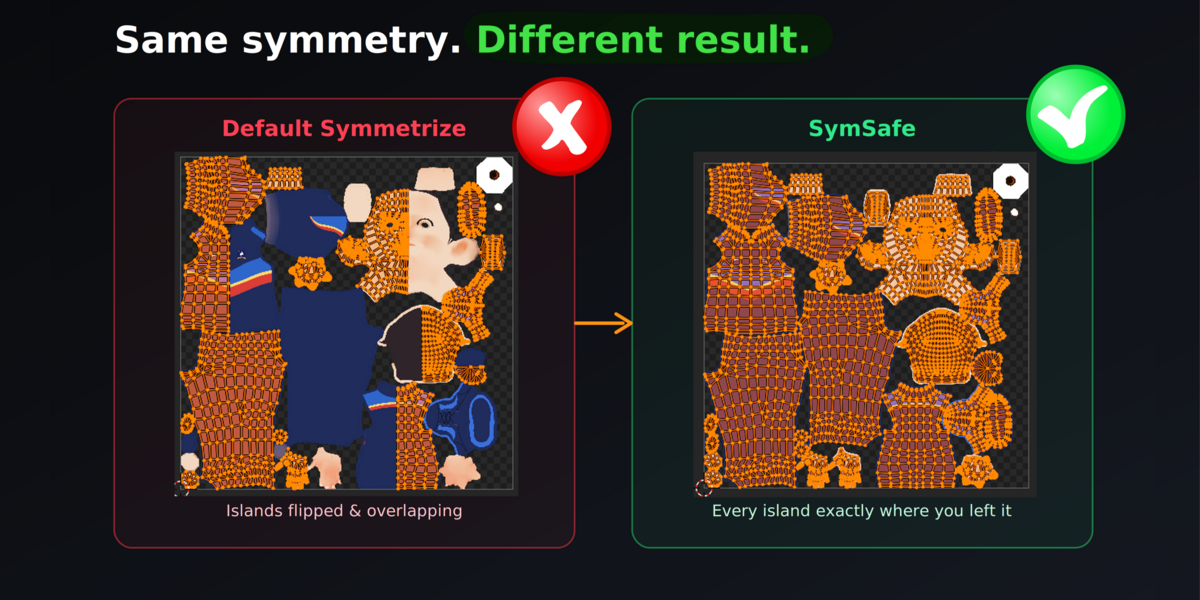
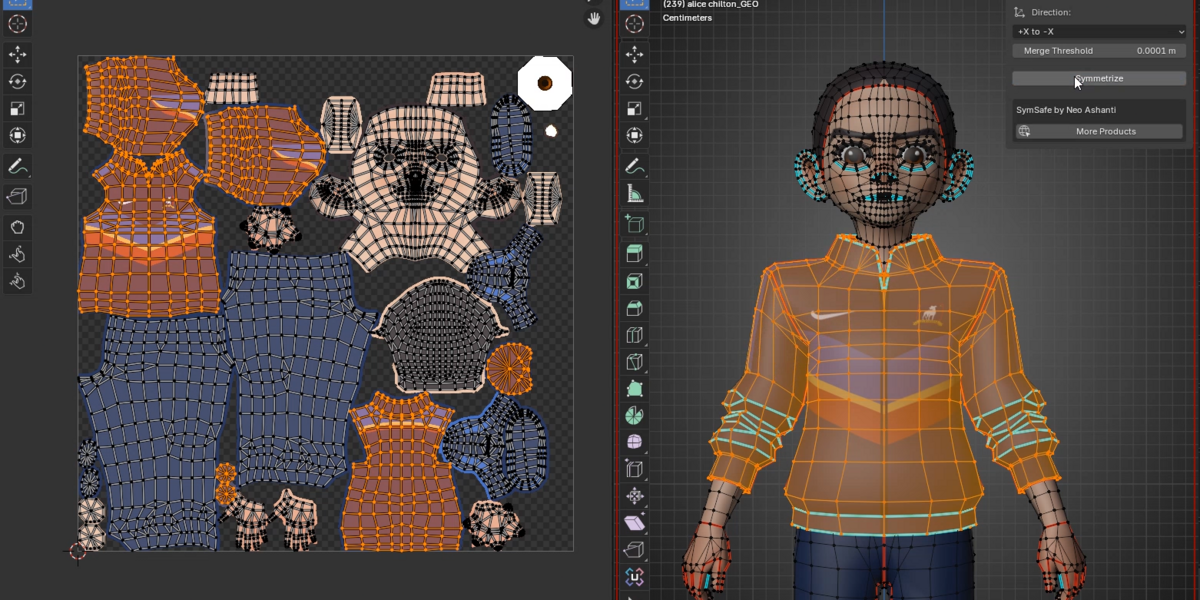
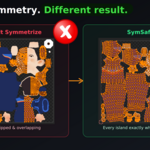
Blender’s built-in Symmetrize is great for geometry, but it rebuilds the target side and takes your carefully placed UV islands with it. SymSafe fixes that. It mirrors your mesh with Blender’s own Symmetrize, then puts the original UVs back on the target side, so your texture layout stays where you left it.
If you’ve ever symmetrized a textured character and had to re-unwrap, re-pack, or repaint, this is for you.
Features
- One-click symmetry. Mirror across the local X axis from the sidebar panel.
- Pick your direction. Copy -X to +X, or +X to -X.
- Keeps your UV islands. The original UVs on the target side are restored after symmetrizing.
- Native mirroring. Uses Blender’s own Symmetrize, so it works by topology instead of by fragile distance matching.
- Adjustable settings. Merge Threshold welds vertices on the mirror plane. UV Match Distance controls how far a new face can be from the original it takes UVs back from.
- Clear feedback. Warns you if some faces were too far away or only matched approximately.
- Undo-friendly. Works as a normal Blender operator, so Ctrl+Z reverts it.
How it works
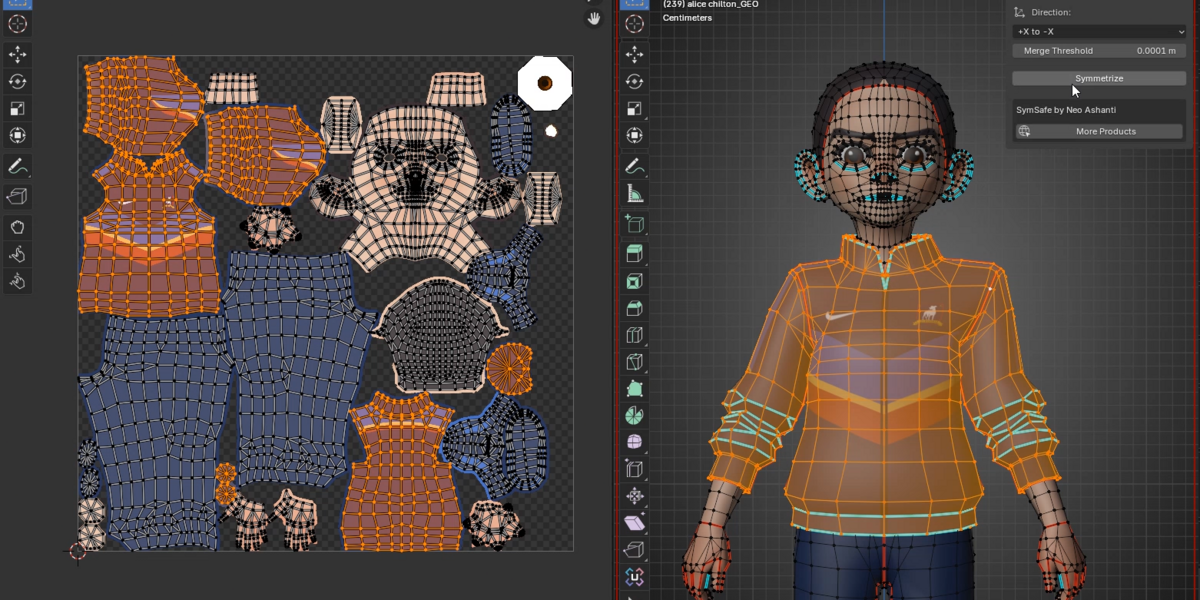
- Enter Edit Mode and select both halves of your mesh.
- Open the SymSafe tab in the N panel.
- Choose a direction.
- Click Symmetrize.
Who it’s for?
- Character artists working on textured models
- Game artists fixing asymmetric meshes without redoing UVs
- Anyone who has already painted textures and can’t afford a re-unwrap
Requirements
- Blender 4.3 or newer
- A mesh with an active UV map
- Install via Edit > Preferences > Add-ons > Install from Disk
Good to know
- Symmetry is across the object’s local X axis, so the mirror plane is at X = 0.
- Native Symmetrize replaces the target half with a mirror of the source. UV restoration works best when both sides had matching topology to begin with.
- If your two halves differ a lot, raise UV Match Distance and check the unmatched warning after running it.
FAQ
Does it change my UVs?
On the source side, never. On the target side, the original UVs are restored after Blender mirrors the geometry.
Does it work with multiple UV maps?
Yes, in a very efficient way.
Does it work in Object Mode?
No, it needs Edit Mode with a mesh selected.
Can I use it on commercial projects?
Definitely!
Support
Questions or bugs? Please include your Blender version and, if possible, a small.blend that reproduces the problem and screenshots.
By Neo Ashanti