SymUV - Texture Symmetry & UV Retarget
 Studio VYS
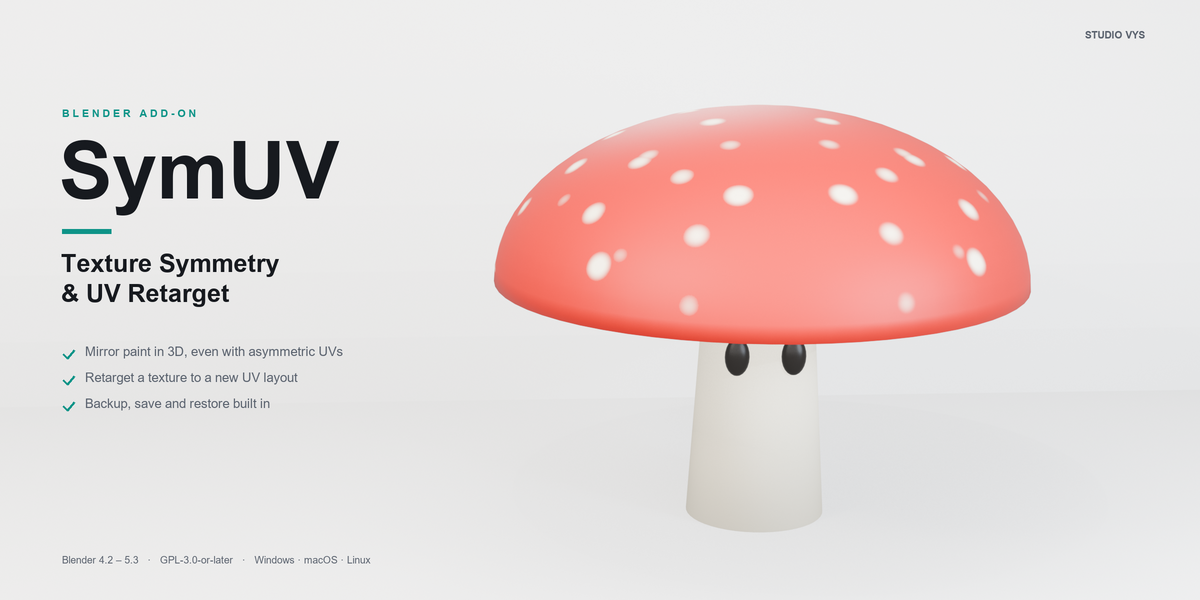
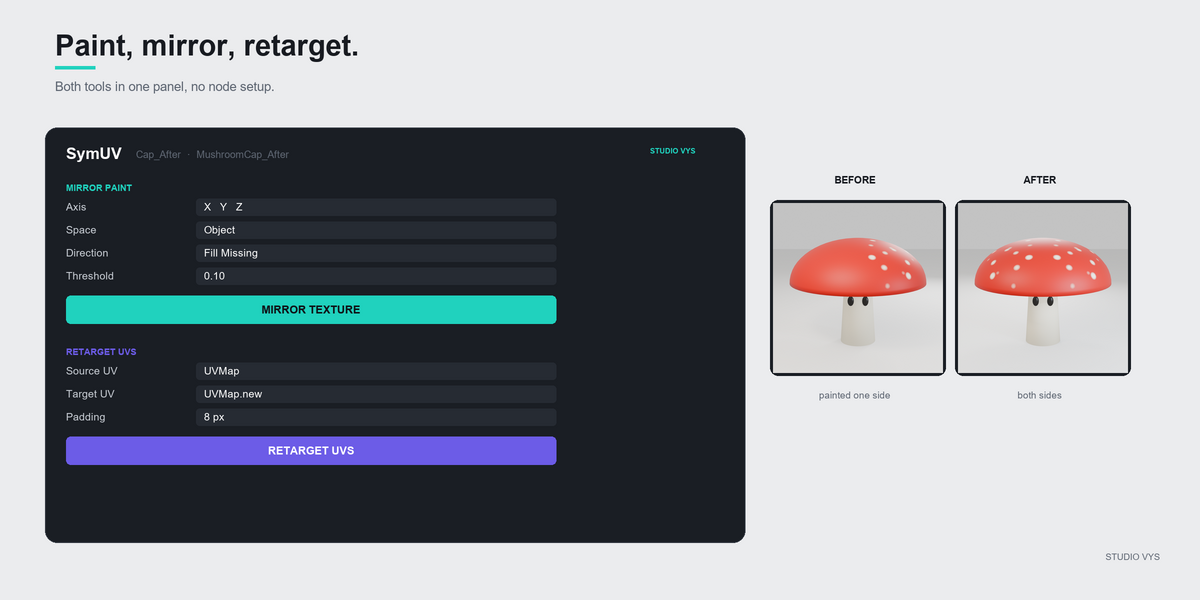
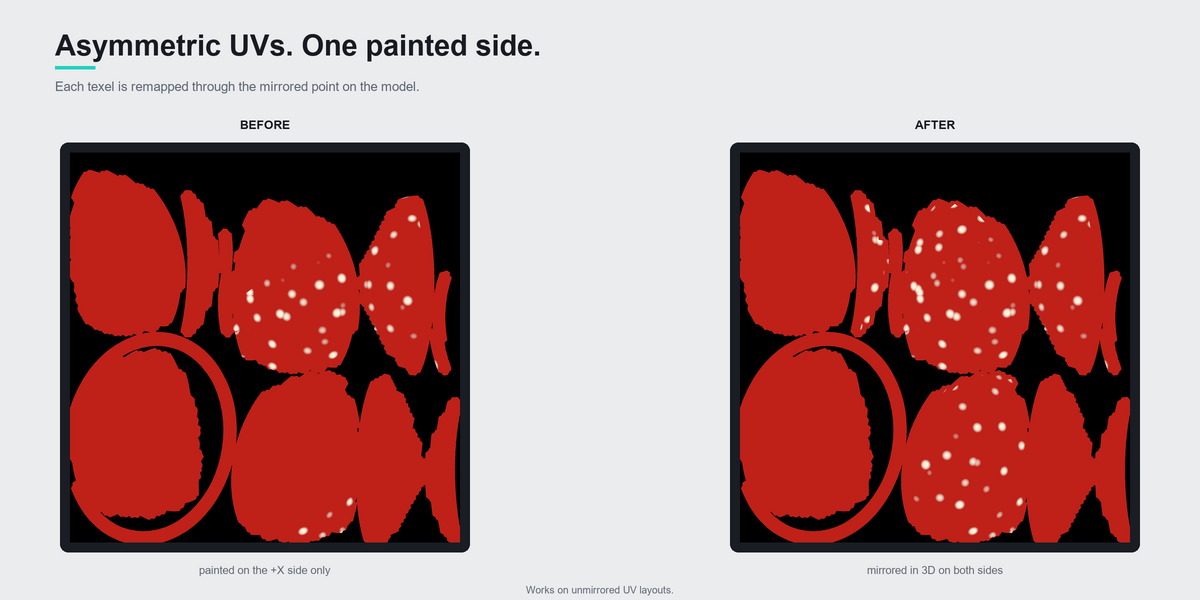
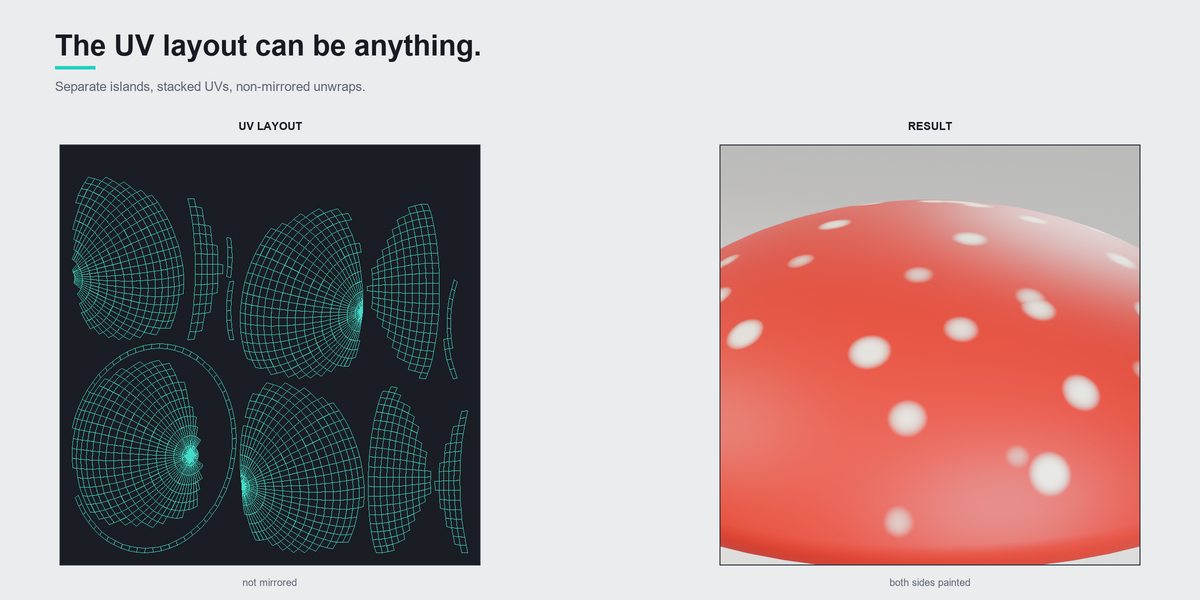
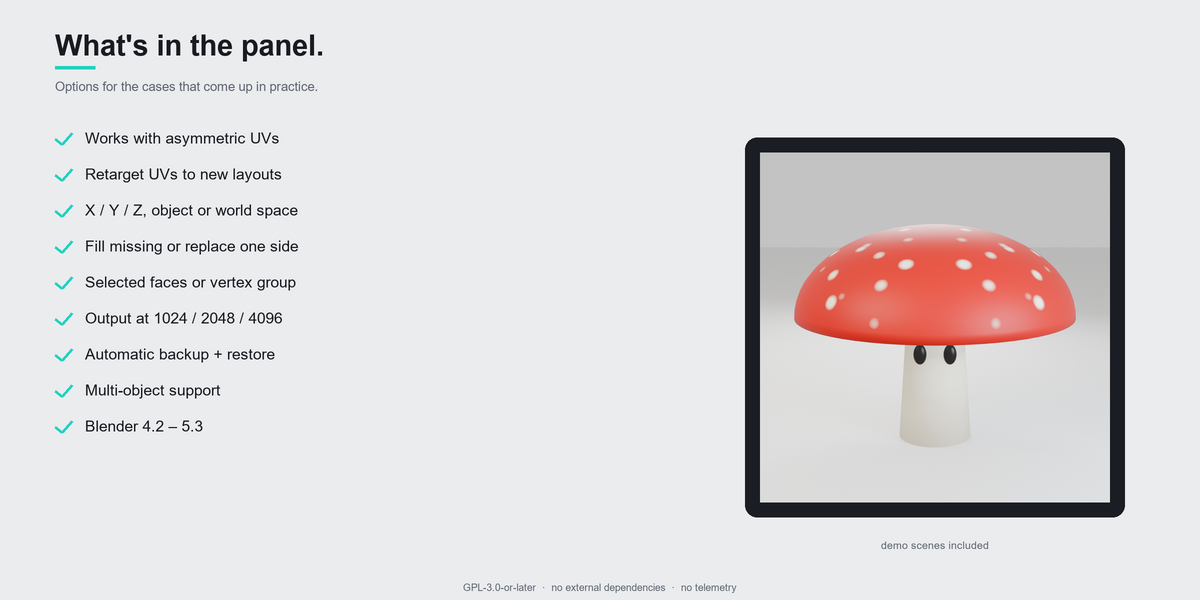
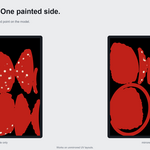
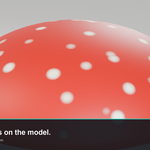
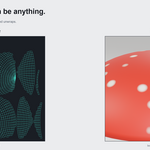
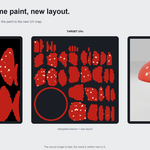
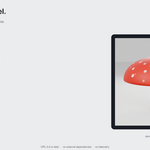
Mirror existing texture paint across an axis, and retarget a painted texture to a new UV layout — even when the UVs are asymmetric.
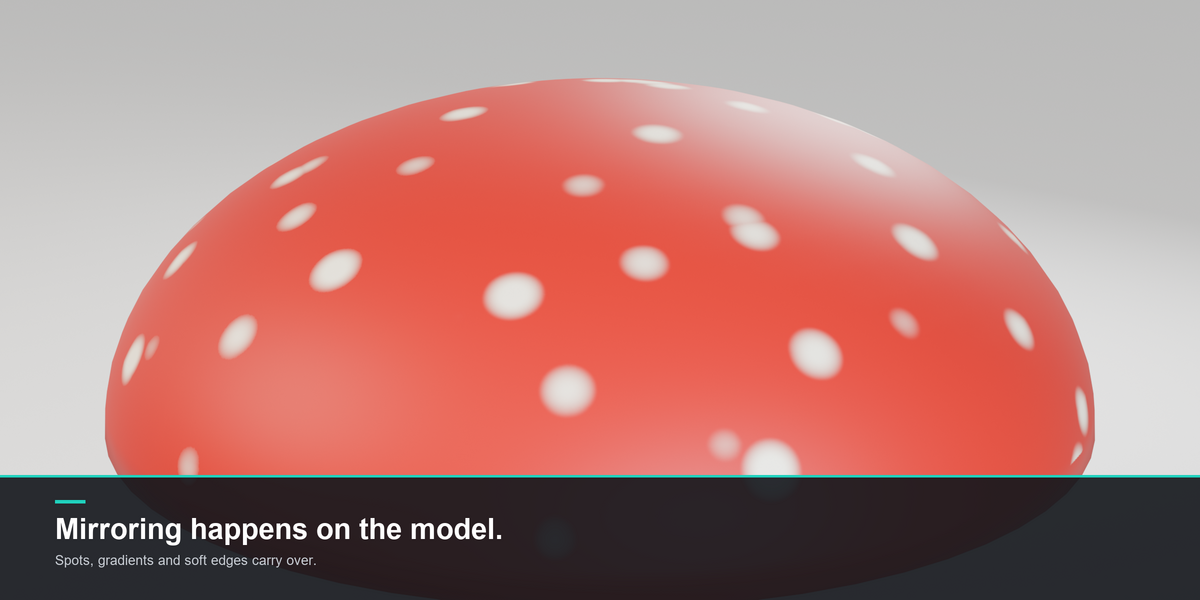
Blender's built-in Symmetry only mirrors new brush strokes. This add-on mirrors what is already painted, by remapping every texel through the mirrored 3D point of the mesh. The retarget tool copies the same paint from one UV map to another on the same mesh.
Install
- Blender →
Edit > Preferences > Get Extensions(orAdd-ons). -
Install from Disk…and picksymuv-1.0.0.zip. - Enable SymUV.
Where it is
- 3D Viewport →
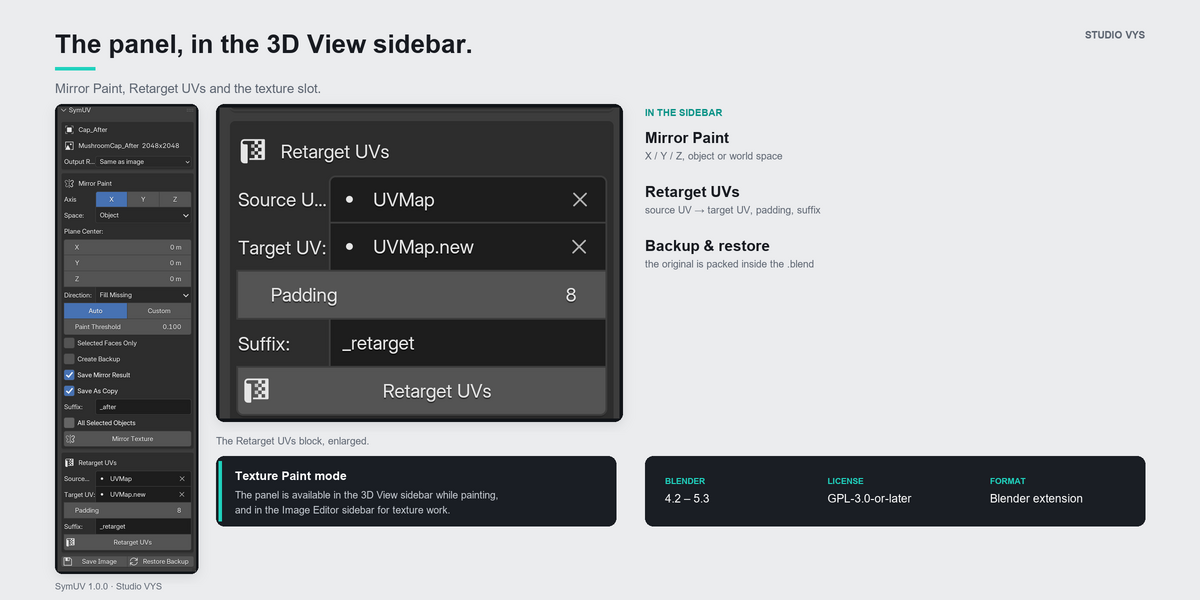
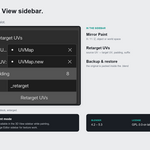
Nsidebar → SymUV tab (Texture Paint mode) - Image Editor →
Nsidebar → SymUV tab
Mirror paint
- Select the mesh object and the painted image texture (active material).
- Choose the axis, space and plane center.
- Pick a direction:
- Fill Missing (default): keeps the most painted side on every texel.
- + to − / − to +: replaces one side with the mirrored other side.
- Click Mirror Texture.
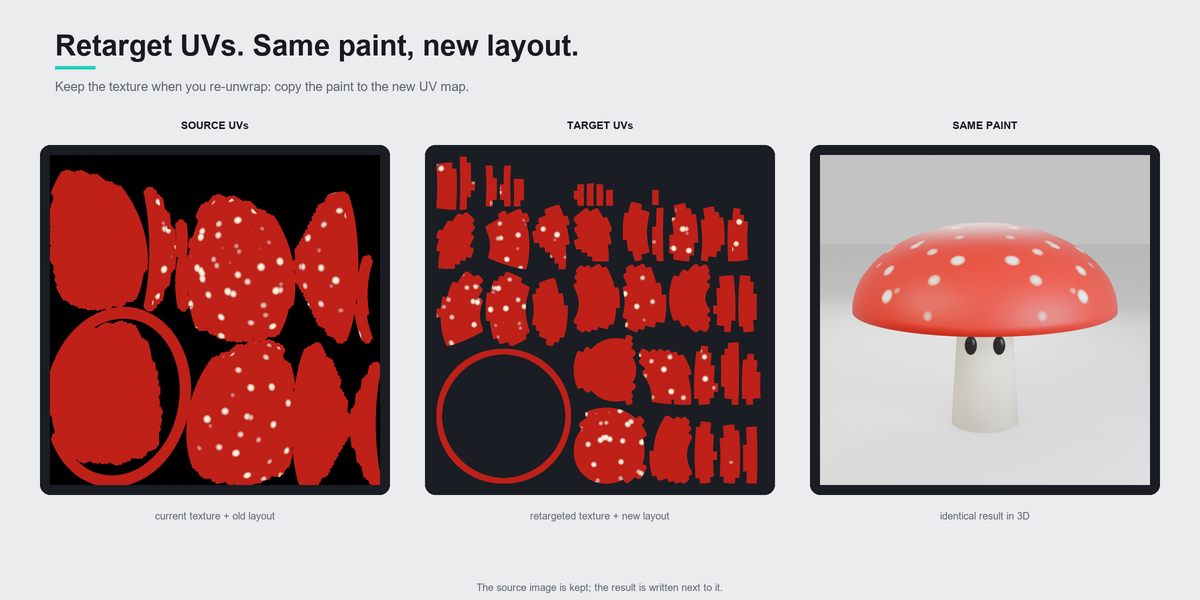
Retarget UVs
- Make sure the mesh has two UV maps: the source (used by the current texture)
and the target (the new layout).
- Pick Source UV and Target UV.
- Click Retarget UVs.
The add-on samples the current image through the source UVs, writes a new image for the target UVs, switches the material to it and makes the target UV map active for rendering. The source image is kept in the .blend with a fake user.
Options
| Option | Description |
|---|---|
| Axis / Space / Center | Mirror plane (object or world space) |
| Fill Missing | Compares original vs mirrored against the base color |
| Paint Threshold | Color distance that counts as paint (default 0.10) |
| Base Color | Auto (dominant color) or custom |
| Selected Faces Only | Uses the face selection from Edit Mode |
| Vertex Group | Restricts the mirror to vertices with weight >= 0.5 |
| Output Resolution | Same as image, or 1024 / 2048 / 4096 |
| Create Backup | Stores the original pixels as (backup)
|
| Save Mirror Result | Writes the mirrored image next to the source |
| Save As Copy / Suffix | New file instead of overwriting the original |
| All Selected Objects | Runs on every selected mesh |
| Source UV / Target UV | UV maps used by the retarget |
| Padding | Pixels of padding around the new UV islands |
| Retarget Suffix | Suffix for the retargeted image (default _retarget) |
Notes / limitations
- A Mirror modifier on the object must be applied first (the mirrored half is
not in the base mesh).
- UDIM images are not supported yet.
- Overlapping/stacked UV islands are supported, but the last face wins where two
different faces share the same texels.
- Retarget works on the same mesh with two UV maps. If the topology changed,
re-bake instead.
- When several objects share the same image, the mirror processes the active
object first and skips the others to avoid mirroring twice.
- The backup image is packed into the .blend and kept with a fake user.
- Save Image writes the current image to its file. Restore Backup brings
back the pixels stored before the last mirror on that image.
- Blender's Ctrl+Z does not restore image pixels written by the add-on; use
Restore Backup, or save the image before experimenting.
- With Save Mirror Result off, packed or generated images are re-packed so the
result stays in the .blend. File images rely on Blender's Save Modified Images prompt when the .blend is saved.
- New files are written as PNG. Float images (EXR/HDR) are written as EXR so HDR
values are preserved.
- Channel-packed alpha (ORM maps, masks) is treated as data, not transparency.
- After a retarget (or a mirror at a different resolution), Image Editors that
were showing the old image switch to the new one.
- Repeated Mirror/Retarget clicks reuse the same output file name instead of
appending suffixes indefinitely.
License
GPL-3.0-or-later.
Have questions about this product?
Login to message
| Blender Extension Compatible | Yes |
| Published | about 2 hours ago |
| Blender Version | 4.2 - 5.3 |
| Extension Type | Add-on |
| License | GPL |
Discover more products like this
UV retarget mirror texture paint game assets re-unwrap transfer texture Texture Painting UV remap texture symmetry bake blender addon Workflow