Synctools Pro For Maya
 blenderVfxMaster



SyncTools for Maya
Overview
SyncTools Pro is a cross-software tool designed to simplify the process of copying and pasting detailed scene data between different applications such as Blender and Maya. With just one click, you can export objects—including meshes, lights, cameras, materials, animations, and more—from one scene and import them into another, saving you considerable time and effort in your production workflow.Multi-DCC Platform Support
All plugins utilize a unified data exchange protocol, enabling lossless asset conversion across platforms and true multi-software collaborative workflows.
 Blender Side
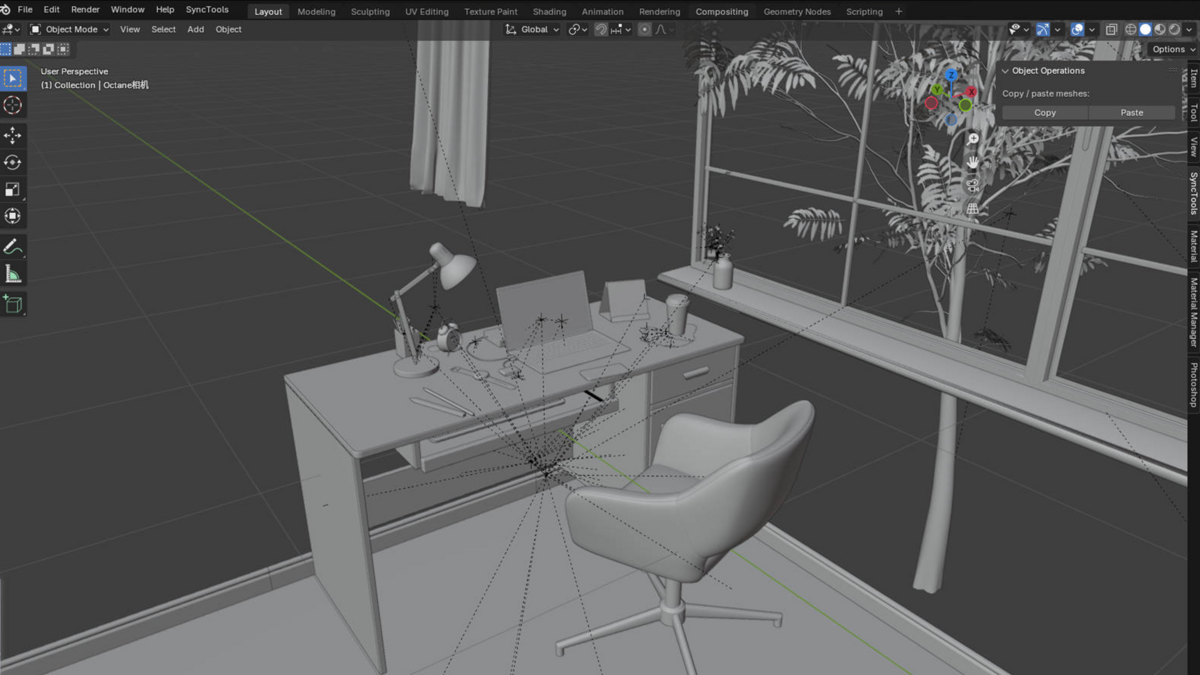
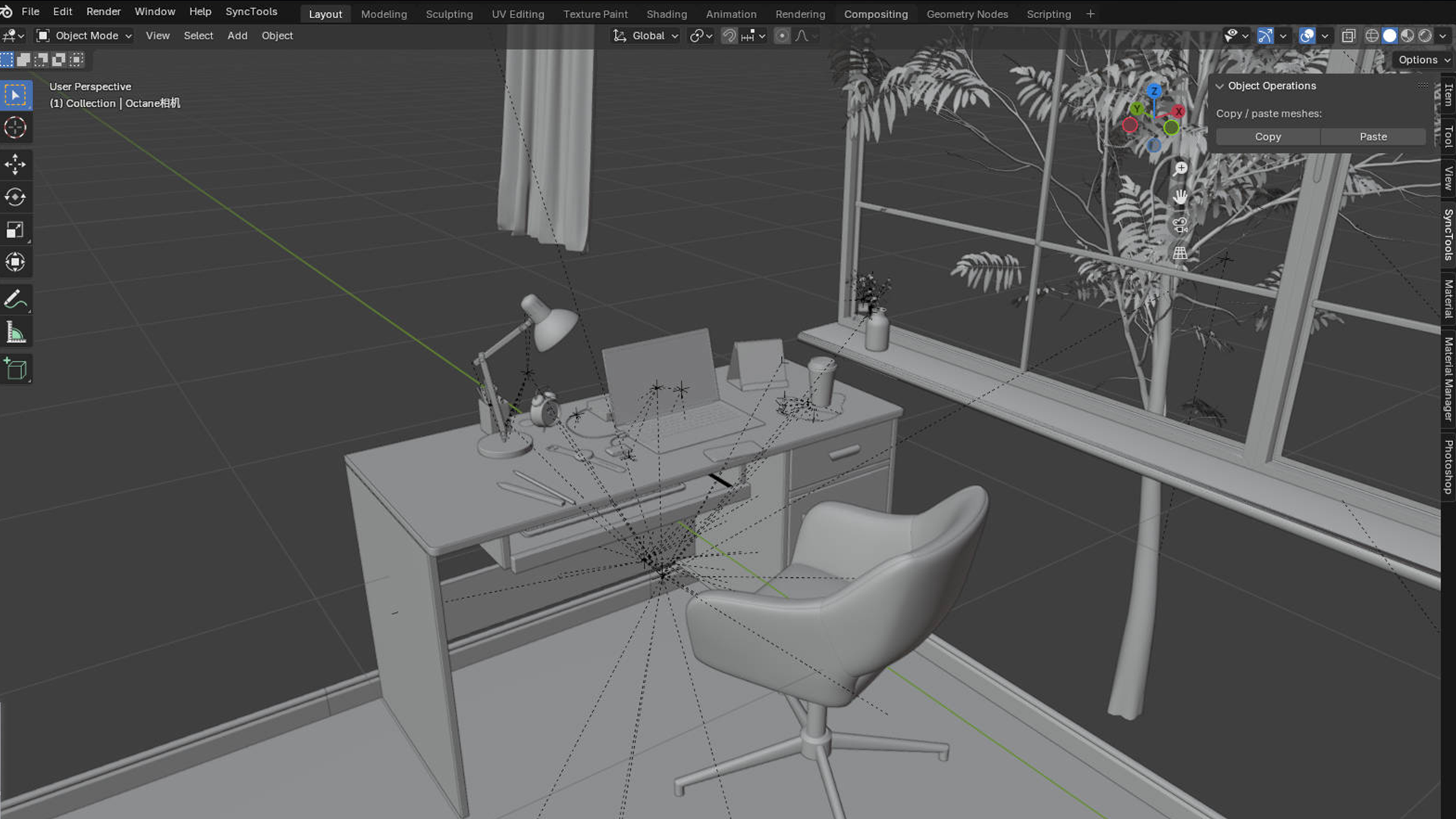
1. Plugin Installation
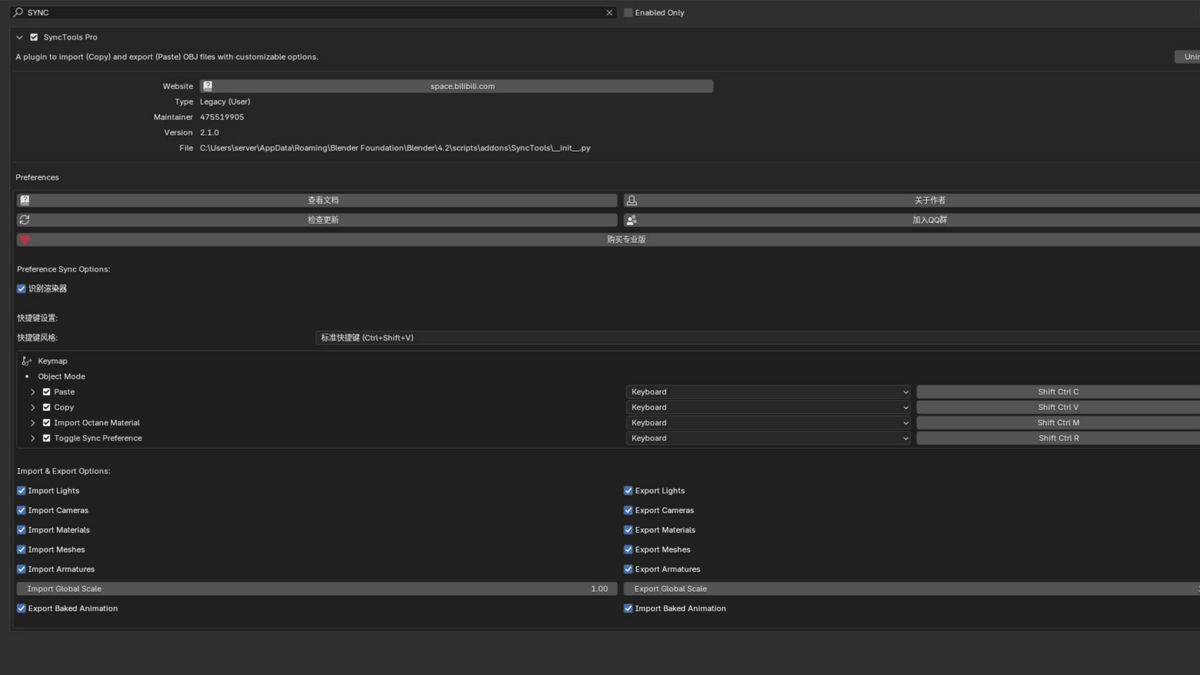
2. Plugin Settings
Within the preferences menu, you can configure several options using an intuitive interface:3. Workflow
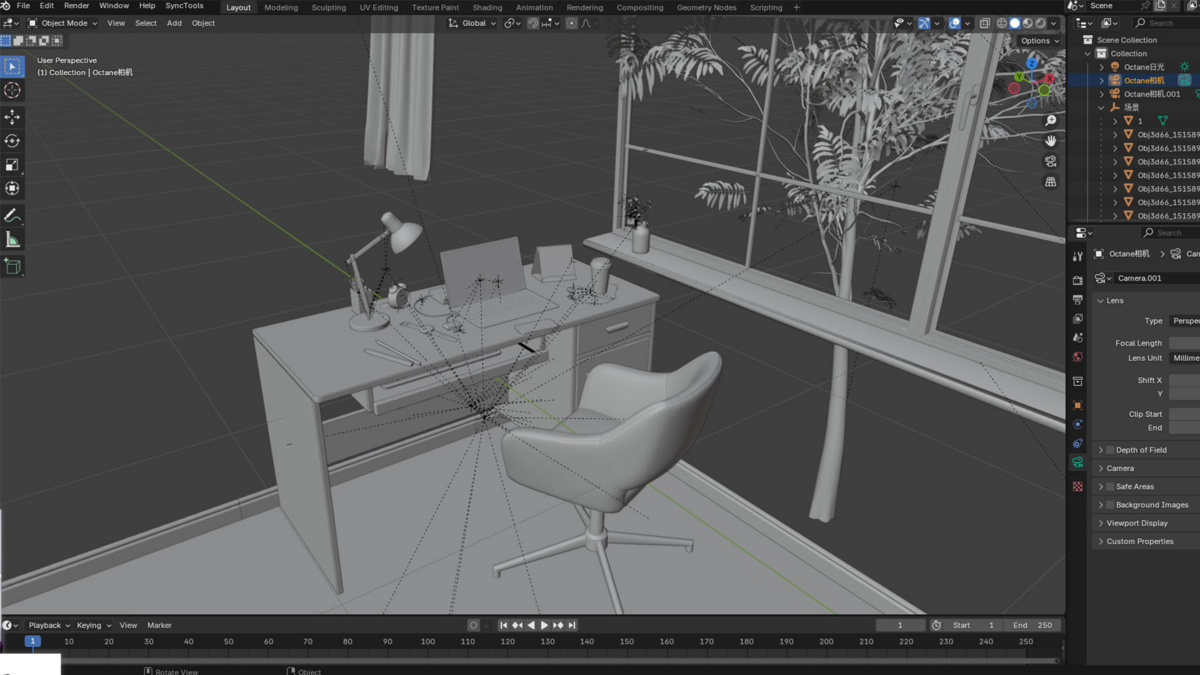
Copy Operation
1. Select: In the 3D View, select the objects you want to copy.Paste Operation
Shortcut Usage
In addition to the panel buttons, you can use customizable shortcut keys (e.g., Ctrl+Shift+C for copying and Ctrl+Shift+V for pasting) to streamline your workflow. Adjust these keys in the plugin’s settings if needed.---Maya Side
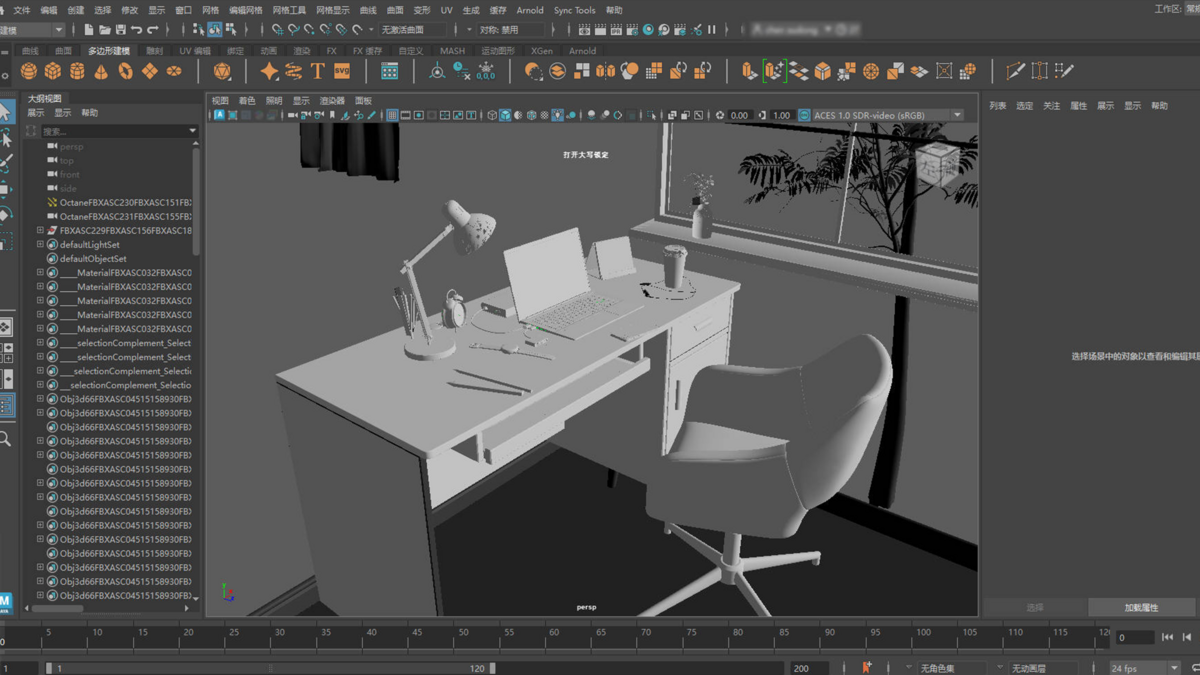
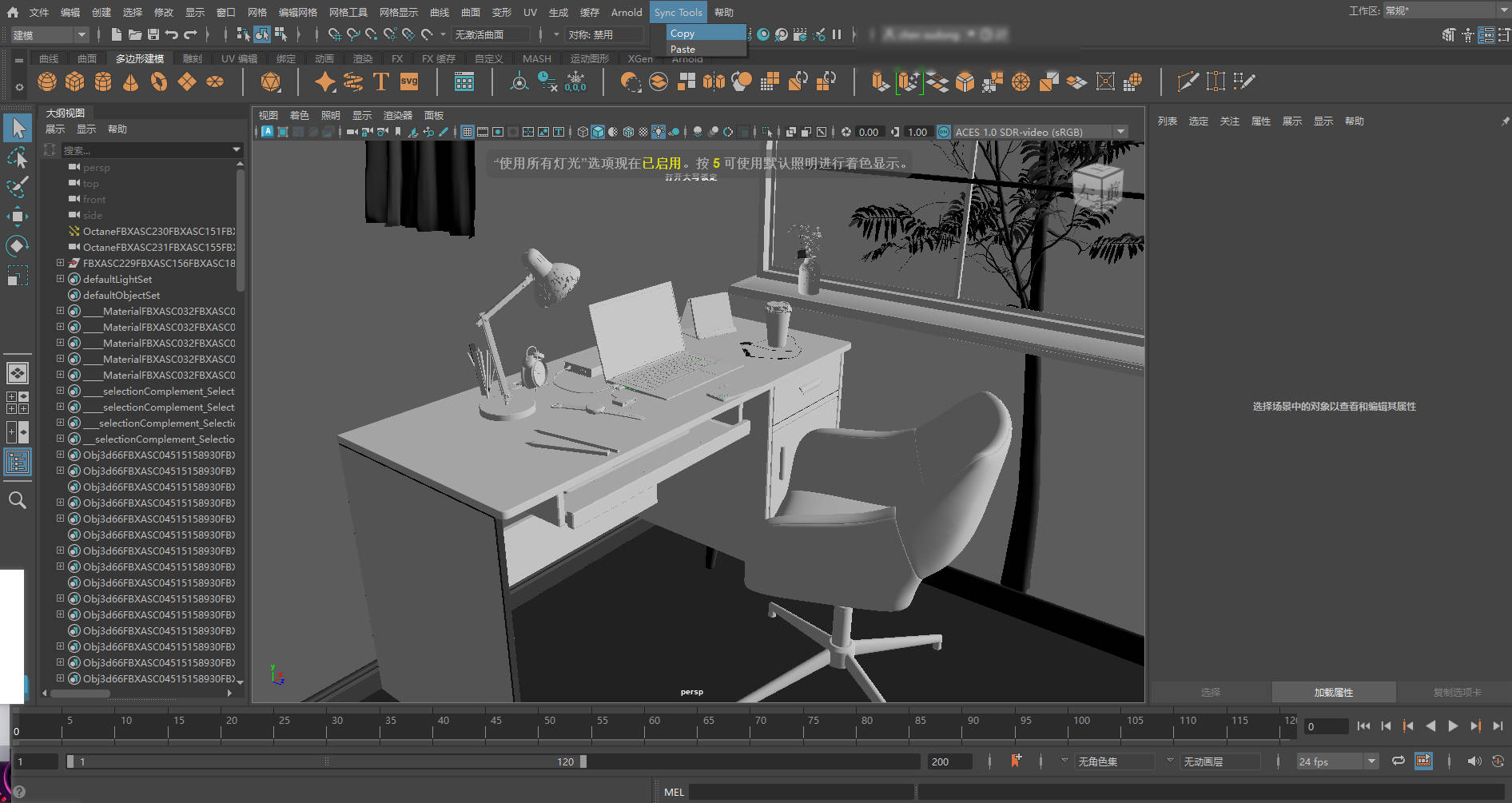
1. Plugin Installation & Initialization
2. Operating the Plugin
Copy Operation
1. Select: Choose the objects you wish to copy in Maya.Paste Operation
1. Target Scene: Open or switch to the scene where you want the data imported.Version Compatibility
Blender Support:
- Official: 4.2 LTS and newer
- Experimental: 4.0–4.1 (limited advanced features)
Maya Support:
- Official: 2023.3 / 2024.x
- Legacy: 2020–2022 (manual plugin loading required)
Data Compatibility
Full Support:
✔ Basic geometry (Mesh/NURBS)
✔ Transform hierarchies
✔ Core material attributes (PBR workflow)
✔ Point/Spot/Directional lights
✔ Basic animation keyframes
✔ Camera parameters (FOV/Focal Length)
Partial Support:
⚠ Complex shader nodes (auto-converted to approximations)
⚠ Skin weights (requires matching vertex order)
⚠ Driven animations (requires equivalent expressions)
⚠ UV maps (supports up to 4 channels)
Unsupported:
✖ Particle systems
✖ Fluid simulation data
✖ Procedural textures (requires pre-baking)
✖ Custom shader networks
✖ Dynamic constraints (rigid bodies/cloth)
Important Notes
1️⃣ Unit System: Recommend using metric (Meters)
2️⃣ Axis Conversion: Automatic Y-Up ↔ Z-Up handling
3️⃣ Material Mapping: Blender Principled BSDF ↔ Maya Standard Surface
4️⃣ Naming: Special characters (@#%) may cause import issues
5️⃣ Plugin Dependency: Requires matching SyncTools versions
(Data conversion via FBX middleware – check release notes for latest compatibility updates.)
Conclusion
SyncTools Pro is engineered to provide a seamless and efficient method for transferring scene data between Blender and Maya. By leveraging simple copy and paste controls, you can effortlessly exchange detailed scene information, thereby streamlining your creative process. Enjoy a more efficient workflow with SyncTools Pro!---Please let us know if you need any further assistance.-
$12
1 seat. For individual creators or small commercial projects.
-
$24
Up to 3 seats / single studio team. Use across all internal projects within one company.
-
$96
15+ seats / company-wide / unlimited internal use across subsidiaries.
Have questions about this product?
Login to message
| Sales | 30+ |
| Rating | 1 ratings |
| Published | over 1 year ago |
| Blender Version | 3.6 - 5.2 |
| Extension Type | N/A |
| License |
Discover more products like this
TeamWorkflowEnhancer MayaIntegration UnifiedDataProtocol SyncToolsPro FBXExporter MultiSoftwareSync SceneDataTransfer AnimationPipeline BlenderPlugin DigitalContentCreation LosslessConversion VFXToolkit CrossDCCWorkflow Cinema4DPlugin RealTimeCollaboration 3dsMaxSupport OneClickMigration 3DWorkflowOptimization AssetSynchronization StudioProductionTool