 ZEG


Installation
- In Blender open Edit, Preferences, Get Extensions, then use Install from Disk and pick the bundle zip (do not unzip it).
- In Edit, Preferences, Add-ons, expand the bundle's entry and click Install all addons. Every addon is installed and enabled.
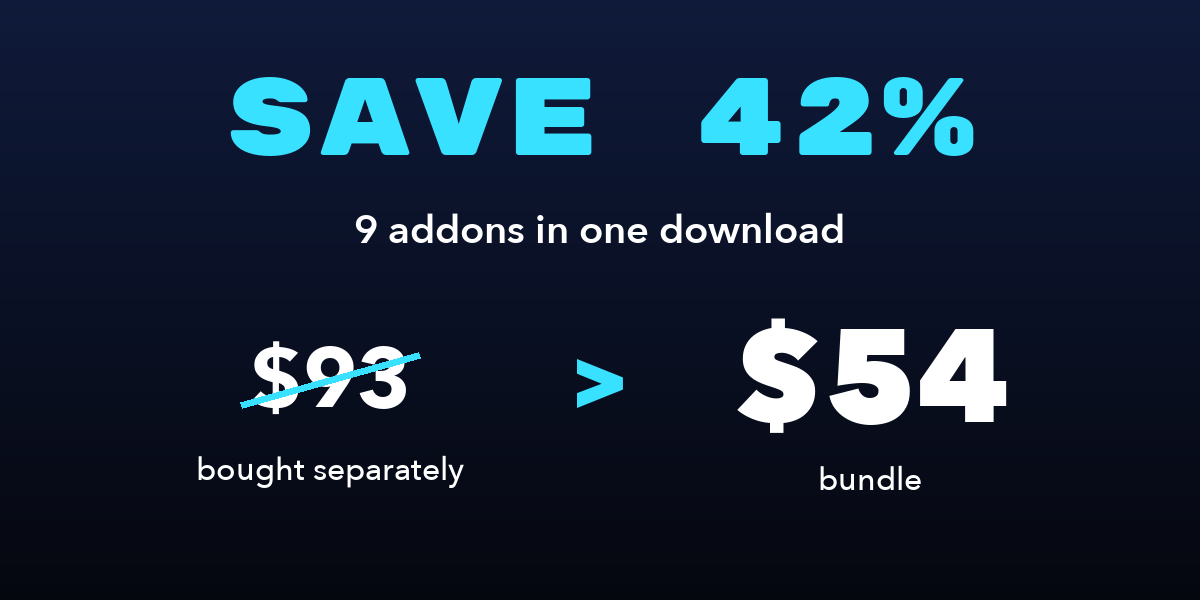
To install only some addons, unzip the bundle and install the zips you want from its addons folder the same way.
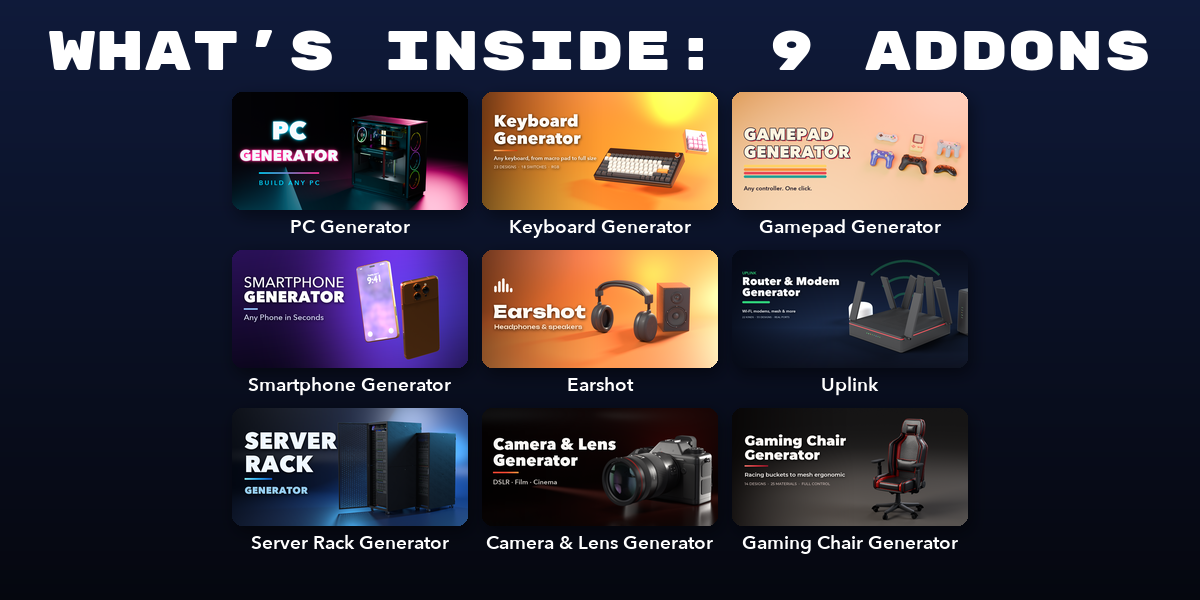
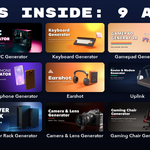
Included addons
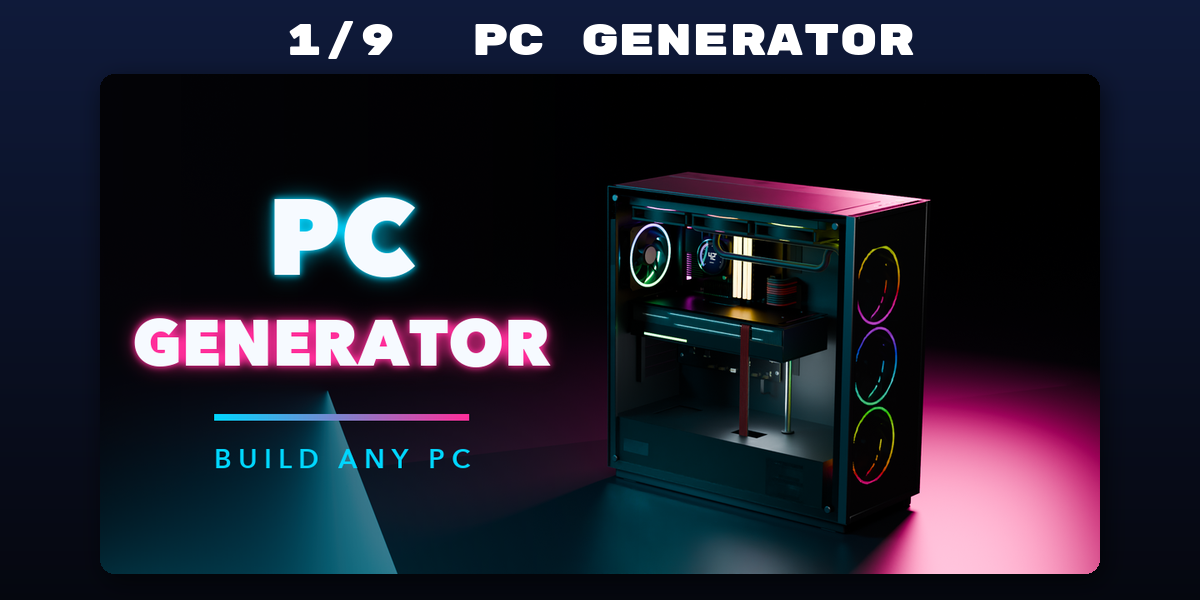
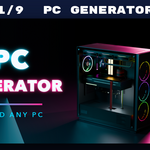
- PC Generator: Procedural desktop PCs: any case, board, GPU, cooler and build
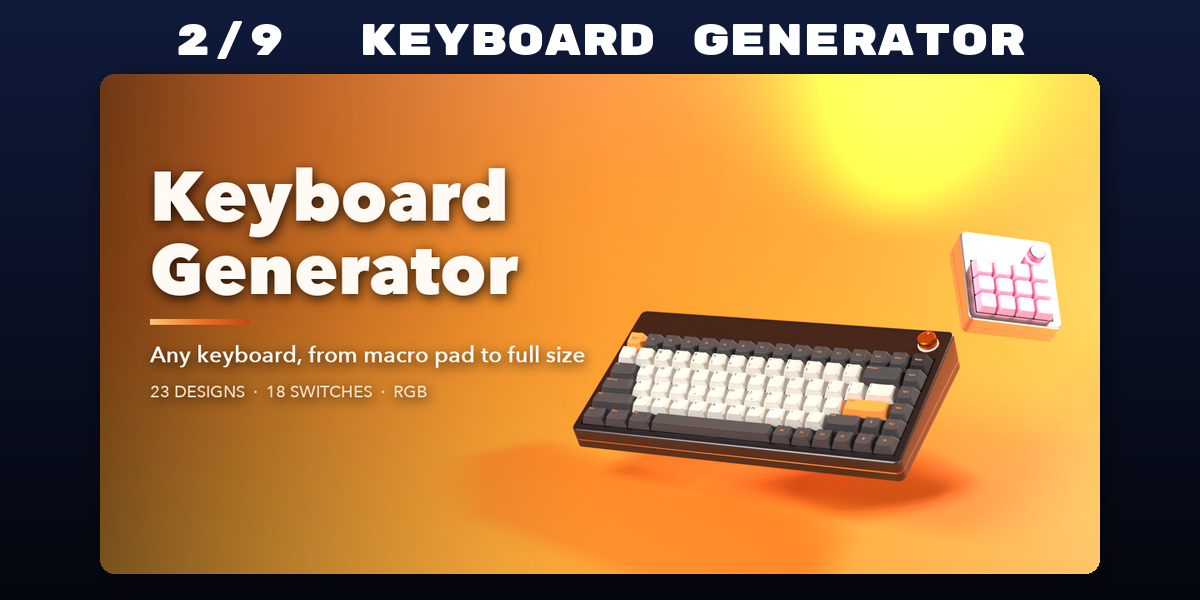
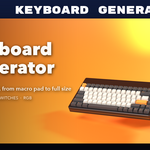
- Keyboard Generator: Procedural keyboards from macro pads to full size, any layout
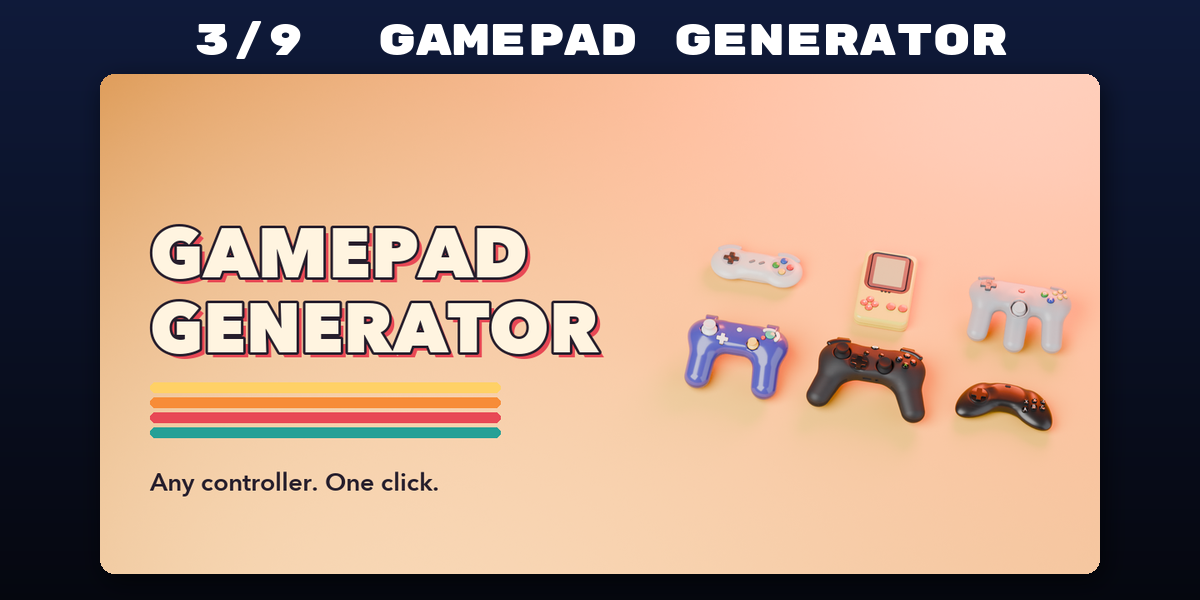
- Gamepad Generator: Procedural game controllers in any style, from retro to modern
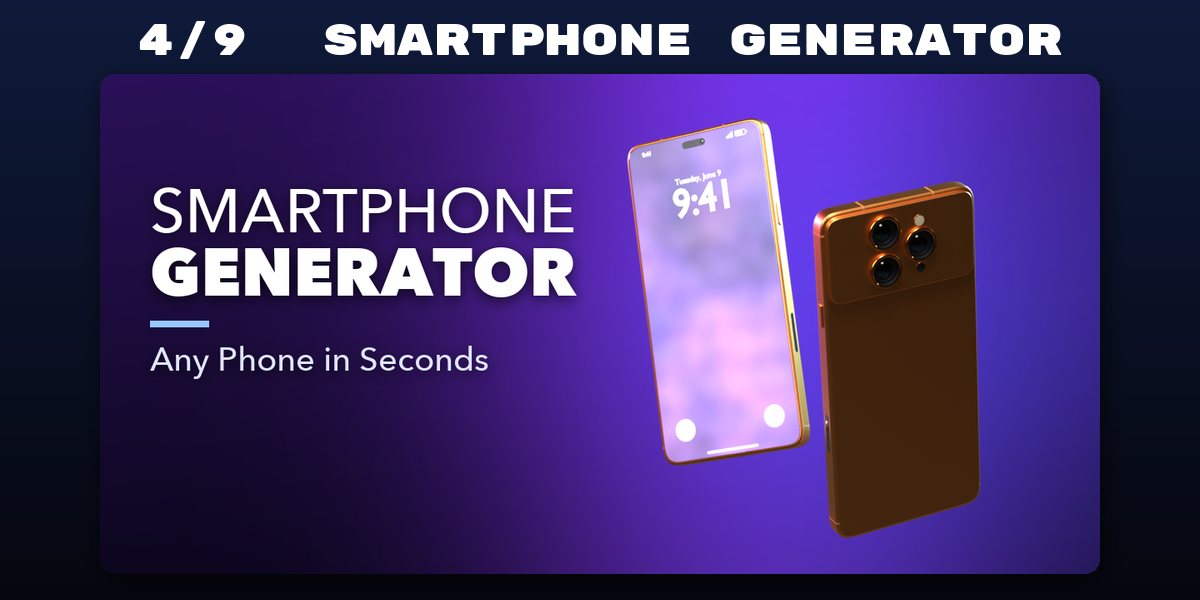
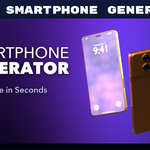
- Smartphone Generator: Procedural phones from classic keypads to foldables
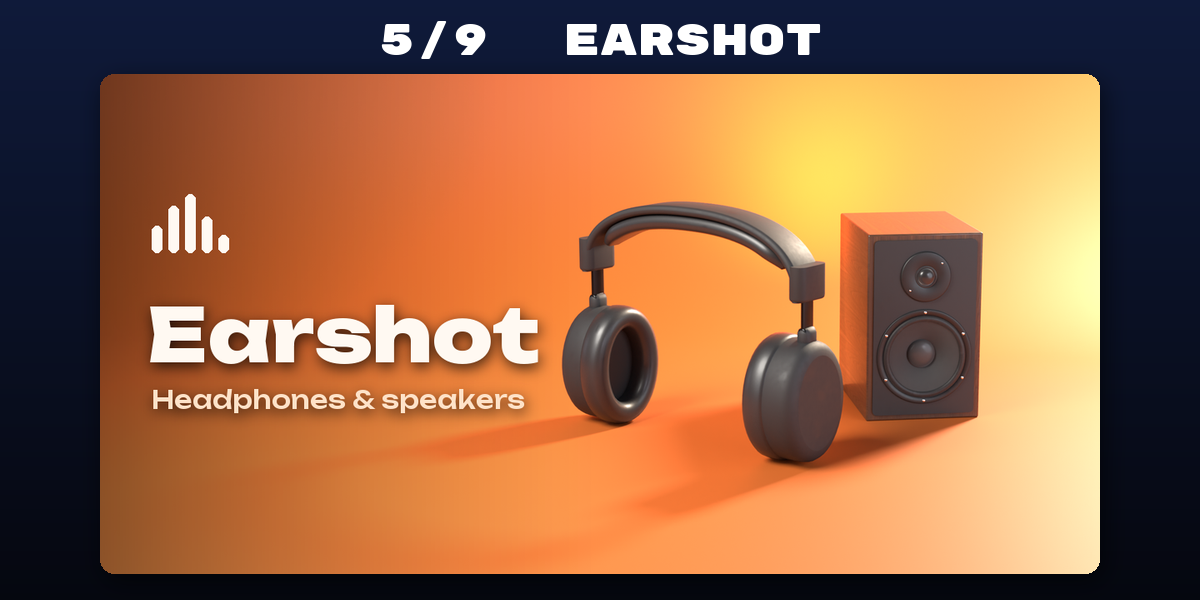
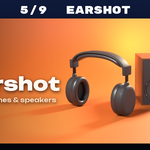
- Earshot: Headphones, earbuds and speakers with real drivers and grilles
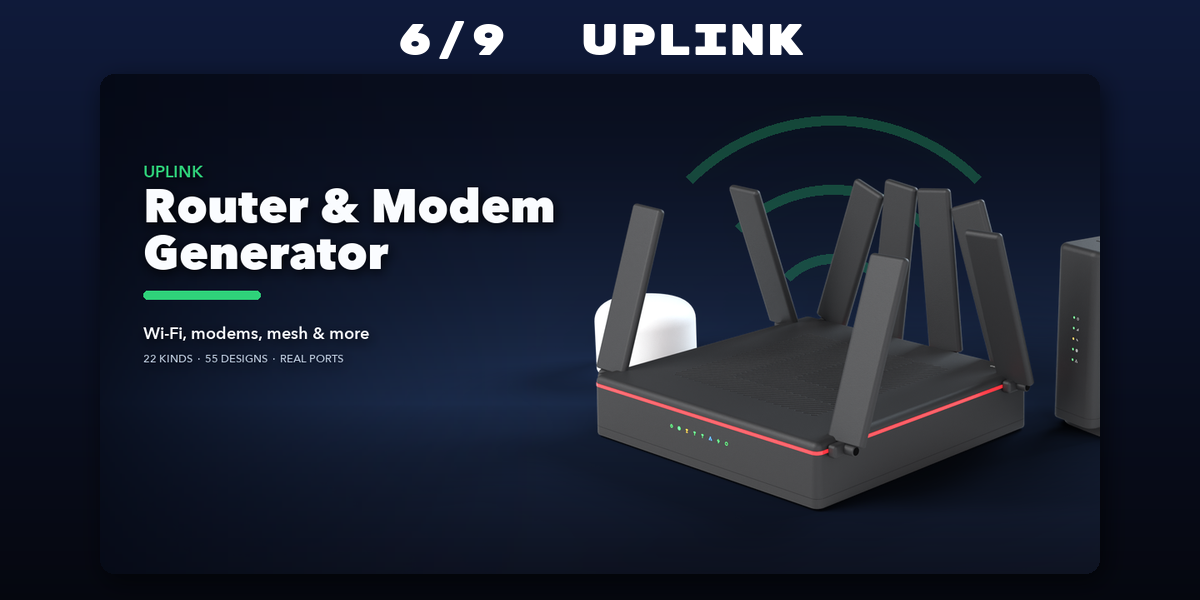
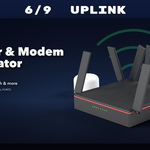
- Uplink: Wi-Fi routers, modems, mesh nodes, repeaters and access points
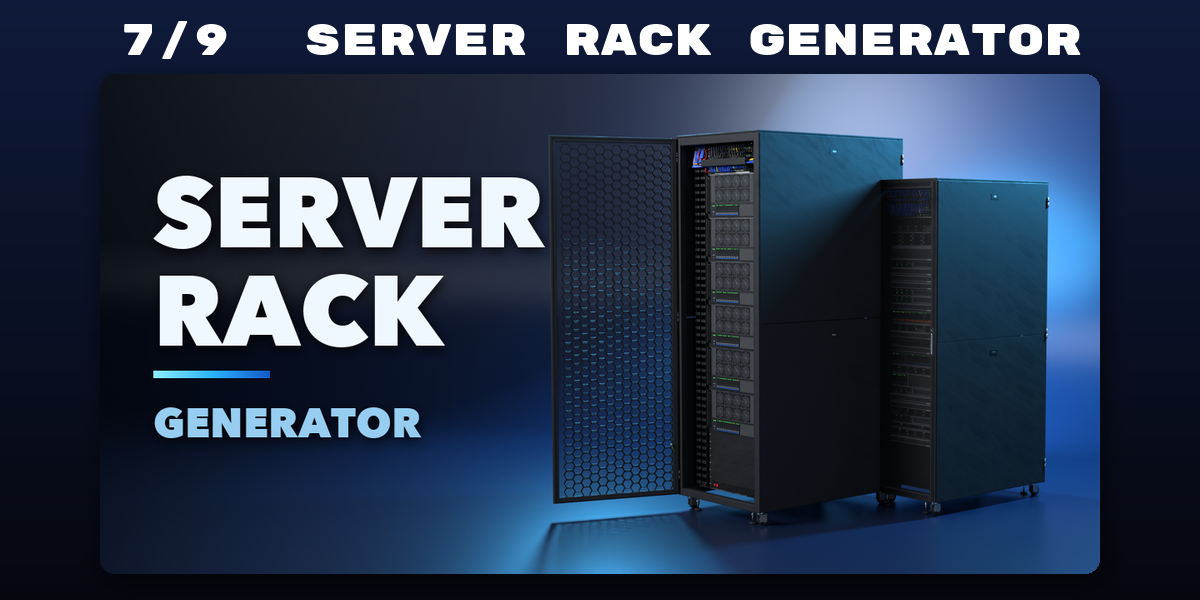
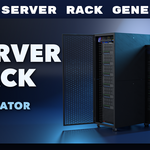
- Server Rack Generator: Procedural server racks, servers and network gear in any size
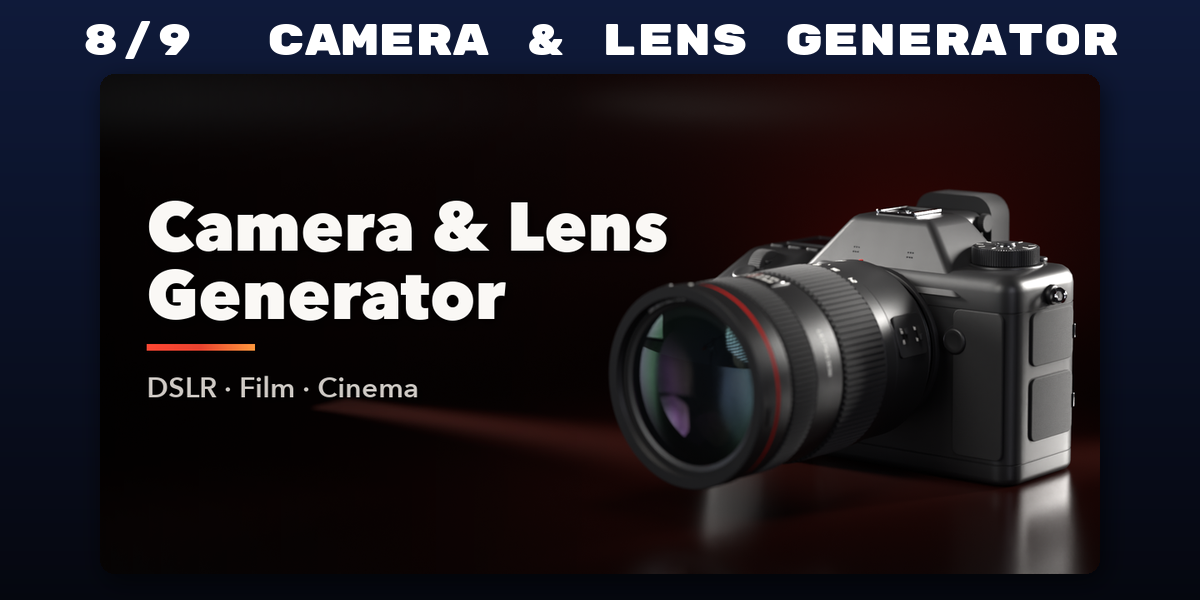
- Camera & Lens Generator: Real-scale DSLR, vintage and cinema camera rigs with lenses
- Gaming Chair Generator: Procedural gaming chairs, from racing buckets to mesh ergonomic
Each addon has its own tab in the 3D viewport sidebar (N); see each addon's product page for its full guide.
Have questions about this product?
Login to message
| Blender Extension Compatible | Yes |
| Published | about 5 hours ago |
| Blender Version | 4.2 - 5.2 |
| Extension Type | Add-on |
| Render Engine Used | Cycles, Eevee |
| License | GPL |
