TerraScape - Procedural Terrain Generator & Erosion Tool
 CanvasConnoisseur
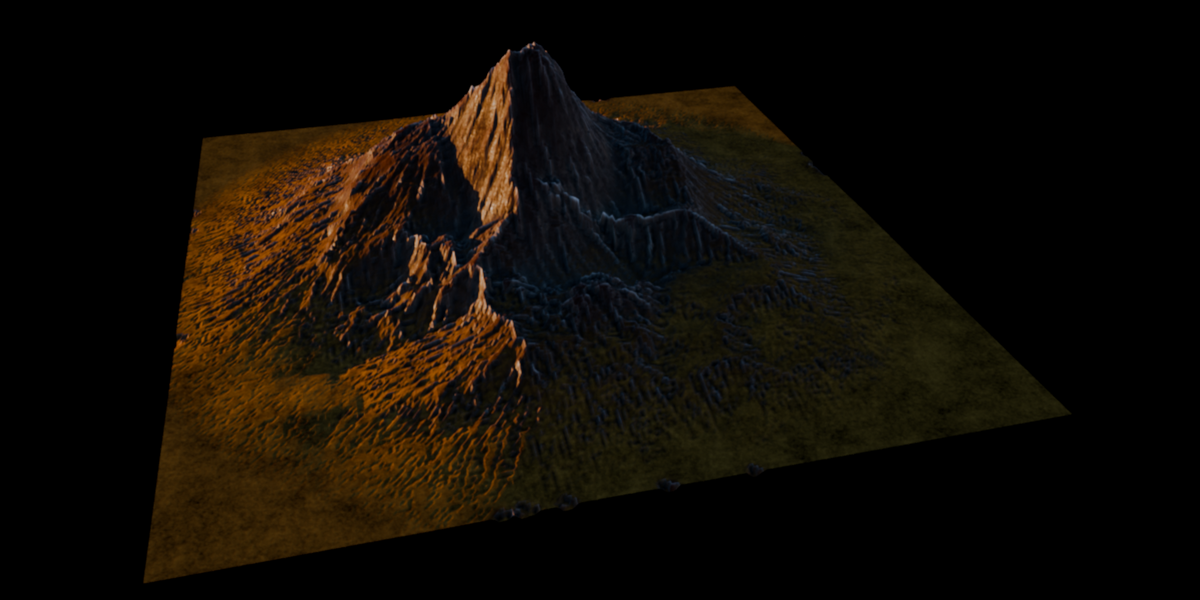
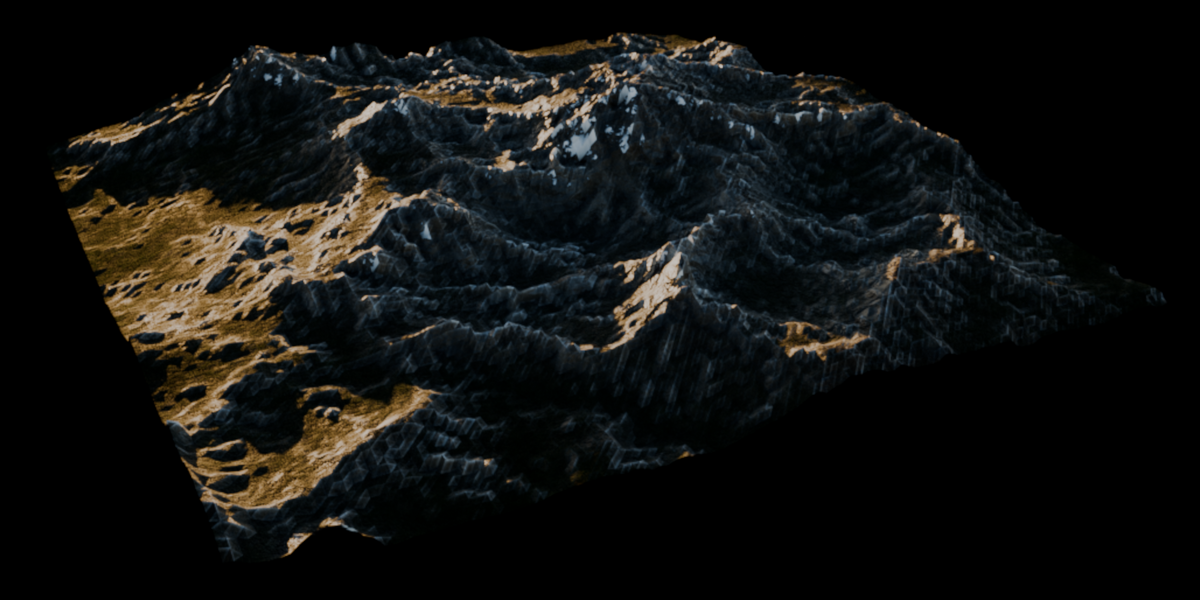
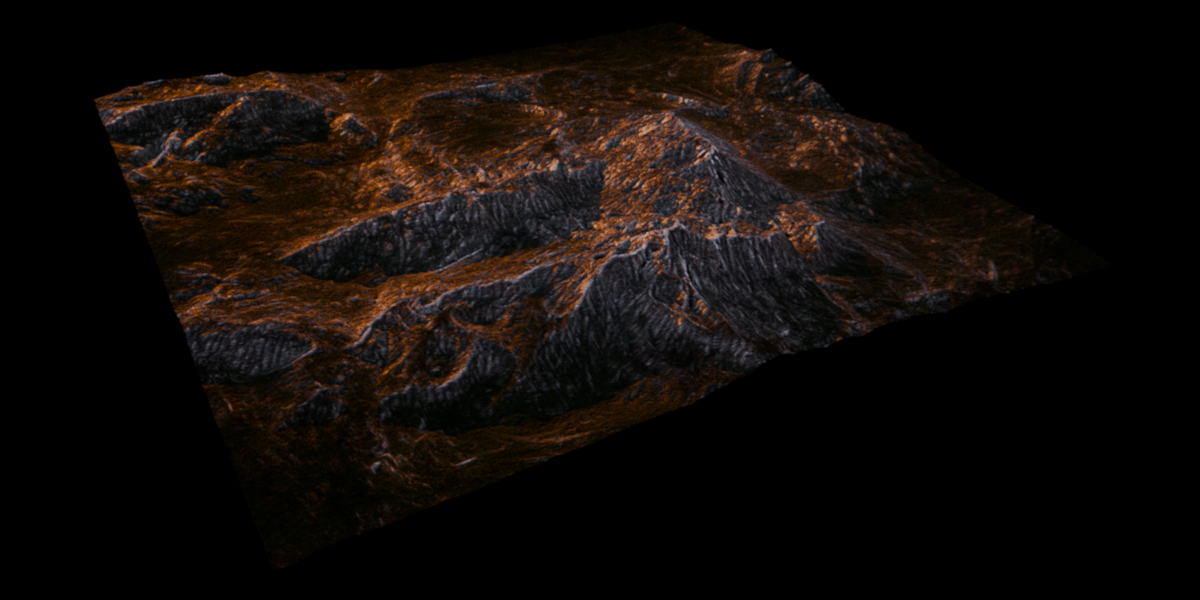
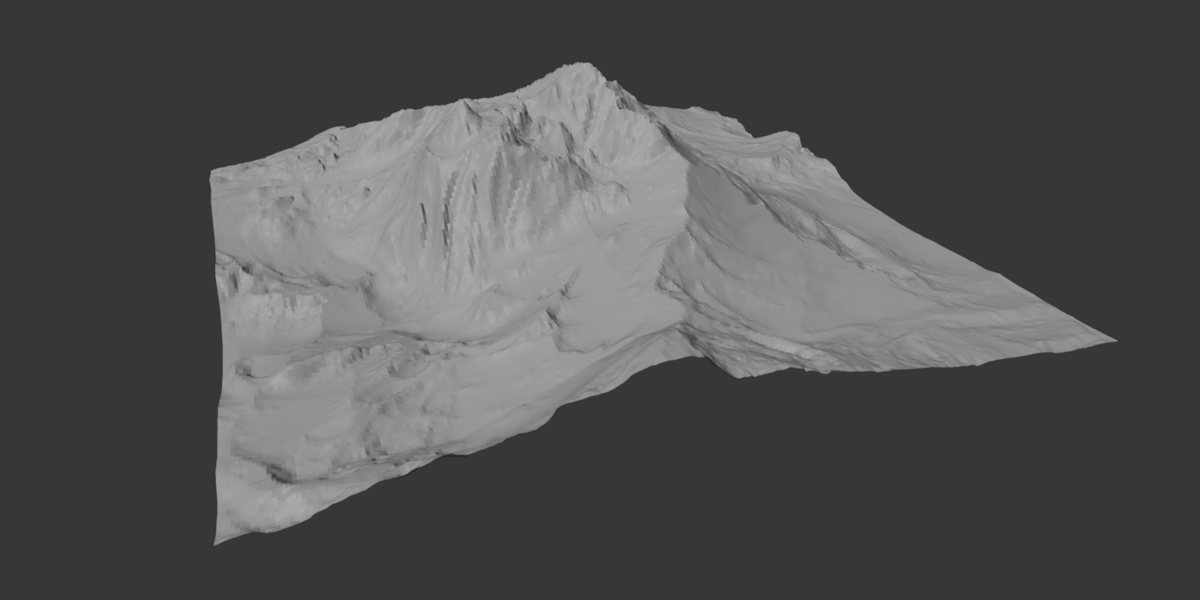
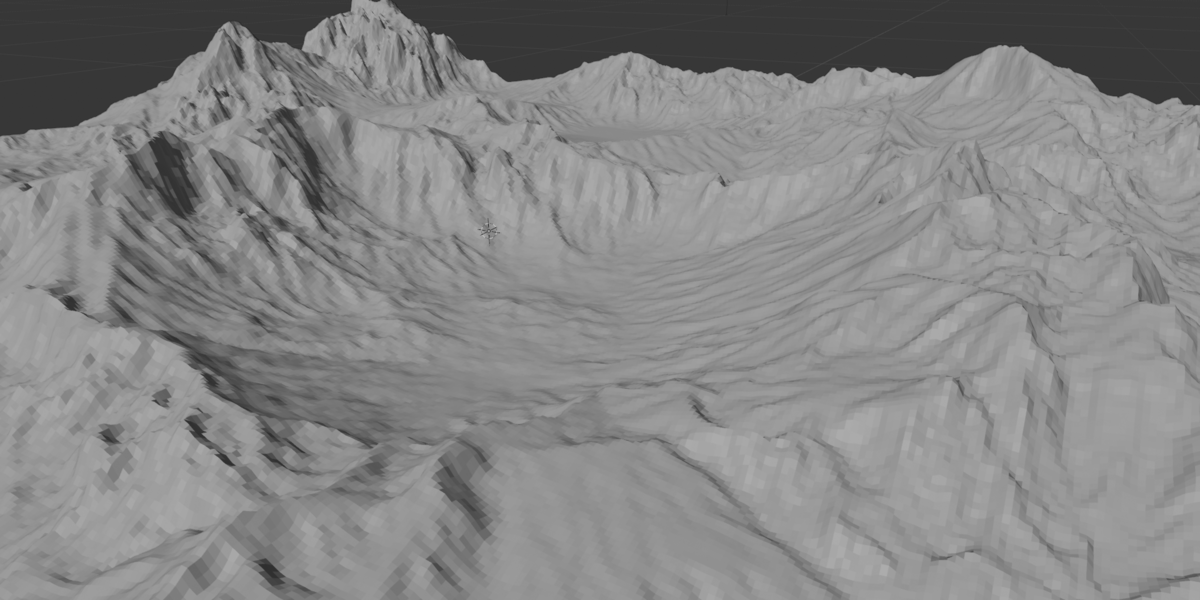
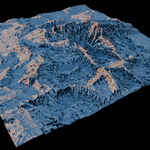
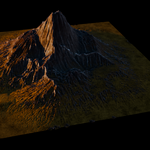
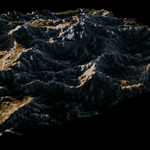
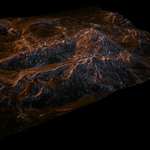
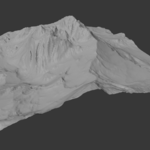
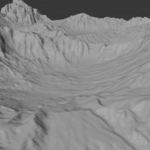
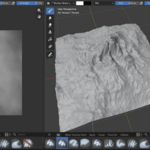
How do I generate a terrain with TerraScape?
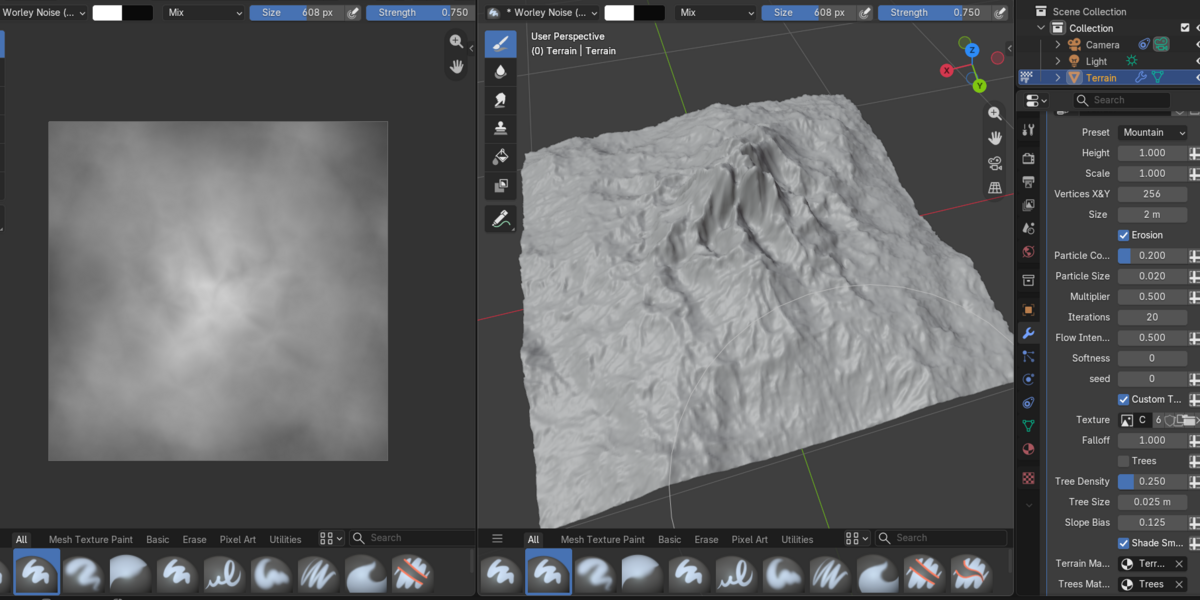
Open the 3D Viewport, press N to open the sidebar, and select the Terrain tab. Click Generate Terrain to create a new terrain object with the TerraScape Geometry Nodes modifier.
The generated terrain can then be controlled through the settings exposed in the Modifier Properties panel.
How do I change the terrain preset?
In the TerraScape modifier, use the Preset dropdown to switch between the available procedural terrain generators: Mountain, Canyon, Landscape, Peaks, and Range.
Each preset uses its own procedural noise and Voronoi setup.
Where can I change how a preset terrain looks?
The main modifier exposes the preset selector, while the detailed generation controls for each preset are located inside the Geometry Nodes editor.
Open the Geometry Nodes editor and locate the corresponding preset's sub-group node. Its exposed sockets contain the noise, Voronoi, and other generation parameters that control the appearance of that preset.
How do I use my own heightmap or custom texture?
Enable the Custom Texture toggle in the TerraScape modifier. This switches the terrain from procedural generation to the selected image.
Choose your grayscale heightmap using the Texture input. You can then use Falloff to adjust the contrast and smoothness of the resulting heightfield without modifying the original image.
The Erosion system can also be used with custom heightmaps.
How do I enable and control erosion?
Enable the Erosion toggle in the TerraScape modifier. TerraScape simulates particles moving across the terrain to carve erosion channels.
The main controls are:
Iterations — Number of simulation steps.
Particle Count — Number of particles used in the simulation.
Particle Size — Controls the width and depth of the carved channels.
Multiplier — Controls the final depth of the erosion.
Flow Intensity — Controls the downward movement of particles.
Softness — Smooths the resulting erosion data.
Seed — Randomizes the initial particle positions.
Higher particle counts and iteration counts can increase calculation time.
$6.99
Have questions about this product?
Login to message
| Blender Extension Compatible | Yes |
| Dev Fund Contributor | |
| Published | 10 days ago |
| Blender Version | 5.2 |
| Extension Type | Add-on |
| Render Engine Used | Cycles, Eevee |
| License | Mit |