 Volcano


Introduction
Take your texture baking workflow to the next level with the most powerful and flexible baking add-on for Blender. Whether you're working on game assets, PBR pipelines, or high-res cinematic models, this tool handles it all — fast, clean, and intelligently.
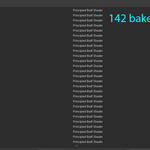
With support for 142 bake types and every shader node, you’ll never be limited by Blender’s default system again. Bake multiple textures at once, automatically unwrap UVs, pack channels, and generate UDIMs without any manual setup.
Key features like dynamic texture naming, folder structuring, Unity import compatibility, and anti-aliasing make this add-on perfect for professionals who value precision and speed.
Whether you're exporting to Unity, organizing a multi-material asset, or just saving time, this tool is built to fit seamlessly into your pipeline.
Features
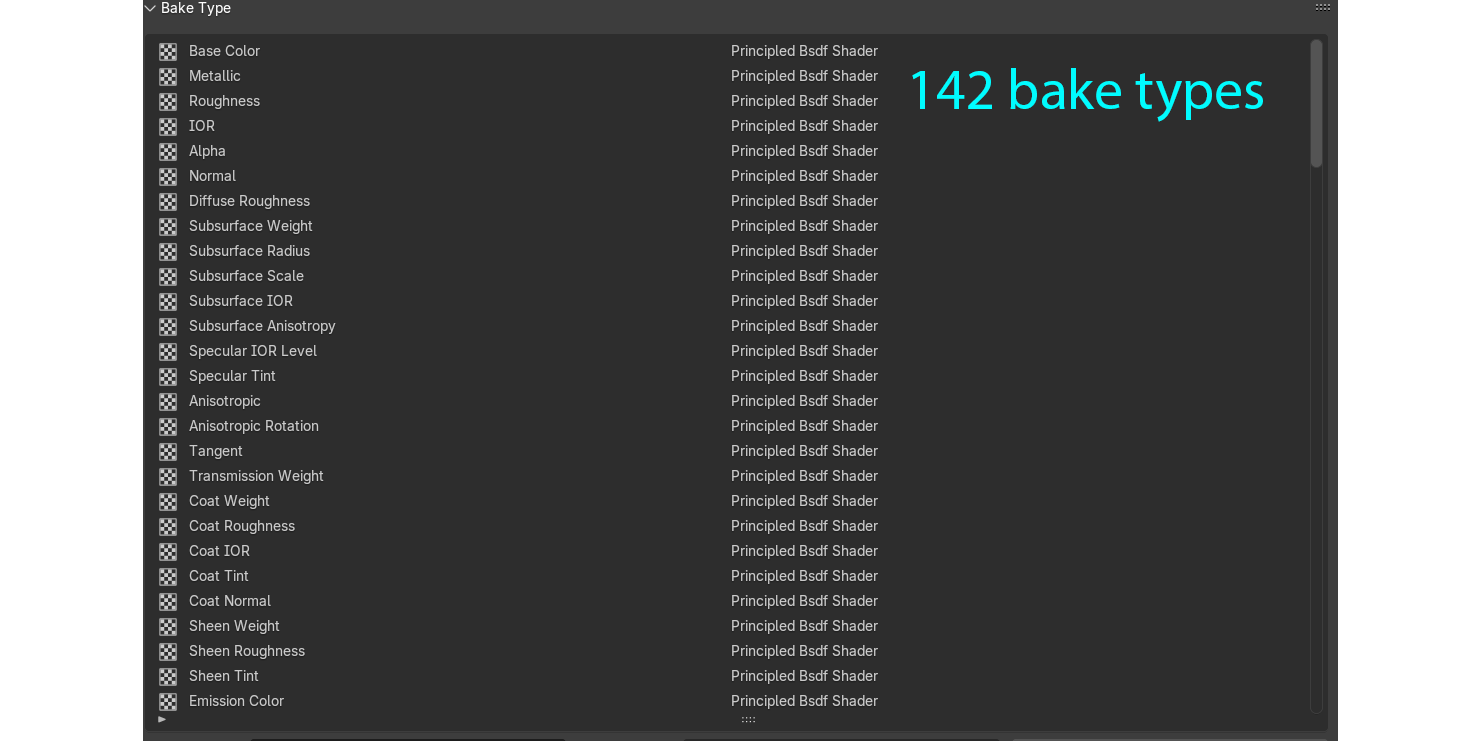
142 texture bake types
This add-on supports an incredible 142 texture bake types, covering every shader node in Blender — including complex setups with multiple shaders, Mix Shader, and Add Shader nodes. You can bake materials that blend or combine different shaders seamlessly, making it perfect for advanced PBR, stylized, or layered materials. Whether you're baking Base Color, Normals, or Emission,, every detail is captured with precision.
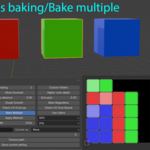
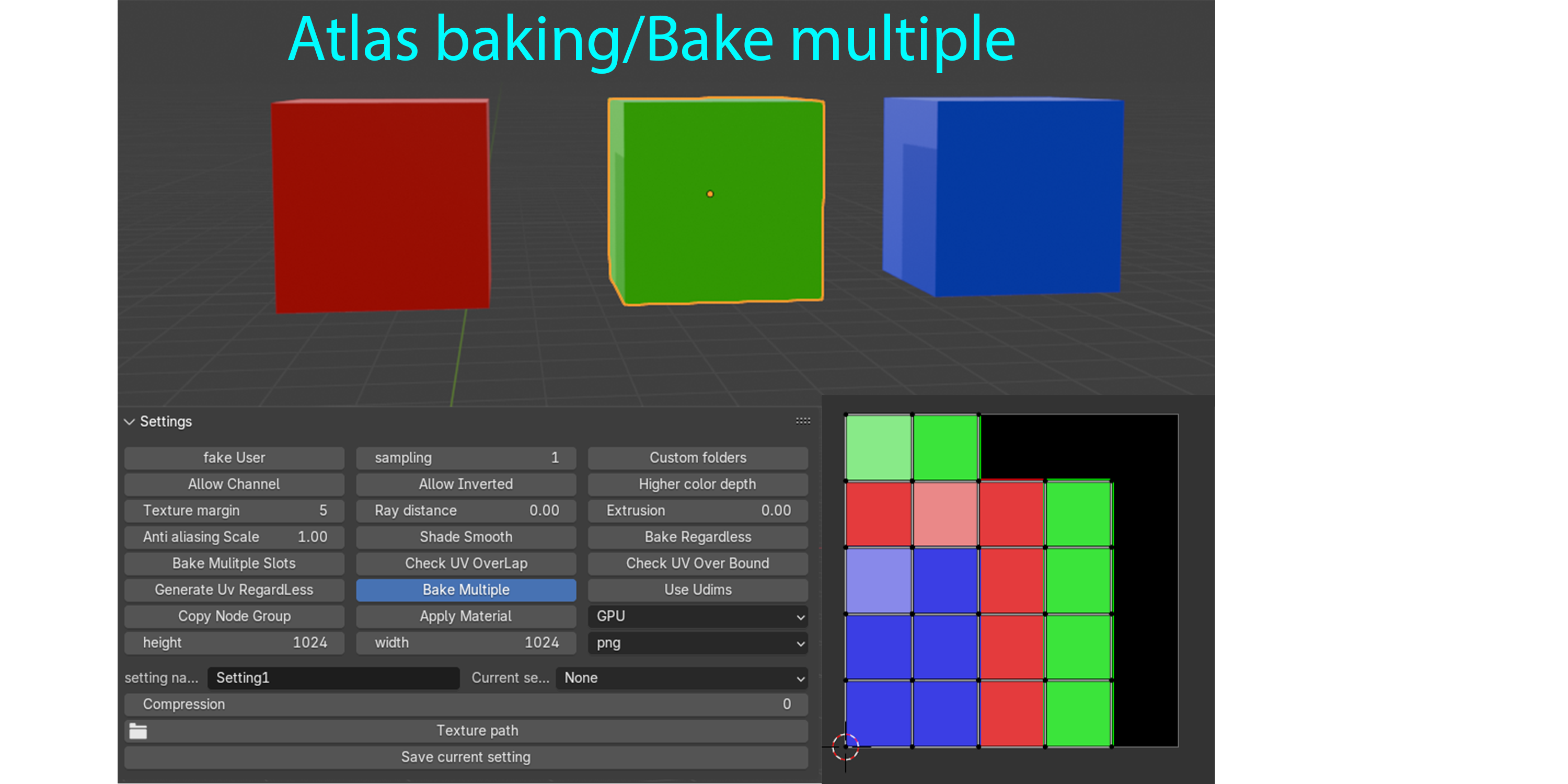
Atlas baking/Bake multiple
Easily bake multiple objects at once with full support for atlas baking. The add-on automatically merges UVs, manages overlaps, and creates shared textures for multiple assets — perfect for optimizing game-ready models or packing modular assets into a single UV map. No manual setup required — just select, bake, and go.
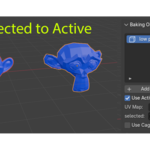
Selected to Active
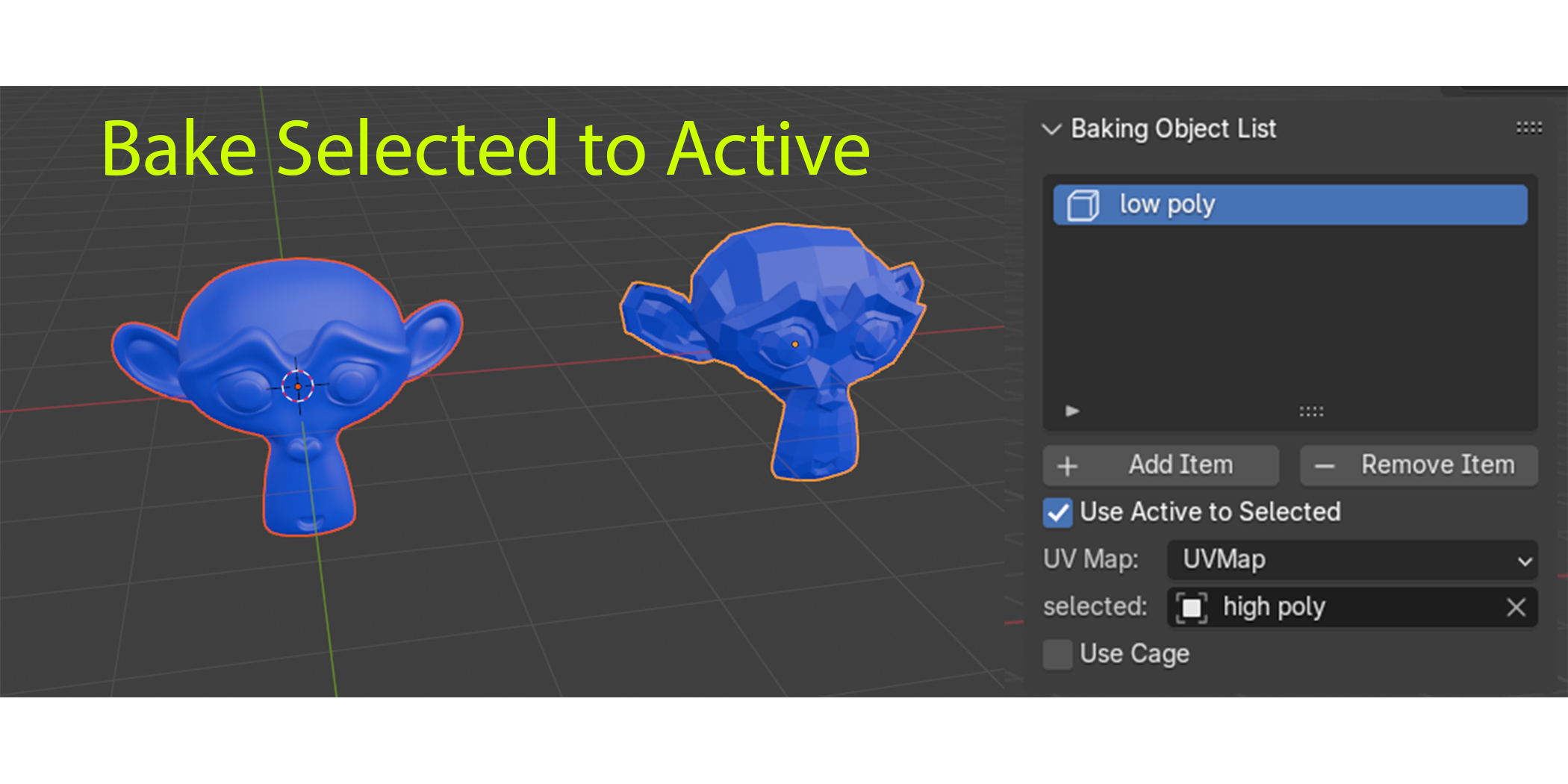
Bake high-resolution detail from one object to another with full Selected to Active support. Ideal for transferring normals, AO, and more from high-poly to low-poly meshes, with full support for custom cage meshes to ensure clean, accurate results.
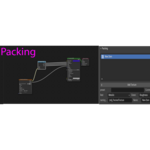
Channel Packing
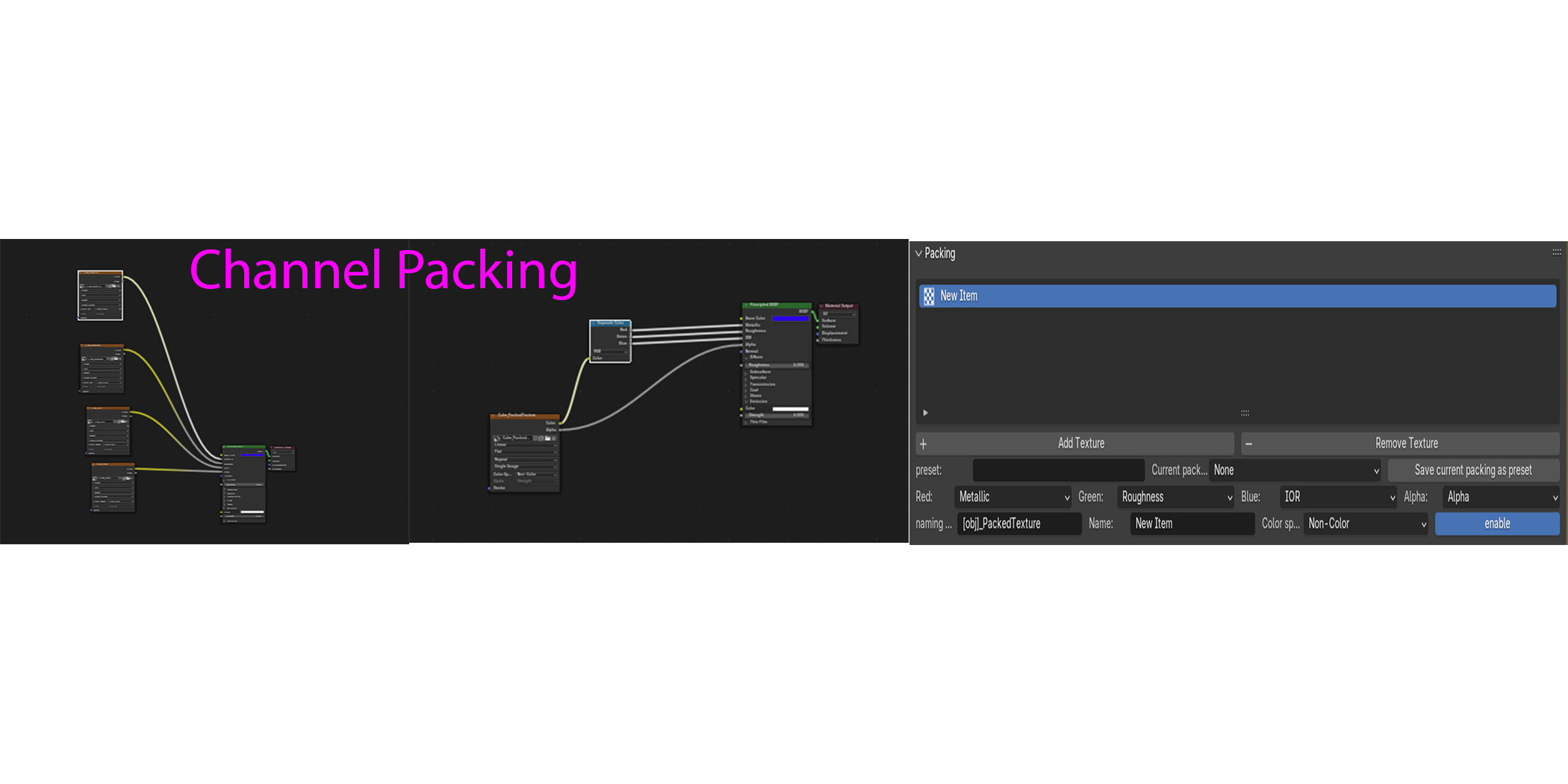
Optimize your texture maps with built-in channel packing, supporting up to 4 channels per texture (R, G, B, A). Easily combine maps like Roughness, Metallic, Ambient Occlusion, and Height into a single image — ideal for game engines and efficient asset pipelines.
Auto UV
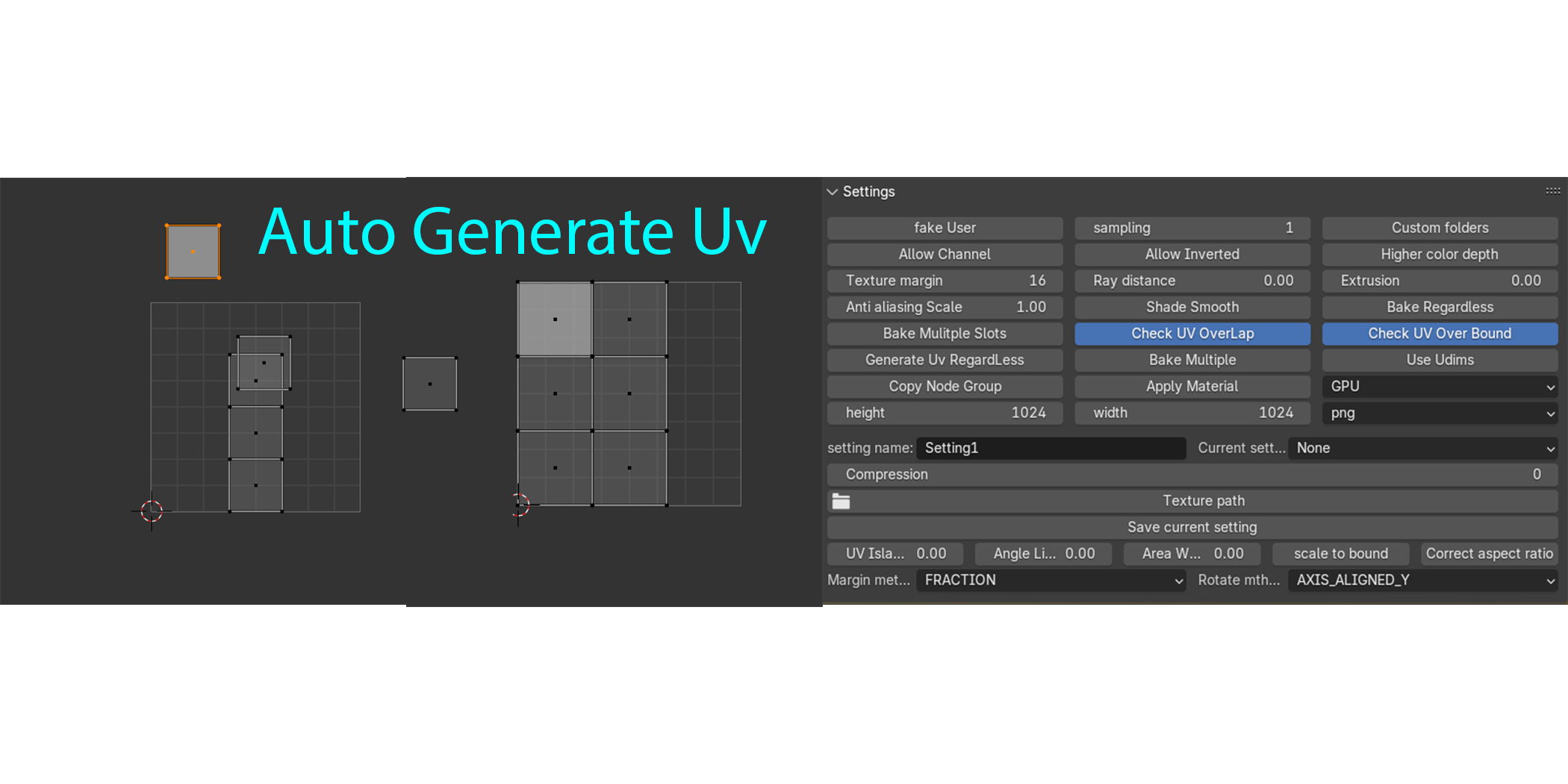
Save time with powerful Auto UV support. The add-on automatically detects UVs that are outside the UV space or have overlapping islands, and smart UV unwraps them to ensure clean, non-overlapping results — perfect for baking without manual UV setup.
Auto Apply Material
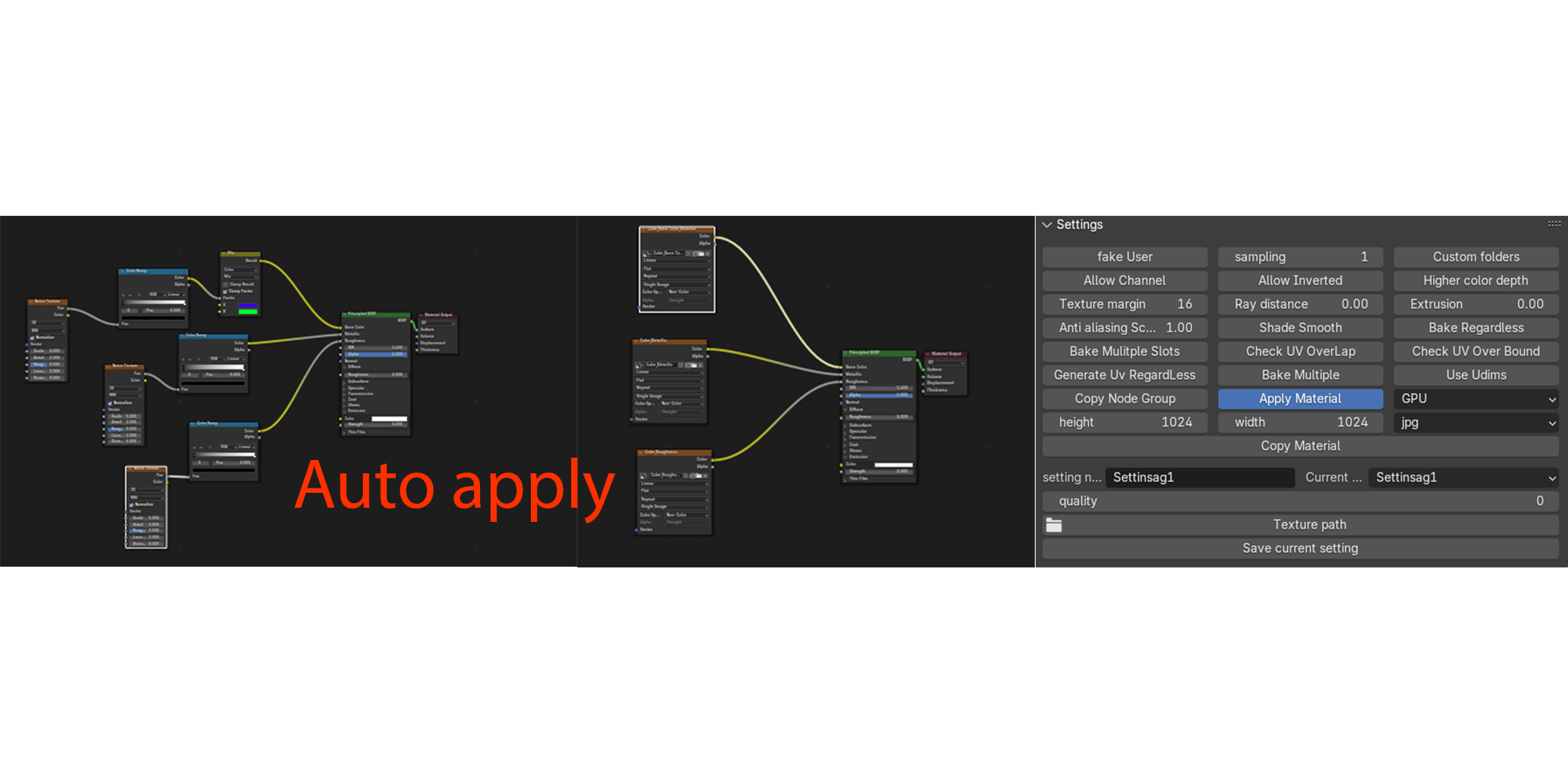
The add-on supports Auto Apply of baked textures when your material consists of similar shaders mixed only with Mix Shader nodes. For example, it can auto apply if you have multiple Principled BSDF shaders mixed together or multiple Diffuse shaders mixed together with Mix Shaders. However, it won’t auto apply if your material mixes different shader types (like Principled BSDF with Diffuse) or uses Add Shader nodes, ensuring precise results every time.
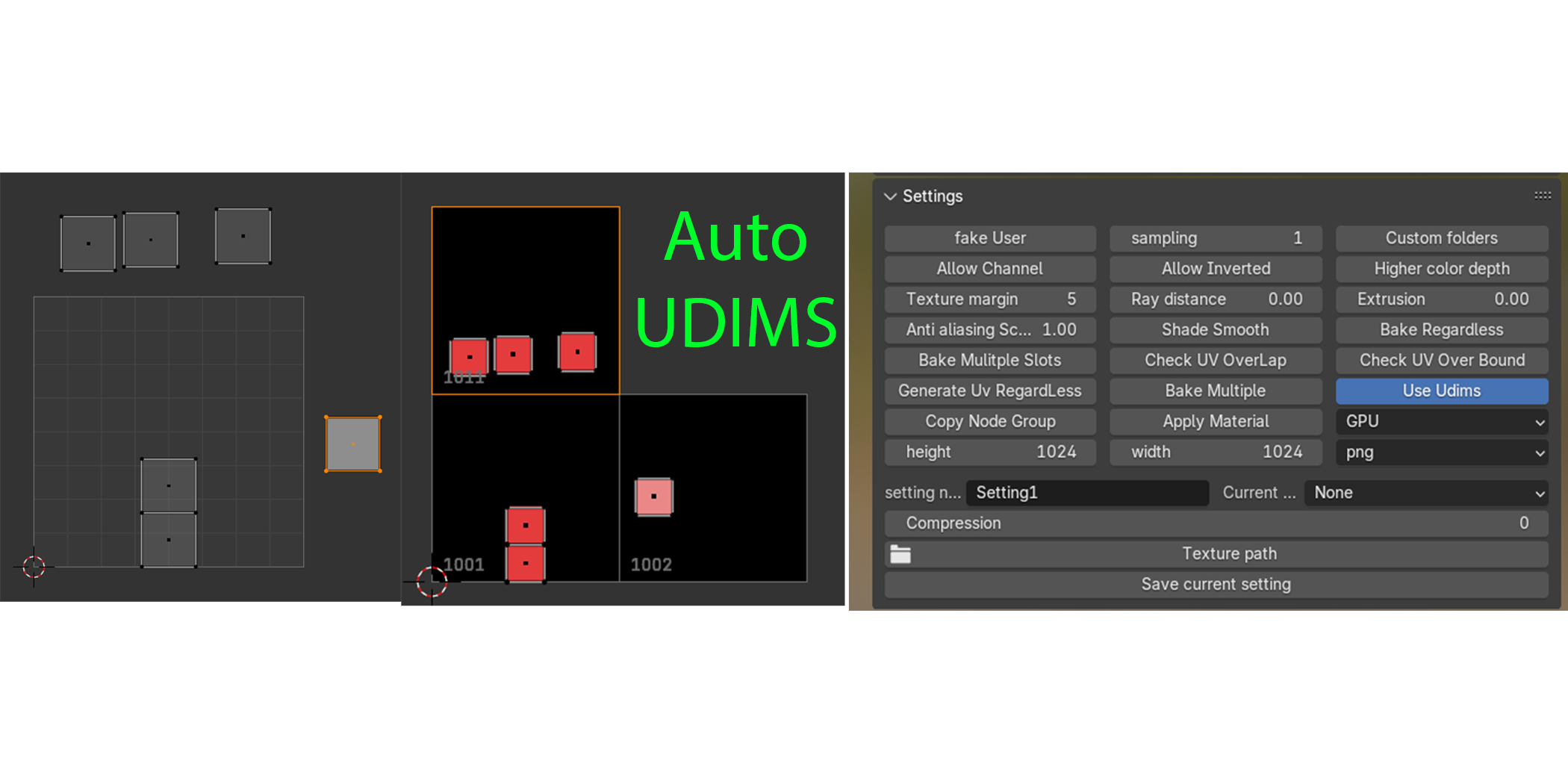
Auto UDIMS
The add-on features Auto UDIM support, automatically creating UDIM tiles based on your mesh’s UV coordinates. It detects UV islands positioned outside the UV space and generates the appropriate UDIM tiles seamlessly, simplifying multi-tile texture baking workflows.
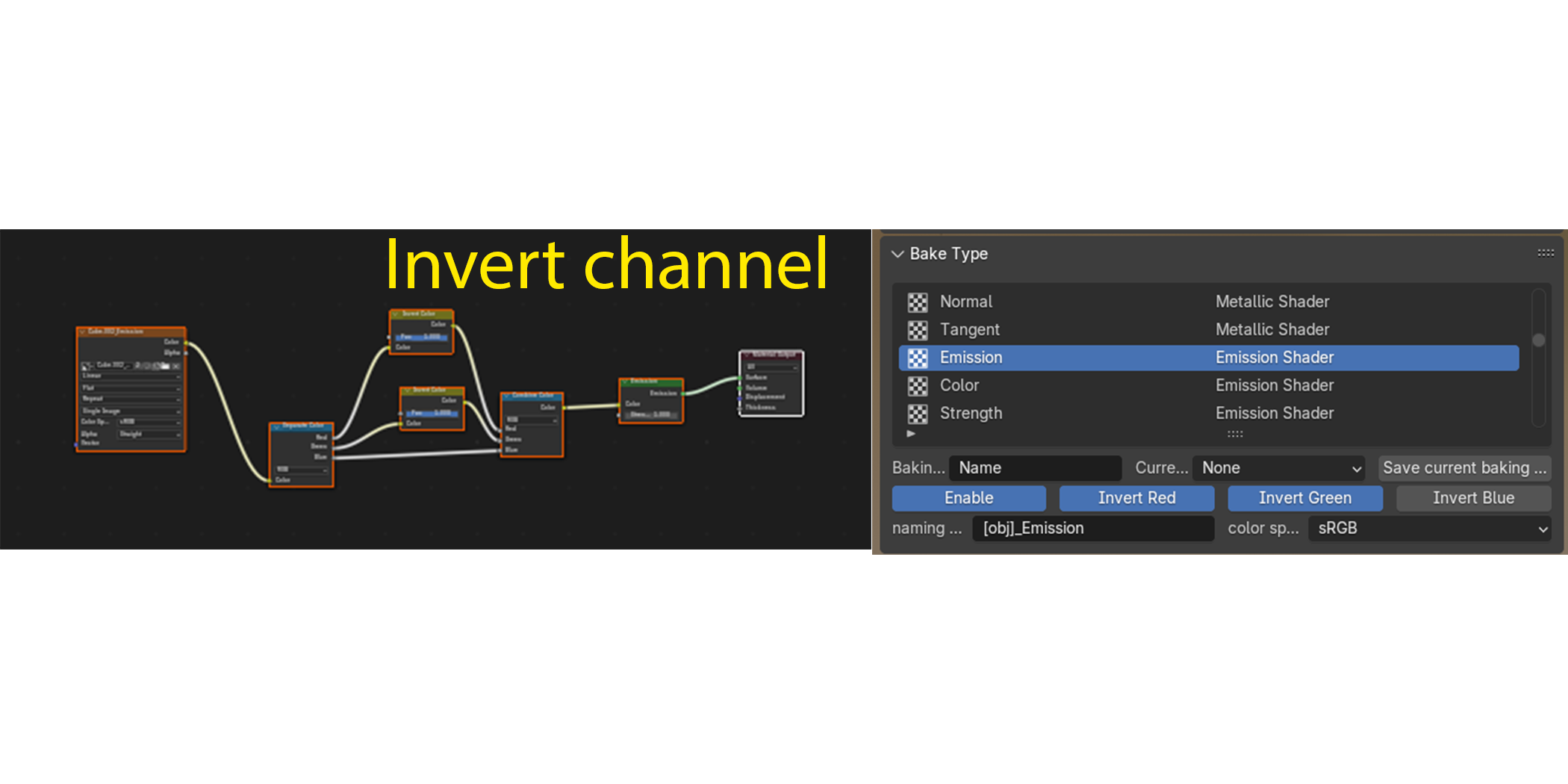
Inverting Channel
Easily invert individual color channels (R, G, or B) during baking to match specific workflow or engine requirements—such as converting roughness maps to smoothness for Unity or inverting the Y channel on normal maps for Unreal Engine—without needing any extra editing outside Blender.
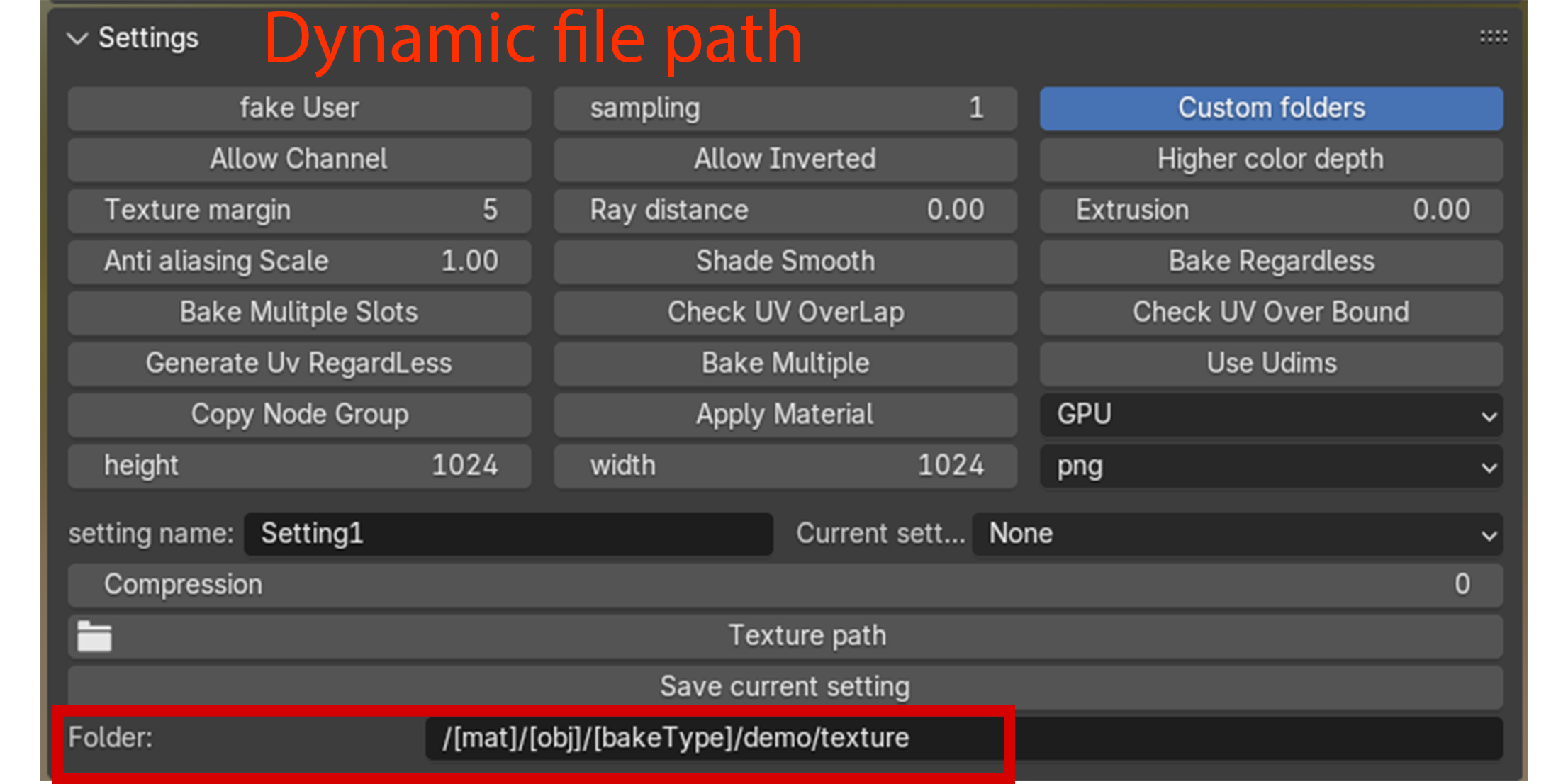
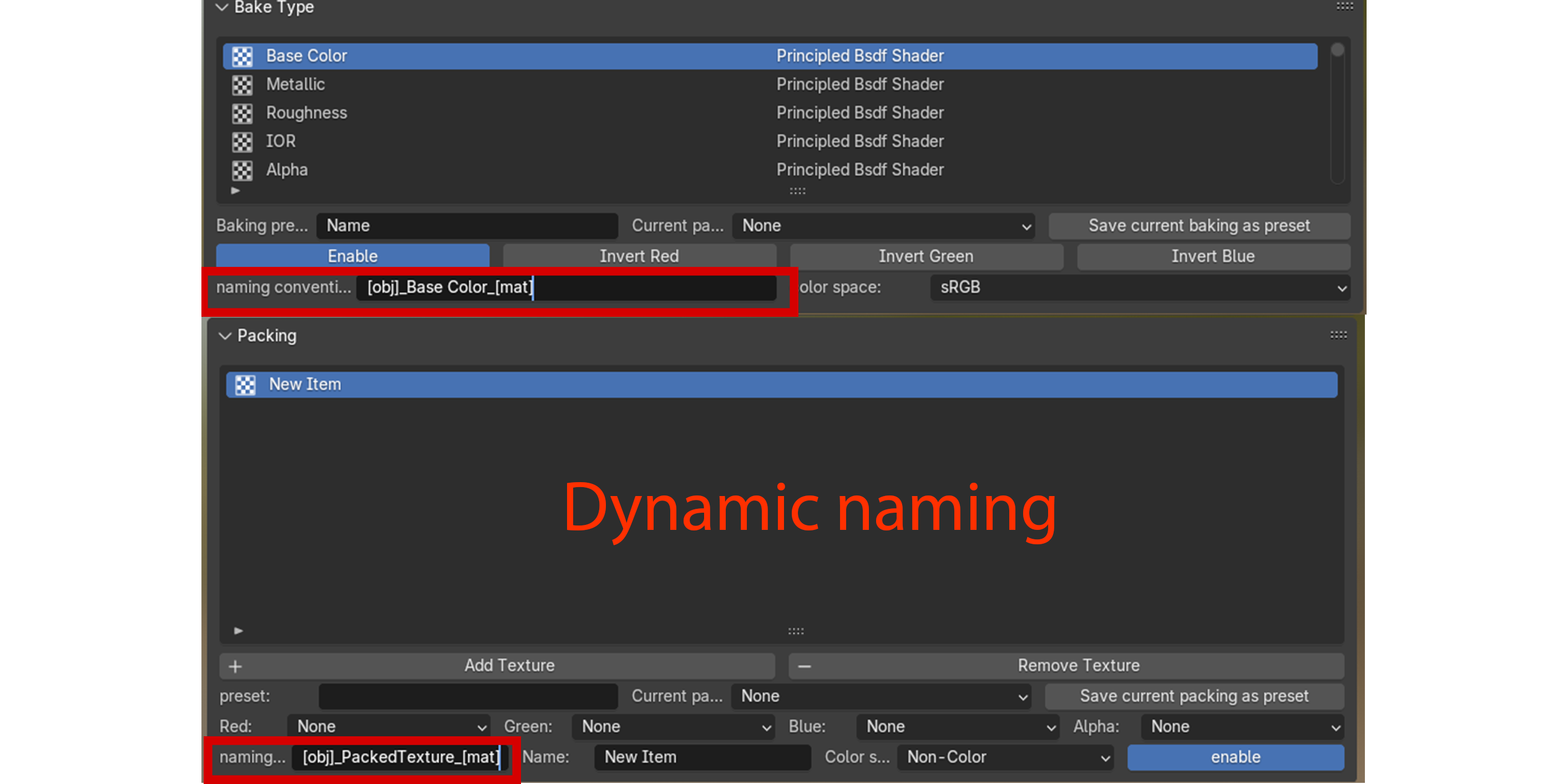
Dynamic File Path & Naming
Keep your textures organized effortlessly with dynamic file path and naming conventions. The add-on automatically creates folders and names files based on your project, material, and bake type—saving time and ensuring consistent, easy-to-navigate texture libraries every bake.
Unity Importer
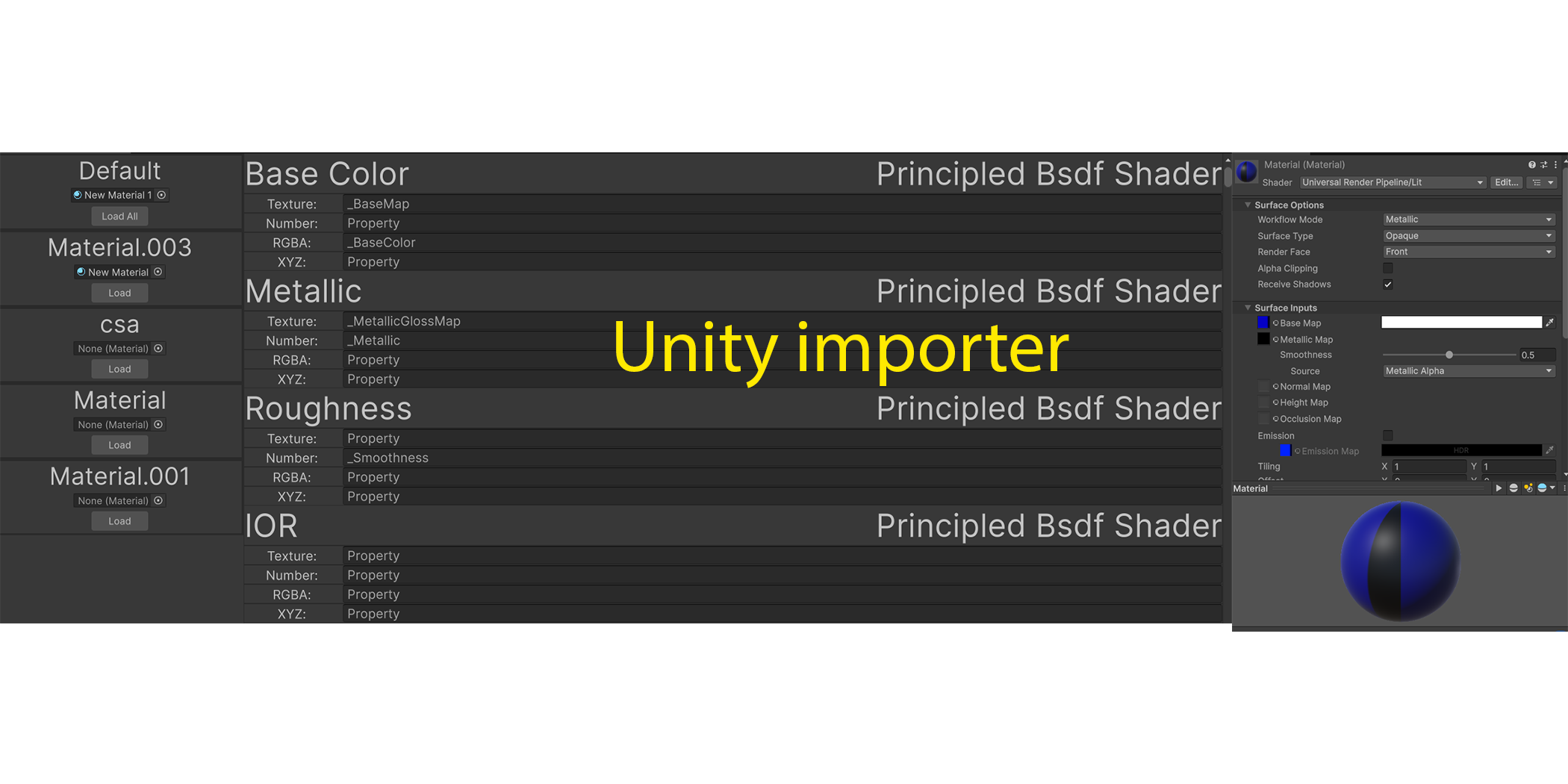
Effortlessly import your baked textures directly into Unity with built-in Unity Importer support. The add-on automatically prepares and organizes textures to fit Unity’s standard workflows. For custom shaders, a few additional setup steps may be required to fully integrate your materials, but the process remains straightforward and efficient.
Support and Affiliate
We’re here to help! For any questions or issues, contact me at [email protected] to ensure smooth baking workflows. Join our affiliate program to earn rewards by sharing this powerful tool with your community—sign up here: Affiliate form.