Text Editor Theme
 SkdSam
Quick Start
Requirements: Blender 3.6–4.5, Windows/macOS/Linux.
Download: Get
text_editor_theme_generator.zip(bundle includesminimap.zipandnavigator.zip).
Install
Blender → Edit → Preferences → Add-ons → Install…
Select
text_editor_theme.zip→ Install Add-on → enable Text Editor Theme Generator.(Bonus) Repeat Install… for
minimap.zipandnavigator.zip, then enable both.
Where to Find Things
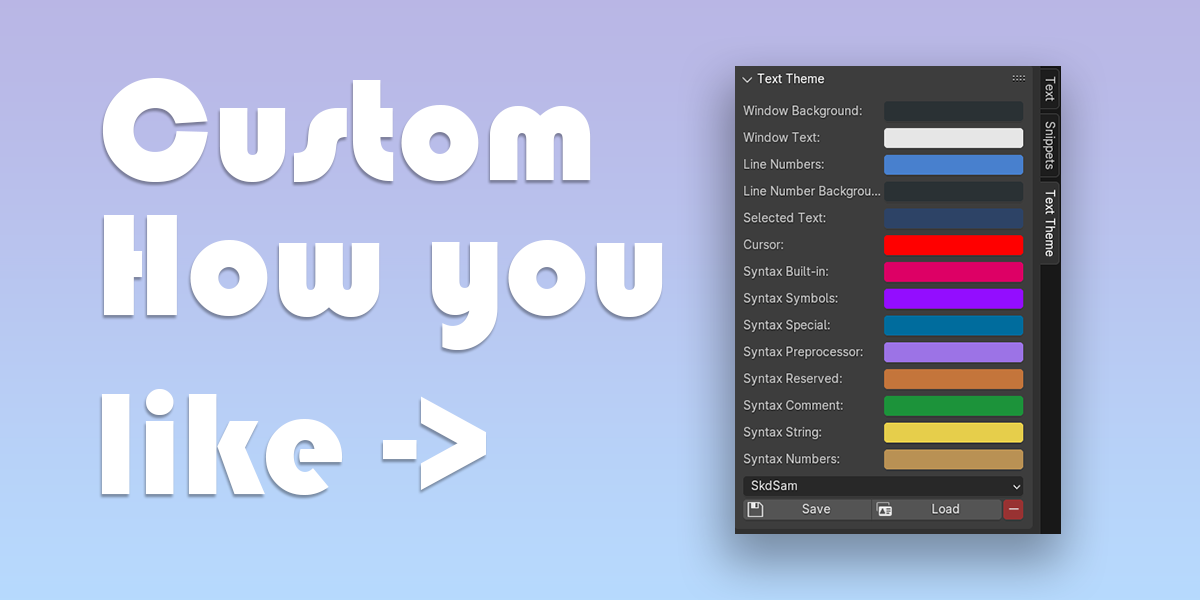
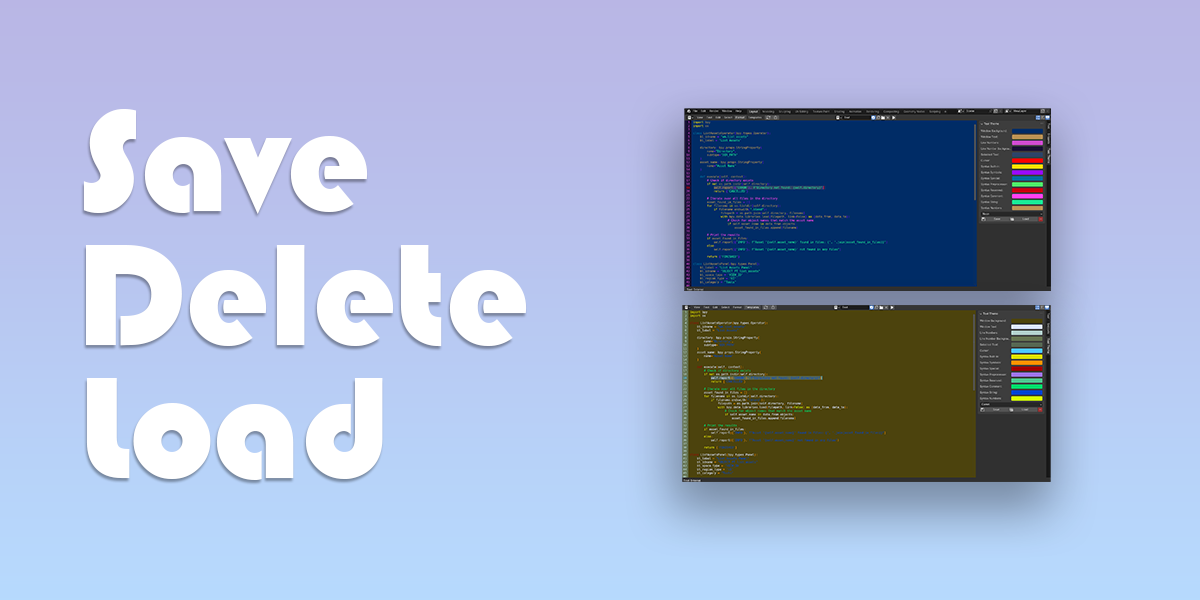
Theme Generator: Text Editor → Sidebar (N) → Theme Generator panel.
Text Minimap: Text Editor → Sidebar (N) → Minimap panel (toggle on/off, colour options, fixed text size).
Code Navigator: Text Editor → Sidebar (N) → Navigator panel (filters: Imports, Classes, Functions; click to jump).
Using the Theme Generator
Switch Theme: Choose from the dropdown to apply instantly.
Create/Edit: Adjust colours, save as JSON.
Import/Export: Buttons for loading/saving
.jsontheme files.HTML Live Editor: Open the companion HTML tool to sample colours from an image and export JSON.
Using the Text Minimap (Bonus)
Overview: Compact file preview; click anywhere to jump.
Options: Background, text, viewport, border colors; fixed text size; enable/disable.
Using the Code Navigator (Bonus)
Outline: Lists Imports / Classes / Functions (+ simple stats).
Navigation: Type to filter; click an item to focus & highlight that block.
Updates
Check Version: Shown in the panel header.
Update Process: Download new ZIP(s) → Preferences → Add-ons → Remove old → Install… new → Enable.
Have questions about this product?
Login to message
| Sales | 10+ |
| Dev Fund Contributor | |
| Published | about 2 years ago |
| Blender Version | 3.6 - 5.0 |
| Extension Type | N/A |
| License | GPL |