Texturaizer
 Latent Space Directive
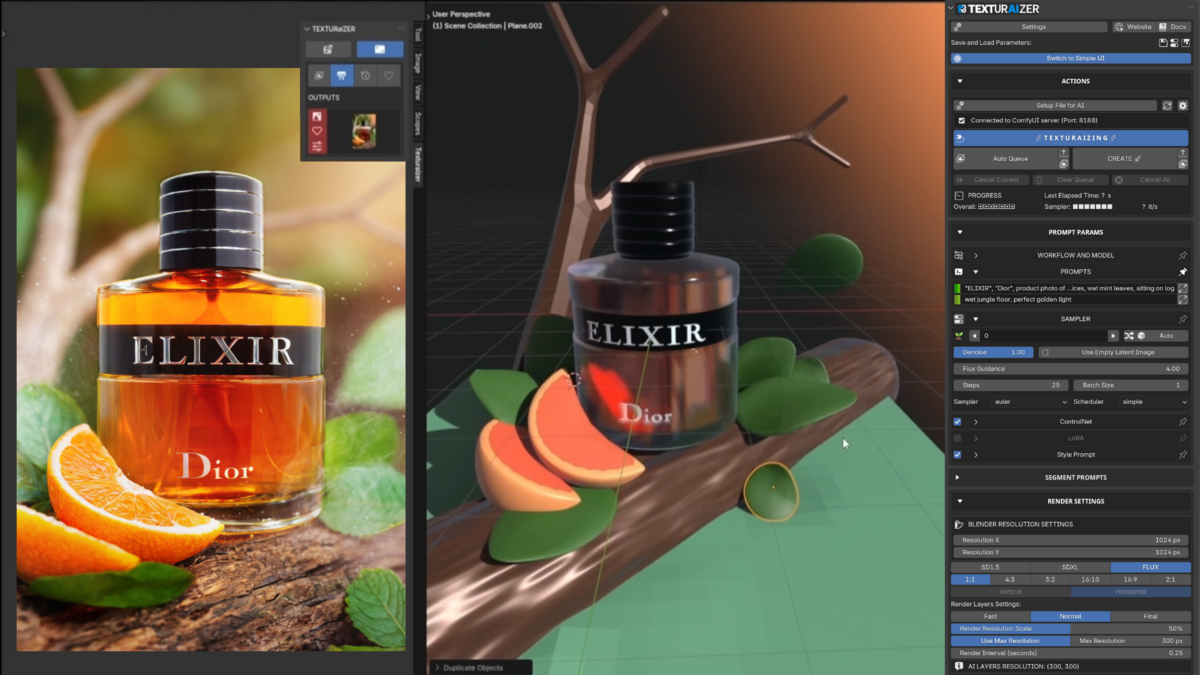

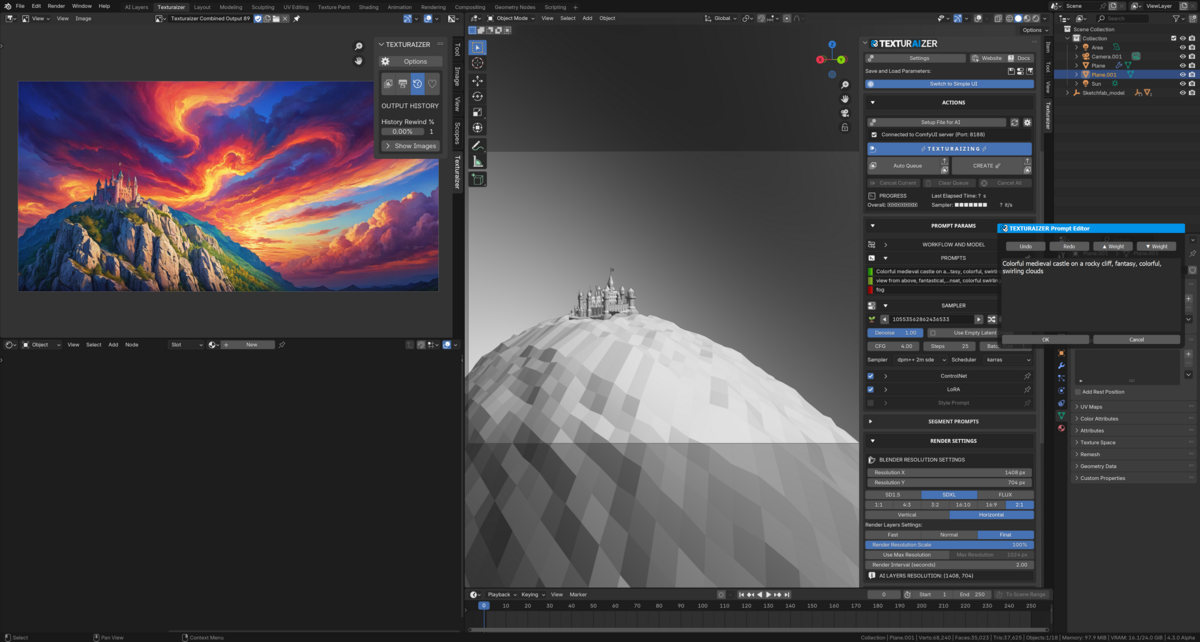
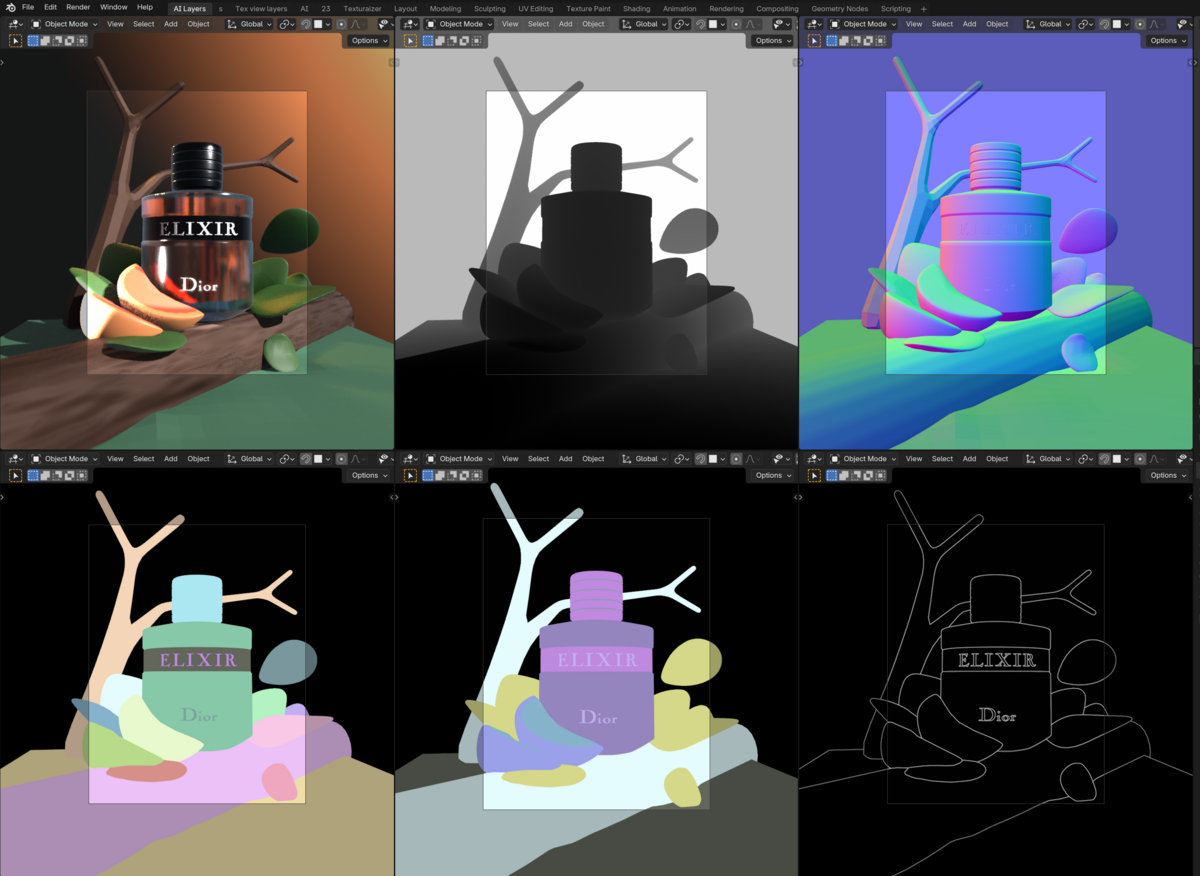
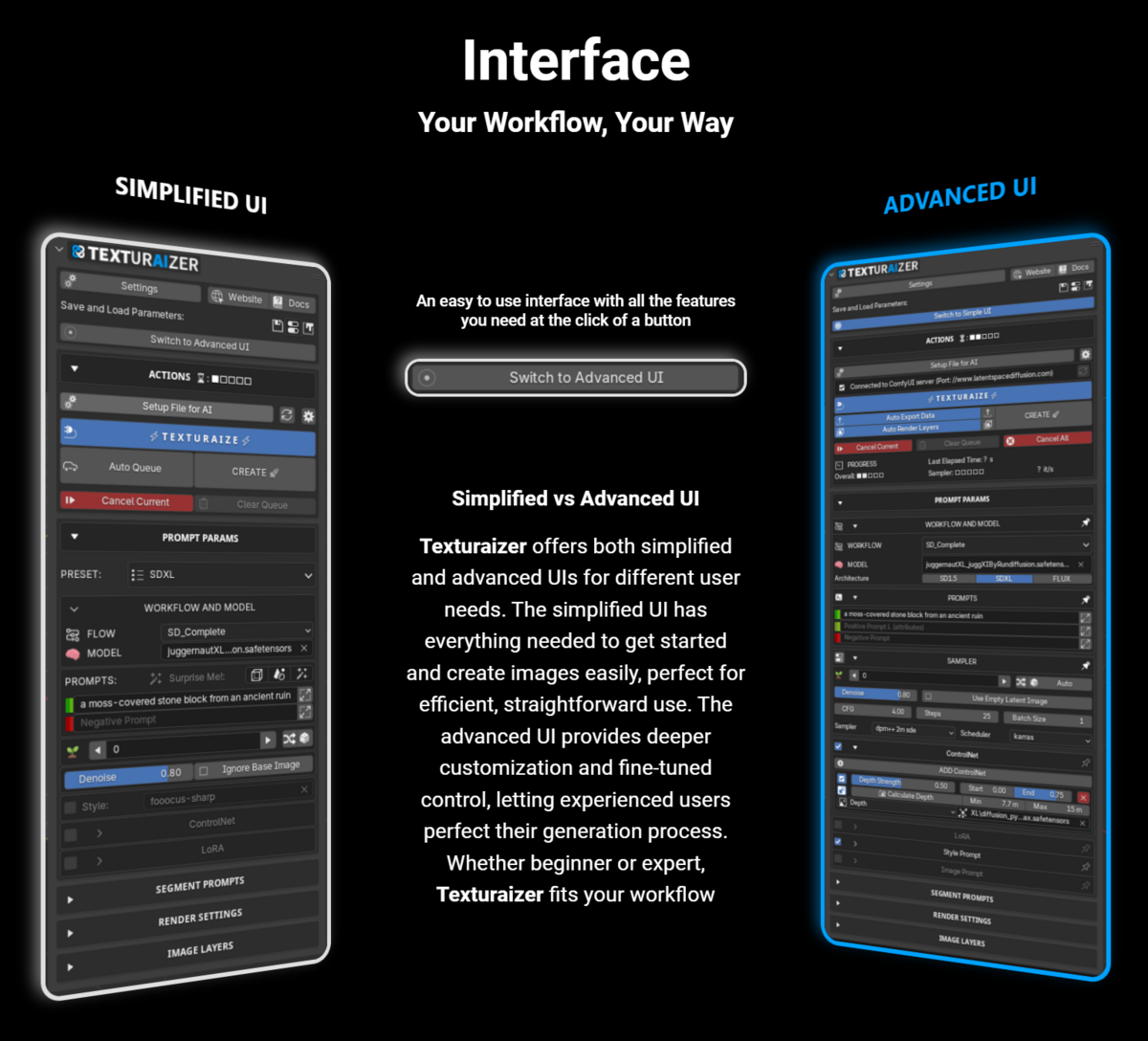
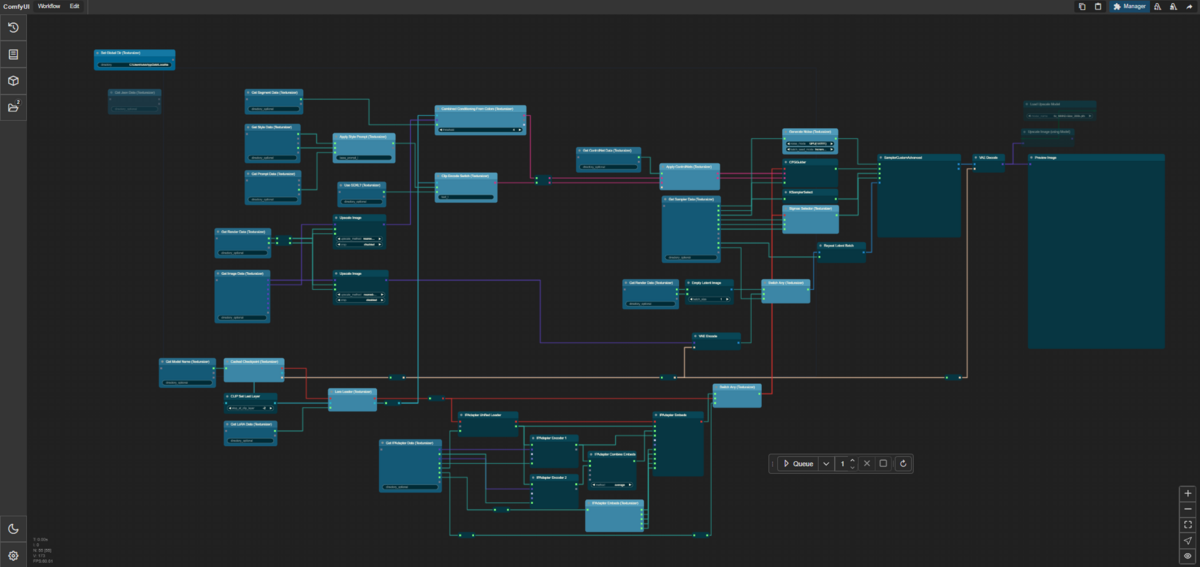
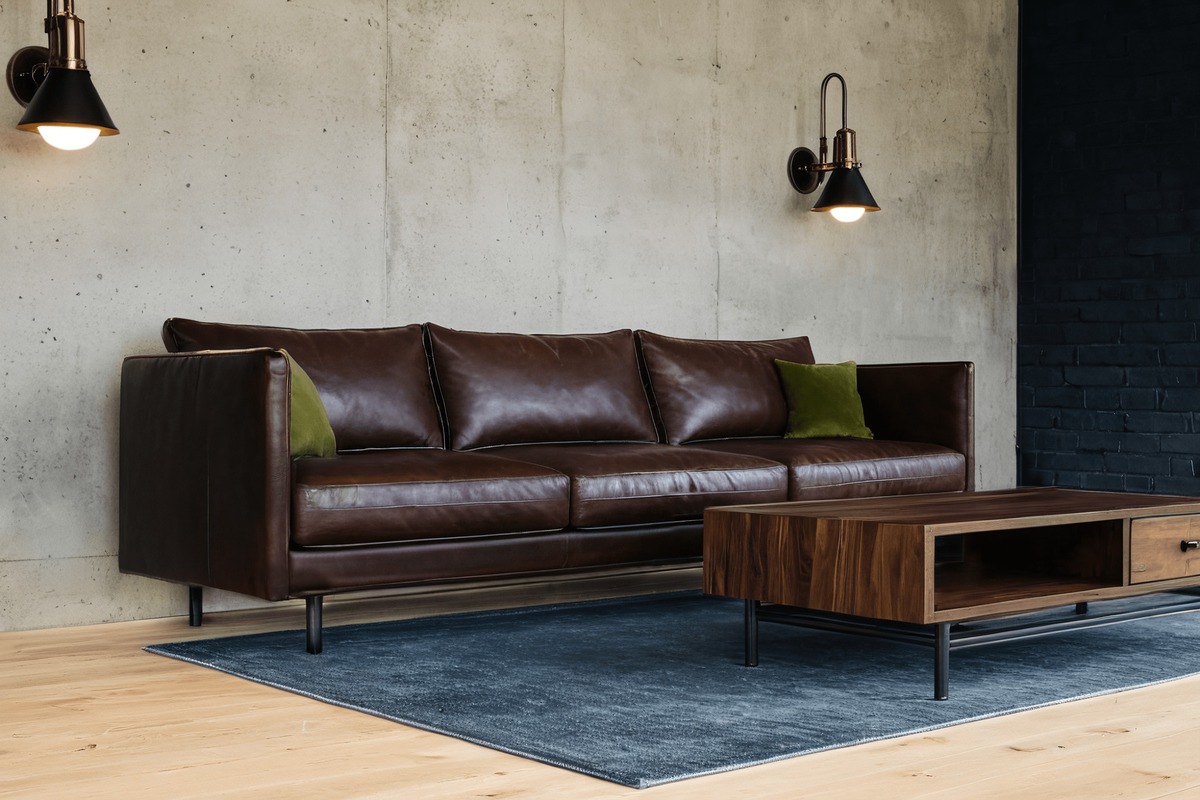



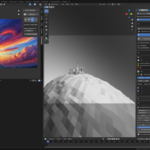
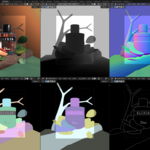
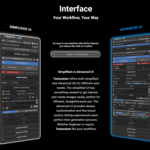




Updated workflows and ComfyUI Texturaizer nodes for latest ComfyUI compatibility. Fix add-on to be work with latest ComfyUI updates.
Texturaizer v0.2.1 improves stability and flexibility across both the ComfyUI Portable and App versions, with new settings options, smarter dependency handling, and important fixes to image rendering and ComfyUI integration.
Features:
• Settings Mode Selection: Added a new option in the preferences to choose between Portable and App modes.
• User Launch Arguments: Portable version now supports custom user launch arguments for advanced control.
Enhancements:
• Default Server Ports: Automatically sets server ports based on mode (8188 for Portable, 8000 for App).
• Dependency Checking: Improved reliability of dependency detection and setup.
• Python Override: Now applies only in Portable mode for better compatibility.
• Server Running Check: Updated logic for more accurate detection and management.
Bug Fixes:
• Image Update Handling: Fixed issue where images did not update before submitting requests.
– Render Pass Reliability: Resolved bug where pressing CREATE multiple times without changing the scene caused only the first render pass to run.
• Models and Nodes Pathing: Corrected models folder and extra nodes path handling for the ComfyUI App.
• ComfyUI Console Behavior: Fixed issue where ComfyUI output was printed into the Blender console at startup, and prevented ComfyUI from being force-quit when Blender closes.
- Material Creation Workflow: Introduced a new system for material creation with automatic shader node generation and smart application to objects and selected faces.
- Batch Image Viewing and Management: View sets of images from single generations in the viewer panel. Easily manage batches with delete and purge options.
- ControlNet Integration: Added support for using external images as the preprocessed image through ControlNet.
- Quick Access Bar: Added a streamlined bar for queueing and canceling tasks when the actions sub-panel is closed.
- Grid View for Images: Added a grid view to the image viewer panel for better visual organization.
- ComfyUI Nodes Update: Updated Texturaizer nodes to v0.0.7, including a new node for material creation data collection.
- New Presets: Added two new presets – Material Maker and SDXL Cutout
- Custom Image Saving: Enabled improved labeling and naming of saved images across all workflows.
- Image Handling Overhaul: Enhanced organization and speed for image saving, including saving image sets into subfolders and improved metadata tracking.
- Advanced Tiling Options: Added settings for x/y tiling enabling and tiling start step factor for material creation workflow.
- Noise Mode and Weight Dtype Options: Added control over sampler noise modes (CPU/GPU) and diffusion model weight data types.
- Improved Addon Preferences: Reorganized UI with categories for better readability and added warnings for missing dependencies.
- Modernized Progress Display: Streamlined progress image display and included percentage values for progress tracking.
- Hot Reloading for Workflows: Enabled dynamic reloading of custom workflows without restarting Blender.
- Custom Styles Directory: Introduced support for custom user-defined styles.
- Improved Output Resolution Scaling: Added a property to set the resolution scale factor, ideal for flux-based tasks.
- Fixed diffusion model issues affecting stability.
- Resolved minor spelling errors and improved console readability.
- Addressed errors in image viewers for better reliability.
- Improved error handling across image-related operations.
Updated workflows and ComfyUI Texturaizer nodes for latest ComfyUI compatibility. Fix add-on to be work with latest ComfyUI updates.
Texturaizer V0.2.4 adds support for new Vulcan rendering engine introduced in blender 4.5.
- Vulkan offers faster, smoother viewport performance with much lower CPU overhead.
- Better multi-core utilization thanks to Vulkan’s low-level, multi-threaded design.
- To switch to Vulkan go to Edit > Preferences > System, and under display graphics, change the backend to Vulkan.
V0.2.3 fixes issue with SDXL workflows caused by change in ComfyUI SDXL Clip encoding function name.
V0.2.2 Adds support for Flux Kontext Model.
- New Flux Kontext preset and workflow
- Support for an additional Kontext input image
- New Kontext ComfyUI Texturaizer data node
Texturaizer v0.2.1 improves stability and flexibility across both the ComfyUI Portable and App versions, with new settings options, smarter dependency handling, and important fixes to image rendering and ComfyUI integration.
Features:
• Settings Mode Selection: Added a new option in the preferences to choose between Portable and App modes.
• User Launch Arguments: Portable version now supports custom user launch arguments for advanced control.
Enhancements:
• Default Server Ports: Automatically sets server ports based on mode (8188 for Portable, 8000 for App).
• Dependency Checking: Improved reliability of dependency detection and setup.
• Python Override: Now applies only in Portable mode for better compatibility.
• Server Running Check: Updated logic for more accurate detection and management.
Bug Fixes:
• Image Update Handling: Fixed issue where images did not update before submitting requests.
– Render Pass Reliability: Resolved bug where pressing CREATE multiple times without changing the scene caused only the first render pass to run.
• Models and Nodes Pathing: Corrected models folder and extra nodes path handling for the ComfyUI App.
• ComfyUI Console Behavior: Fixed issue where ComfyUI output was printed into the Blender console at startup, and prevented ComfyUI from being force-quit when Blender closes.
- Material Creation Workflow: Introduced a new system for material creation with automatic shader node generation and smart application to objects and selected faces.
- Batch Image Viewing and Management: View sets of images from single generations in the viewer panel. Easily manage batches with delete and purge options.
- ControlNet Integration: Added support for using external images as the preprocessed image through ControlNet.
- Quick Access Bar: Added a streamlined bar for queueing and canceling tasks when the actions sub-panel is closed.
- Grid View for Images: Added a grid view to the image viewer panel for better visual organization.
- ComfyUI Nodes Update: Updated Texturaizer nodes to v0.0.7, including a new node for material creation data collection.
- New Presets: Added two new presets – Material Maker and SDXL Cutout
- Custom Image Saving: Enabled improved labeling and naming of saved images across all workflows.
- Image Handling Overhaul: Enhanced organization and speed for image saving, including saving image sets into subfolders and improved metadata tracking.
- Advanced Tiling Options: Added settings for x/y tiling enabling and tiling start step factor for material creation workflow.
- Noise Mode and Weight Dtype Options: Added control over sampler noise modes (CPU/GPU) and diffusion model weight data types.
- Improved Addon Preferences: Reorganized UI with categories for better readability and added warnings for missing dependencies.
- Modernized Progress Display: Streamlined progress image display and included percentage values for progress tracking.
- Hot Reloading for Workflows: Enabled dynamic reloading of custom workflows without restarting Blender.
- Custom Styles Directory: Introduced support for custom user-defined styles.
- Improved Output Resolution Scaling: Added a property to set the resolution scale factor, ideal for flux-based tasks.
- Fixed diffusion model issues affecting stability.
- Resolved minor spelling errors and improved console readability.
- Addressed errors in image viewers for better reliability.
- Improved error handling across image-related operations.
Updated workflows and ComfyUI Texturaizer nodes for latest ComfyUI compatibility. Fix add-on to be work with latest ComfyUI updates.
V0.2.3 fixes issue with SDXL workflows caused by change in ComfyUI SDXL Clip encoding function name.
V0.2.2 Adds support for Flux Kontext Model.
- New Flux Kontext preset and workflow
- Support for an additional Kontext input image
- New Kontext ComfyUI Texturaizer data node
Texturaizer v0.2.1 improves stability and flexibility across both the ComfyUI Portable and App versions, with new settings options, smarter dependency handling, and important fixes to image rendering and ComfyUI integration.
Features:
• Settings Mode Selection: Added a new option in the preferences to choose between Portable and App modes.
• User Launch Arguments: Portable version now supports custom user launch arguments for advanced control.
Enhancements:
• Default Server Ports: Automatically sets server ports based on mode (8188 for Portable, 8000 for App).
• Dependency Checking: Improved reliability of dependency detection and setup.
• Python Override: Now applies only in Portable mode for better compatibility.
• Server Running Check: Updated logic for more accurate detection and management.
Bug Fixes:
• Image Update Handling: Fixed issue where images did not update before submitting requests.
– Render Pass Reliability: Resolved bug where pressing CREATE multiple times without changing the scene caused only the first render pass to run.
• Models and Nodes Pathing: Corrected models folder and extra nodes path handling for the ComfyUI App.
• ComfyUI Console Behavior: Fixed issue where ComfyUI output was printed into the Blender console at startup, and prevented ComfyUI from being force-quit when Blender closes.
- Material Creation Workflow: Introduced a new system for material creation with automatic shader node generation and smart application to objects and selected faces.
- Batch Image Viewing and Management: View sets of images from single generations in the viewer panel. Easily manage batches with delete and purge options.
- ControlNet Integration: Added support for using external images as the preprocessed image through ControlNet.
- Quick Access Bar: Added a streamlined bar for queueing and canceling tasks when the actions sub-panel is closed.
- Grid View for Images: Added a grid view to the image viewer panel for better visual organization.
- ComfyUI Nodes Update: Updated Texturaizer nodes to v0.0.7, including a new node for material creation data collection.
- New Presets: Added two new presets – Material Maker and SDXL Cutout
- Custom Image Saving: Enabled improved labeling and naming of saved images across all workflows.
- Image Handling Overhaul: Enhanced organization and speed for image saving, including saving image sets into subfolders and improved metadata tracking.
- Advanced Tiling Options: Added settings for x/y tiling enabling and tiling start step factor for material creation workflow.
- Noise Mode and Weight Dtype Options: Added control over sampler noise modes (CPU/GPU) and diffusion model weight data types.
- Improved Addon Preferences: Reorganized UI with categories for better readability and added warnings for missing dependencies.
- Modernized Progress Display: Streamlined progress image display and included percentage values for progress tracking.
- Hot Reloading for Workflows: Enabled dynamic reloading of custom workflows without restarting Blender.
- Custom Styles Directory: Introduced support for custom user-defined styles.
- Improved Output Resolution Scaling: Added a property to set the resolution scale factor, ideal for flux-based tasks.
- Fixed diffusion model issues affecting stability.
- Resolved minor spelling errors and improved console readability.
- Addressed errors in image viewers for better reliability.
- Improved error handling across image-related operations.
Updated workflows and ComfyUI Texturaizer nodes for latest ComfyUI compatibility. Fix add-on to be work with latest ComfyUI updates.
V0.2.3 fixes issue with SDXL workflows caused by change in ComfyUI SDXL Clip encoding function name.
V0.2.2 Adds support for Flux Kontext Model.
- New Flux Kontext preset and workflow
- Support for an additional Kontext input image
- New Kontext ComfyUI Texturaizer data node
Texturaizer v0.2.1 improves stability and flexibility across both the ComfyUI Portable and App versions, with new settings options, smarter dependency handling, and important fixes to image rendering and ComfyUI integration.
Features:
• Settings Mode Selection: Added a new option in the preferences to choose between Portable and App modes.
• User Launch Arguments: Portable version now supports custom user launch arguments for advanced control.
Enhancements:
• Default Server Ports: Automatically sets server ports based on mode (8188 for Portable, 8000 for App).
• Dependency Checking: Improved reliability of dependency detection and setup.
• Python Override: Now applies only in Portable mode for better compatibility.
• Server Running Check: Updated logic for more accurate detection and management.
Bug Fixes:
• Image Update Handling: Fixed issue where images did not update before submitting requests.
– Render Pass Reliability: Resolved bug where pressing CREATE multiple times without changing the scene caused only the first render pass to run.
• Models and Nodes Pathing: Corrected models folder and extra nodes path handling for the ComfyUI App.
• ComfyUI Console Behavior: Fixed issue where ComfyUI output was printed into the Blender console at startup, and prevented ComfyUI from being force-quit when Blender closes.
- Material Creation Workflow: Introduced a new system for material creation with automatic shader node generation and smart application to objects and selected faces.
- Batch Image Viewing and Management: View sets of images from single generations in the viewer panel. Easily manage batches with delete and purge options.
- ControlNet Integration: Added support for using external images as the preprocessed image through ControlNet.
- Quick Access Bar: Added a streamlined bar for queueing and canceling tasks when the actions sub-panel is closed.
- Grid View for Images: Added a grid view to the image viewer panel for better visual organization.
- ComfyUI Nodes Update: Updated Texturaizer nodes to v0.0.7, including a new node for material creation data collection.
- New Presets: Added two new presets – Material Maker and SDXL Cutout
- Custom Image Saving: Enabled improved labeling and naming of saved images across all workflows.
- Image Handling Overhaul: Enhanced organization and speed for image saving, including saving image sets into subfolders and improved metadata tracking.
- Advanced Tiling Options: Added settings for x/y tiling enabling and tiling start step factor for material creation workflow.
- Noise Mode and Weight Dtype Options: Added control over sampler noise modes (CPU/GPU) and diffusion model weight data types.
- Improved Addon Preferences: Reorganized UI with categories for better readability and added warnings for missing dependencies.
- Modernized Progress Display: Streamlined progress image display and included percentage values for progress tracking.
- Hot Reloading for Workflows: Enabled dynamic reloading of custom workflows without restarting Blender.
- Custom Styles Directory: Introduced support for custom user-defined styles.
- Improved Output Resolution Scaling: Added a property to set the resolution scale factor, ideal for flux-based tasks.
- Fixed diffusion model issues affecting stability.
- Resolved minor spelling errors and improved console readability.
- Addressed errors in image viewers for better reliability.
- Improved error handling across image-related operations.
Studio Licensing for Texturaizer
Thank you for your interest in Texturaizer! We offer custom licensing solutions for large studios and organizations.
Contact Us
For studio licensing inquiries, please visit our dedicated page:
https://texturaizer.com/studio/
Our team will work with you to provide tailored licensing options that meet your studio's specific needs.
-
$36
Non-Commercial and Educational use only (For 1 user)
-
$78
Commercial use allowed (For 1 user) • Early Access to new features
-
$249
Commercial use allowed (For 2 to 5 users) • Early Access to new features
-
$499
Commercial use allowed (For up to 10 users) • Early Access to new features
-
$0
This is NOT the plugin itself. Please contact us for pricing and terms for studios with more than 10 users: https://texturaizer.com/studio/
Have questions about this product?
Login to message