@keyframes tcg{0%,100%{box-shadow:0 0 18px rgba(25,189,245,.25)}50%{box-shadow:0 0 38px rgba(25,189,245,.75)}}@keyframes tcu{from{opacity:0;transform:translateY(16px)}to{opacity:1;transform:none}}.tc-hero{animation:tcg 3s ease-in-out infinite}.tc-card{animation:tcu .7s ease both;transition:transform .25s}.tc-card:hover{transform:translateY(-4px)}.tc-img{animation:tcg 4s ease-in-out infinite}
3DMAGIC · BLENDER EXTENSION
TEXTURE COMBINER
Combine matching texture images from different mesh parts into consolidated maps, automatically, by map type.
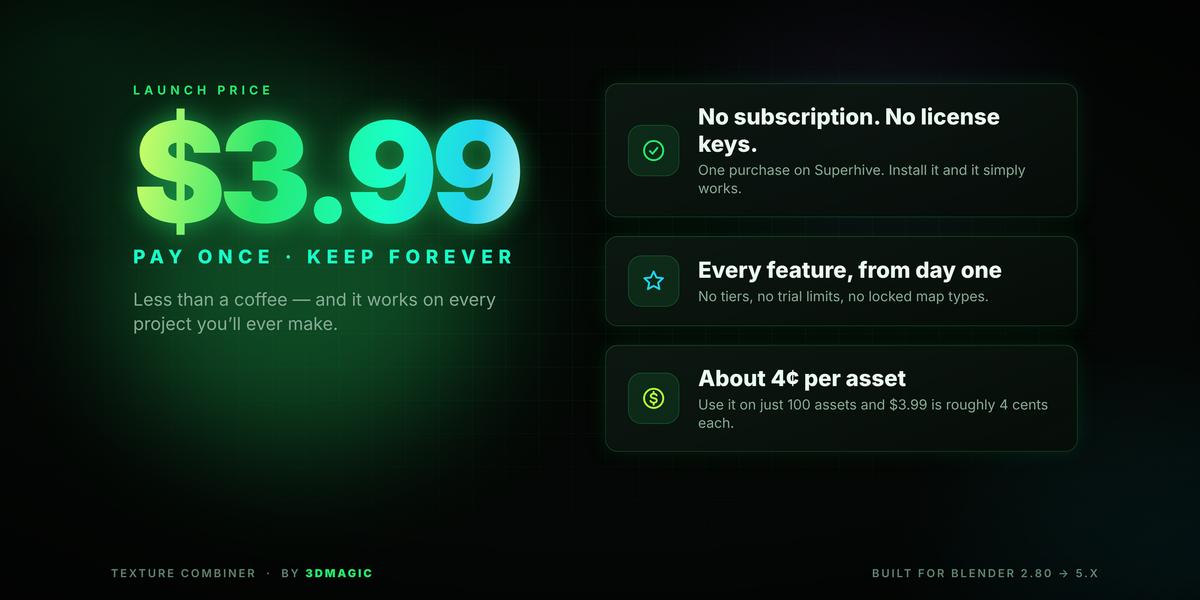
One-time purchaseNo activation keyBlender 4.2+Works offline

From separate texture sets to one organized output
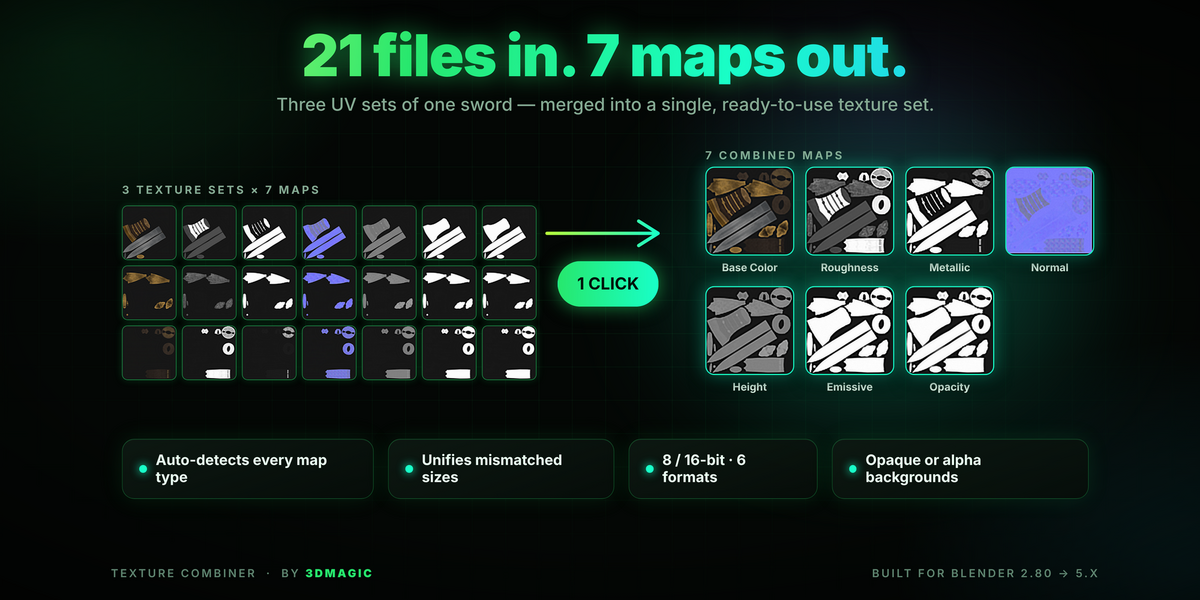
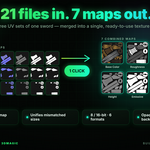
When an asset is built from multiple mesh parts, its texture maps are often split across several image files. Texture Combiner scans a selected folder, identifies map types from filenames, and layers images of the same type into a single output map. Combine every detected map or only the types you need.

What it can detect
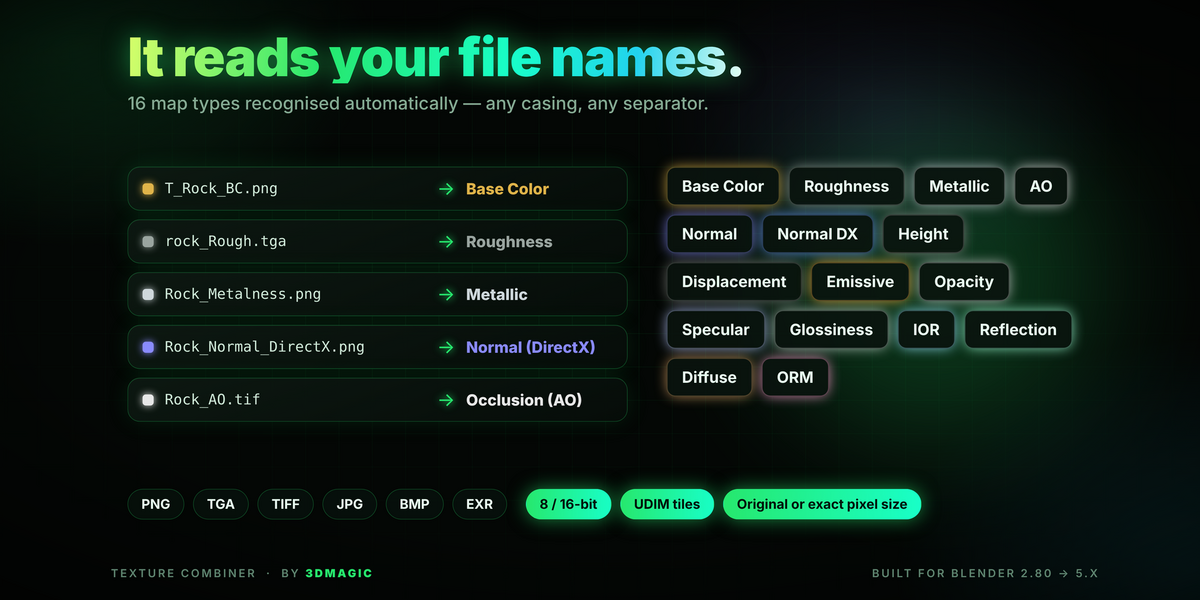
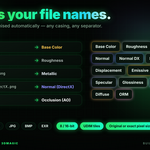
16 map categories are recognized from common filename suffixes and aliases:

Designed for a practical texture workflow
🔍
Automatic filename detection
Recognizes map types from common names and abbreviations such as BaseColor, Albedo, Roughness, Metal, AO, Normal, Emissive, ORM and more.
🎛️
Combine only what you need
Toggle individual map types on or off before processing: only Base Color, or every detected map.
📂
Folder and subfolder scanning
Scans the source directory including subfolders and groups matching images by texture set and map type.
🧩
UDIM tile awareness
Recognizes tile numbers such as 1001 and keeps tiles separated in the combined output.
📐
Flexible output size
Keep the detected size or choose a preset or custom pixel dimensions. Different image sizes are resized to the target.
💾
Output format and background
PNG, TGA, TIFF, JPEG, BMP or OpenEXR, with an opaque neutral background or transparency where the format supports alpha.
⏱️
Progress and cancellation
Follow the current stage with a progress indicator and cancel an active combine when needed.
🏷️
Output naming and destination
Set a filename prefix and output folder. By default results go to a Combined folder inside the source directory.
📝
Processing log and fallback controls
A Text datablock named TextureCombiner Log records details. Classic controls are available as a fallback panel.
A focused interface inside Blender
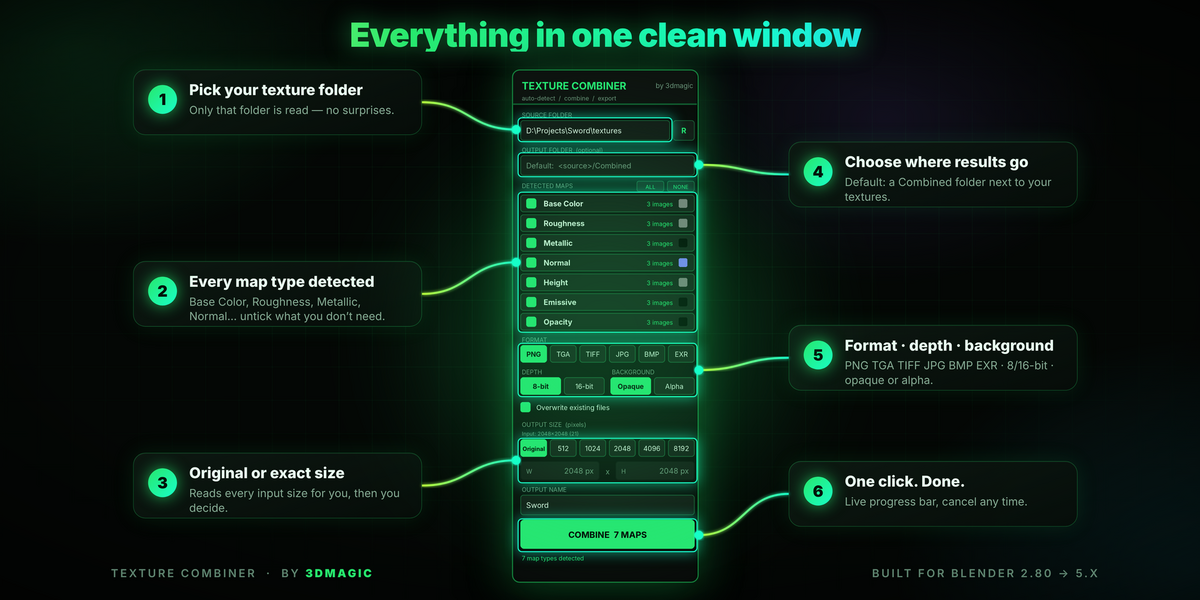
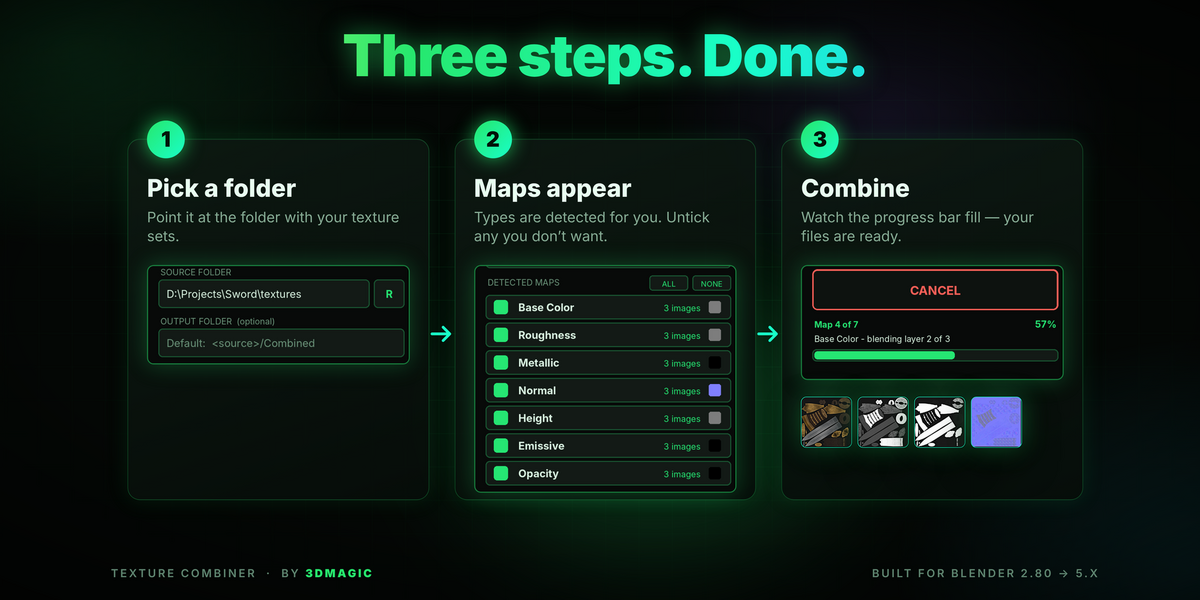
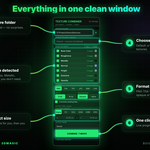
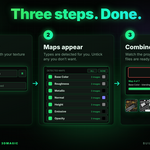
Open the 3D Viewport sidebar with the N key and select the 3DMagic tab. The panel provides the folder, detected map list, output settings and combine controls in one place.

Quick start
- In Blender, open the 3D Viewport and press N.
- Open the 3DMagic tab and choose your source texture folder.
- Review detected map types and enable only the maps you want.
- Choose format, bit depth, background, output size, filename prefix and destination.
- Click COMBINE. Your consolidated maps are saved to the output folder.
UDIM tile awareness

Output quality and format notes
The add-on reads and writes pixel values in a raw workflow, without tone mapping or dithering. The 16-bit setting is available where supported; OpenEXR uses 32-bit float for the 16-bit option. JPEG is lossy and does not support transparency.
| Format |
Bit depth |
Alpha |
| PNG |
8 / 16-bit |
Yes |
| TIFF |
8 / 16-bit |
Yes |
| OpenEXR |
32-bit float (16-bit option) |
Yes |
| TGA |
8-bit |
Yes |
| BMP |
8-bit |
Yes |
| JPEG |
8-bit, lossy |
No |
Frequently asked questions
Q: Which Blender versions are supported?
A: This Extension package declares Blender 4.2.0 as its minimum supported version. Compatibility with older Blender releases is not claimed for this package.
Q: Does it combine all texture types into one image?
A: No. It combines images separately by detected map type. All Base Color images become one Base Color output, Roughness images become a separate Roughness output.
Q: How does it know which images belong together?
A: It detects map types from filename suffixes and aliases, then groups matching images by texture set and UDIM tile. Clear, consistent filenames give the most reliable detection.
Q: Are UDIM tiles supported?
A: Yes. Tile numbers such as 1001 are recognized and each tile is processed separately, preserving the tile number in the output filename.
Q: Can I keep transparent empty areas?
A: Yes. Choose the Alpha background option with an alpha-capable format such as PNG, TGA, TIFF, BMP or EXR. JPEG does not support alpha.
Q: Where are the combined images saved?
A: By default in a Combined folder inside the selected source folder. You can set a different output folder and filename prefix.
3DMagic Texture Combiner · Blender Extension · Created by 3dmagic
 3DMAGIC