Texture Master V2
 Vasyl_Sukhomlyn



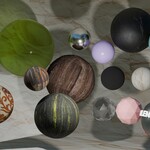
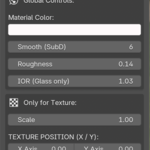
How to use:
- Go to Edit > Preferences > Add-ons > Install.
- Select the .zip file and enable the addon.
- Press "N" in the 3D Viewport to open the side panel.
- Look for the "Texture Master" tab.
- Drop in your image and hit "Enable Magic" to start creating.
-
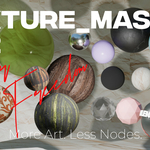
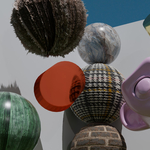
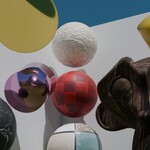
Procedural Materials: Select Glass, Metal, or Plastic from the dropdown and be happy
$7.99
Have questions about this product?
Login to message
| Published | 5 months ago |
| Blender Version | 4.0 - 5.1 |
| Extension Type | N/A |
| Render Engine Used | Cycles, Eevee |
| License | GPL |
Discover more products like this
displacement shading metal Texturing procedural Building Materials. easy-material Glass PBR plastic nodes