 codesignprojects
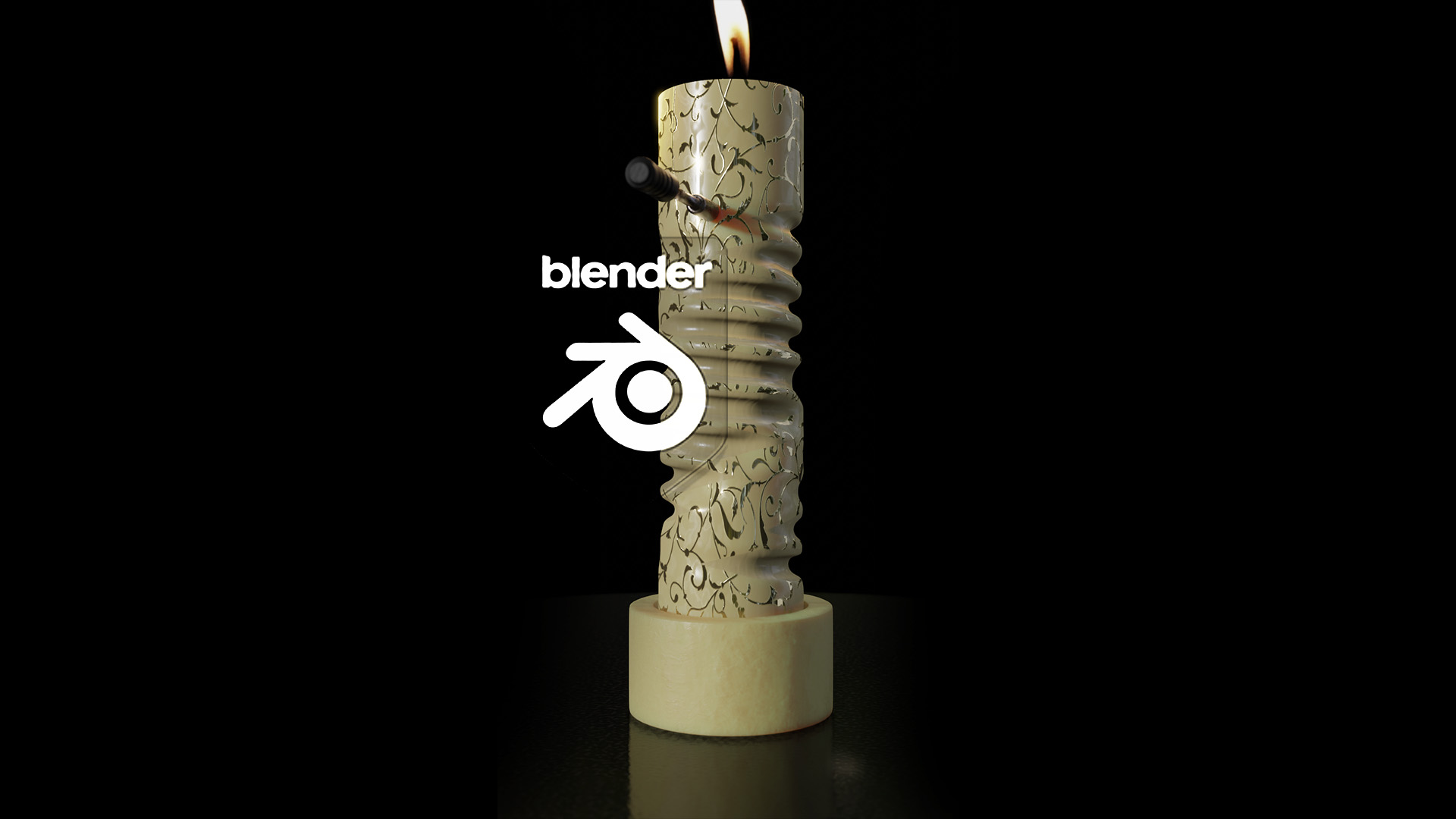
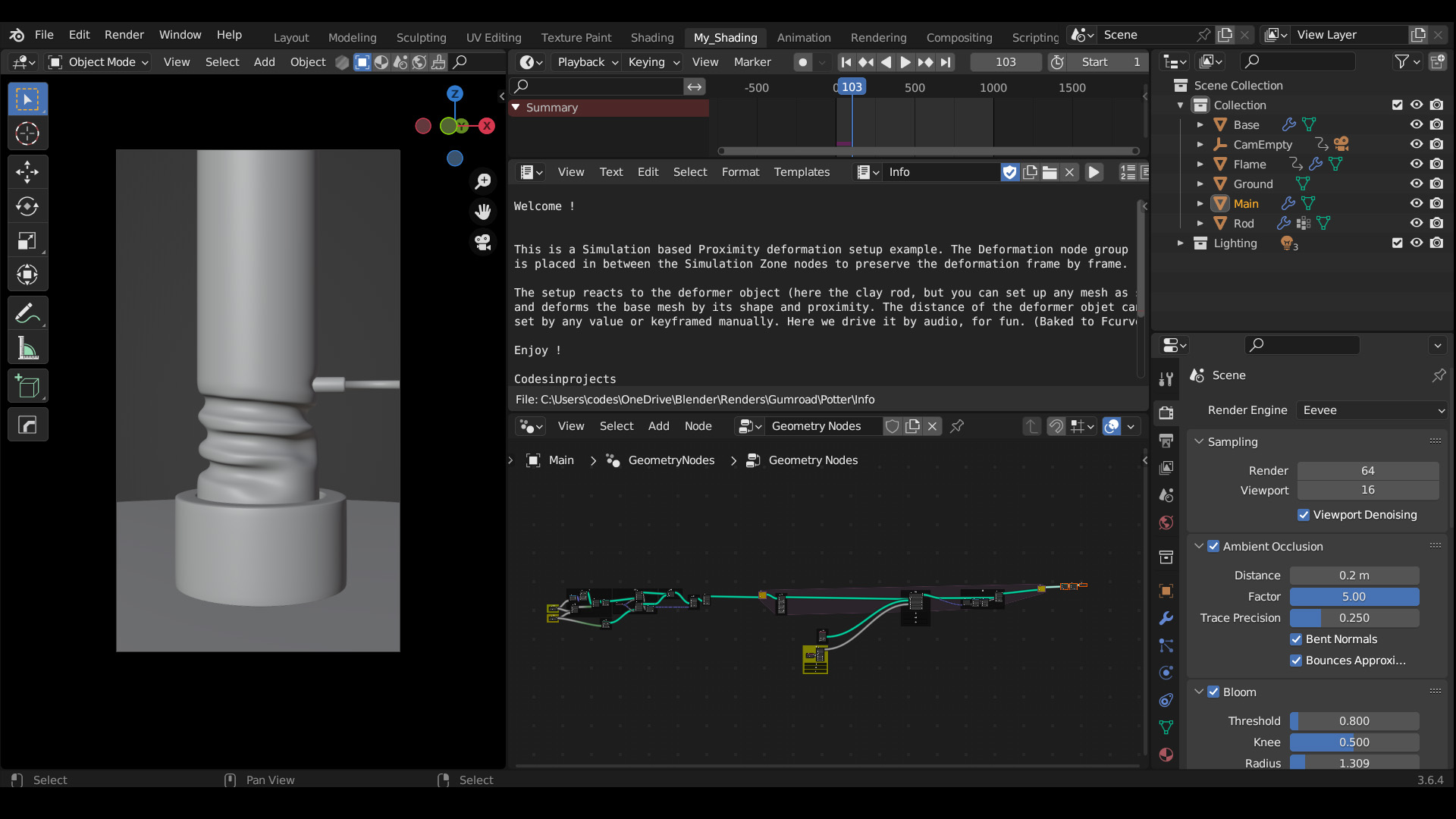
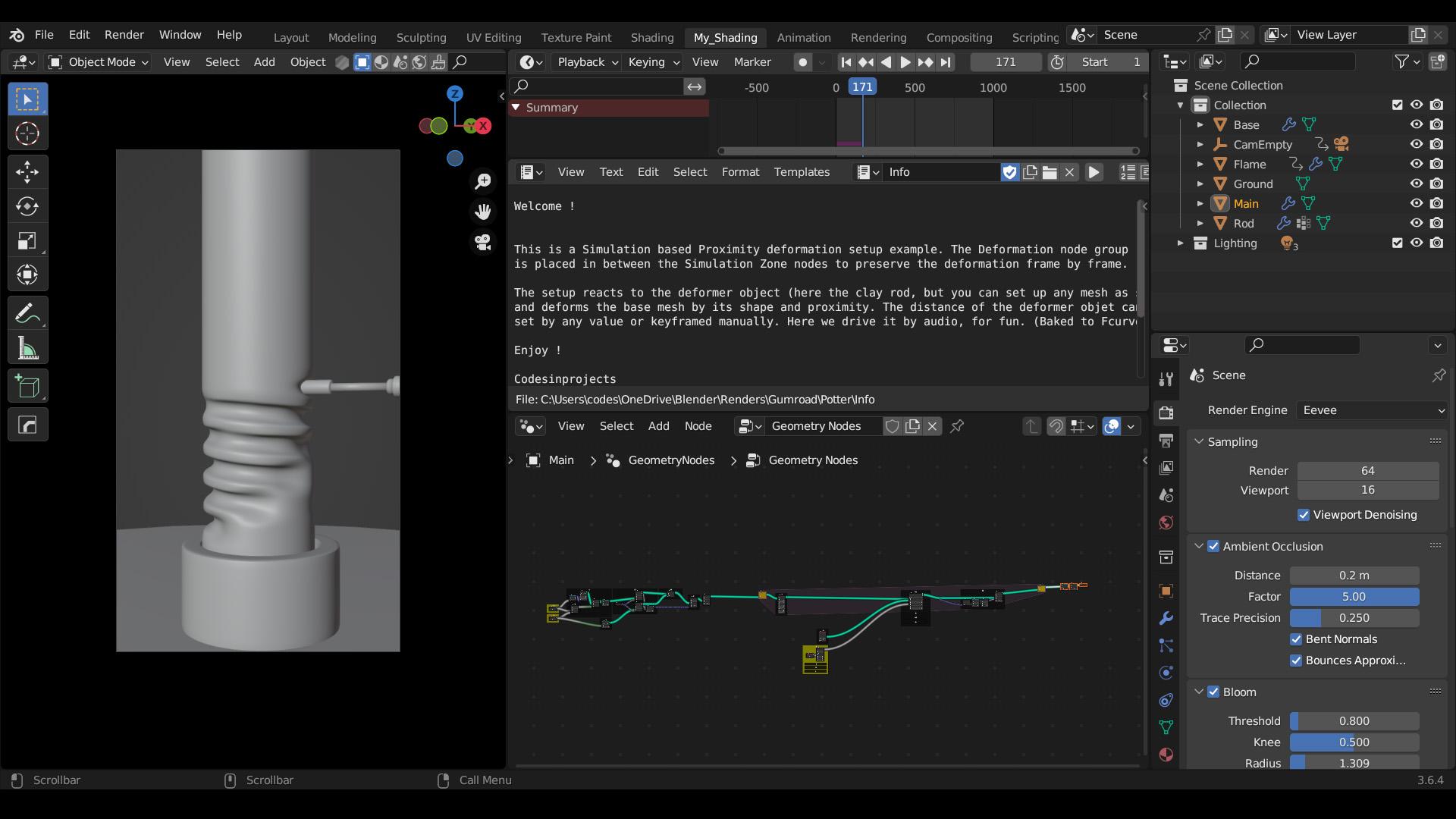
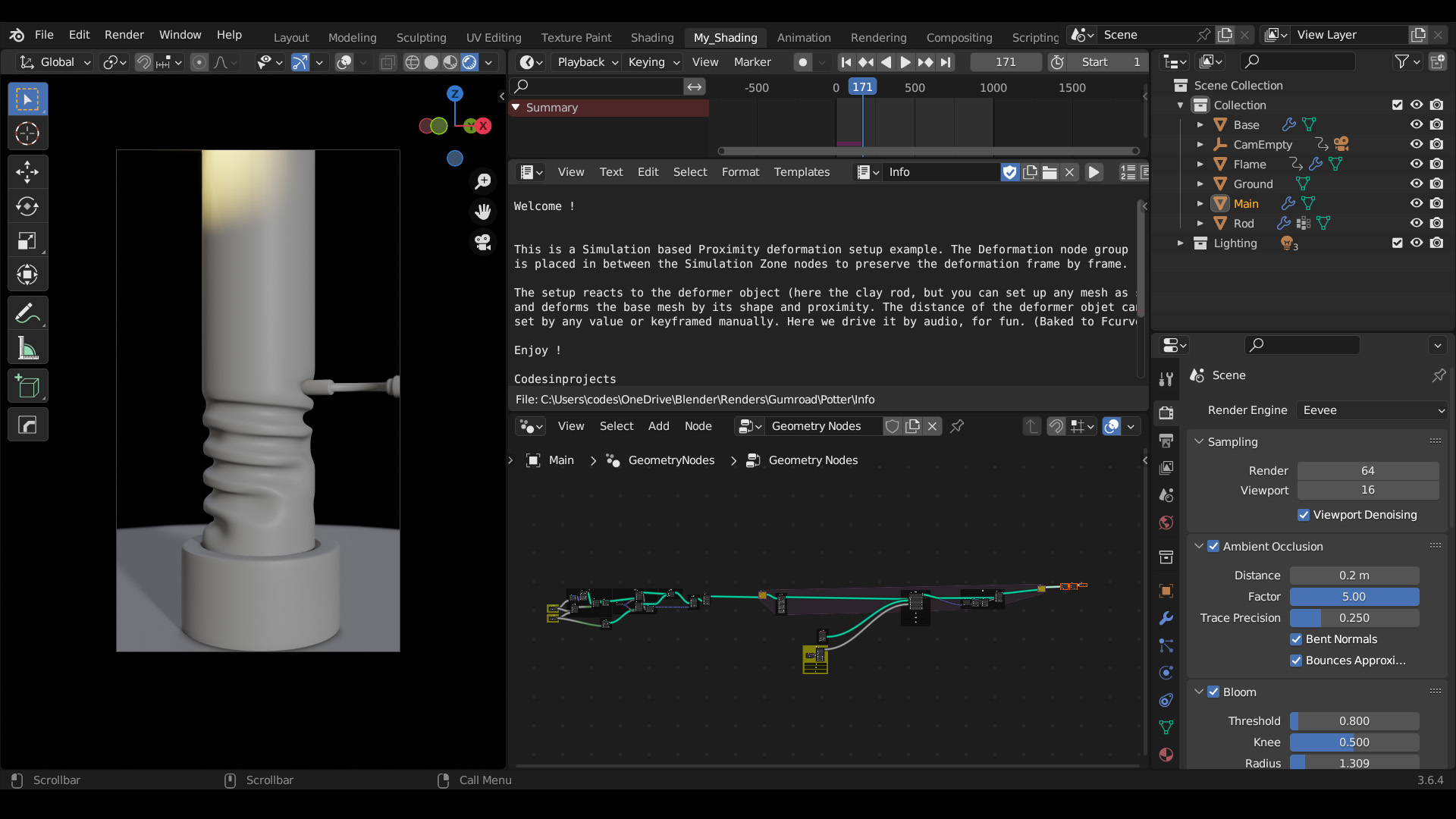
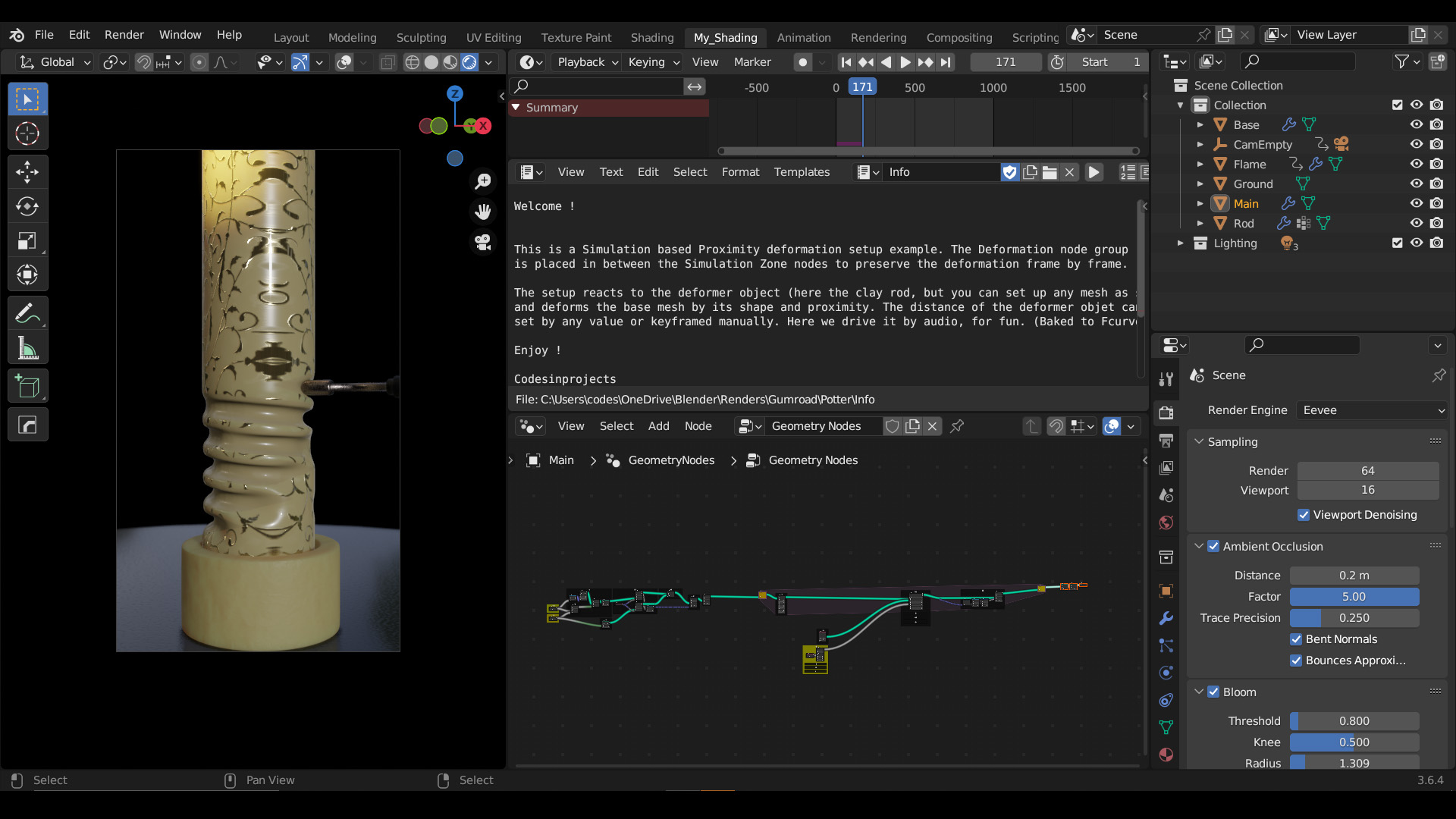
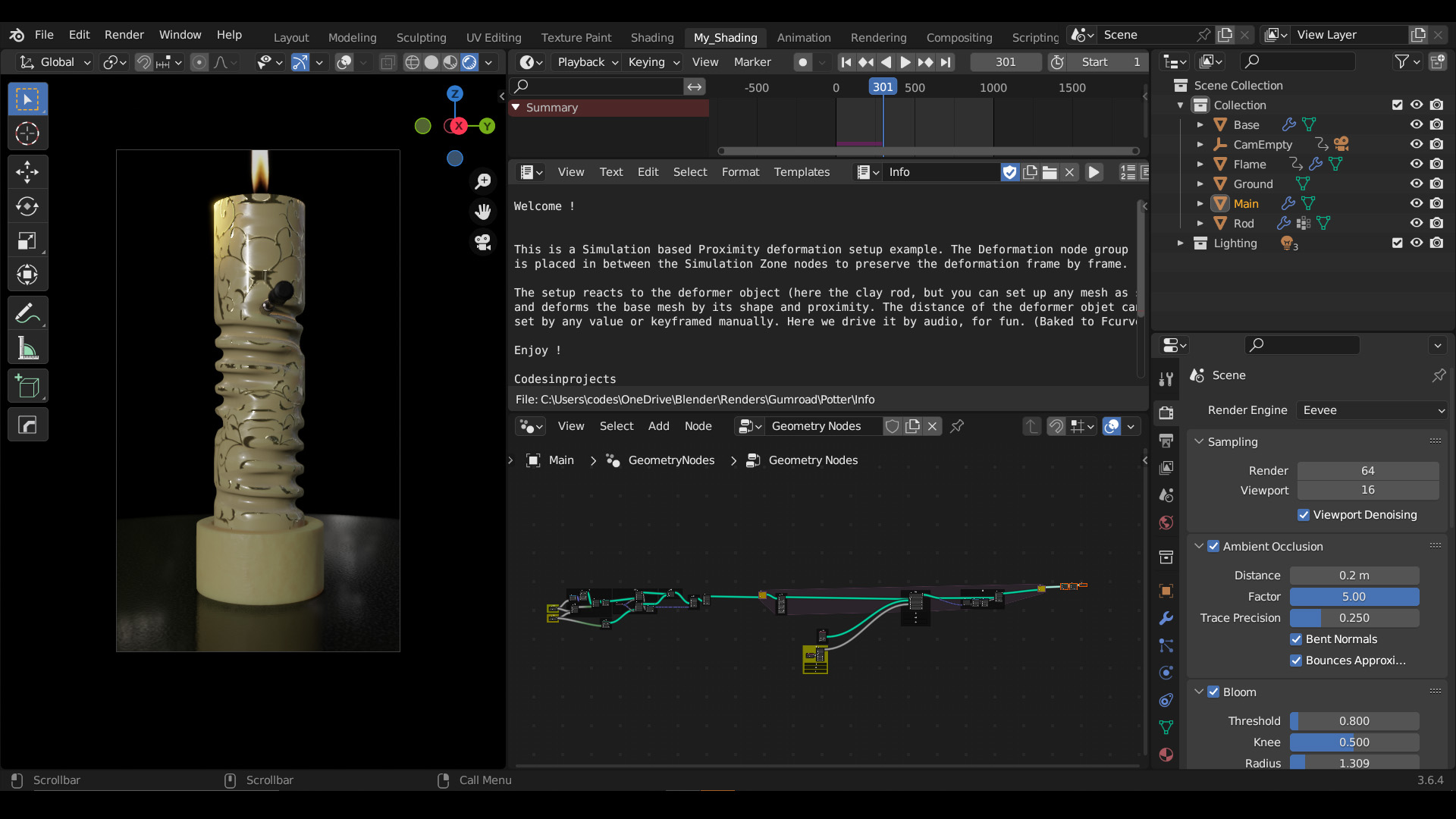
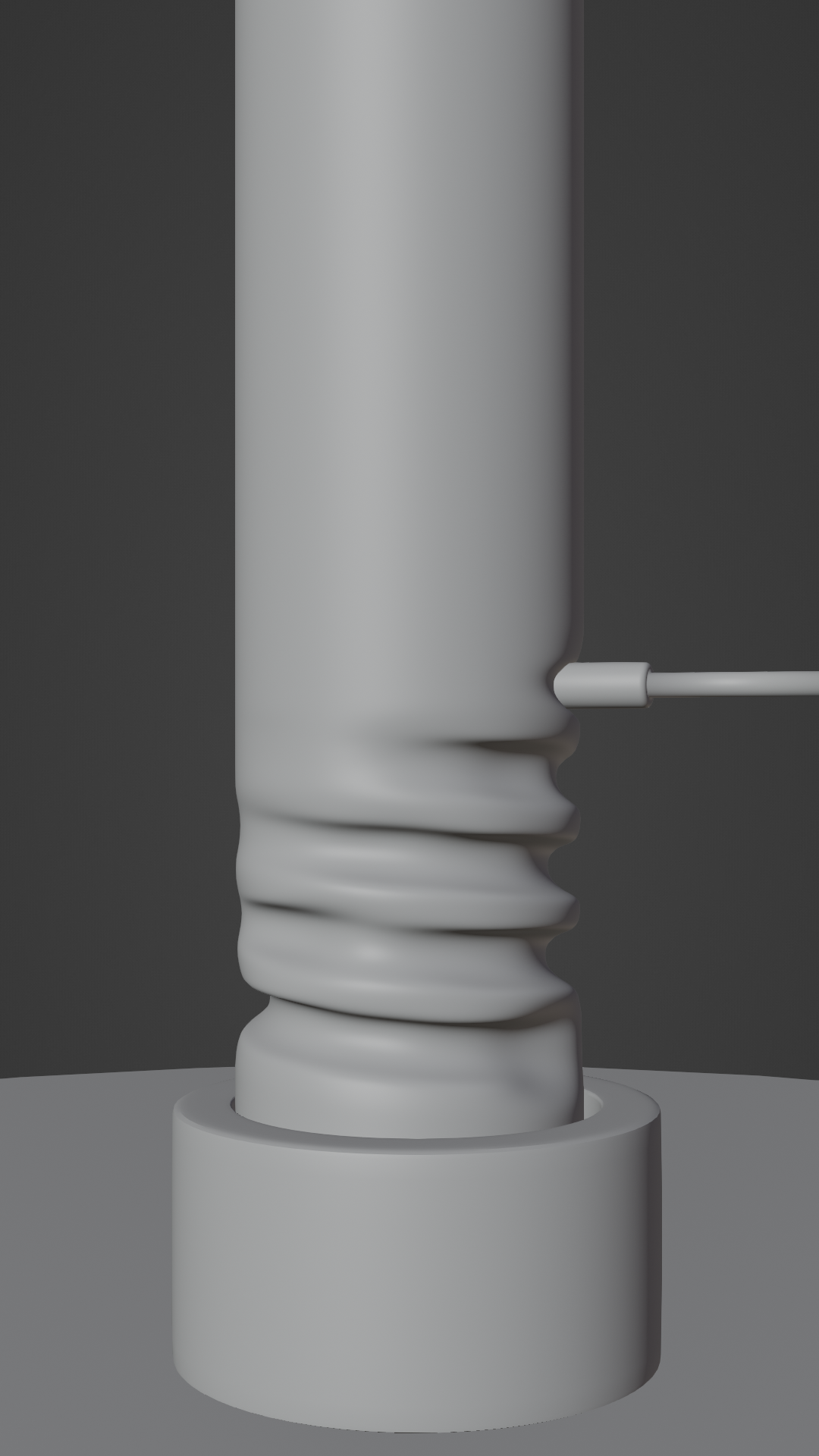
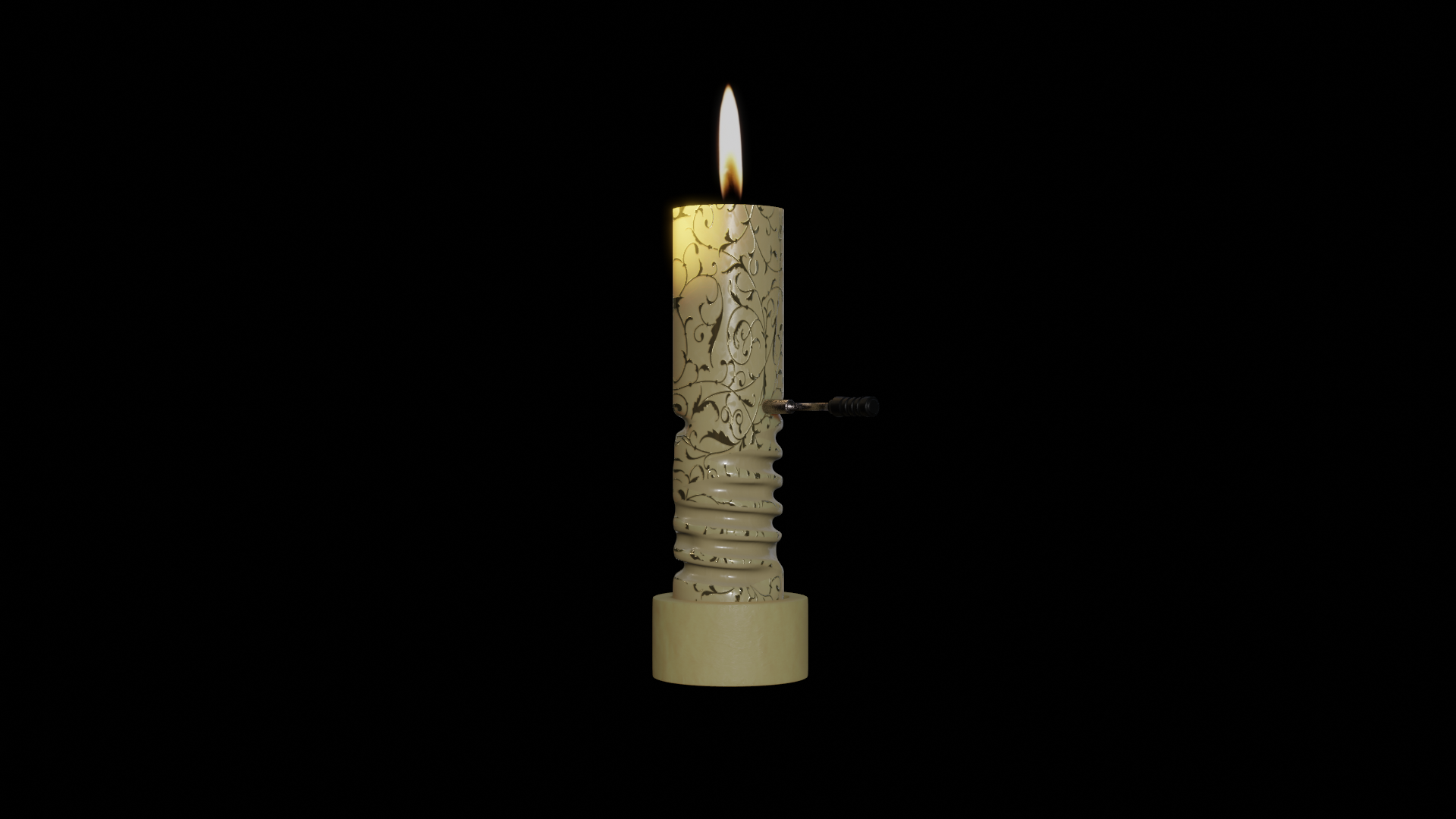
A Dynamic Proximity Trace & Deformation Setup.
Simply apply this Geometry Nodes setup to your target mesh, assign your deformer object, and watch it dynamically carve, trace, or deform the surface based entirely on proximity.
▶ Video Demos: Demo 1 | Demo 2 (YouTube) | Demo 3
How it works: The node tree actively calculates the distance between your base mesh and a custom effector object. As the effector gets closer, the base mesh's vertices are displaced to create a perfectly localized deformation. In the provided example scene, the carve depth and movement are driven by real-time audio to create a periodic wave pattern, but this can easily be swapped out for your own manual keyframes or procedural values.
---------------------------------------------------------------------------------------------
Developer's Note:
This node tree is kept clean for easier readability and features detailed explanations. Everything is built from the ground up.
The goal is to provide a base core of the concept, node by node, rather than hiding everything inside grouped nodes with exposed settings. This makes the logic much easier to read, dissect, and learn from.
You can embellish and refine the core to realize your own ideas. Read the internal text descriptions, as they contain a lot of useful info!
---------------------------------------------------------------------------------------------
Support & Contact:
- Blendermarket Inbox
- [email protected]
Recommended Tools:
- Distortion-Free Curve UV Map (A perfect companion for seamless UVs on generated curves)
- The Wire
- The Visitor