Surface Flow - Mesh Conforming Audioreactive Geometry Nodes Setup
 codesignprojects

Documentation
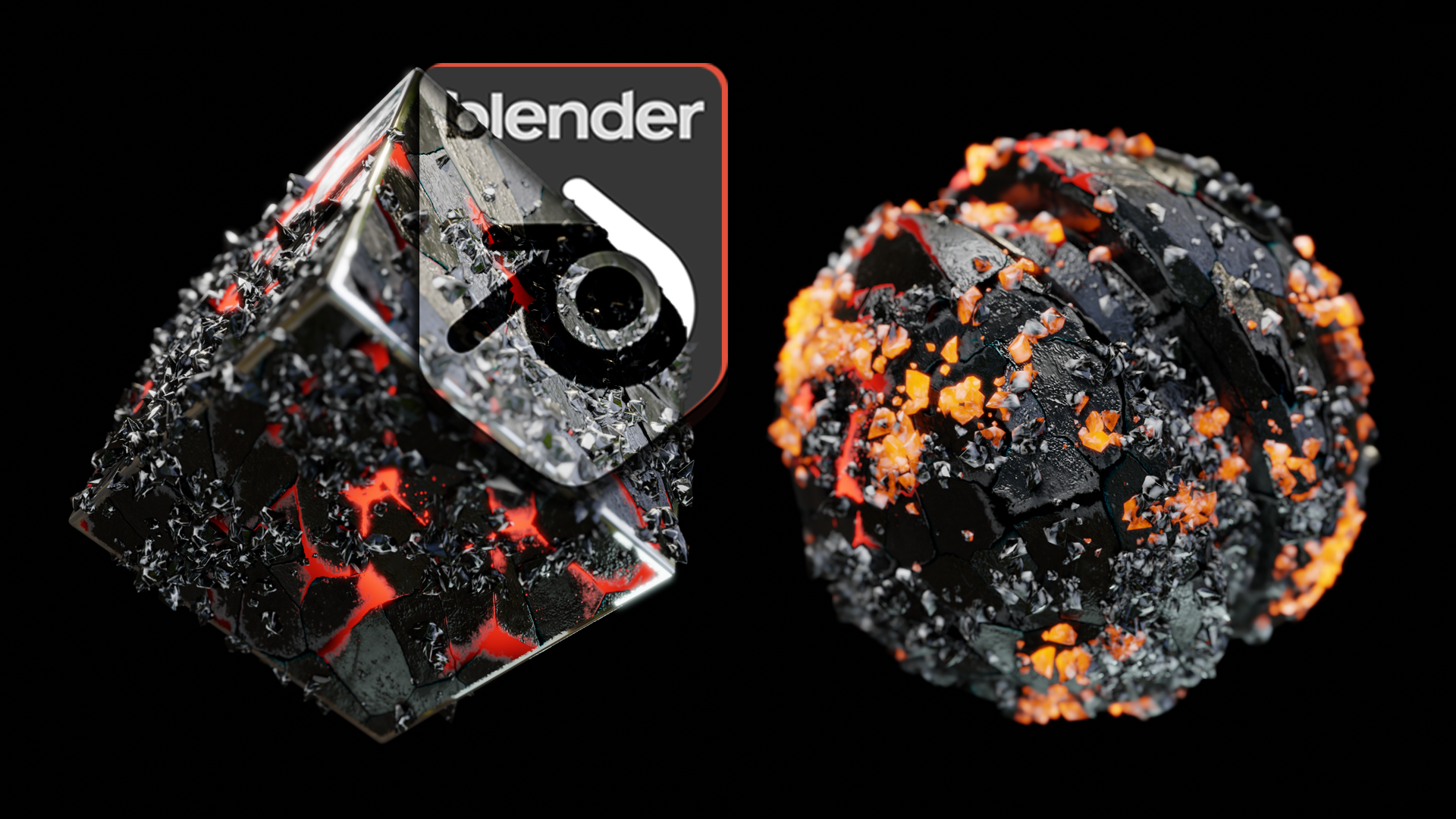
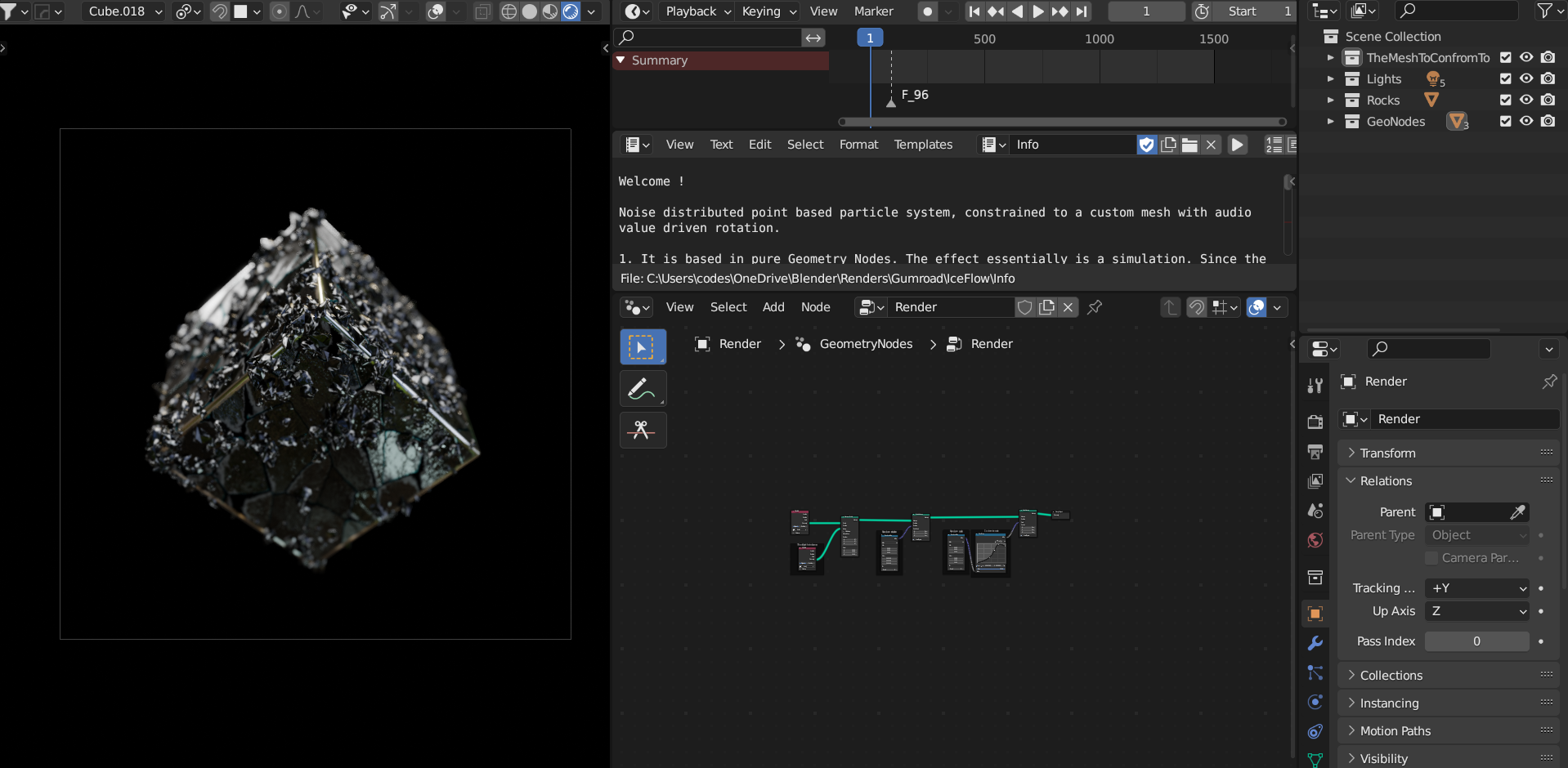
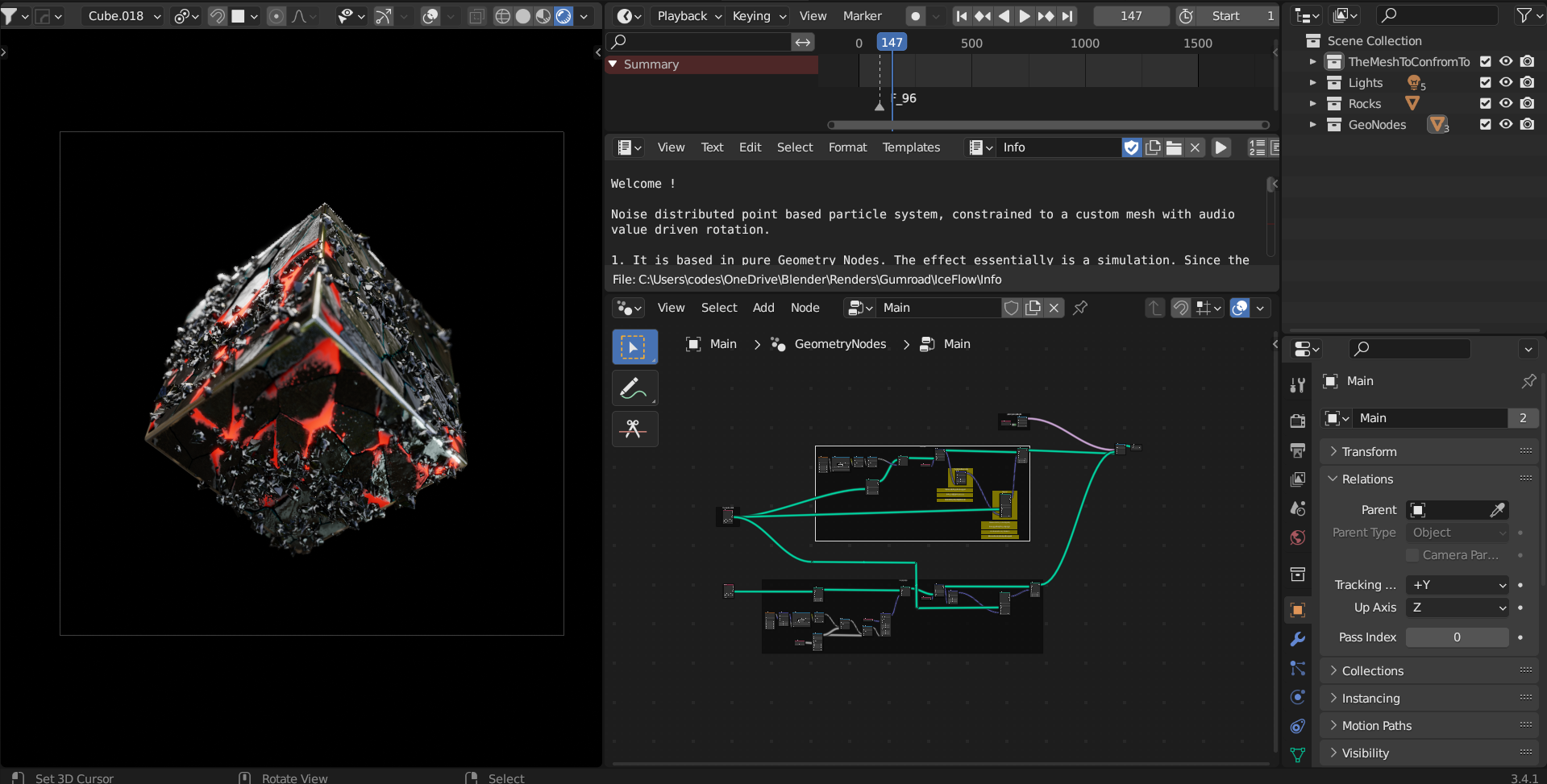
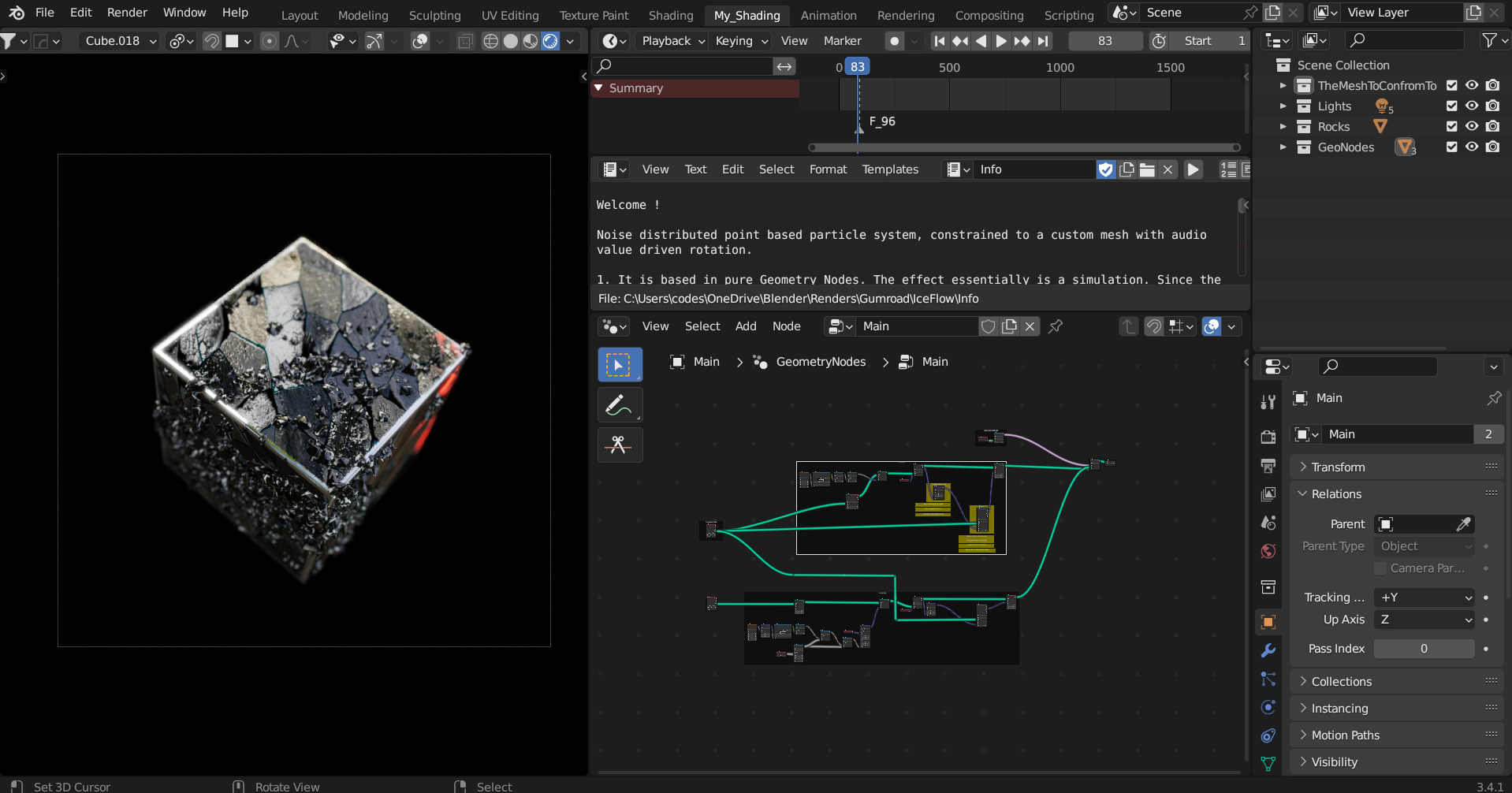
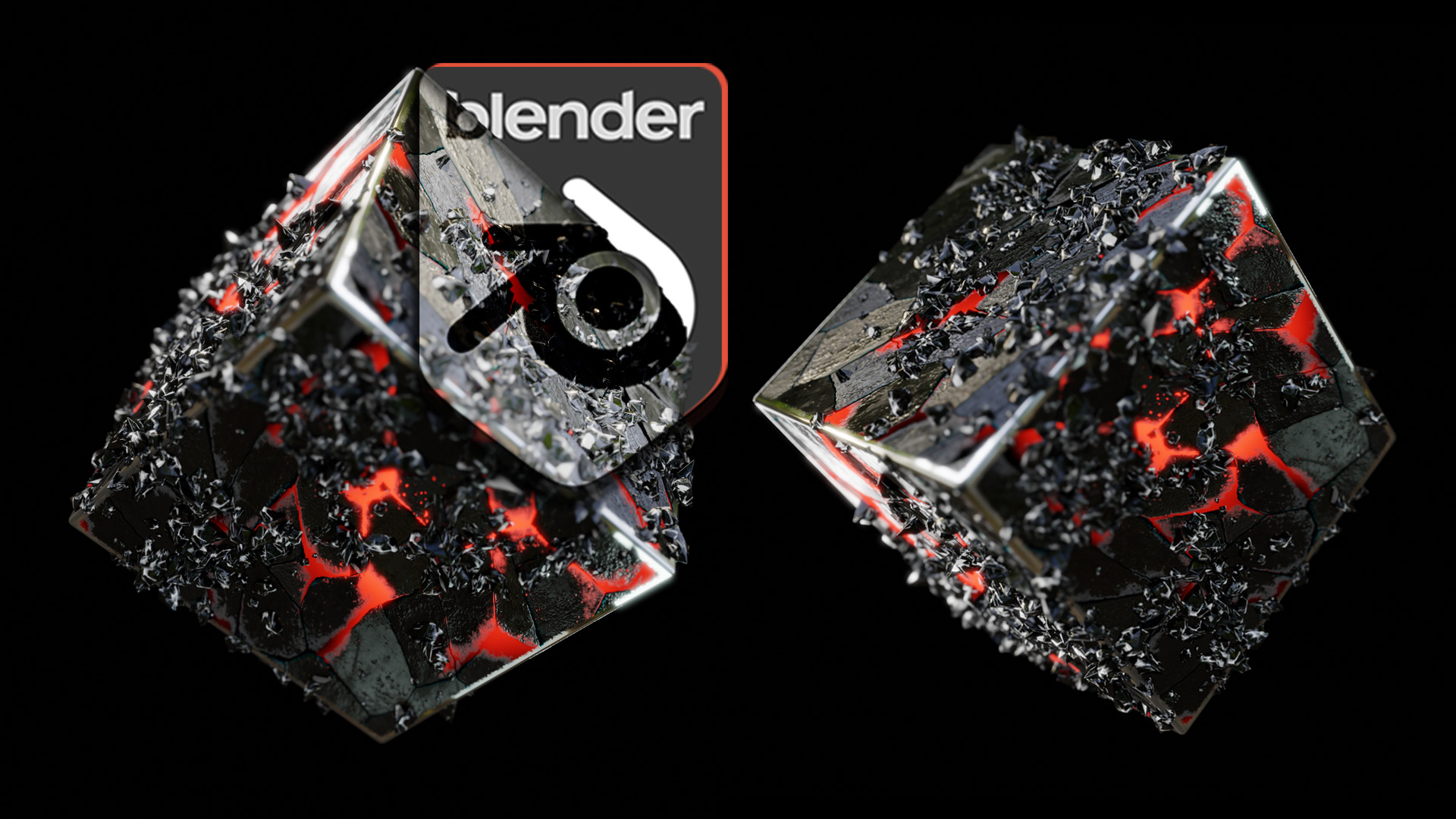
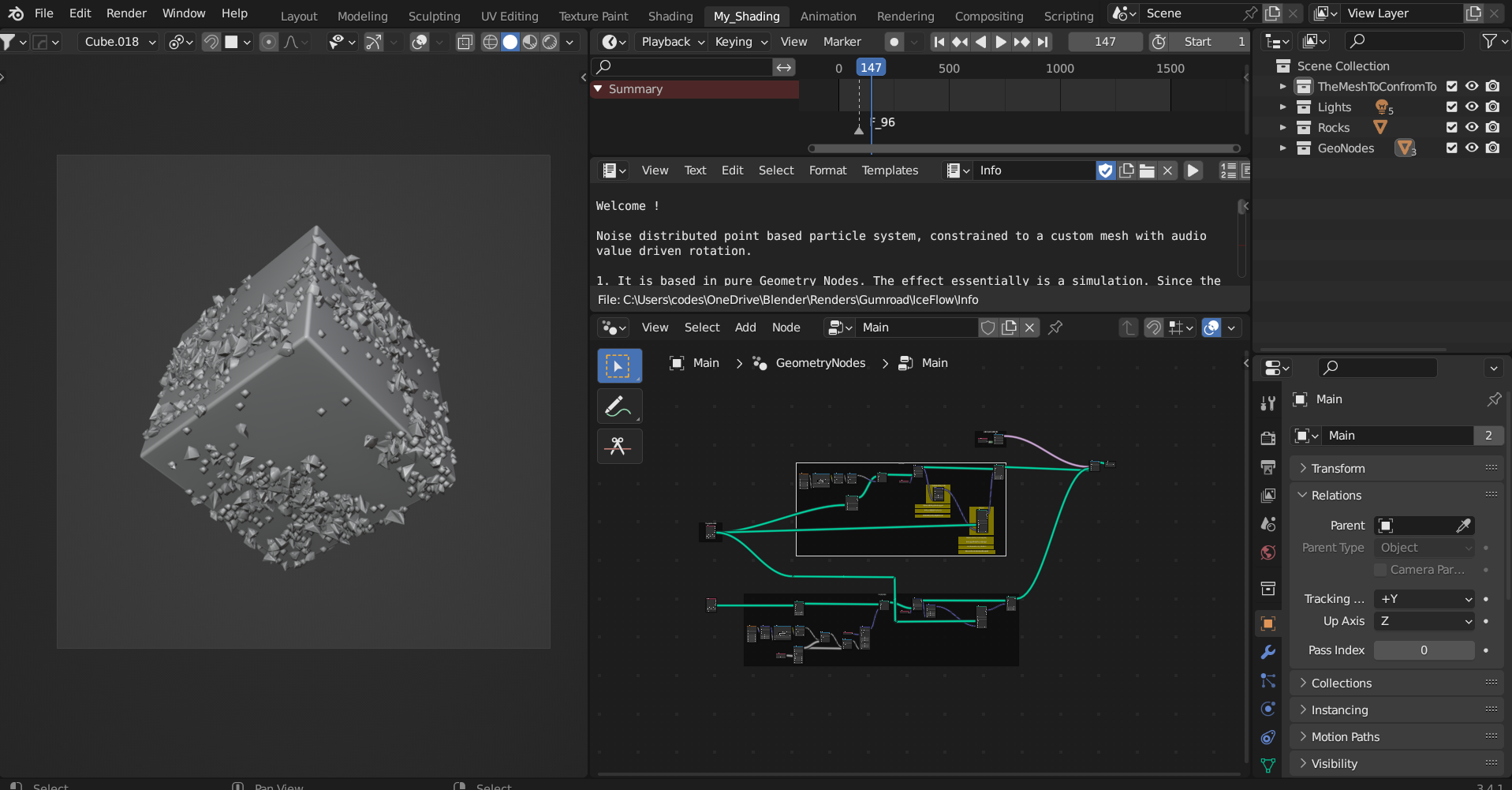
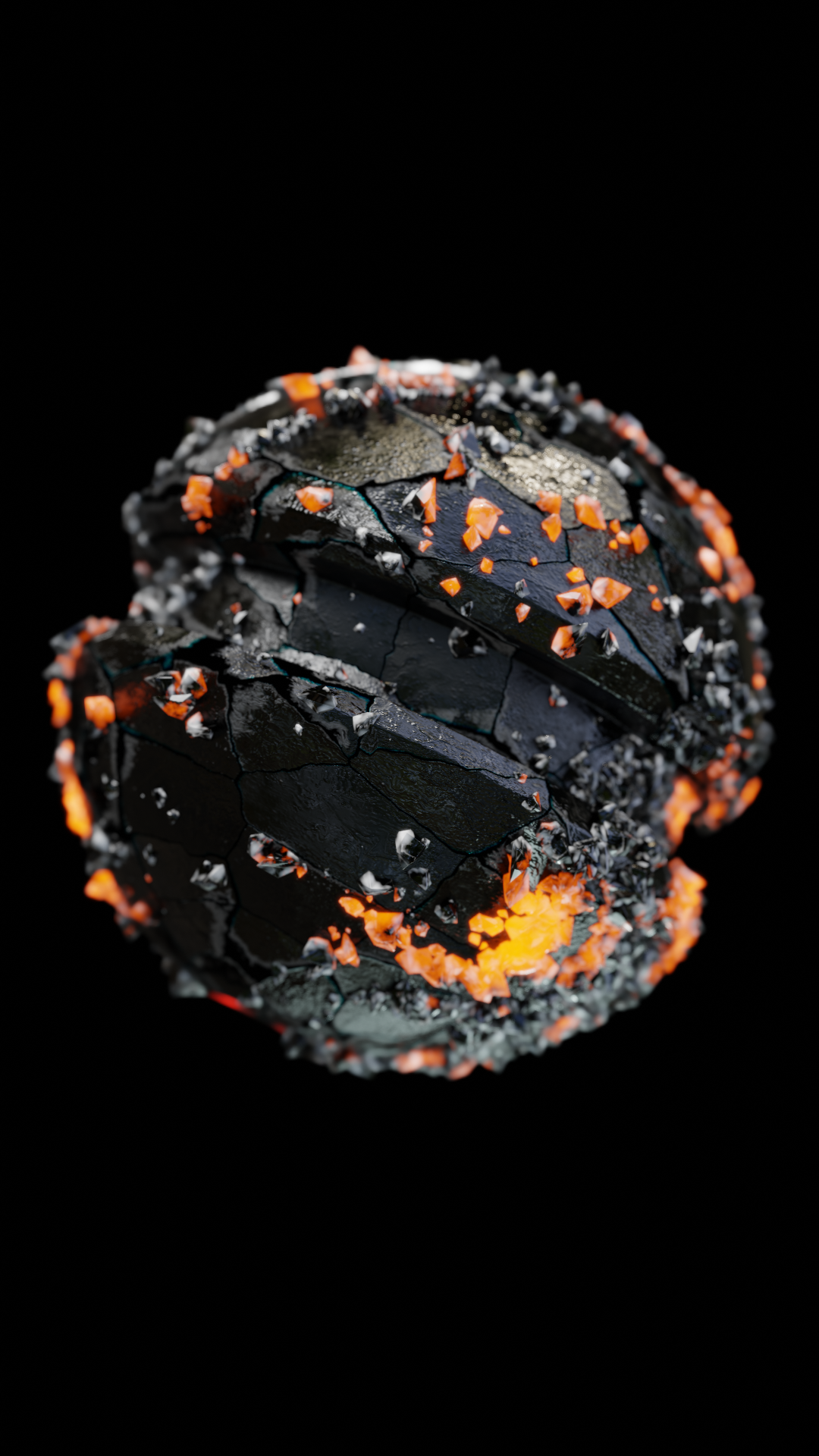
This Geometry Nodes setup creates a surface-conforming, audio-reactive particle system. Points are distributed on a target mesh, displaced outward by noise, and then "vacuumed" back onto the surface using raycasting. In the Simulation Zone, real-time audio frequencies dynamically manipulate the noise and rotation of the points, creating an organic, kinetic swarm that perfectly hugs the geometry.
Quick Setup
Add the Geometry Nodes modifier to any base mesh.
The tree will automatically use this mesh. Locate the THE AUDIO INPUT frame near the end of the node tree.
Assign your desired audio file (
.mp3or.wav) to theSample Sound Frequenciesnode.Press play. The points will automatically react to the amplitude of the audio track in real-time.
Customization
Target Mesh: Currently, an internal
Object Infonode (set to "Cube") acts as the target mesh. Delete this node and connect aGroup Input(Geometry) node to easily use the modifier on any mesh.Swarm Density: Inside the INITIAL STATE frame, find the
Distribute Points on Facesnode. Adjust theDensityto increase or decrease the number of particles in the swarm.Audio Reactivity: The audio amplitude directly drives the rotation and displacement vectors. In the THE SIMULATION frame, adjust the
Map Rangenode connected to the audio input to fine-tune how aggressively the swarm reacts to quiet vs. loud sounds.Instanced Objects: In the The object to instance frame, swap the
Object Infonode (currently "Rock_1") with any custom object to change the look of the swarm particles.
Have questions about this product?
Login to message
| Sales | 50+ |
| Published | over 3 years ago |
| Blender Version | 3.6 - 5.3 |
| Render Engine Used | Cycles, Eevee |
| License | Editorial |
Discover more products like this
flow on surface particles on mesh surface conform procedural audioreactive move on surface mesh conforming particles particles on surface geometry nodes constrain to mesh