The FlowerCurl - Real-Time Audioreactive Setup in Geometry Nodes
 codesignprojects

Documentation
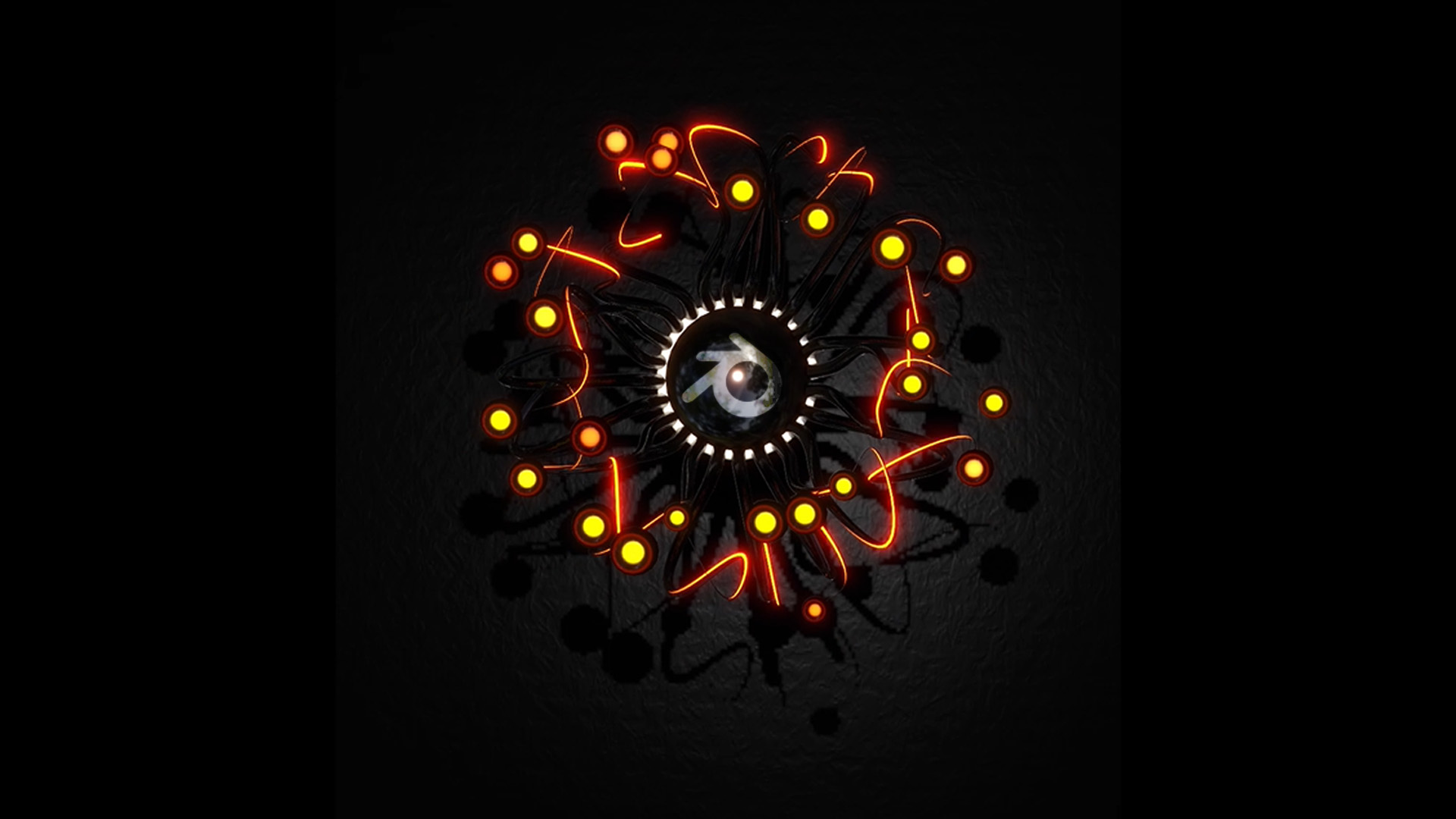
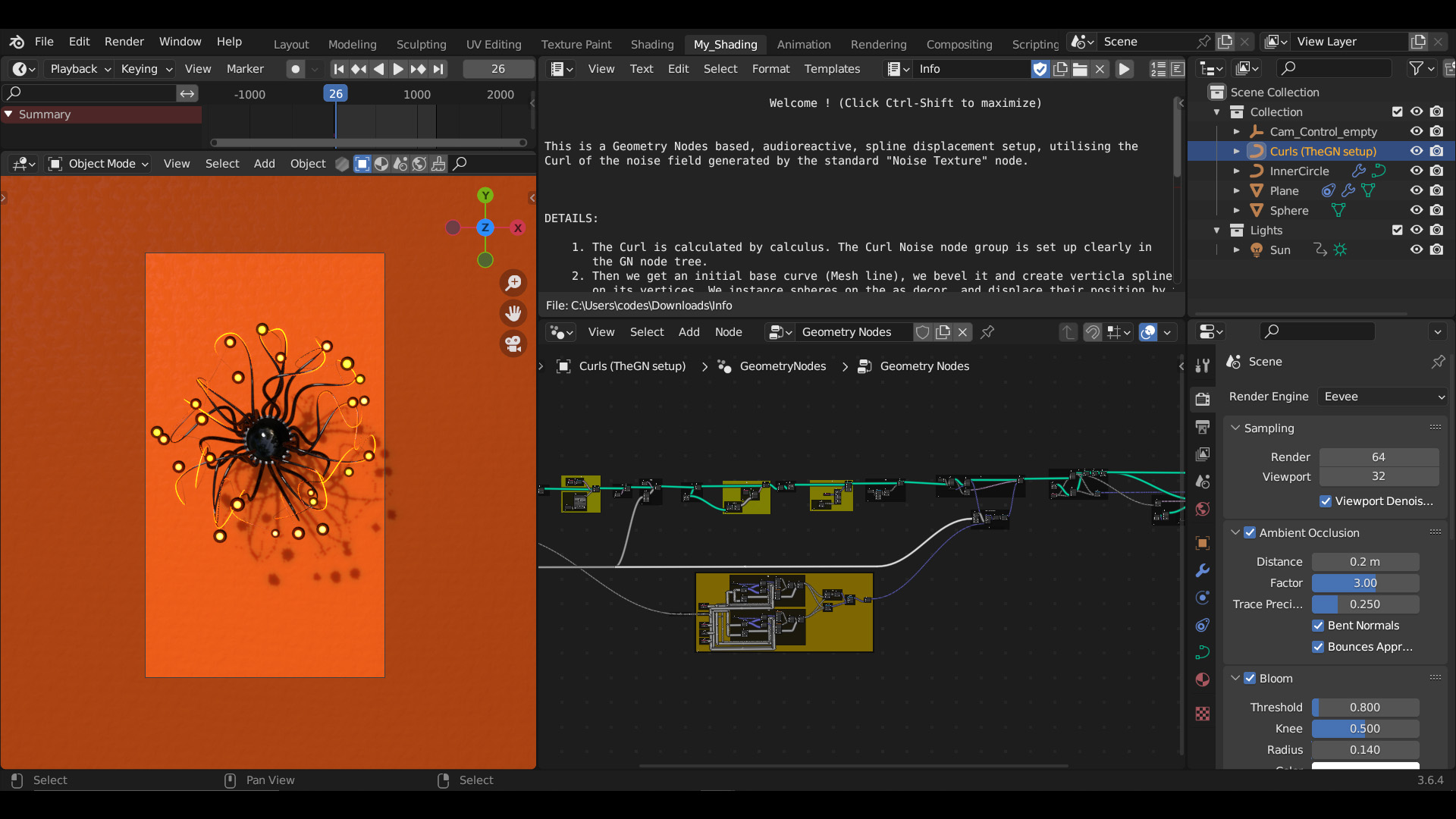
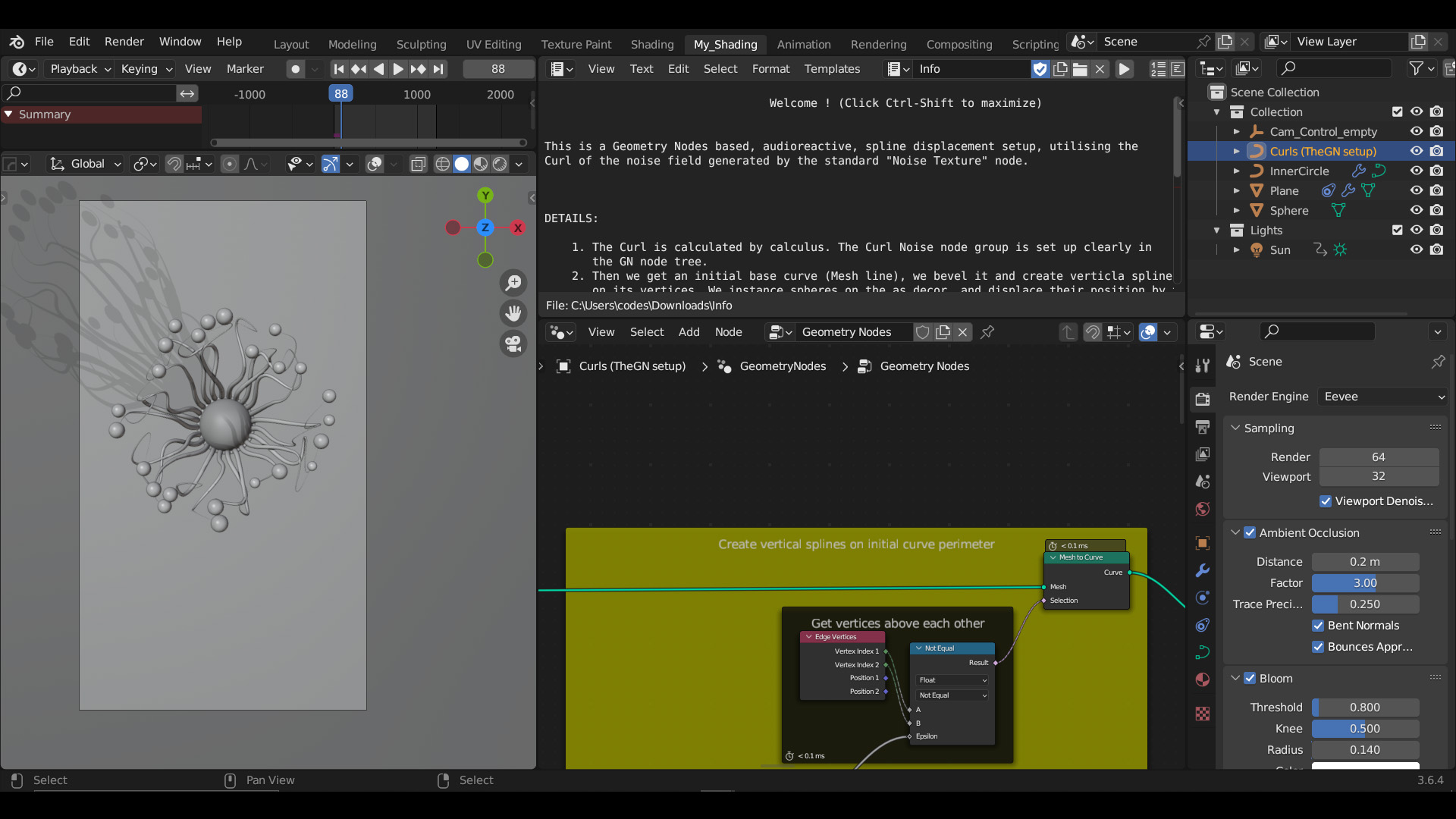
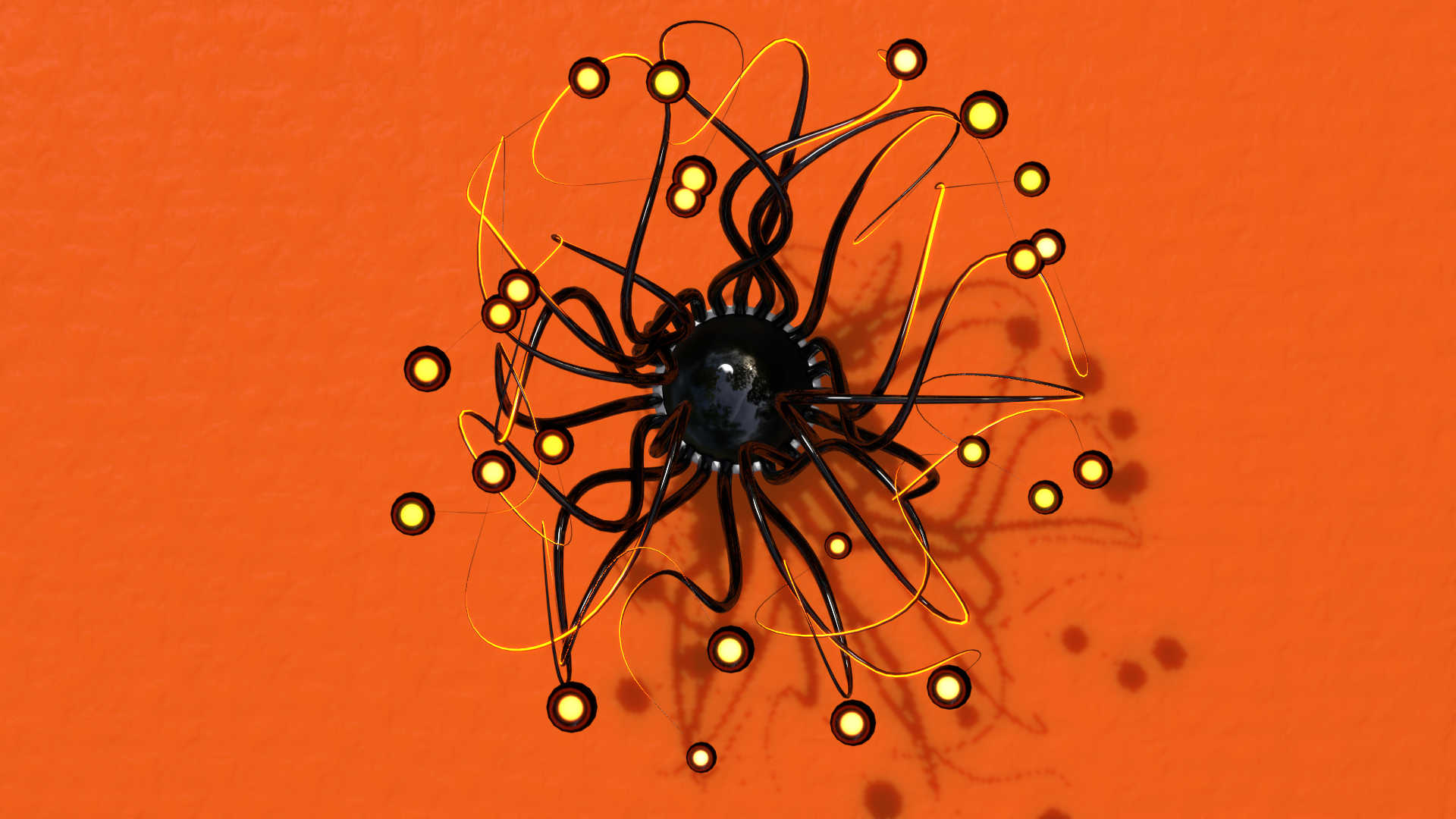
This Geometry Nodes setup, titled "The FlowerCurl," generates an audio-reactive, real-time spline displacement effect. A central curve fans out into vertical splines, which are then dynamically rotated and displaced. The displacement isn't random; it uses a custom "Curl Noise" field (derived mathematically from standard noise) to create a gentle, meandering flow. Real-time audio frequencies dynamically manipulate the curve widths, rotation speed, and the influence of the curl noise.
Quick Setup
Add the Geometry Nodes modifier to any mesh or curve (the tree generates its own geometry).
Locate the THE AUDIO INPUT frame near the bottom of the tree.
Assign your desired audio file (
.mp3or.wav) to theSample Sound Frequenciesnode.Play the timeline from Frame 0 to initialize the Simulation Zone and see the audio-reactive curling effect.
How it Works (Technical Breakdown)
The Base Structure: The setup begins in THE INITIAL CURVE LINE frame, creating a simple line that is instanced and manipulated into a circular perimeter of vertical splines.
The Simulation (Speed & Rotation): Inside the SIM frame, a Simulation Zone continually adds to a custom attribute called
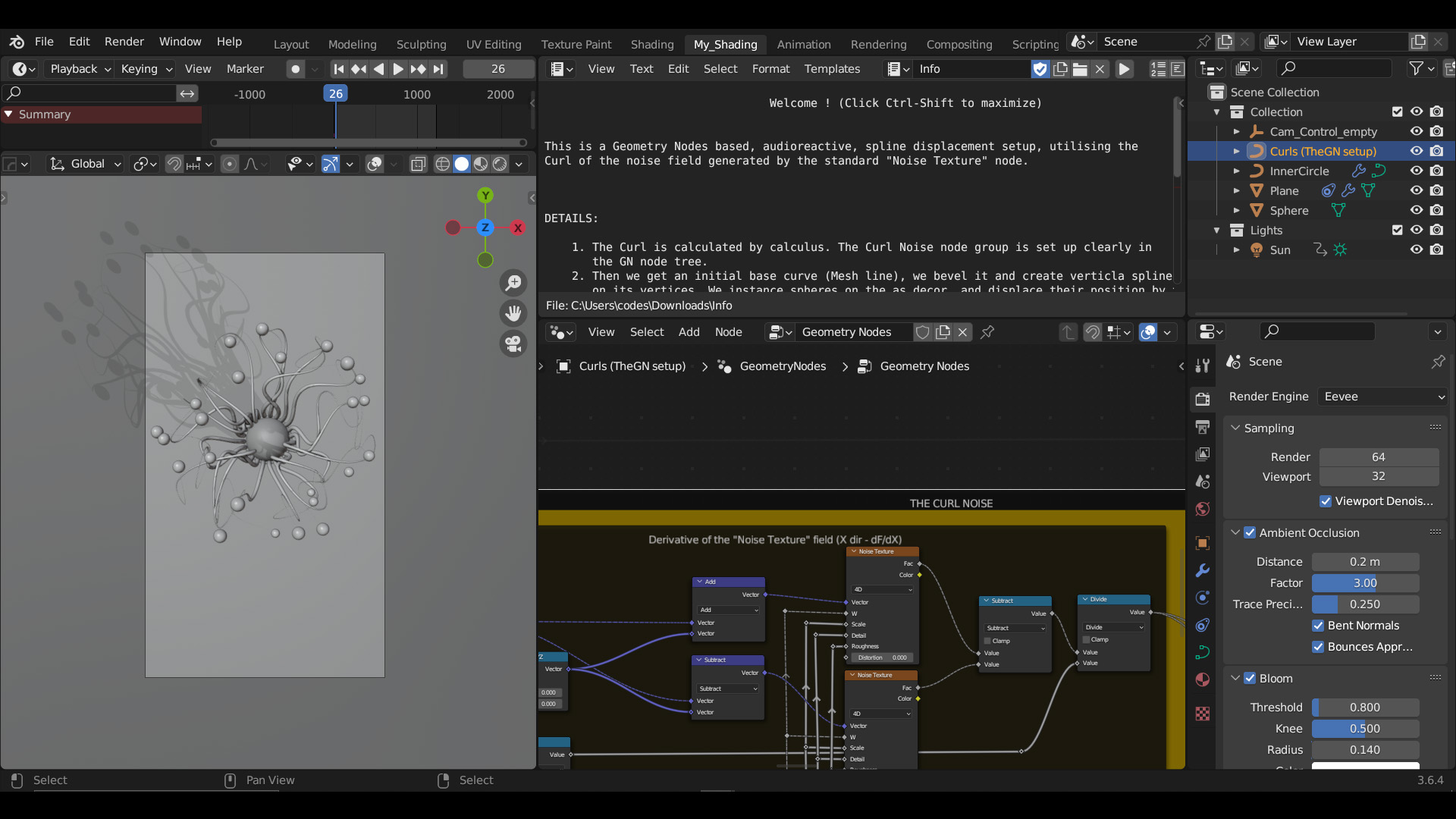
rotSpeed. Real-time audio input modifies this increment, making the splines spin faster or slower based on the beat.The Curl Noise Displacement: Instead of standard, chaotic 3D noise, this setup calculates a 2D Curl Field (in the Curl OR Gradient frame). It takes the derivative of a standard noise field in the X and Y directions using calculus concepts (dF/dX and dF/dY). This creates a flowing, fluid-like vector field.
Audio-Driven Displacement: In the MIX BETWEEN NORMAL AND CURL NOISE BASED POSITION frame, the audio amplitude drives a
Mixnode. This dynamically blends the spline vertices between their standard rotated position and their curl-noise displaced position, causing the shape to "bloom" or "meander" precisely to the music.
Customization
Audio Frequency Tuning: In the
Sample Sound Frequenciesnode, you can isolate specific instruments by adjusting theLowandHighfrequency values (e.g., set to 20-200Hz for a bass-only reaction).Curl Characteristics: Locate the Noise Scale and Noise Detail value nodes near the top of the tree. Adjusting these alters the fundamental shape of the curl field—lower scales create large, sweeping waves, while higher scales create tight, complex squiggles.
Curve Thickness: The initial opening width is controlled by the
Map Rangenode in the Initial curve width (Opening) by audio frame. Adjust the "To Max" value to make the base of the flower open wider during loud audio peaks.
Have questions about this product?
Login to message
| Sales | 10+ |
| Published | almost 3 years ago |
| Blender Version | 3.6 - 5.3 |
| Render Engine Used | Cycles, Eevee |
| License | Creative Commons |
Discover more products like this
cool audio curl noise audiovisual morphing curves organic geometry nodes audioreactive flower curl procedural