 codesignprojects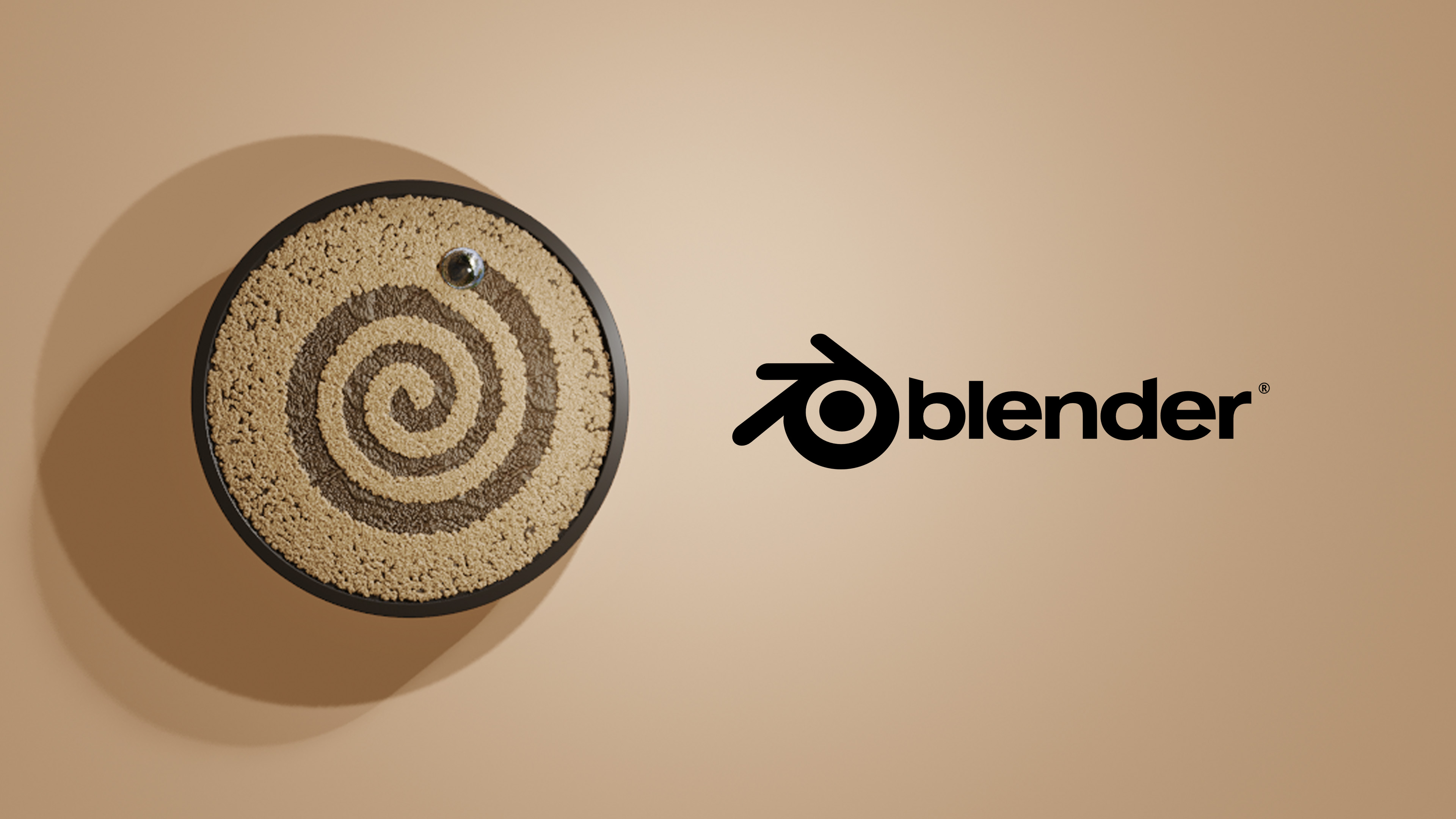
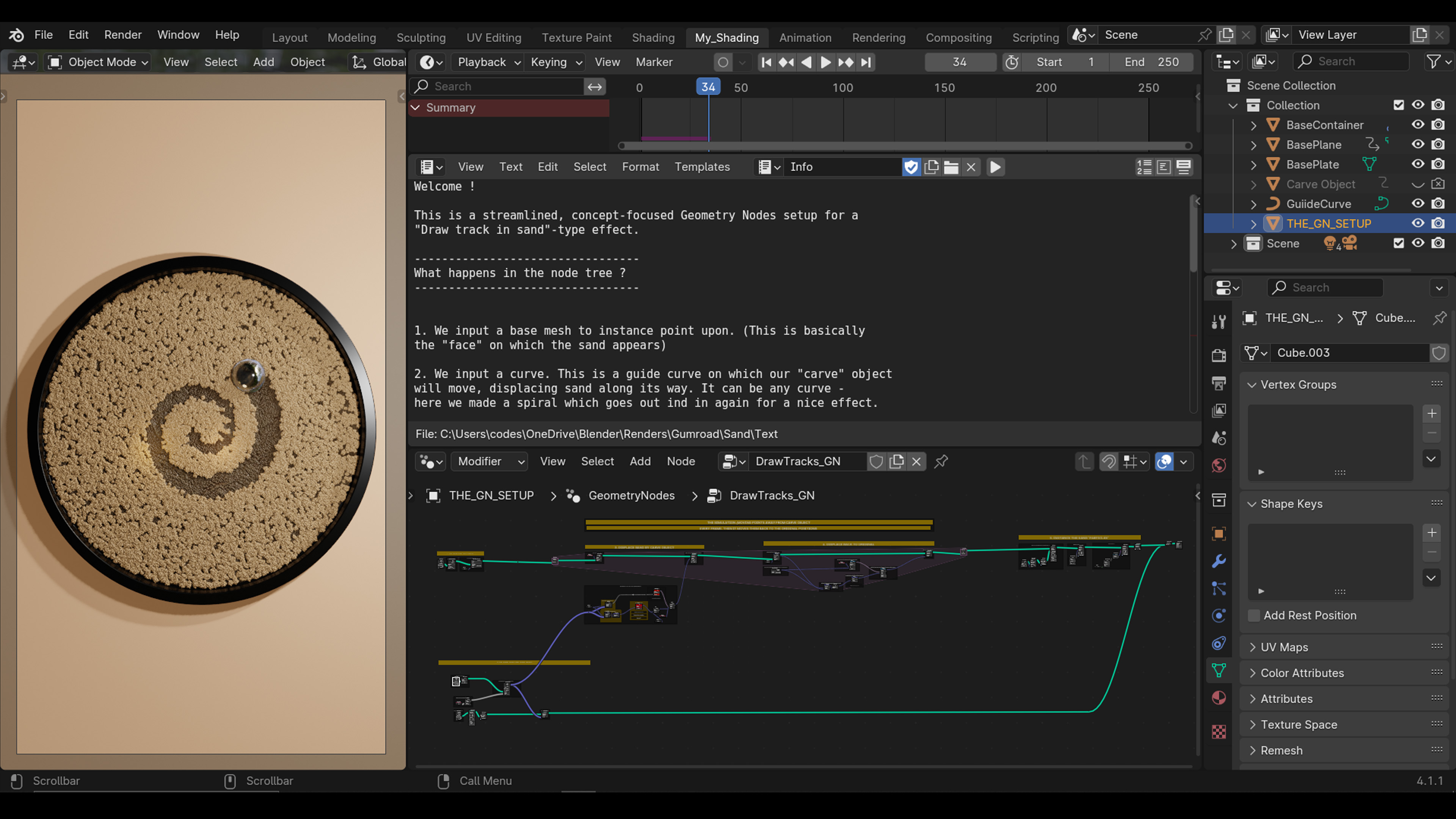
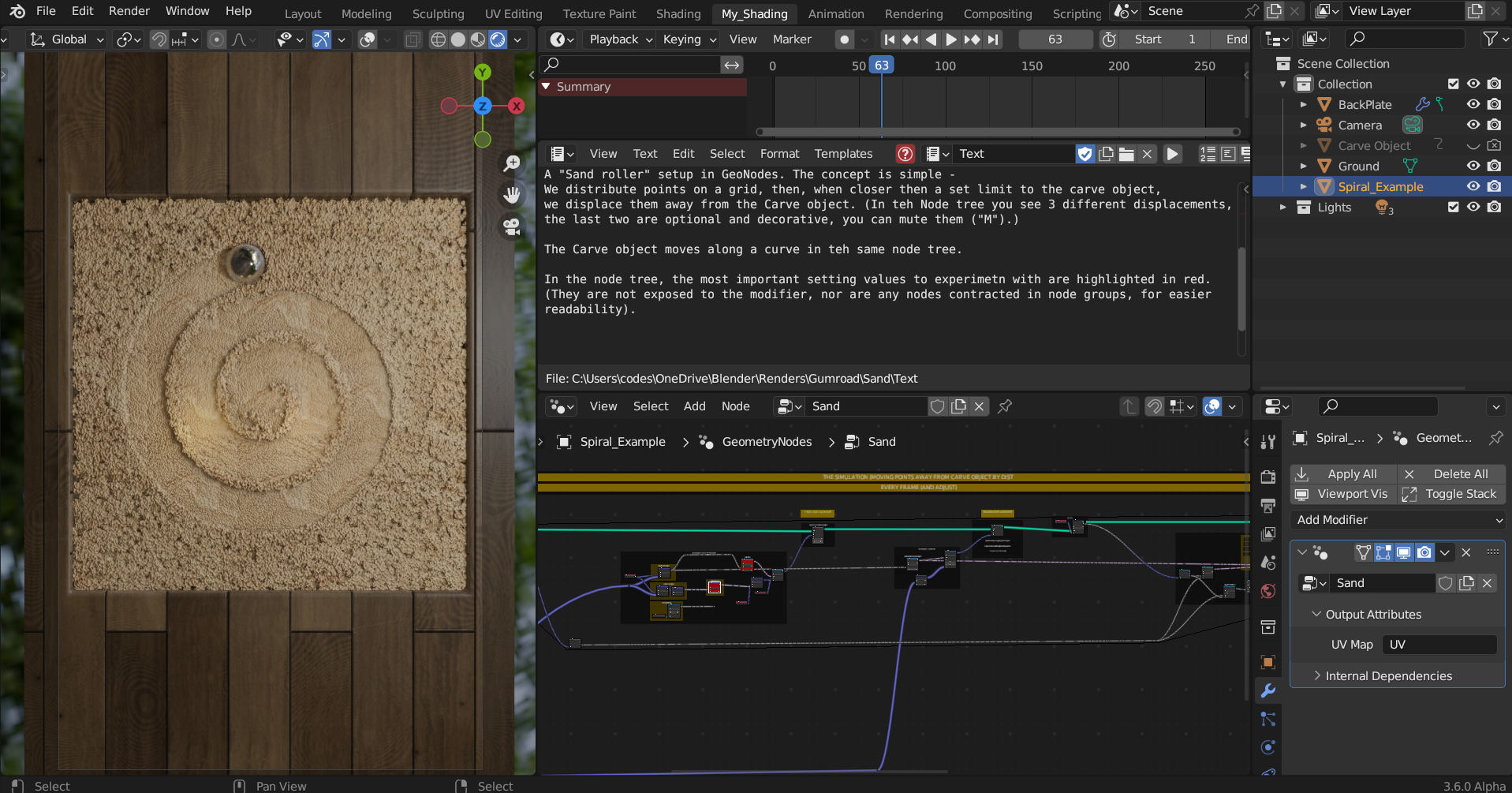
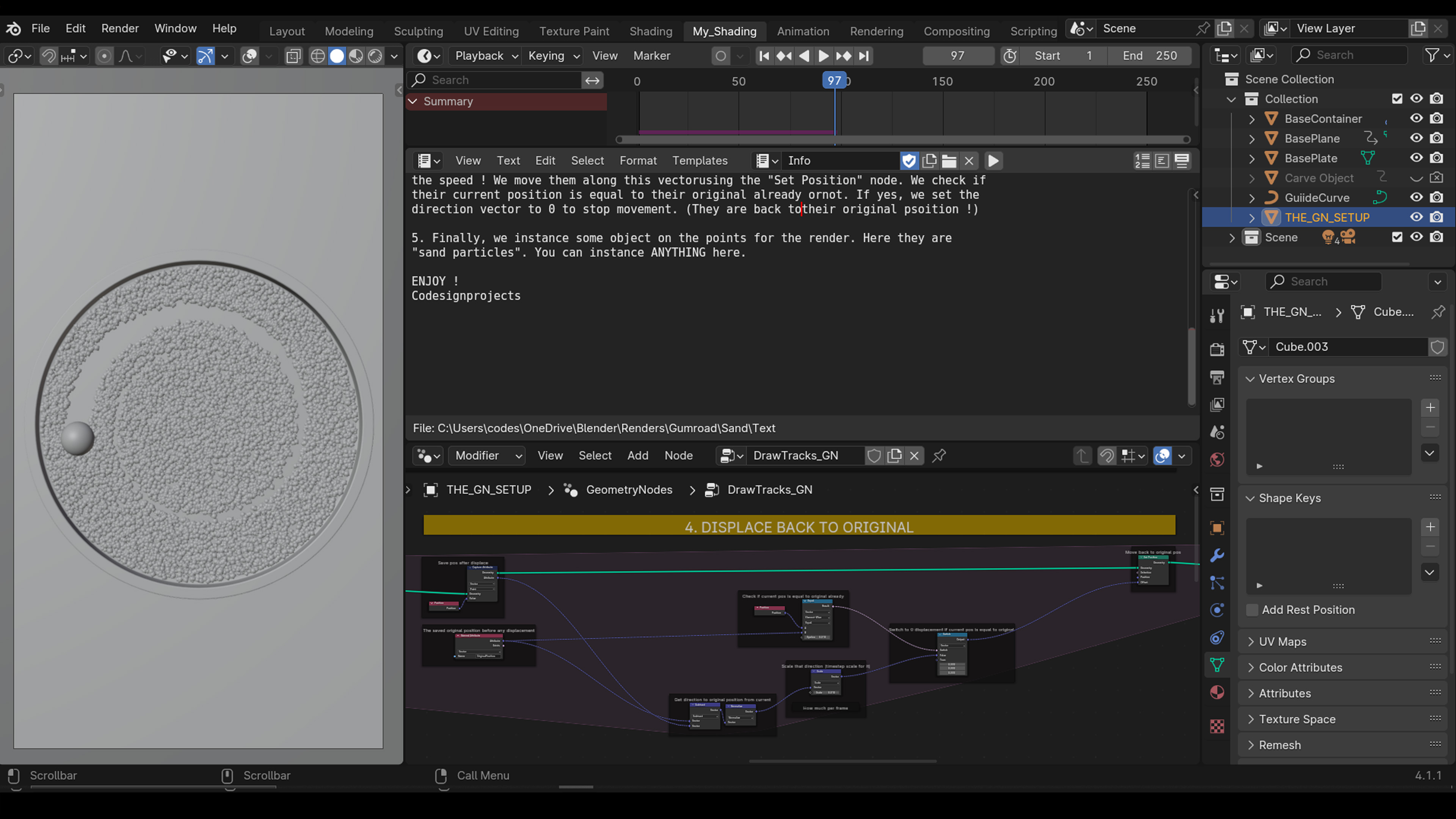
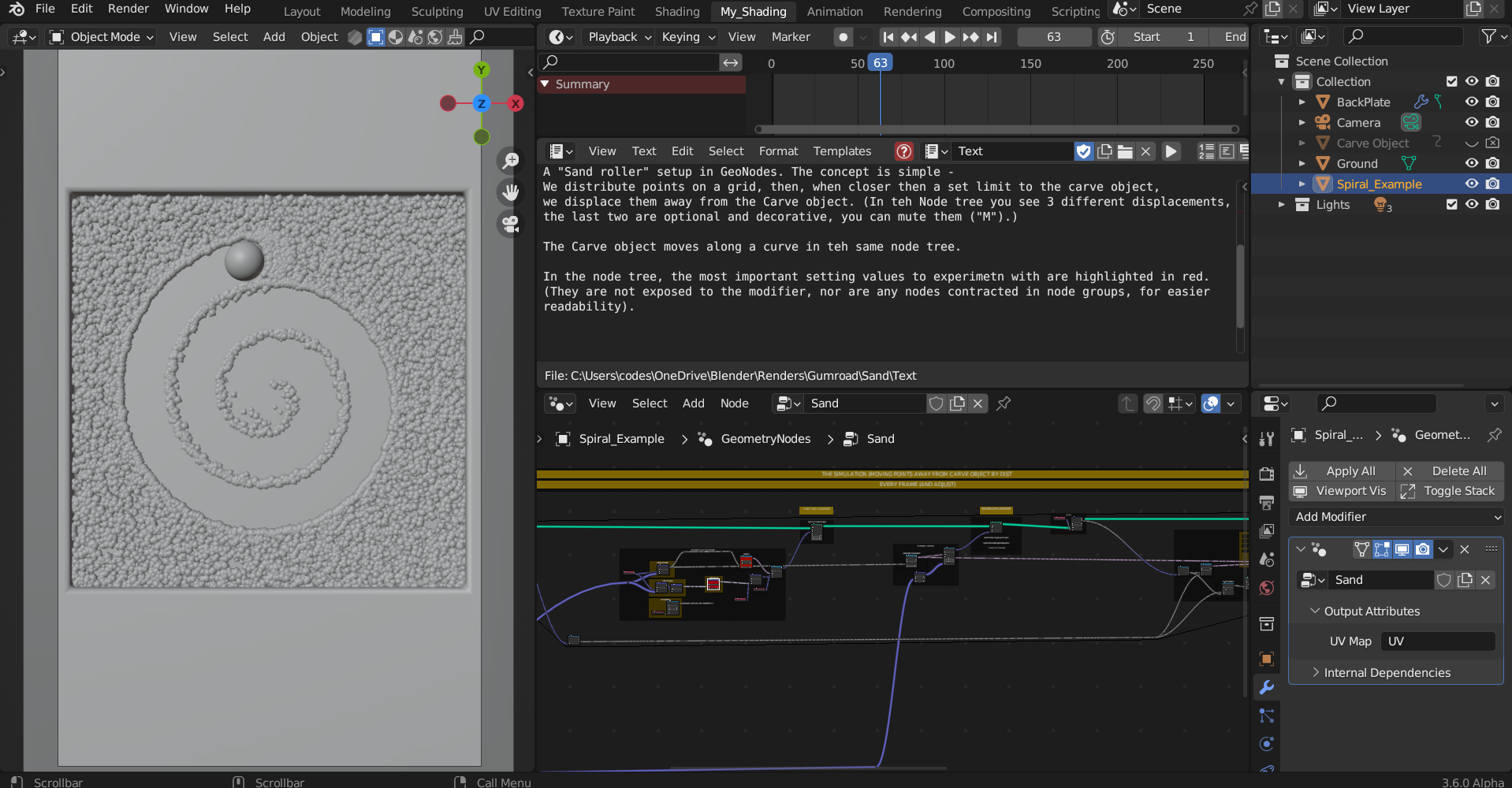
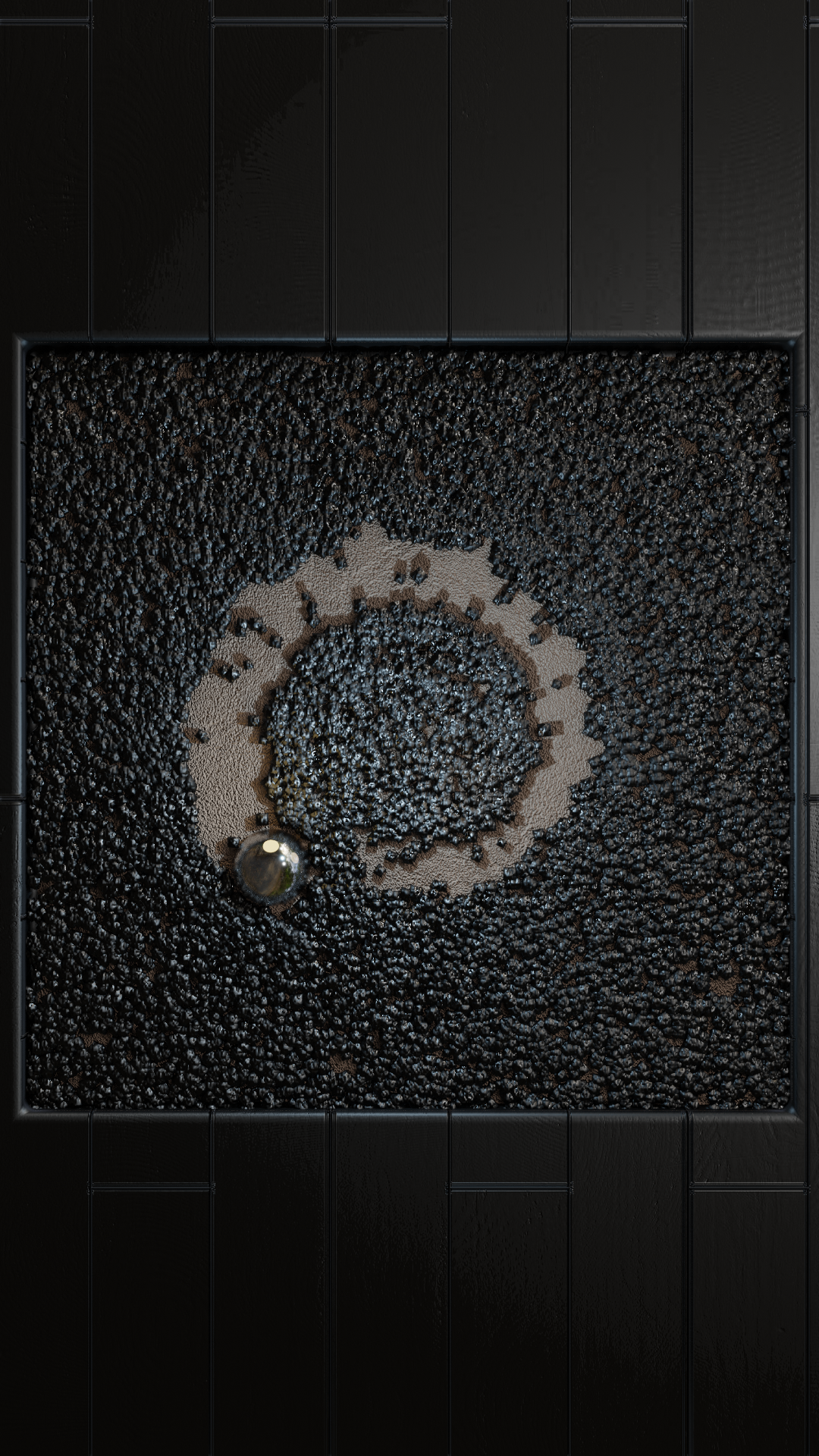
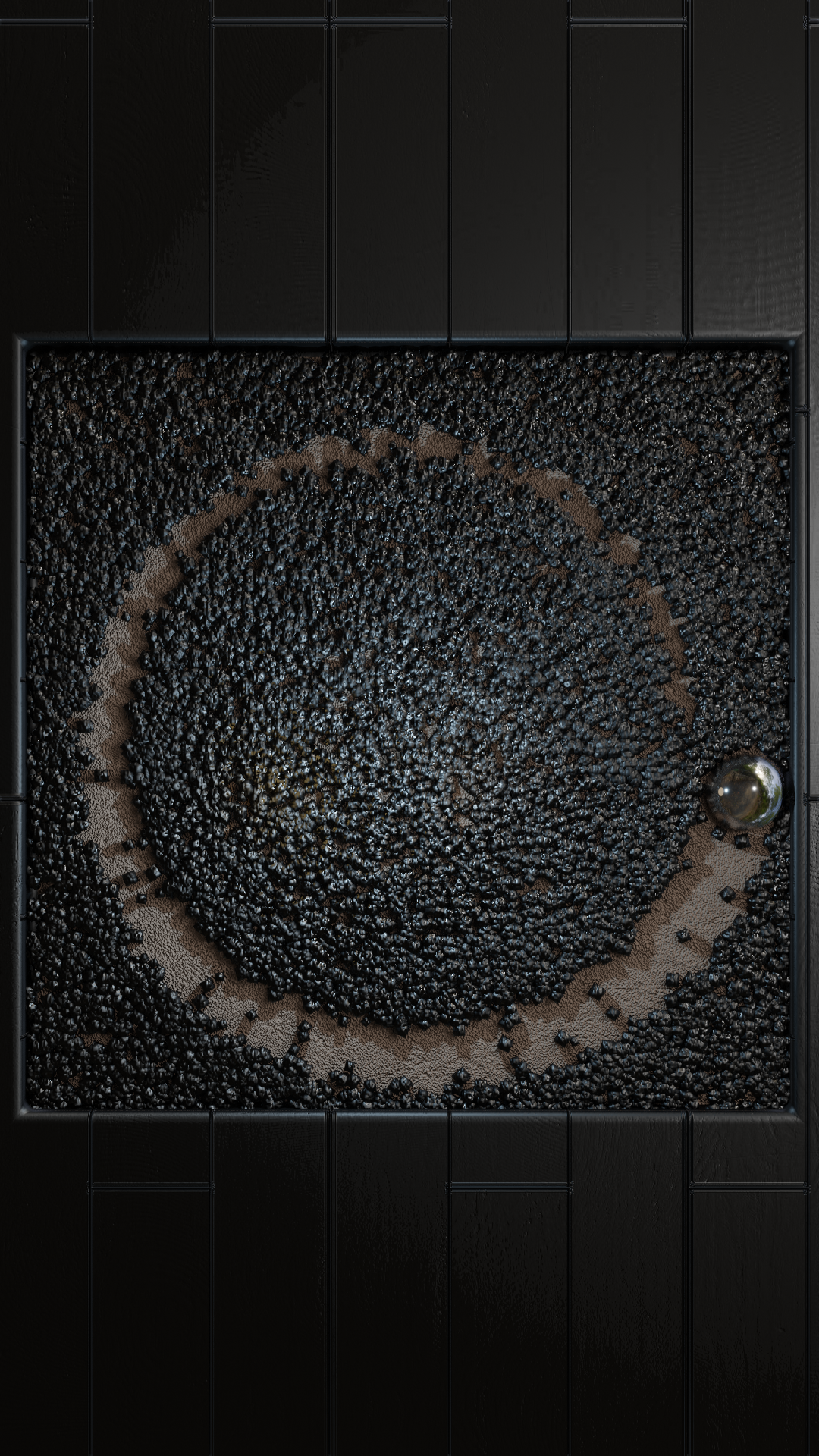
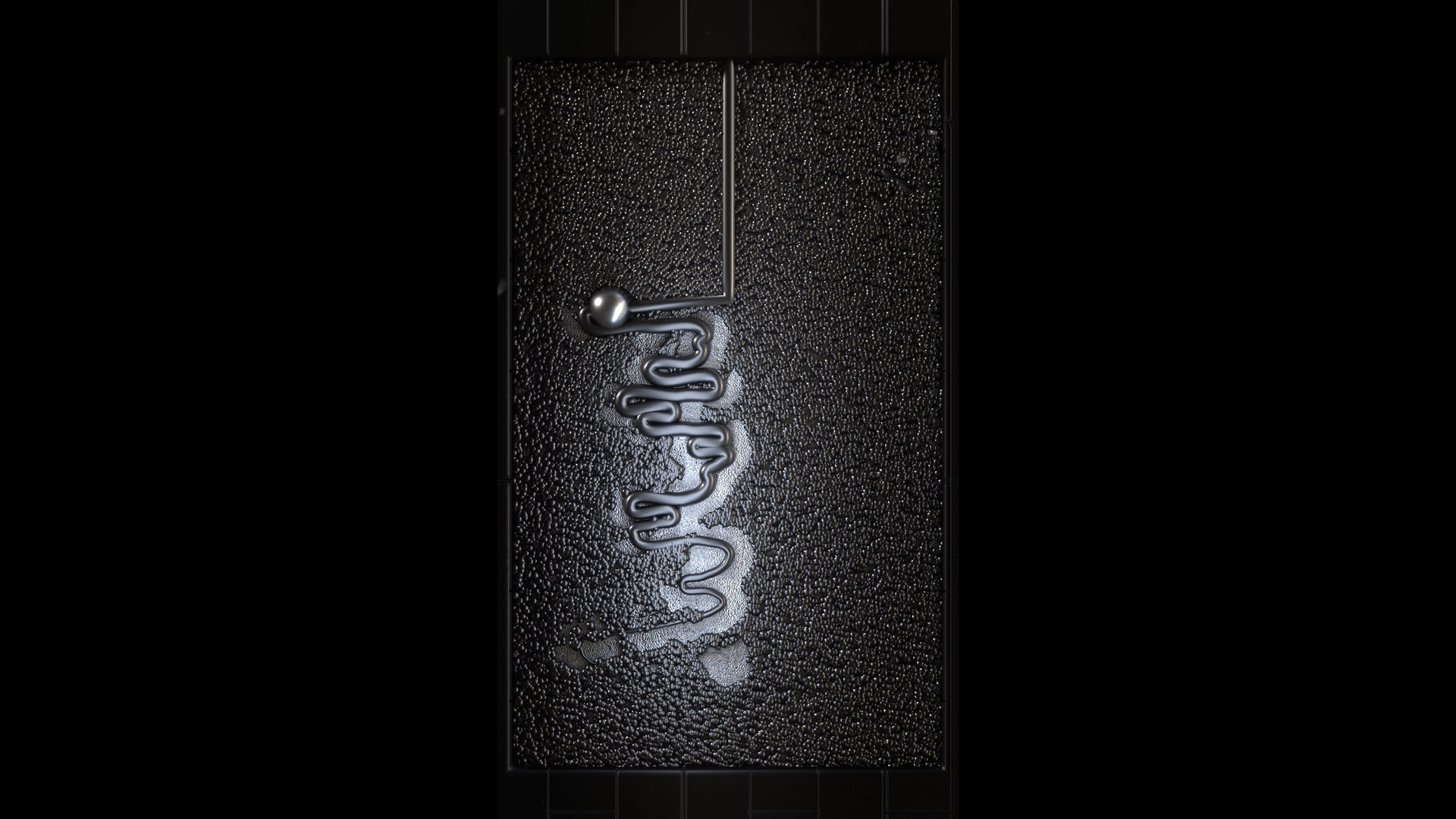
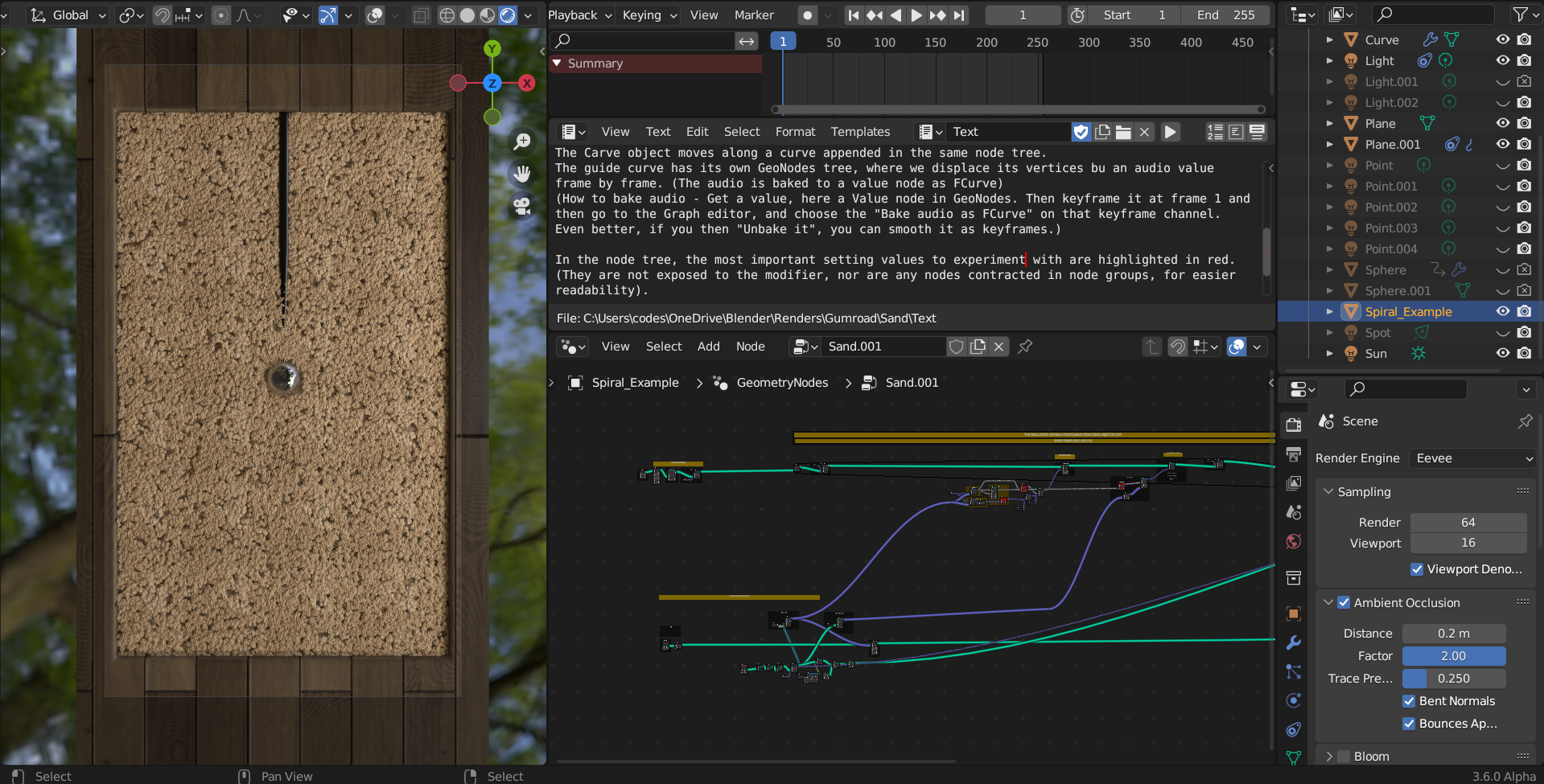
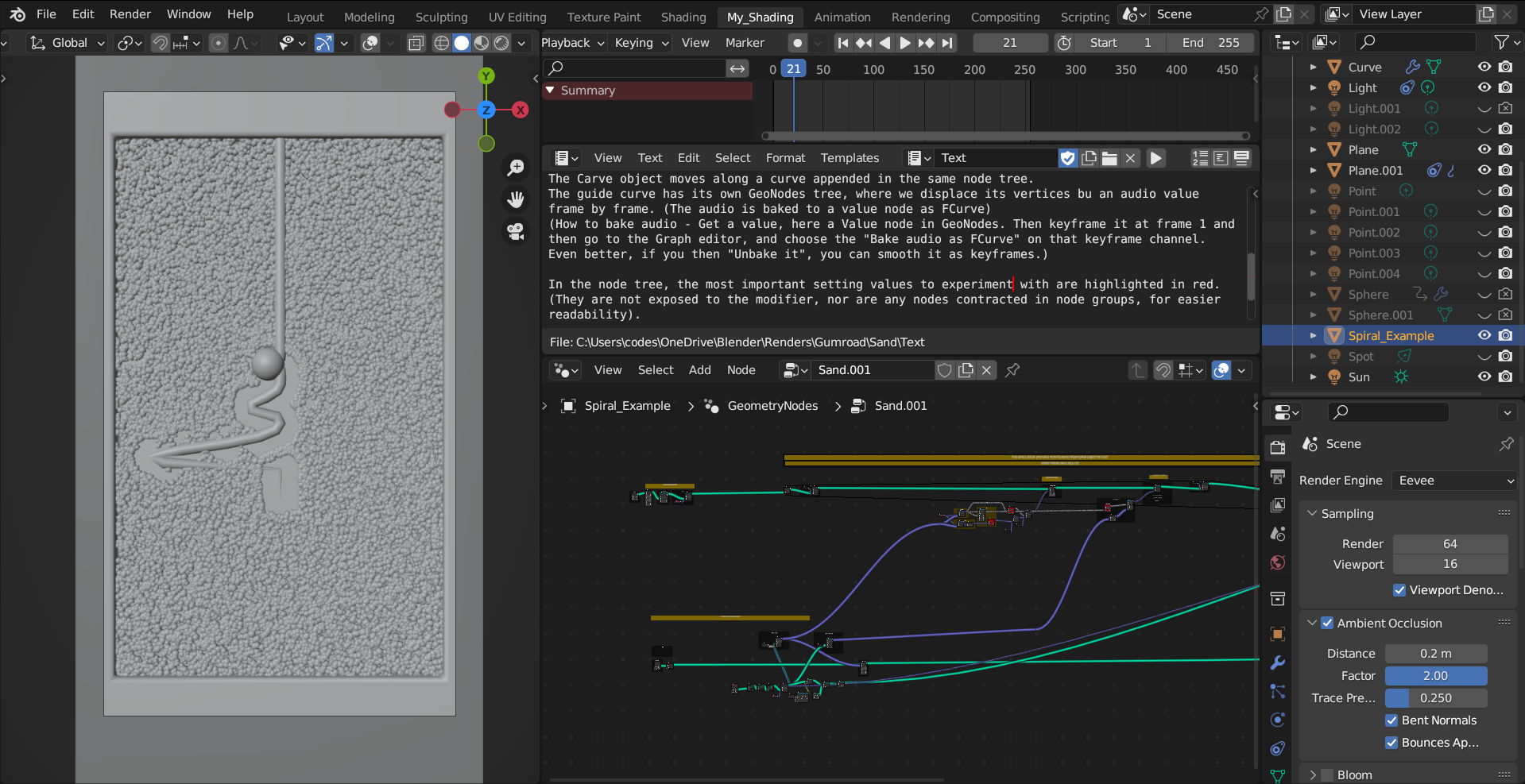
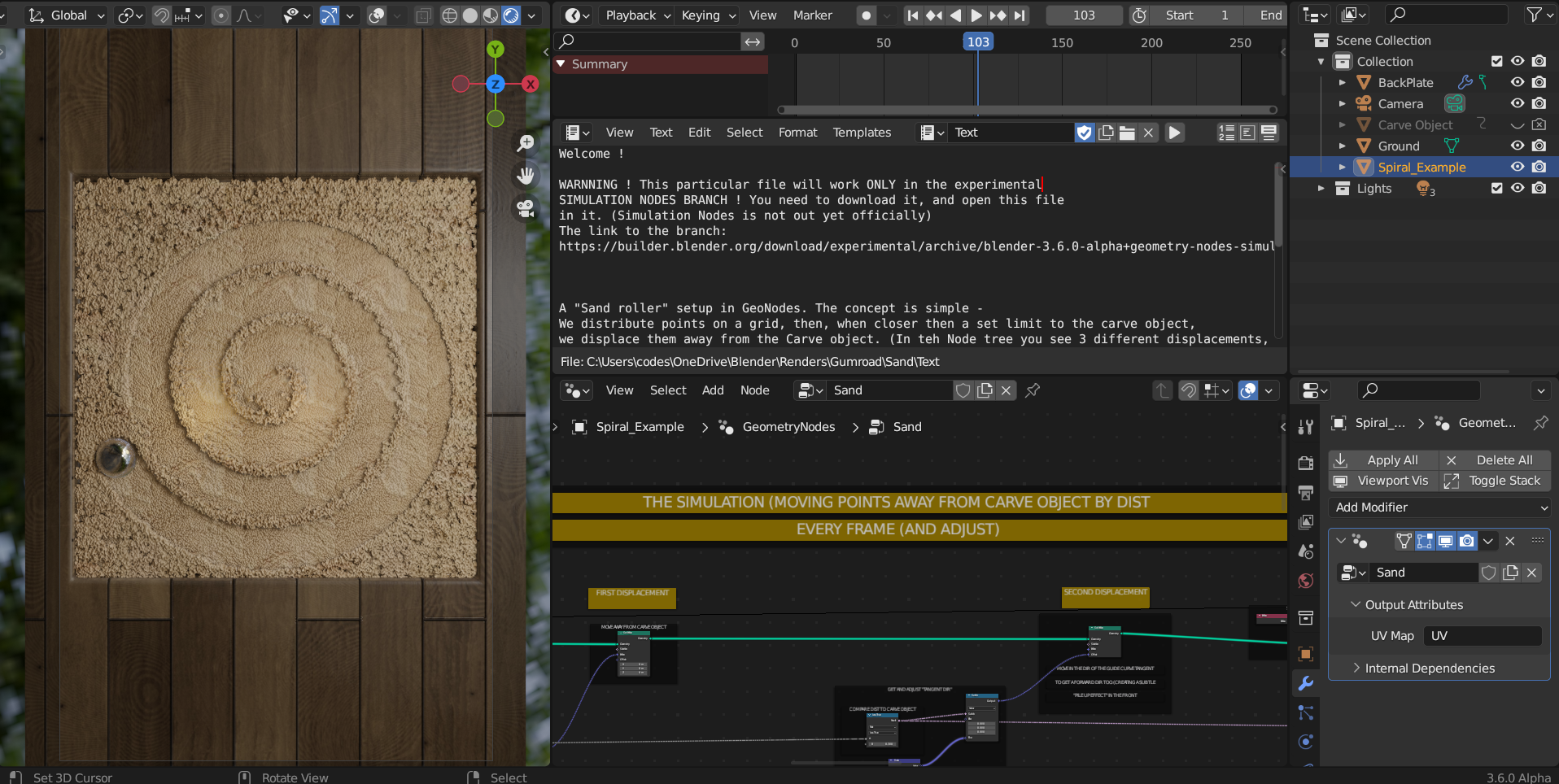
A pure Geometry Nodes setup of a "kinetic fluid art" effect, with a custom object following a user defined curve and drawing a track on its way. There are multiple different files included, with different examples of how to use the node tree. Please se examples below for the very different versions !
(Some audiovisual examples have been added too. Updated to 5.2 !)
Video here, here, here, here and here.
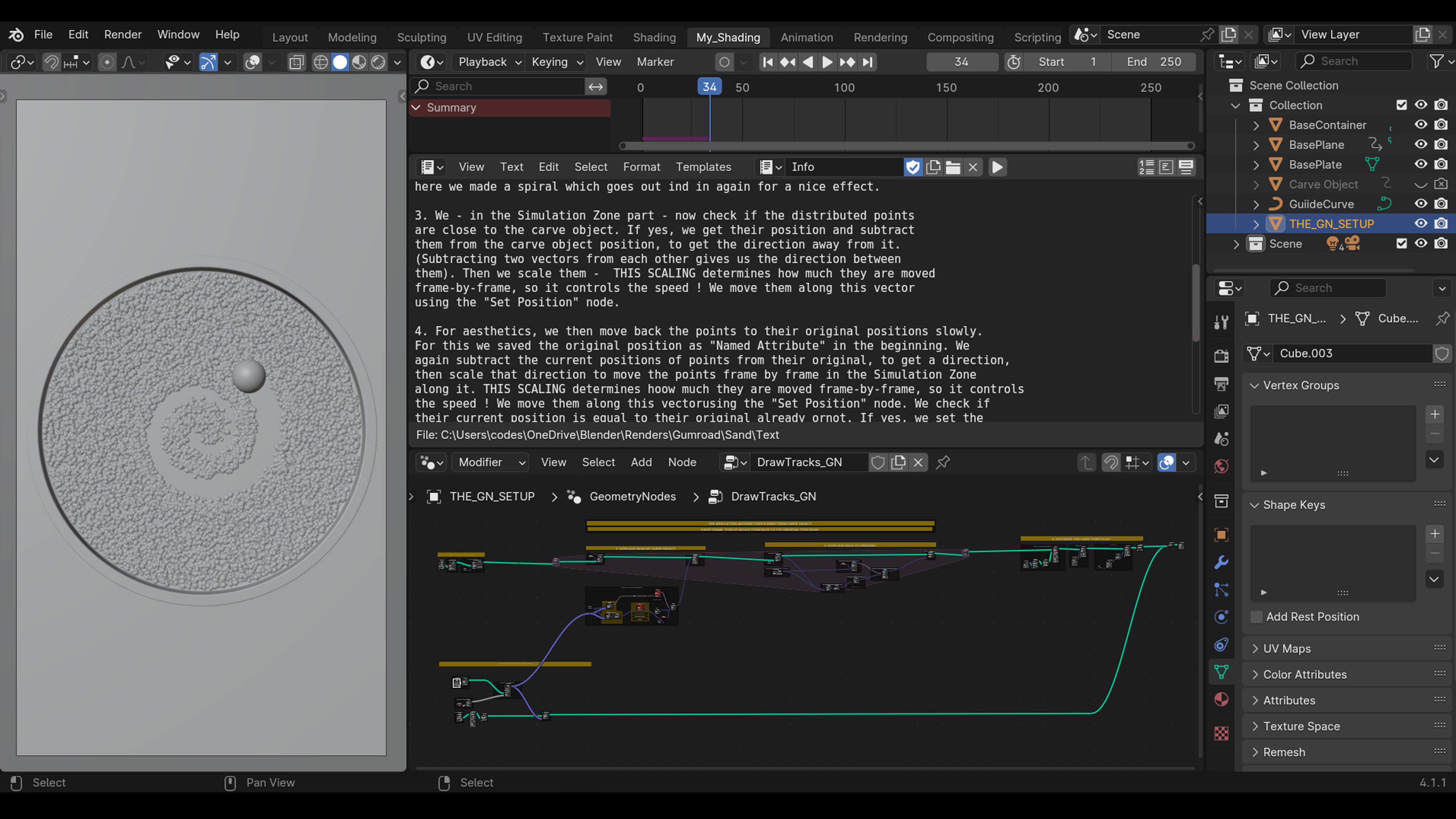
A custom effector displaces the generated points and their instances along its path, by a distance-defined effect strength. The effector object moves frame by frame on a spline, with speed determined by spline point number and density, while its displacement is controlled by real-time audio input. On the generated points a custom object can be instanced, here we chose "sand grains" !
The strength and speed of displacement is adjustable. With additional controls included, you can create a "fade effect", where the tracks are gradually covered, the handy way to create loops for decorative interior designs, sci-fi effects and so on.
There is a variation, based on this setup, with extreme level of labels and explanations available under Kinetica Flowline.
----------------------------------------------------------------------
NOTE
-(Since it is a concept demonstration, it is kept as simple as possible.) The GeoNodes trees are kept clean for easier readability and have detailed explanations. Everything is built from the base. The point of these setups is to provide a base core of the concept, node from node, instead of contracting all into node groups with exposed settings, which makes everything harder to read and dissect.
You can embellish, refine as you wish based on the core or realize your own ideas.
-Important note, the Eevee system changed a lot in 4.2, therefore that version is included too. The examples were rendered in viewport render mode for simplicity.
-Read the text description, it has a lot of useful info !
Recomended blends -