The Hive - Randomized Motion Instancing With Collision Detection - Boids in GeoNodes
 codesignprojects
Documentation
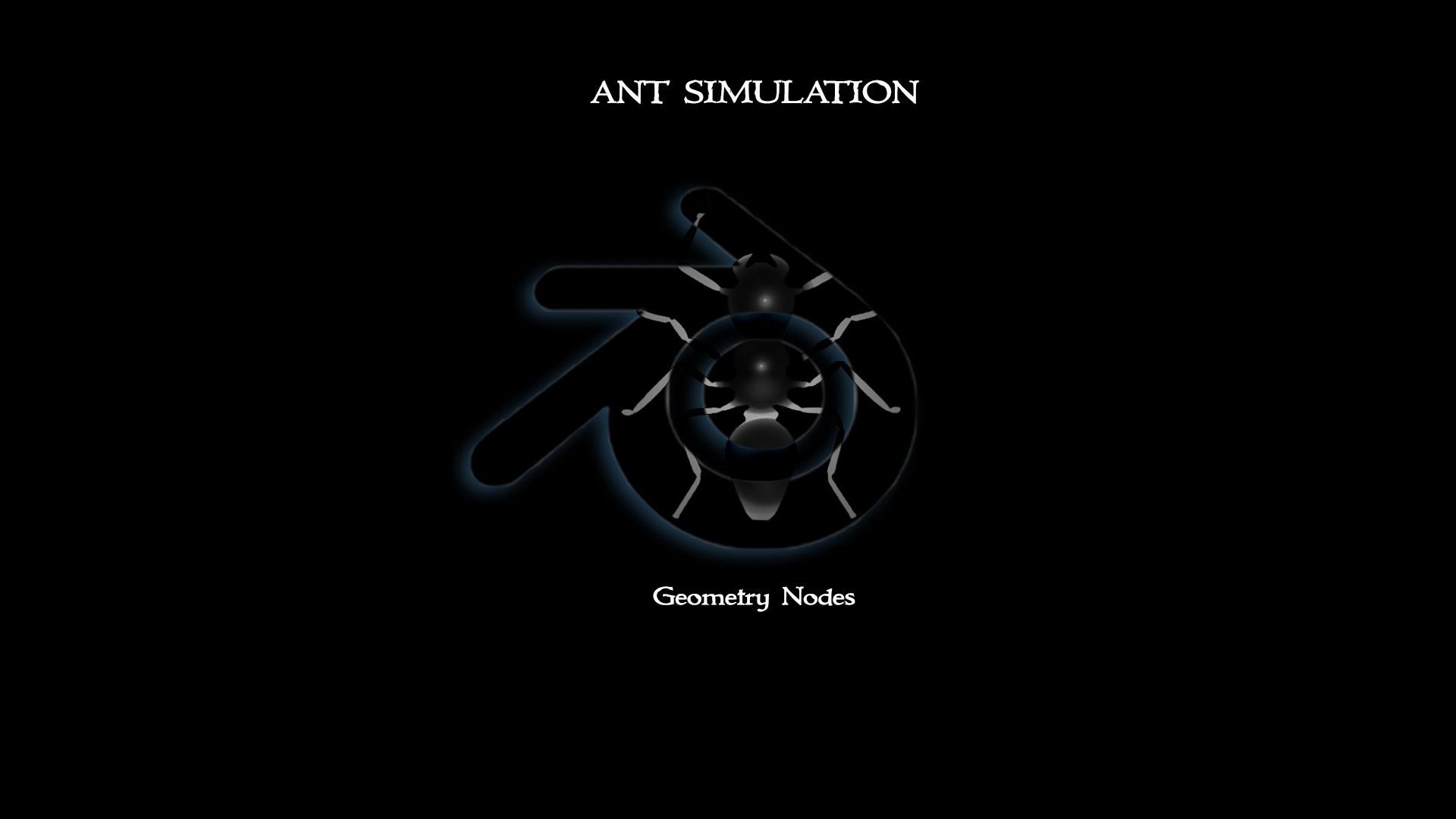
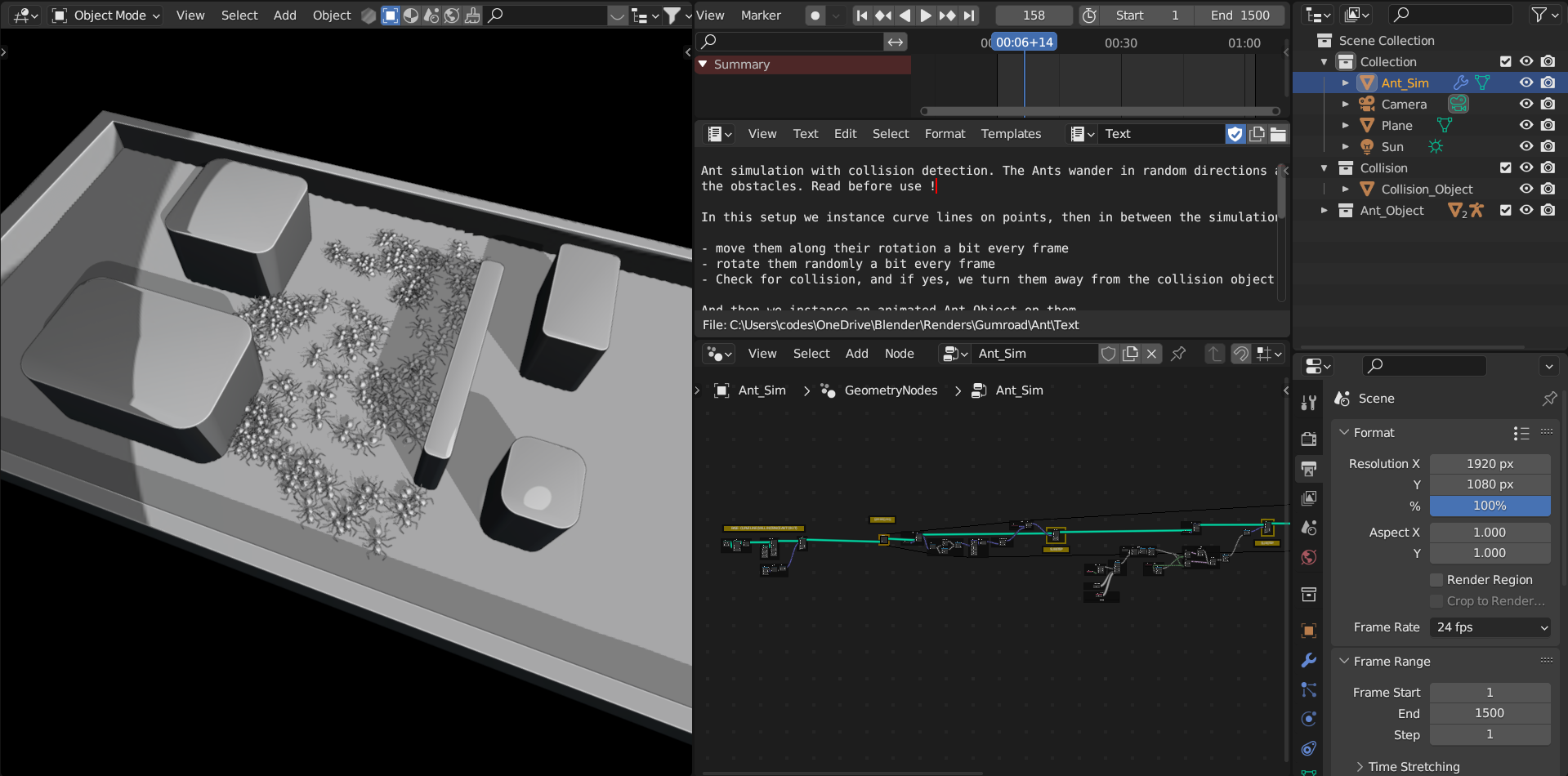
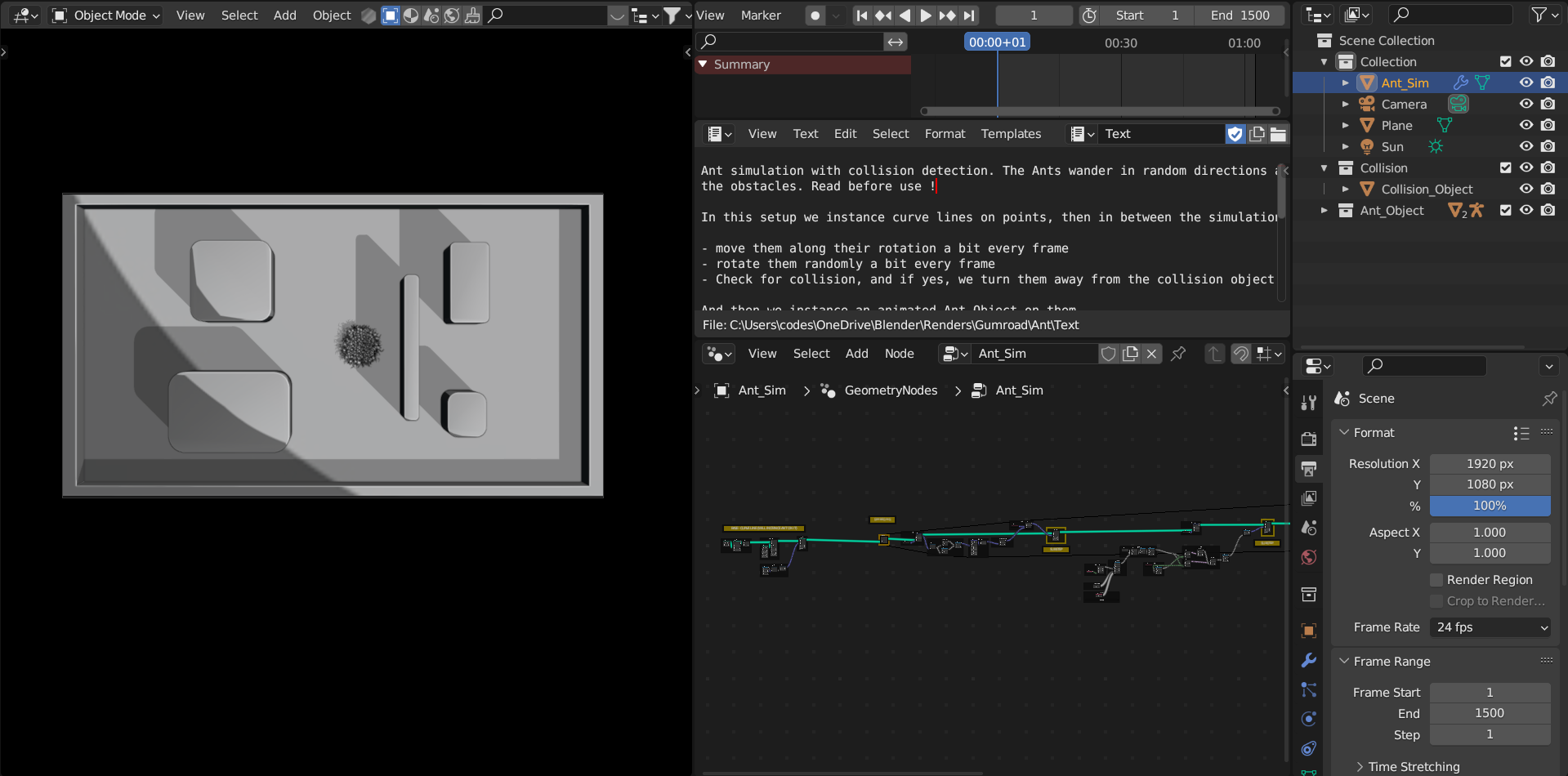
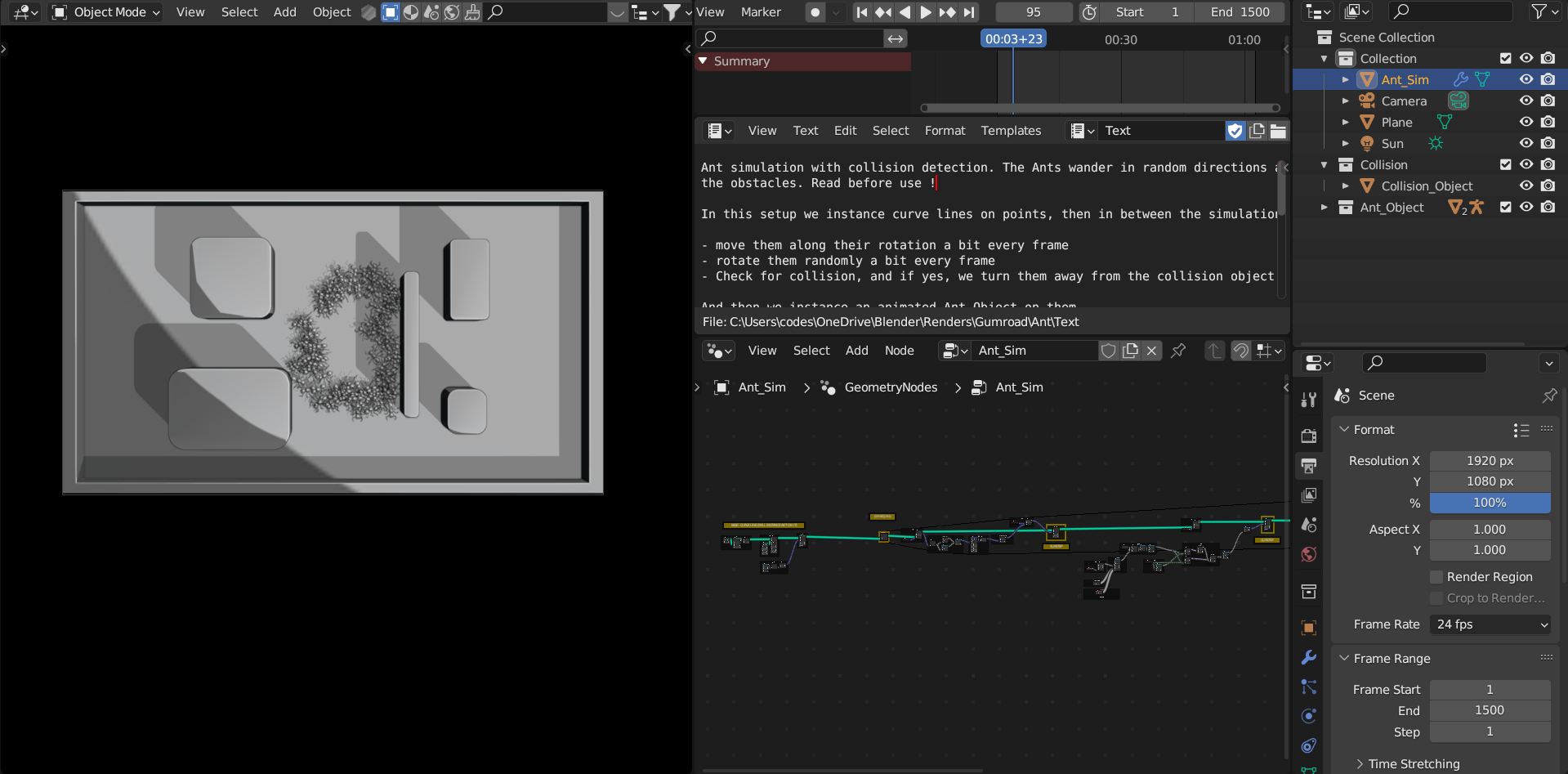
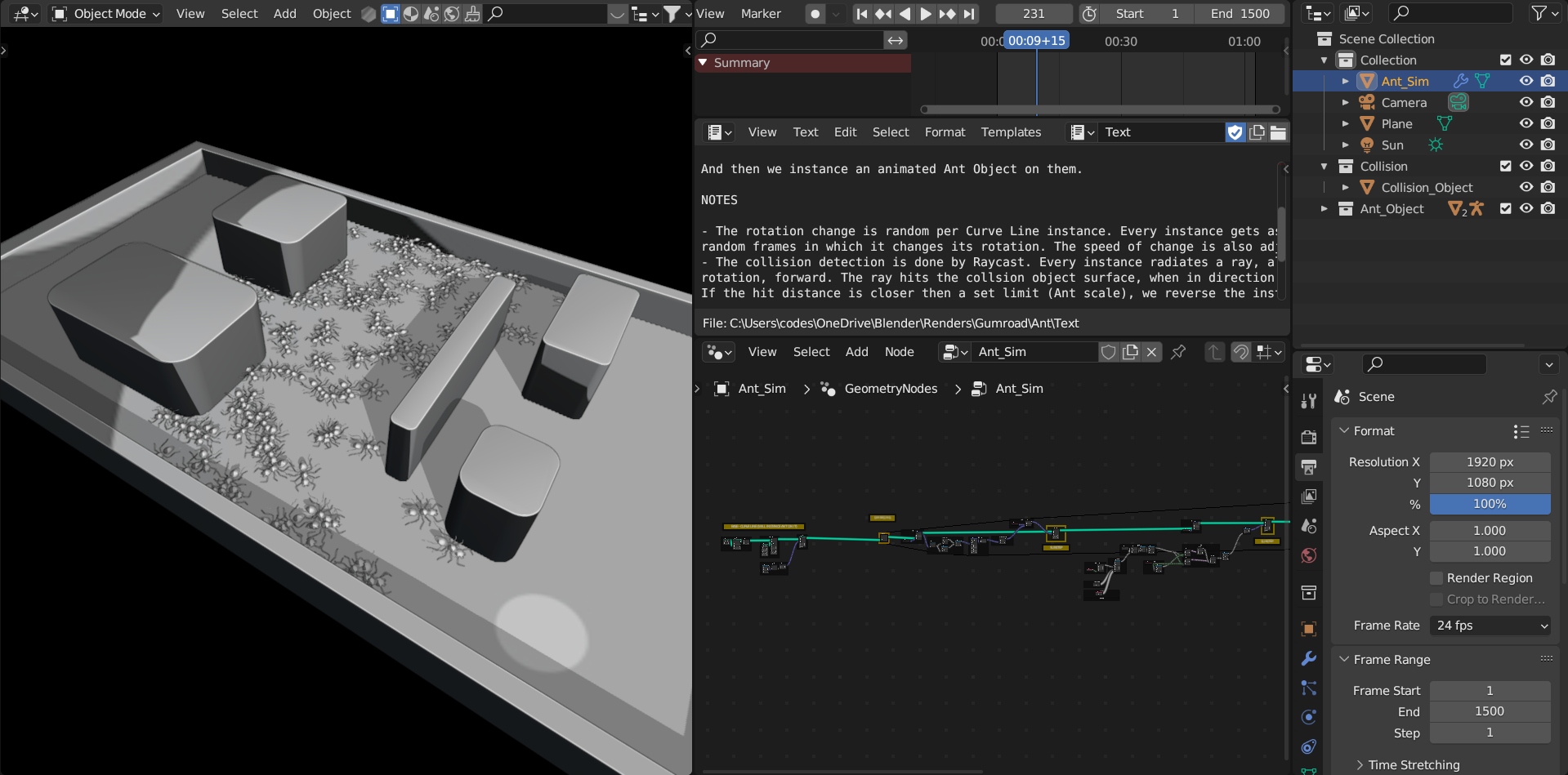
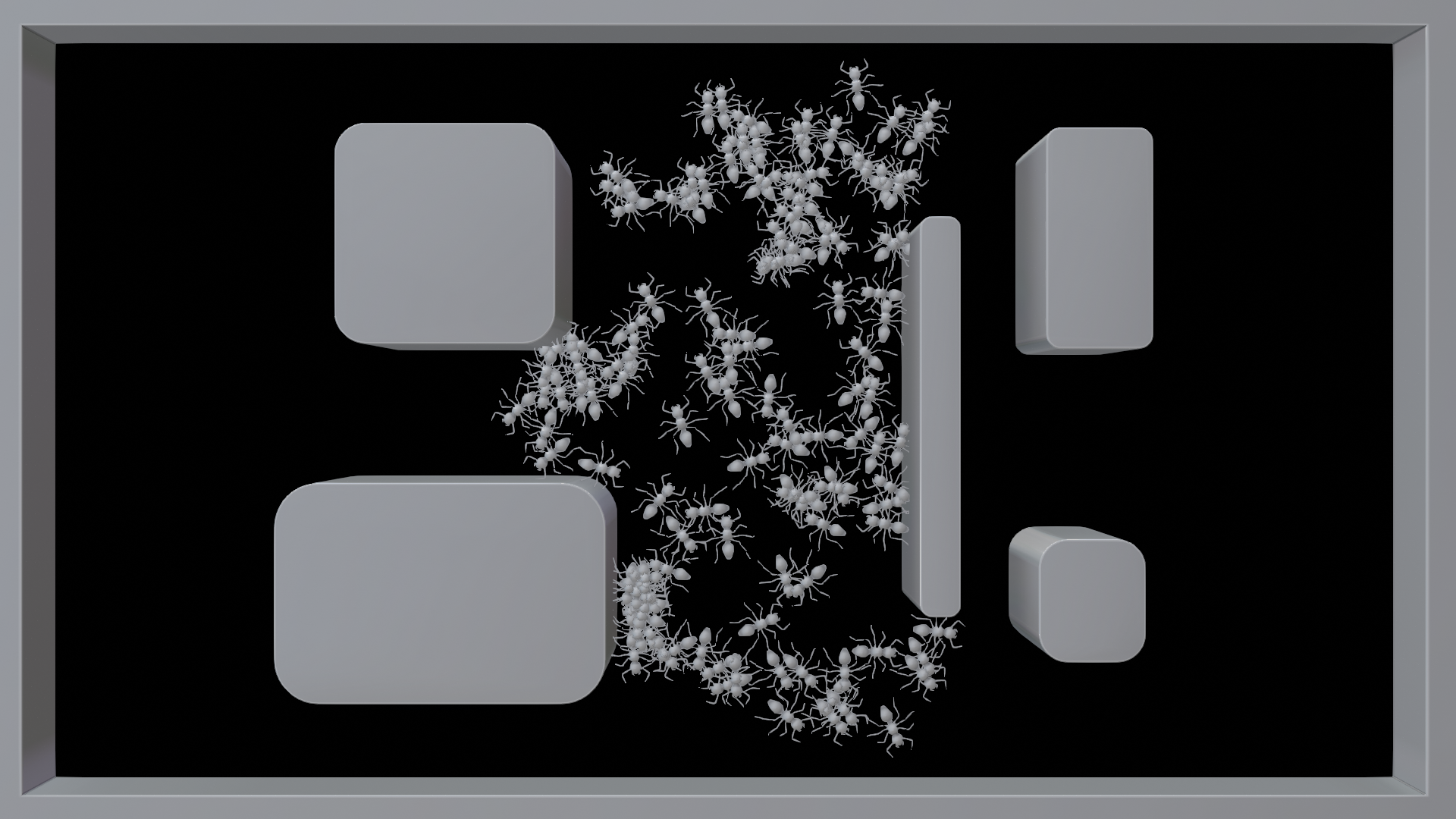
Overview This setup creates a "Boids-like" random motion system with basic collision detection in Geometry Nodes. Points (representing ants or any other object) are generated on a base grid, assigned an initial random rotation, and then driven forward by a Simulation Zone. Raycasting is used to detect obstacles; when a point gets too close to a surface, it automatically rotates away.
Quick Setup
Add the Geometry Nodes modifier to your base object.
Locate the THE ANT OBJECT frame (or custom instance frame) and select the mesh you want to scatter.
Locate the THE COLLISION OBJECT frame and assign the mesh you want the instances to avoid.
Play the timeline from Frame 0 to start the motion simulation.
Customization
Amount and Density: Inside the Base grid and point frame, adjust the
Densityof theDistribute Points on Facesnode to change how many instances spawn.Speed: Go to the AMOUNT OF ROT (How much per iteration) frame. Adjust the
Scaleon theVector Mathnode to change the speed at which the instances move forward per frame.Randomness & Turning: The points turn at random intervals defined by noise. Look inside the Change dir every Nth frame per instance frame to define the minimum and maximum frames an instance will walk straight before turning.
Collision Distance: Find the Collision if closer then frame. The
Compare(Less Than) node checks the Raycast hit distance. Increase this value to make the instances turn away from walls earlier.
Have questions about this product?
Login to message
| Sales | 10+ |
| Published | over 3 years ago |
| Blender Version | 3.6 - 5.3 |
| Render Engine Used | Cycles, Eevee |
| License | Creative Commons |
Discover more products like this
collision ant simulation avoid collision random walk interactive particles boids in geometry nodes geometry nodes collision detection hive simulation ant colony collsion avoidance