The Hive - Procedural Boundary and Self-Collision Avoidance in Geometry Nodes
 codesignprojects
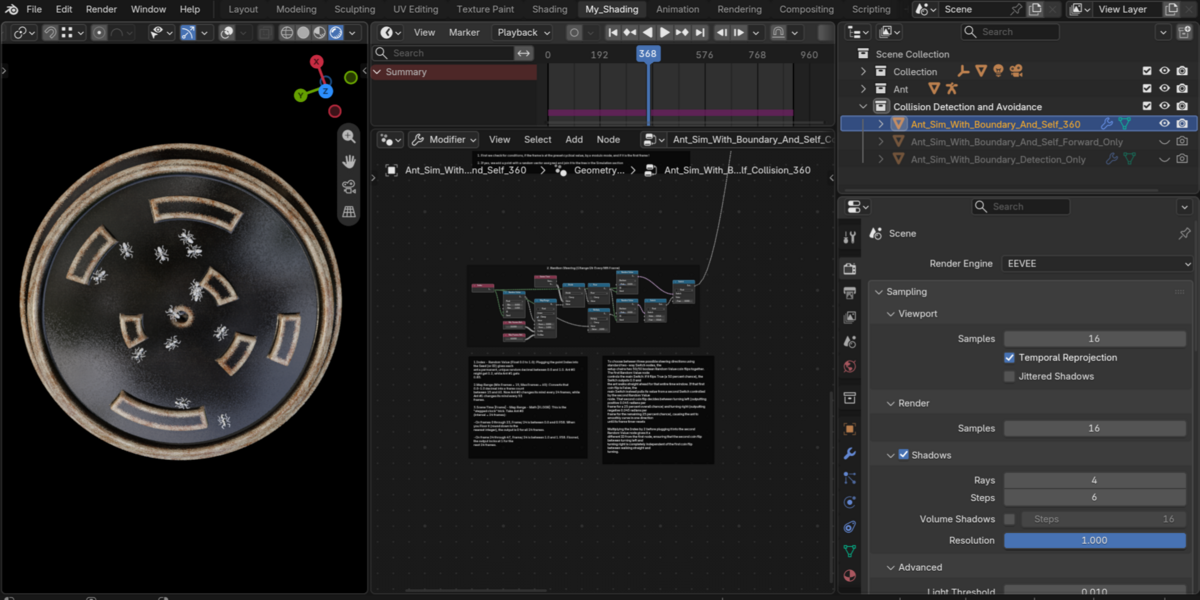
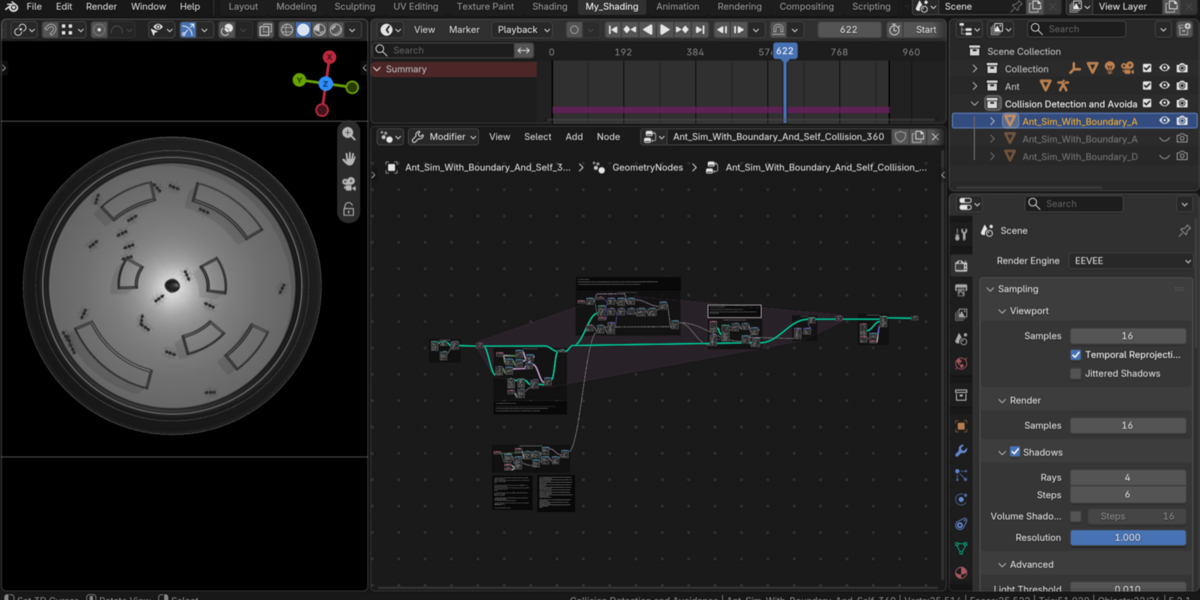
Can I use my own custom 3D model and custom obstacle maze?
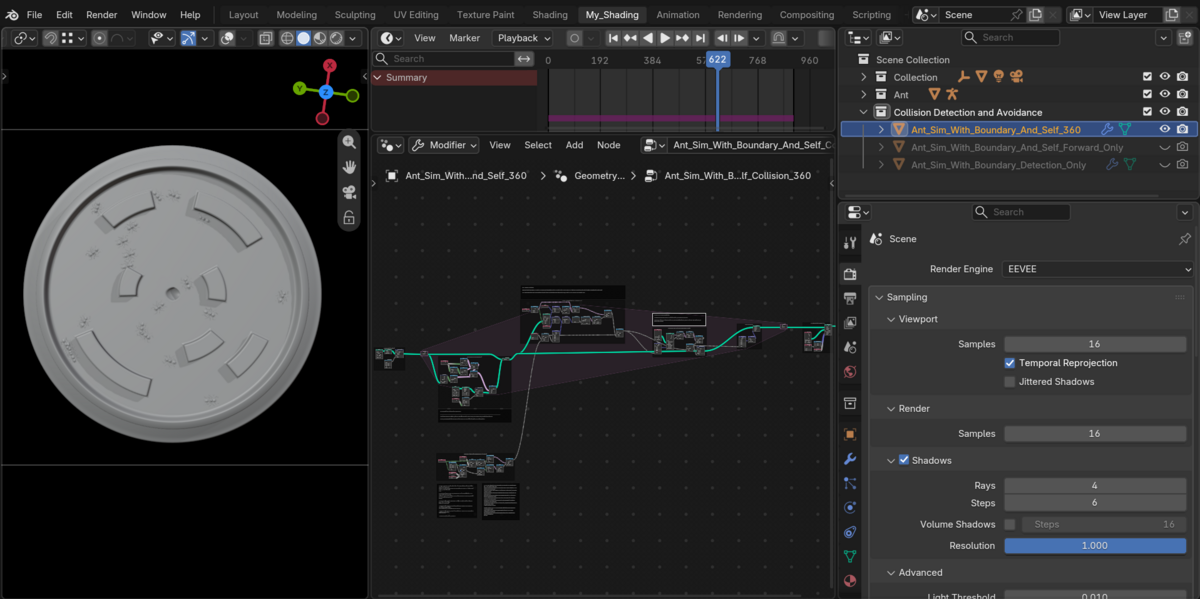
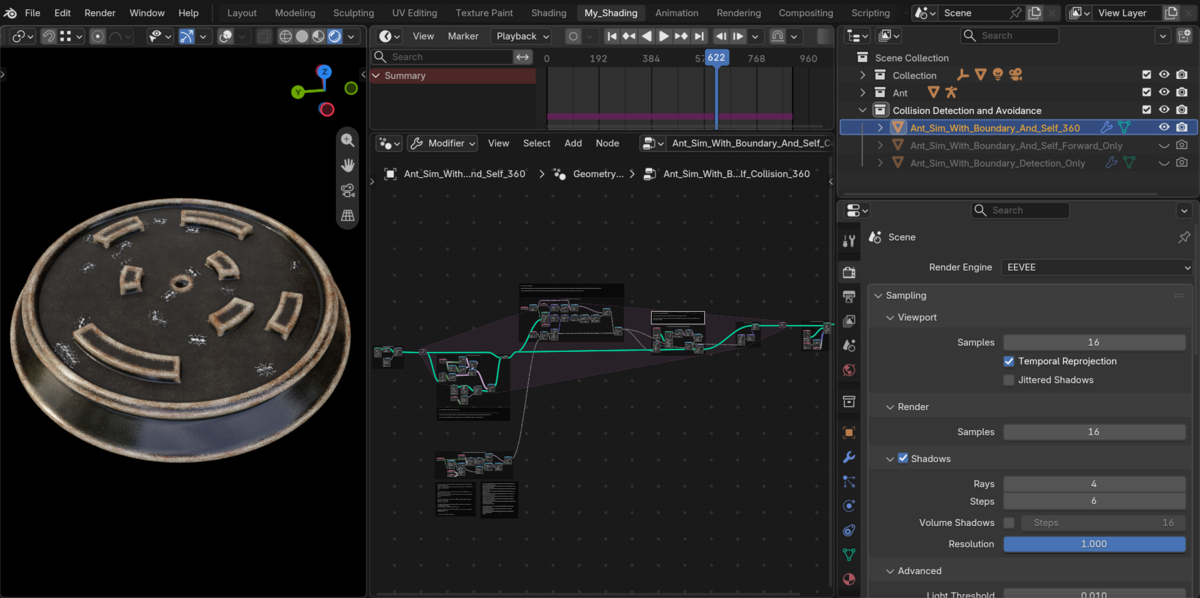
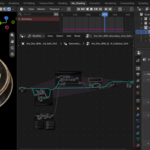
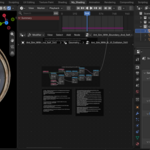
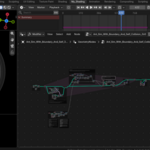
Yes, thats the point ! In NodeFrame 4, select your custom wall/obstacle mesh in the THE COLLISION OBJECT (Object Info) node (ensure its walls intersect the $Z = 0$ movement plane). In Frame 6, select your custom character or insect mesh in the THE ANT OBJECT node and adjust the ANT Scale value node as needed.
How is the Forward-Scan collision different from the 360-Degree collision setup?
The 360-Degree Scan checks distance to the nearest neighbor in all directions and uses a cross product to steer left or right, which causes ants to react even to neighbors walking behind them. The Forward-Scan setup filters neighbor detection with Dot Product > 0, so ants only swerve when another ant is within their forward 180° field of view—producing smoother, more natural trail following.
Why do ants bunch up or get stuck in the center if I increase the spawn rate or total count?
If ants spawn faster than earlier ants can clear the nest, or if the Self-Collision Distance Threshold is too large for the available corridor space, every ant continuously detects another ant in front of it and enters a reciprocal turning loop (swarm gridlock). To fix this, either lower the self-collision distance threshold (e.g., from 4.0 down to 2.0–2.5), increase the Spawn Interval (Modulo value), or increase the movement Speed (Vector Math [Scale] in Frame 5).
What is the difference between the simultaneous spawn files and the frame-by-frame spawn file
The early demonstration files spawn all points at once from the origin so you can clearly observe radial dispersal and stepped random turning in isolation. The main labyrinth setup uses a Frame-by-Frame Nest Emitter inside the Simulation Zone, releasing one ant every $N$ frames so agents stream out of a single entrance without overlapping.
Why do nothing happen or no ants appear when I open the file?
The system runs inside a Geometry Nodes Simulation Zone. Set your timeline to Frame 1 and press Spacebar to play the animation; simulation zones evaluate dynamically frame-by-frame during playback.
Have questions about this product?
Login to message
| Published | about 5 hours ago |
| Blender Version | 4.2 - 5.2 |
| Render Engine Used | Cycles, Eevee |
| License | Creative Commons |
Discover more products like this
collision avoidance boids boids in geometry nodes ant collision detection flock collision procedural ant simulation swarm nodes geometry nodes