 codesignprojects
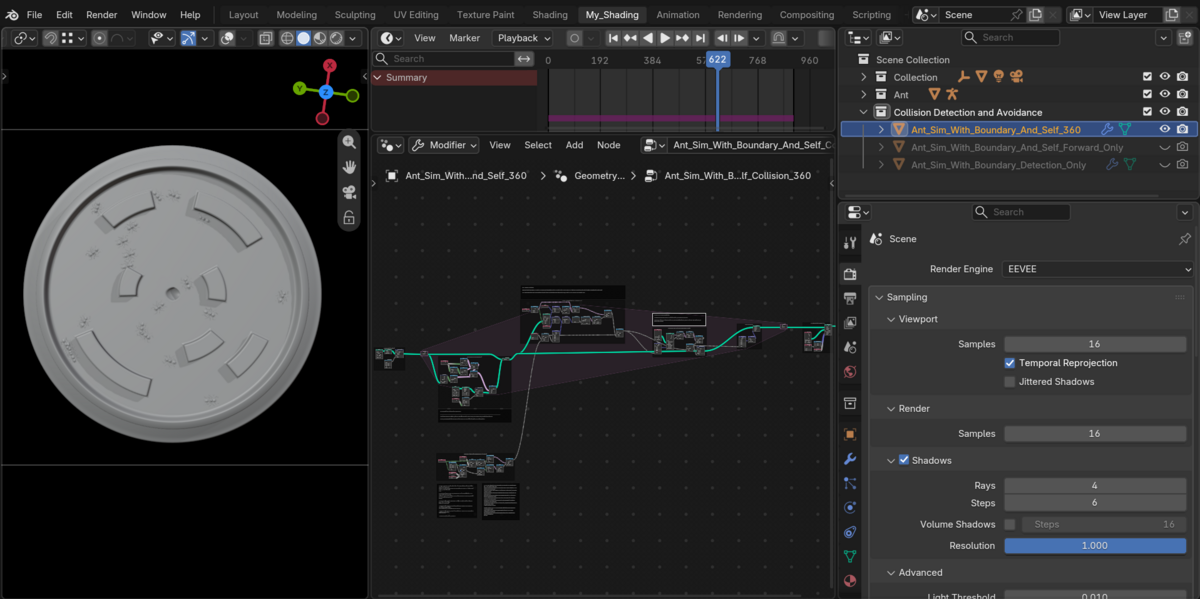
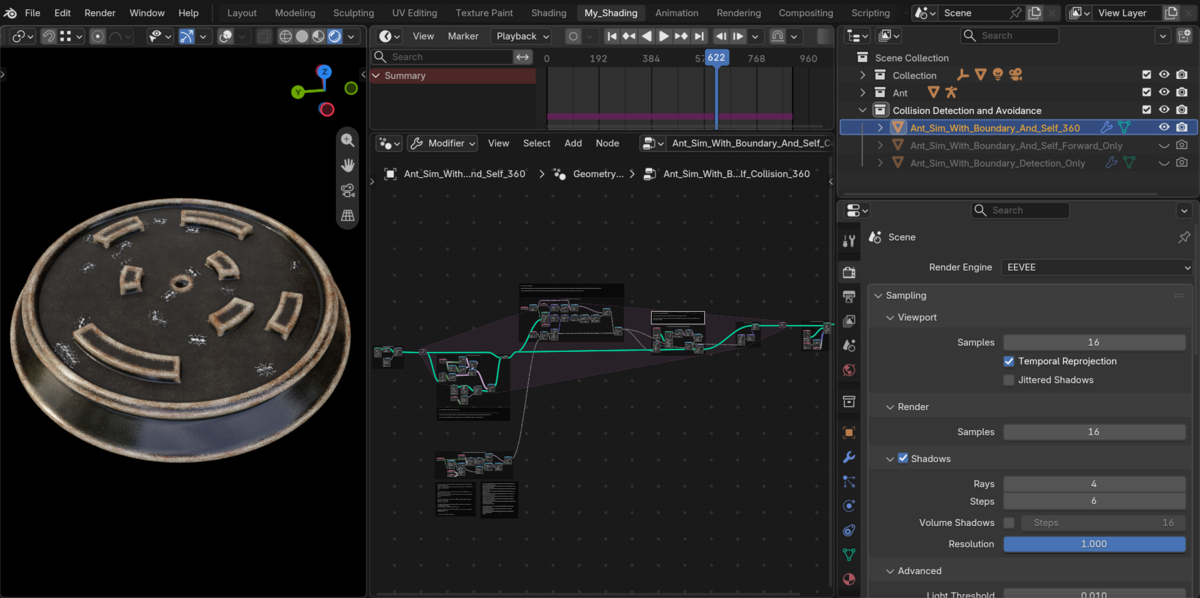
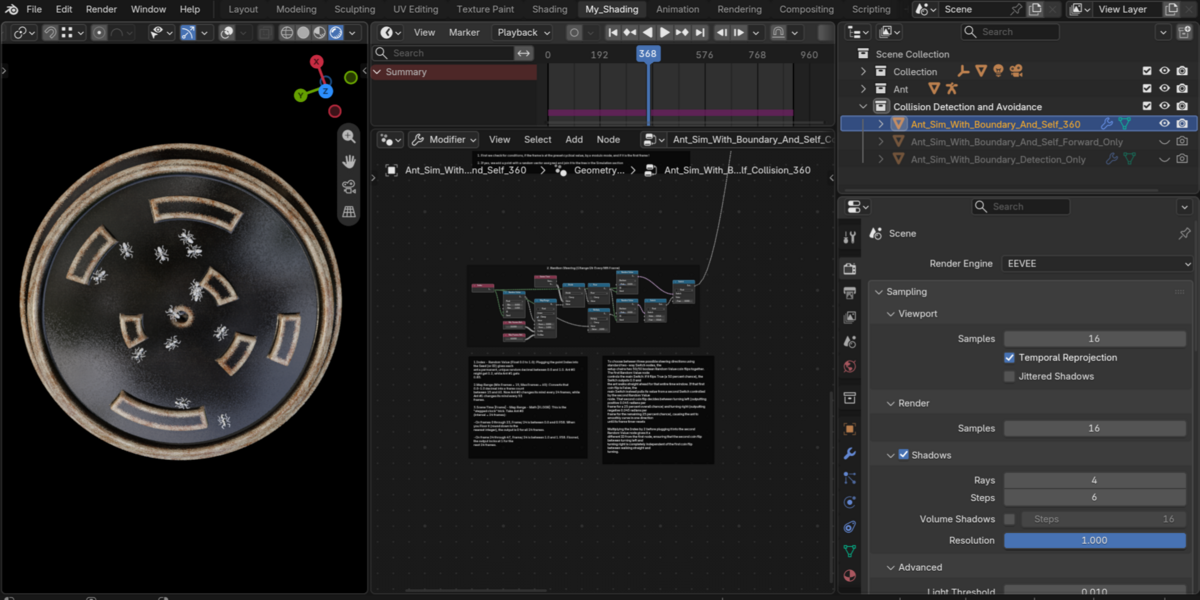
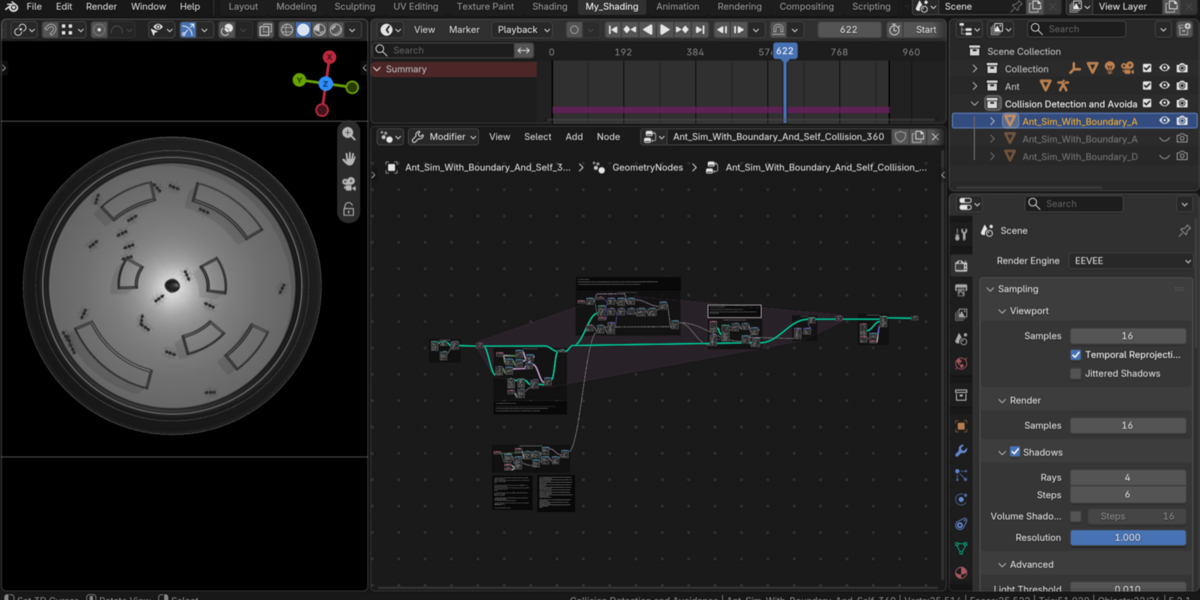
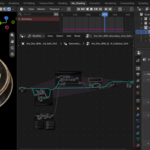
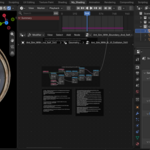
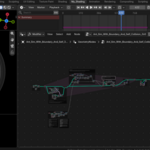
A pure Geometry Nodes implementation of boundary and self-collision avoidance in Geometry Nodes - Illustrated by an autonomous swarm. Steering, obstacle navigation, and neighbor collision detection, with multiple methods for behaviour - forward cone detection, 360 degree scan and so on.
Designed for clarity and ease of read, additional examples break down procedural crowd (boid) motion into four steps, from the basic movement and randomization to collision-detection. Every node tree is fully framed and labeled, giving you direct control over spawn intervals, population caps, steering rhythm, agent-radius, and raycast look-ahead distances — providing a blueprint for state-driven simulation loops in Geometry Nodes.
▶ Video Demos: Demo (YouTube)
What is Included:
For exact details, see the Documentation or FAQ section!
(The Main file with description, and 2 additional setups):
- 1. Move lines radially in Geometry Nodes (Separate File): Demonstrates baseline point creation inside a Simulation Zone, and moving them outward along randomized radial headings.
- 2. Move lines with random velocity and probability (Separate File): Introduces per-instance internal clocks and boolean switch to control turn frequency, angle, and straight-vs-curve probability.
- Main file - Boundary Raycast and Forward-Scan Self-Collision: Combines forward raycasting against obstacle mesh with a forward-cone neighbor check and distance threshold to trigger turns only when another instance is directly ahead.
- Main file - Boundary Raycast and 360-Degree Neighbor Scan: Evaluates full radial proximity around each instance using directional steering to veer left or right away from nearby neighbors.
Workflow Tip:
Try whichever method catches your fancy, and see the detailed labels at the node groups !
Developer's Note:
These node trees are kept open and modular for readability and feature detailed frame-by-frame explanations. Everything is built from pure math nodes from the ground up.
The goal is to provide a transparent core of the mathematical concept, node by node, rather than hiding the equations inside locked node groups. You can inspect, modify, and extend every branch to realize your own visualizations.
Support & Contact:
Blendermarket Inbox
[email protected]
See more on Instagram or YouTube
Recommended Tools:
The Wire
Kinetica
The Visitor